Shared guide

How to use document templates

In this guide, you'll learn how to create and edit document templates using a specific platform.

victoriaworkflowsvictoriaworkflows
·14 steps·57 views·Published

In this guide, you'll learn how to create and edit document templates using a specific platform. Follow the step-by-step instructions to navigate to the right sections and effortlessly set up your template for Meeting Notes.
Step-by-step Guide14 steps
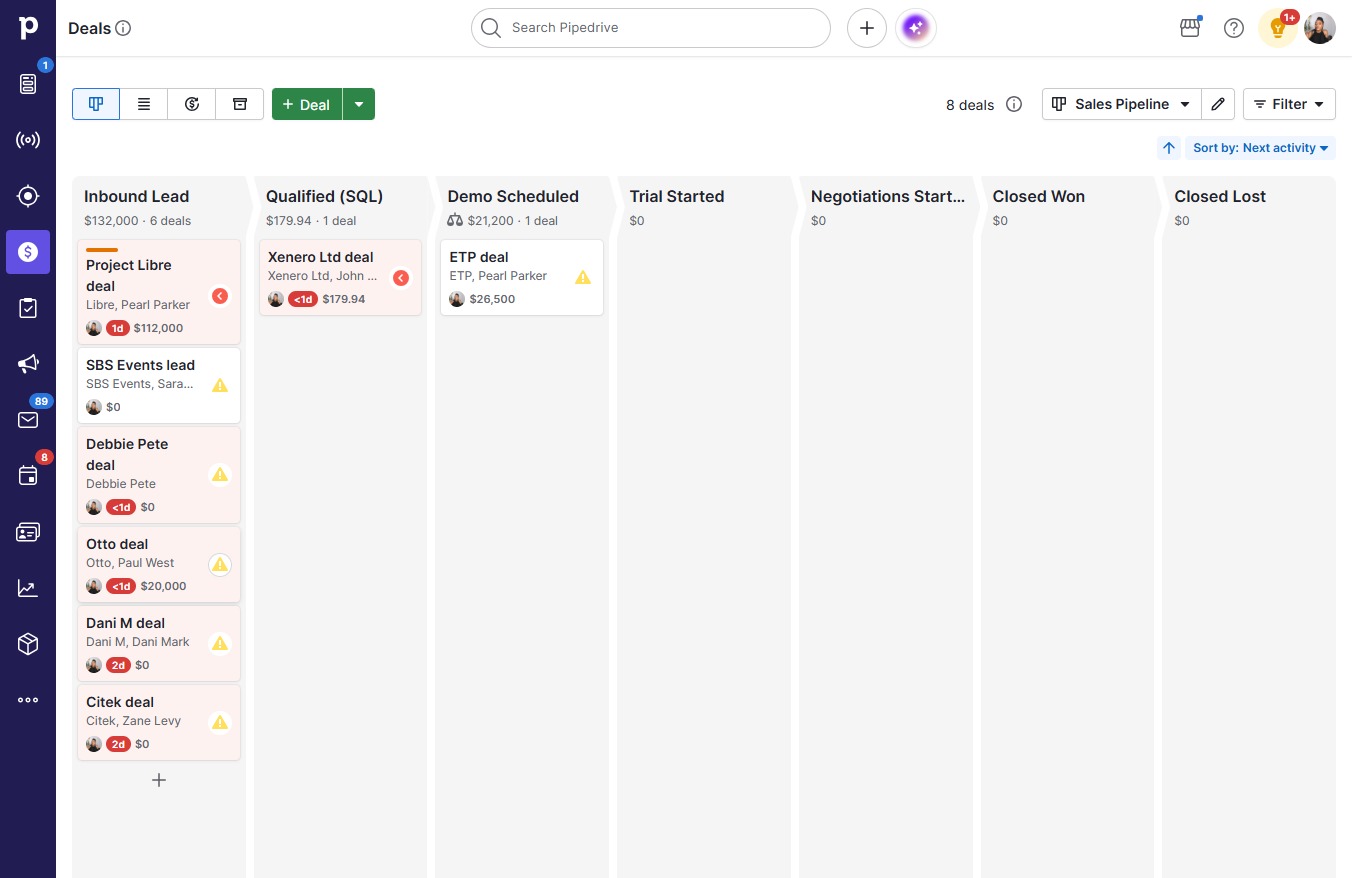
  1. Click Otto deal

    Click Otto deal
    Loading screenshot…
    100%
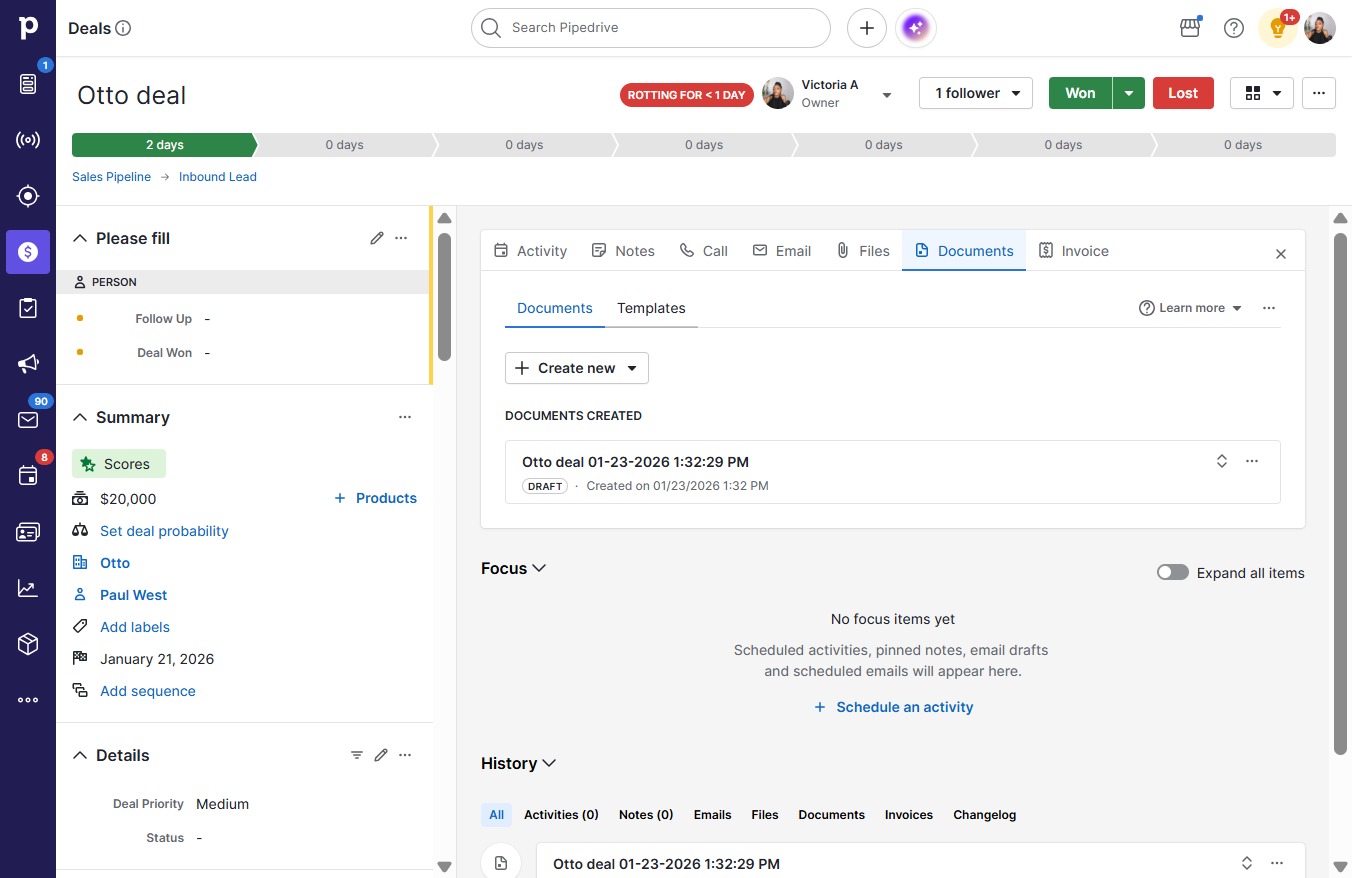
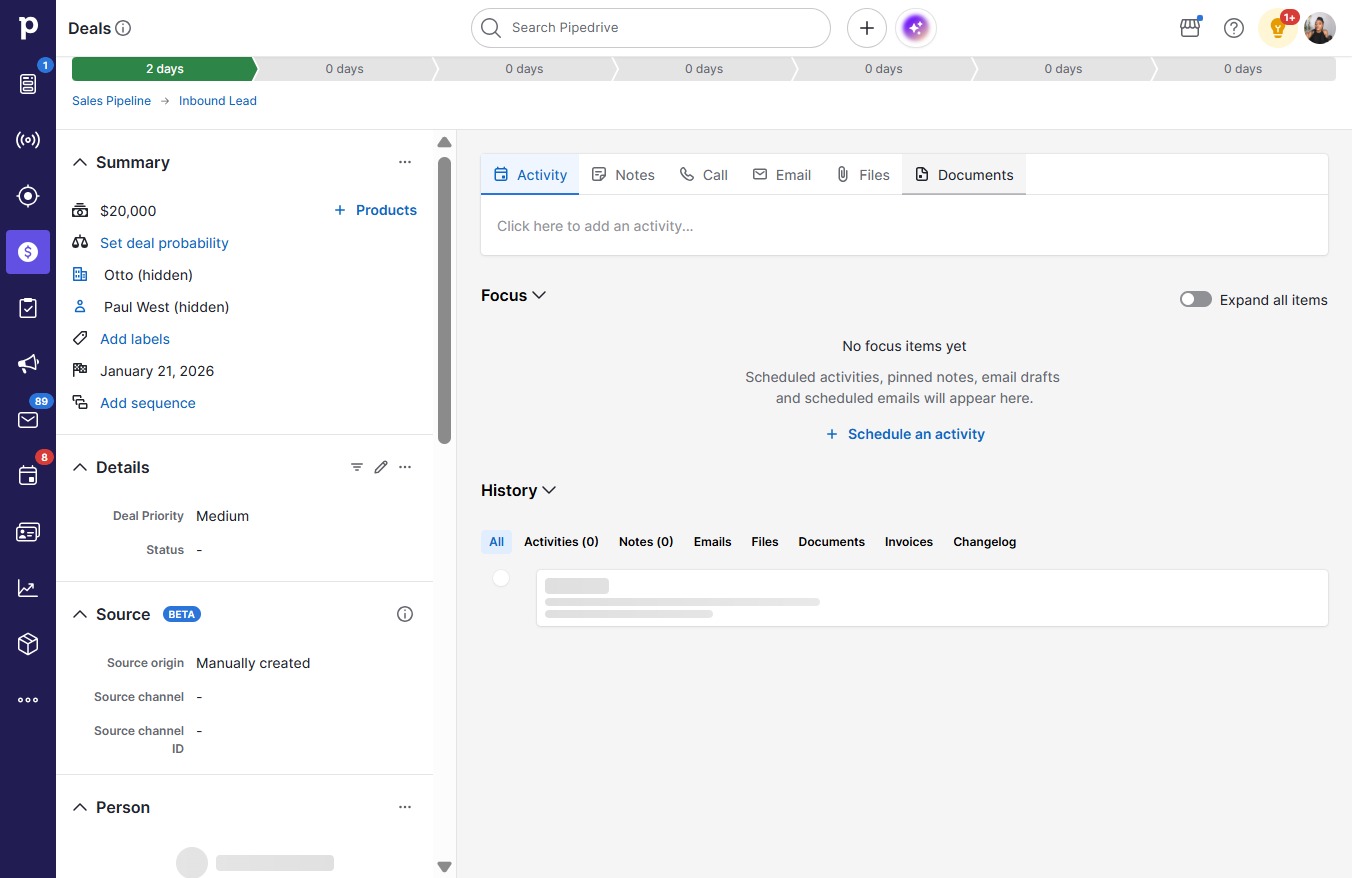
  2. Click Documents

    Click Documents
    Loading screenshot…
    100%
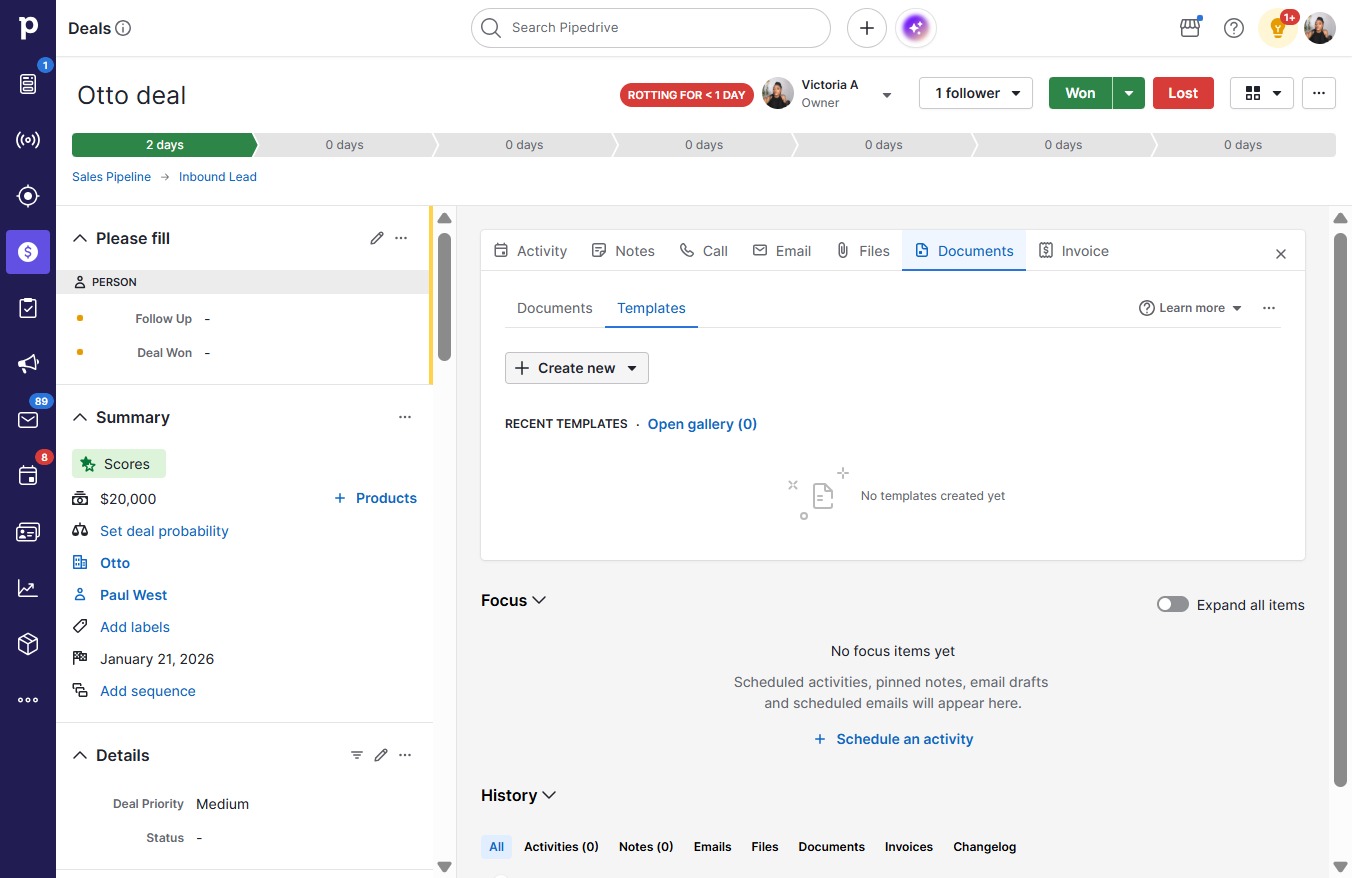
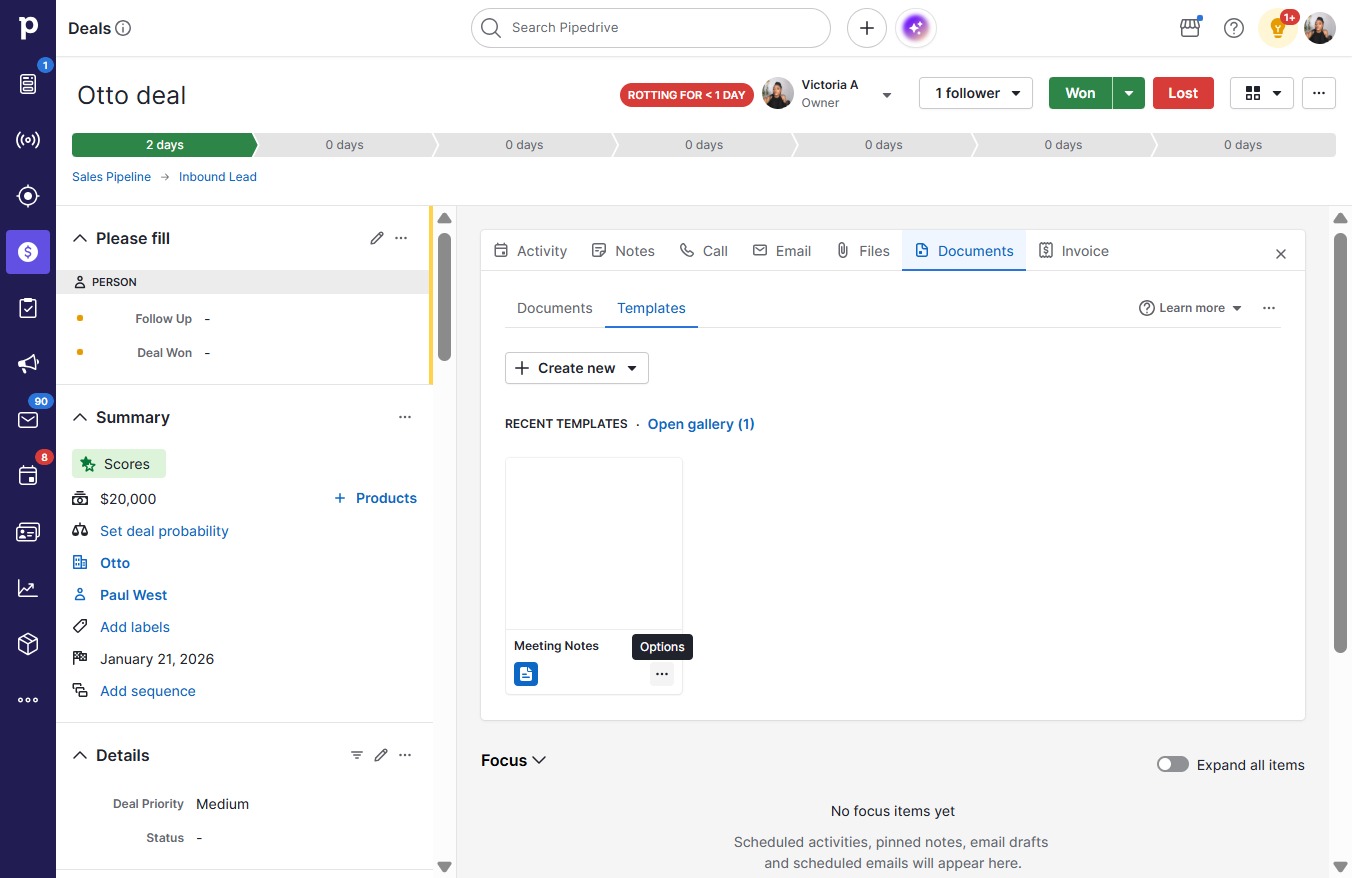
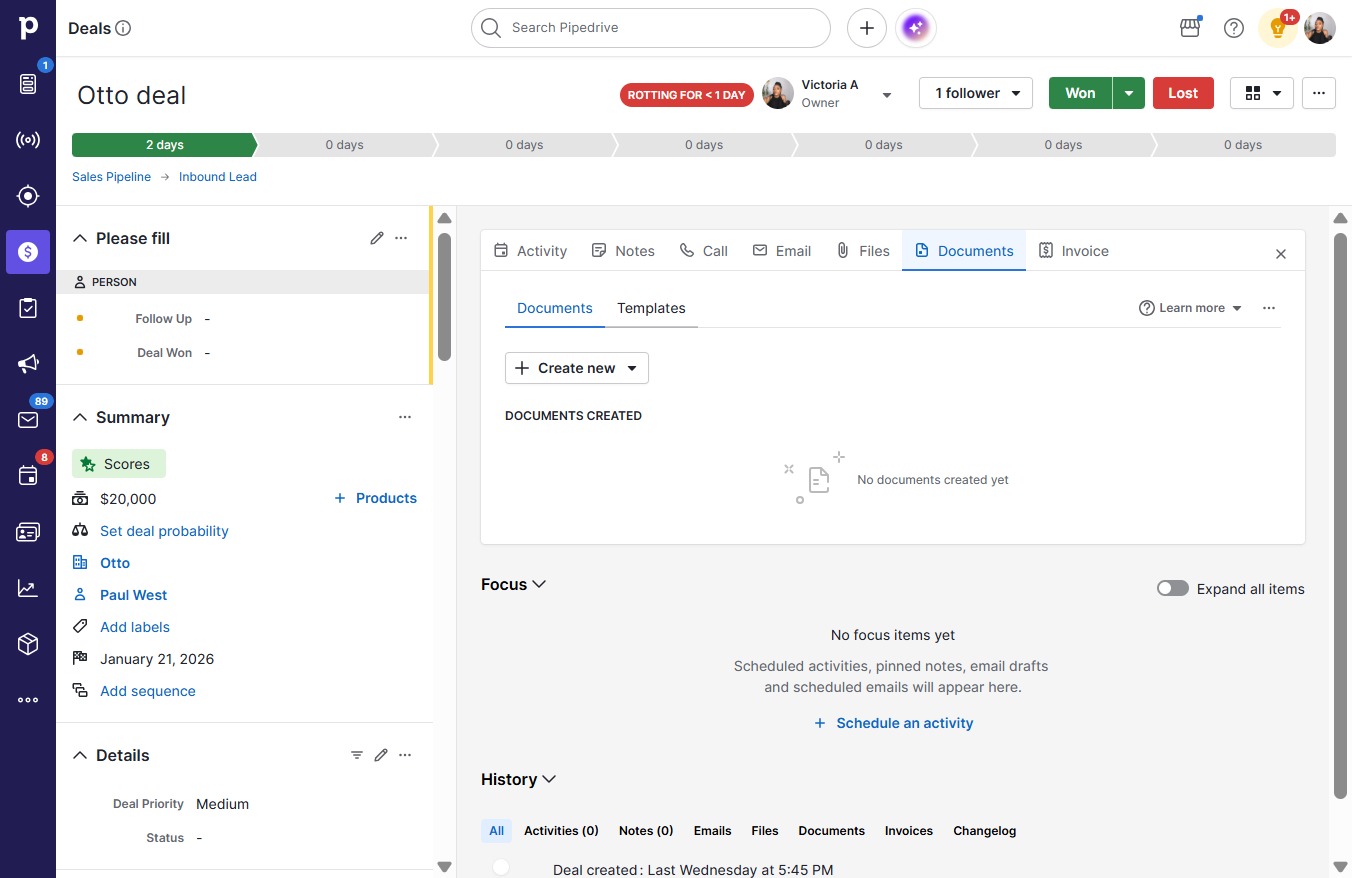
  3. Click Templates

    Click Templates
    Loading screenshot…
    100%
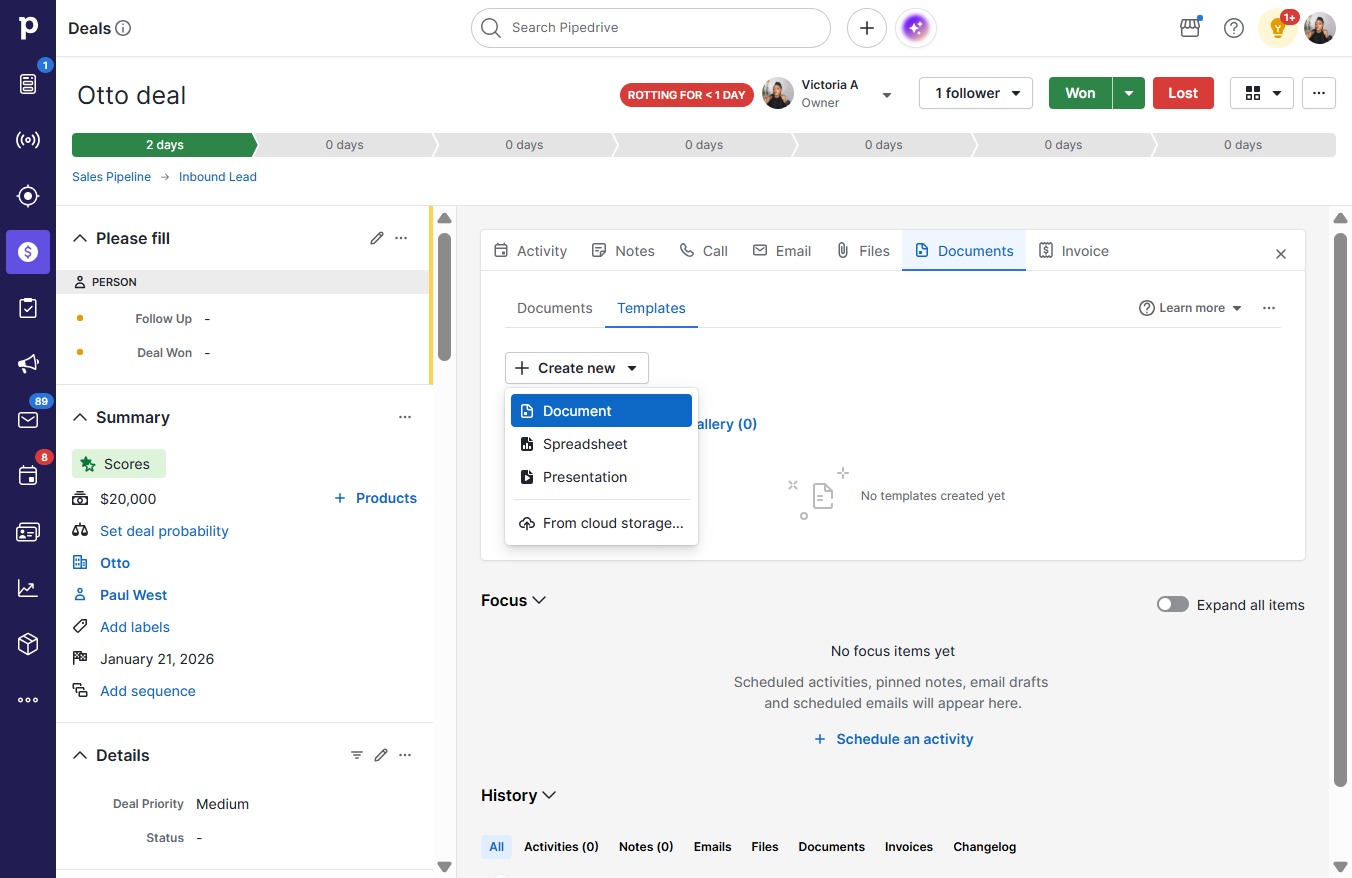
  4. Click Create new

    Click Create new
    Loading screenshot…
    100%
  5. Click Document

    Click Document
    Loading screenshot…
    100%
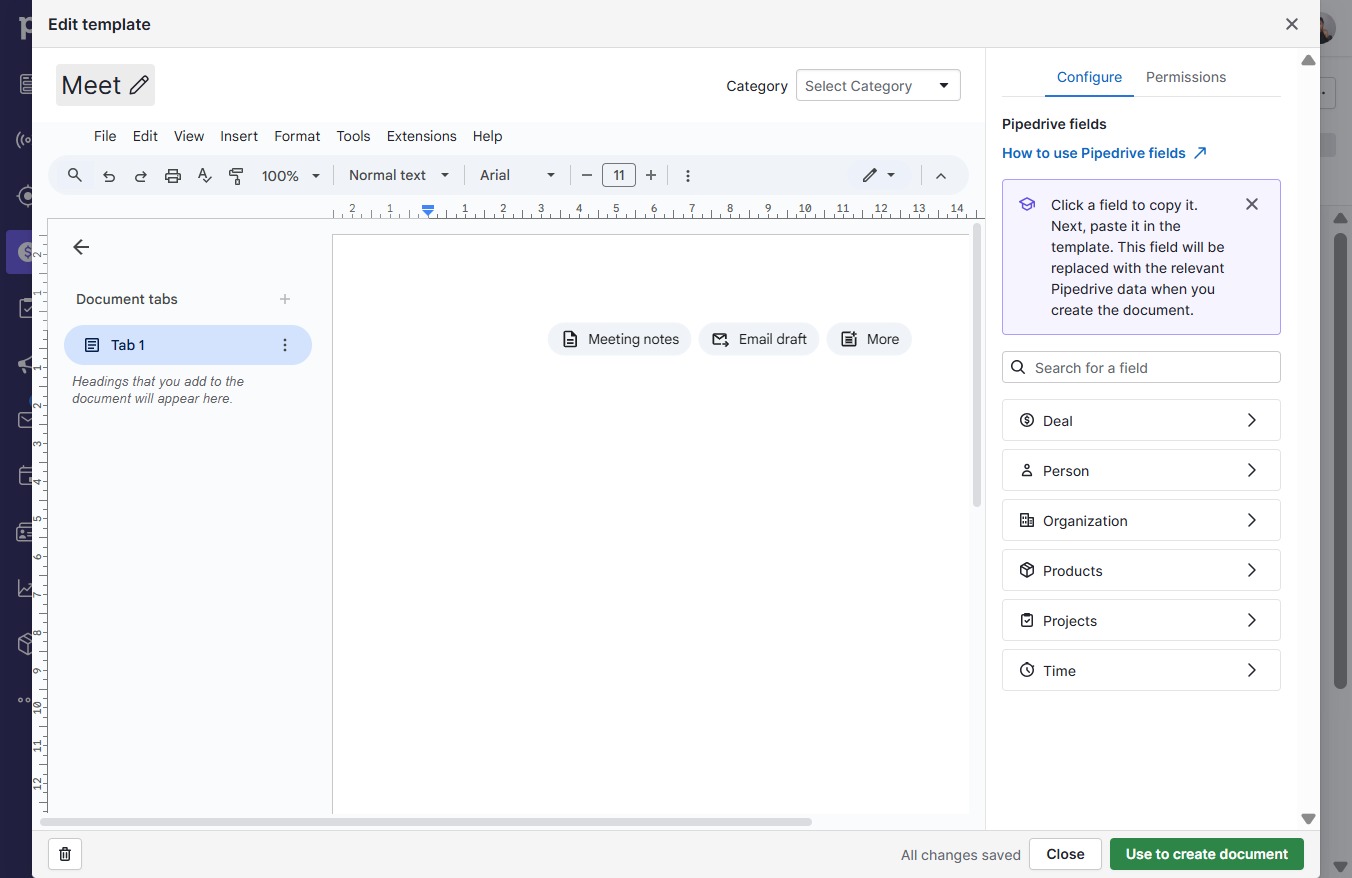
  6. Press a

  7. Click on "Click here."

    Click on "Click here."
    Loading screenshot…
    100%
  8. Click on "Click here."

    Click on "Click here."
    Loading screenshot…
    100%
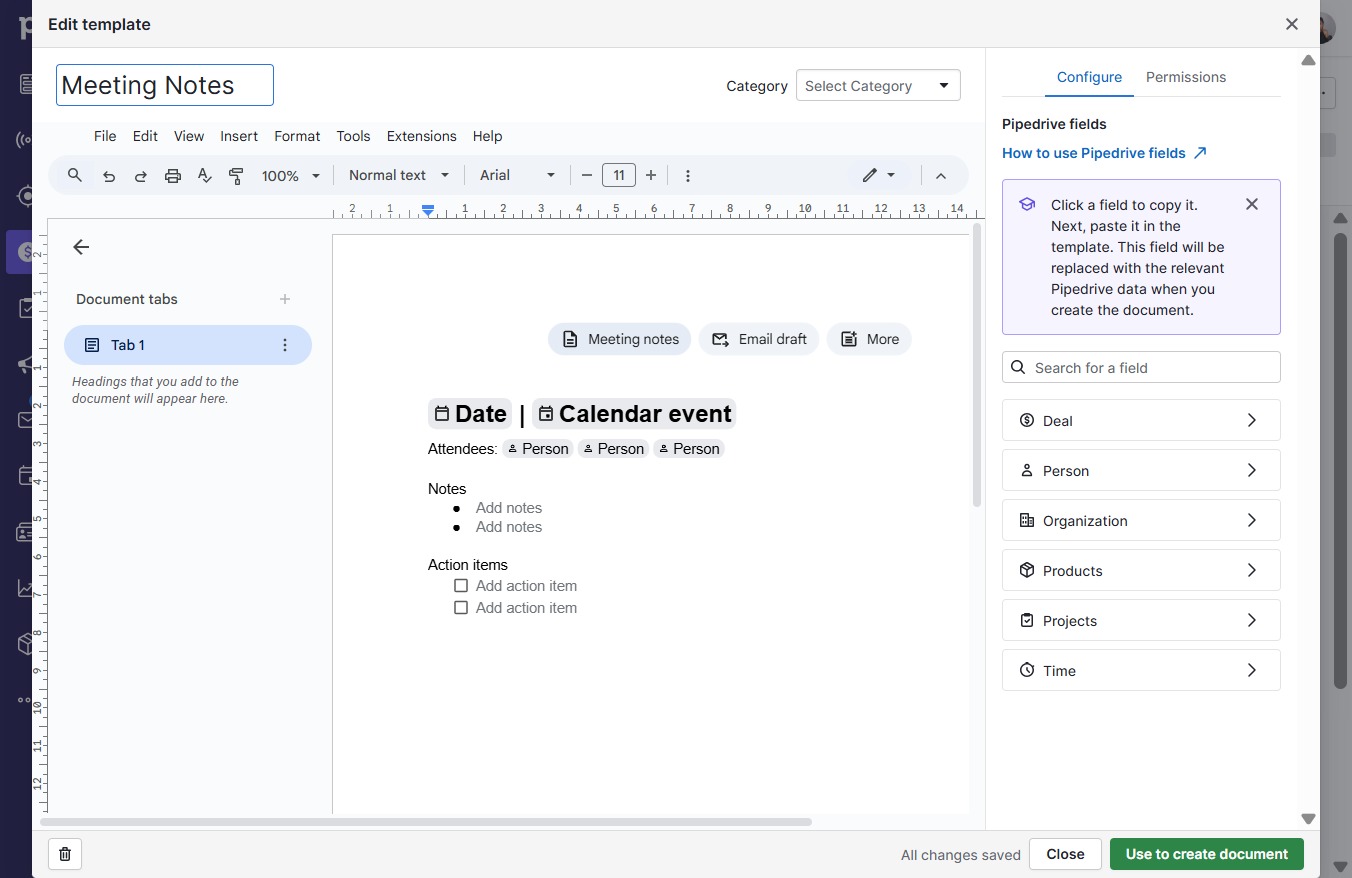
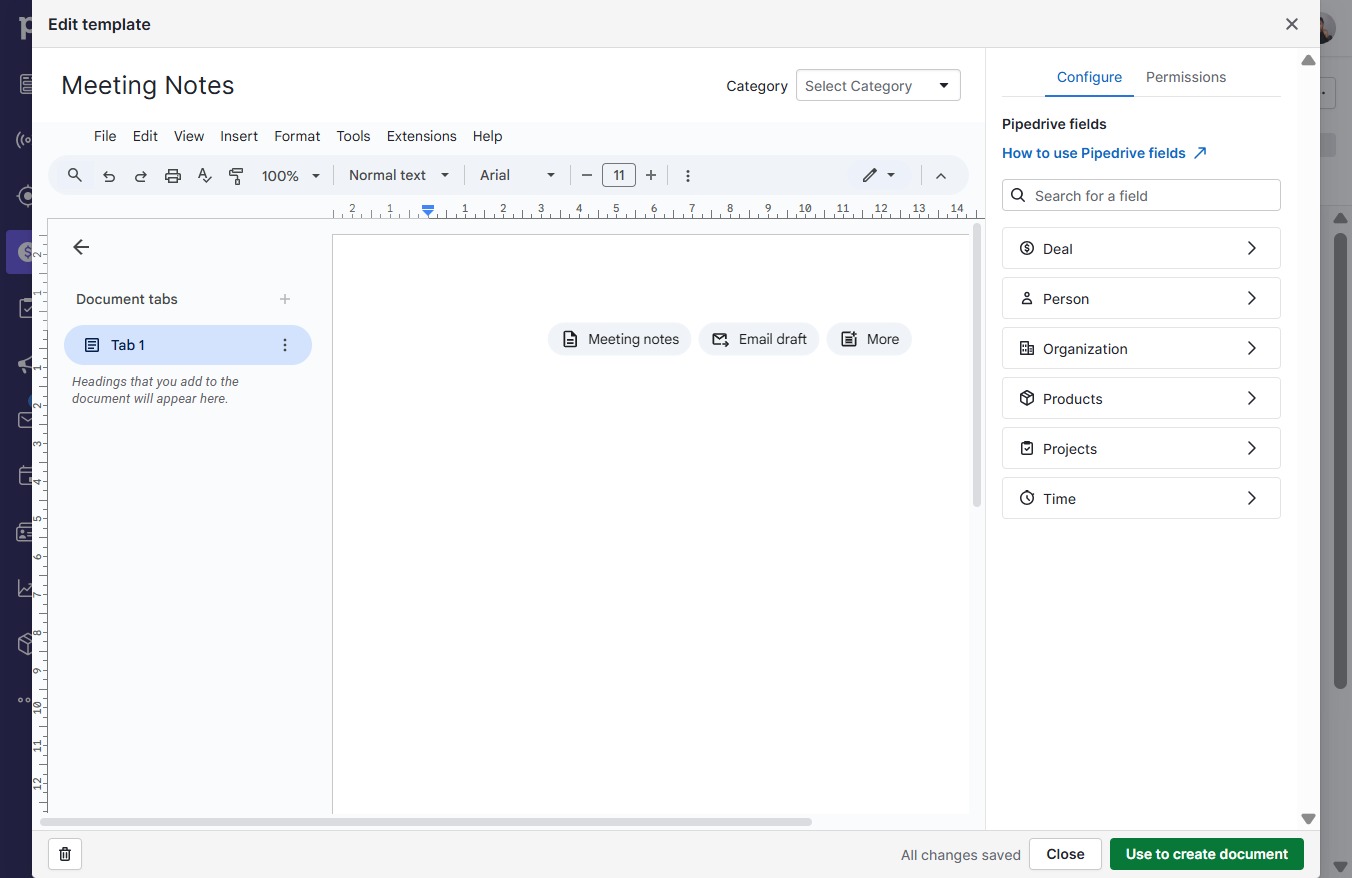
  9. Type "Meeting Notes" in Provide template title (required)

  10. Click Use to create document

    Click Use to create document
    Loading screenshot…
    100%
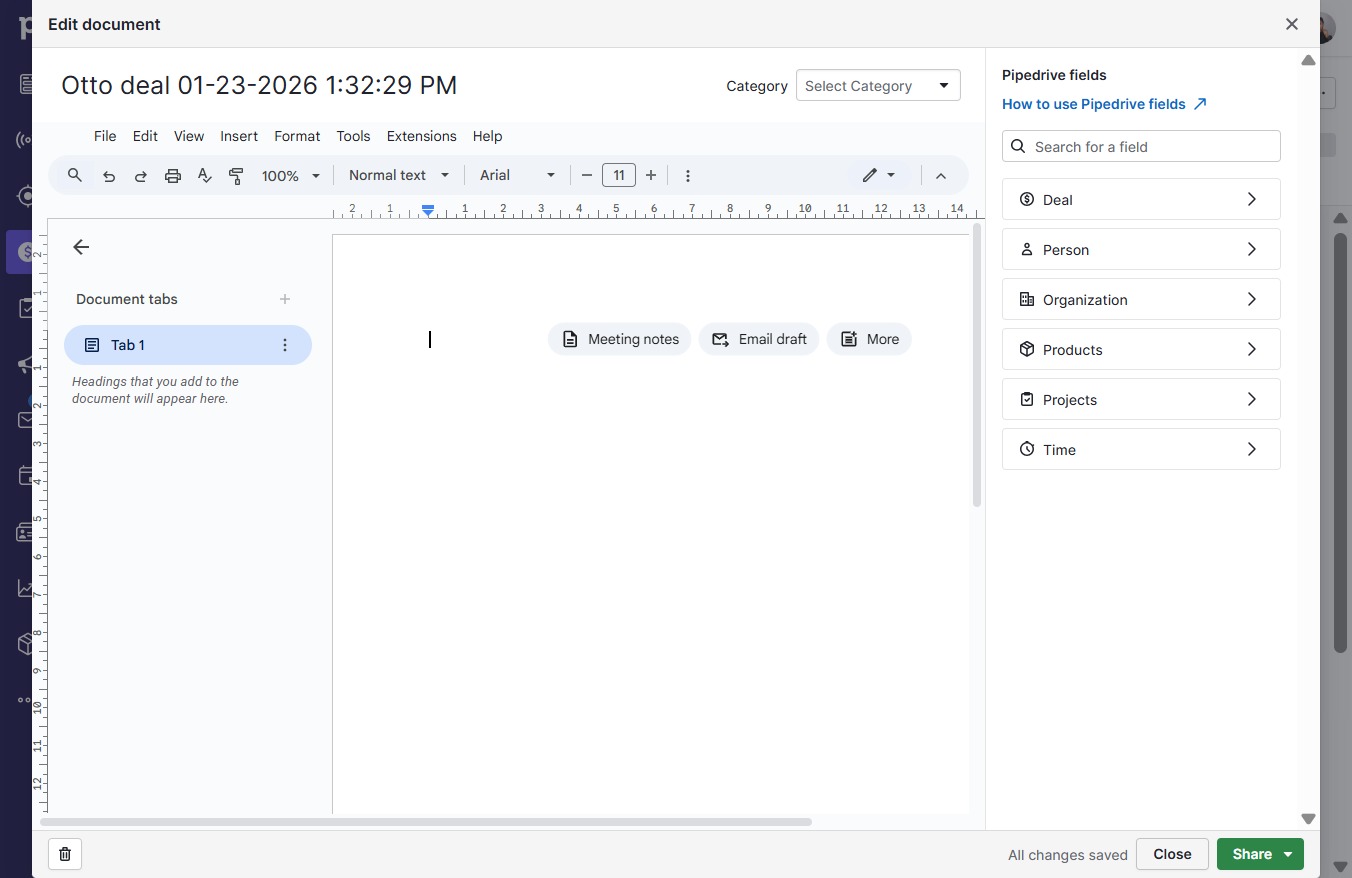
  11. Click Close

    Click Close
    Loading screenshot…
    100%
  12. Click Templates

    Click Templates
    Loading screenshot…
    100%
  13. Click on "Click here."

    Click on "Click here."
    Loading screenshot…
    100%
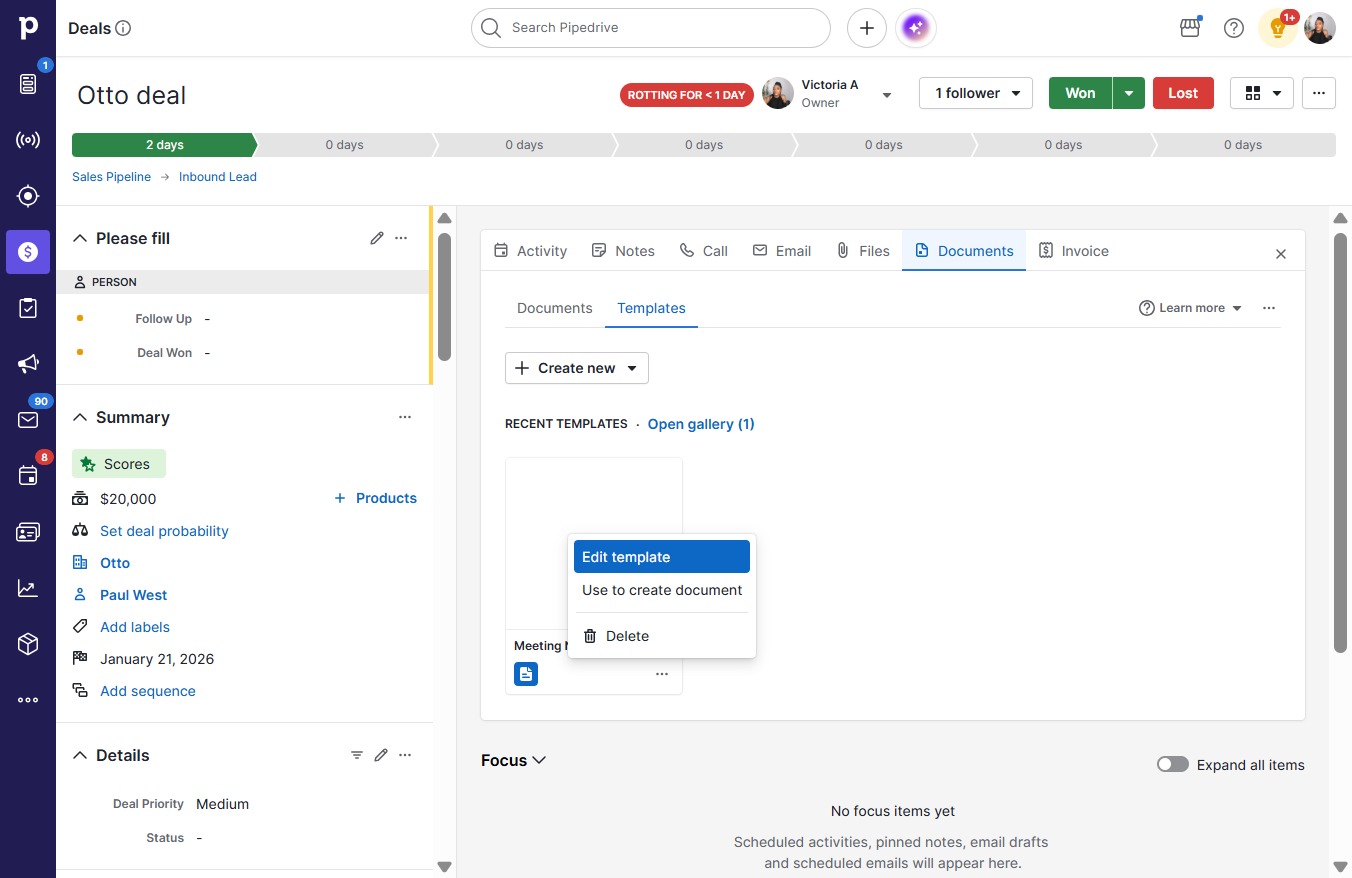
  14. Click Edit template

    Click Edit template
    Loading screenshot…
    100%