Shared guide

How to use deal labels

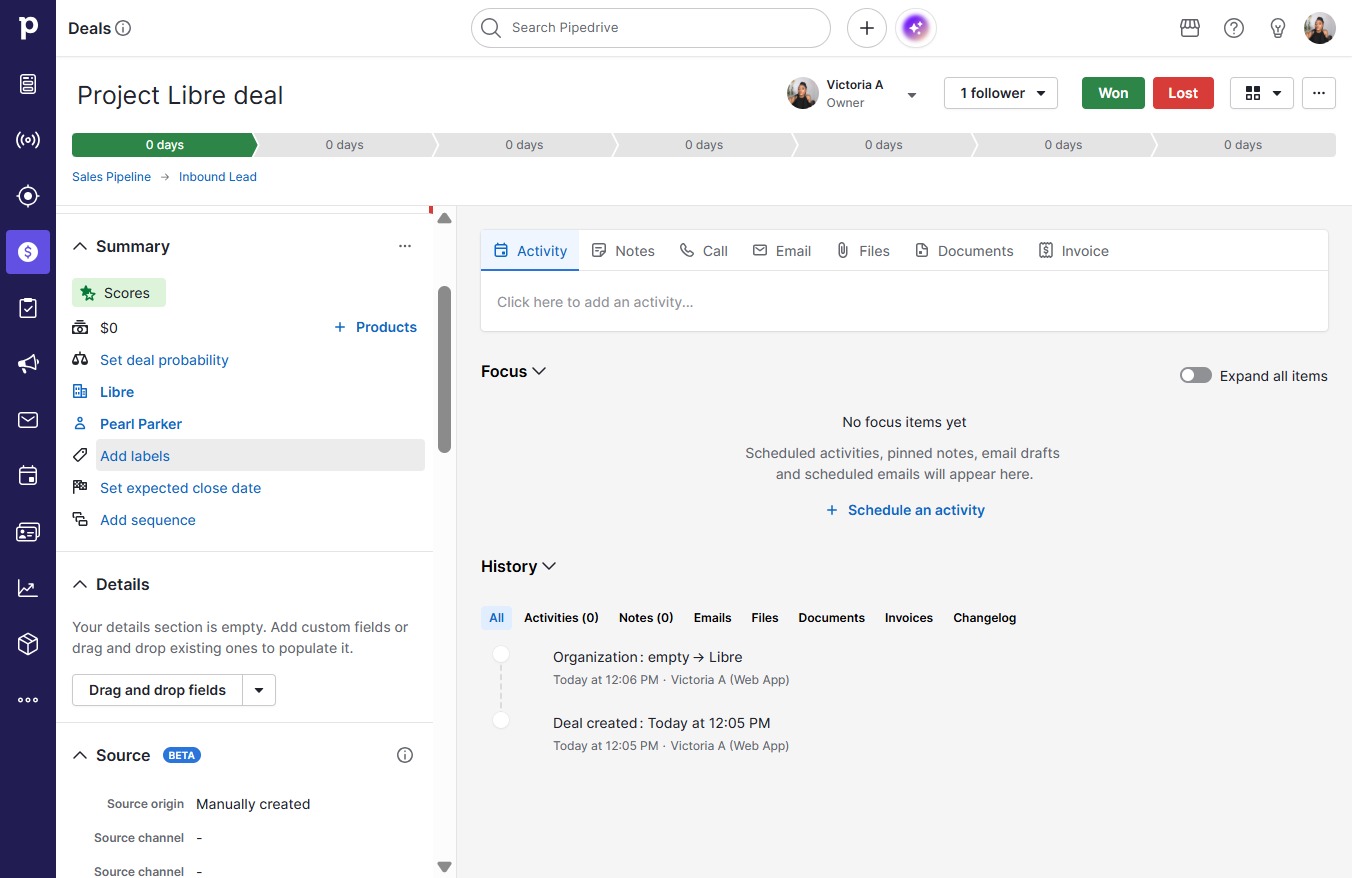
This how-to guide teaches you how to effectively use deal labels in Project Libre.

victoriaworkflowsvictoriaworkflows
·4 steps·70 views·Published

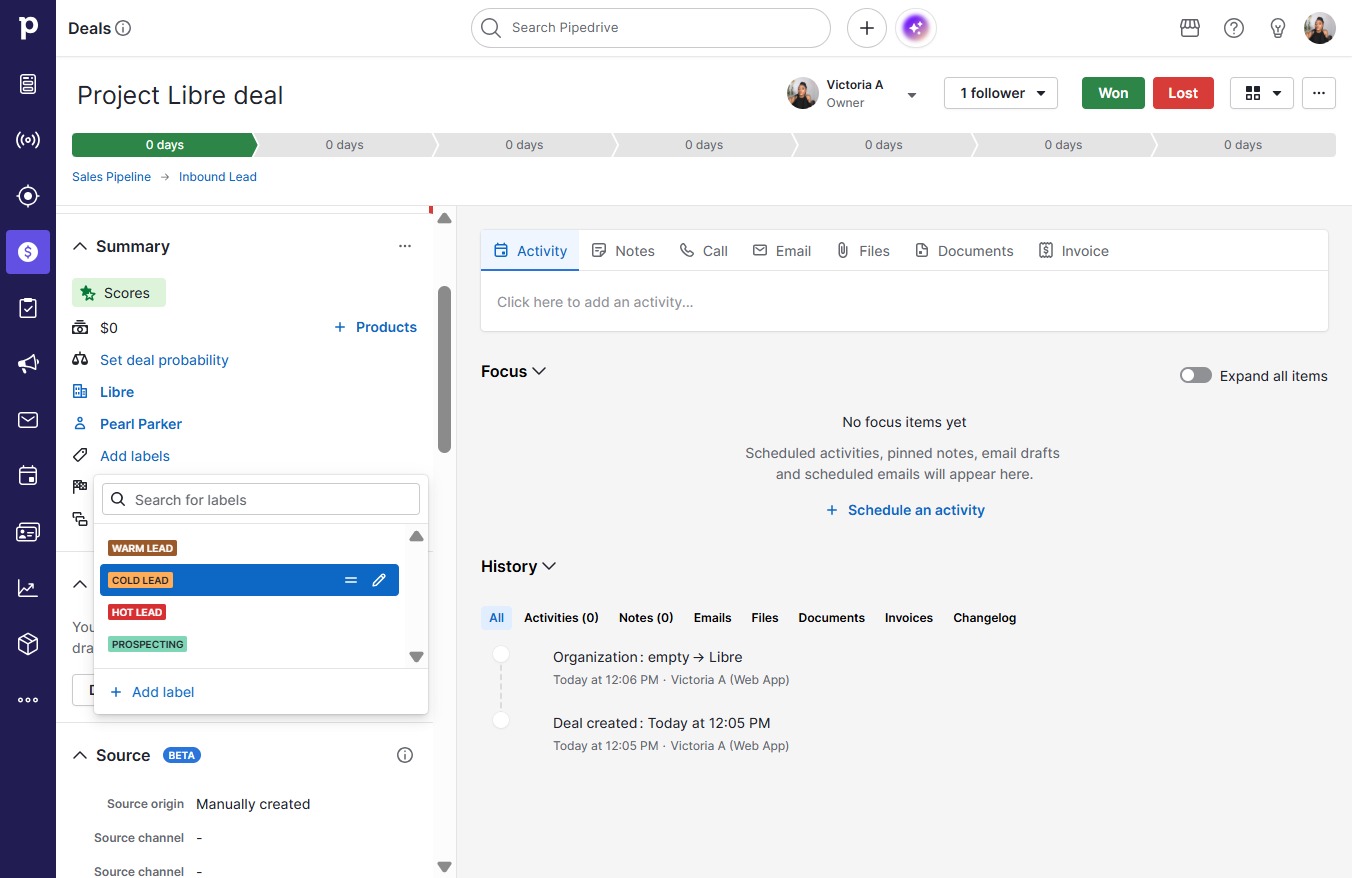
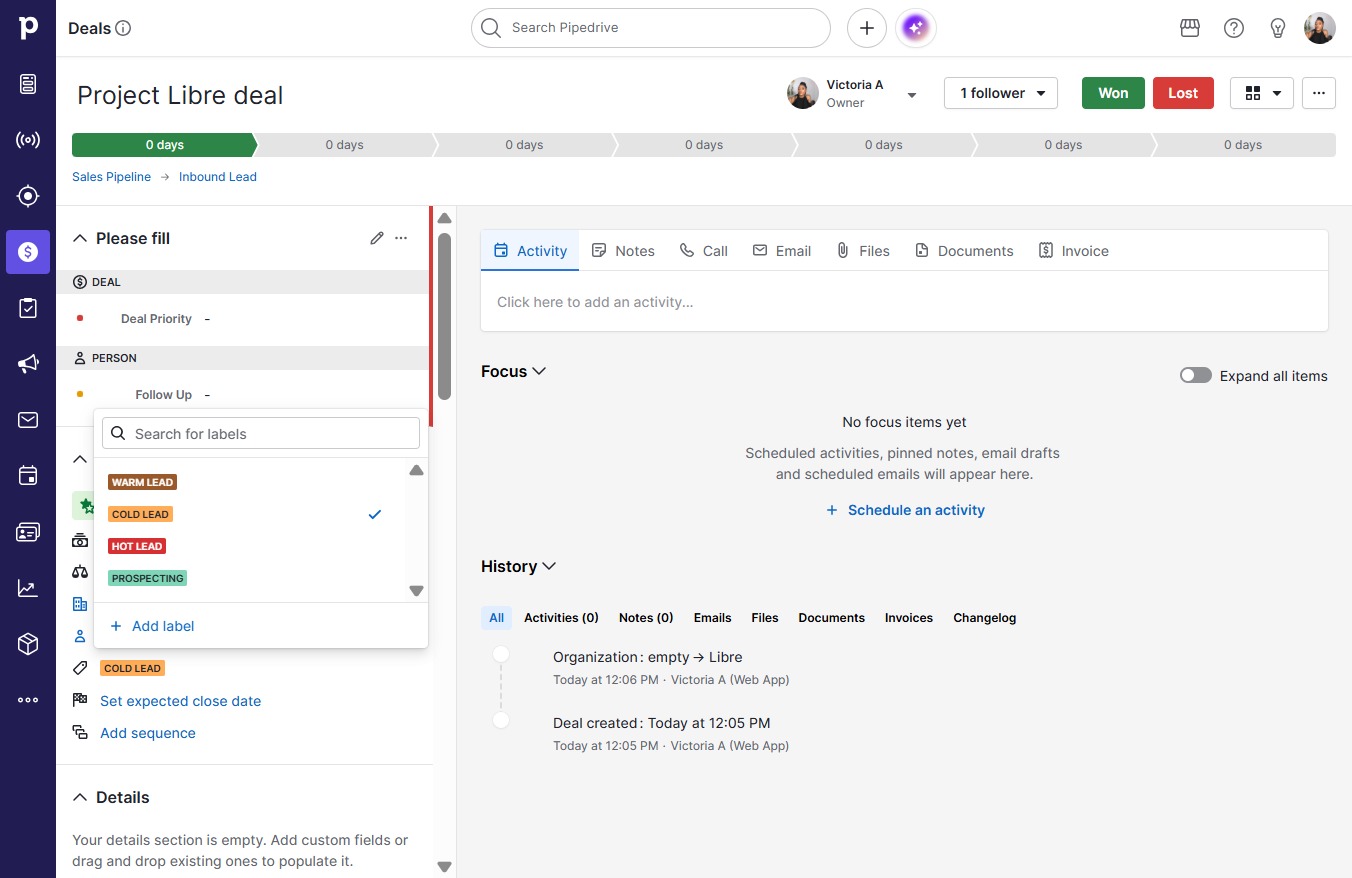
This how-to guide teaches you how to effectively use deal labels in Project Libre. Follow the simple steps to add labels, categorize your leads as "COLD LEAD," and easily access related scheduled activities, pinned notes, and email drafts for better organization and efficiency in your projects.

Step-by-step Guide4 steps
  1. Click Project Libre deal
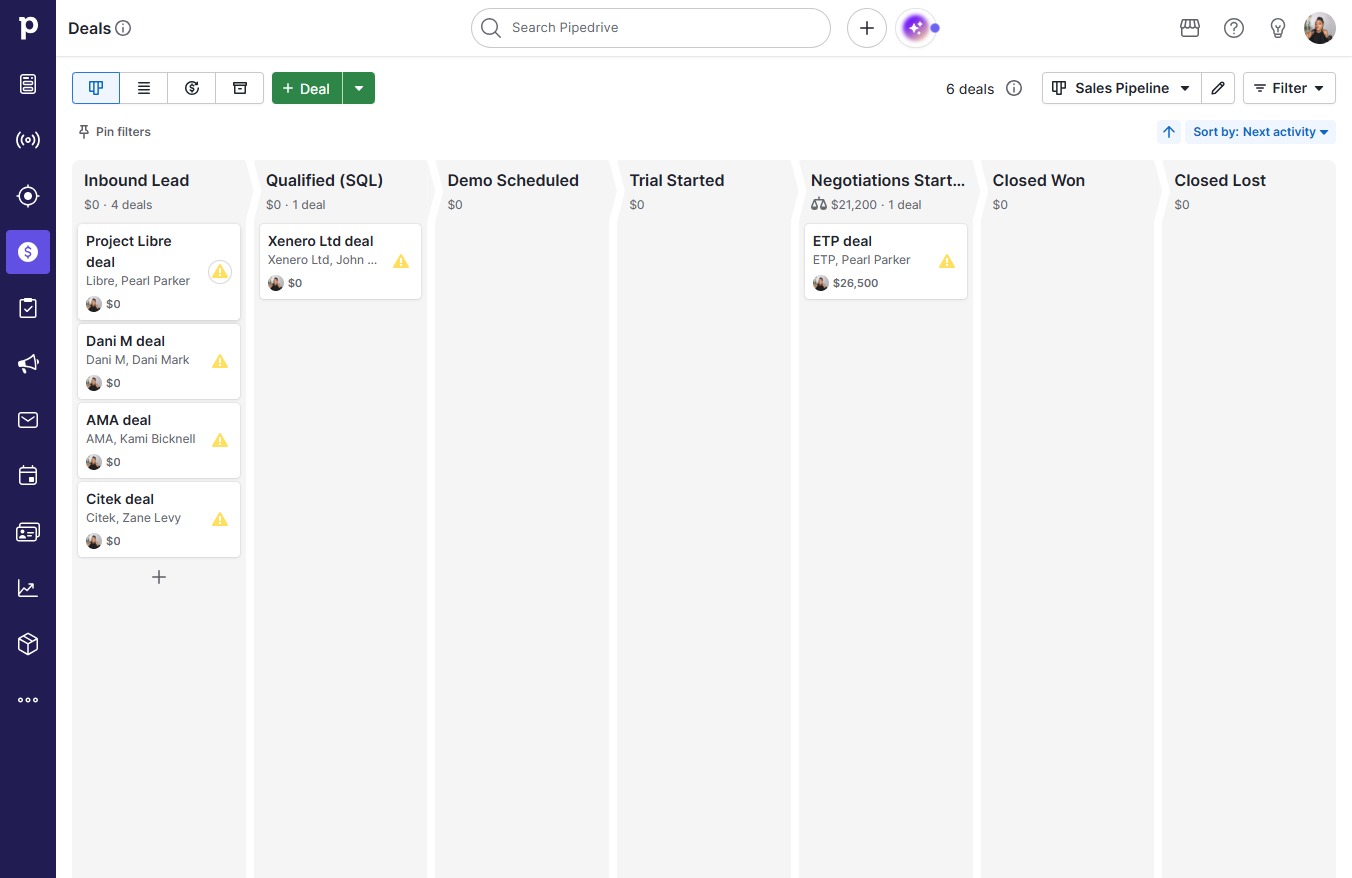
    Click Project Libre deal
    Loading screenshot…
    100%
  2. Click Add labels

    Click Add labels
    Loading screenshot…
    100%
  3. Click COLD LEAD

    Click COLD LEAD
    Loading screenshot…
    100%
  4. Click Scheduled activities, pinned notes, email drafts and scheduled emails will appear here.

    Click Scheduled activities, pinned notes, email drafts 
and scheduled emails will appear here.
    Loading screenshot…
    100%