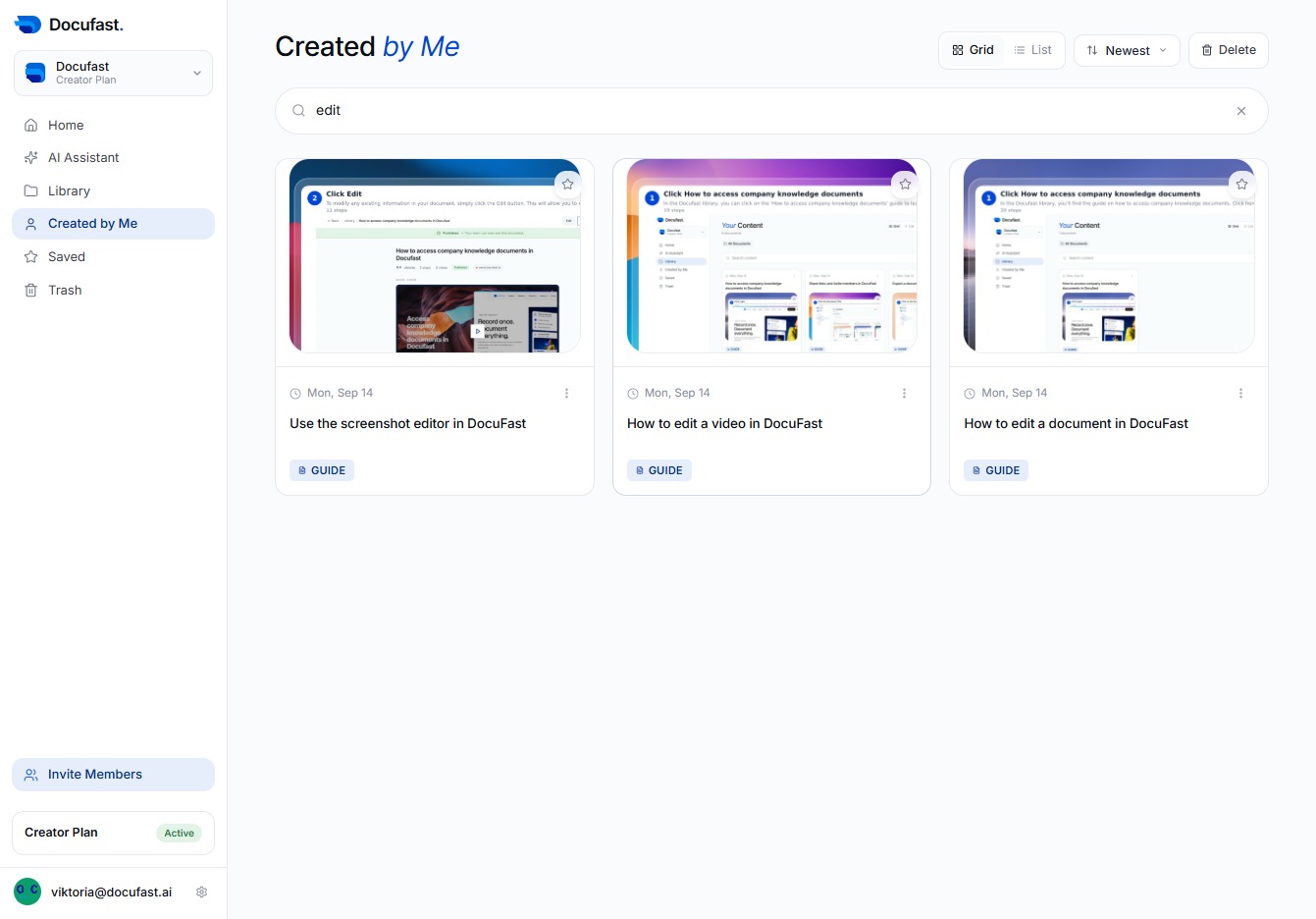
Click Created by Me
By selecting 'Created by Me,' you’ll filter the documents to only show those you have authored, making it easier to find and manage your work.

Loading screenshot…
100%
Filter your documents by Created by Me to quickly find and manage the guides and videos you have created in DocuFast.
 viktoria
Filter your documents by Created by Me to quickly find and manage the guides and videos you have created in DocuFast.
By selecting 'Created by Me,' you’ll filter the documents to only show those you have authored, making it easier to find and manage your work.
You'll use the Search content field to quickly find related documents or resources. Simply click inside the field to start entering your search terms.

To find specific resources, type 'edit' in the Search content field at the top. This helps you quickly locate relevant items you've created in Docufast.

In the Created by Me section, you'll see the guide titled 'How to edit a video in DocuFast.' Clicking this will take you to the detailed instructions for editing videos within the DocuFast application.