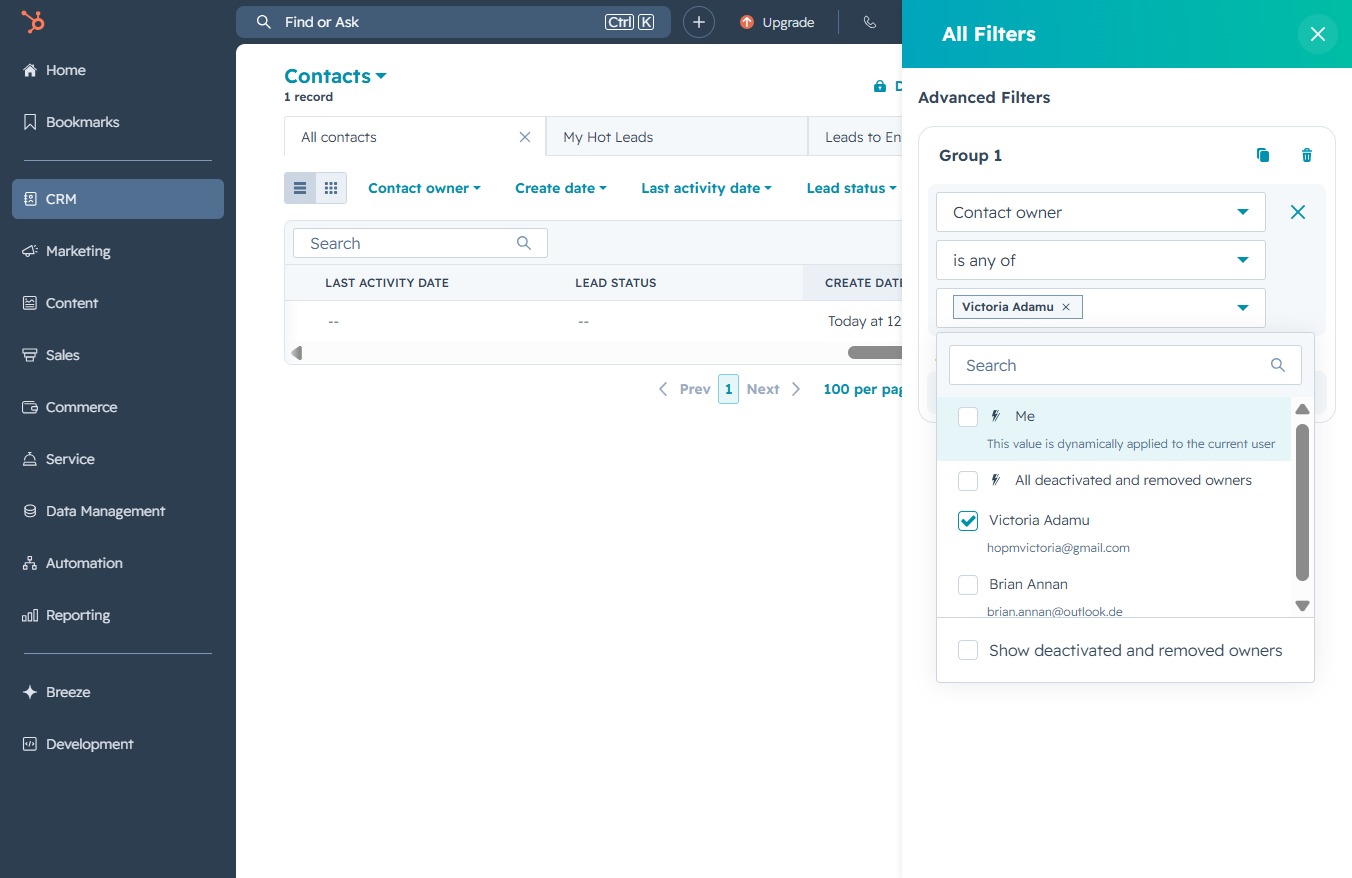
Click the CRM link
This will navigate you to the Customer Relationship Management section, where you can manage and view customer properties and details.
Loading screenshot…
100%
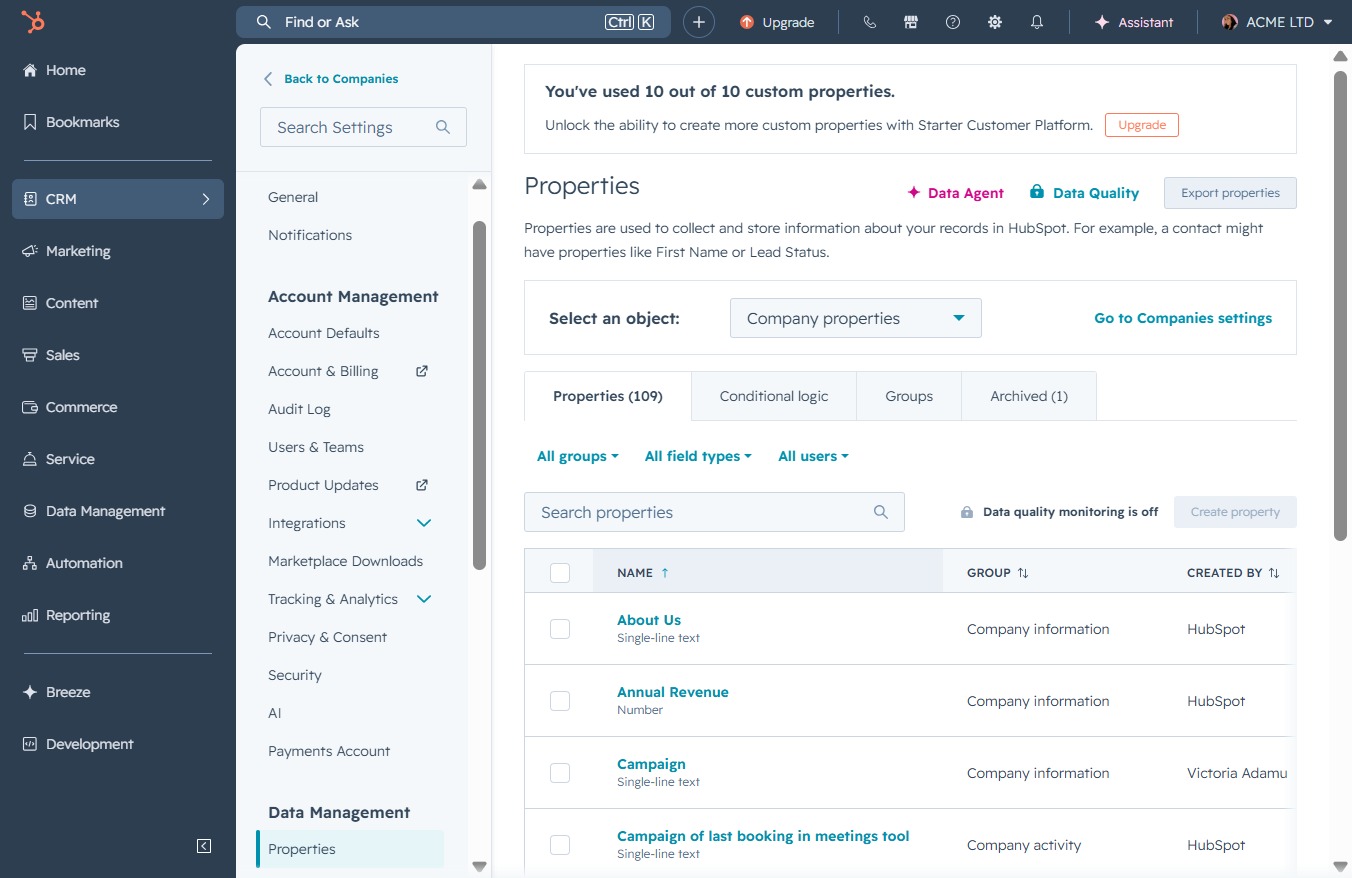
Filter your contacts in the CRM by owner to easily manage and organize customer relations, allowing for more targeted communication and streamlined contact management.
 viktoria
Filter your contacts in the CRM by owner to easily manage and organize customer relations, allowing for more targeted communication and streamlined contact management.
This will navigate you to the Customer Relationship Management section, where you can manage and view customer properties and details.
This action will navigate you to the Contacts management area where you can view and manage your contacts and their associated properties.
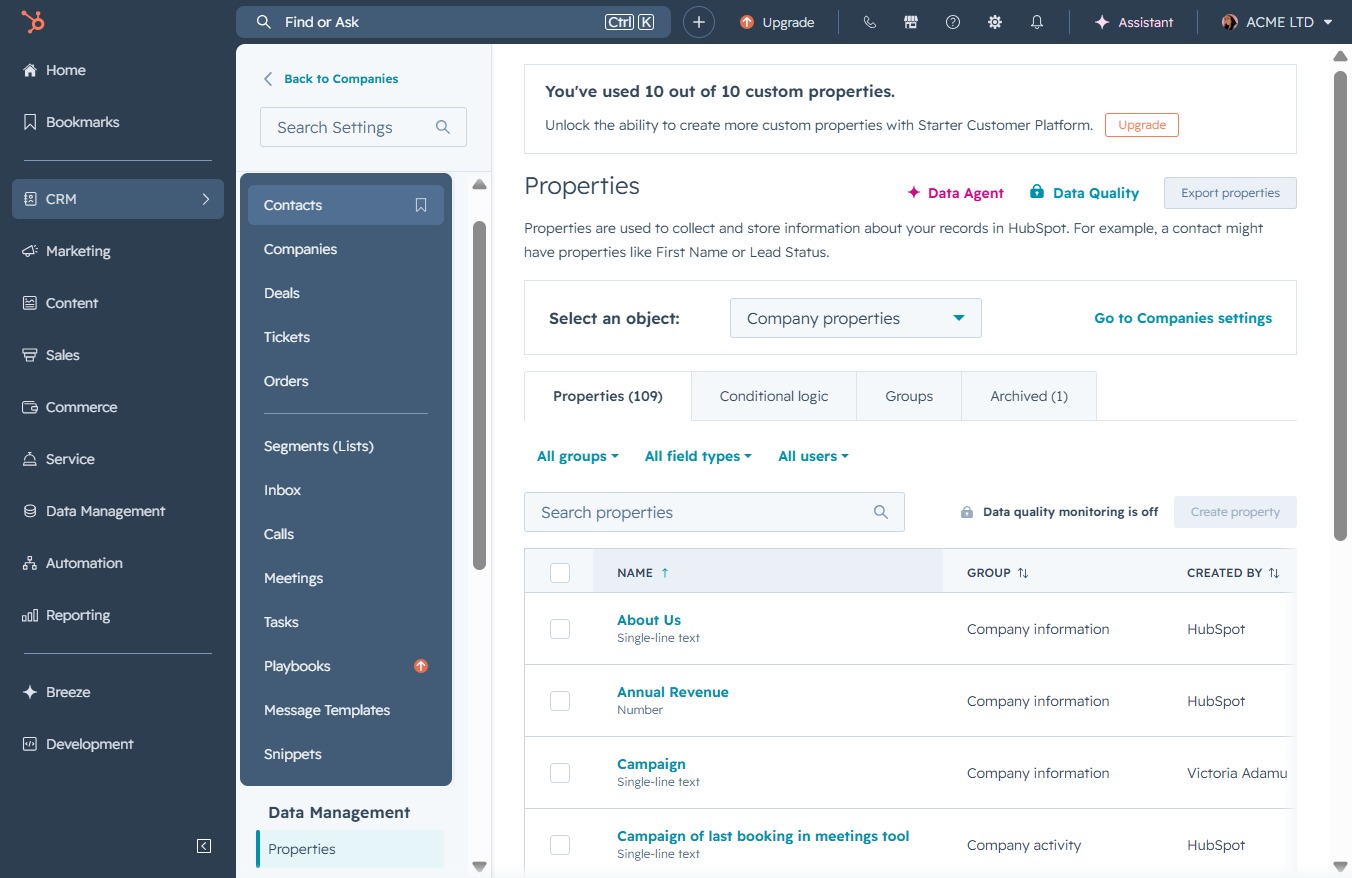
This opens additional filtering options that allow you to refine your contact search based on various criteria, enhancing your ability to organize and find specific contacts in your CRM.

By clicking this button, you can open the menu to create and apply advanced filters to refine your contact search within the CRM.

This will open a prompt allowing you to reach out to the owner of the selected contact. Use this feature to communicate directly regarding any inquiries or updates needed.
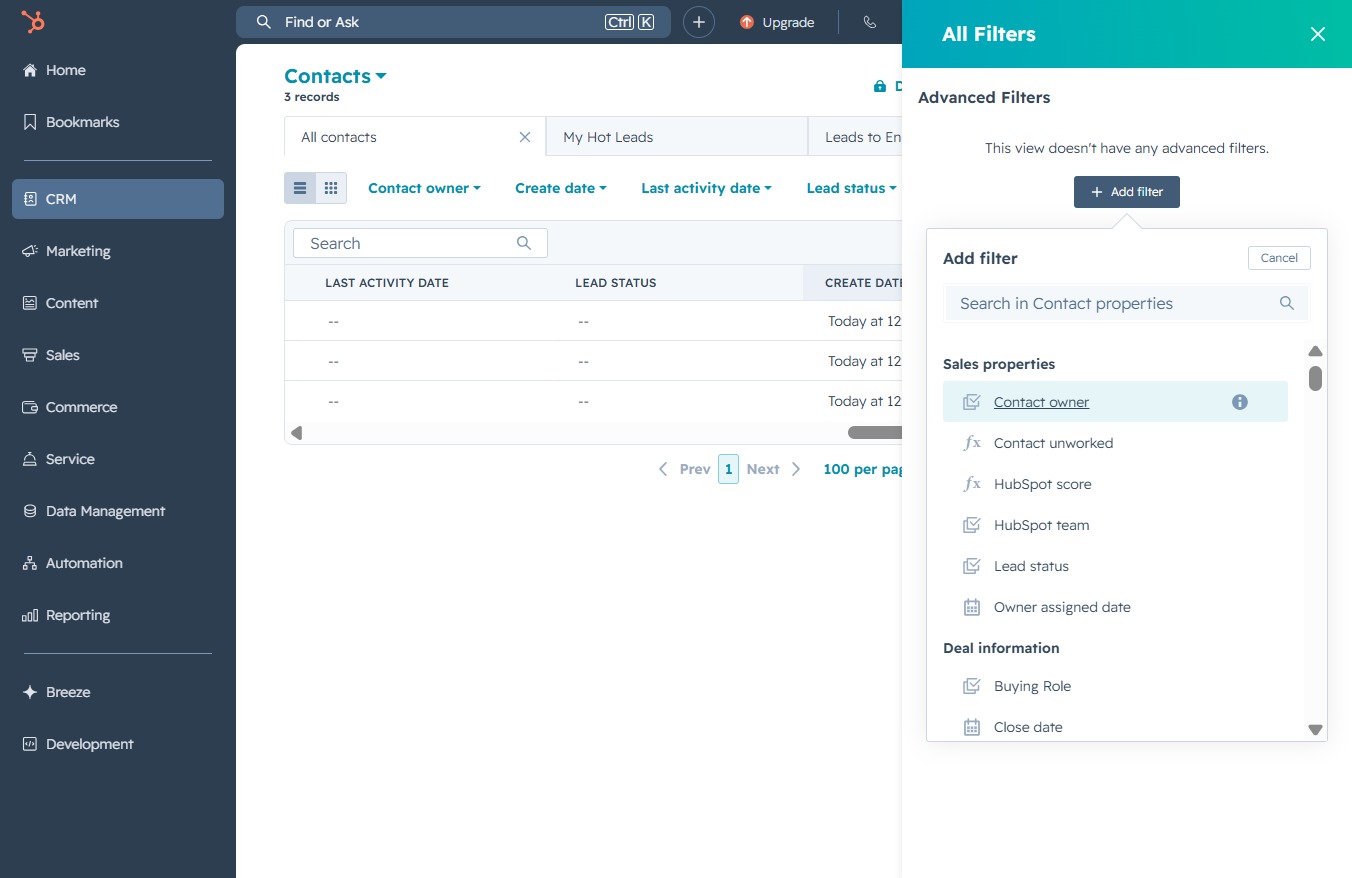
Clicking this link will apply the selected filters to the Contacts list, refining the displayed results based on your chosen criteria.
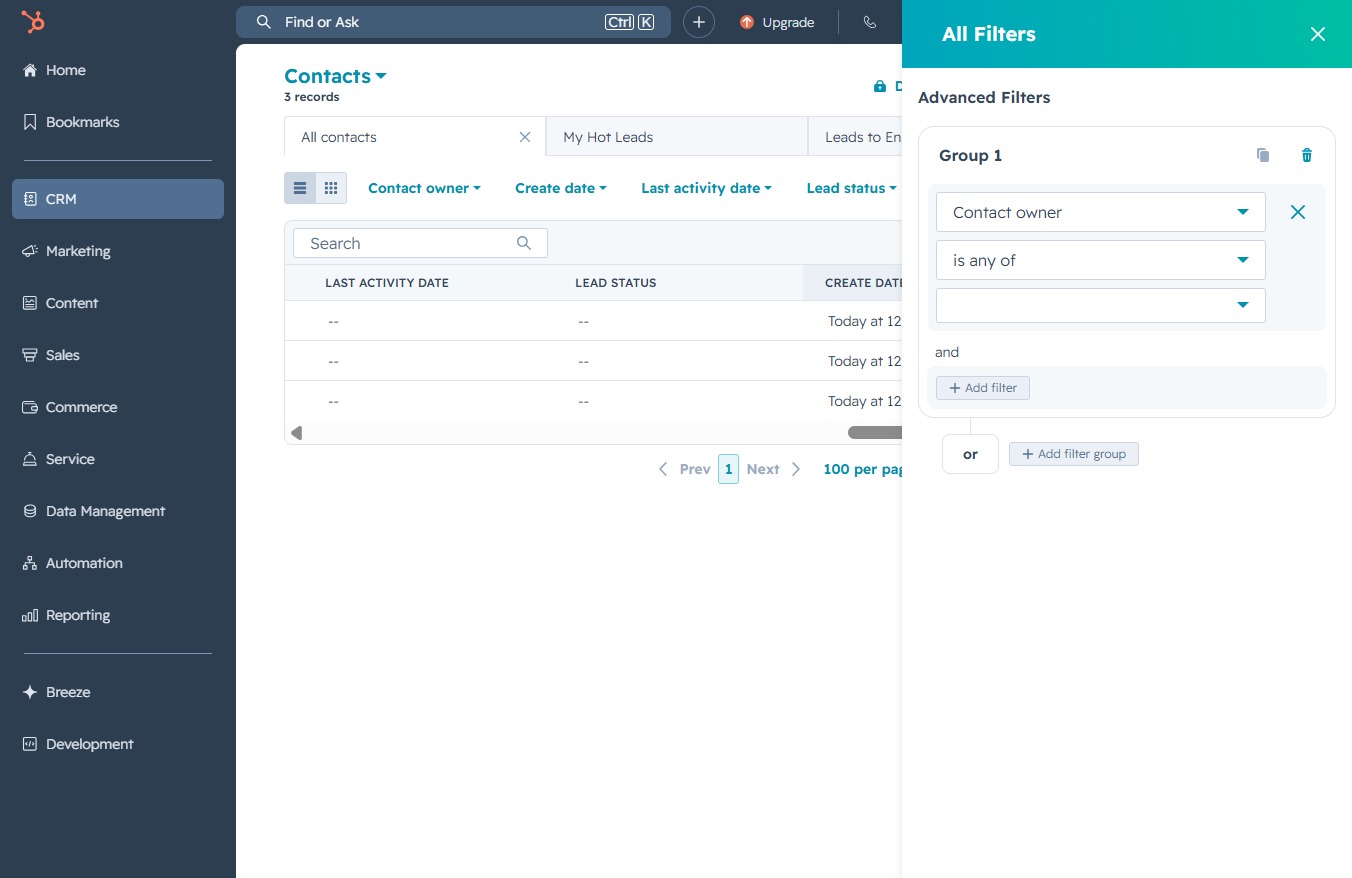
Select a specific contact owner from the dropdown list to filter the displayed contacts based on ownership.

Clicking the Close button will dismiss the advanced filters panel, returning you to the main contacts view.