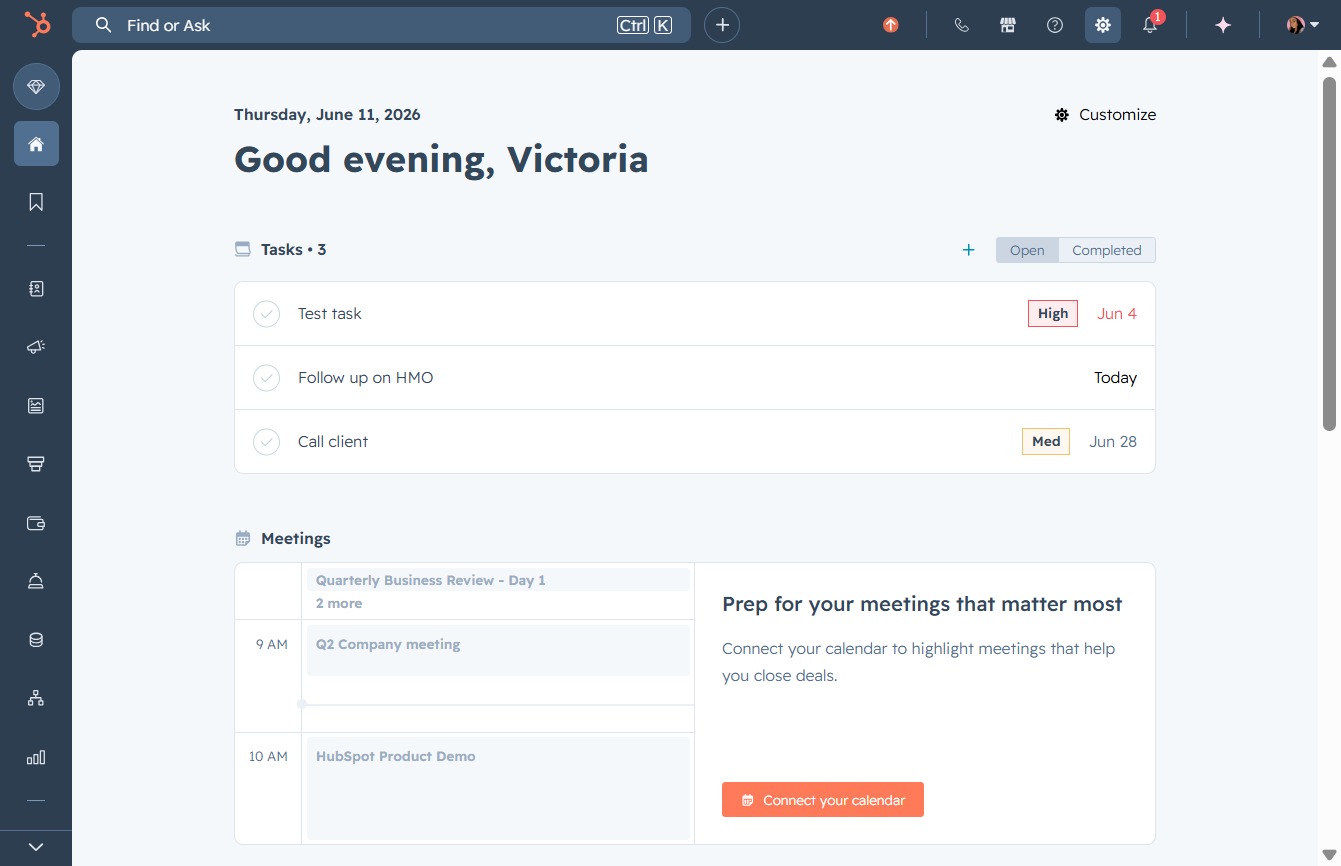
Click the Settings link
Selecting the Settings link will open the configuration options for your account, allowing you to customize preferences and manage your profile settings.
Loading screenshot…
100%
Adjust call recording settings in HubSpot by navigating to Call Configurations within your account settings, enabling or disabling the feature according to your preferences.
 viktoria
Adjust call recording settings in HubSpot by navigating to Call Configurations within your account settings, enabling or disabling the feature according to your preferences.
Selecting the Settings link will open the configuration options for your account, allowing you to customize preferences and manage your profile settings.
By clicking the Call Setup link, you will access the configuration options for managing your call settings and preferences within HubSpot.

This action opens the Call Configurations section, where you can manage various settings related to your calling options in HubSpot, including integrating phone numbers and call logging.

This action will enable or disable the call recording feature for your account. Adjusting this setting will impact whether calls are recorded based on your preferences.
