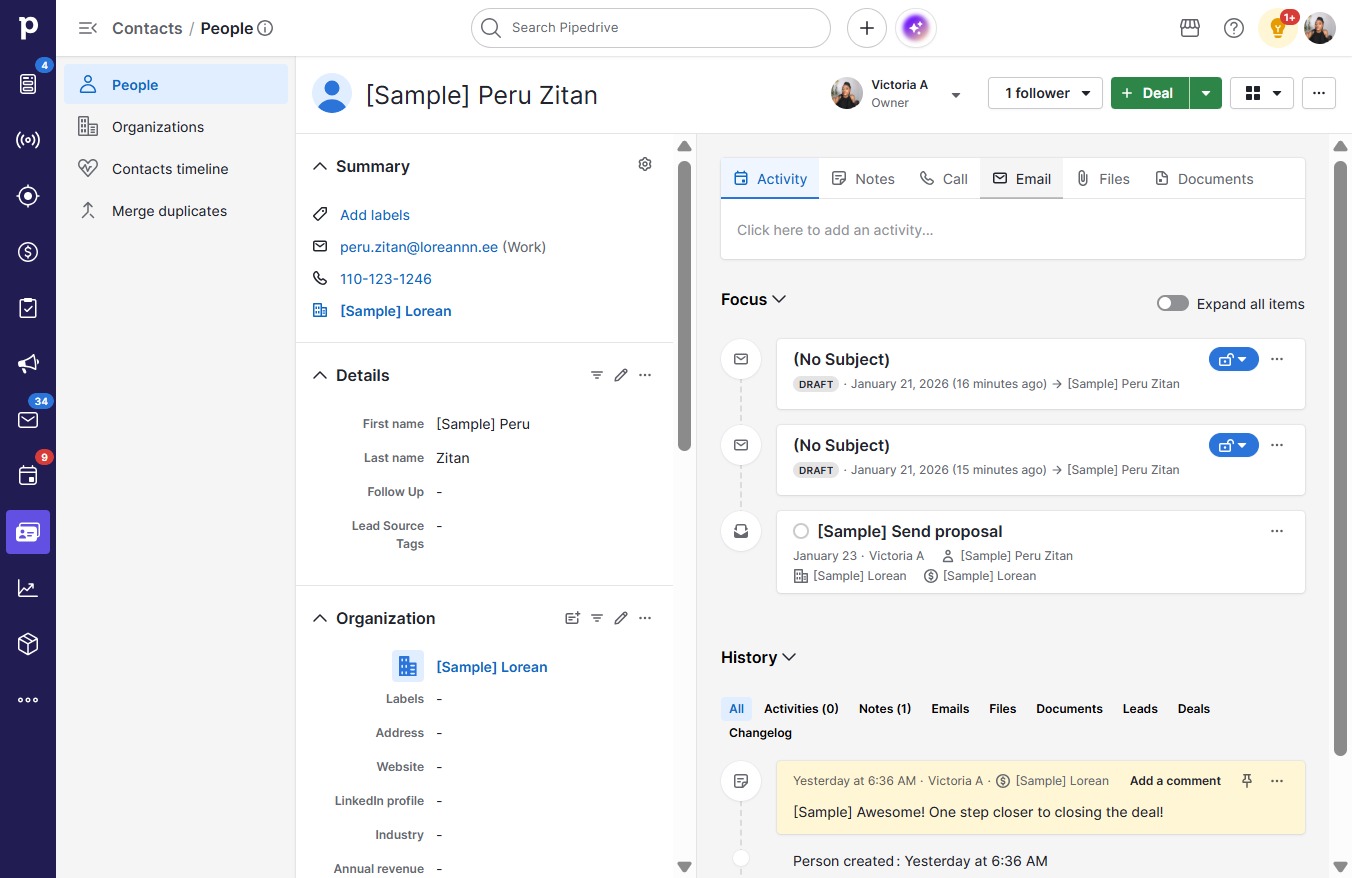
Click People
Loading screenshot…
100%
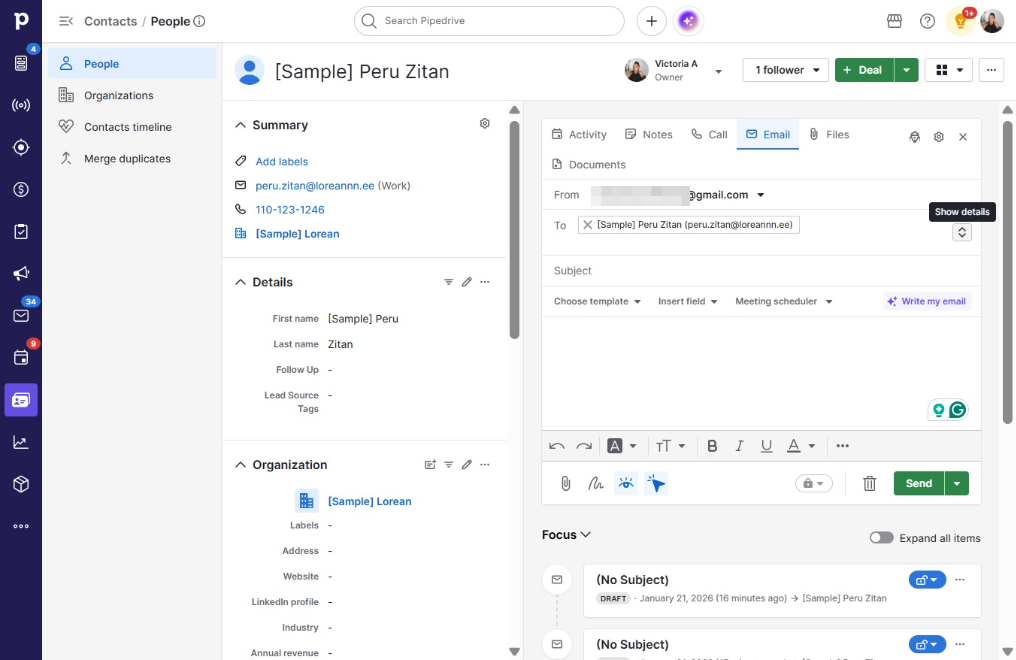
Learn how to efficiently use the BCC feature in Pipedrive with this step-by-step guide.
 victoriaworkflows
Learn how to efficiently use the BCC feature in Pipedrive with this step-by-step guide. Follow along to seamlessly add multiple recipients to your emails, ensuring your communications remain professional and privacy-conscious.
![Click [Sample] Peru Zitan](https://docufast-app-prod.s3.us-east-1.amazonaws.com/edited/696e79835d5ef4b9b9b3cf59/pending/step-1768980379998-ec5b52a2.jpg?X-Amz-Algorithm=AWS4-HMAC-SHA256&X-Amz-Content-Sha256=UNSIGNED-PAYLOAD&X-Amz-Credential=AKIATBRPQRG5Y2LDDUPY%2F20260920%2Fus-east-1%2Fs3%2Faws4_request&X-Amz-Date=20260920T155334Z&X-Amz-Expires=3600&X-Amz-Signature=2daaf0a39cb91a1306eae12b3d5cdb21ab26427079a7a3679bb36ee7047d23d4&X-Amz-SignedHeaders=host&x-amz-checksum-mode=ENABLED&x-id=GetObject)