Geteilte Anleitung

How to use API and webhooks

This how-to guide provides a step-by-step process for effectively utilizing API and webhooks, including how to set up automation by creating webhooks tailored to user actions.

victoriaworkflowsvictoriaworkflows
·16 Schritte·54 Aufrufe·Veröffentlicht

This how-to guide provides a step-by-step process for effectively utilizing API and webhooks, including how to set up automation by creating webhooks tailored to user actions. Follow along to enhance your integration capabilities and streamline interactions with external services.

Step-by-step Guide16 Schritte
  1. Click on "Click here."
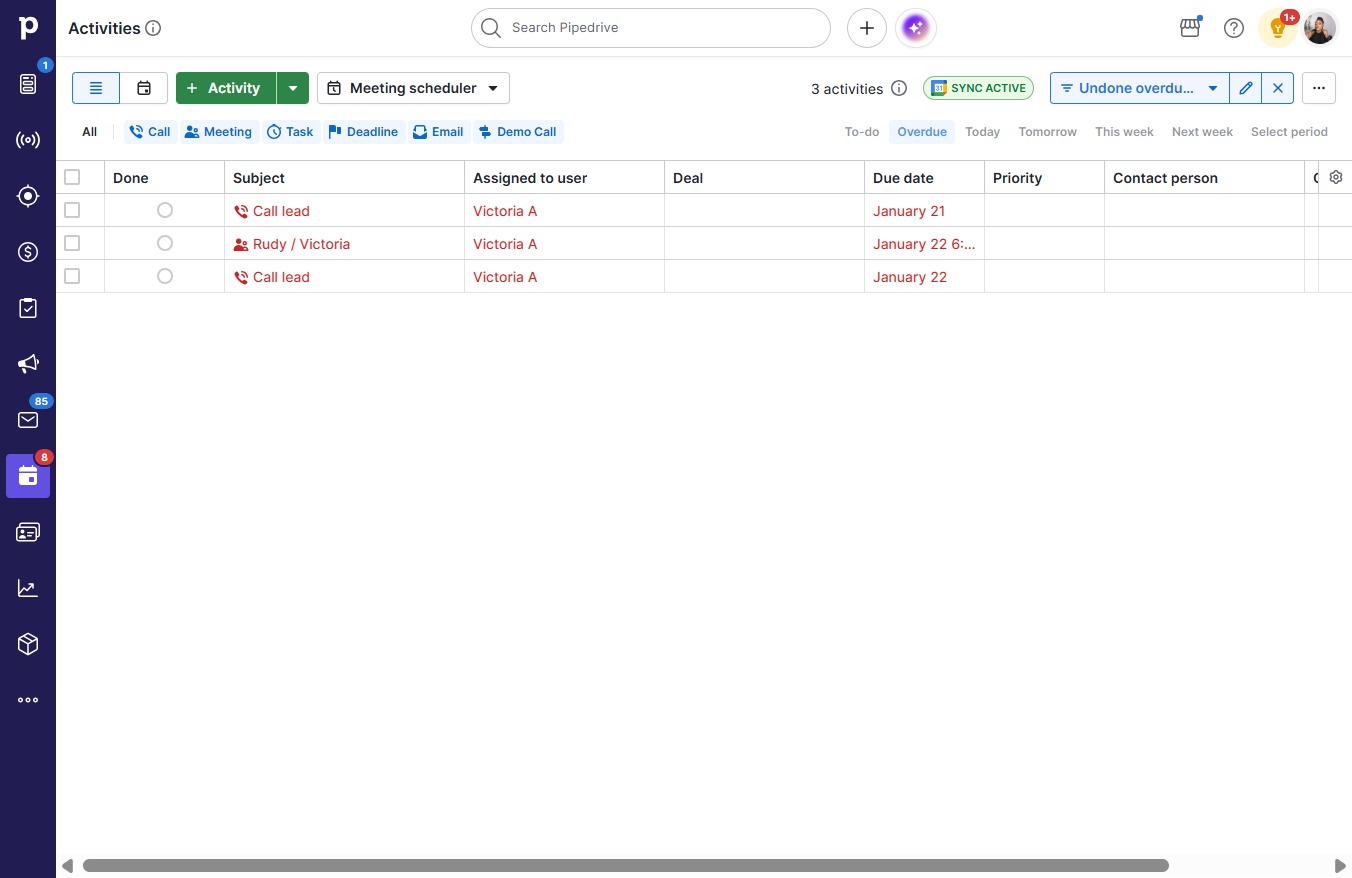
    Click on "Click here."
    Loading screenshot…
    100%
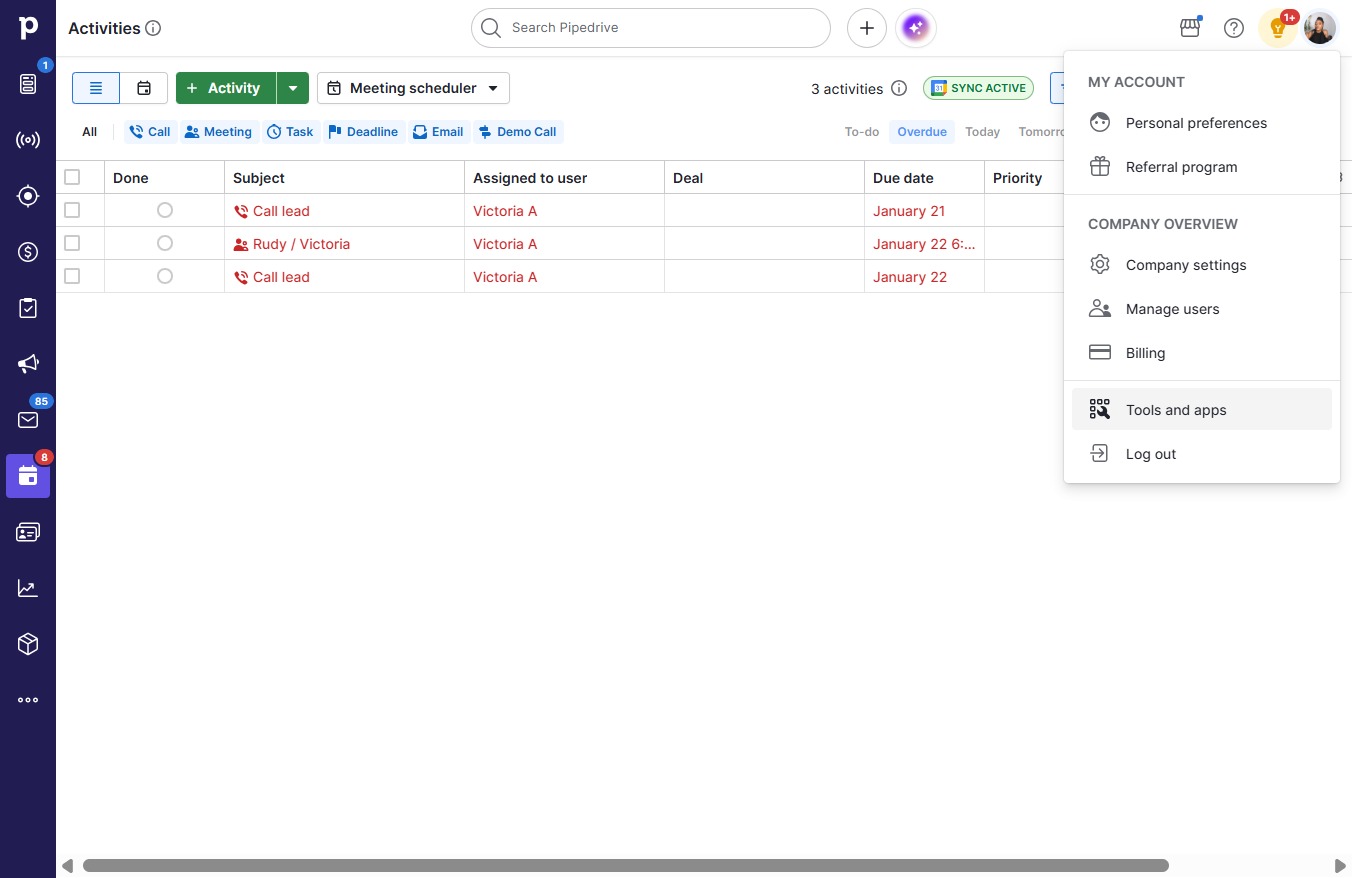
  2. Click Tools and apps

    Click Tools and apps
    Loading screenshot…
    100%
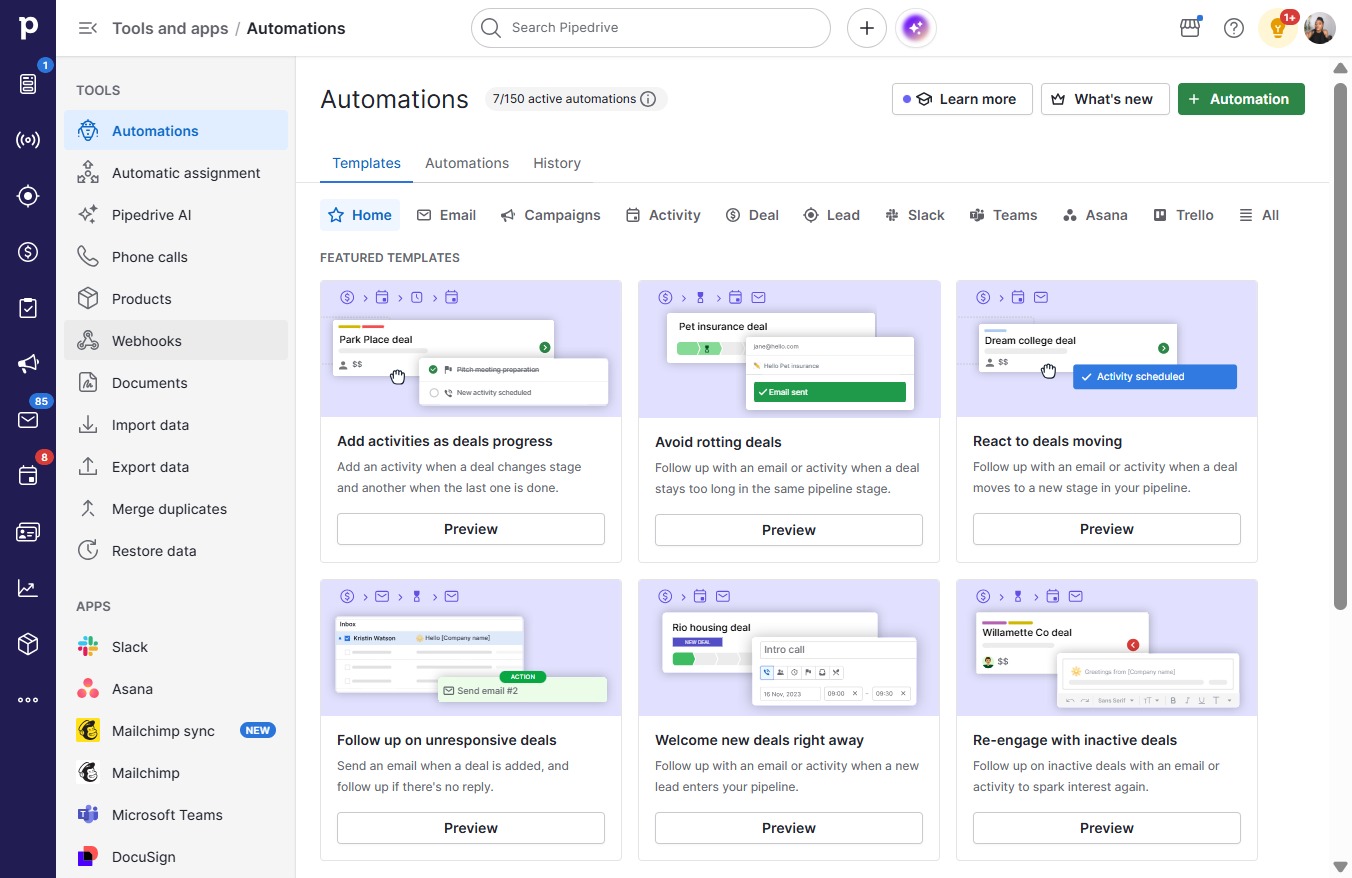
  3. Click Webhooks

    Click Webhooks
    Loading screenshot…
    100%
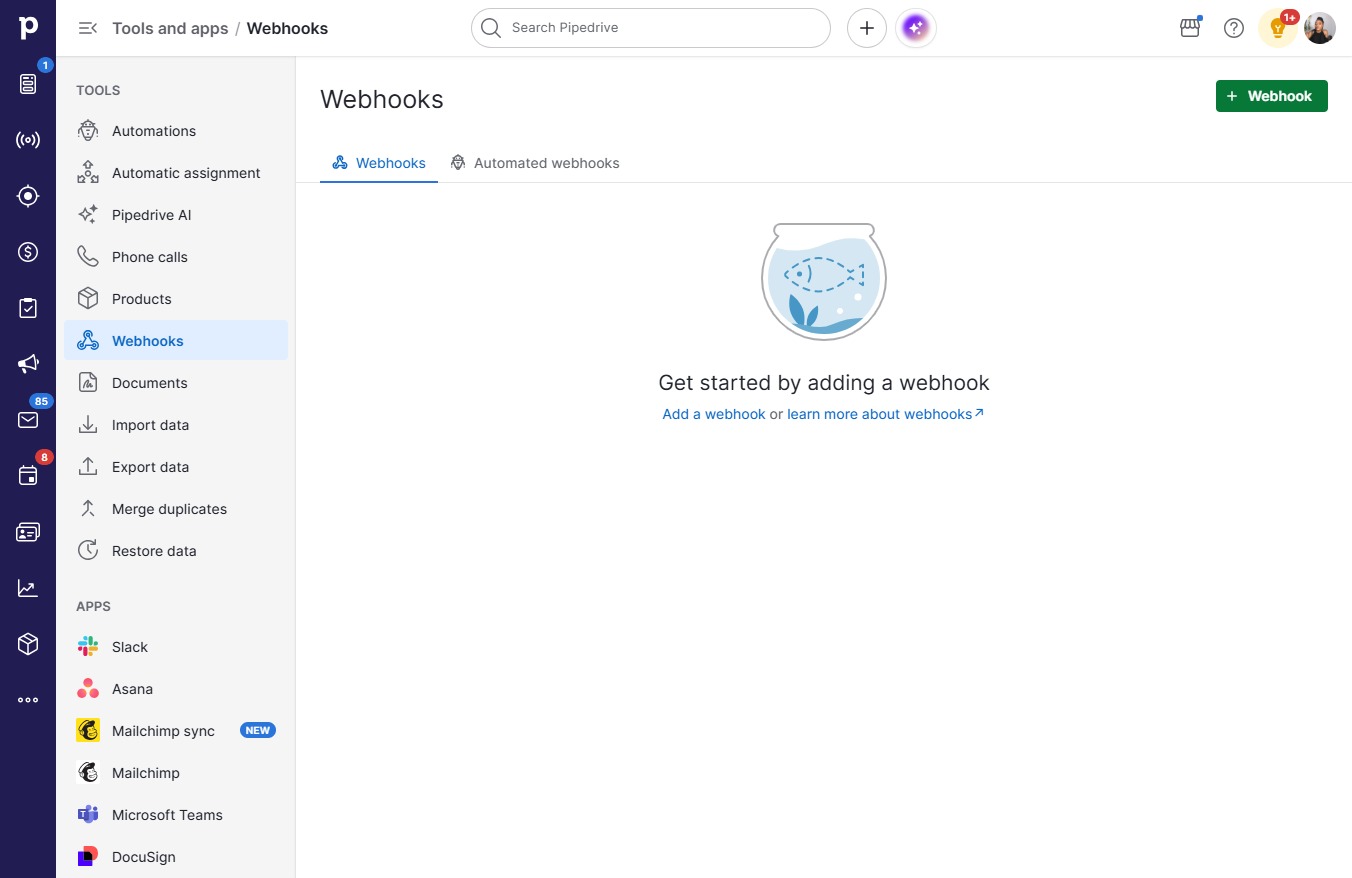
  4. Click on "Click here."

    Click on "Click here."
    Loading screenshot…
    100%
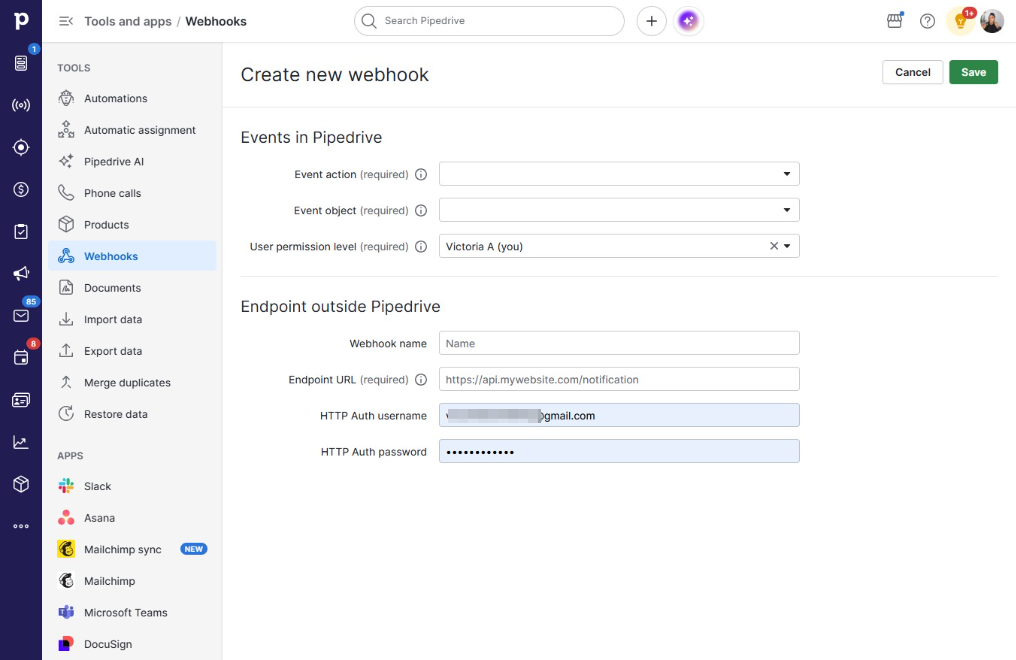
  5. Type "@gmail.com" in User

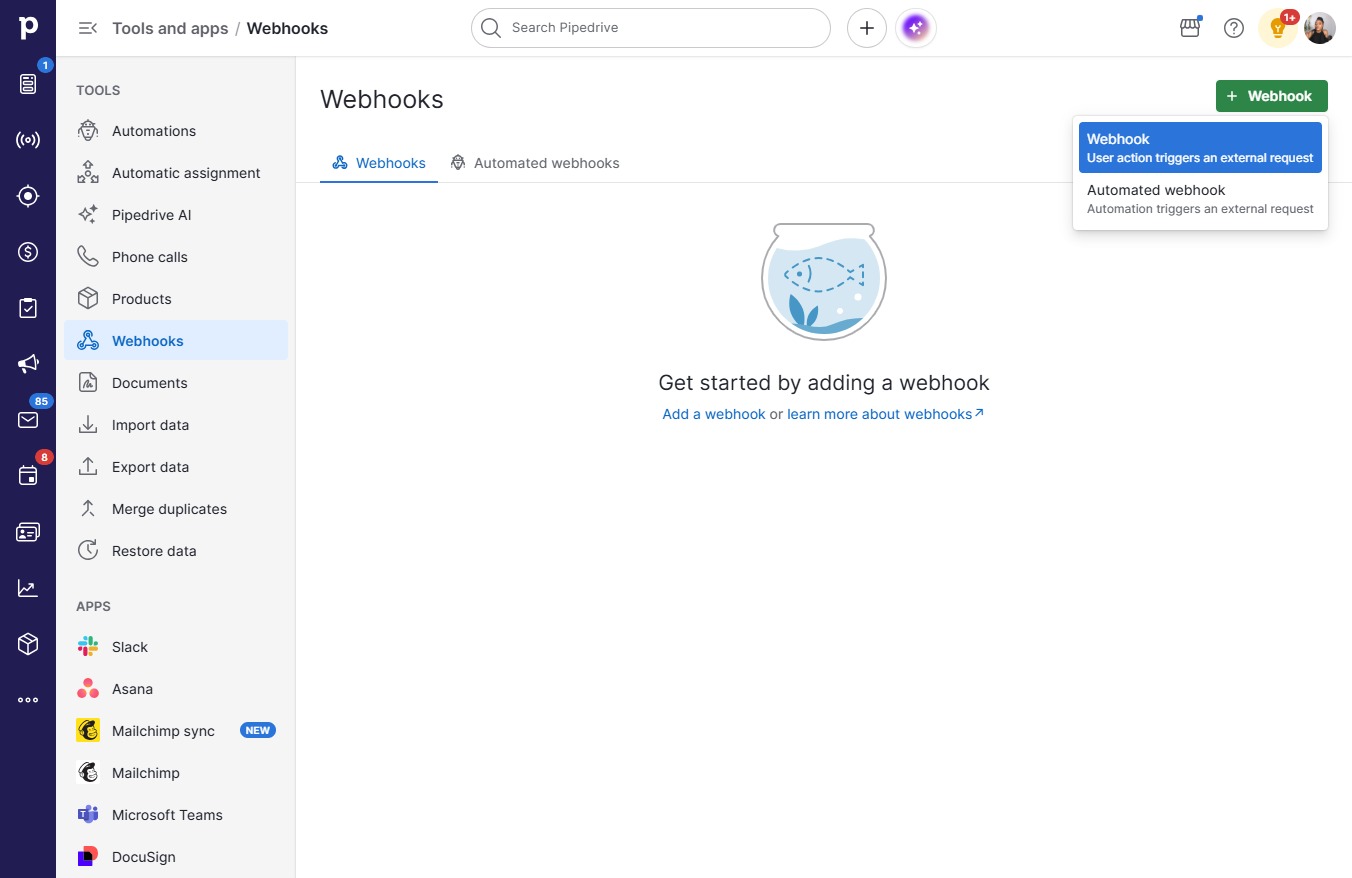
  6. Click User action triggers an external request

    Click User action triggers an external request
    Loading screenshot…
    100%
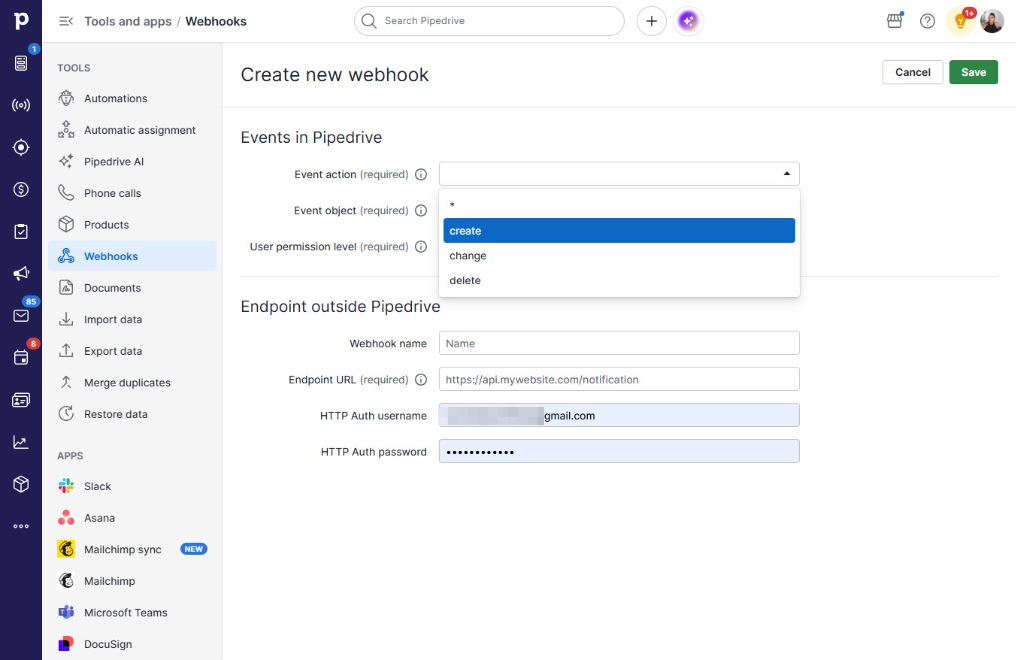
  7. Click open menu

    Click open menu
    Loading screenshot…
    100%
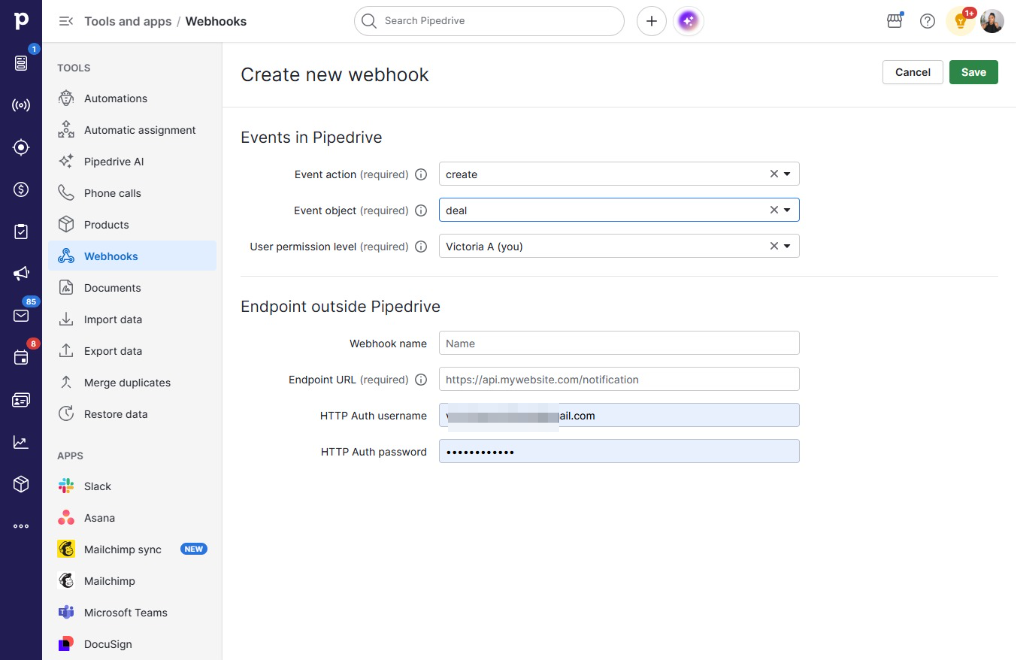
  8. Click create

    Click create
    Loading screenshot…
    100%
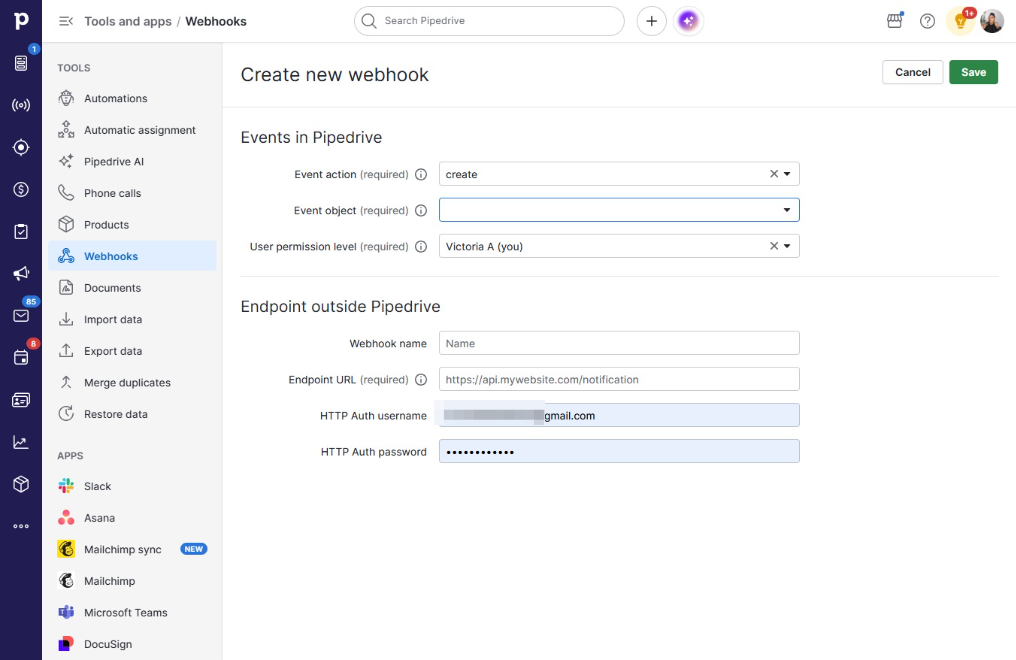
  9. Click on "Click here."

    Click on "Click here."
    Loading screenshot…
    100%
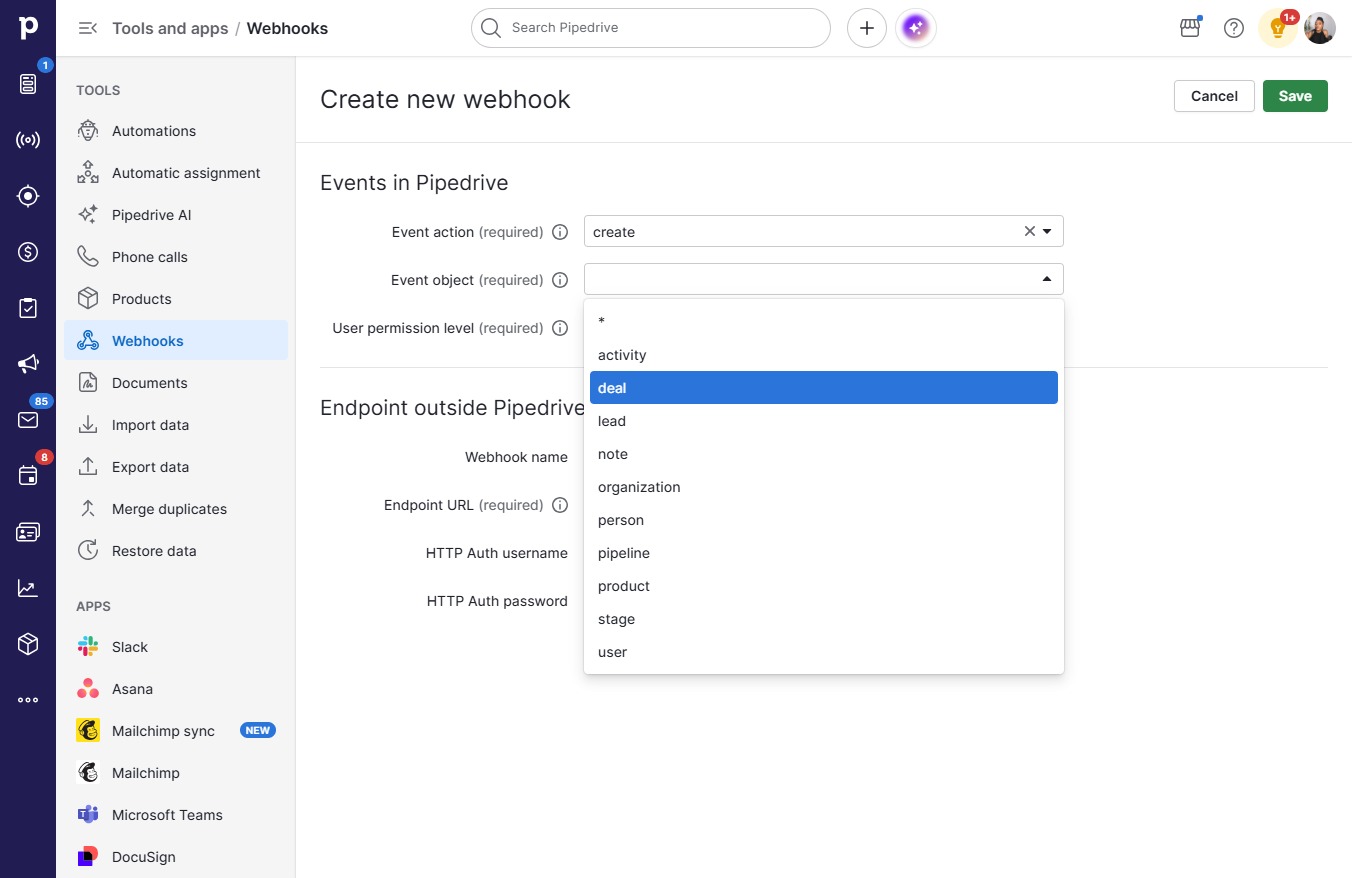
  10. Click deal

    Click deal
    Loading screenshot…
    100%
  11. Click on "Click here."

    Click on "Click here."
    Loading screenshot…
    100%
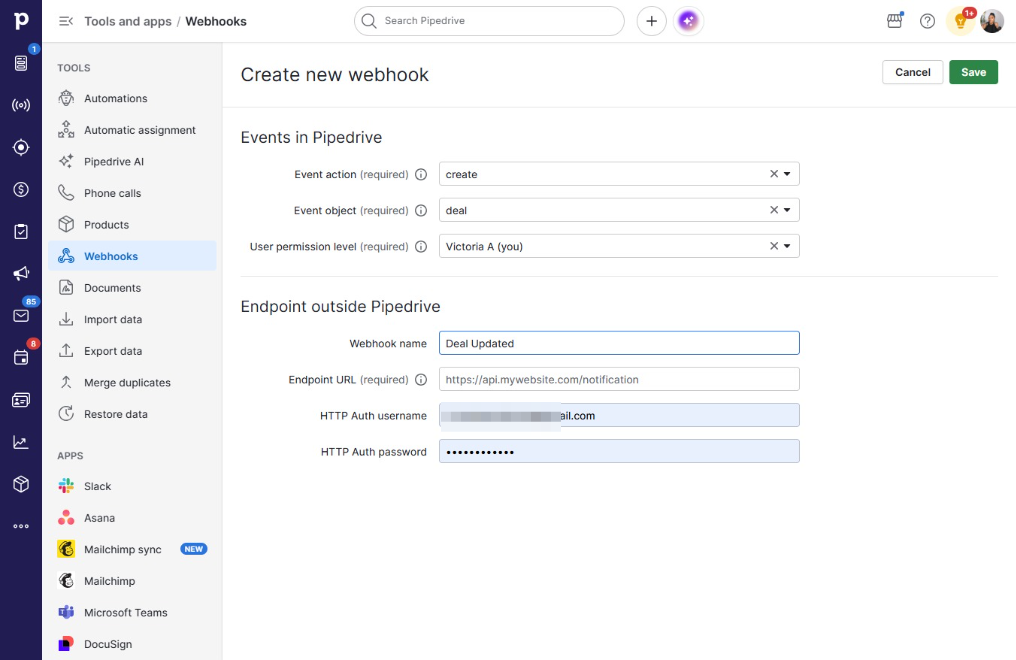
  12. Type "Deal Updated" in Name

  13. Click on "Click here."

    Click on "Click here."
    Loading screenshot…
    100%
  14. Press v

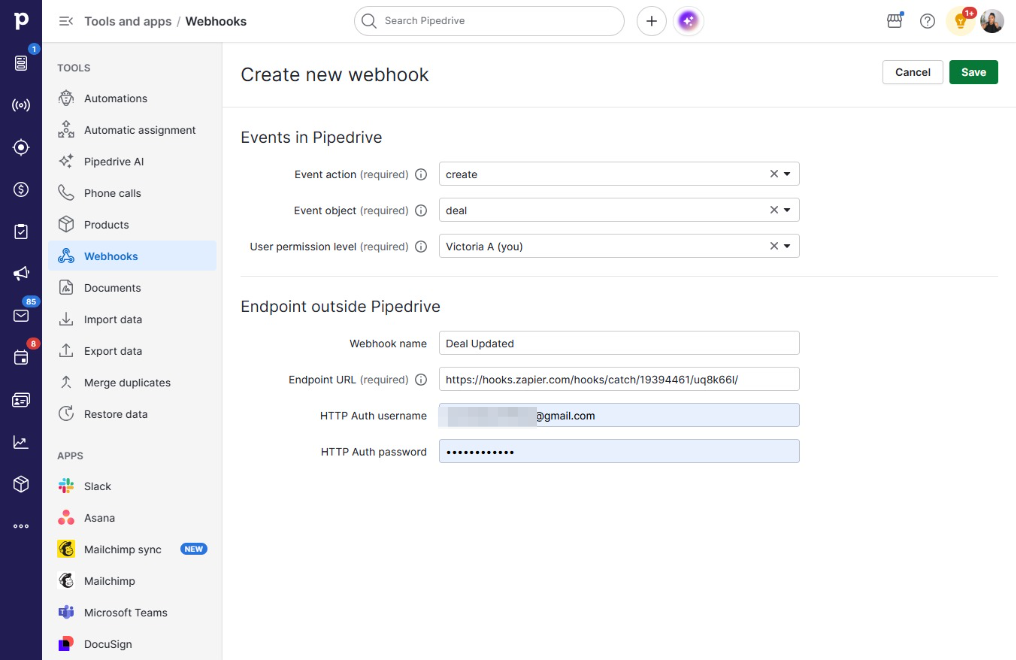
  15. Type "https://hooks.zapier.com/hooks..." in https://api.mywebsite.com/notification

  16. Click Save

    Click Save
    Loading screenshot…
    100%