Click the Reporting section
Access the Reporting feature to view and manage detailed reports regarding your tasks and activities.

Loading screenshot…
100%
Access the Reporting feature to analyze deals won versus lost, customize your report settings, and focus on specific timeframes to evaluate your sales performance effectively.
 viktoria
Access the Reporting feature to analyze deals won versus lost, customize your report settings, and focus on specific timeframes to evaluate your sales performance effectively.
Access the Reporting feature to view and manage detailed reports regarding your tasks and activities.
This action directs you to the Reports section, where you can view, generate, and manage various reports related to your data and performance.

This will open the report detailing the comparison between closed deals that were won versus those that were lost, providing insights into sales performance.

Selecting 'This entire week' will update the report to display data and metrics specifically for the current week, allowing for a focused analysis of deals closed within this time frame.
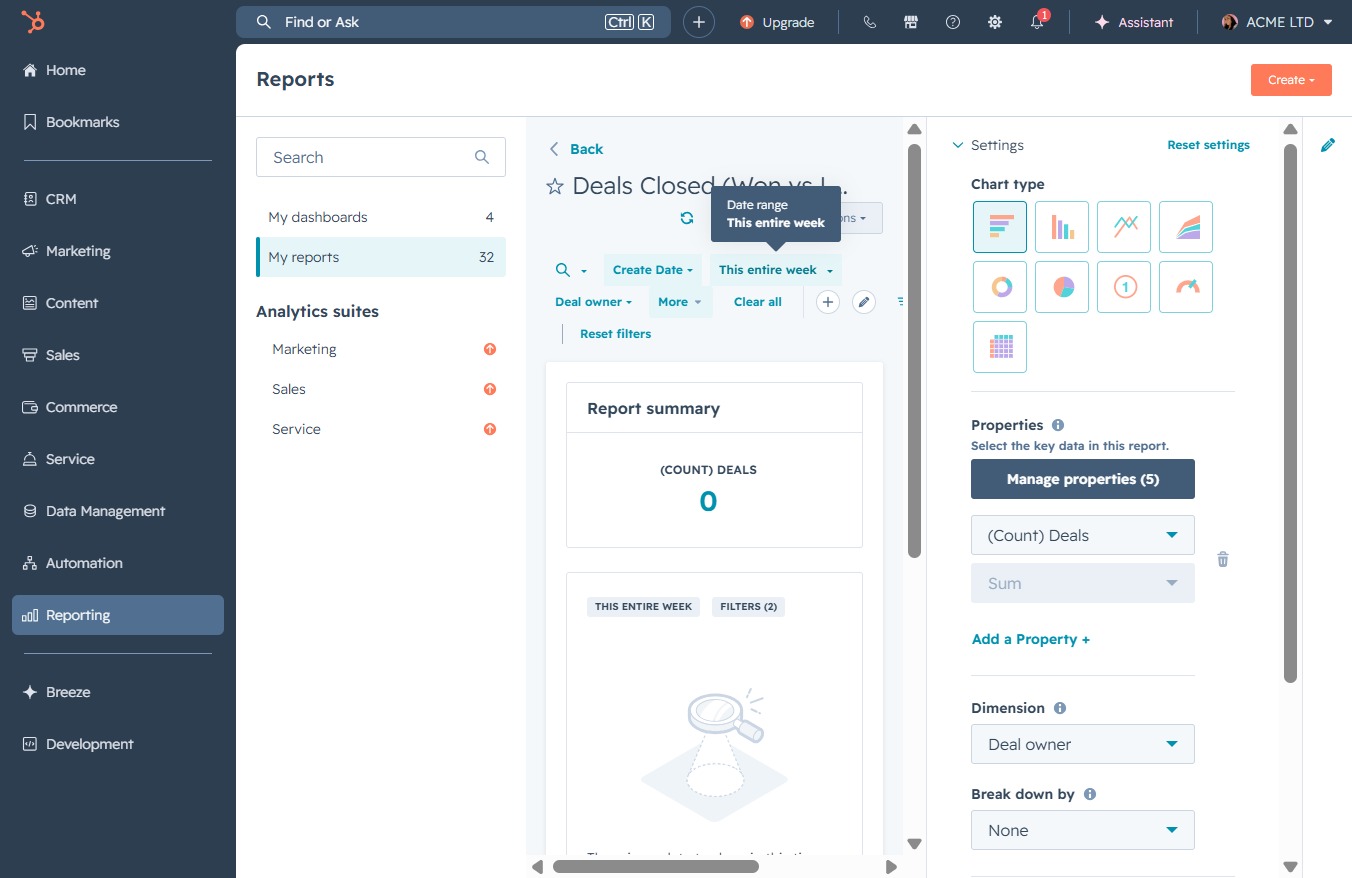
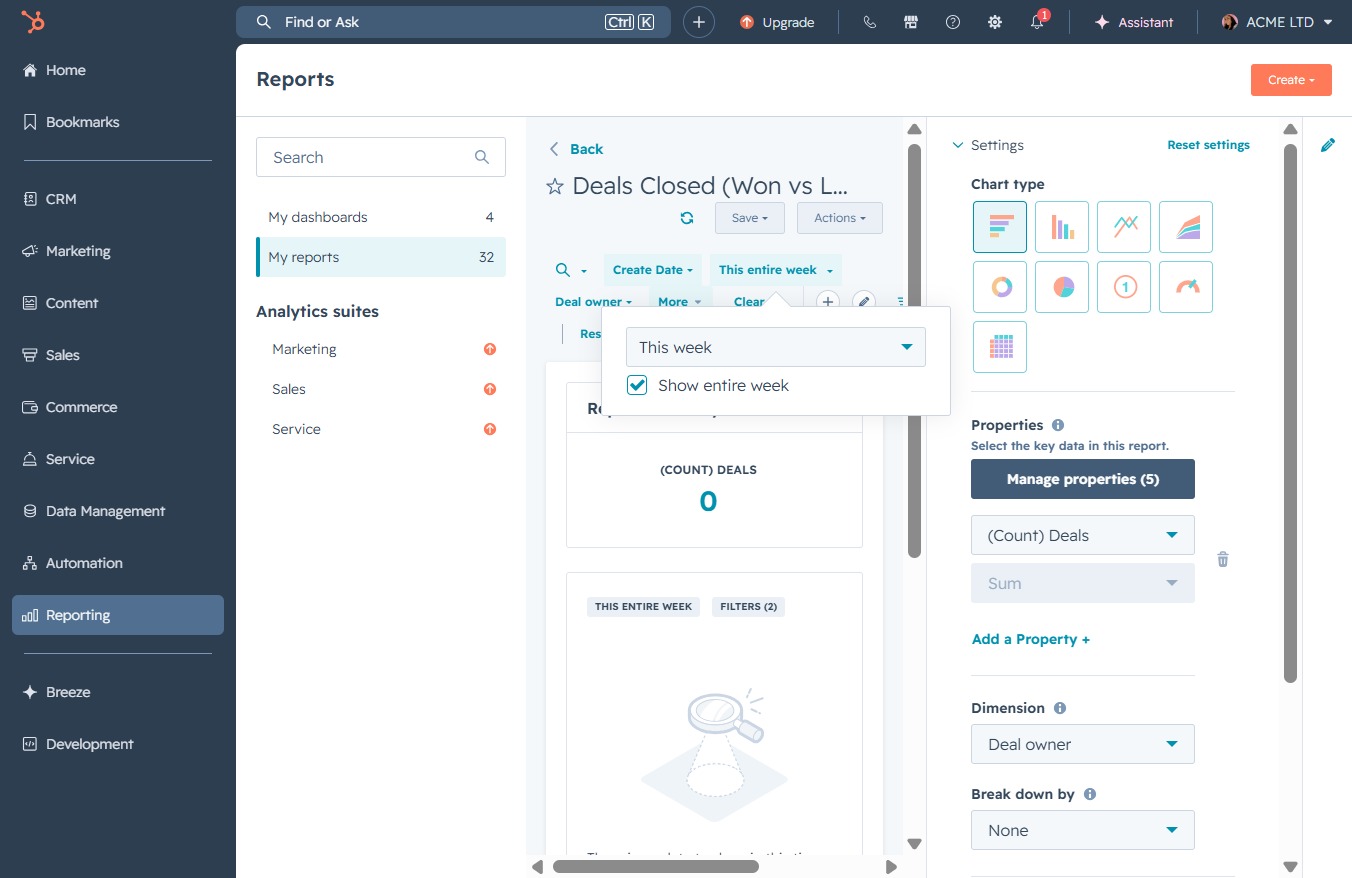
Selecting 'This week' will filter the report to display data only for the current week, allowing you to analyze deals closed within this specific timeframe.
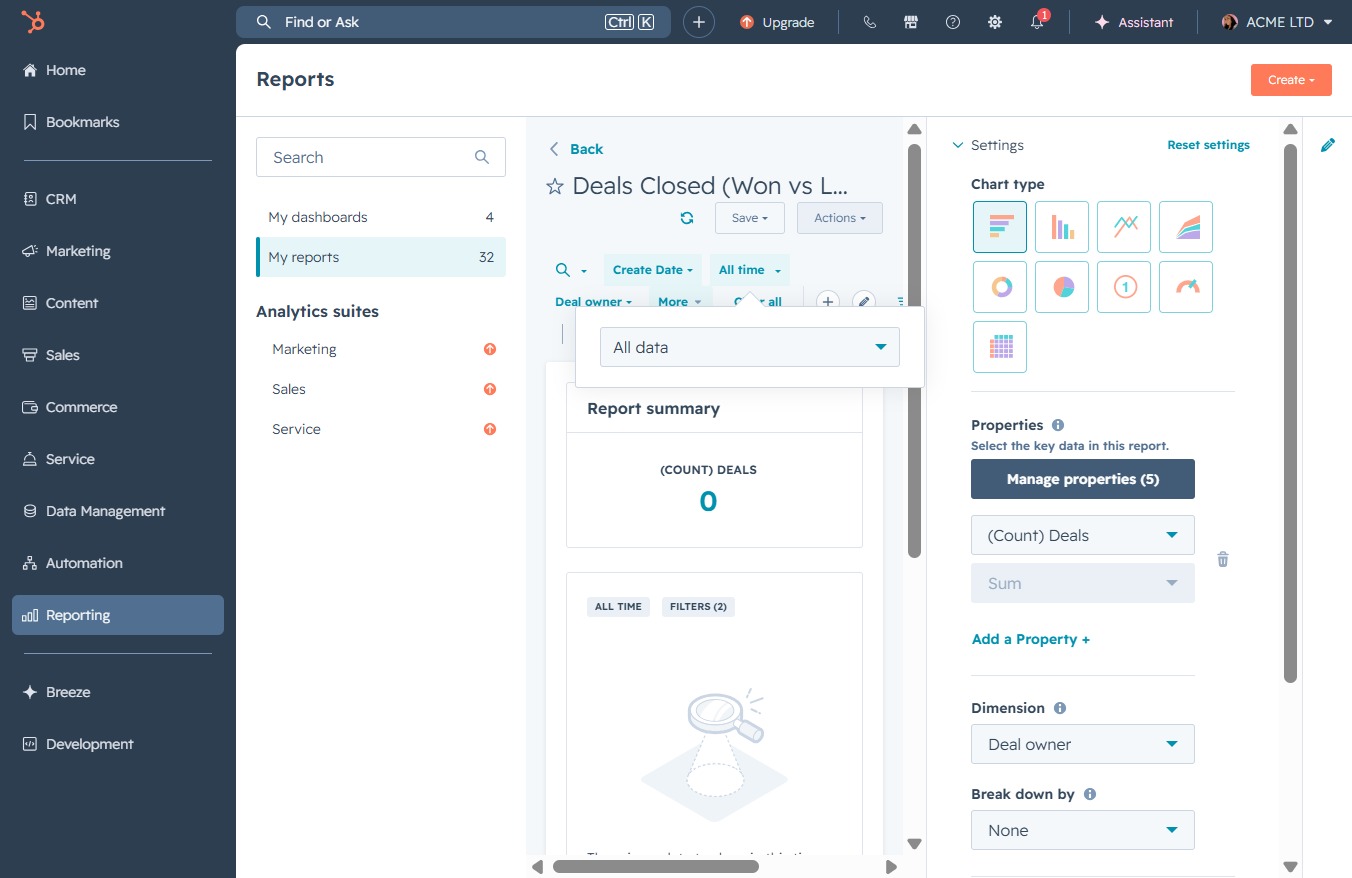
Select 'All data' to view comprehensive analytics on all deals, enabling a broader review of your reporting metrics.

Clicking the Save button will store your current report settings and any changes you've made to the data view. This ensures your customized report configuration is retained for future access.
This action allows you to modify the current report settings and data visualizations. After clicking, you will be prompted to adjust parameters for the report titled 'Deals Closed (Won vs...'.
