Geteilte Anleitung

How to track team performance

Learn how to effectively track your team's performance by following these simple steps to set up goals and monitor activity levels.

victoriaworkflowsvictoriaworkflows
·14 Schritte·73 Aufrufe·Veröffentlicht

Learn how to effectively track your team's performance by following these simple steps to set up goals and monitor activity levels. This guide will walk you through the process from creating a goal to saving your performance insights for ongoing evaluation.
Step-by-step Guide14 Schritte
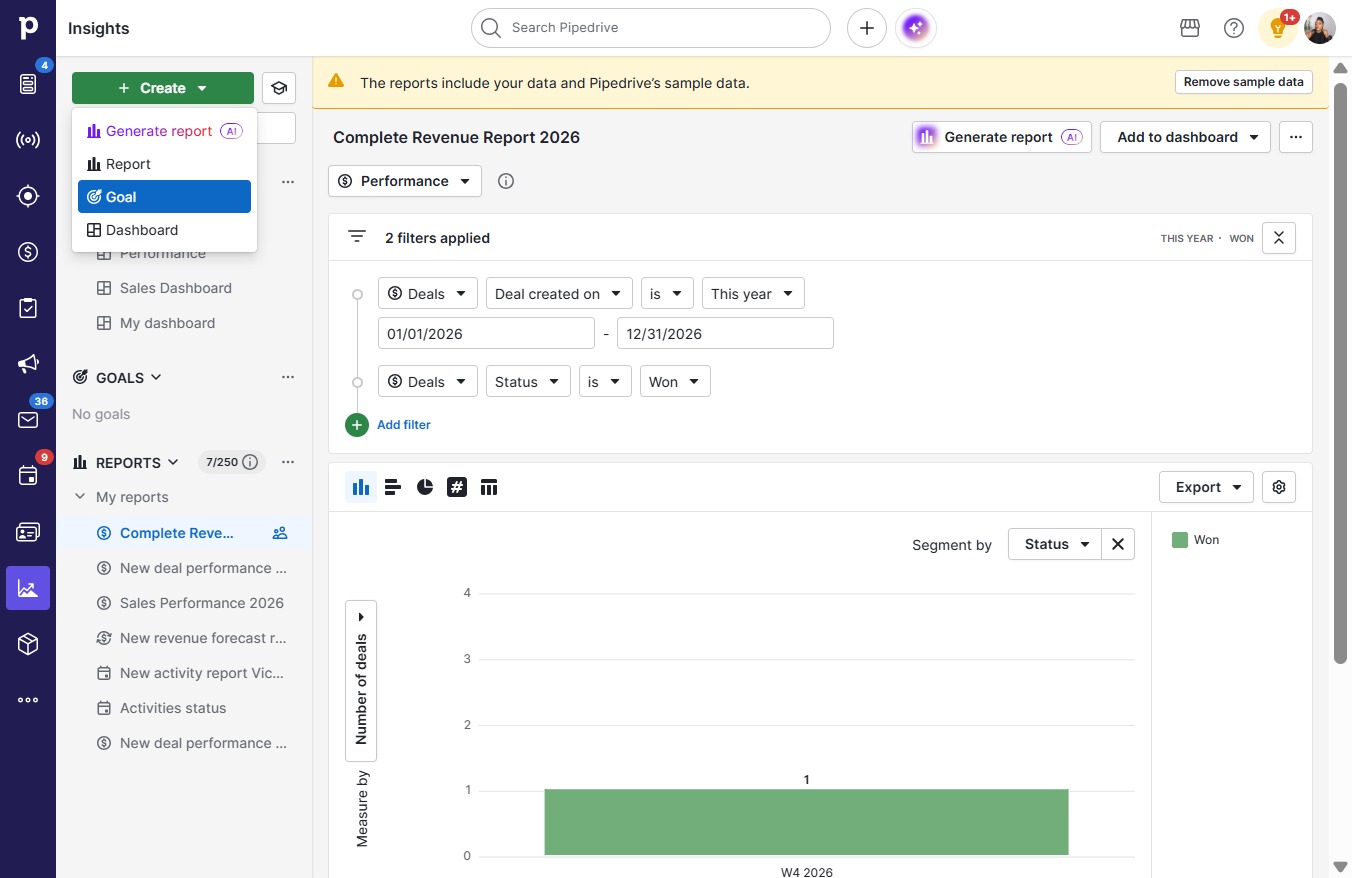
  1. Click Create

    Click Create
    Loading screenshot…
    100%
  2. Click Goal

    Click Goal
    Loading screenshot…
    100%
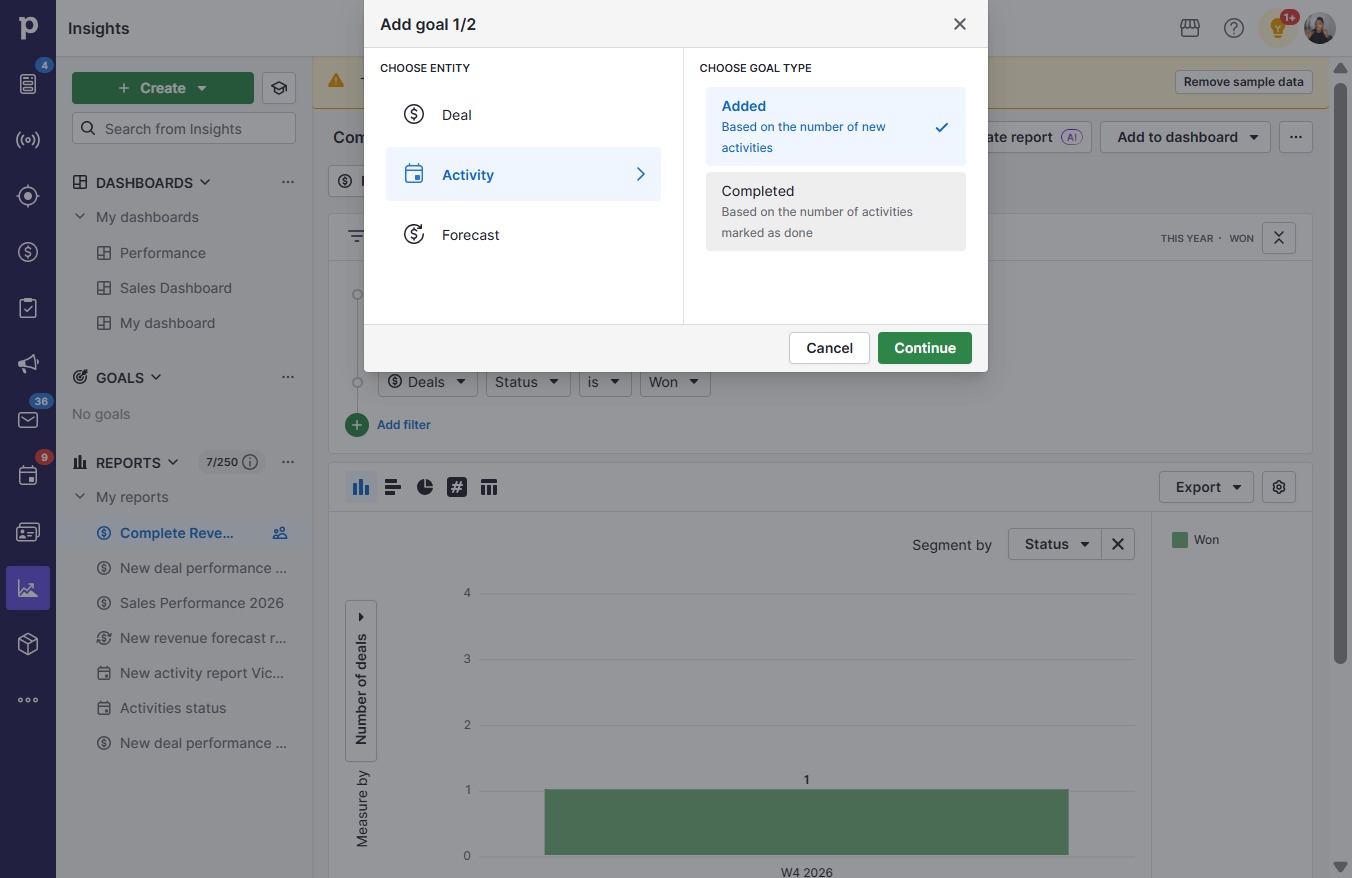
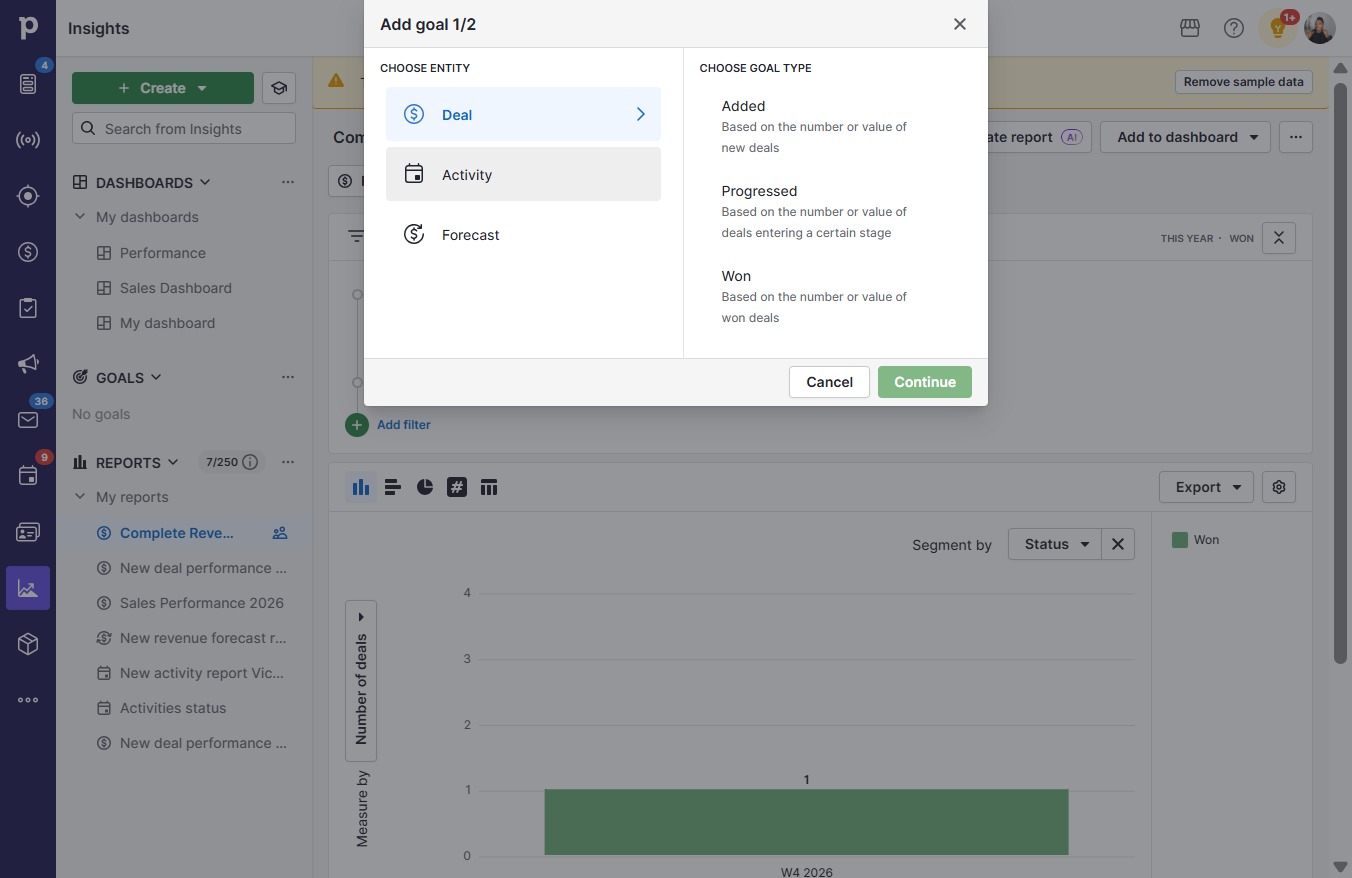
  3. Click Activity

    Click Activity
    Loading screenshot…
    100%
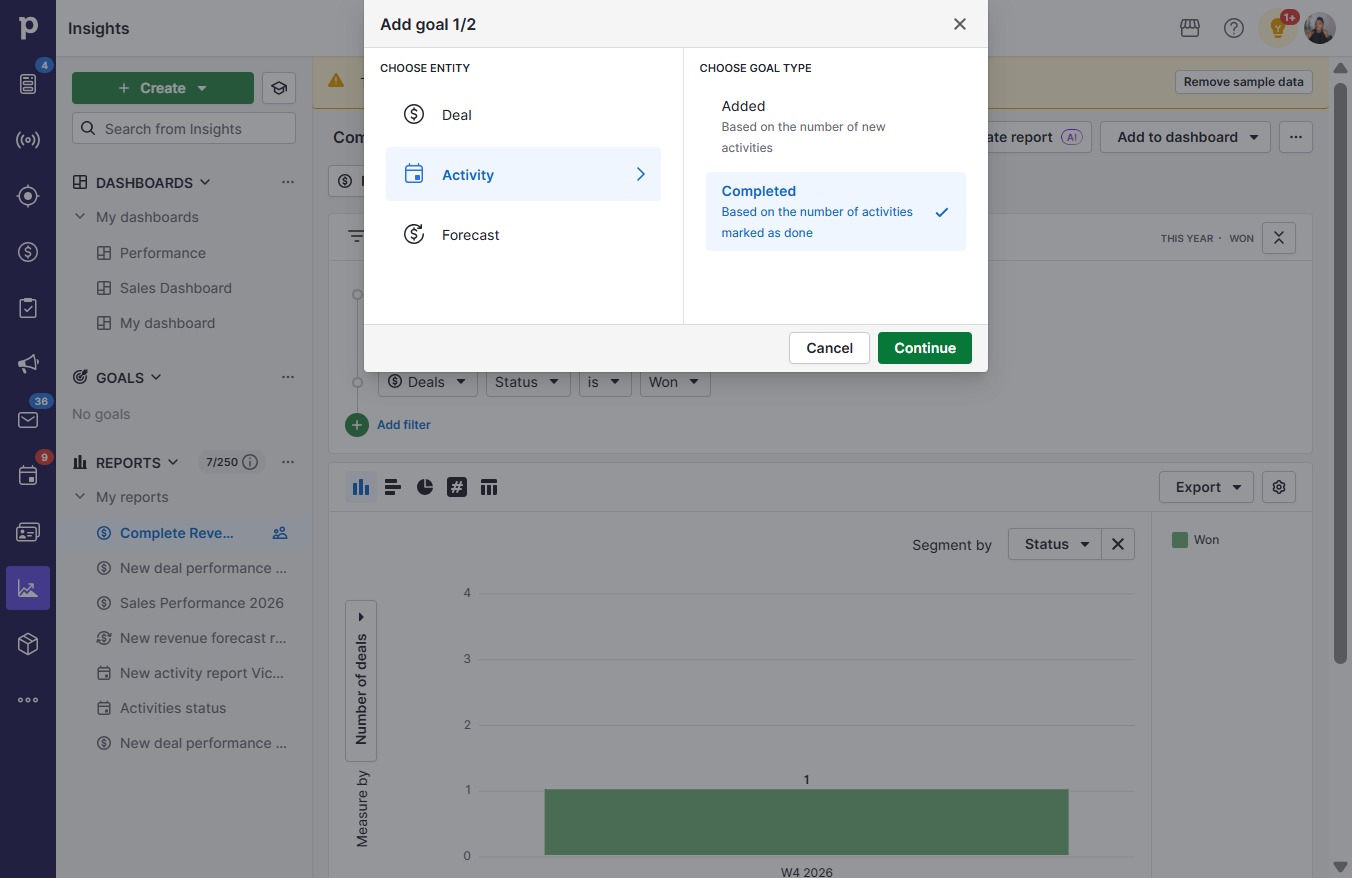
  4. Click Based on the number of activities marked as done

    Click Based on the number of activities marked as done
    Loading screenshot…
    100%
  5. Click Continue

    Click Continue
    Loading screenshot…
    100%
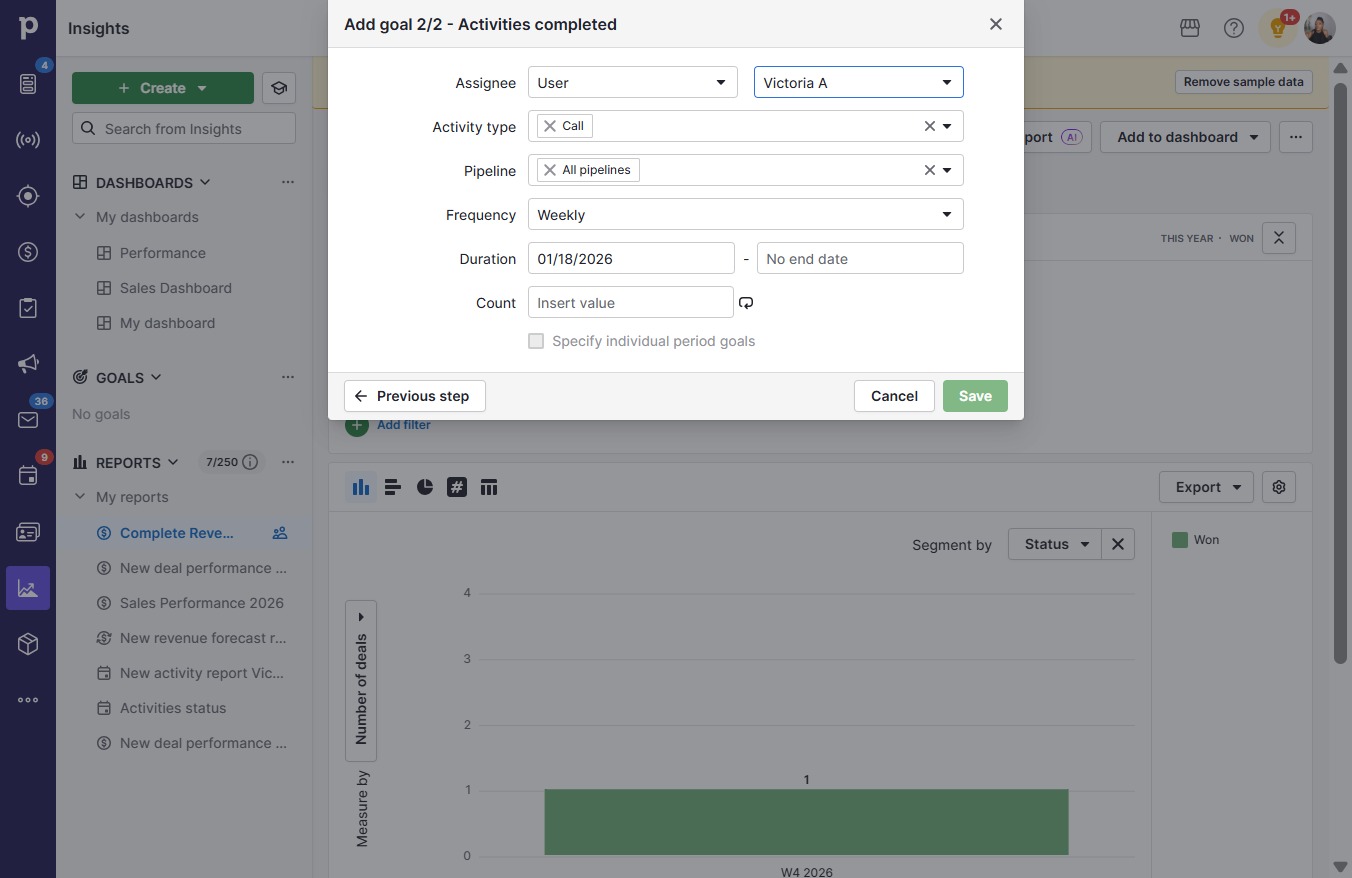
  6. Click Victoria A

    Click Victoria A
    Loading screenshot…
    100%
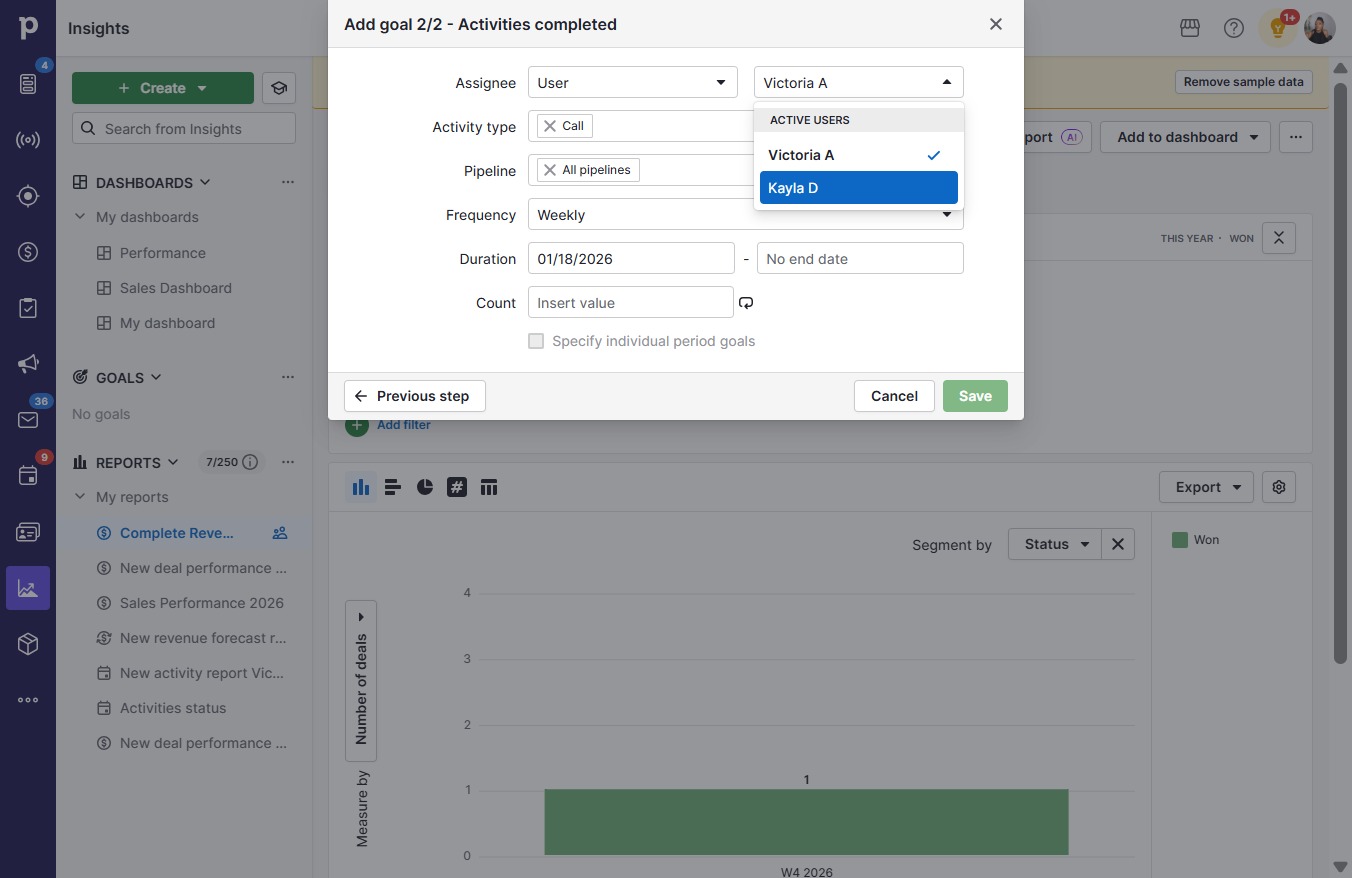
  7. Click Kayla D

    Click Kayla D
    Loading screenshot…
    100%
  8. Click Call

    Click Call
    Loading screenshot…
    100%
  9. Click All

    Click All
    Loading screenshot…
    100%
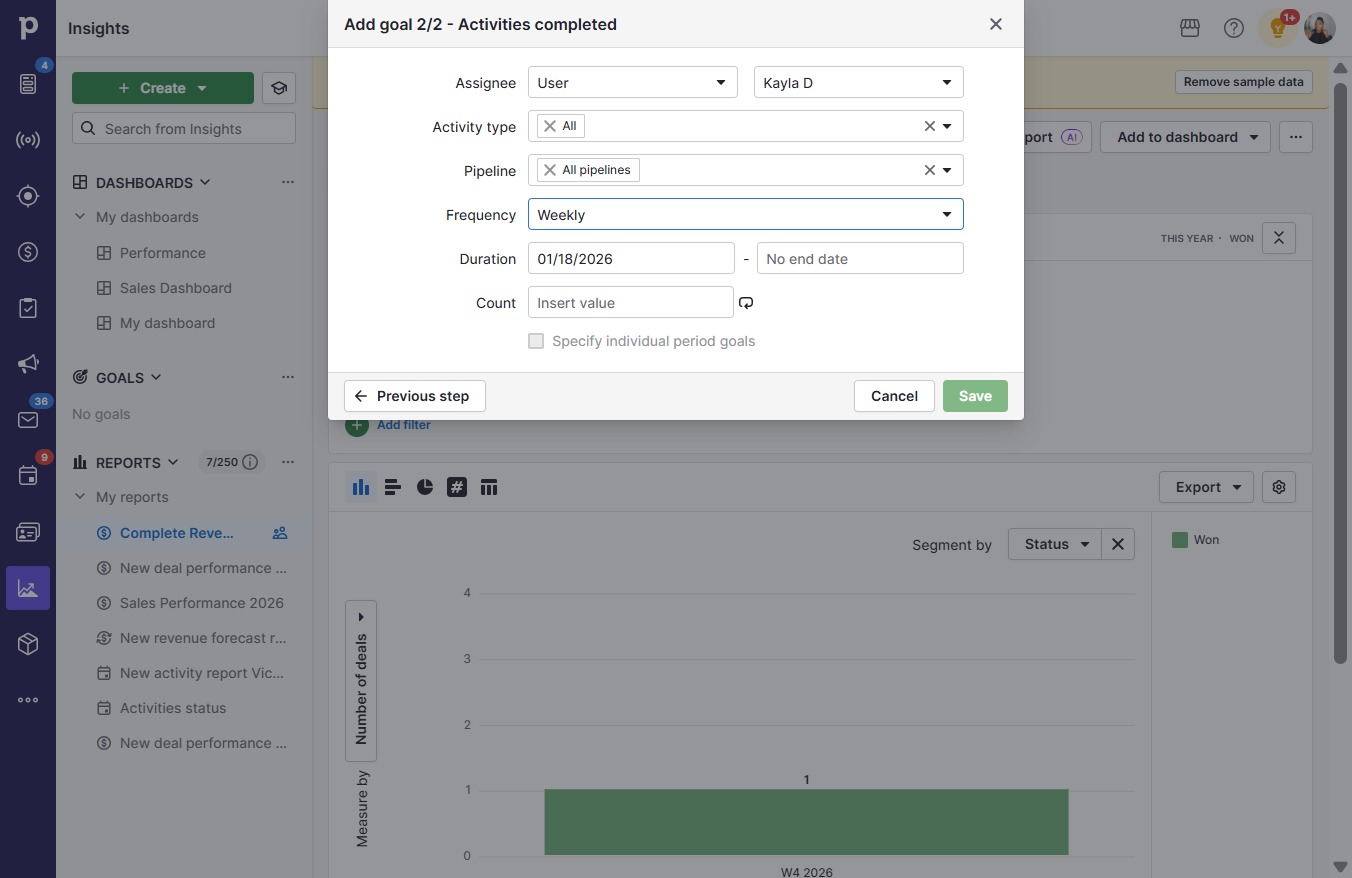
  10. Click Weekly

    Click Weekly
    Loading screenshot…
    100%
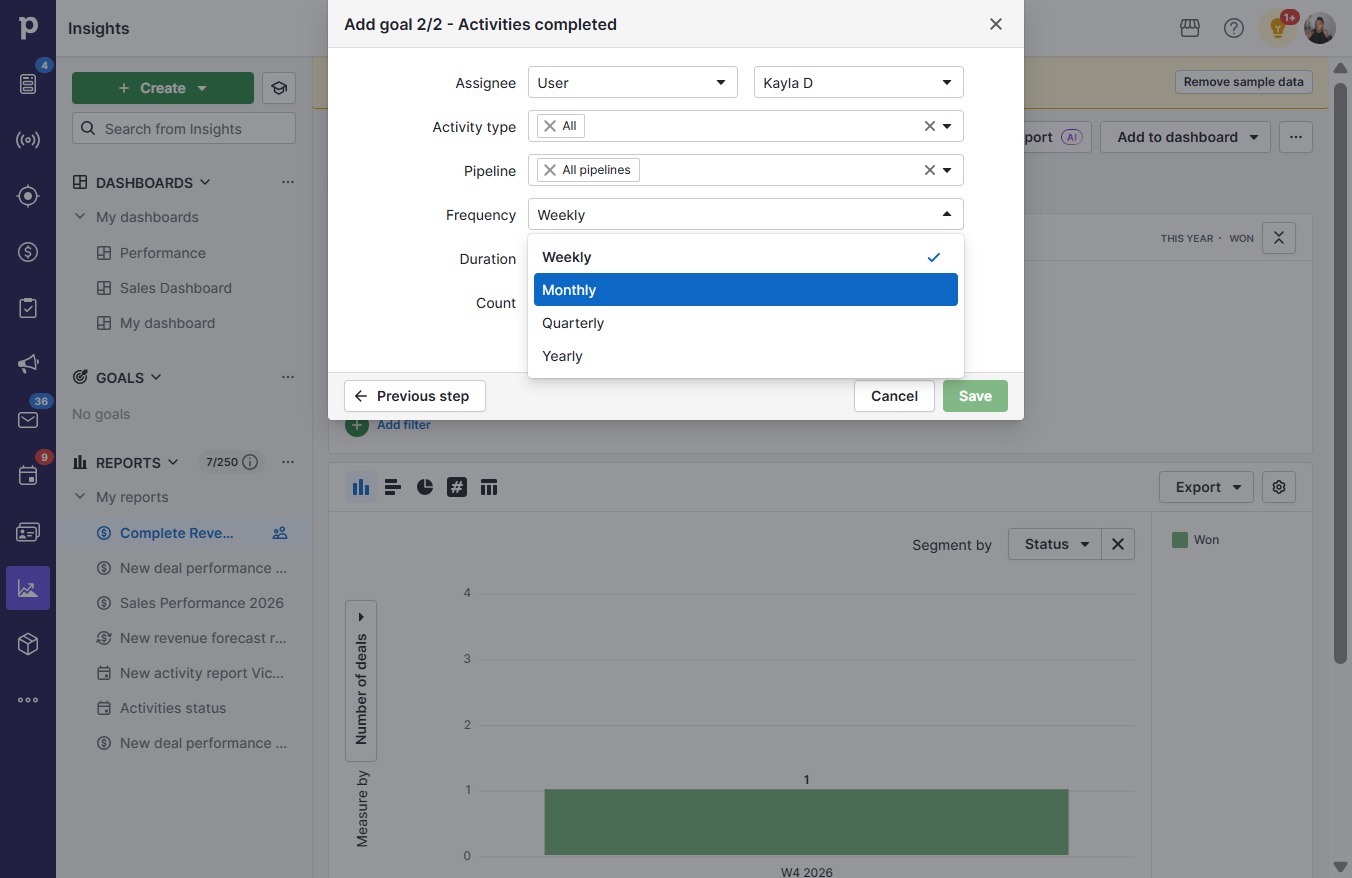
  11. Click Monthly

    Click Monthly
    Loading screenshot…
    100%
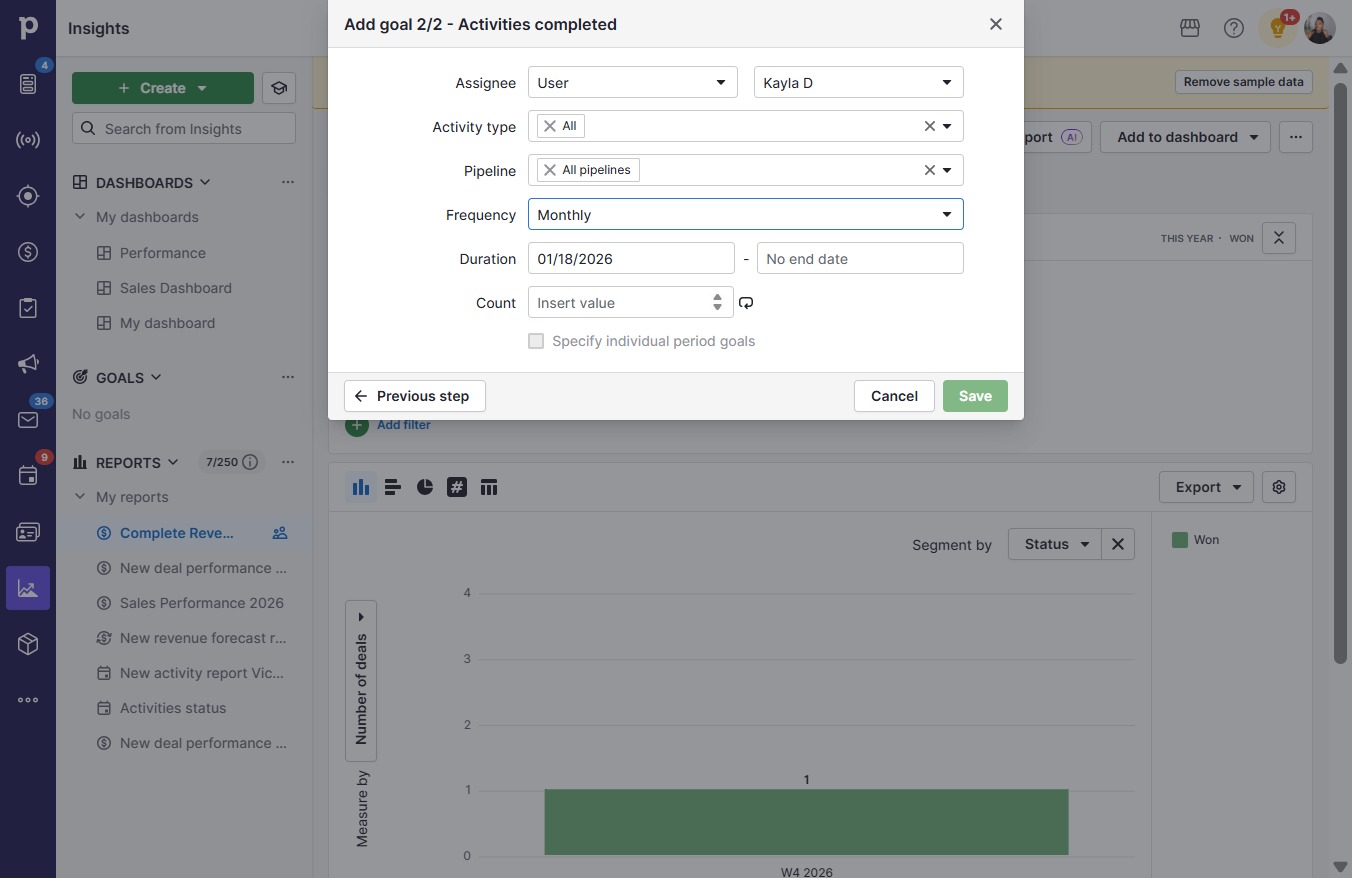
  12. Click on "Click here."

    Click on "Click here."
    Loading screenshot…
    100%
  13. Type "10" in Insert value

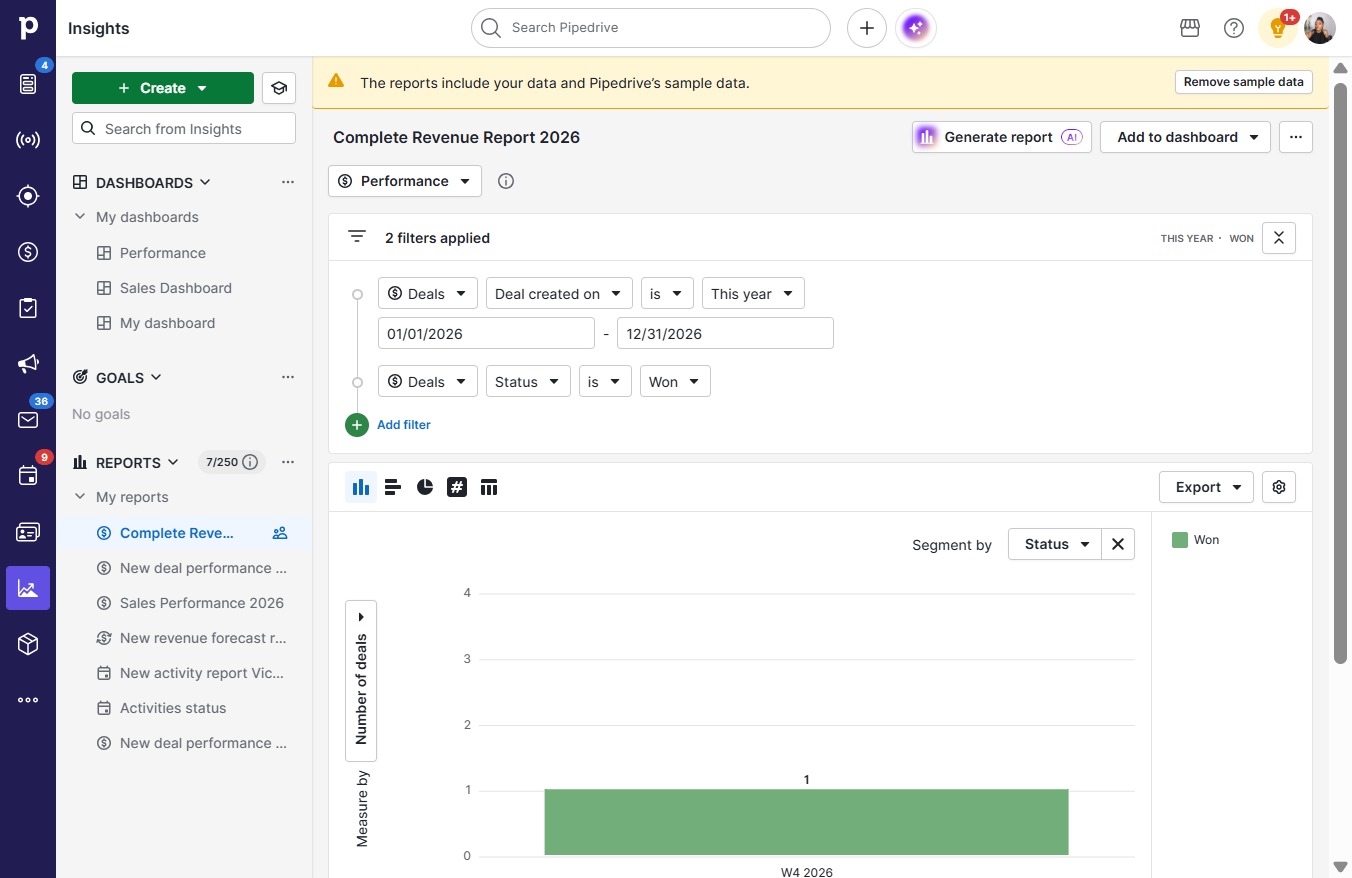
  14. Click Save

    Click Save
    Loading screenshot…
    100%