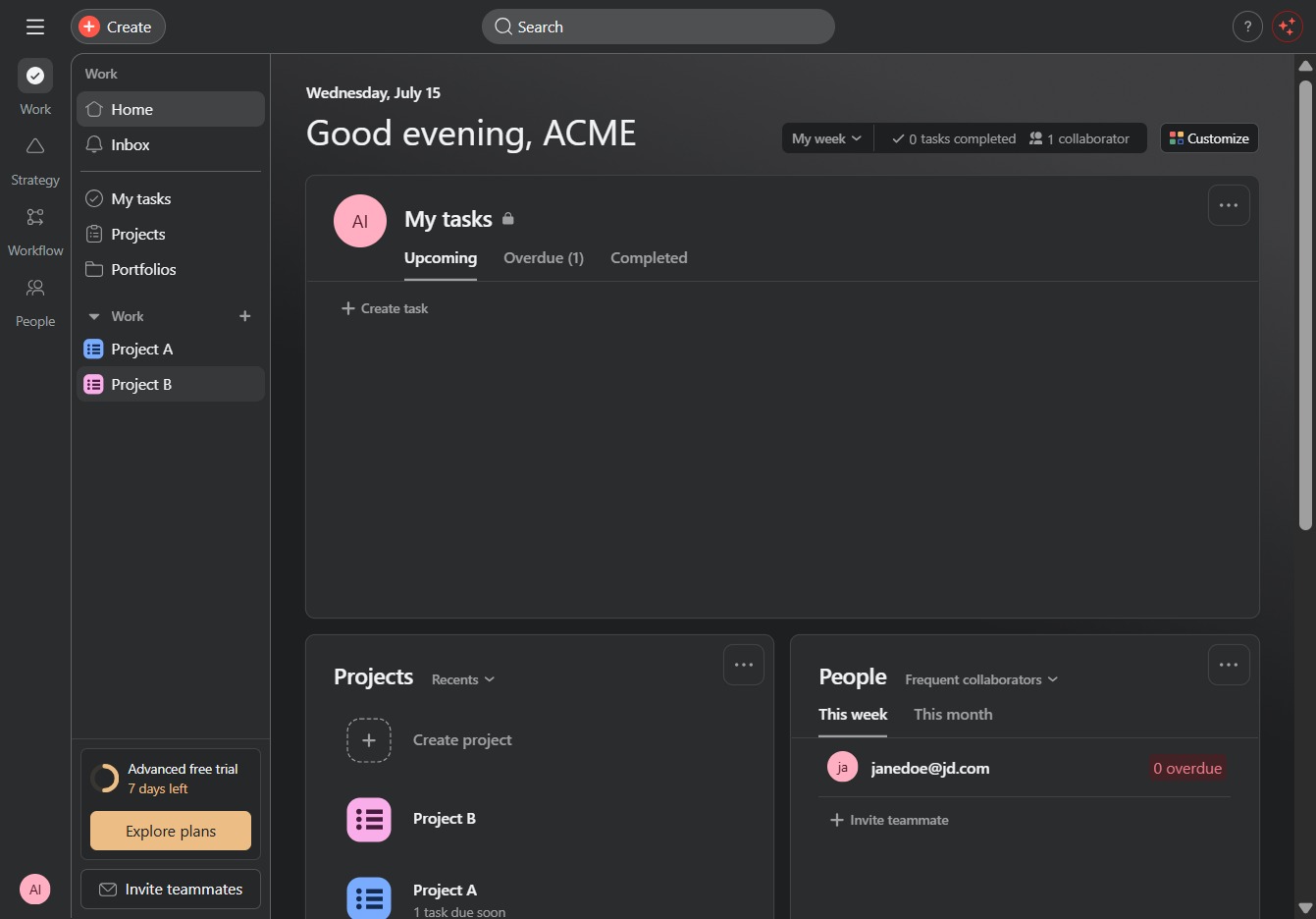
Click the Project B link
Clicking on the Project B link will open the detailed view of the project, allowing you to manage tasks, view progress, and collaborate with team members.
Loading screenshot…
100%
In this how-to guide, you'll learn how to effectively track project progress by creating a custom status field within your project management system.
 viktoria
In this how-to guide, you'll learn how to effectively track project progress by creating a custom status field within your project management system. By following the steps outlined, you'll be able to categorize tasks into 'To do', 'In progress', and 'Done', enhancing collaboration and clarity for your team.
Clicking on the Project B link will open the detailed view of the project, allowing you to manage tasks, view progress, and collaborate with team members.
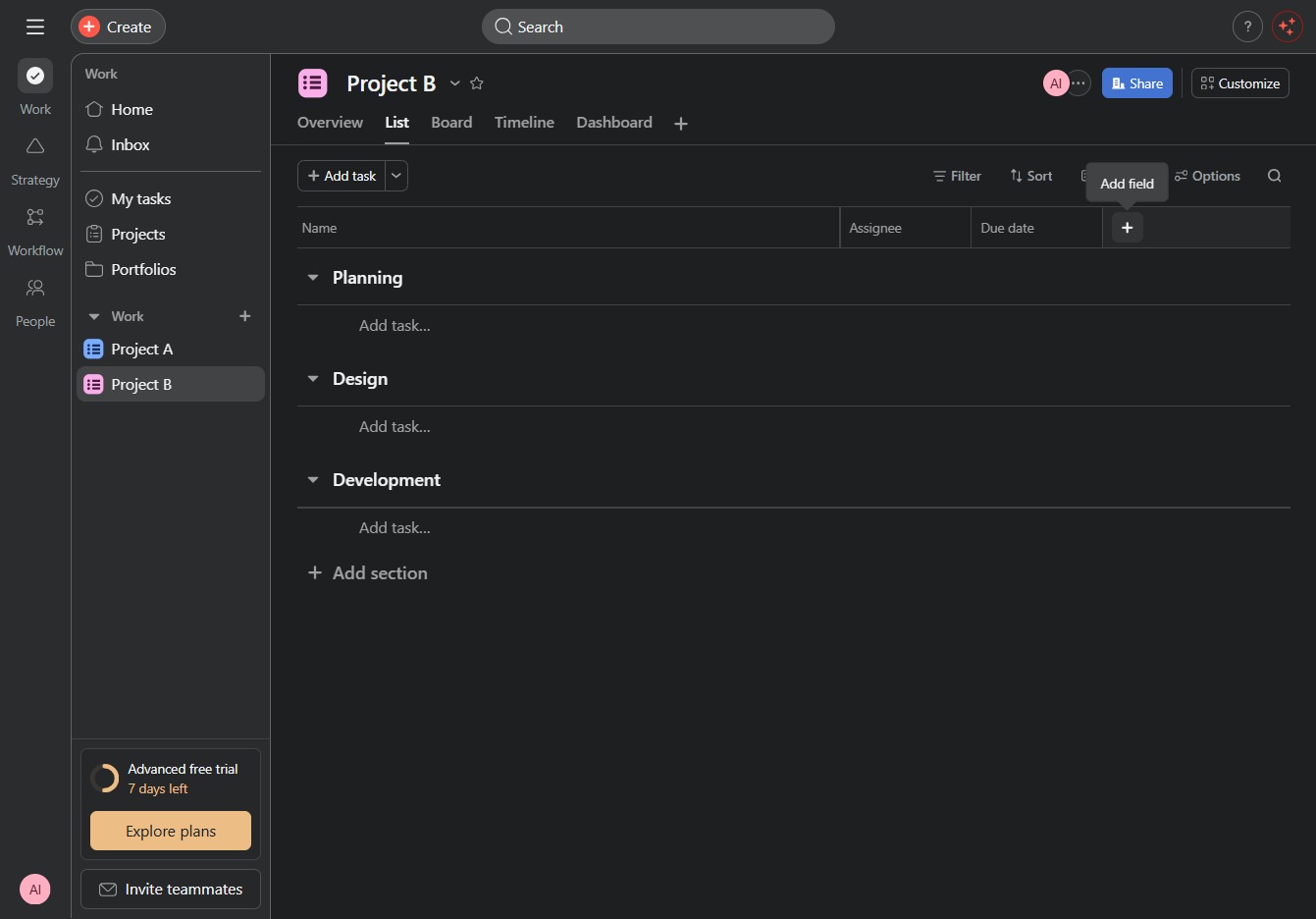
This will allow you to create a new custom field to track additional information within your project. You can customize the type of field to fit your project's needs.
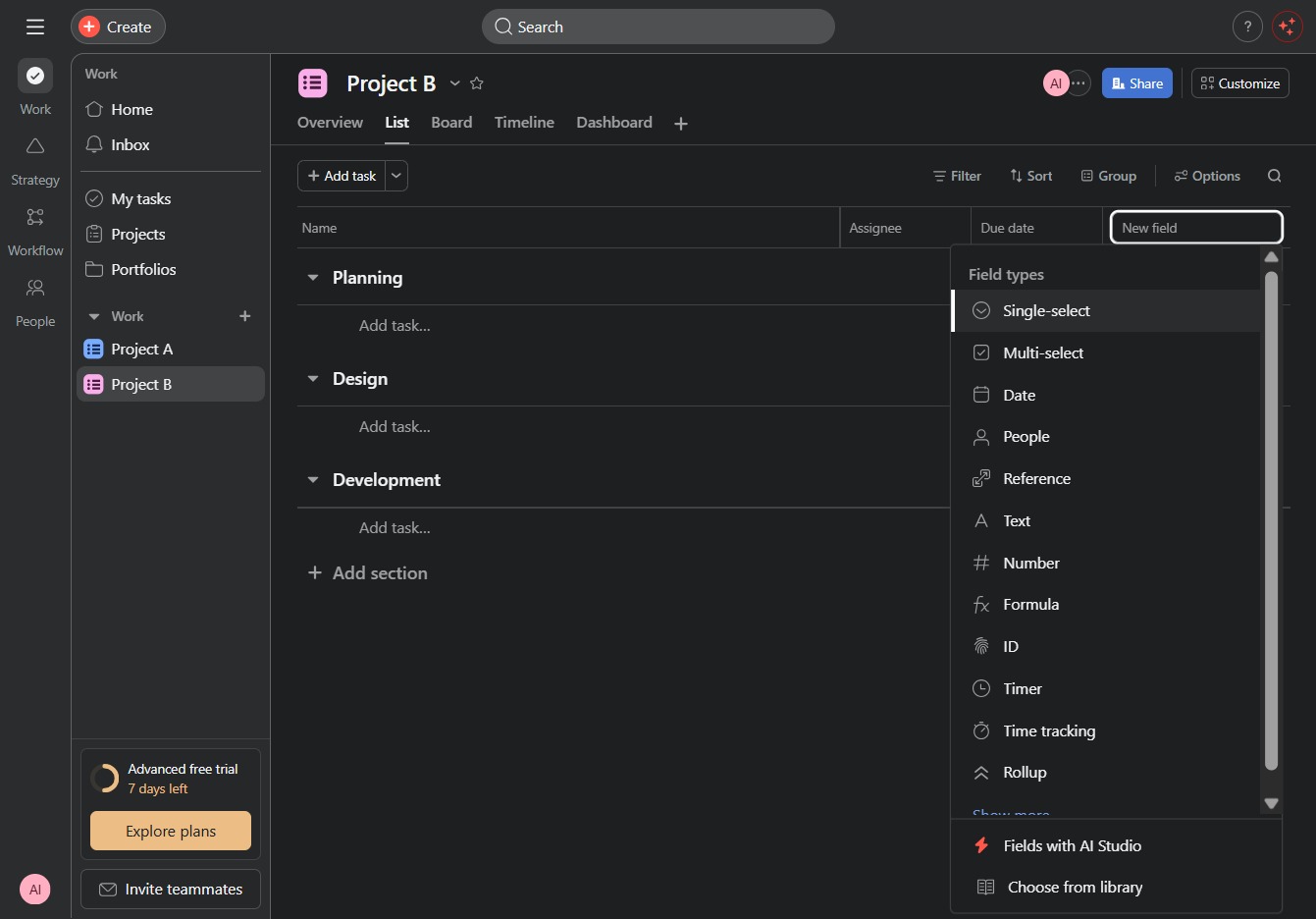
Selecting the 'Single-select' option allows you to create a field where users can choose only one option from a predefined list. This is useful for limiting choices in task assignments or categorization.
Clicking this input field allows you to enter a title for the new field you are adding to your project. Make sure to provide a descriptive name that accurately represents the content you will be tracking.

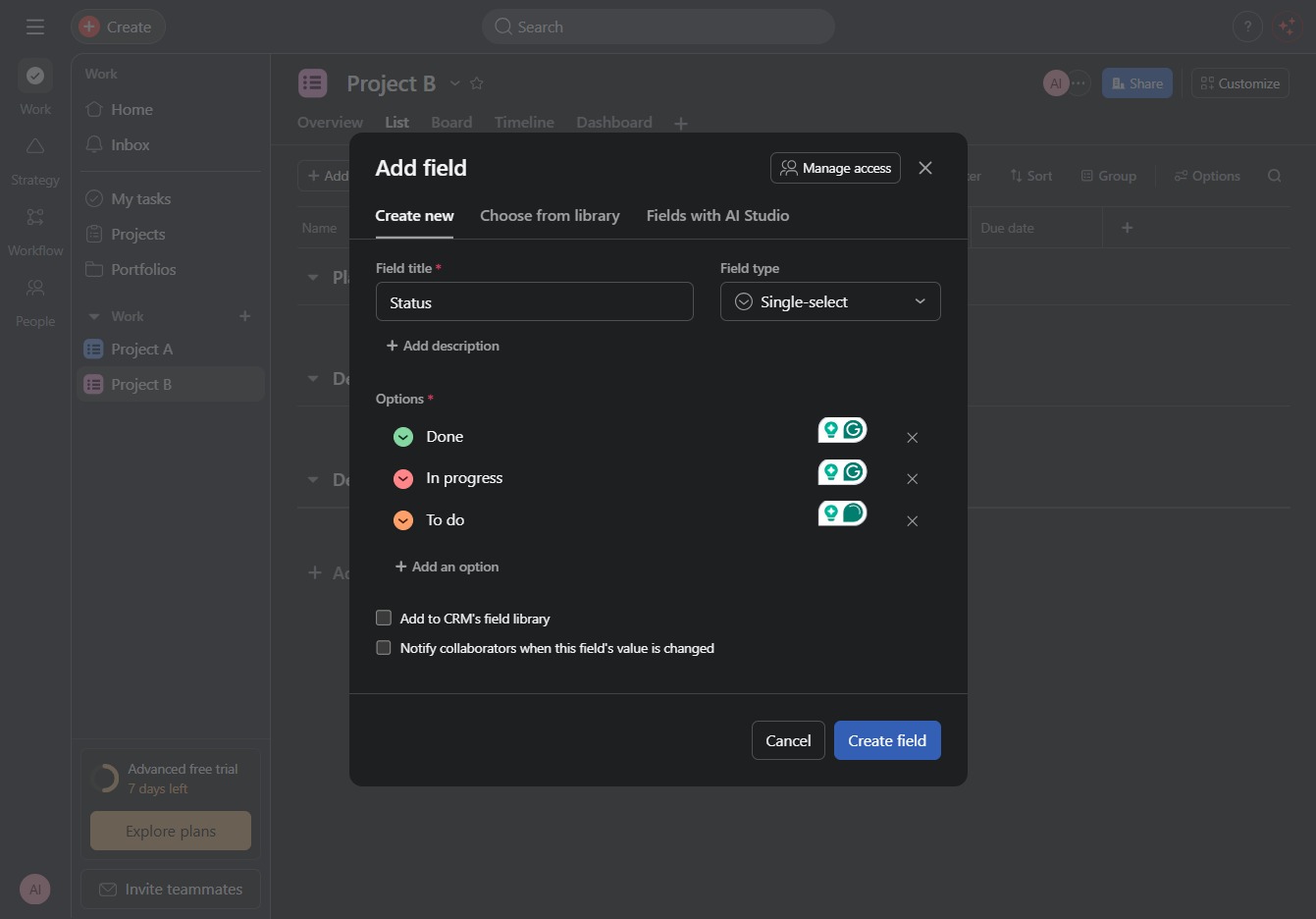
Enter 'Status' in the Field Title input to specify the name of the new field. This will help categorize and manage the project's priority, stage, and status effectively.
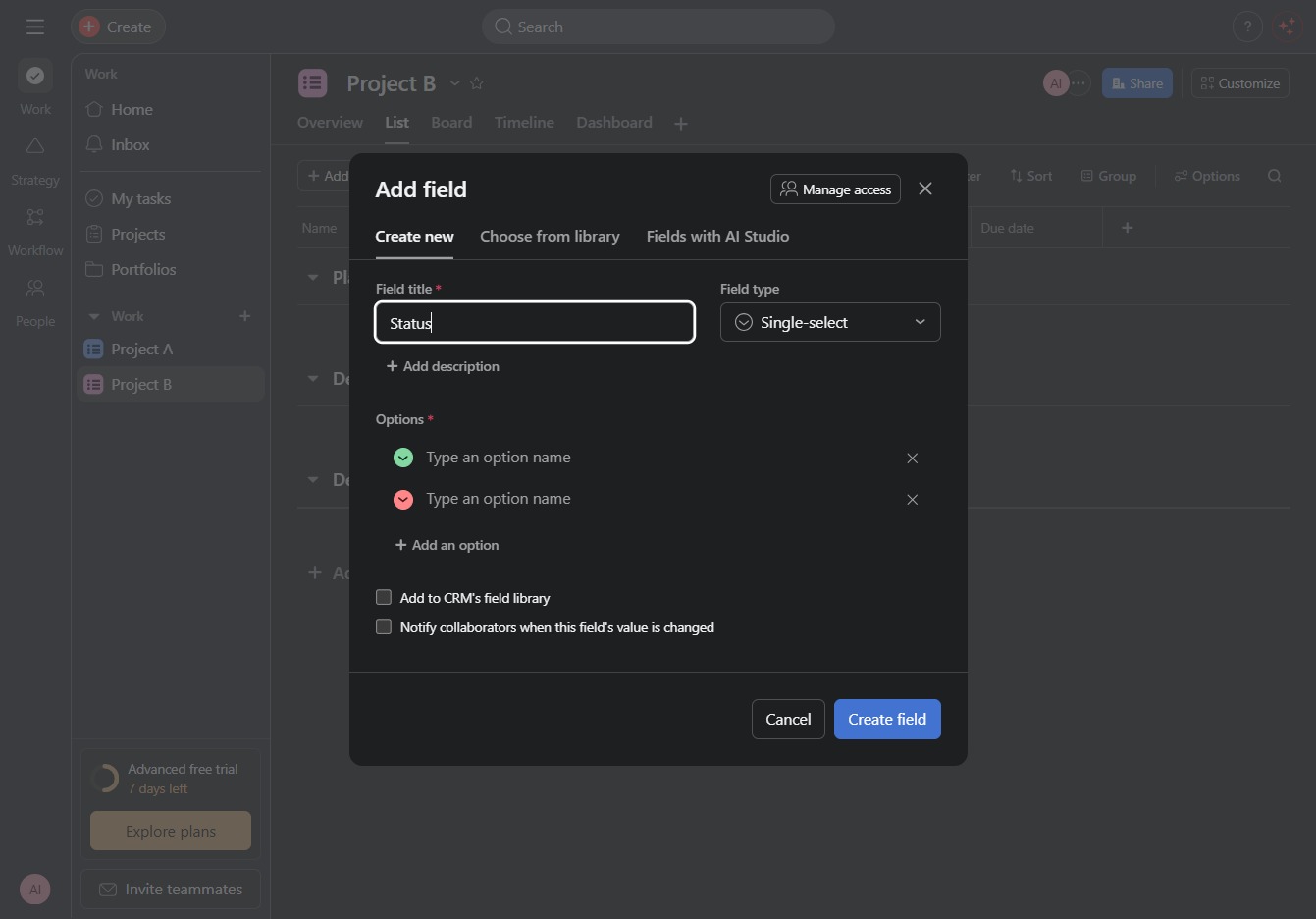
Clicking here allows you to enter the title for the new field you are adding to your project. Make sure to provide a clear and descriptive title for better organization.

Enter 'Done' in the 'Type an option name' field to create a new selectable option for the status field in your project.

This enables you to enter a new option for the 'Status' field you are adding. After clicking, a cursor will appear, allowing you to type the desired option name.

Enter 'In progress' in the 'Type an option name' text area to add it as a selectable option for the field you are creating.
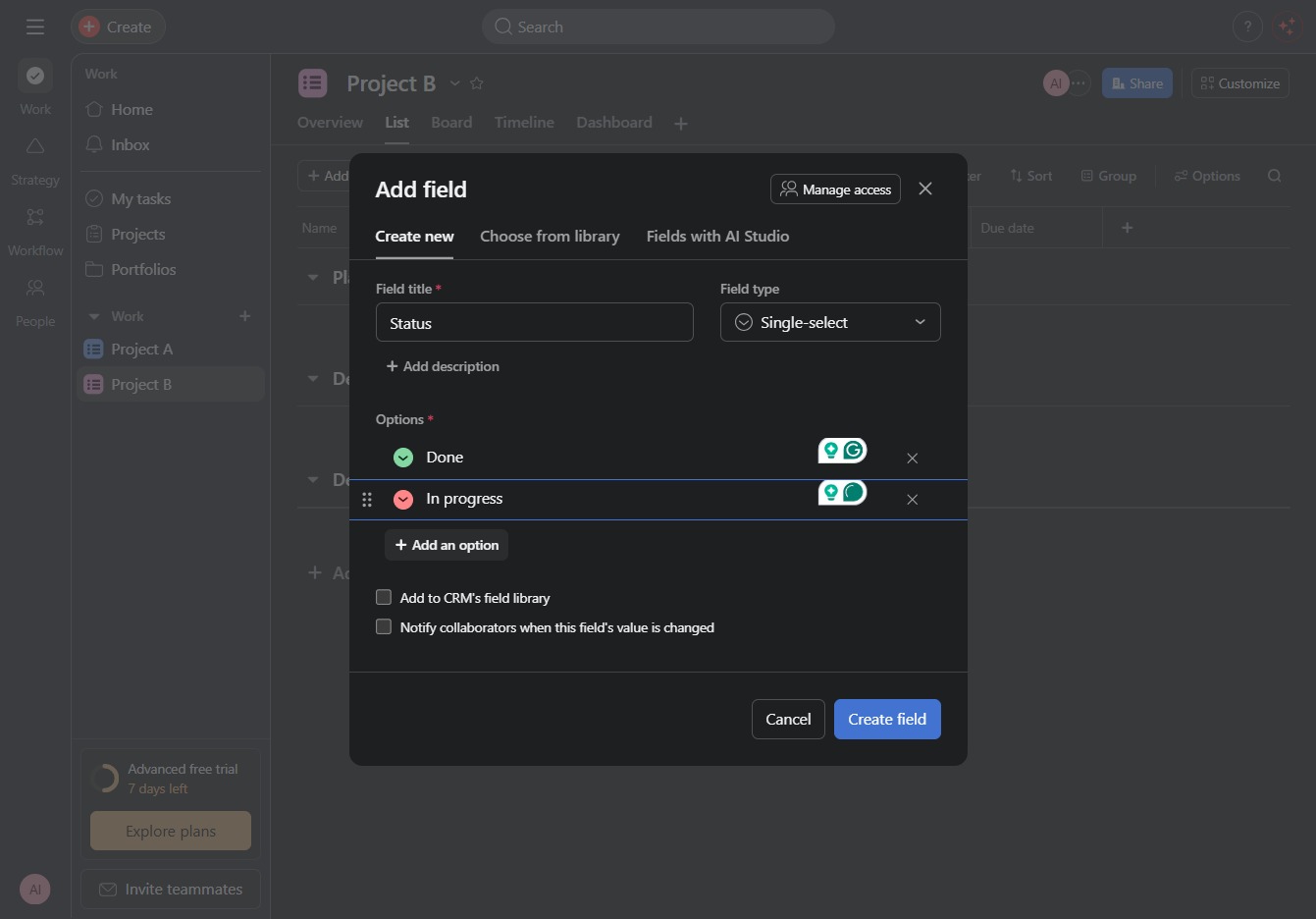
This action allows you to add additional selection options for the field you are creating. Customize the options available for users when they interact with this single-select field.
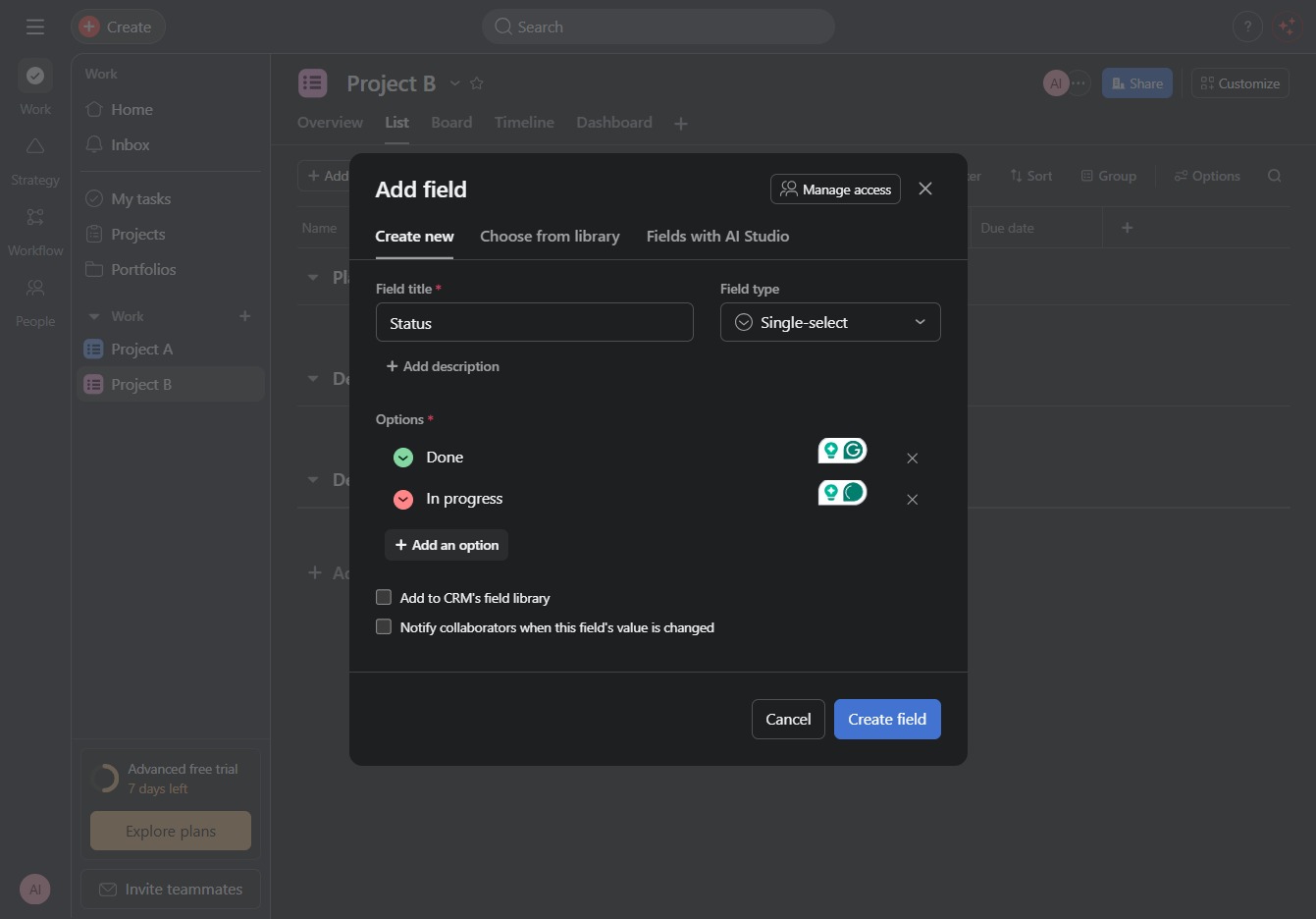
Enter 'To do' in the 'Type an option name' field to create a new status option for your project. This will allow you to categorize tasks more effectively within your project management workflow.

This action adds a new custom field to your project, allowing you to specify details such as the field title and options. You can then define how this field will be utilized within your project's framework.