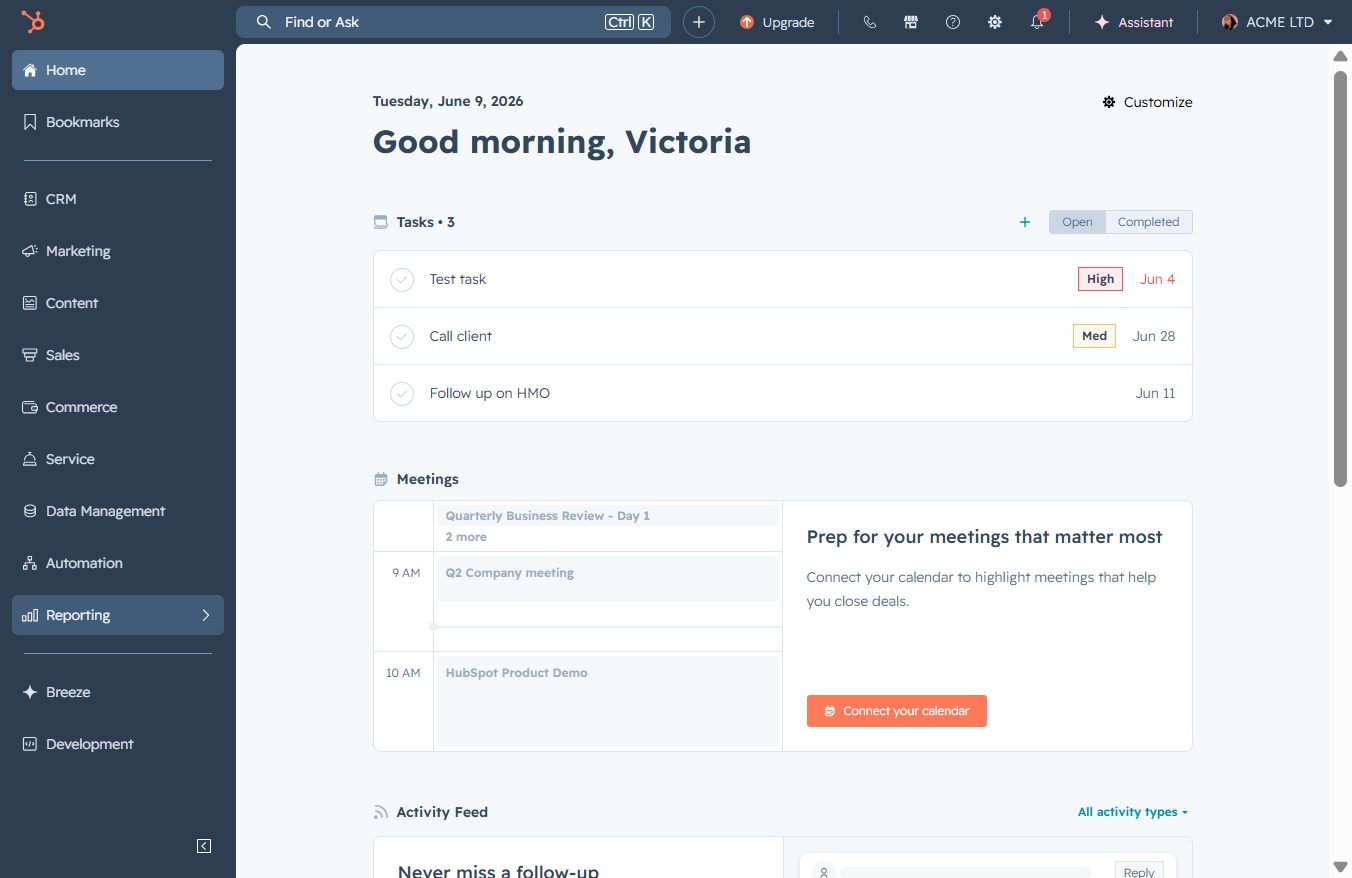
Click the Reporting section
This will take you to the Reporting dashboard where you can view and manage your reports and analytics.
Loading screenshot…
100%
Create a report in HubSpot to track deal conversion rates, enabling you to analyze performance insights, manage sales activities, and visualize deal age statistics effectively.
 viktoria
Create a report in HubSpot to track deal conversion rates, enabling you to analyze performance insights, manage sales activities, and visualize deal age statistics effectively.
This will take you to the Reporting dashboard where you can view and manage your reports and analytics.
This action will take you to the Reports section where you can view and manage various performance reports. From here, you can analyze data summaries and insights related to your business operations.

Clicking the Create button will initiate the process to add a new report in the My Reports section. This allows you to configure and customize your report based on your selected parameters.
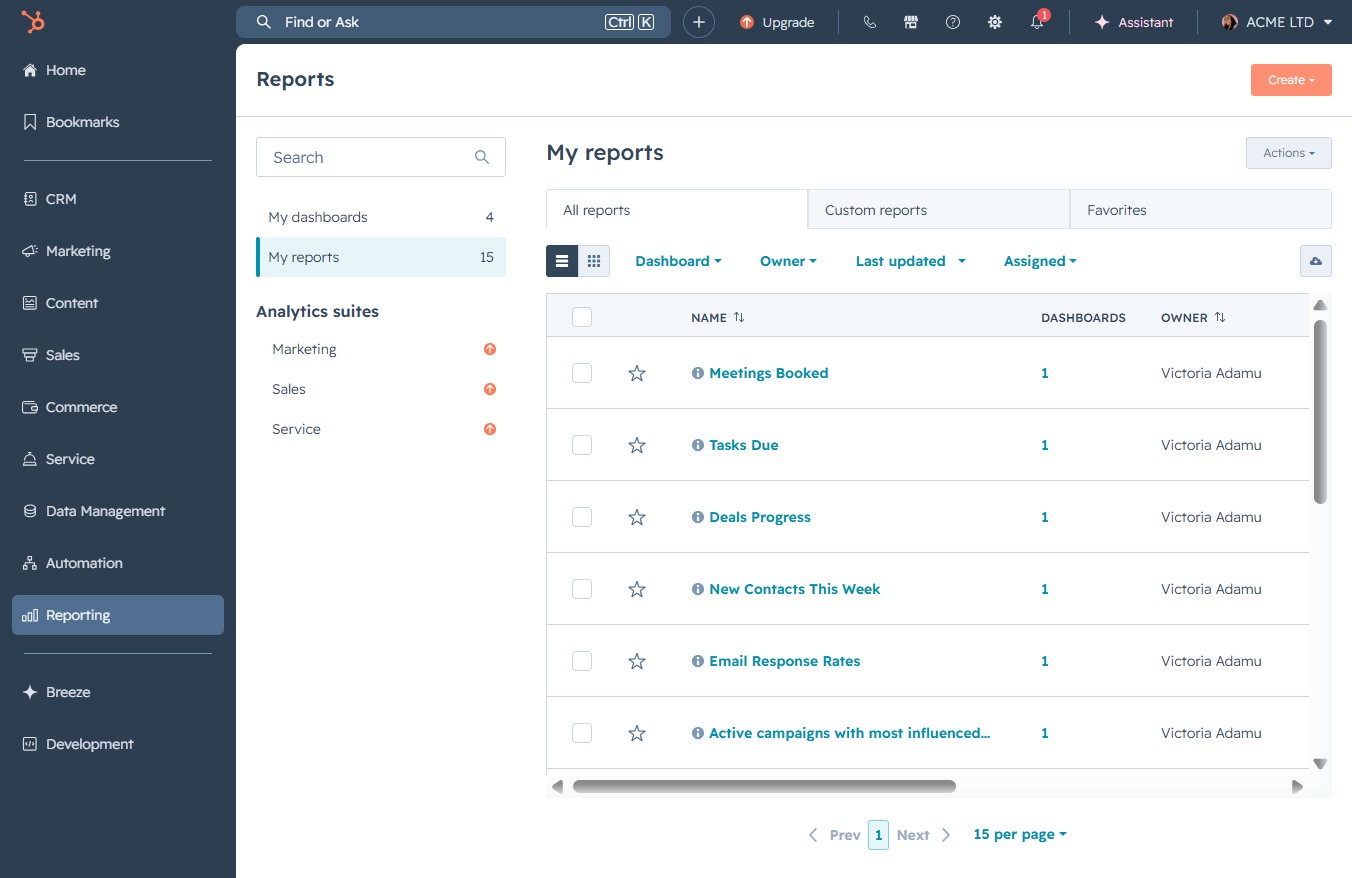
Clicking this button allows you to initiate the process of generating a new report tailored to your needs. You will be guided through a series of options to customize your report parameters.

This allows you to quickly find specific templates by entering relevant keywords. Once you type in your search query, the system will filter the available templates to match your criteria.
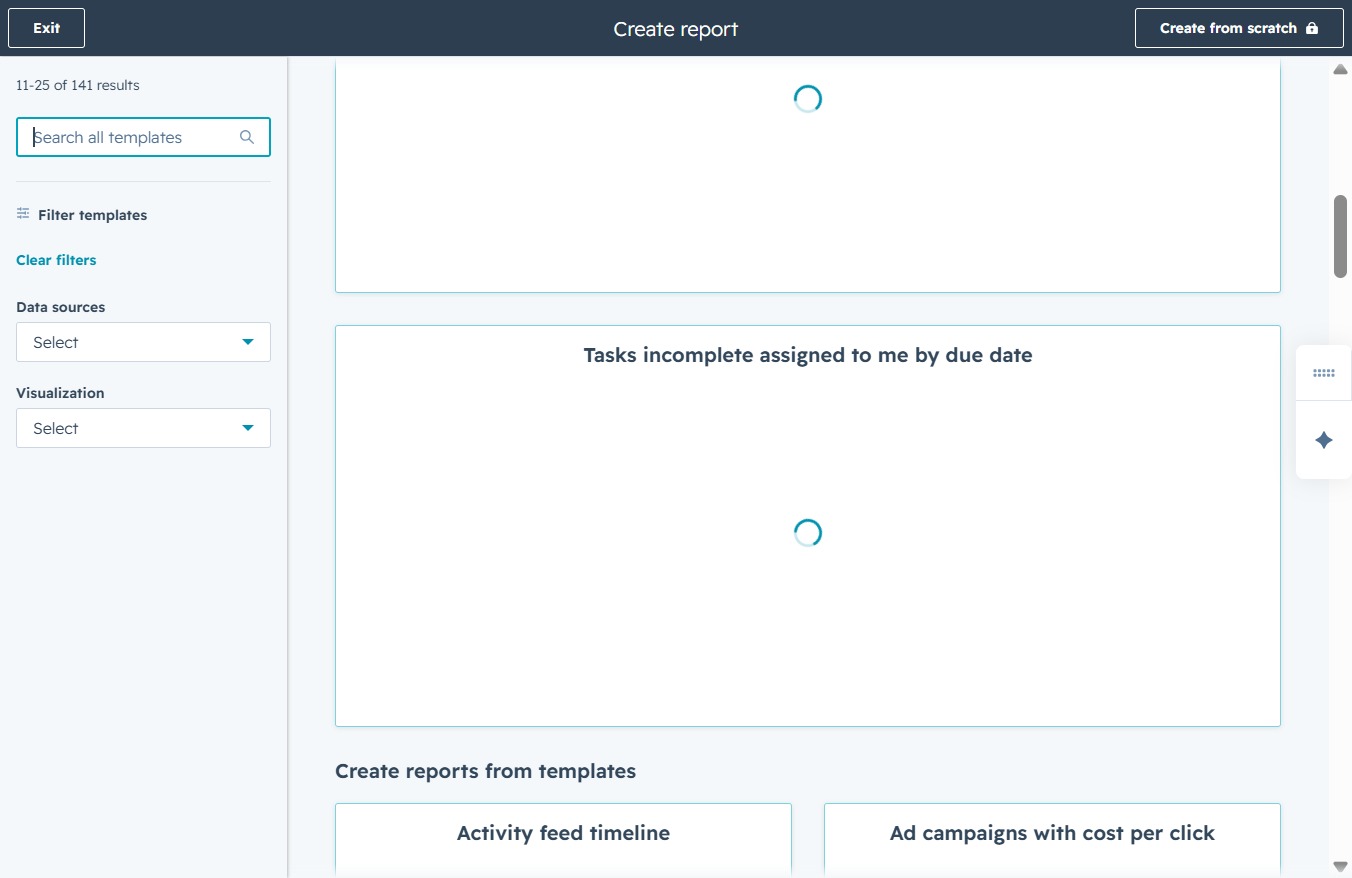
Enter 'deal conversion' in the search field to filter and display relevant report templates. This step will help you locate templates associated with deal conversions for streamlined report creation.
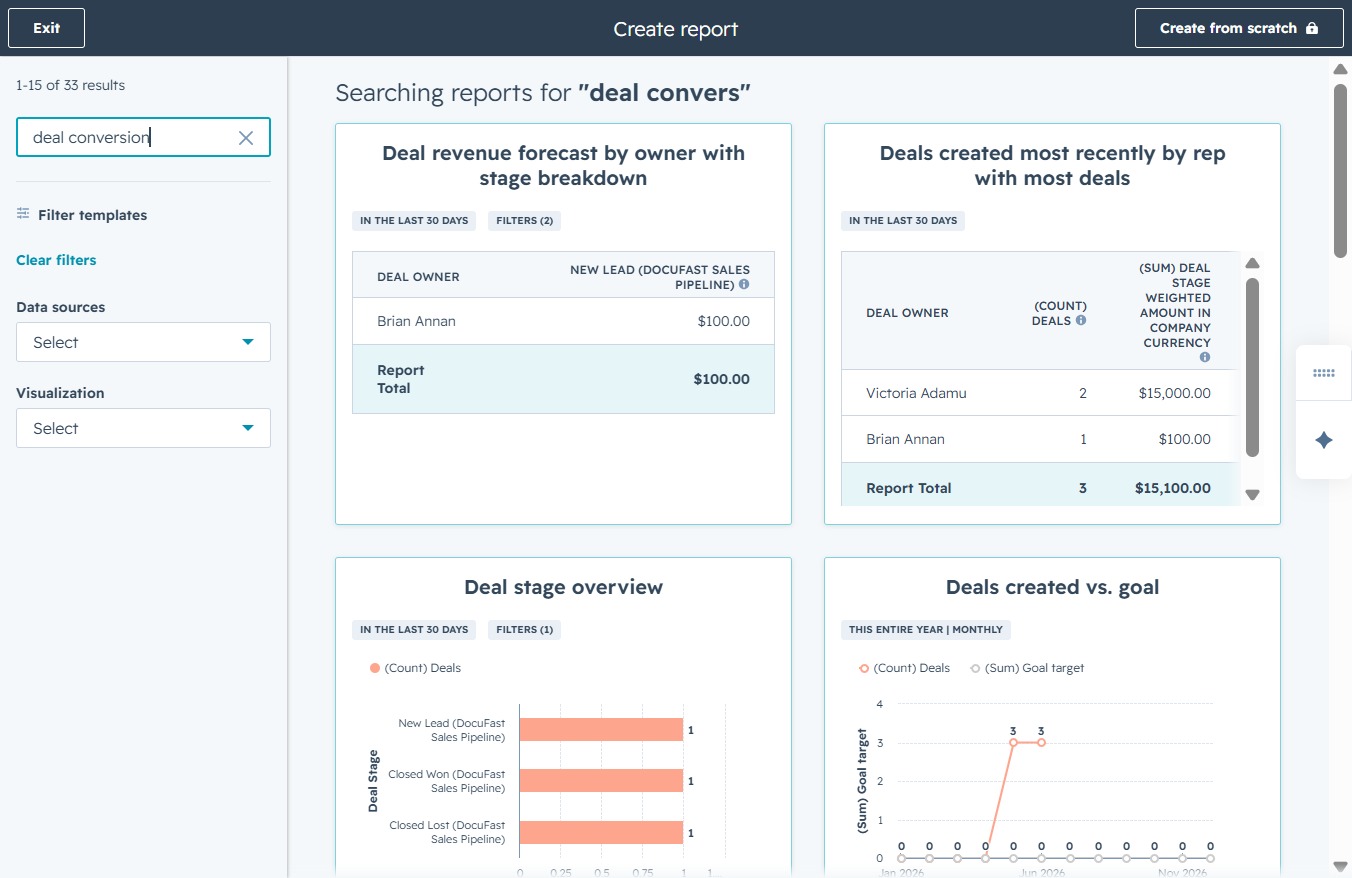
This action will navigate you to the second page of the report, allowing you to view more deals and data associated with your deal conversion analytics.

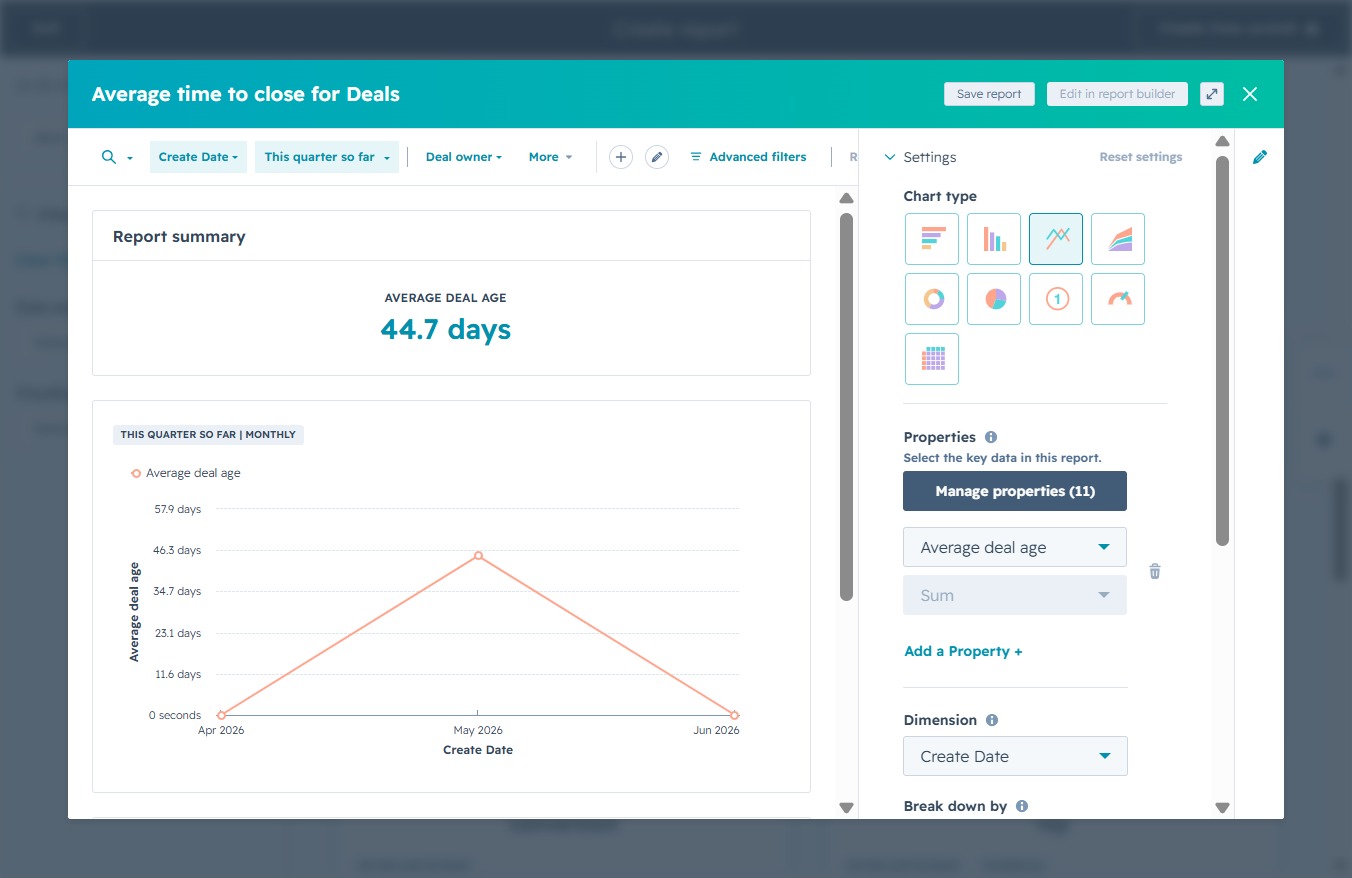
Selecting the color picker will allow you to customize the color associated with the Average Deal Age visualization, helping highlight the data representation effectively.
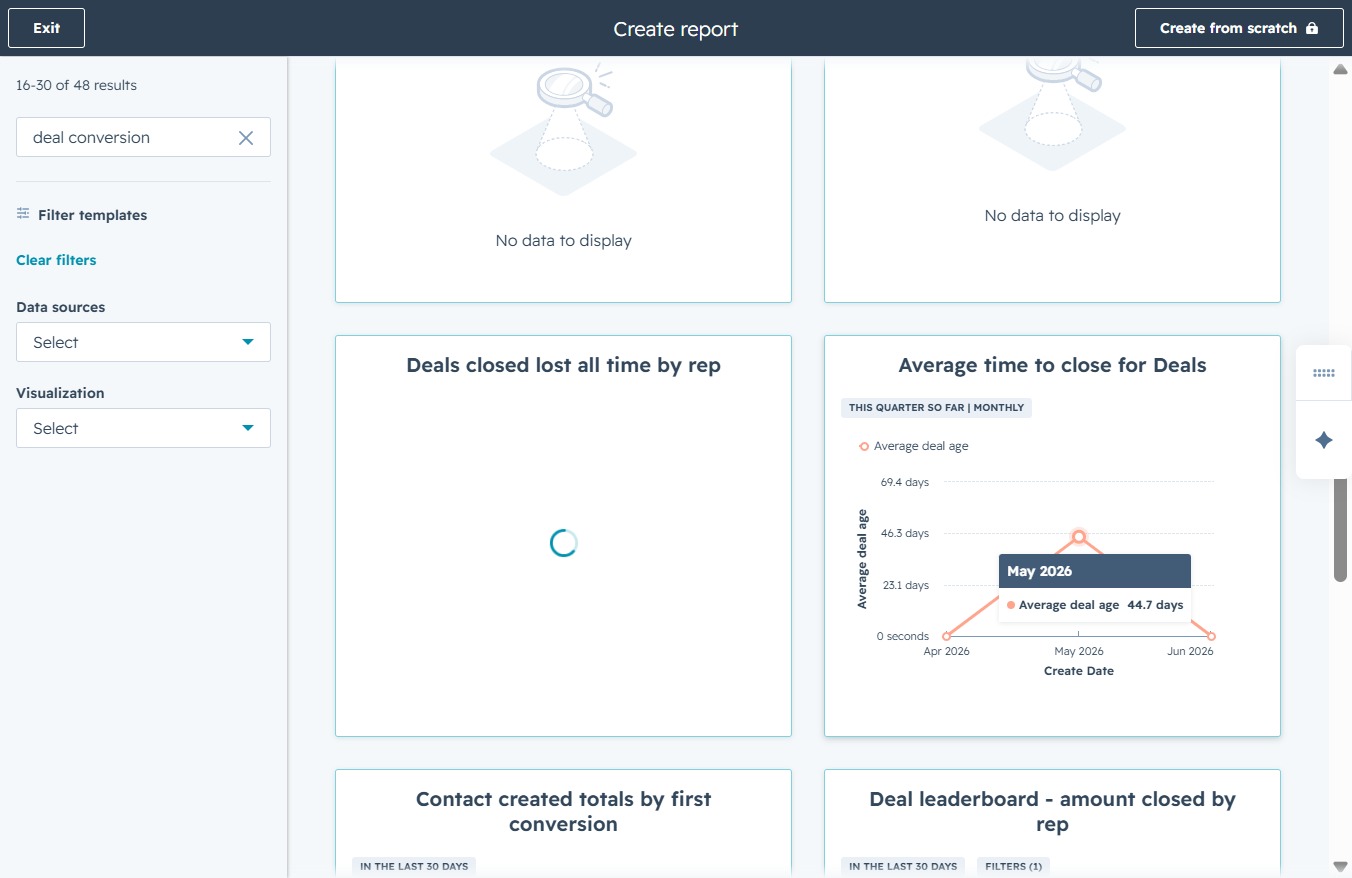
By clicking the Average deal age label, you can access detailed insights into the time taken to close deals, helping you analyze performance trends and areas for improvement.
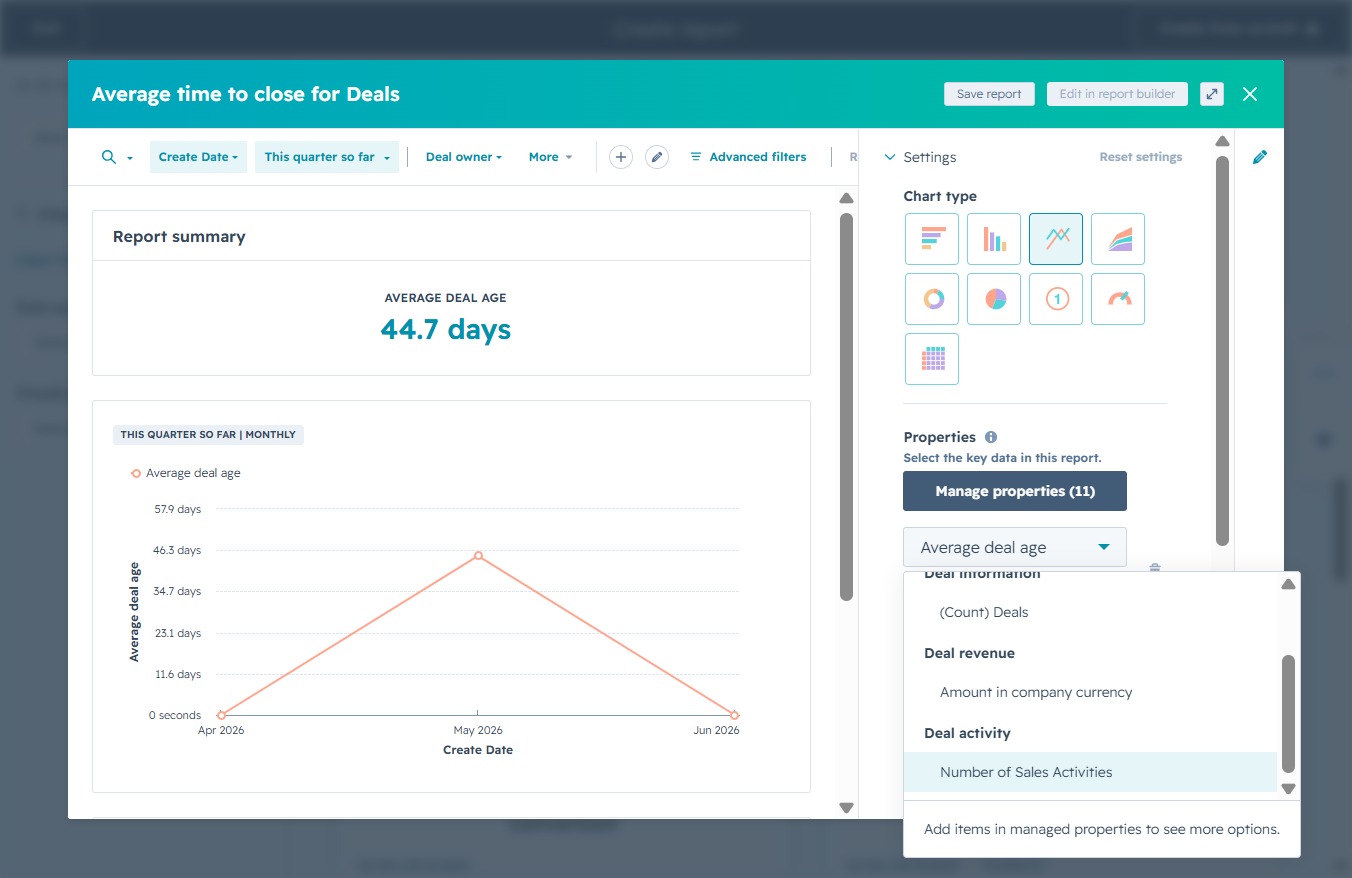
This will include the total count of sales activities related to your deals in the report. Adjusting this setting allows you to analyze how sales activities impact deal progression.
This action will save your current report settings and data visualization for future access, ensuring that your work is preserved.
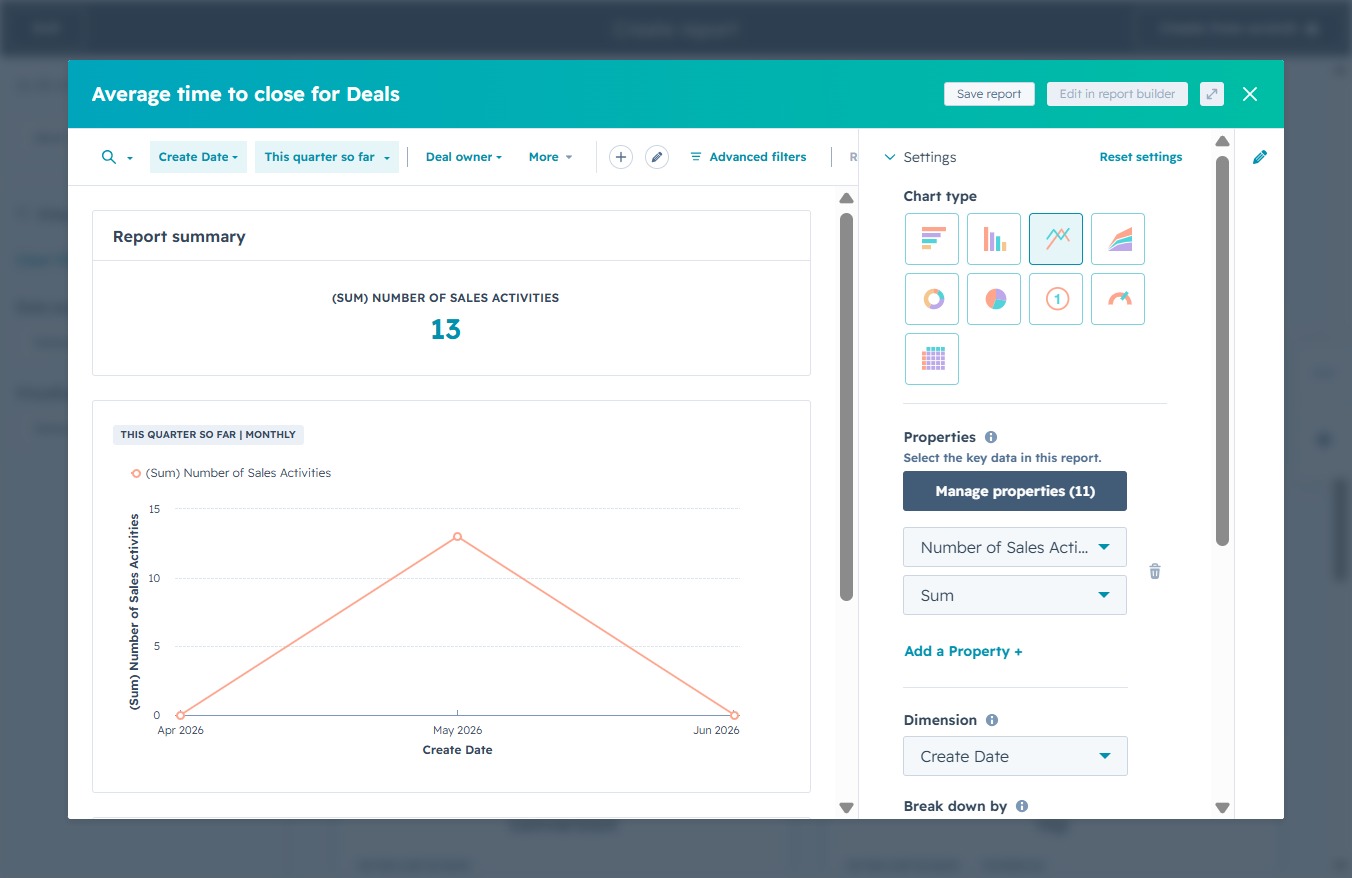
This will proceed to the following step in the report saving process, allowing you to finalize your selections and save your report configuration.
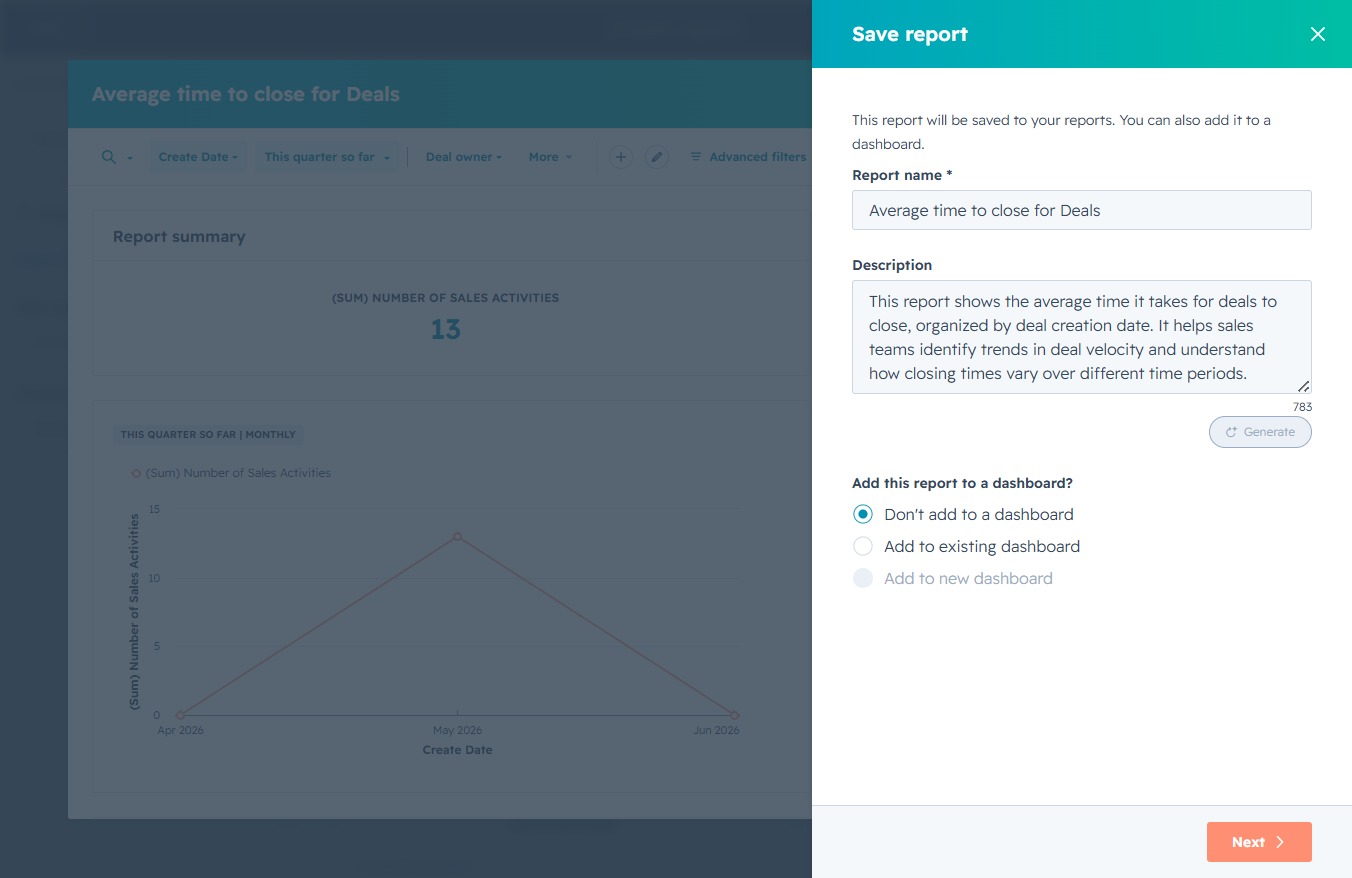
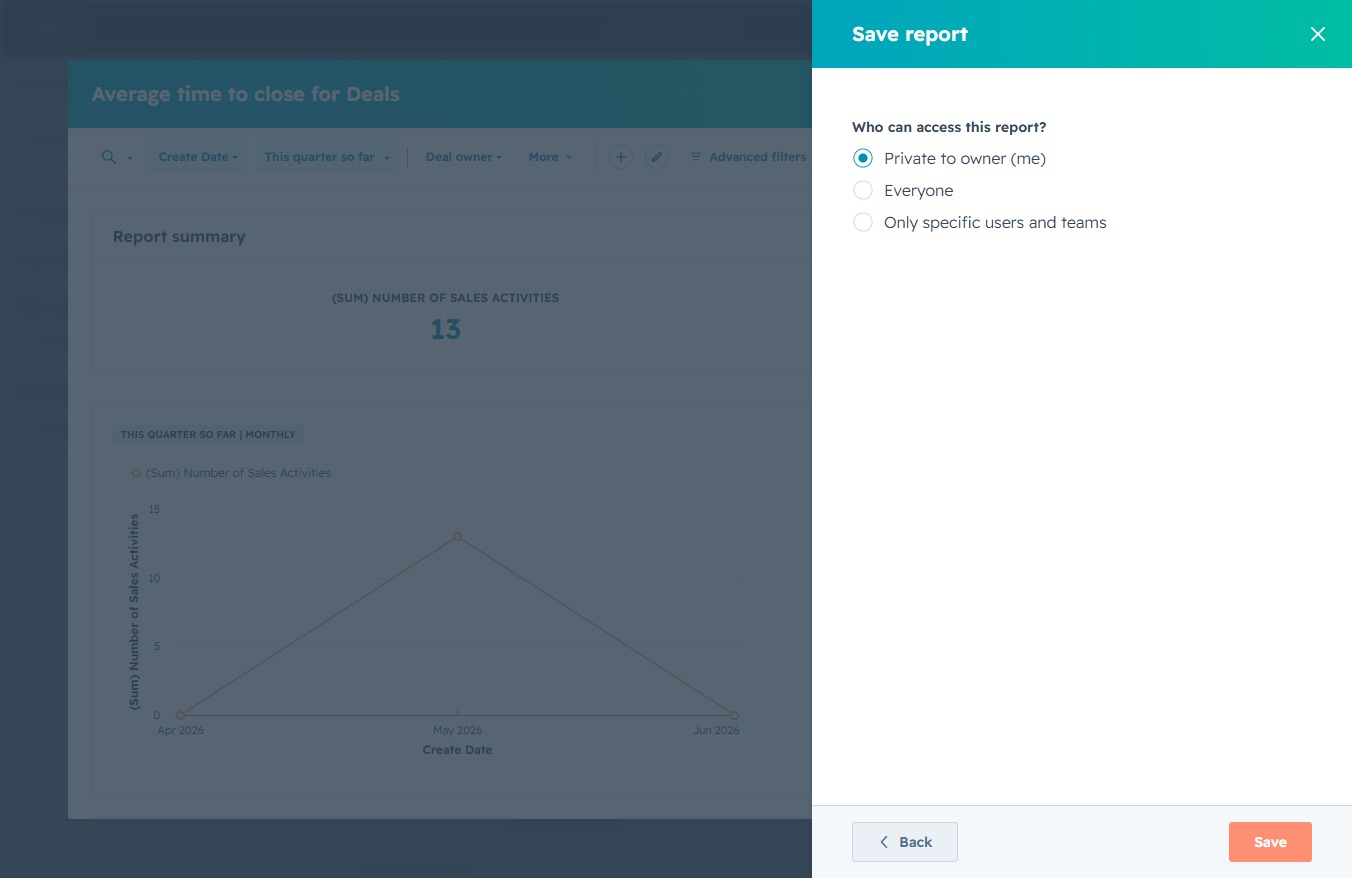
This action will save your report along with the specified access settings, allowing you to define who can view or edit the report.
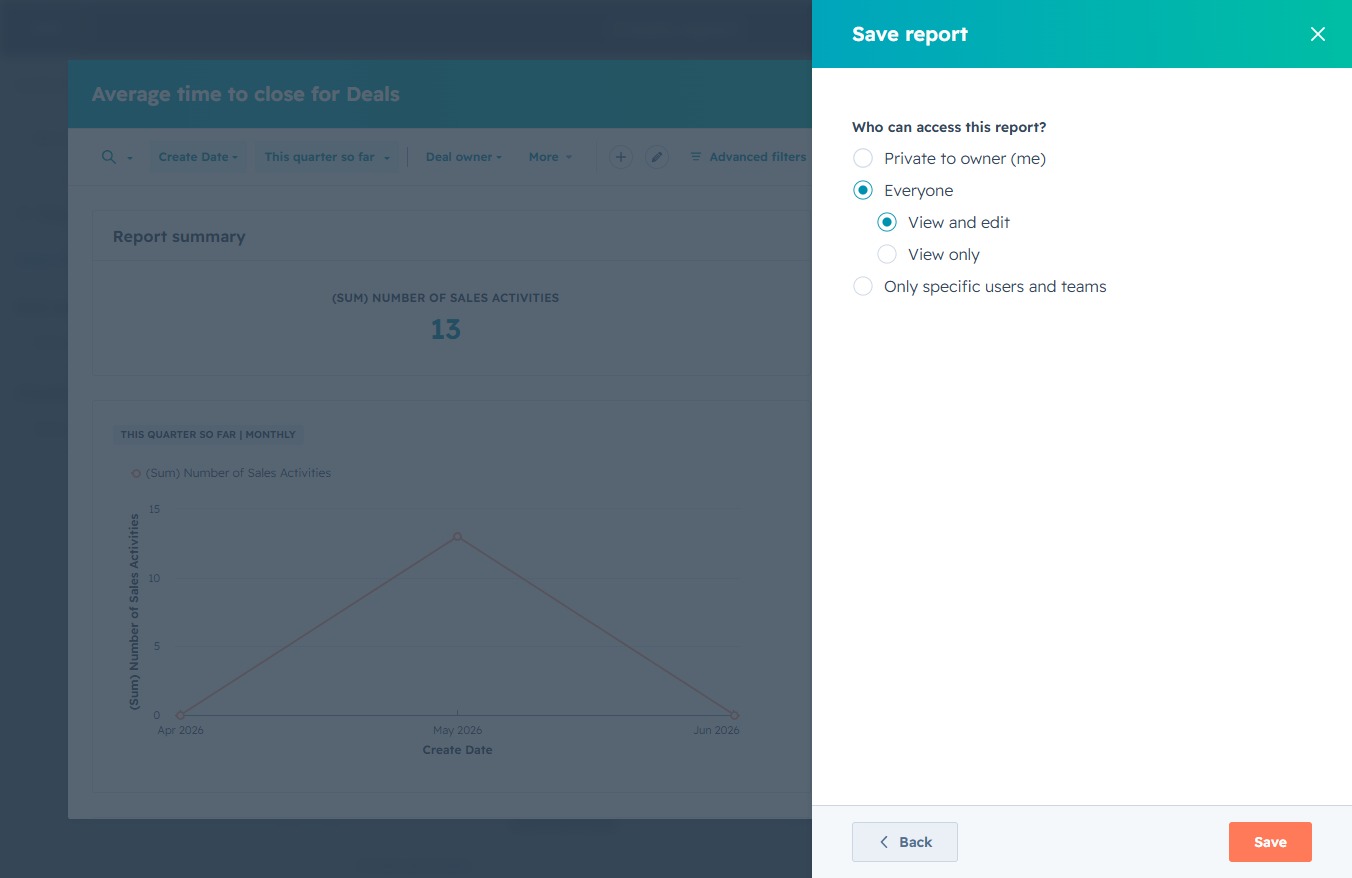
This action saves your report with the selected accessibility settings, allowing you to control who can access the report.