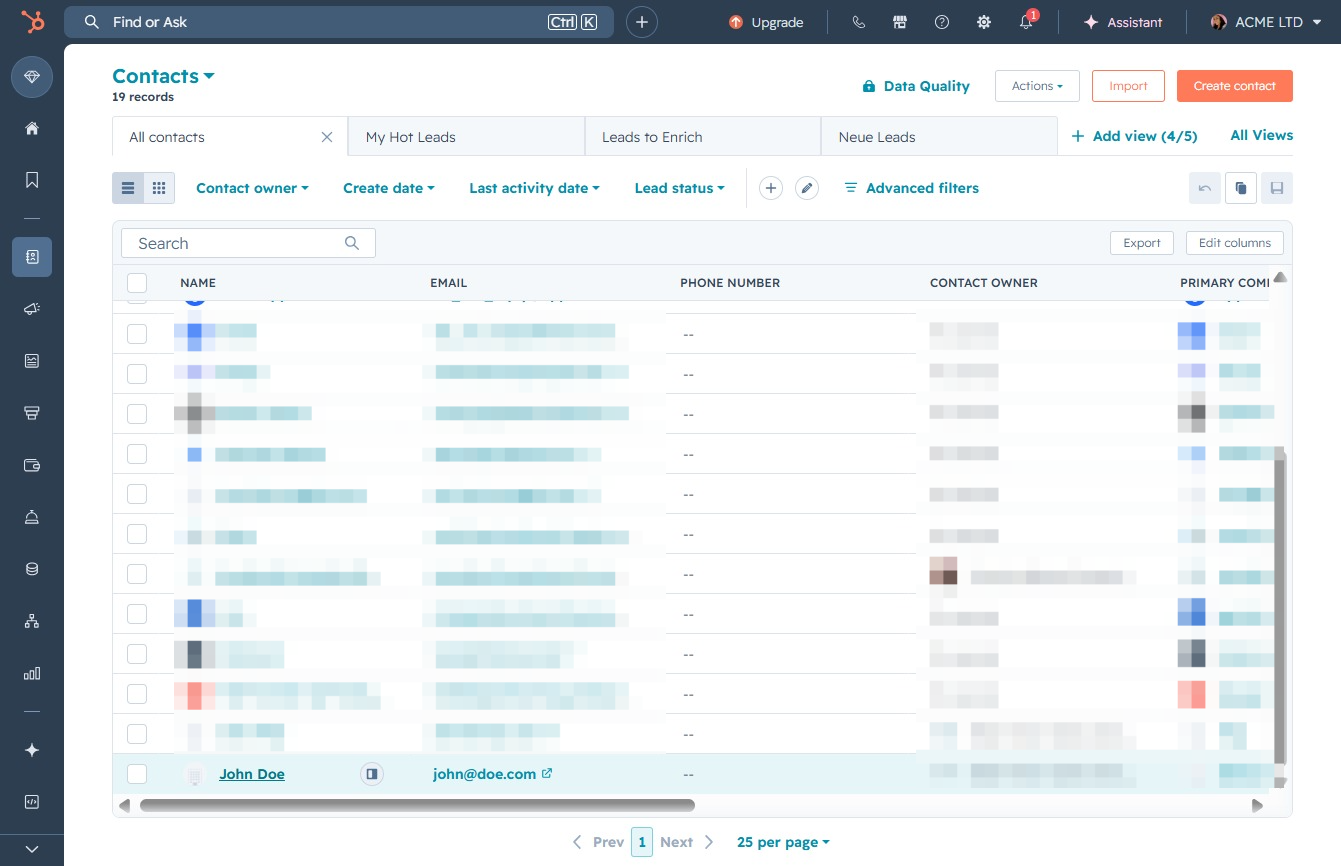
Click the Contacts option
By clicking on the Contacts option, you will access your contacts list, allowing you to manage and view details related to your contacts in the CRM.

Loading screenshot…
100%
View and manage customer email communications and call history in HubSpot by accessing detailed contact views, allowing you to track correspondence and call logs efficiently.
 viktoria
View and manage customer email communications and call history in HubSpot by accessing detailed contact views, allowing you to track correspondence and call logs efficiently.
By clicking on the Contacts option, you will access your contacts list, allowing you to manage and view details related to your contacts in the CRM.
Clicking on the John Doe entry will open the detailed contact view, allowing you to edit or manage specific information related to this contact.
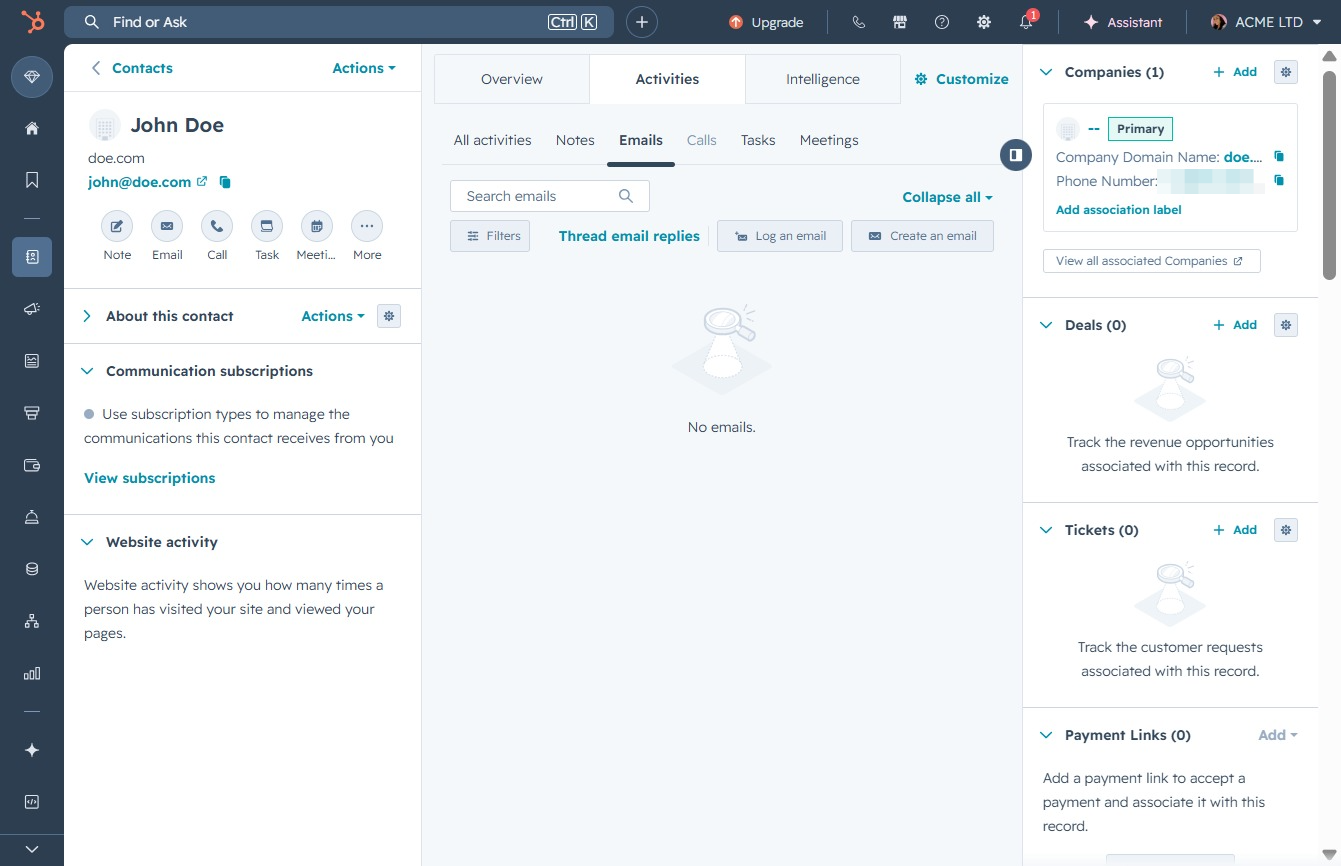
This will display the email communications associated with the selected contact, allowing you to view and manage correspondence.

Access the Calls section to view and manage all call activities related to this contact. Here, you can track call logs and notes associated with the communication history.