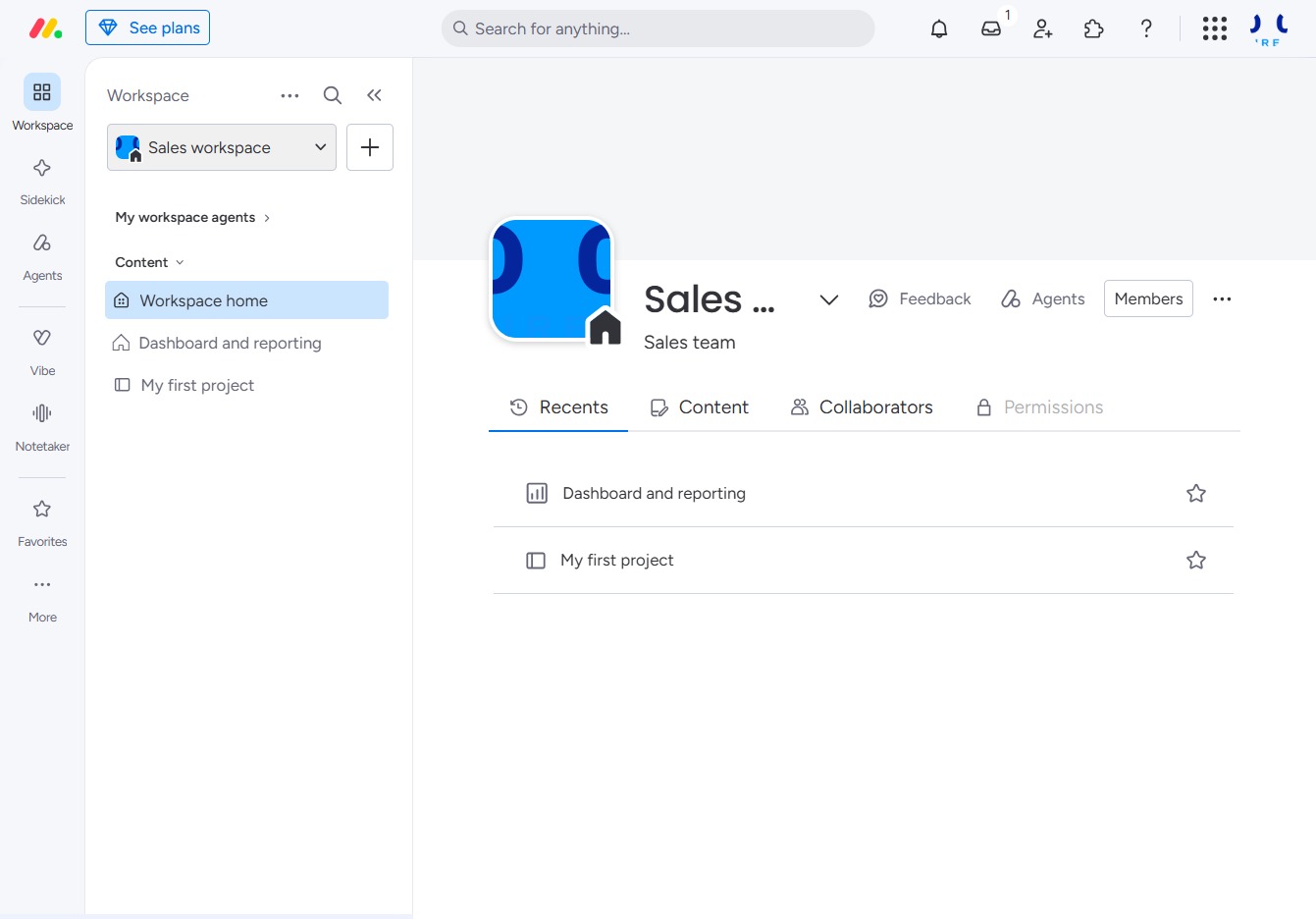
Click the Sales workspace to select it
Selecting the Sales workspace will direct you to its home page, where you can access dashboards, reports, and specific project content.
Loading screenshot…
100%
This guide walks you through switching between different workspaces by selecting the desired workspace and navigating to specific sections, such as Sales and Operations Workflow.
 viktoria
This guide walks you through switching between different workspaces by selecting the desired workspace and navigating to specific sections, such as Sales and Operations Workflow. You'll learn how to efficiently access various dashboards, reports, and project content within your chosen workspace.
Selecting the Sales workspace will direct you to its home page, where you can access dashboards, reports, and specific project content.
By clicking on the Operations Workflow section, you will access all tasks and processes associated with the Operations Workflow area within your workspace.
