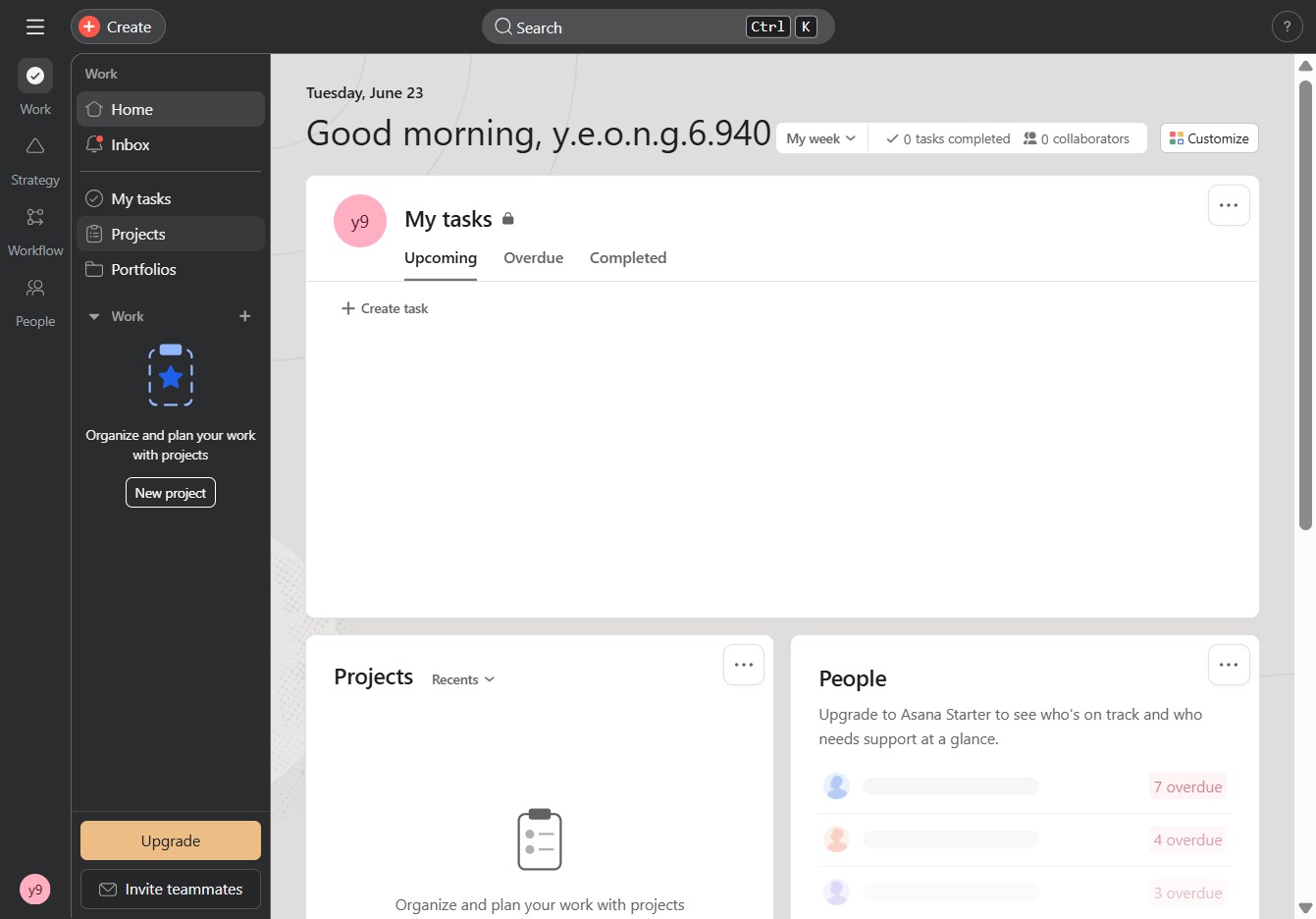
Click here to access Asana AI
This action opens the Asana AI feature, which provides helpful resources and guidance for using Asana effectively.
Loading screenshot…
100%
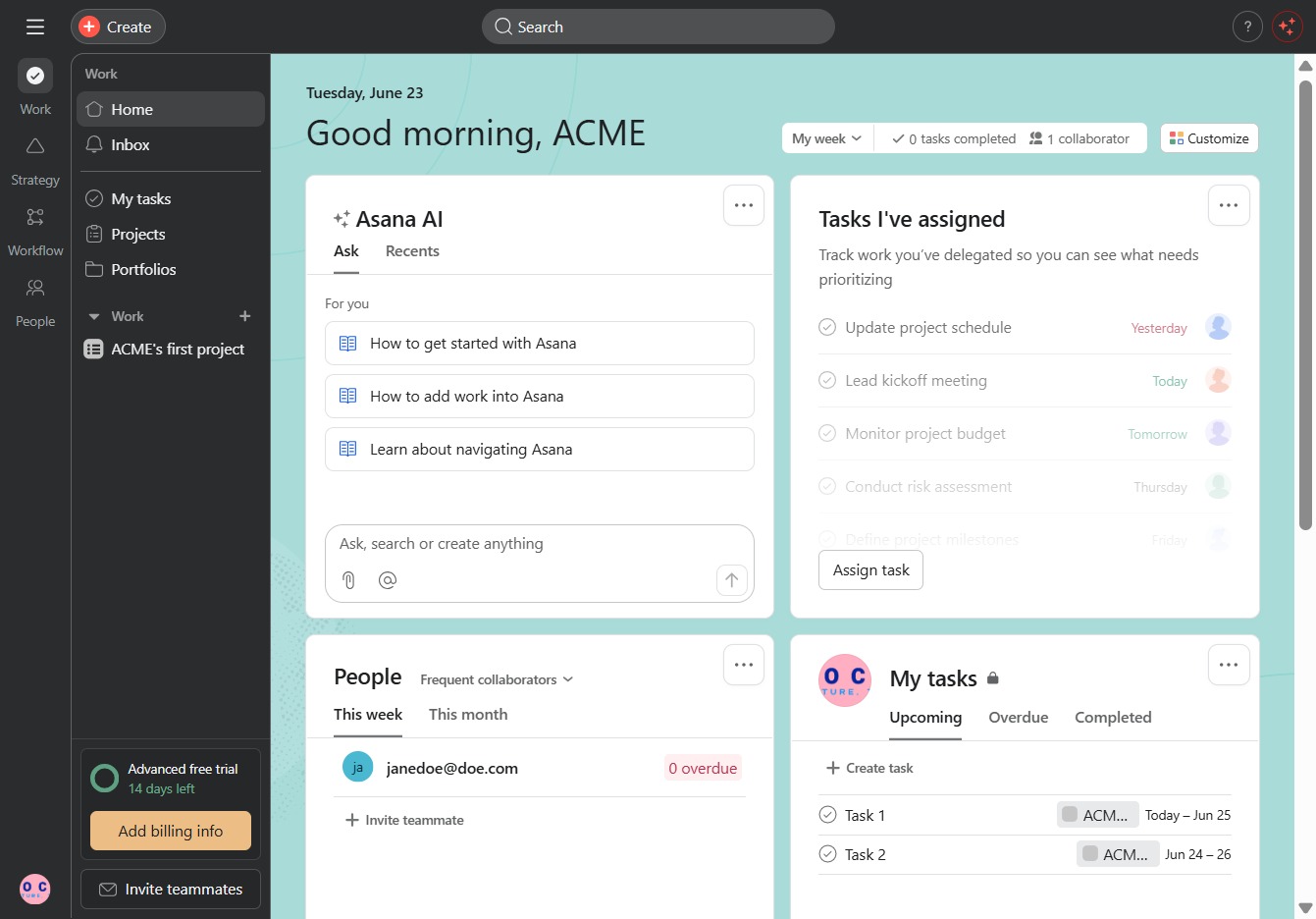
This how-to guide walks you through switching between organizations and workspaces in Asana.
 viktoria
This how-to guide walks you through switching between organizations and workspaces in Asana. Learn to access helpful resources, check unread messages, and manage your projects efficiently for improved workflow and organization.
This action opens the Asana AI feature, which provides helpful resources and guidance for using Asana effectively.
Clicking this notification will take you to the CRM section where you can view all your unread messages and alerts. Stay updated on important tasks and updates related to your account.
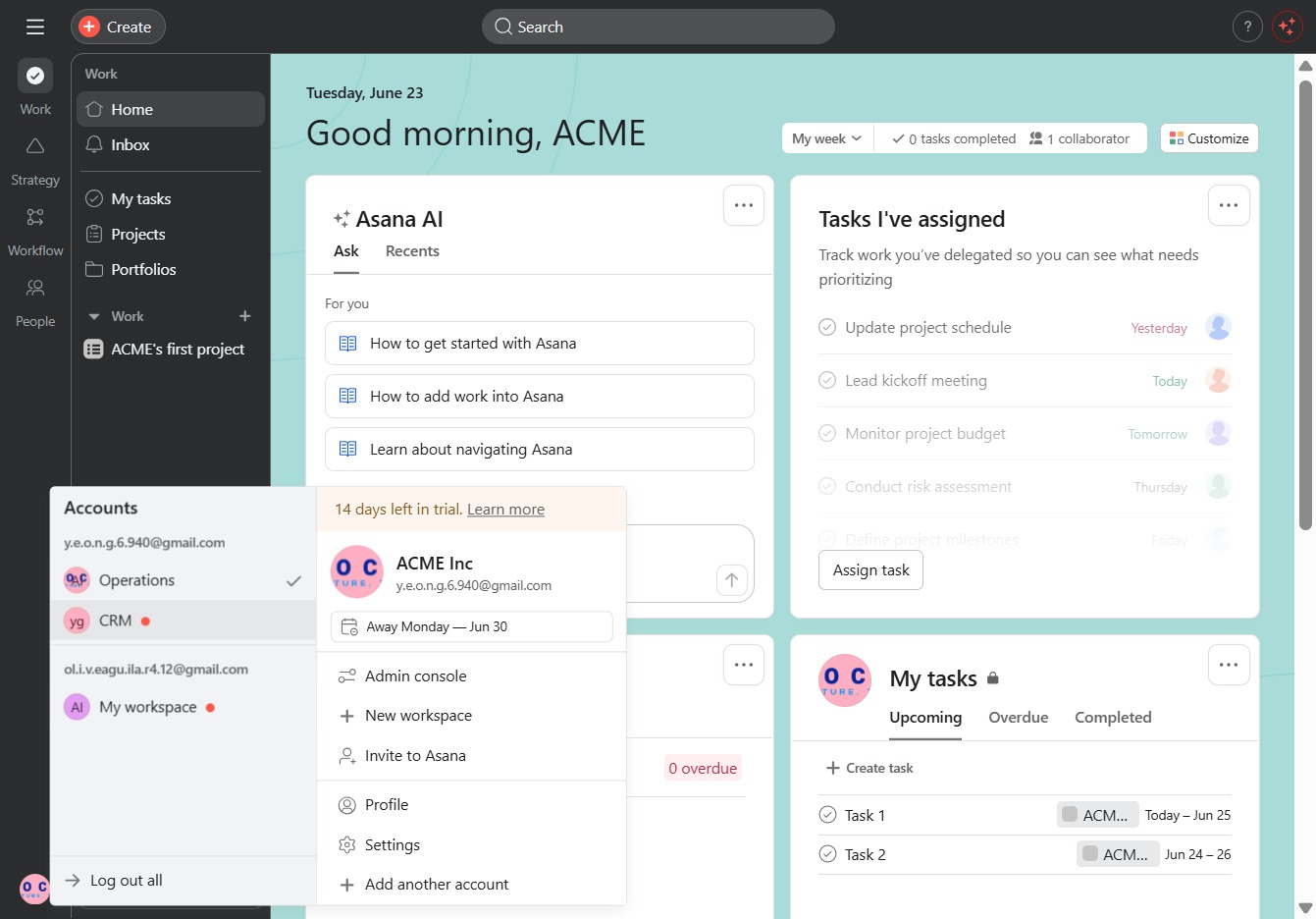
By clicking the Projects link, you will access the Projects section where you can create, manage, and view all your ongoing projects.