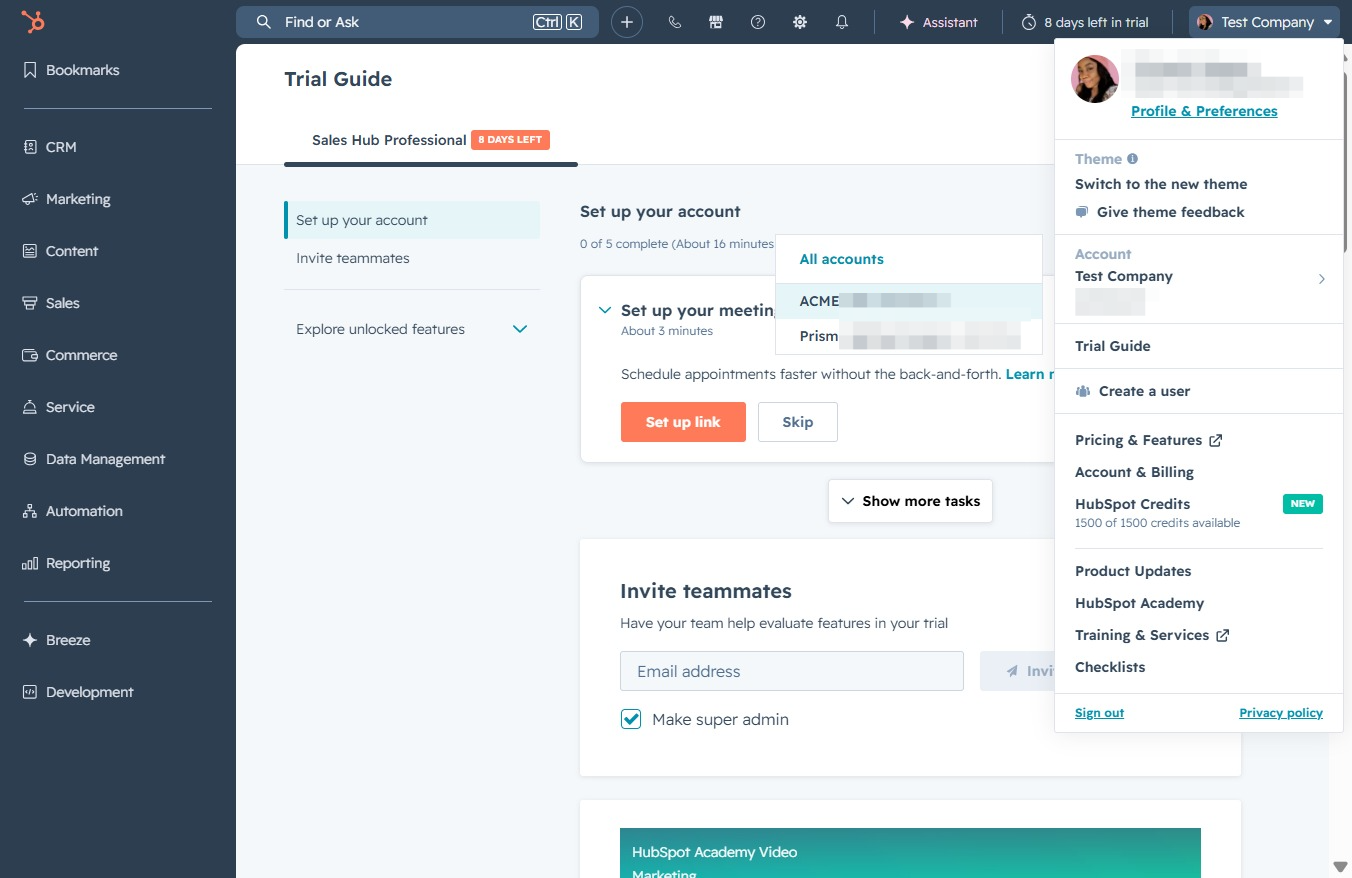
Click the ACME LTD logo
This action will redirect you to the ACME LTD homepage, allowing you to access the main features and services provided by ACME LTD.
Loading screenshot…
100%
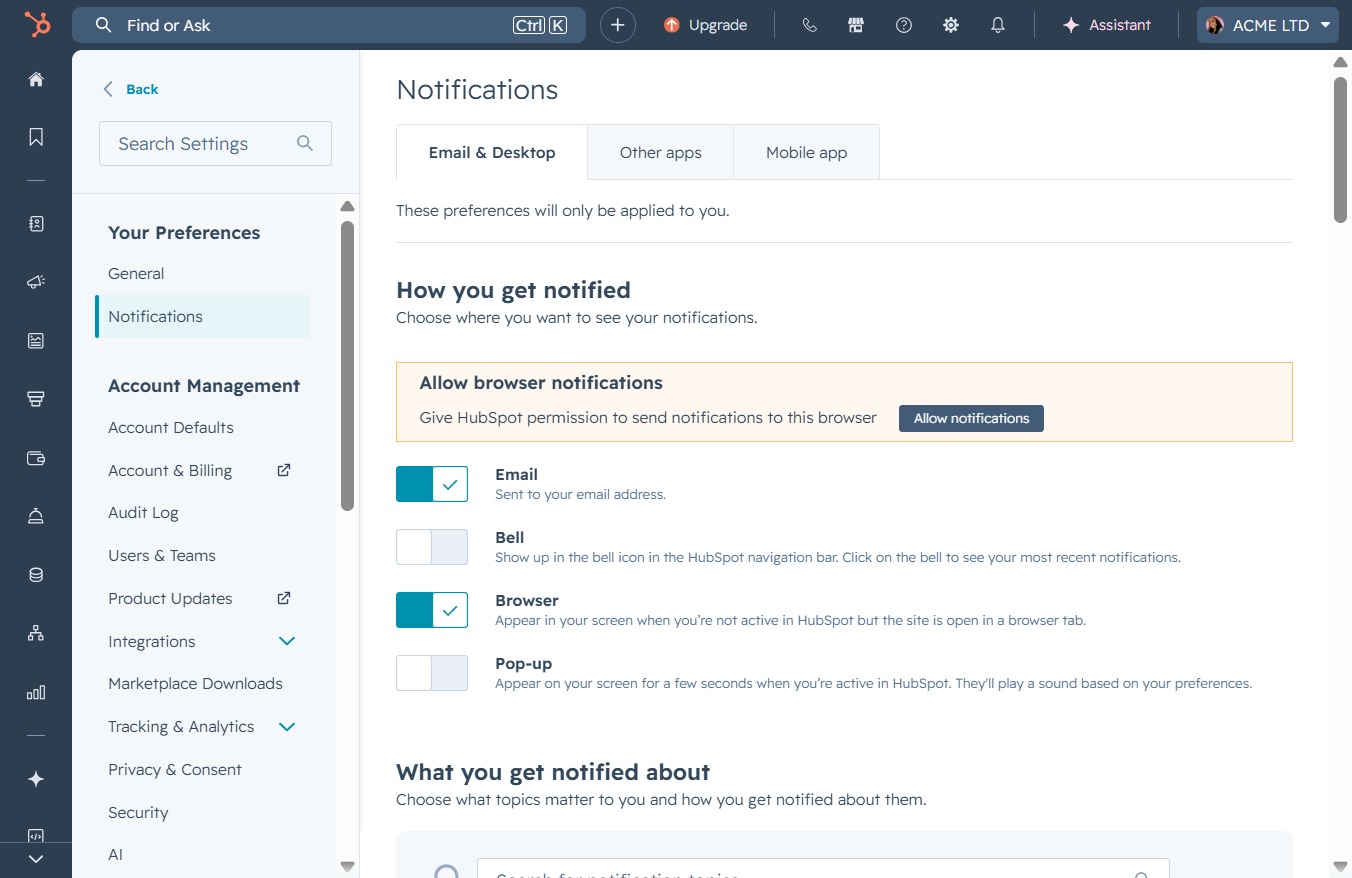
Switch between HubSpot accounts to access the ACME LTD homepage, manage account-specific settings and notifications, and view or modify details for your selected account.
 viktoria
Switch between HubSpot accounts to access the ACME LTD homepage, manage account-specific settings and notifications, and view or modify details for your selected account.
This action will redirect you to the ACME LTD homepage, allowing you to access the main features and services provided by ACME LTD.
Selecting the ACME LTD account will display account-specific settings and preferences to manage notifications and other features.
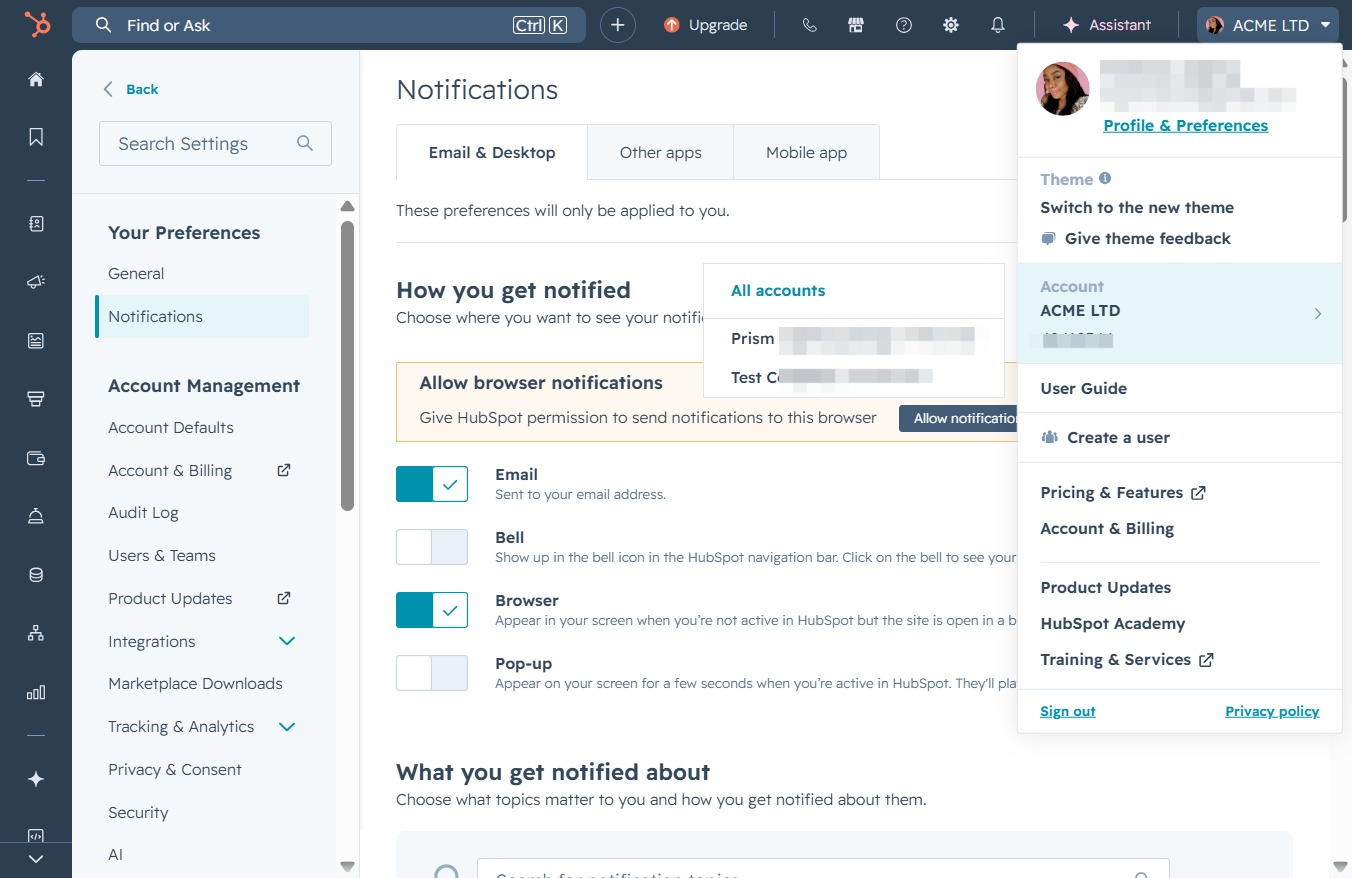
This action directs you to the account details for 'Test Company', allowing you to view or modify settings related to the account.
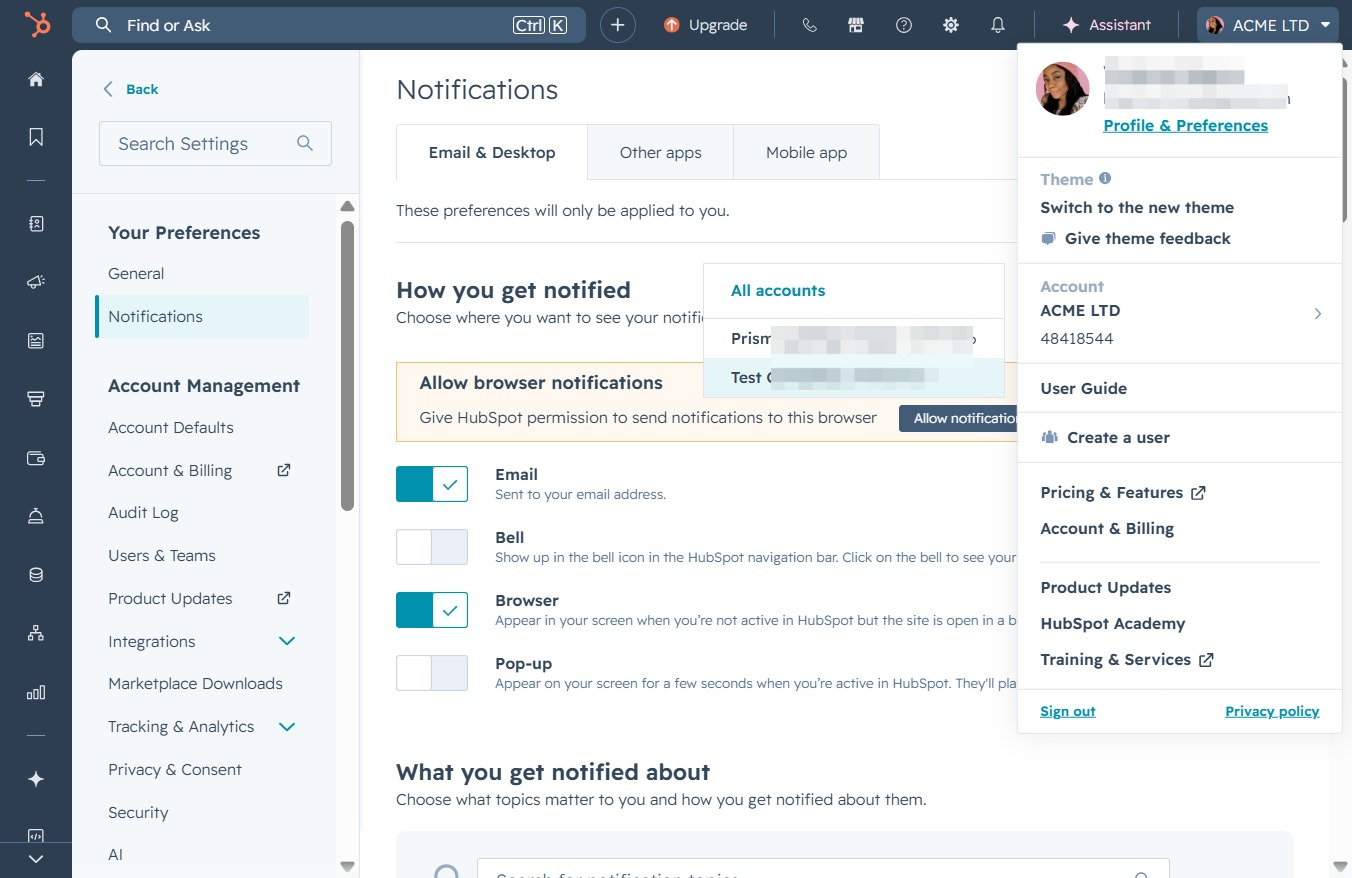
This action opens a dropdown menu where you can access your profile settings, account details, and additional features relevant to your account.
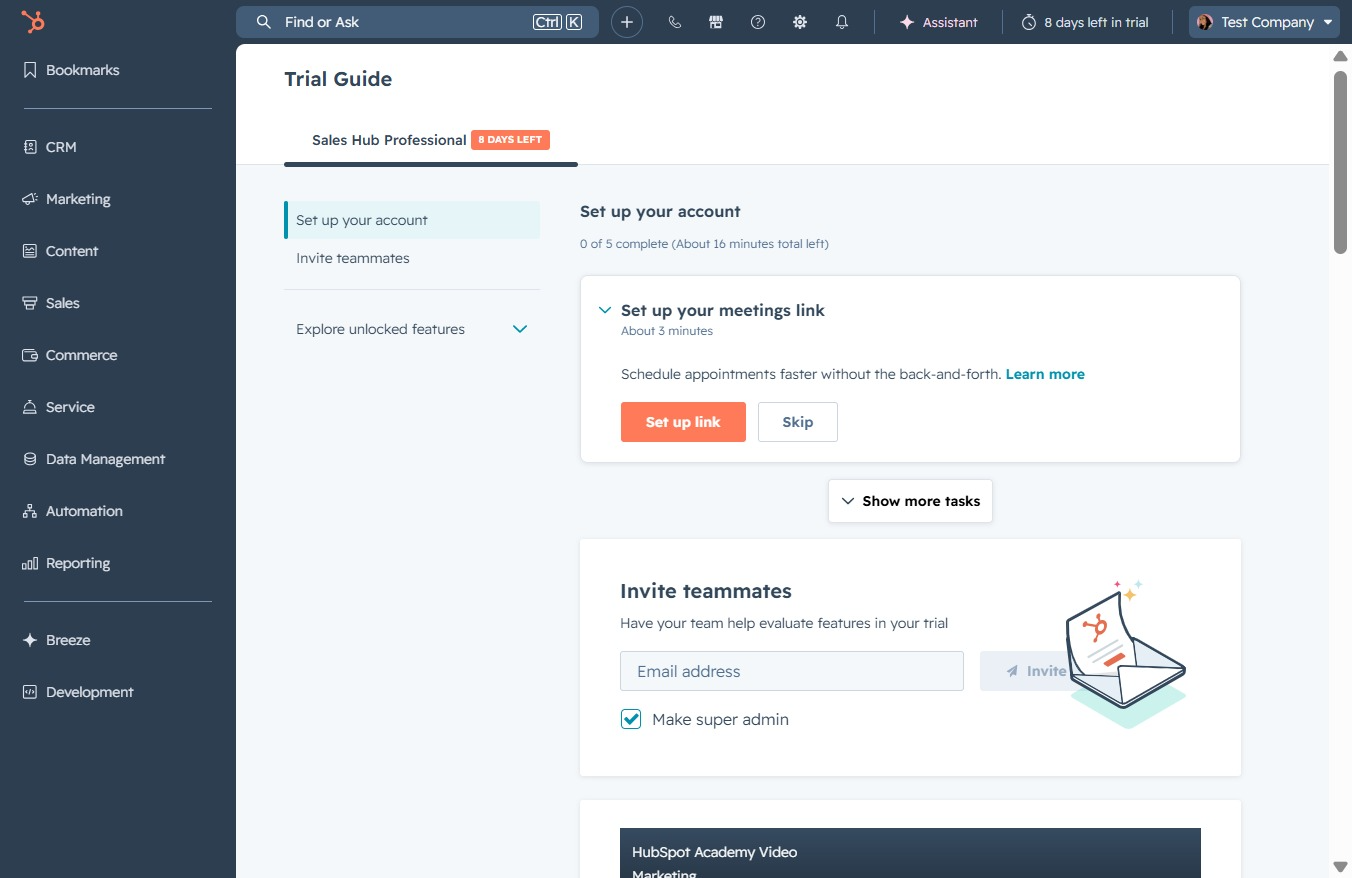
This will direct you to the details page for the ACME LTD account, allowing you to manage settings and view information related to this account.