Click the Sign in link
Clicking the 'Sign in' link will direct you to the login page where you can enter your credentials to access your Microsoft Teams account.

Loading screenshot…
100%
This how-to guide provides a step-by-step process for signing in to Microsoft Teams, guiding you through entering your credentials and navigating the login interface to access…
 viktoria
This how-to guide provides a step-by-step process for signing in to Microsoft Teams, guiding you through entering your credentials and navigating the login interface to access your account seamlessly. Follow the instructions to successfully enter your email, password, and any necessary verification details.
Clicking the 'Sign in' link will direct you to the login page where you can enter your credentials to access your Microsoft Teams account.
Click in the input field to begin entering your email, phone number, or Skype ID for signing in to your Microsoft account.
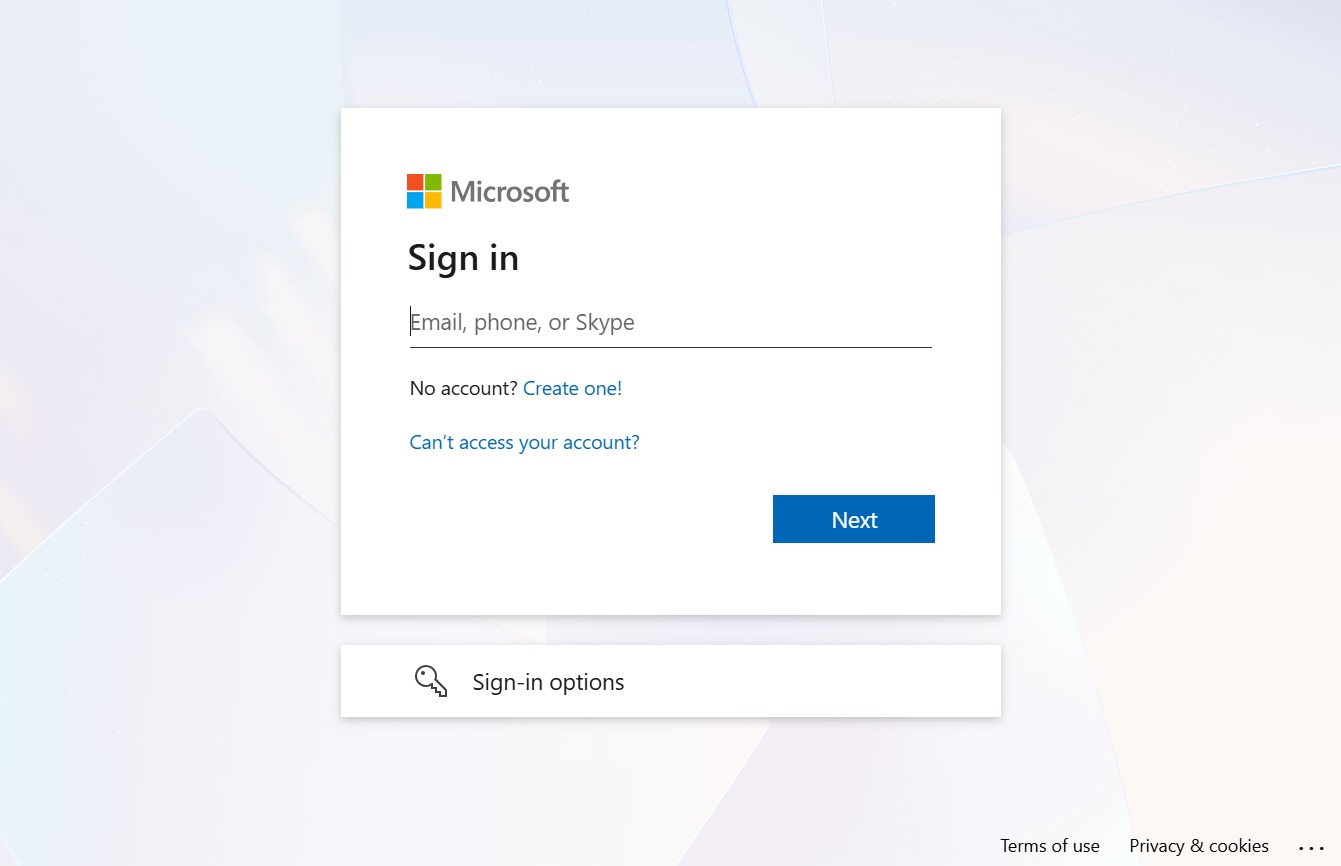
Enter in your Email, phone, or Skype field to initiate the sign-in process. After entering your email, click 'Next' to proceed to the password entry screen.
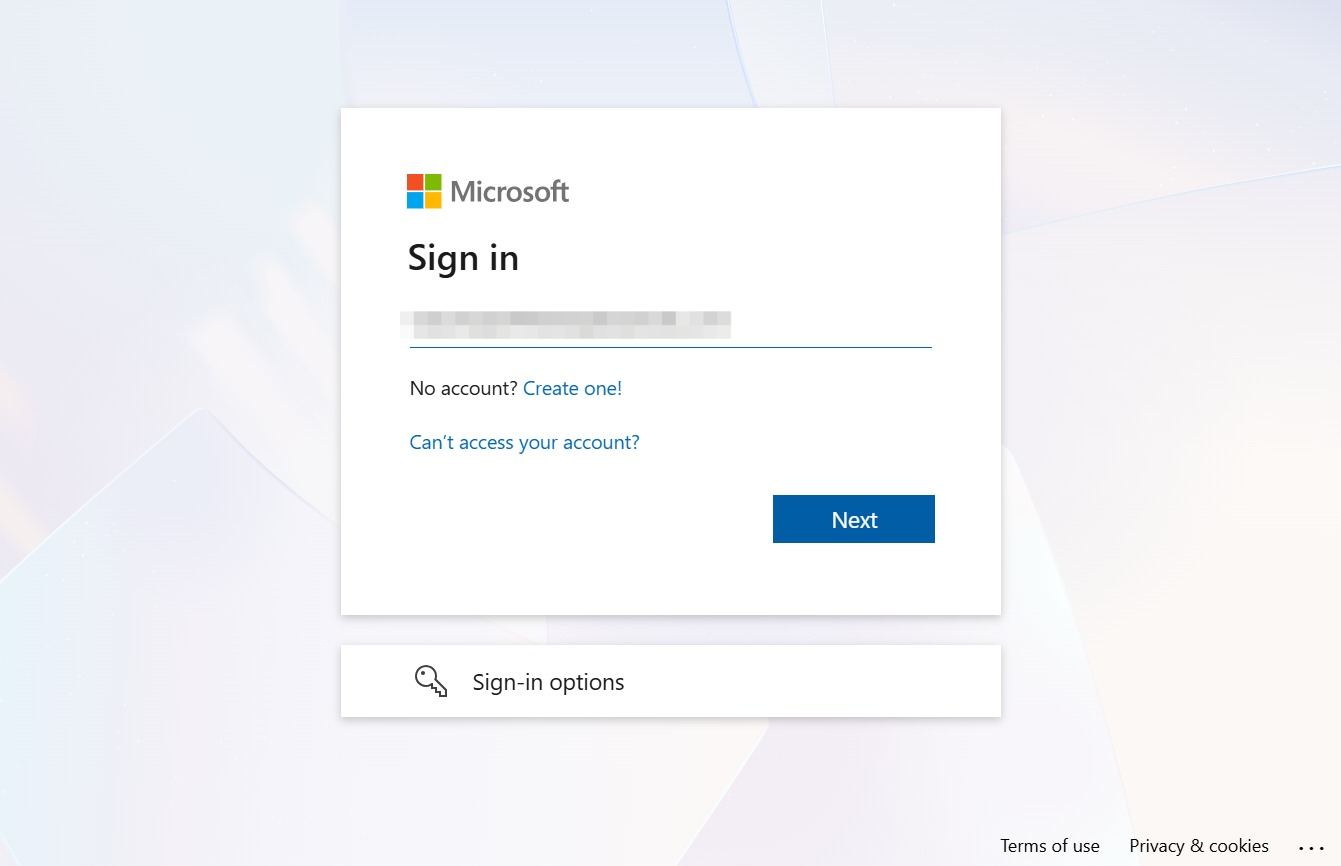
Clicking the 'Next' button will proceed to the next step in the sign-in process, allowing you to enter your password or additional verification details.
