Click on "Click here."
Loading screenshot…
100%
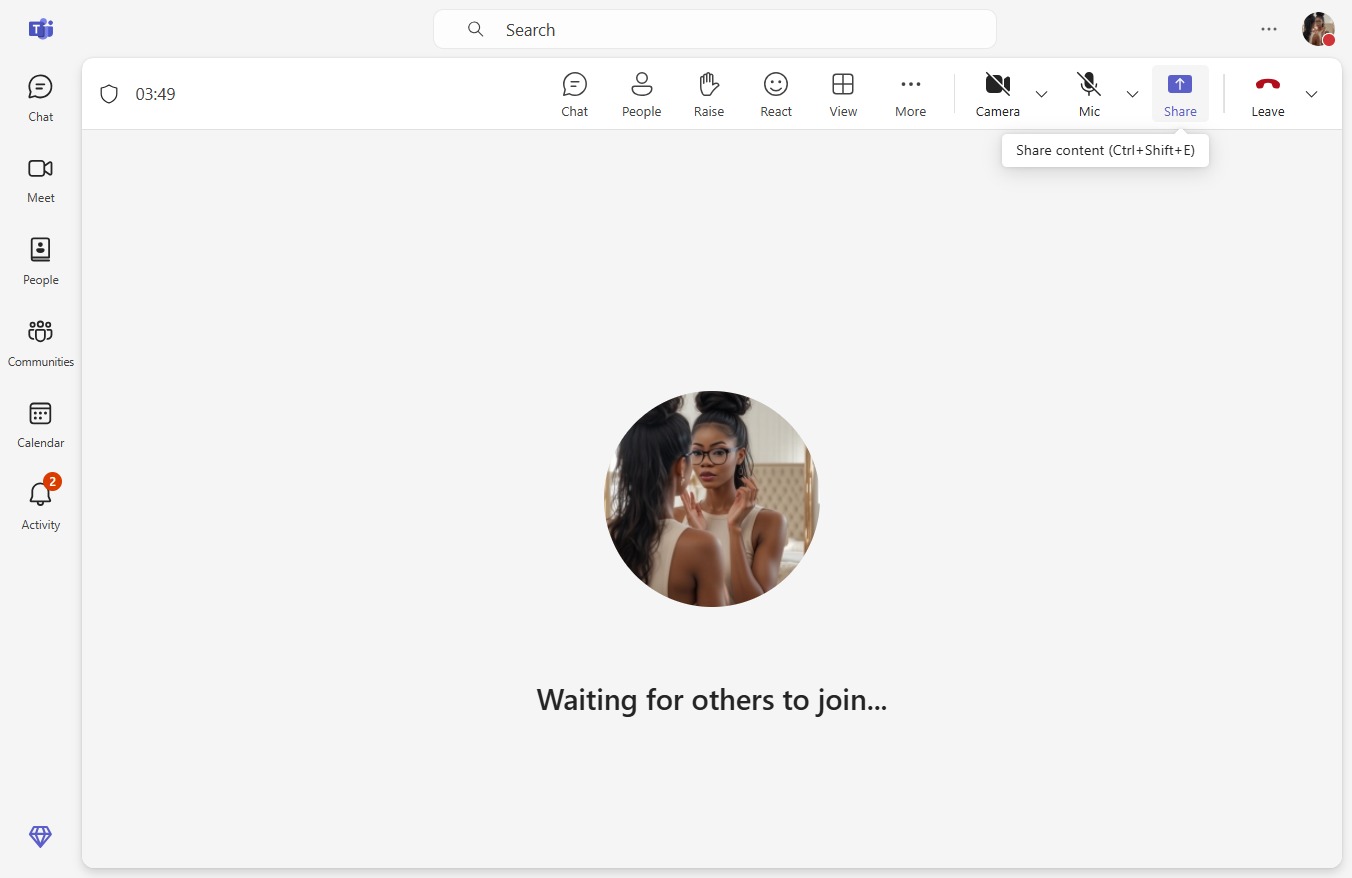
Learn how to easily share your screen with our step-by-step guide.
 victoriaworkflows
Learn how to easily share your screen with our step-by-step guide. Follow along as we walk you through selecting the right option—whether it's your entire screen, a specific window, or an individual tab—to seamlessly share your content during presentations or meetings.
