Geteilte Anleitung

How to share files with team members

In this how-to guide, you'll learn the step-by-step process to efficiently share documents with your team members using SBS Events.

victoriaworkflowsvictoriaworkflows
·14 Schritte·55 Aufrufe·Veröffentlicht

In this how-to guide, you'll learn the step-by-step process to efficiently share documents with your team members using SBS Events. Follow these clear instructions to securely send links via email and enhance collaboration within your organization.

Step-by-step Guide14 Schritte
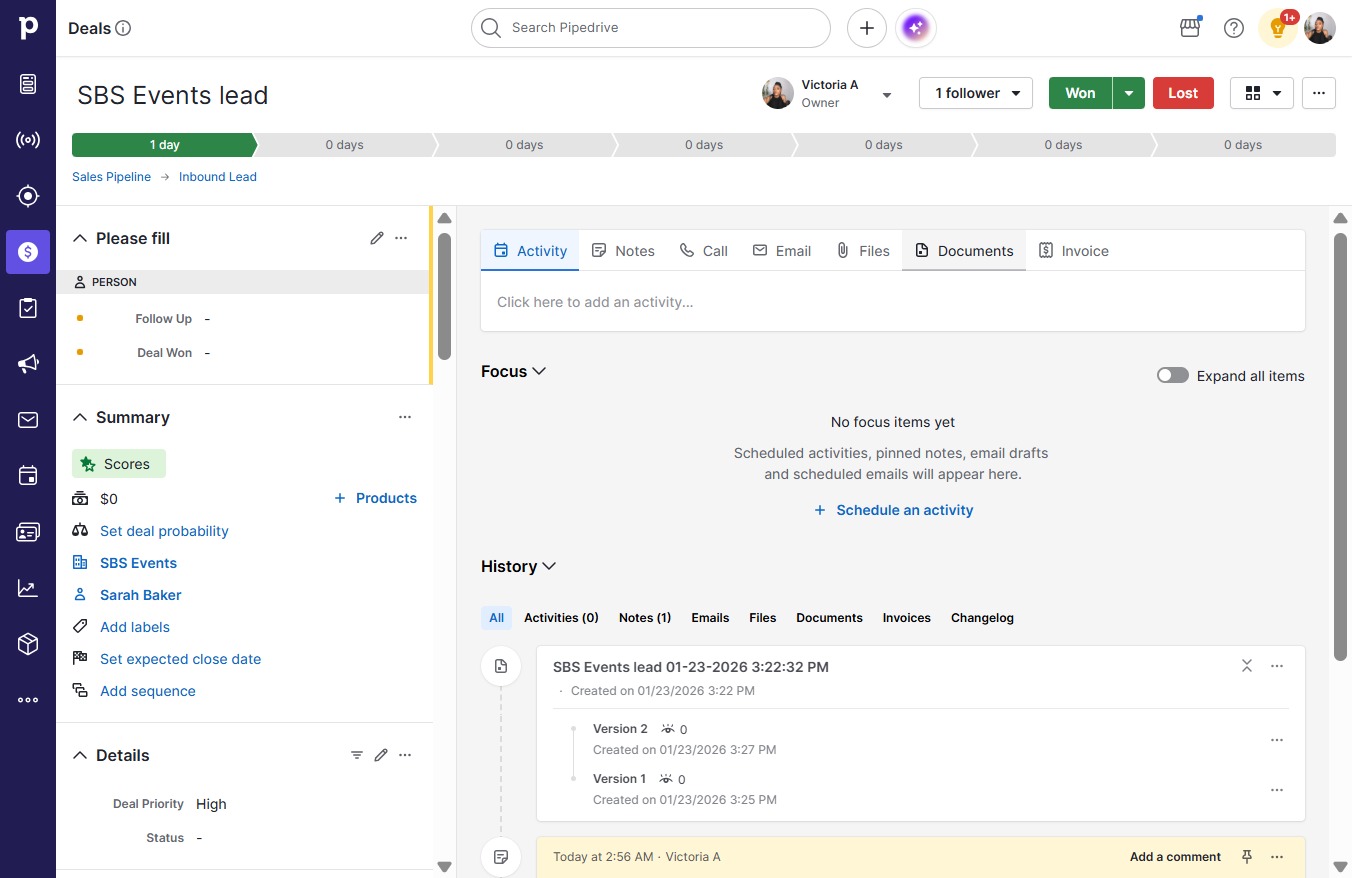
  1. Click SBS Events, Sarah Baker
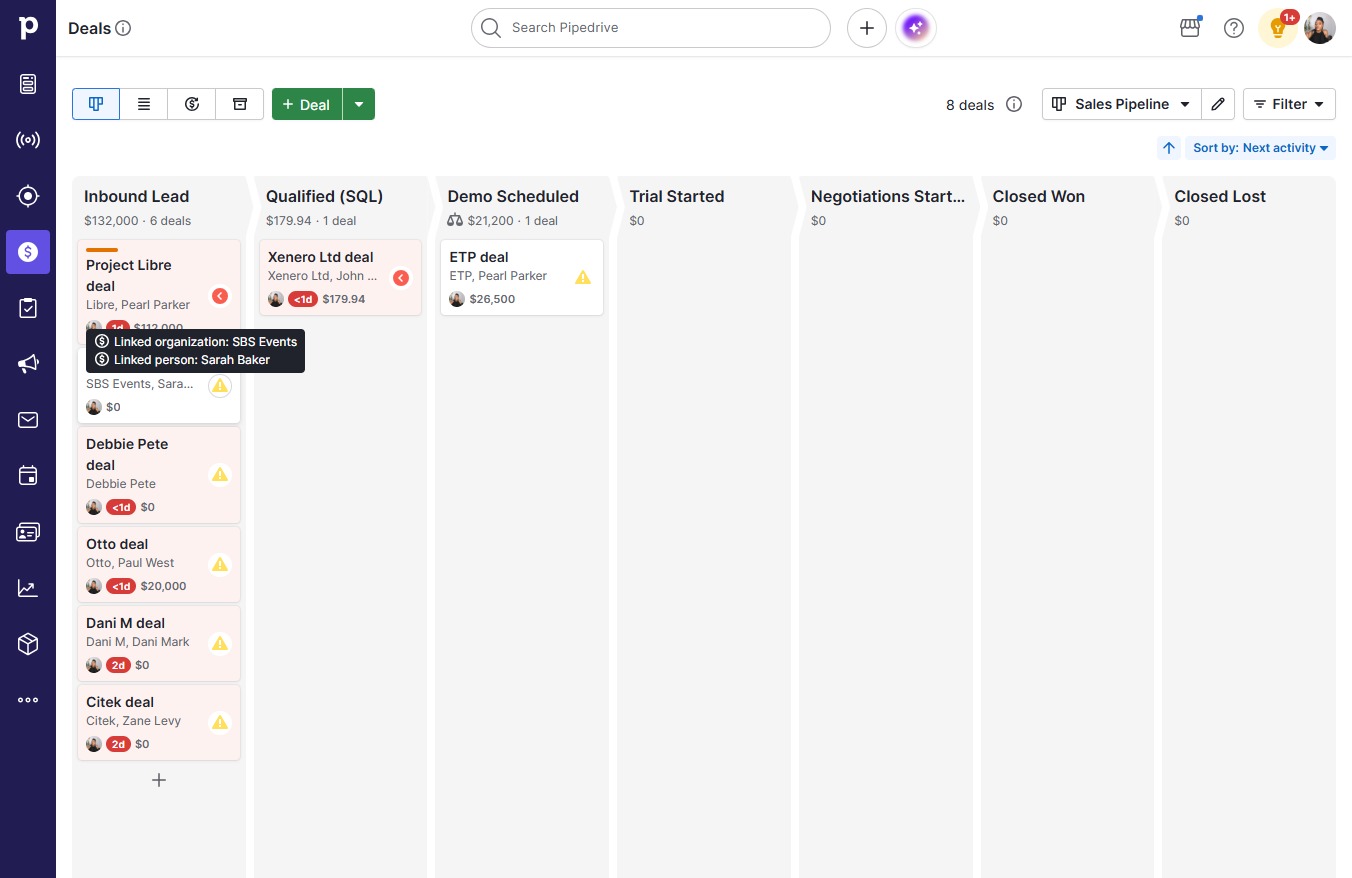
    Click SBS Events, Sarah Baker
    Loading screenshot…
    100%
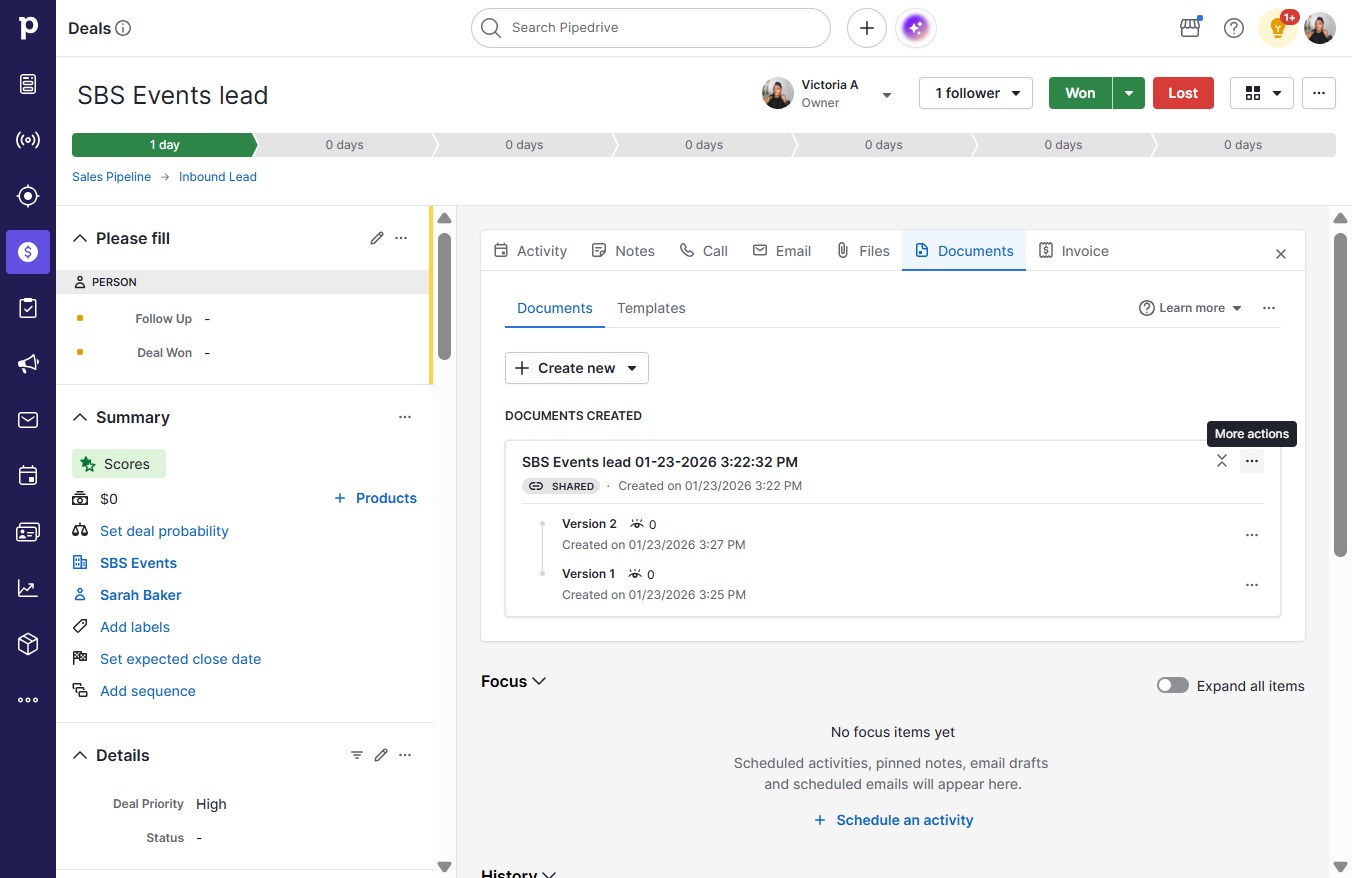
  2. Click Documents

    Click Documents
    Loading screenshot…
    100%
  3. Click on "Click here."

    Click on "Click here."
    Loading screenshot…
    100%
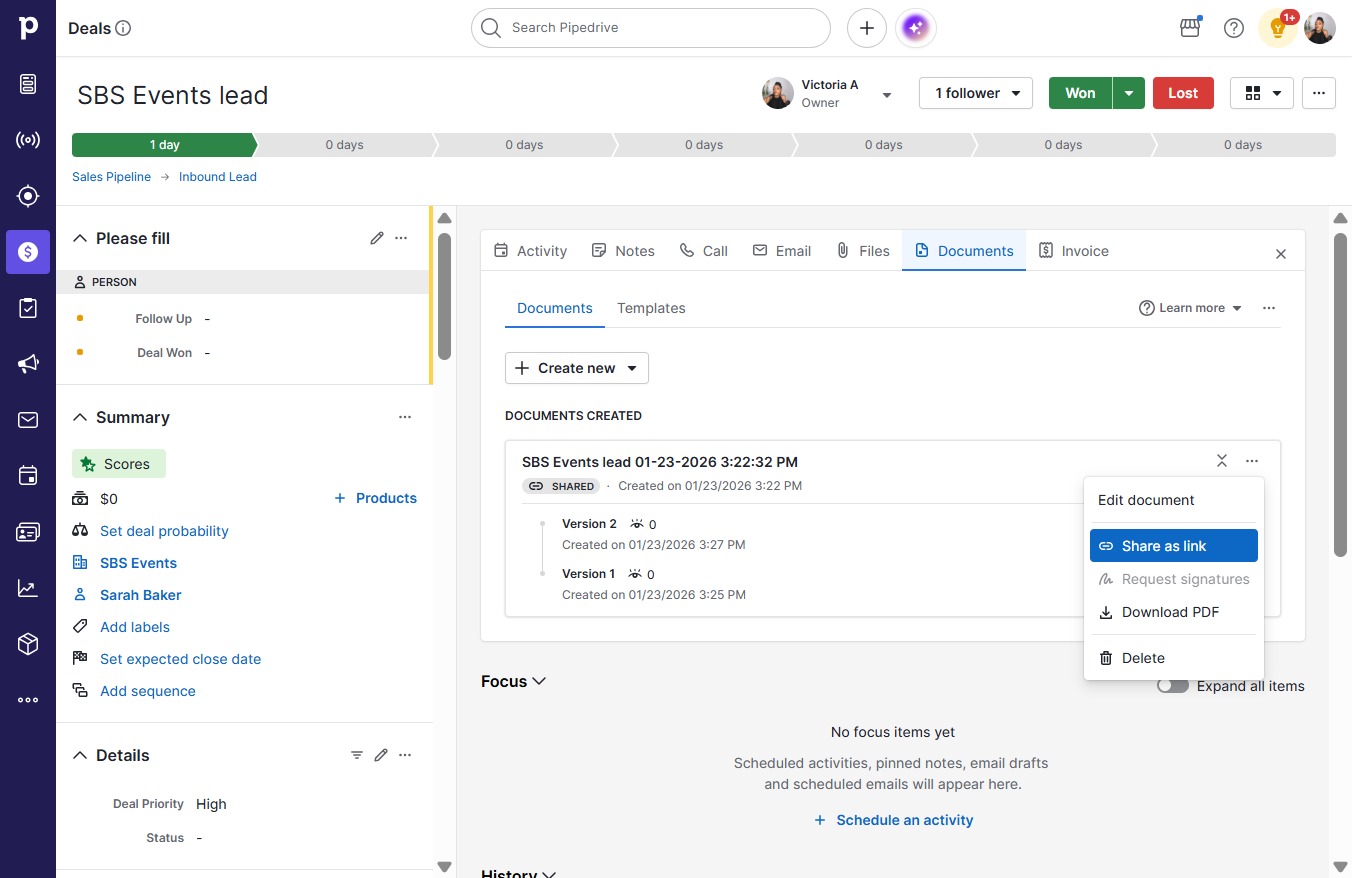
  4. Click Share as link

    Click Share as link
    Loading screenshot…
    100%
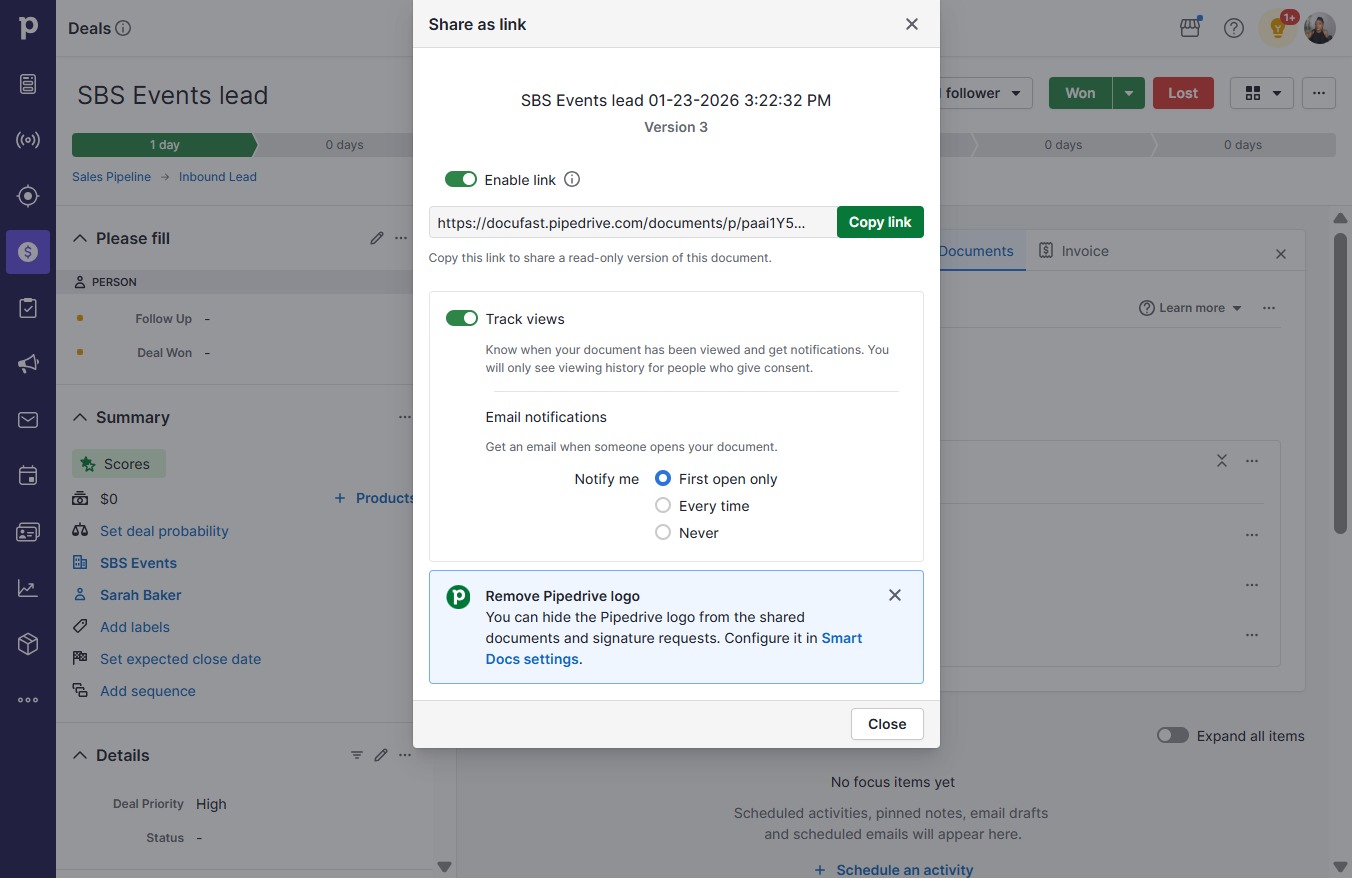
  5. Click Copy link

    Click Copy link
    Loading screenshot…
    100%
  6. Click Close

    Click Close
    Loading screenshot…
    100%
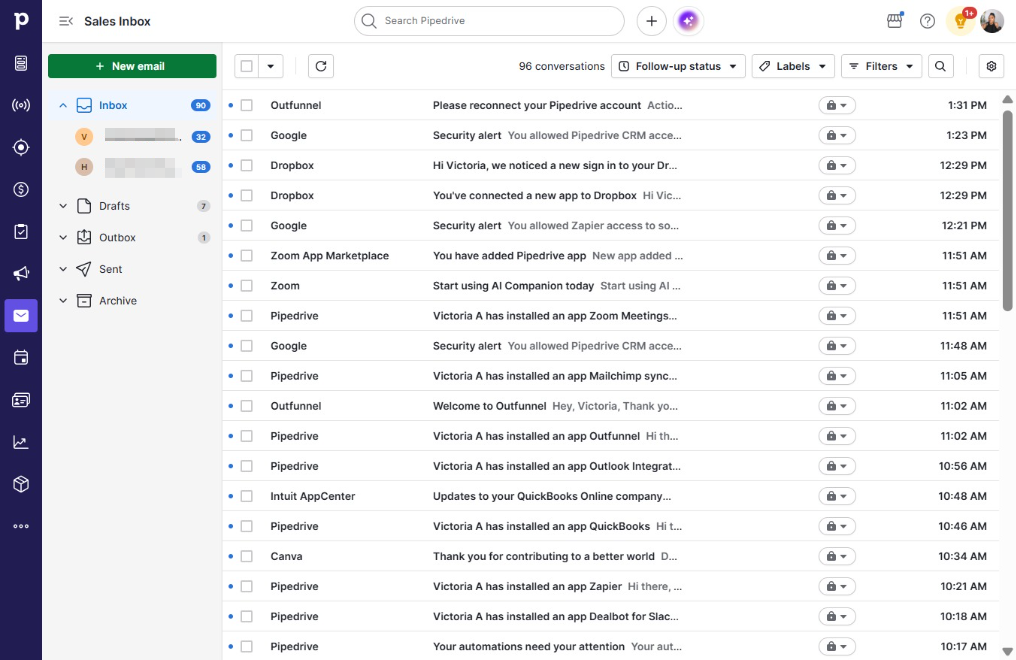
  7. Click Sales Inbox

    Click Sales Inbox
    Loading screenshot…
    100%
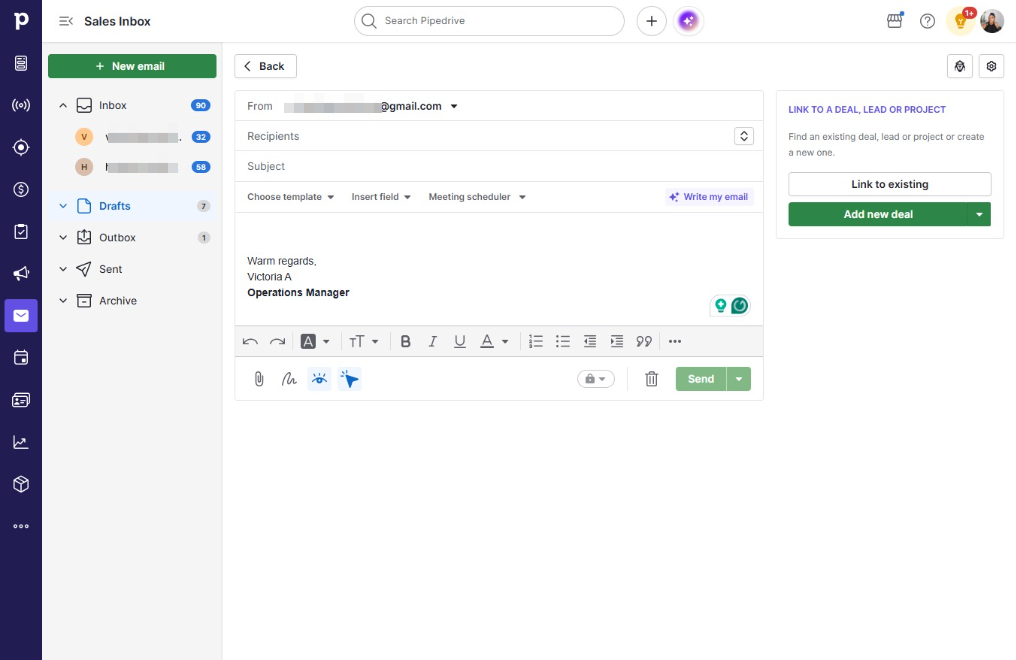
  8. Click New email

    Click New email
    Loading screenshot…
    100%
  9. Click on "Click here."

    Click on "Click here."
    Loading screenshot…
    100%
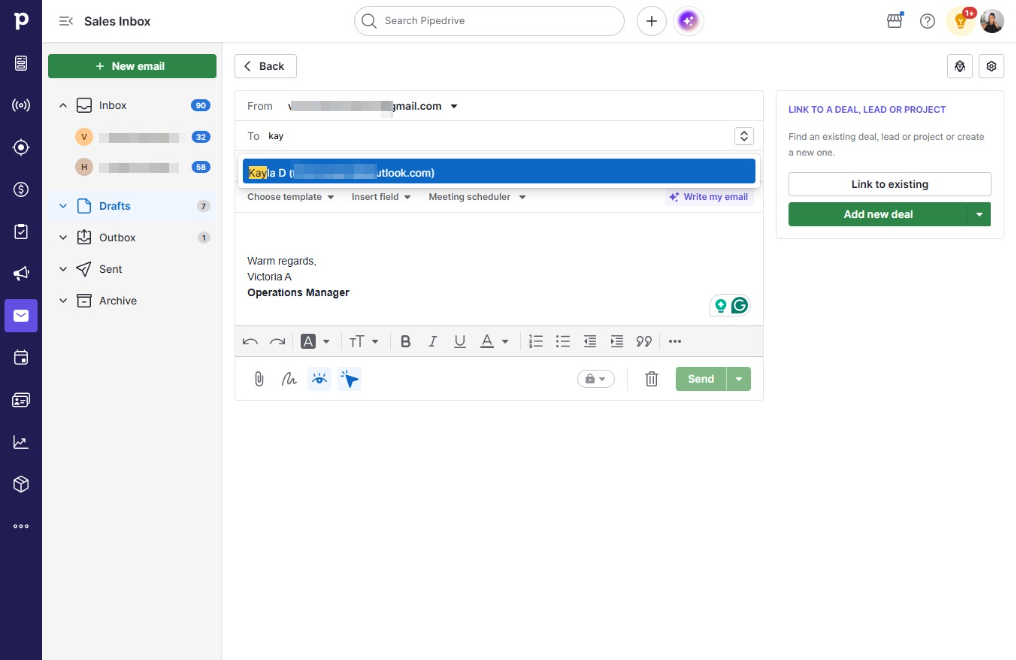
  10. Click la D (historysayshi@outlook.com)

    Click la D (historysayshi@outlook.com)
    Loading screenshot…
    100%
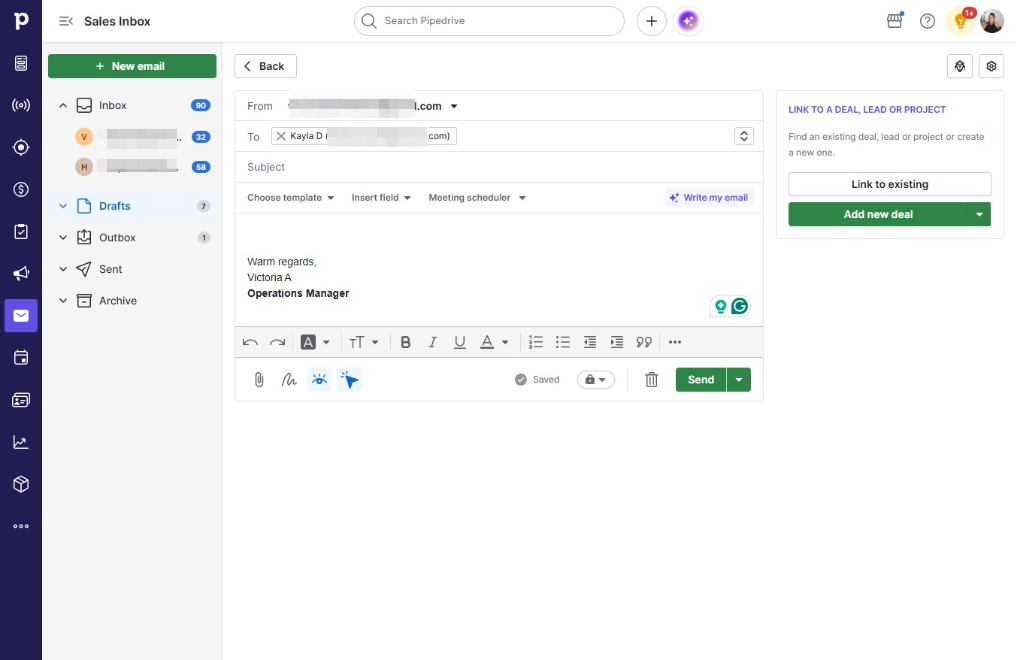
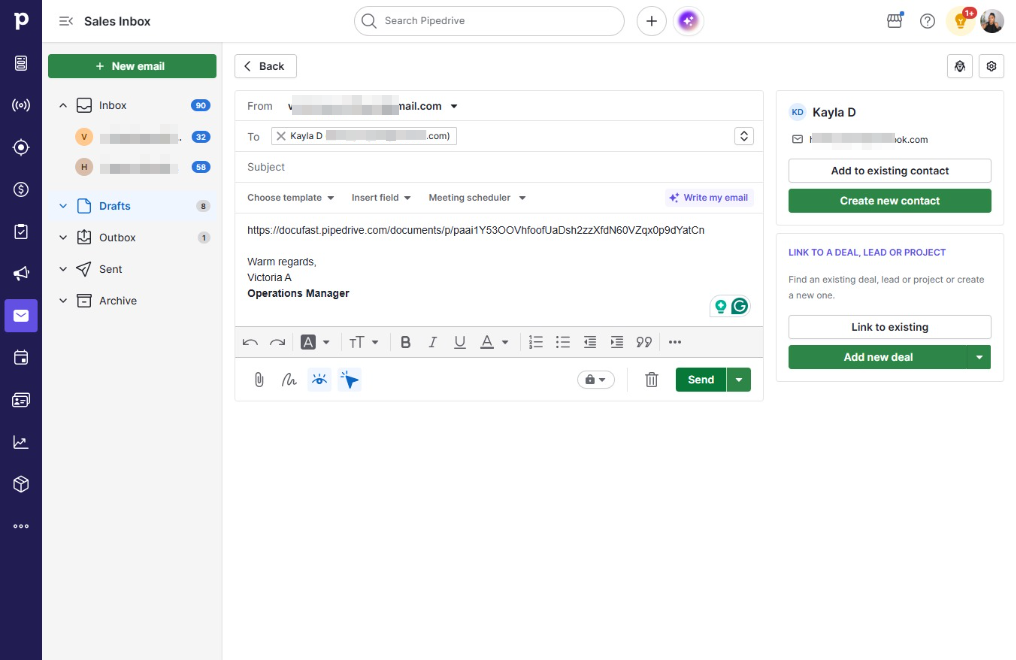
  11. Click Warm regards,Victoria AOperations Manager

    Click Warm regards,Victoria AOperations Manager
    Loading screenshot…
    100%
  12. Type "https://docufast.pipedrive.com/documents/p/paai1Y5..."

  13. Click Send

    Click Send
    Loading screenshot…
    100%
  14. Click Send

    Click Send
    Loading screenshot…
    100%