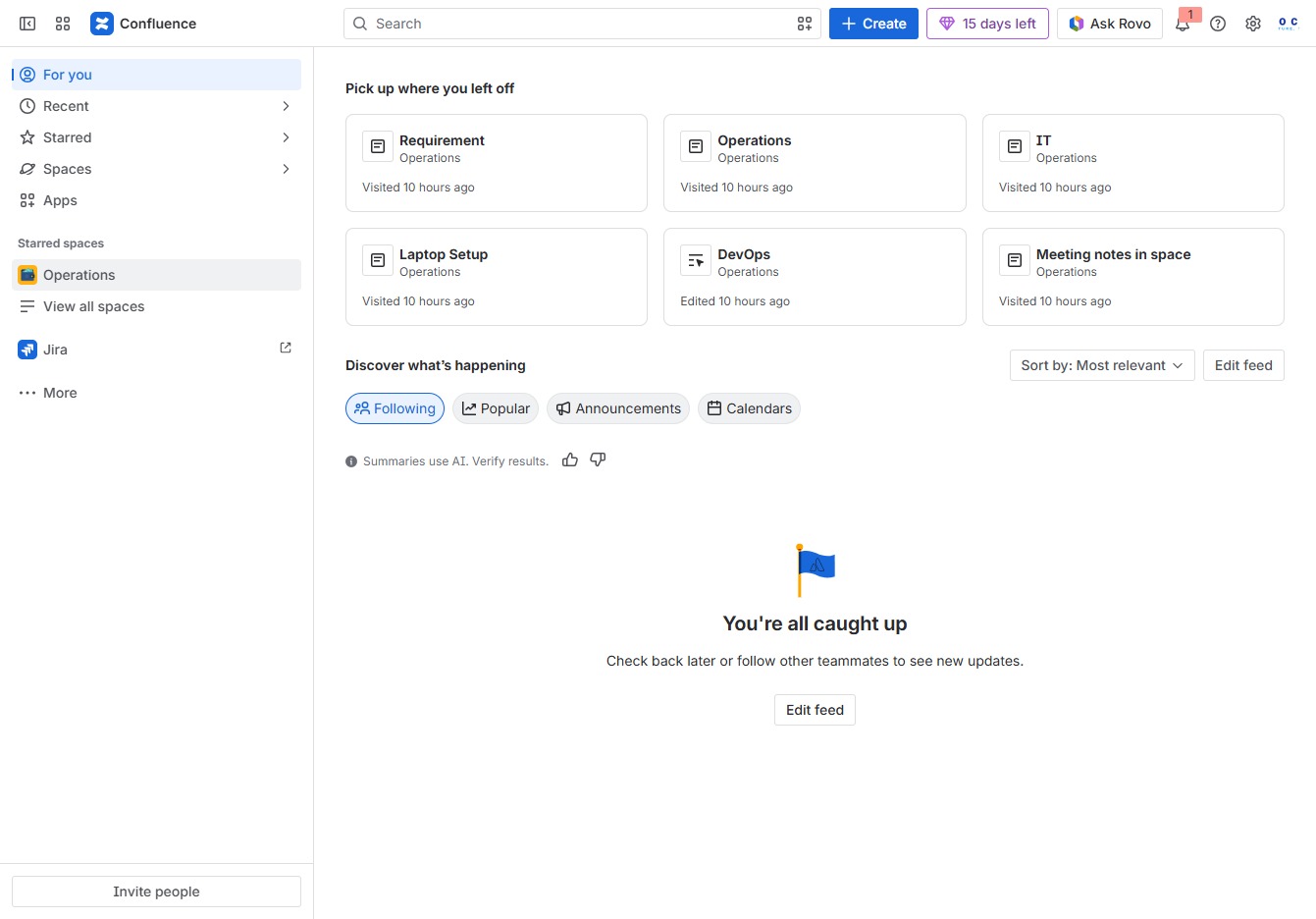
Click the Operations section
By clicking the Operations section, you can access different operational tasks and resources related to your projects, including various documents and updates.
Loading screenshot…
100%
In this how-to guide, you'll learn the step-by-step process for sharing content externally using the Operations section.
 viktoria
In this how-to guide, you'll learn the step-by-step process for sharing content externally using the Operations section. The tutorial covers creating a new document in the 'Decision Log 2,' generating a public link for wider distribution, and adjusting sharing settings to facilitate collaboration with team members or stakeholders.
By clicking the Operations section, you can access different operational tasks and resources related to your projects, including various documents and updates.
By clicking this link, you will initiate the process to create new content under the 'Decision Log 2' section, allowing you to organize related materials effectively.
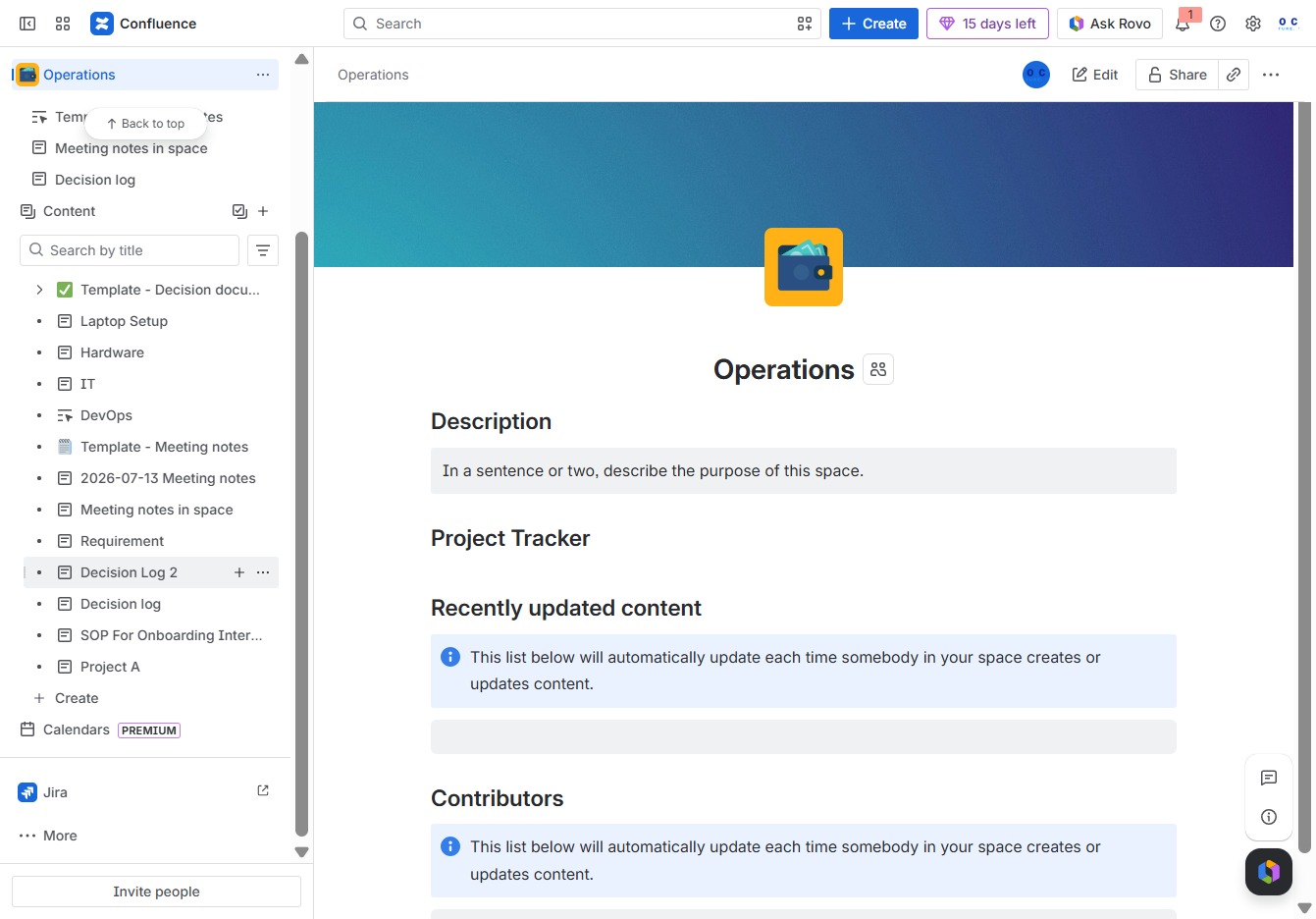
By clicking the 'Share' button, you can distribute this document with team members or stakeholders for collaborative viewing or feedback.

Selecting the 'Public link' option will generate a shareable link that allows anyone with the link to access the document. This option is useful for broad distribution among users who may not have direct access to your workspace.

This action enables the sharing settings, allowing you to generate a link that anyone with access can use to view the document. Make sure to adjust the settings as needed for accessibility.

By clicking this button, the public link for the content will be copied to your clipboard, allowing you to easily share access with others.
