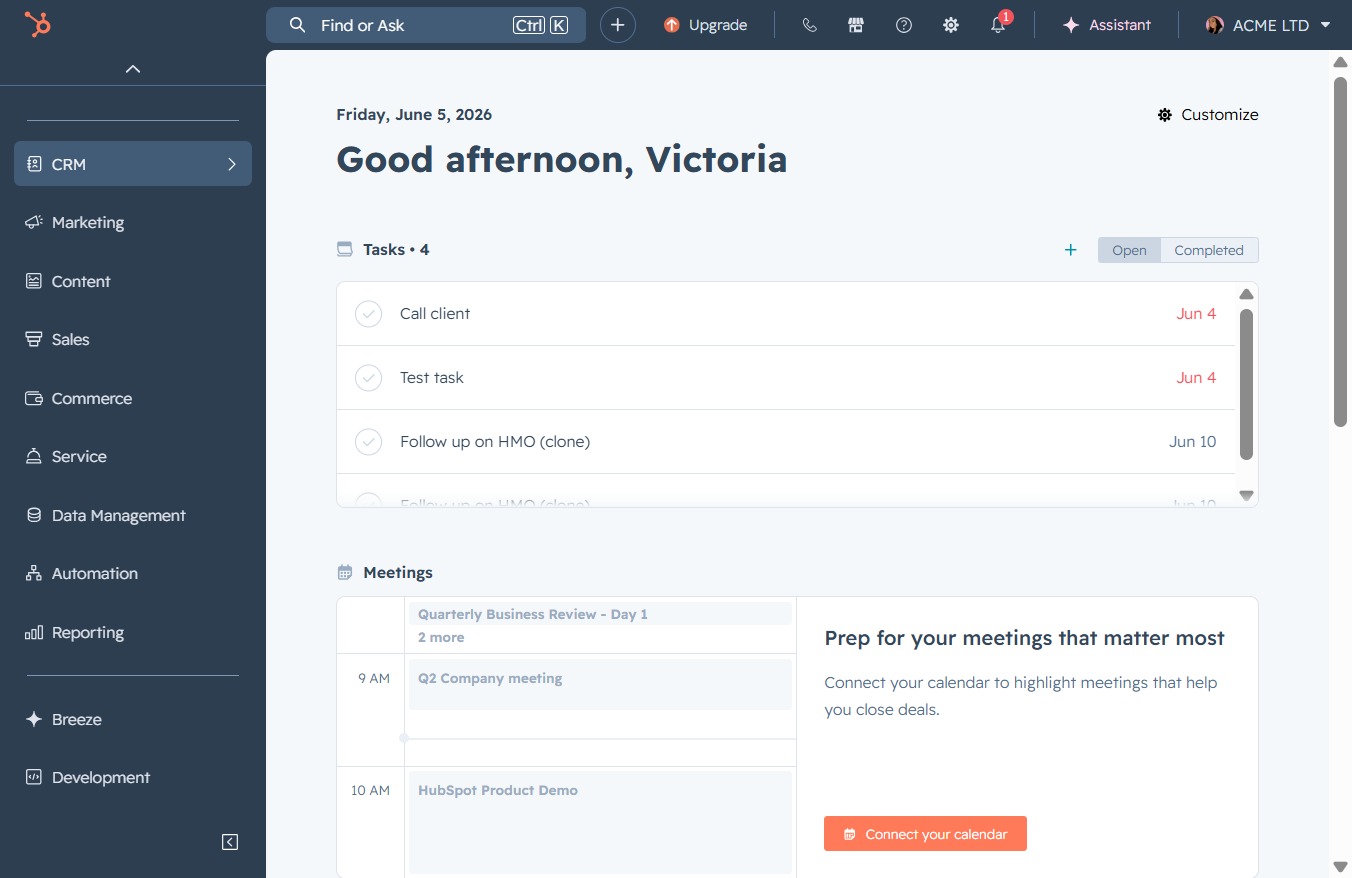
Click the CRM option
Clicking the CRM option will direct you to the Customer Relationship Management section where you can manage contacts, track interactions, and view analytics related to customer engagement.
Loading screenshot…
100%
Share your email template with your team in CRM to enhance collaboration and ensure consistent communication by adjusting access settings for team members or specific users.
 viktoria
Share your email template with your team in CRM to enhance collaboration and ensure consistent communication by adjusting access settings for team members or specific users.
Clicking the CRM option will direct you to the Customer Relationship Management section where you can manage contacts, track interactions, and view analytics related to customer engagement.
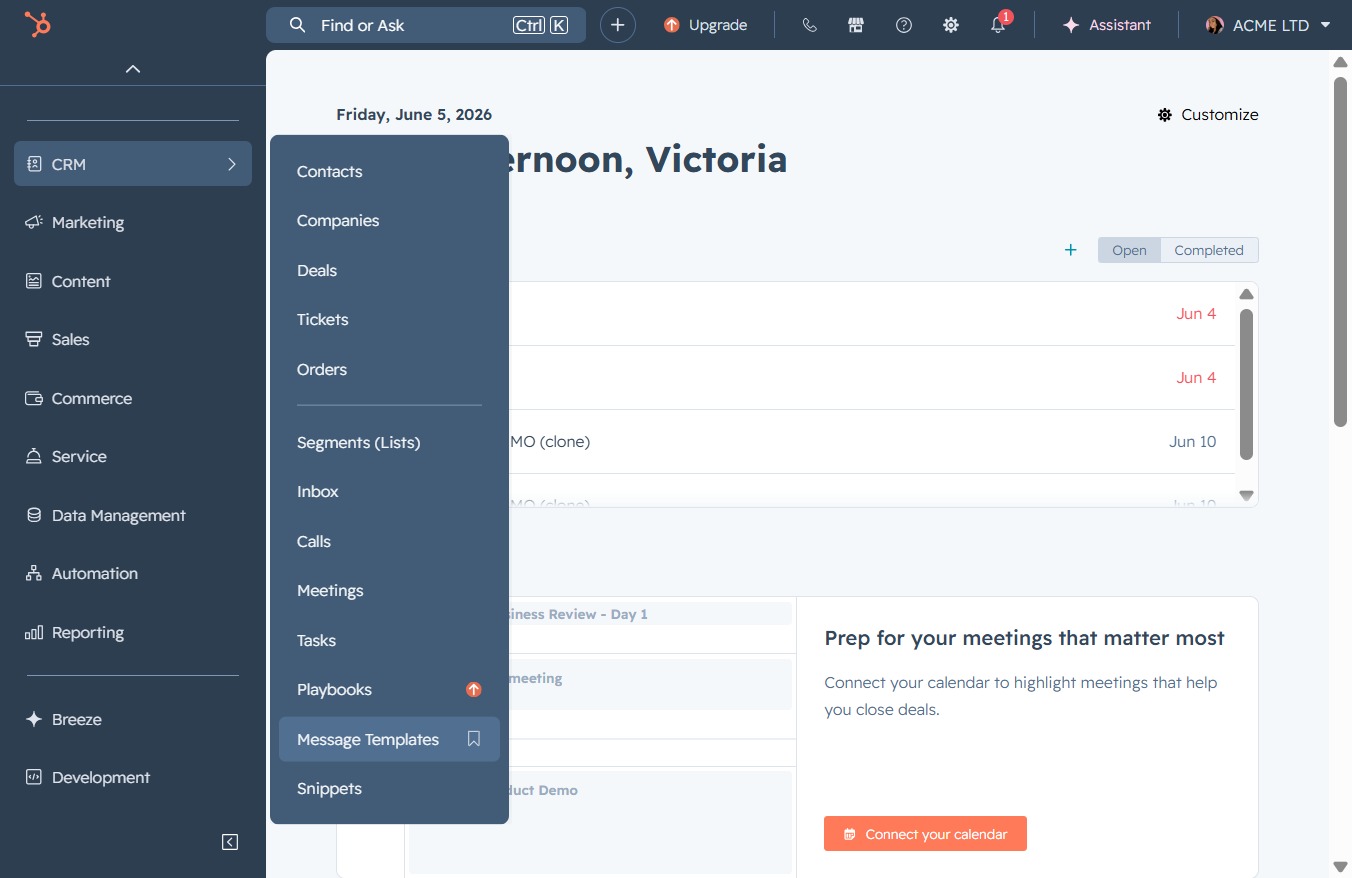
Selecting 'Message Templates' will open the section where you can create and manage your message templates for various communications.
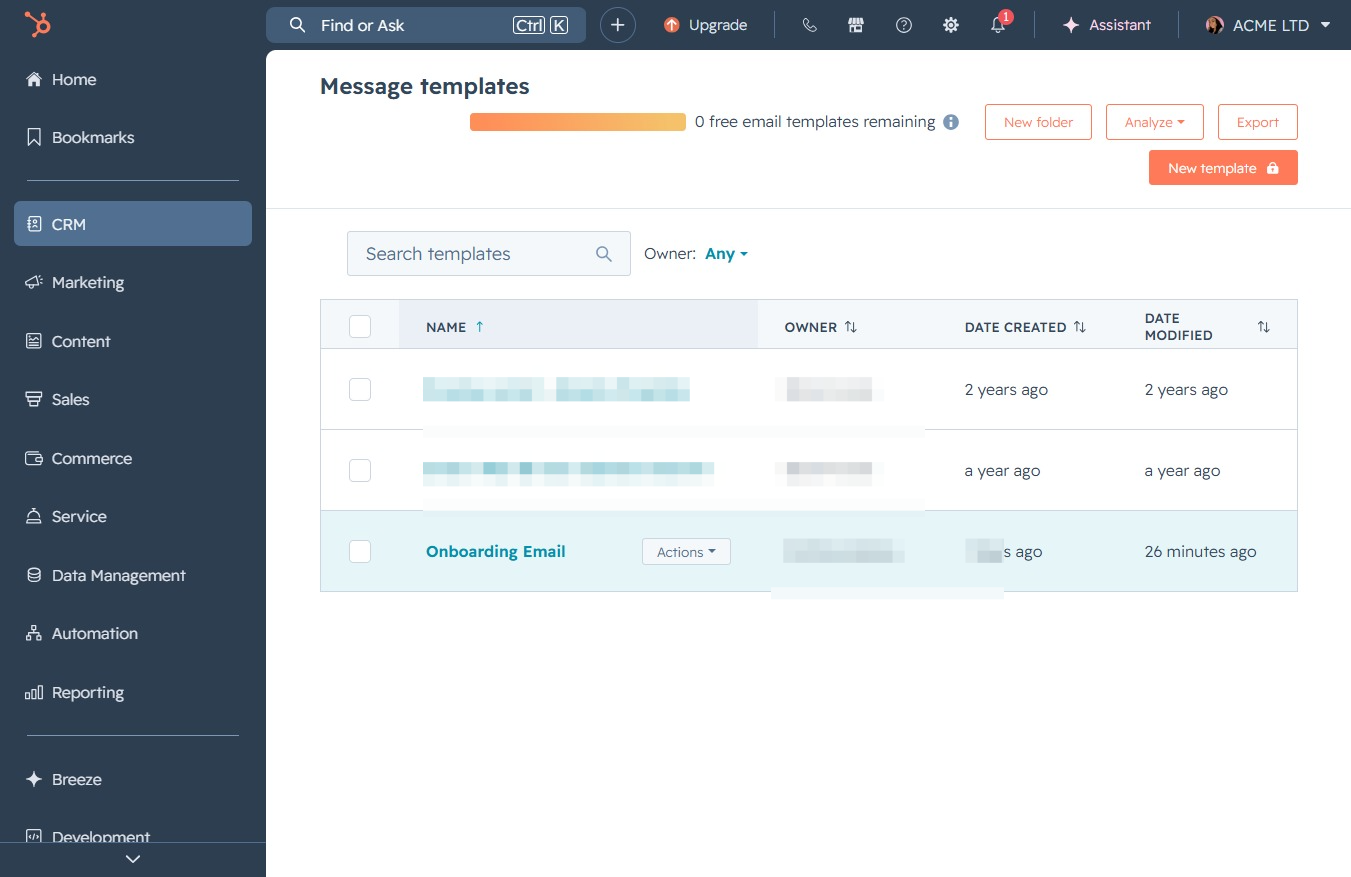
Clicking the Actions button opens a menu with options to manage your message templates, allowing you to perform various tasks like editing or deleting them.
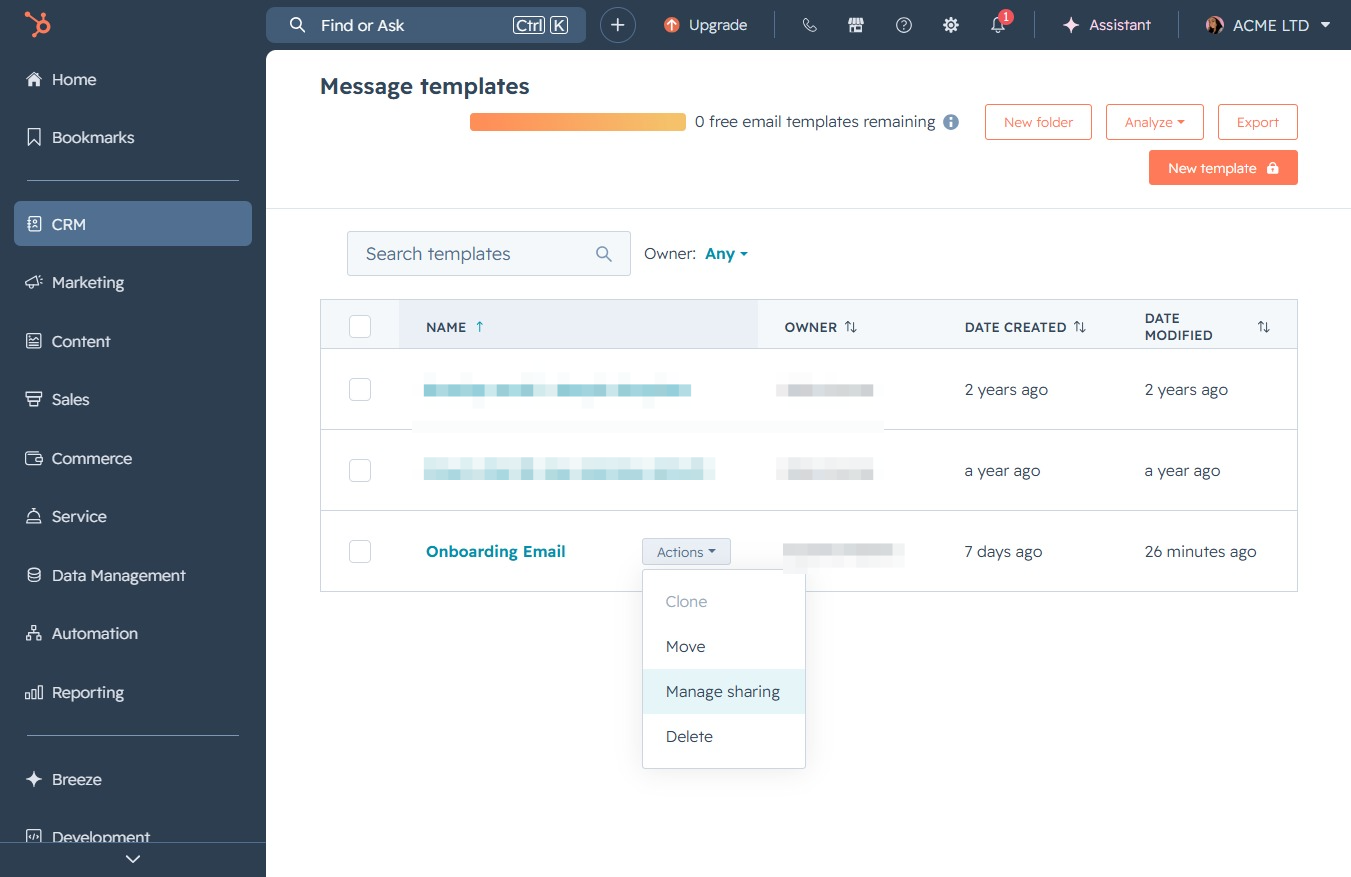
This action opens the sharing settings for the selected message template, allowing you to adjust who can access or collaborate on it.
Clicking this option allows you to choose who can access the template, with options for Private, Everyone, or Specific users or teams.
