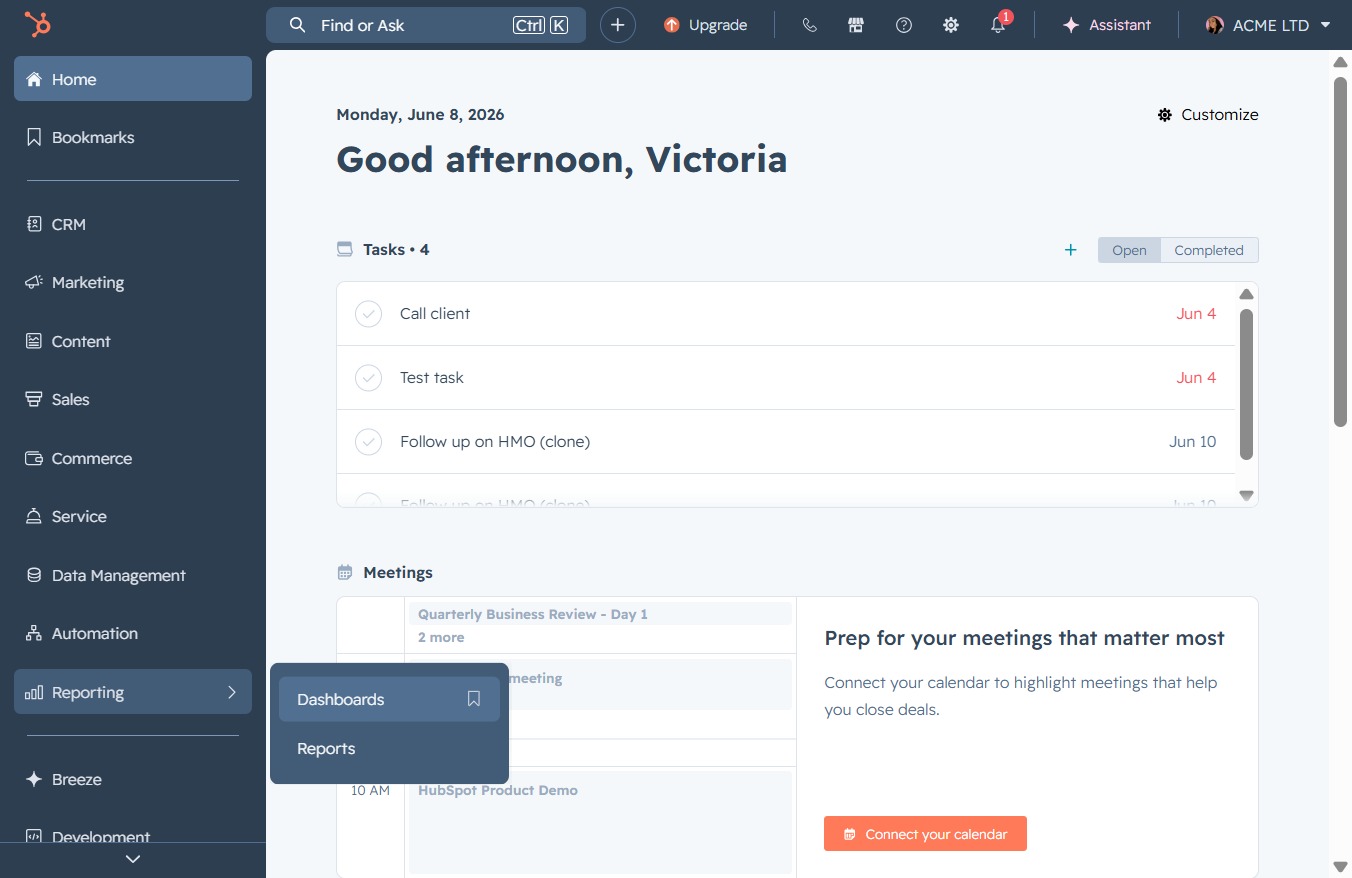
Click the Reporting option
Selecting the Reporting option will take you to the reports section, where you can view and analyze various metrics related to your tasks and meetings.

Loading screenshot…
100%
Share your dashboard in Reporting with team members by copying the URL to facilitate collaboration and review of campaign performance metrics.
 viktoria
Share your dashboard in Reporting with team members by copying the URL to facilitate collaboration and review of campaign performance metrics.
Selecting the Reporting option will take you to the reports section, where you can view and analyze various metrics related to your tasks and meetings.
This action opens the Dashboards section, where you can view and manage various analytics and reports related to your activities.
Clicking the Share button allows you to share the campaign performance data with team members or stakeholders, facilitating collaboration and review of the campaign metrics.
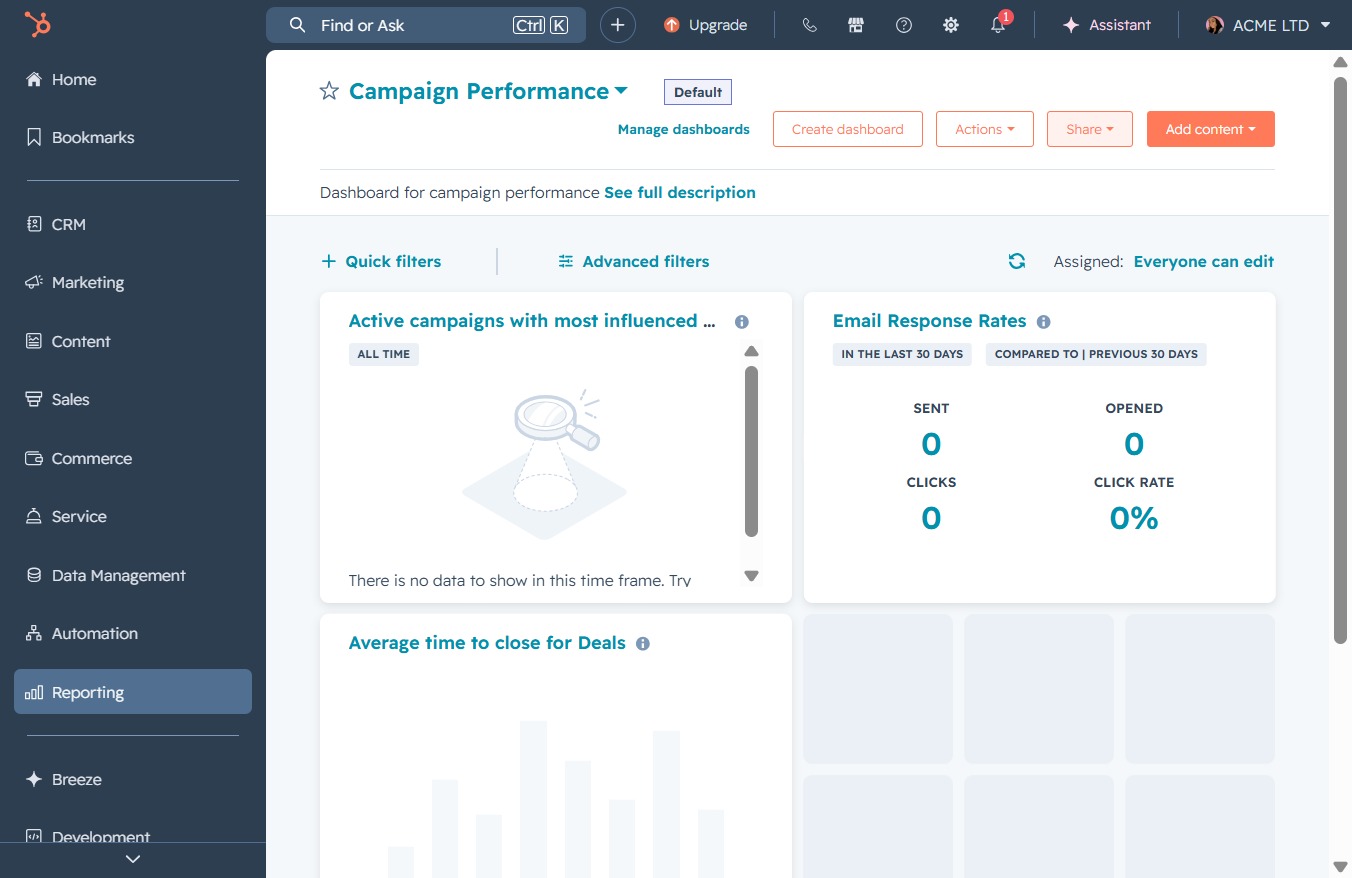
This action copies the URL of the current dashboard, allowing you to easily share it with others or save it for later reference.
