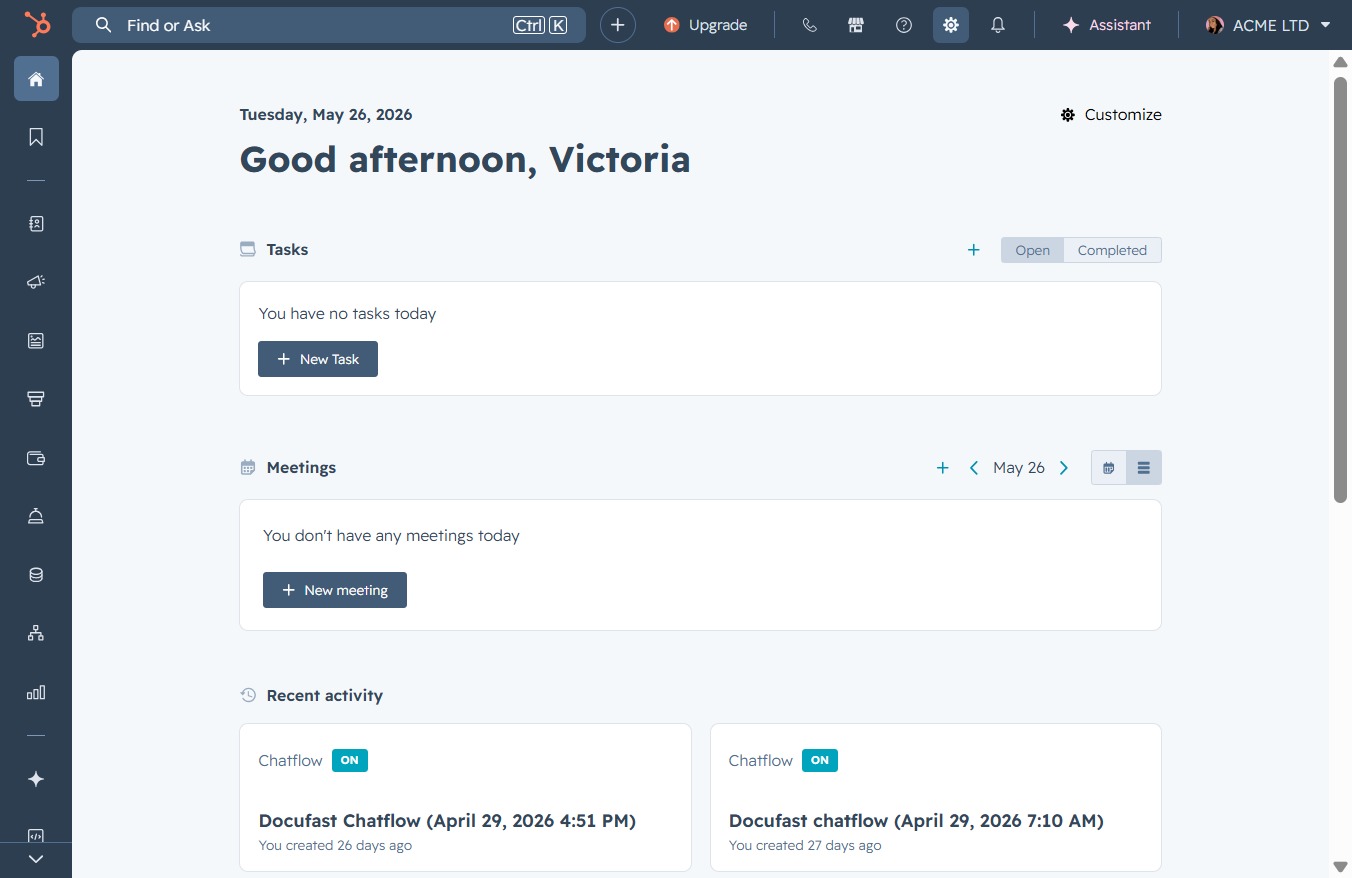
Click the Settings link
This action opens the Settings page where you can adjust your account preferences and application configurations.
Loading screenshot…
100%
Modify your HubSpot email signature by navigating to the Email tab in your profile settings, where you can create, customize, and save your signature for CRM use.
 viktoria
Modify your HubSpot email signature by navigating to the Email tab in your profile settings, where you can create, customize, and save your signature for CRM use.
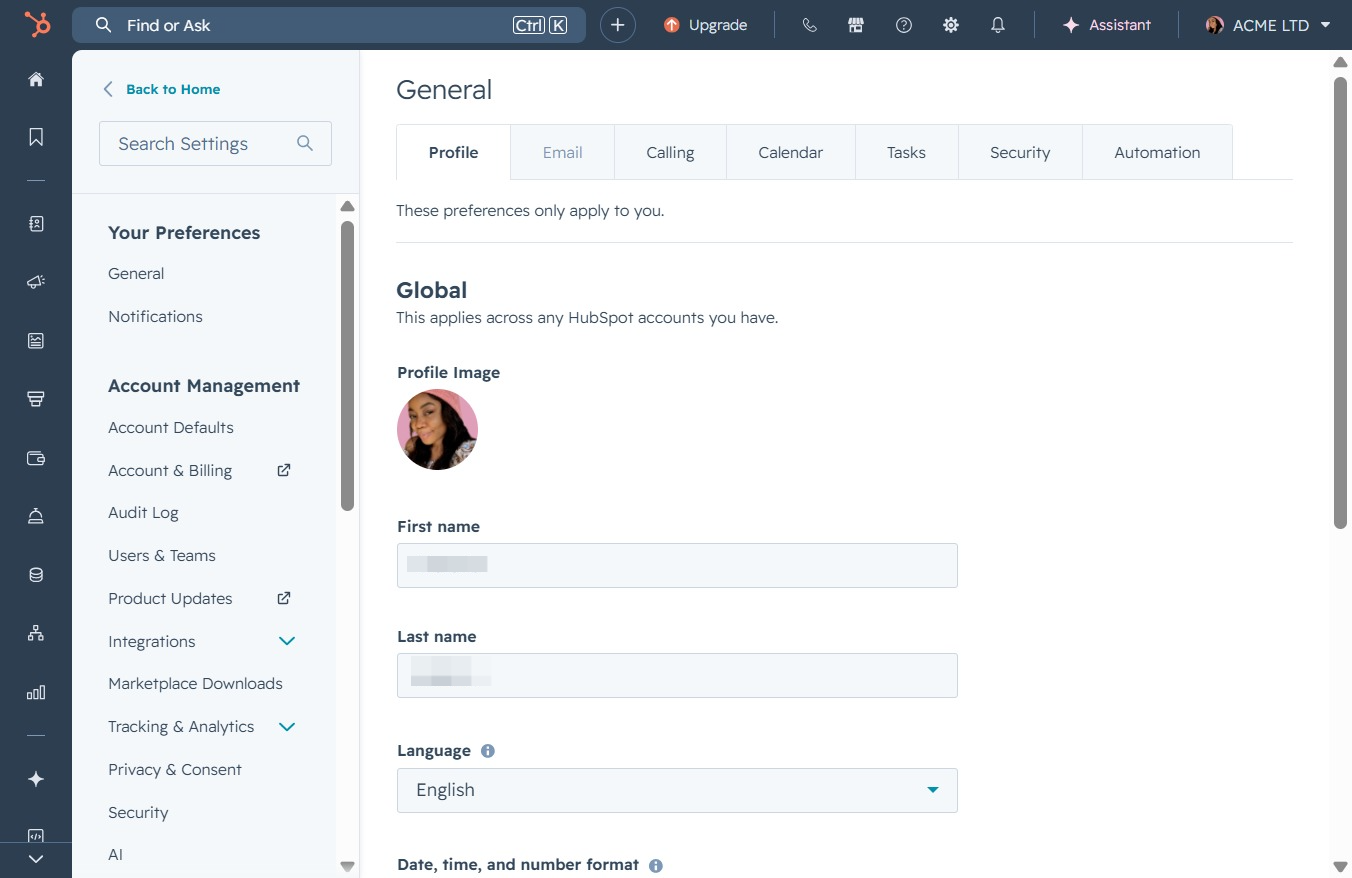
This action opens the Settings page where you can adjust your account preferences and application configurations.
Selecting the Email tab will take you to the settings related to email preferences and configurations in your HubSpot account.
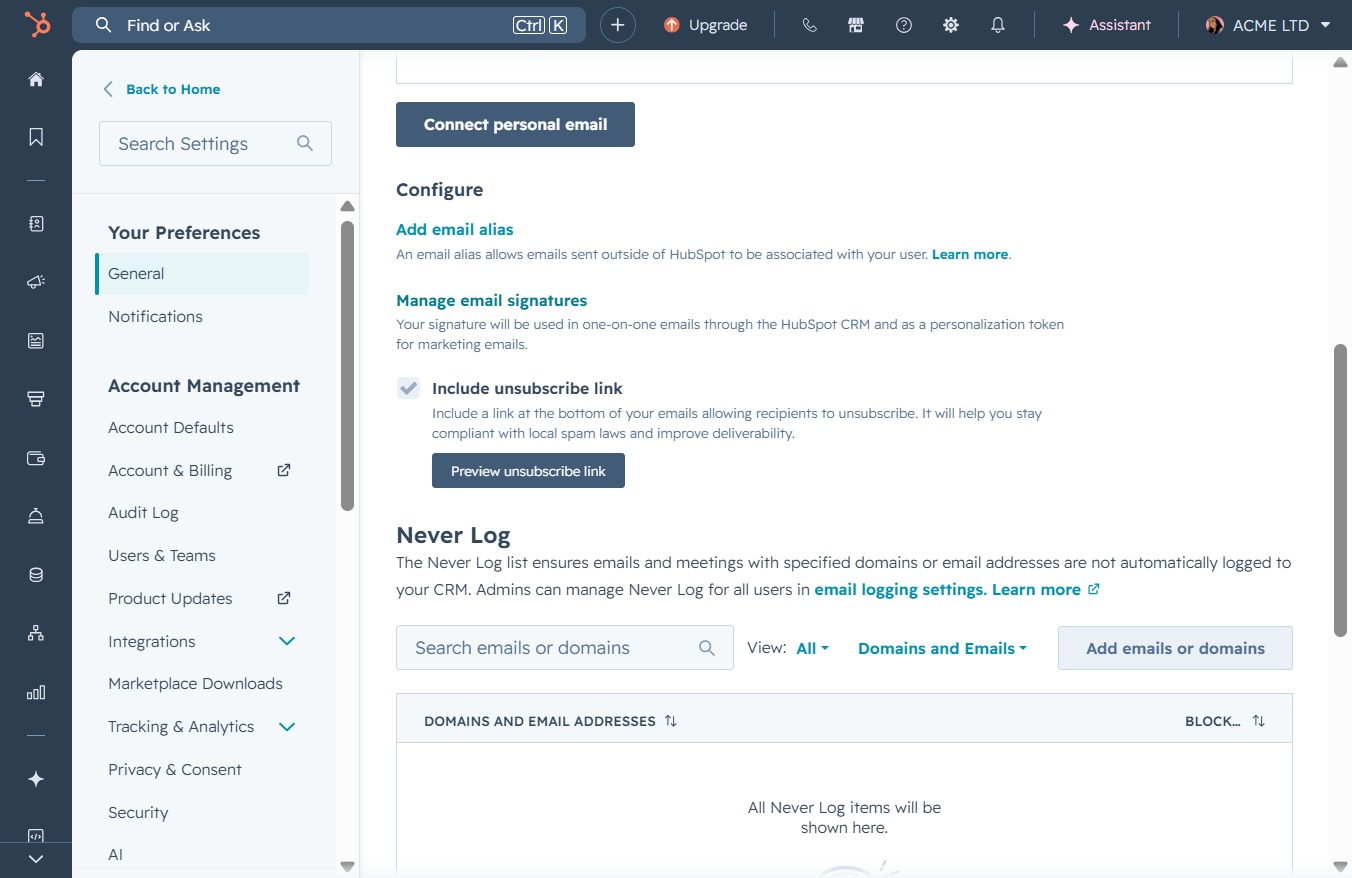
This action opens the email signature management section where you can create and edit your email signatures for use within the HubSpot CRM.
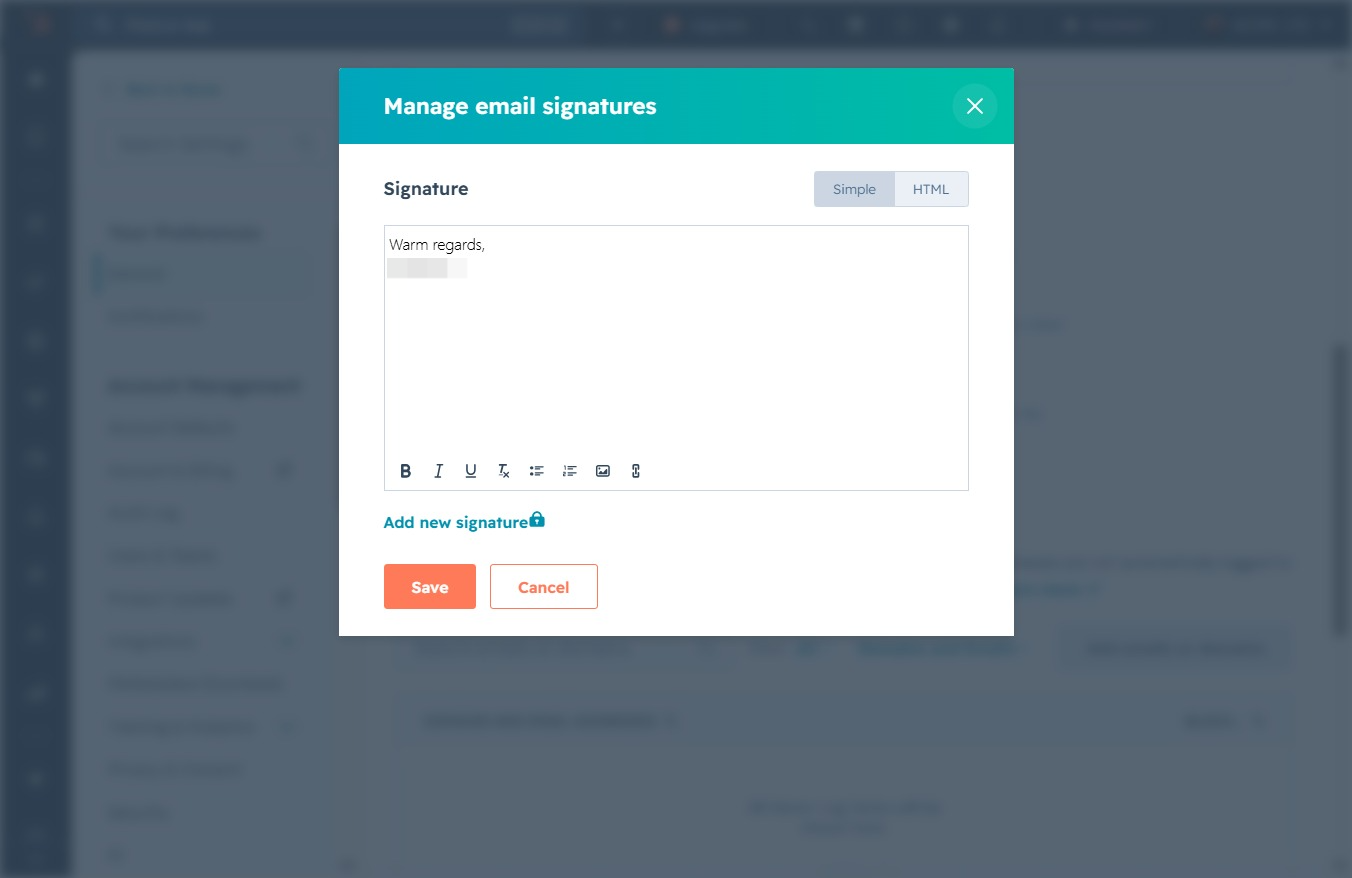
Clicking here allows you to create a new email signature, where you can customize text and format it as needed.
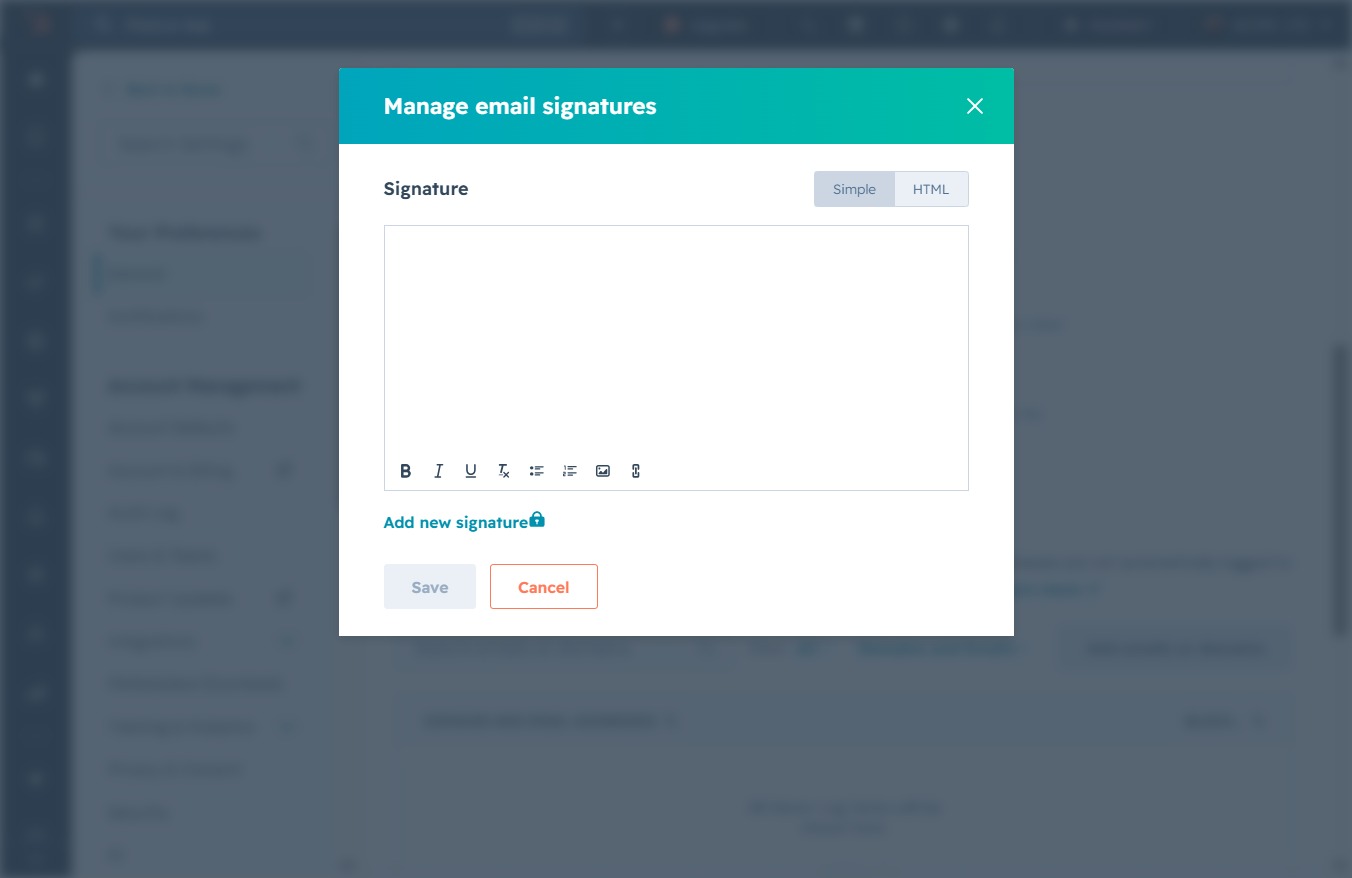
Type your desired email signature in the provided text field. Once you've finished, you can save it by clicking the 'Save' button to update your email settings.
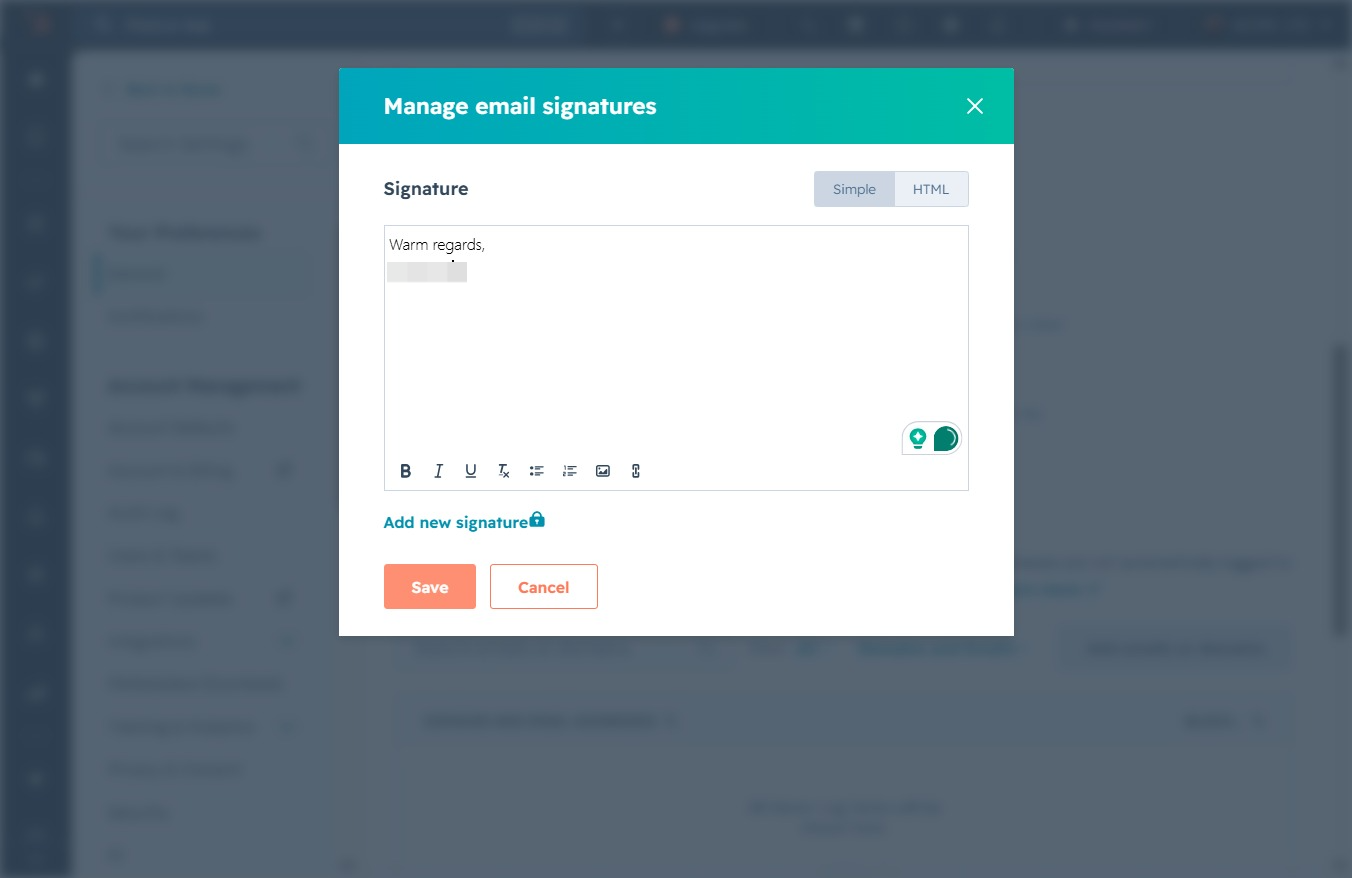
This will save your changes to the email signature you have just edited.
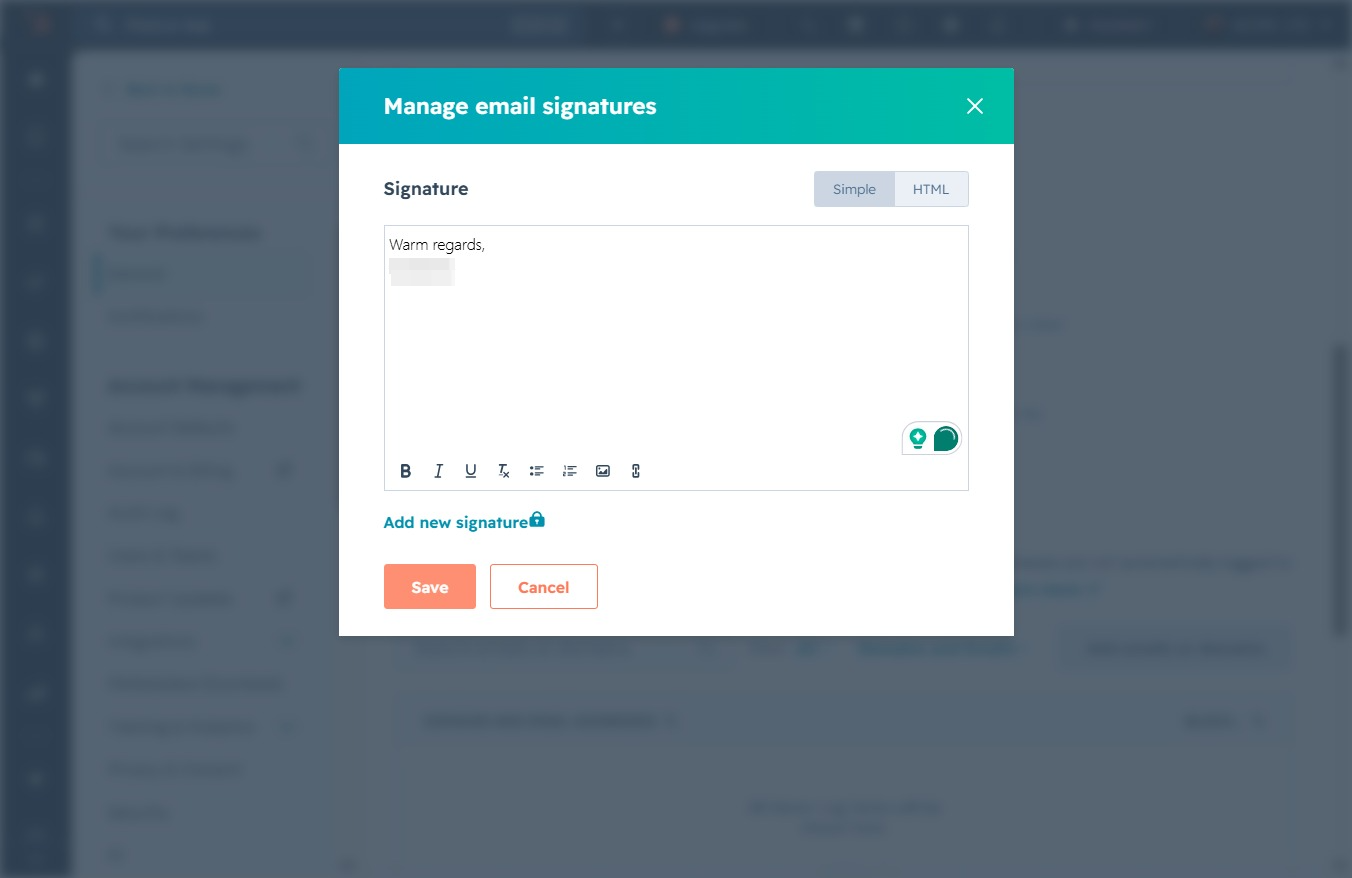
This action will close the email signature management window. Any unsaved changes will be discarded.