Shared guide

How to set up your company profile

In this how-to guide, learn the step-by-step process to set up your company profile on the platform.

victoriaworkflowsvictoriaworkflows
·9 steps·66 views·Published

In this how-to guide, learn the step-by-step process to set up your company profile on the platform. Follow these simple instructions to configure your settings, name your company, and schedule activities efficiently.
Step-by-step Guide9 steps
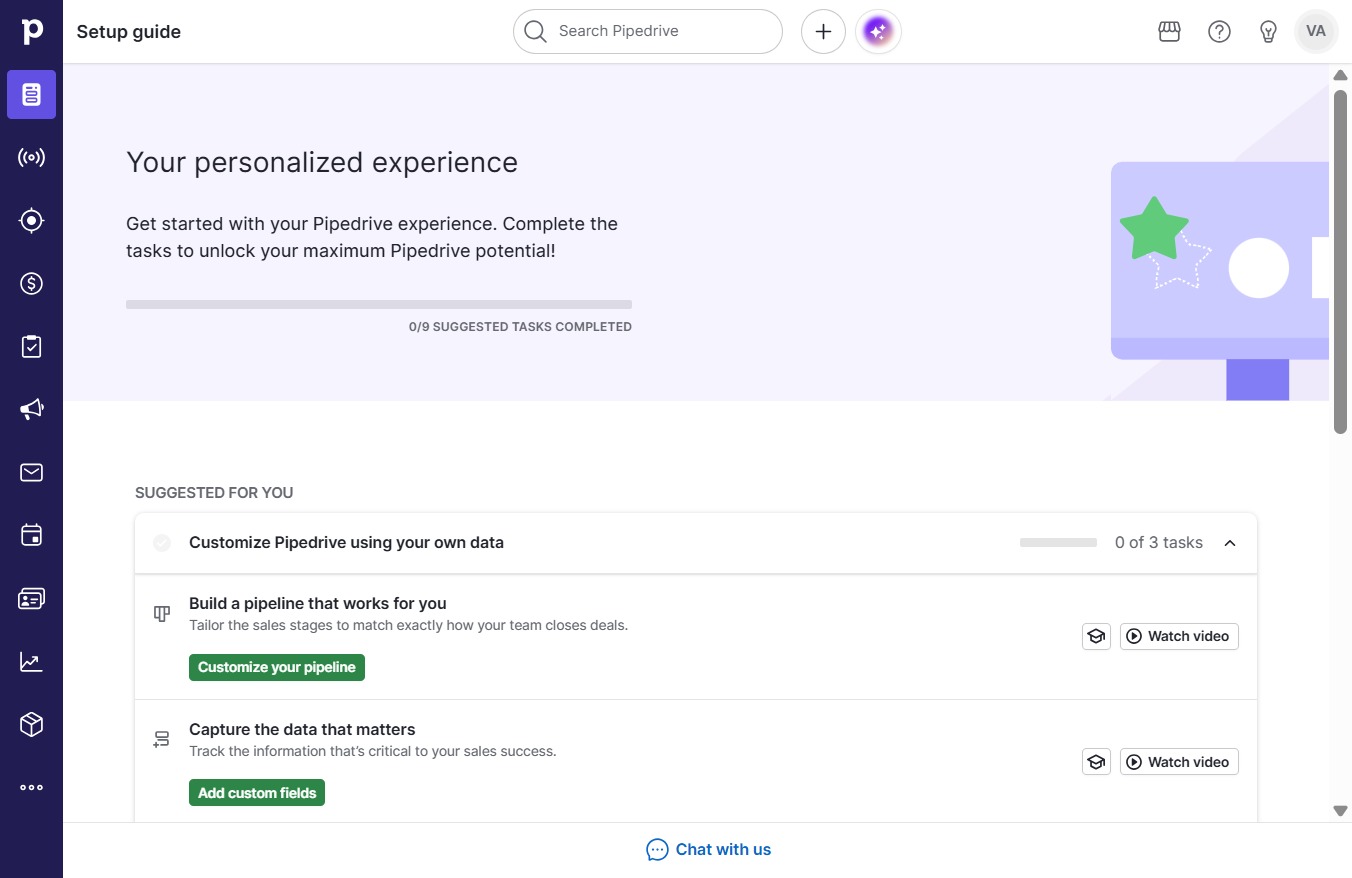
  1. Click VA

    Click VA
    Loading screenshot…
    100%
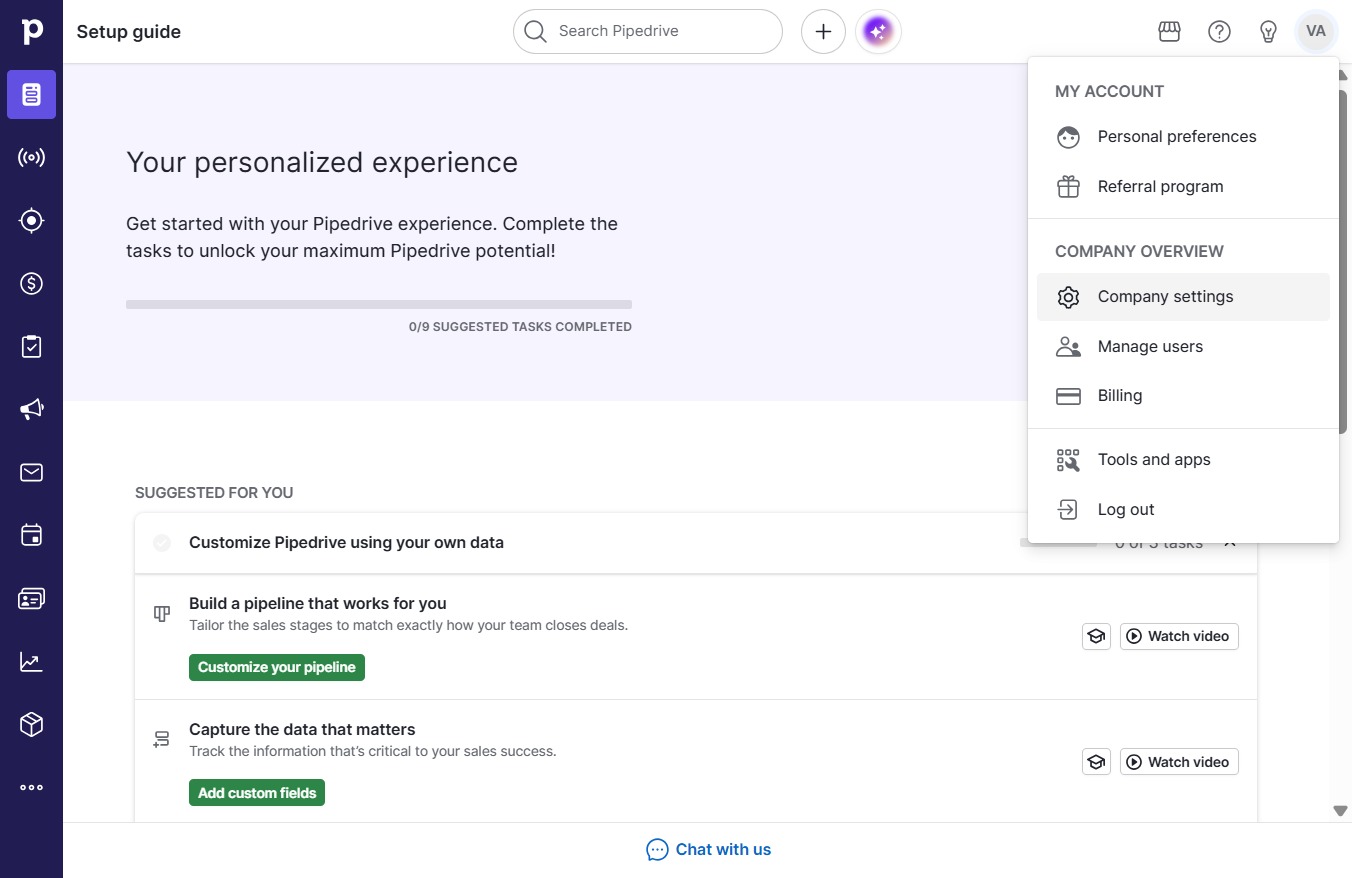
  2. Click Company settings

    Click Company settings
    Loading screenshot…
    100%
  3. Click on "Click here."

    Click on "Click here."
    Loading screenshot…
    100%
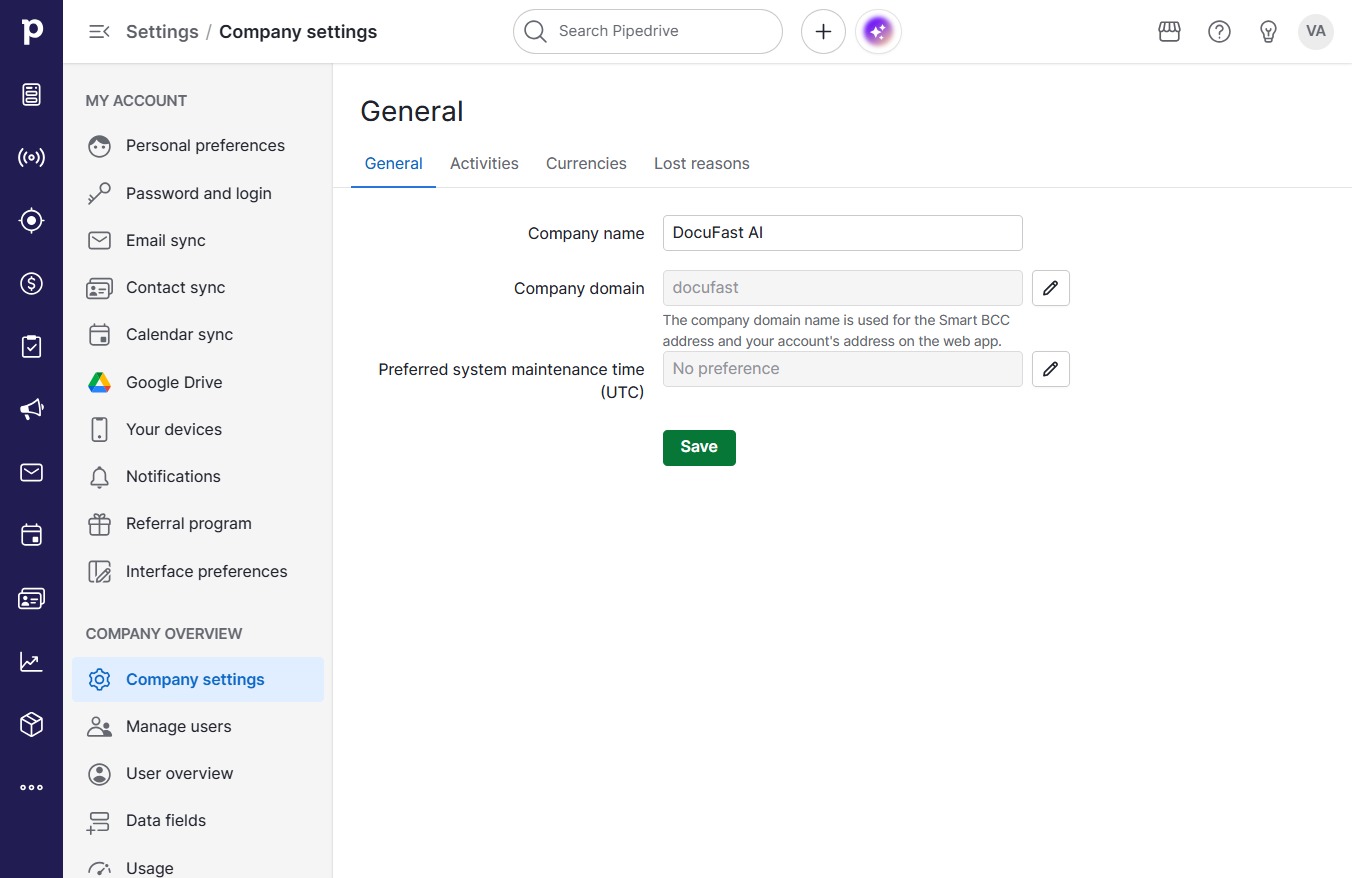
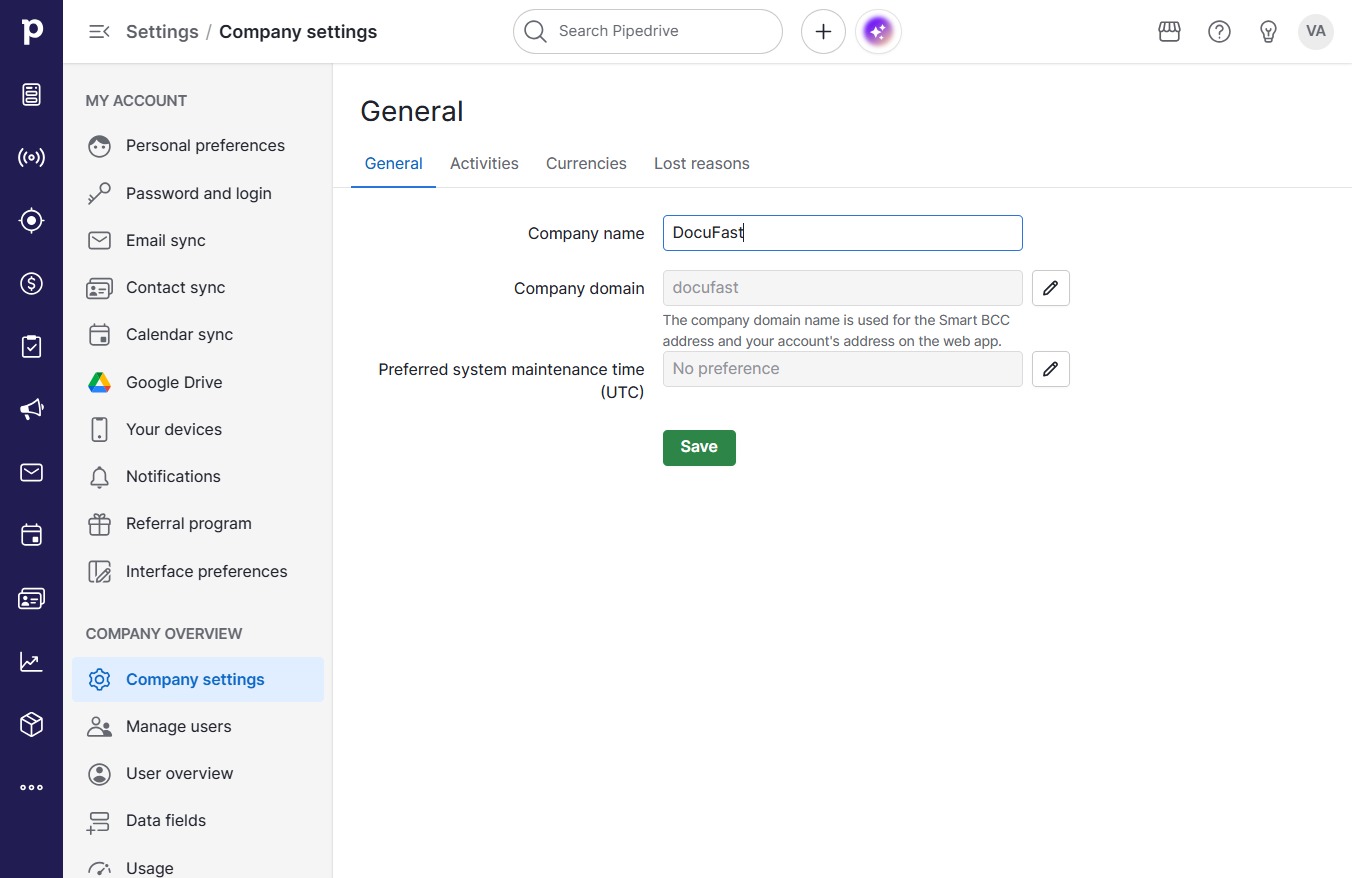
  4. Type "DocuFast AI"

  5. Click Save

    Click Save
    Loading screenshot…
    100%
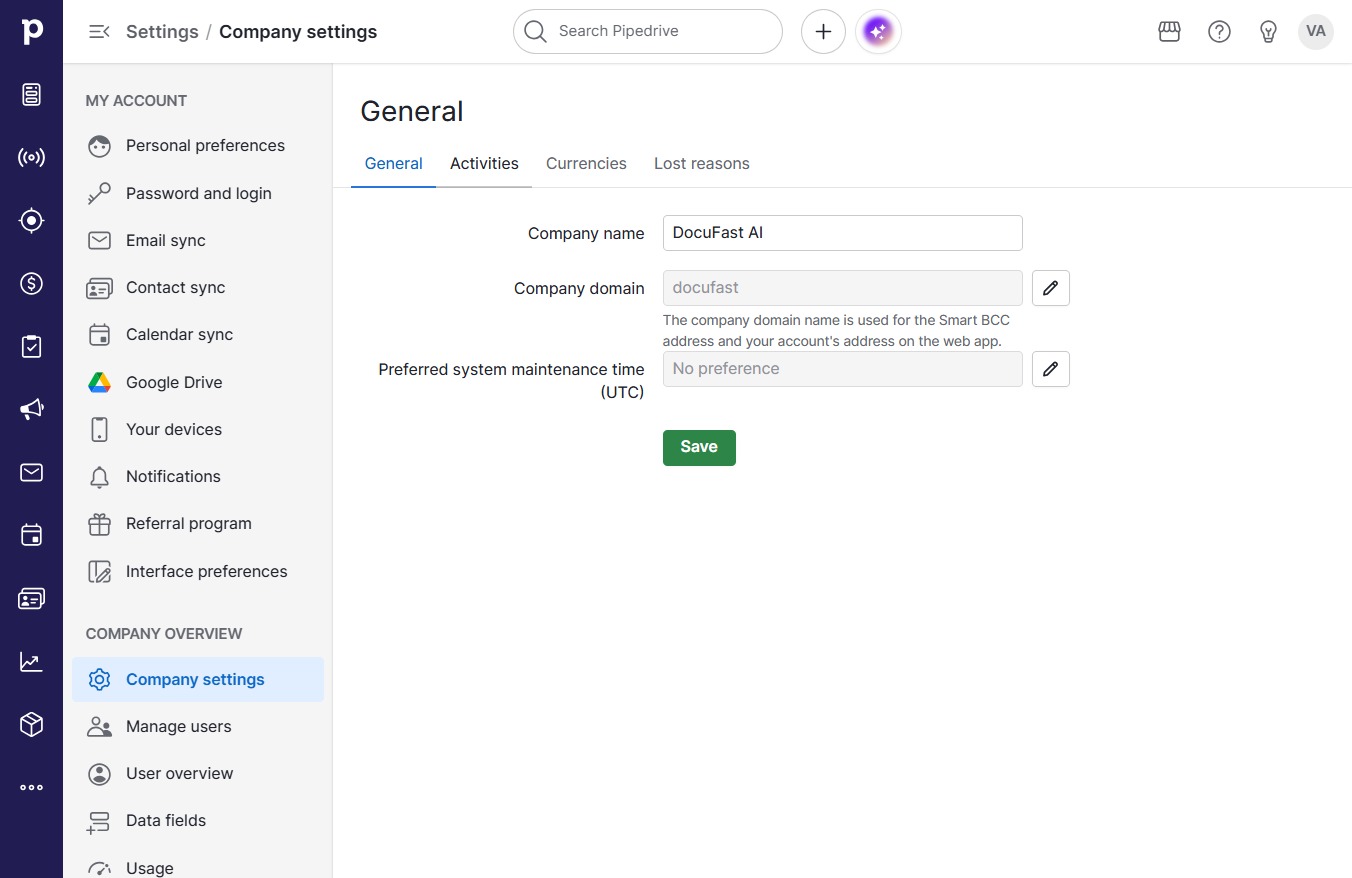
  6. Click Activities

    Click Activities
    Loading screenshot…
    100%
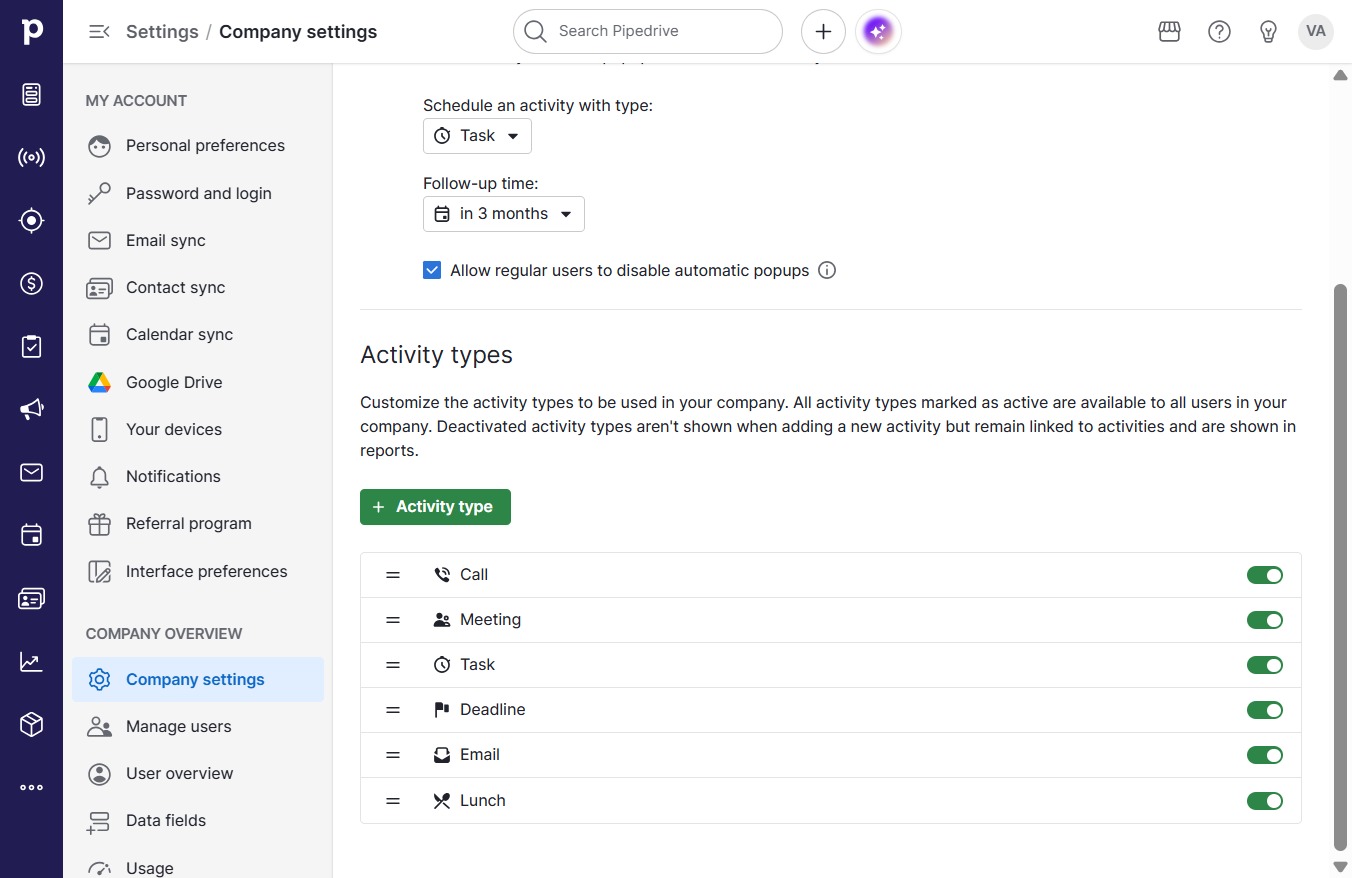
  7. Click in 3 months

    Click in 3 months
    Loading screenshot…
    100%
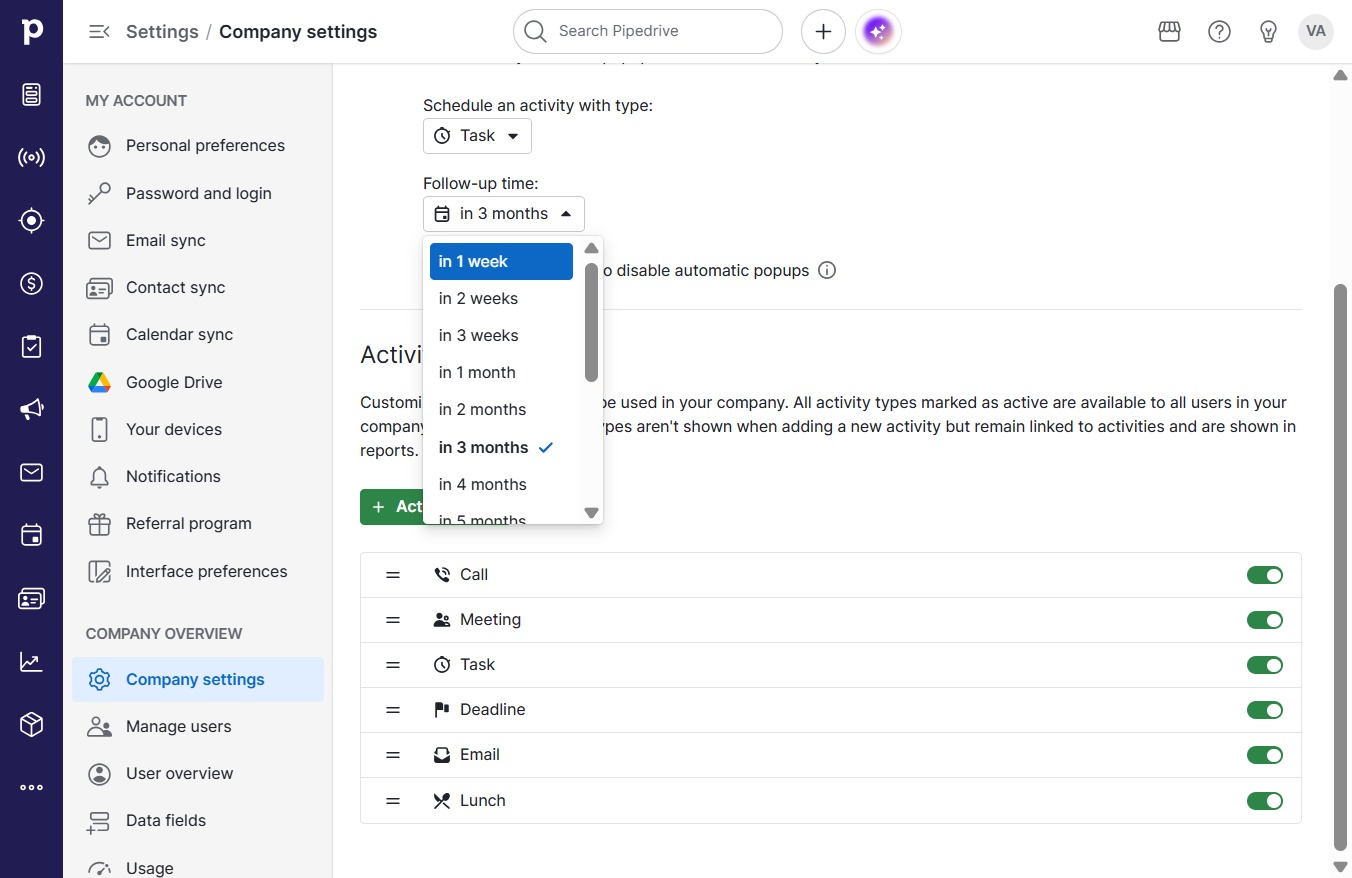
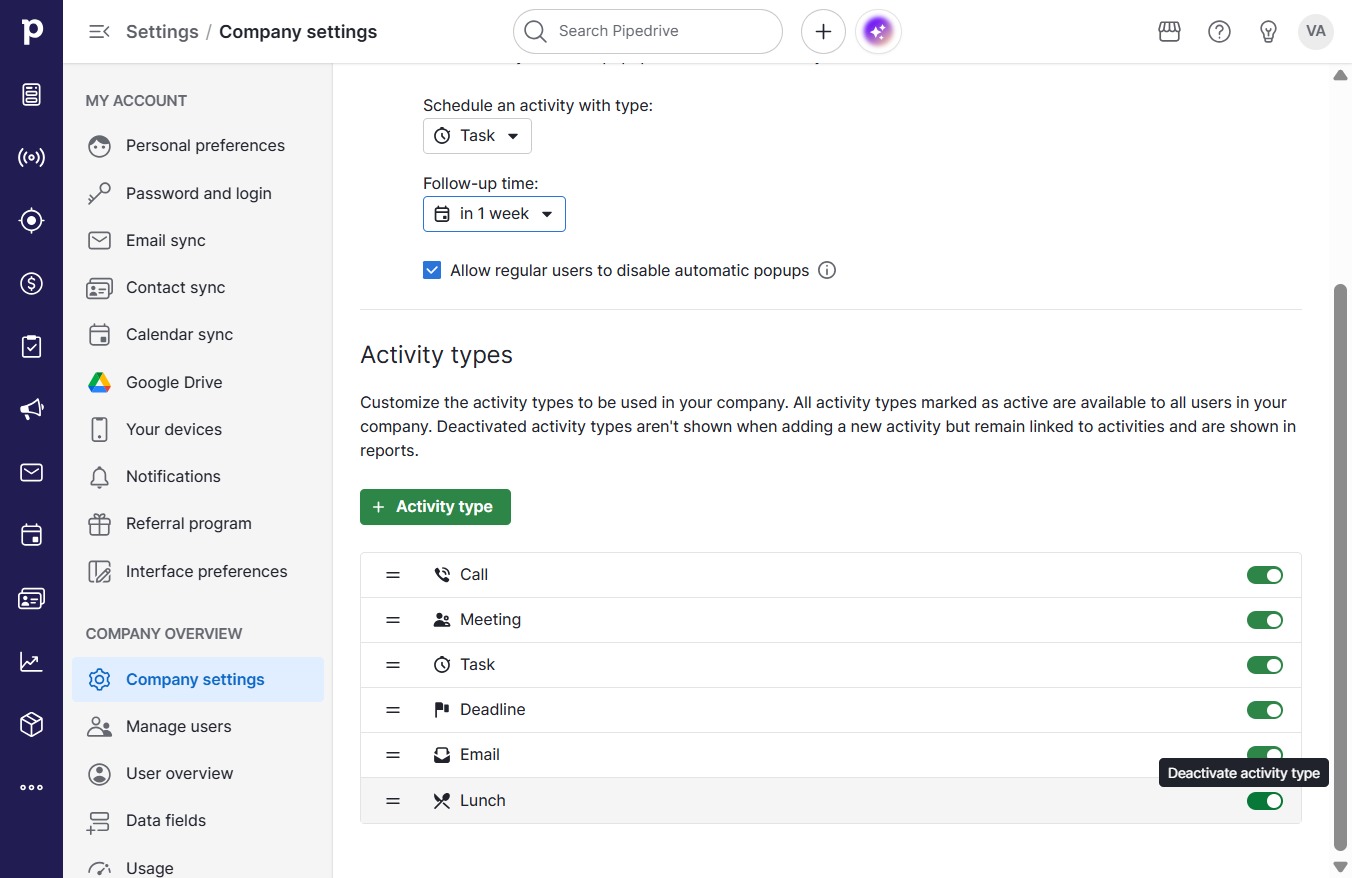
  8. Click in 1 week

    Click in 1 week
    Loading screenshot…
    100%
  9. Click on "Click here."

    Click on "Click here."
    Loading screenshot…
    100%