Shared guide

How to set up team goals

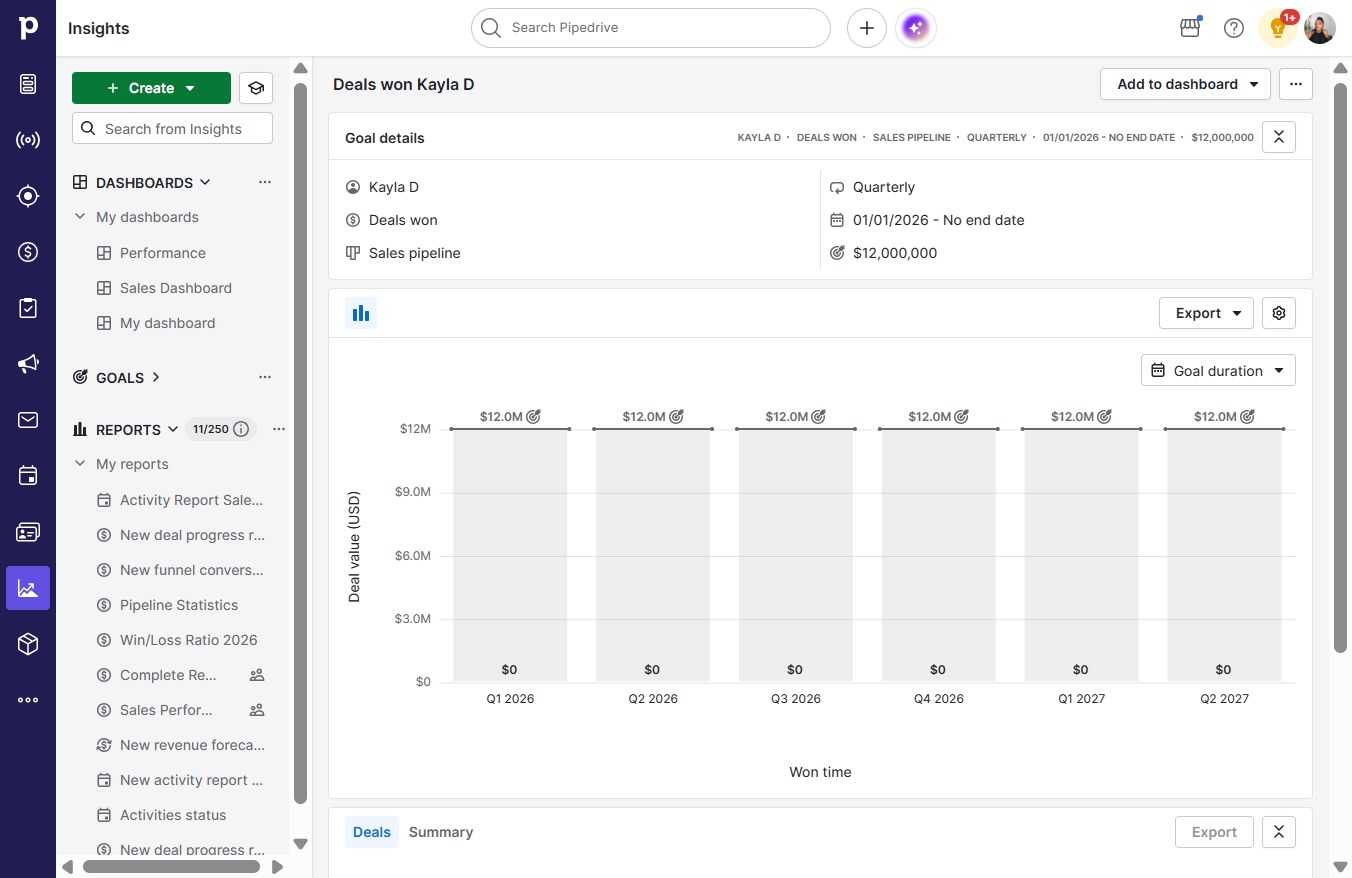
This how-to guide walks you through the step-by-step process of setting up effective team goals based on your dealt won value.

victoriaworkflowsvictoriaworkflows
·12 steps·56 views·Published

This how-to guide walks you through the step-by-step process of setting up effective team goals based on your dealt won value. Follow these simple instructions to establish clear monthly and quarterly targets for your team, ensuring everyone stays aligned and motivated.

Step-by-step Guide12 steps
  1. Click on "Click here."

    Click on "Click here."
    Loading screenshot…
    100%
  2. Click on "Click here."

    Click on "Click here."
    Loading screenshot…
    100%
  3. Click Goal

    Click Goal
    Loading screenshot…
    100%
  4. Click WonBased on the number or value of won deals

    Click WonBased on the number or value of won deals
    Loading screenshot…
    100%
  5. Click Continue

    Click Continue
    Loading screenshot…
    100%
  6. Click User

    Click User
    Loading screenshot…
    100%
  7. Click Team

    Click Team
    Loading screenshot…
    100%
  8. Click Monthly

    Click Monthly
    Loading screenshot…
    100%
  9. Click Quarterly

    Click Quarterly
    Loading screenshot…
    100%
  10. Click on "Click here."

    Click on "Click here."
    Loading screenshot…
    100%
  11. Type "12000000" in Insert value

  12. Click Save

    Click Save
    Loading screenshot…
    100%