Geteilte Anleitung

How to set up lead routing rules

In this how-to guide, you'll learn how to set up lead routing rules by following a series of straightforward steps that cover everything from automatic assignment to labeling hot…

victoriaworkflowsvictoriaworkflows
·21 Schritte·59 Aufrufe·Veröffentlicht

In this how-to guide, you'll learn how to set up lead routing rules by following a series of straightforward steps that cover everything from automatic assignment to labeling hot leads for specific users. This efficient process will help streamline your lead management and ensure that the right leads are assigned to the right team members.
Step-by-step Guide21 Schritte
  1. Click More

    Click More
    Loading screenshot…
    100%
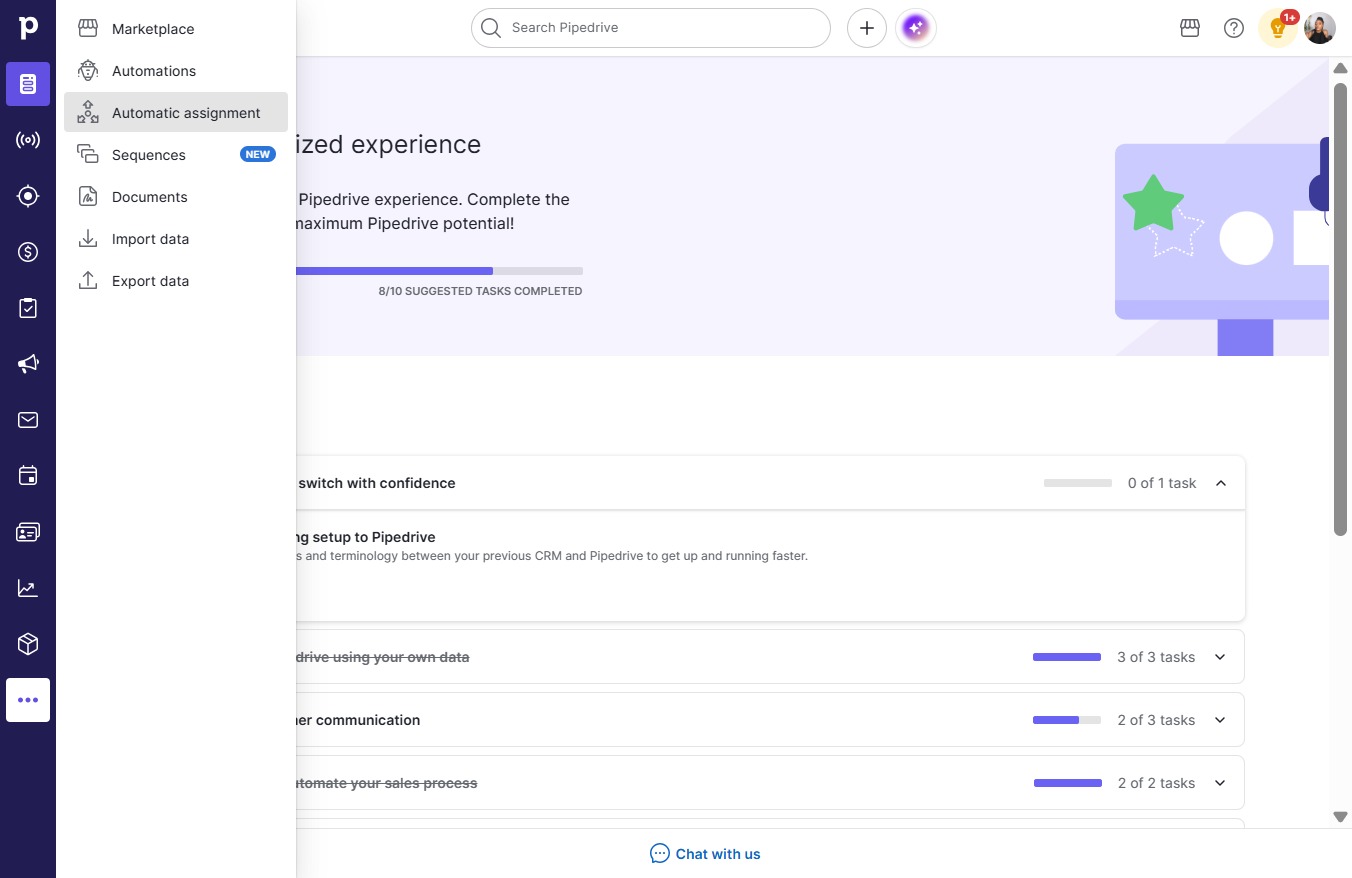
  2. Click Automatic assignment

    Click Automatic assignment
    Loading screenshot…
    100%
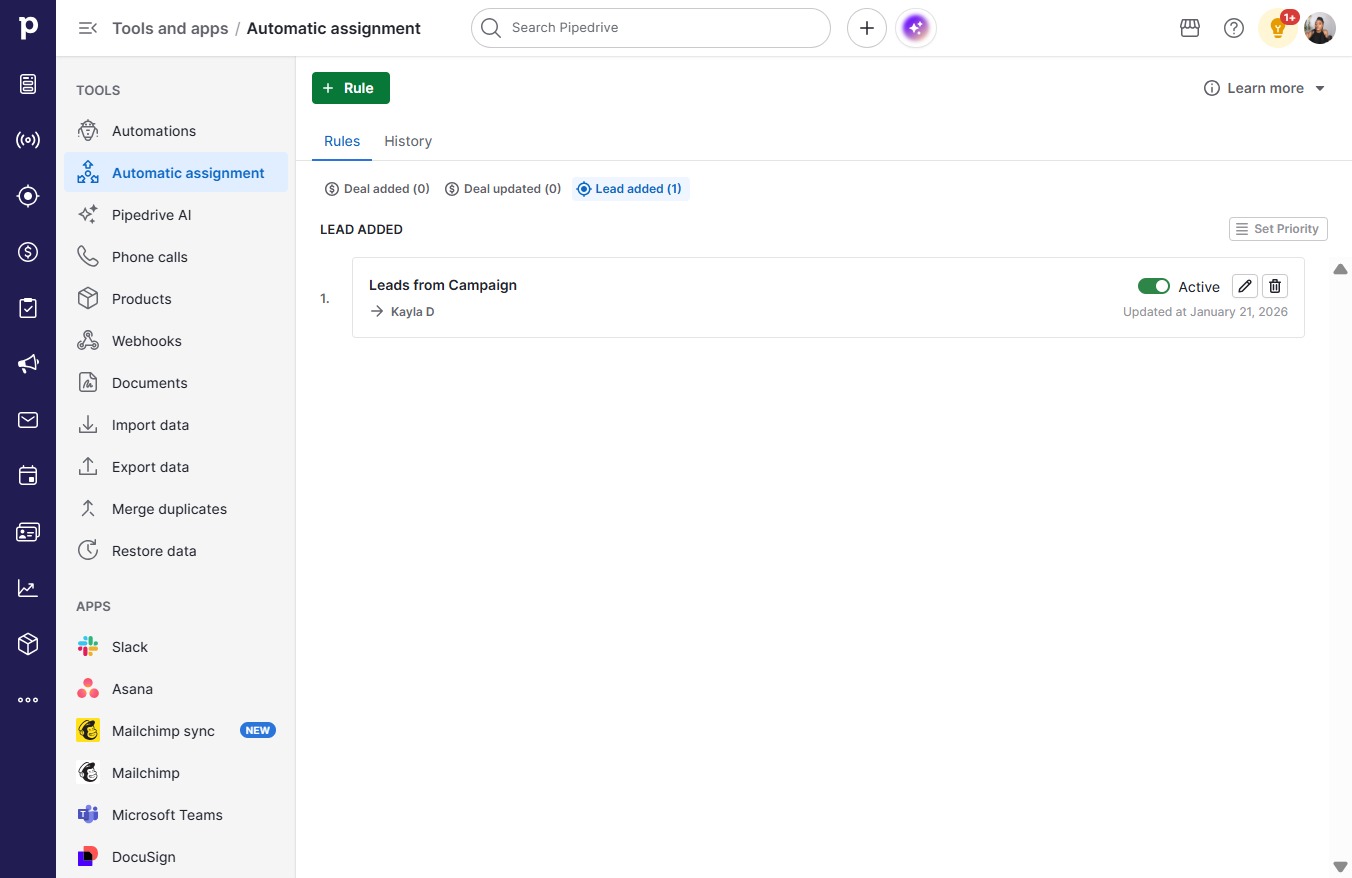
  3. Click Rule

    Click Rule
    Loading screenshot…
    100%
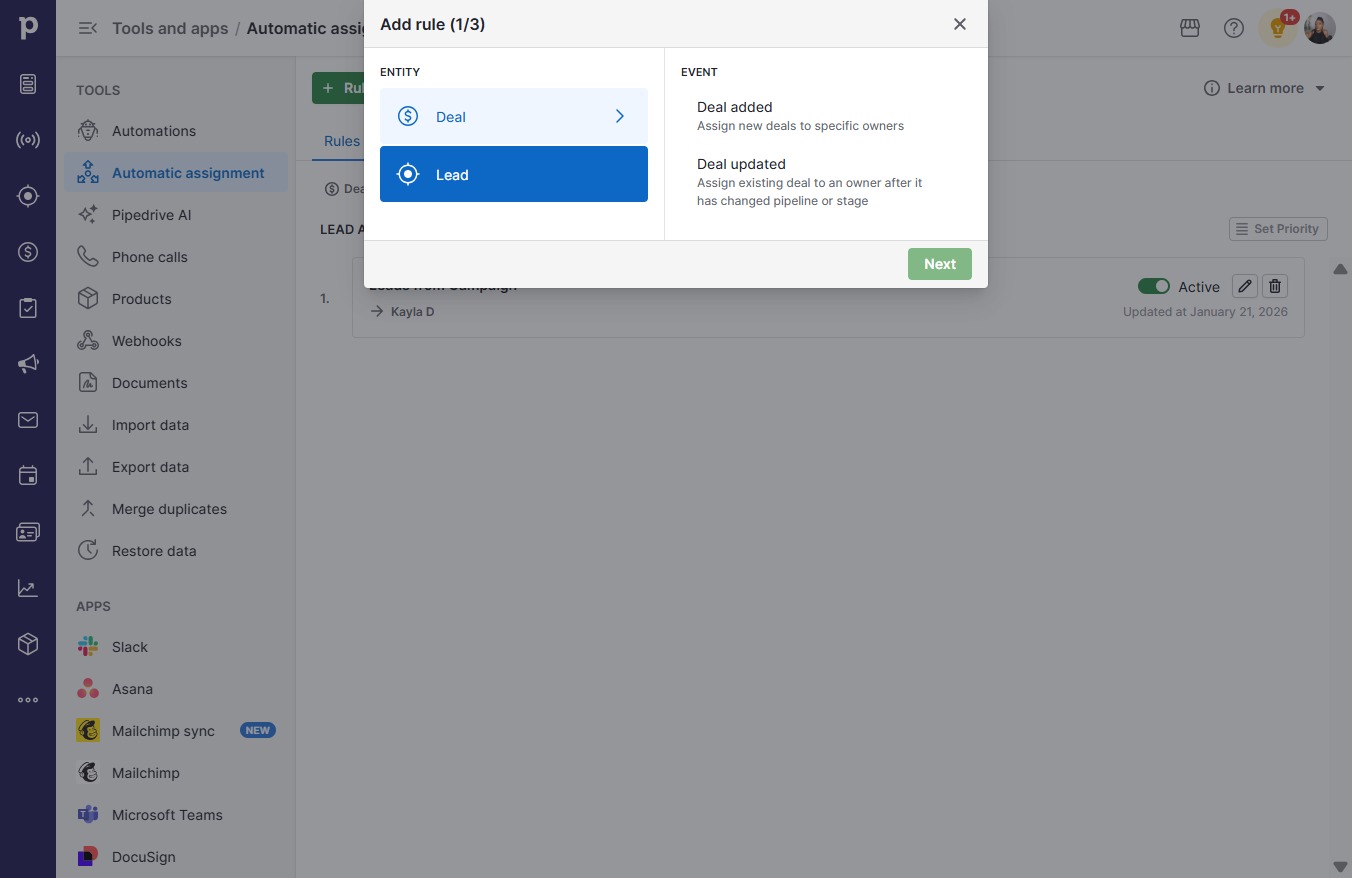
  4. Click Lead

    Click Lead
    Loading screenshot…
    100%
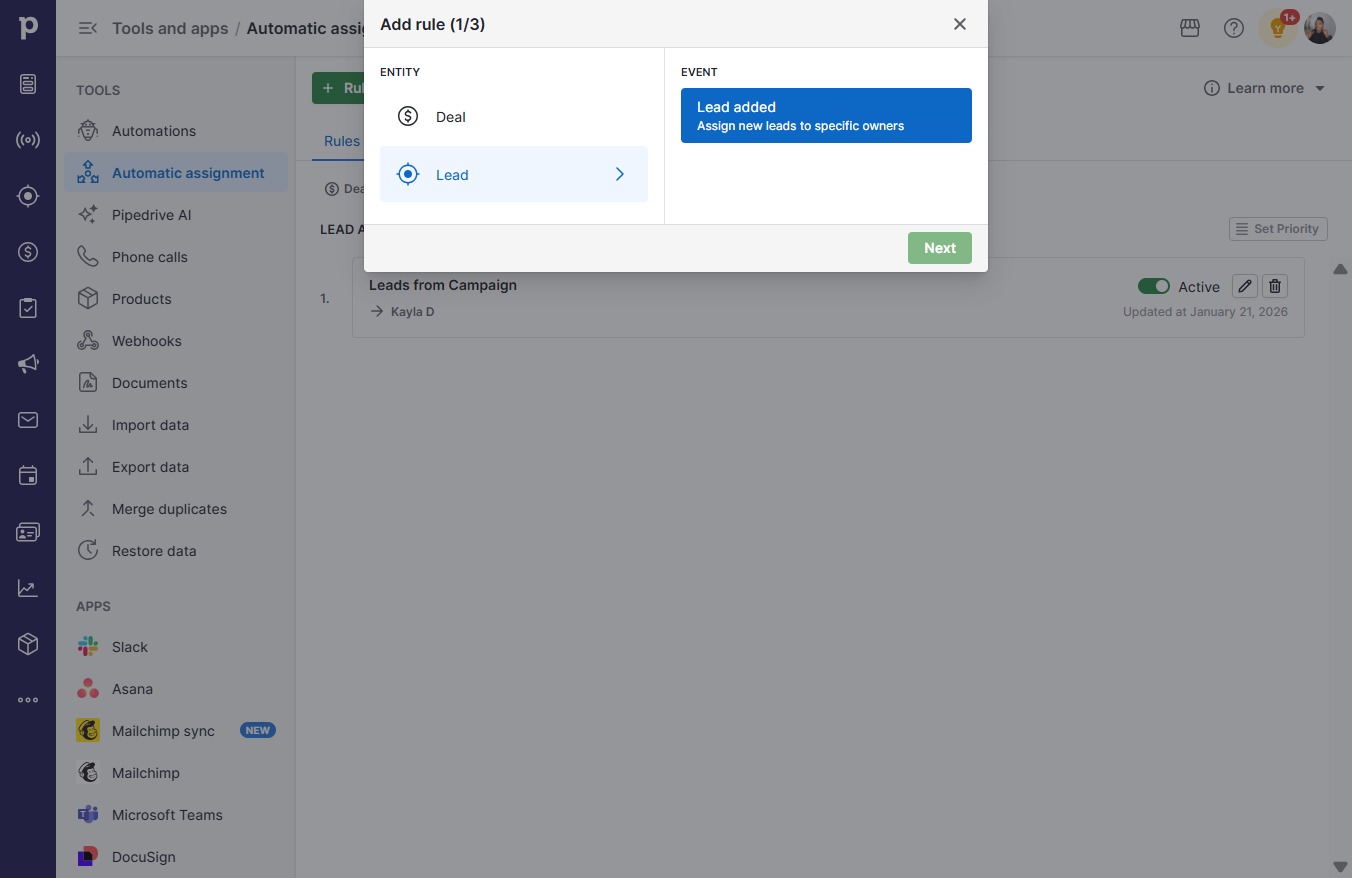
  5. Click Lead added

    Click Lead added
    Loading screenshot…
    100%
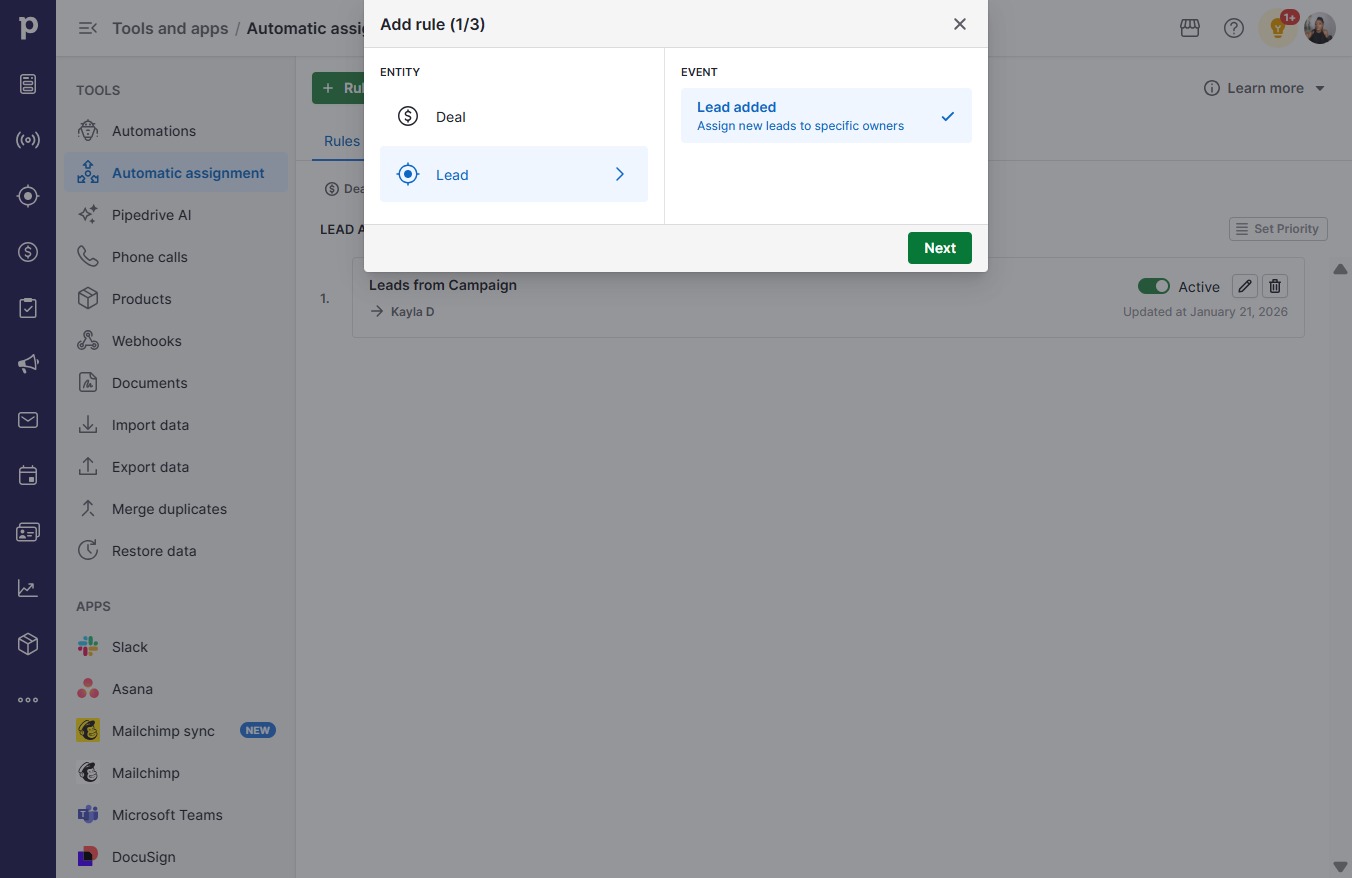
  6. Click Next

    Click Next
    Loading screenshot…
    100%
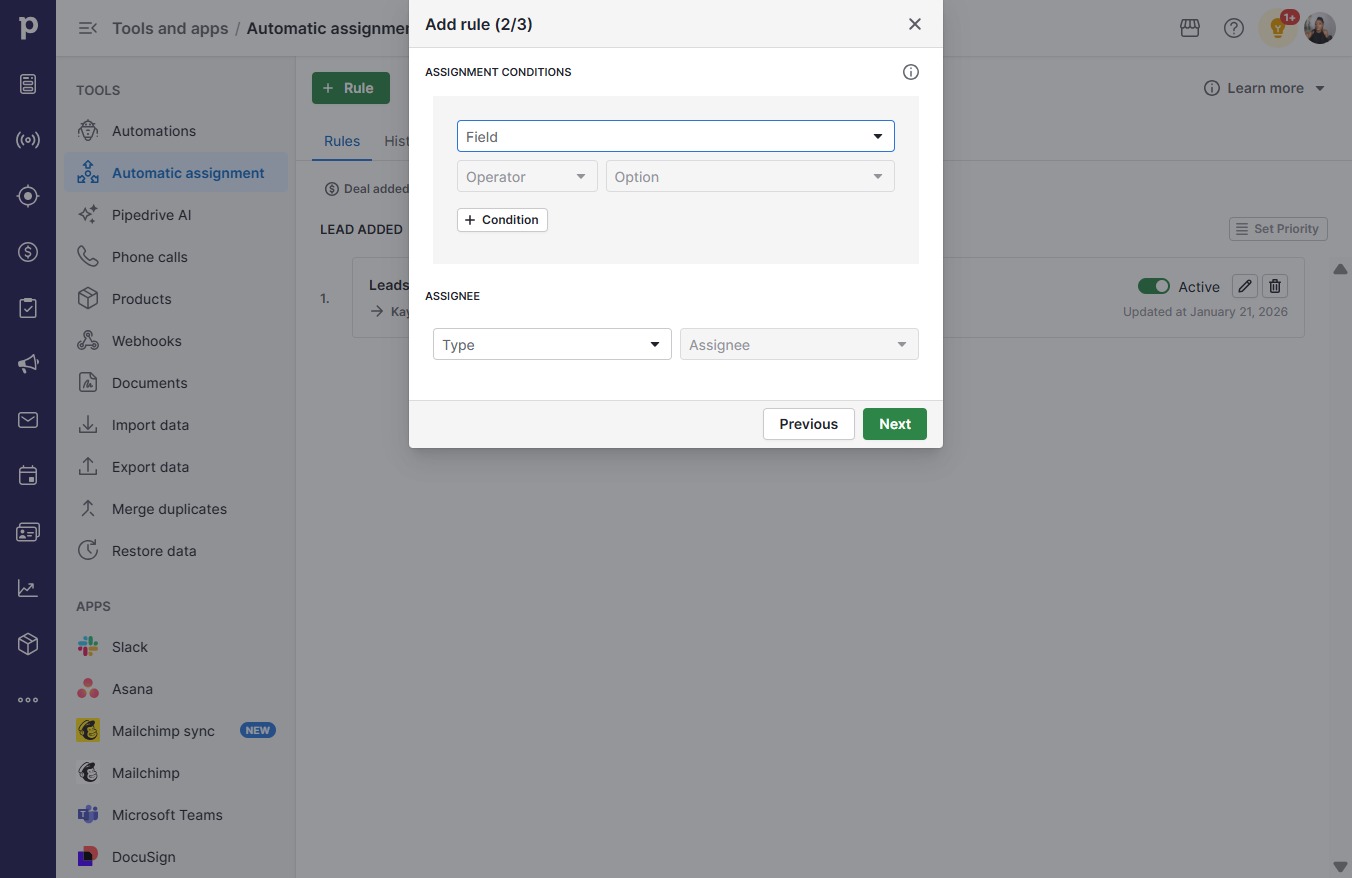
  7. Click on "Click here."

    Click on "Click here."
    Loading screenshot…
    100%
  8. Click Label

    Click Label
    Loading screenshot…
    100%
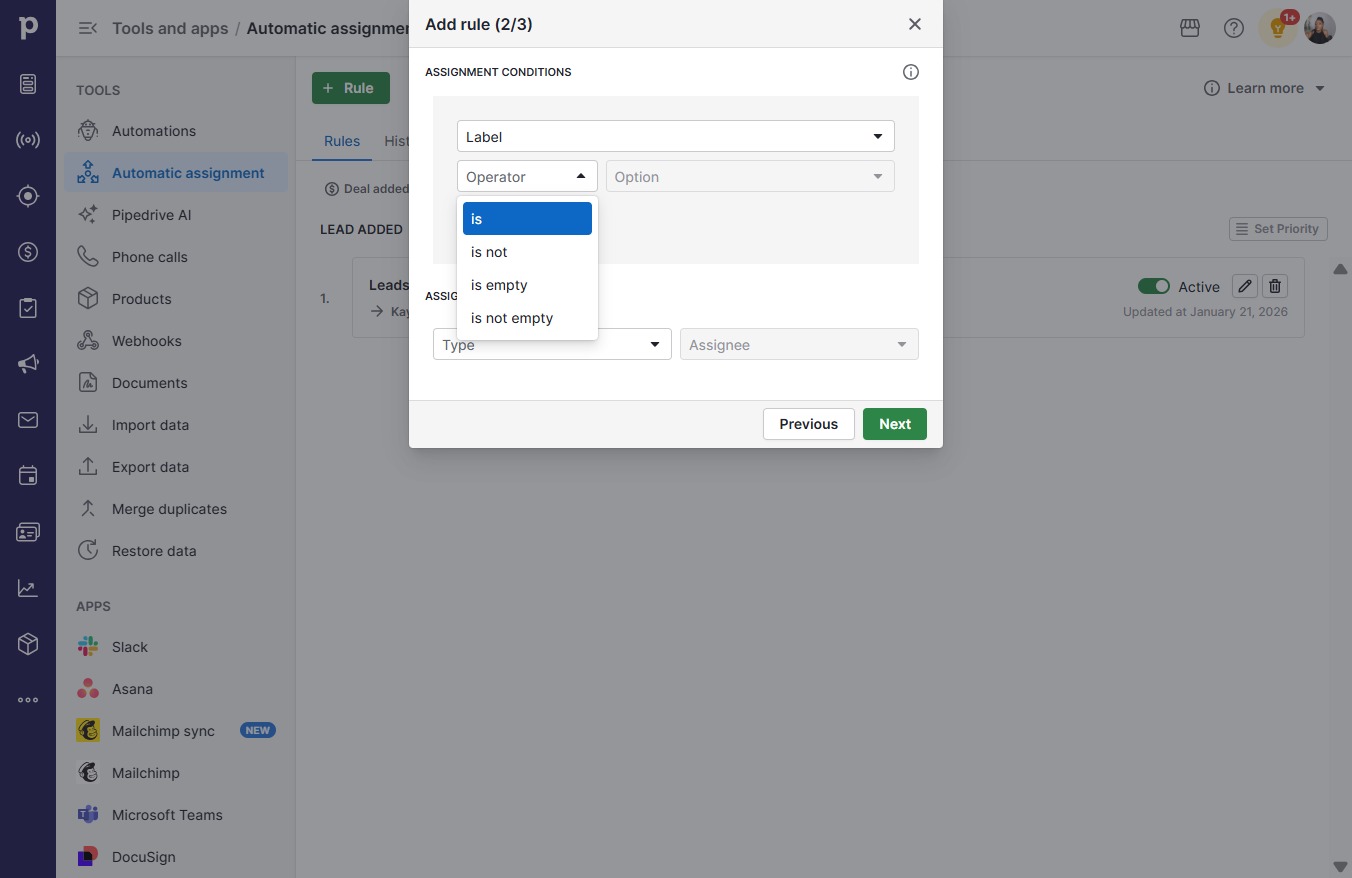
  9. Click Operator

    Click Operator
    Loading screenshot…
    100%
  10. Click is

    Click is
    Loading screenshot…
    100%
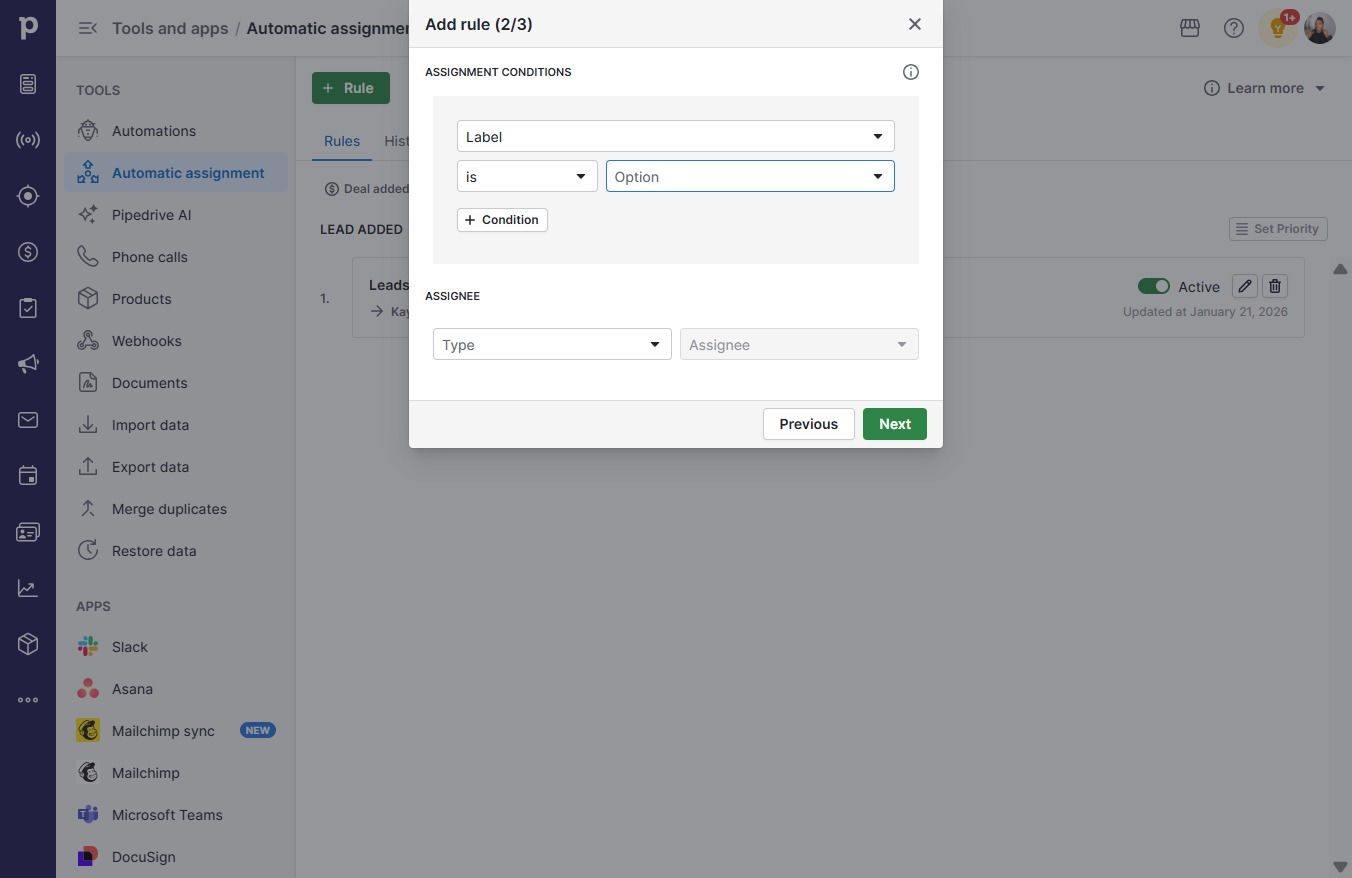
  11. Click open menu

    Click open menu
    Loading screenshot…
    100%
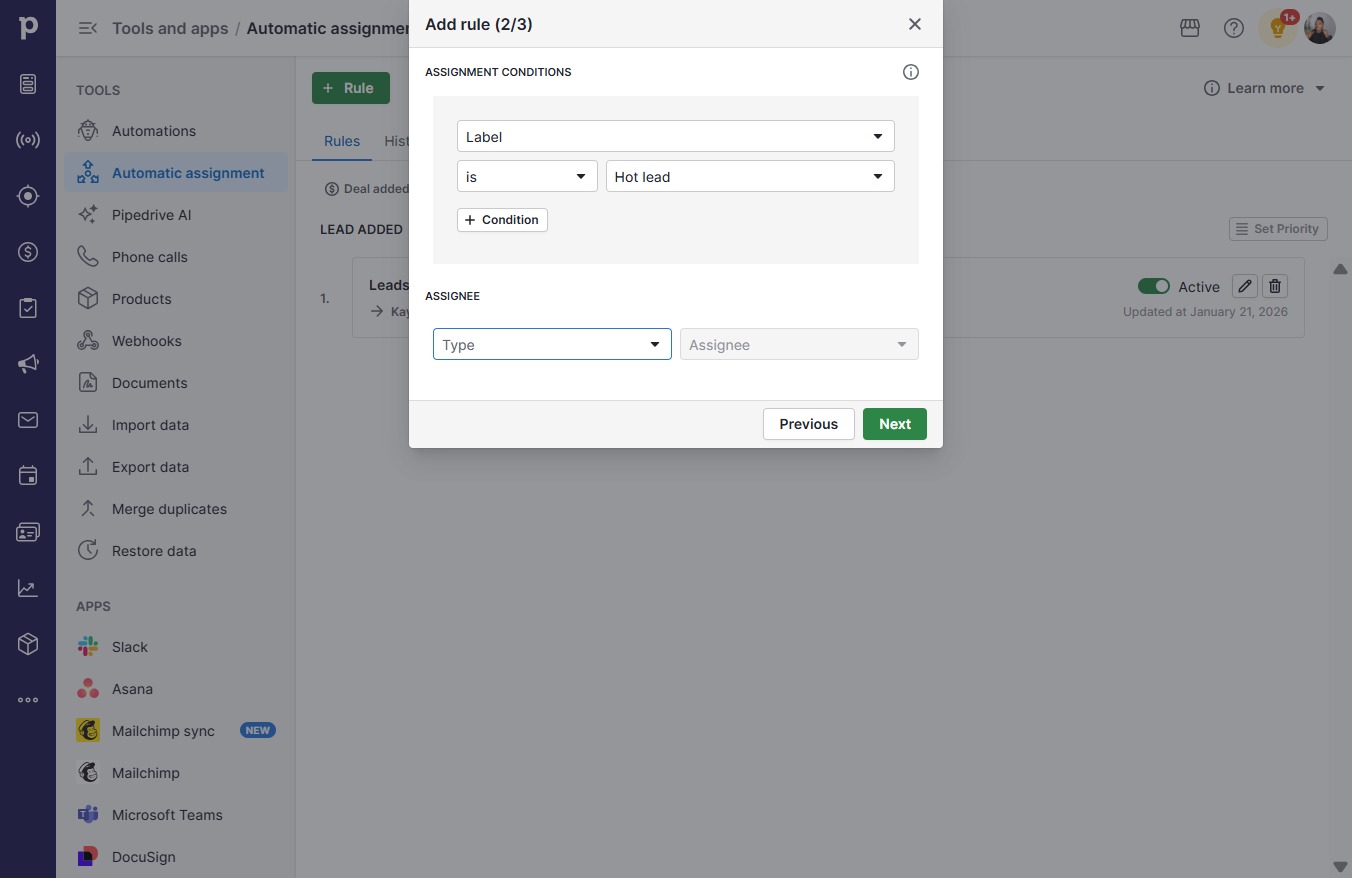
  12. Click Hot lead

    Click Hot lead
    Loading screenshot…
    100%
  13. Click on "Click here."

    Click on "Click here."
    Loading screenshot…
    100%
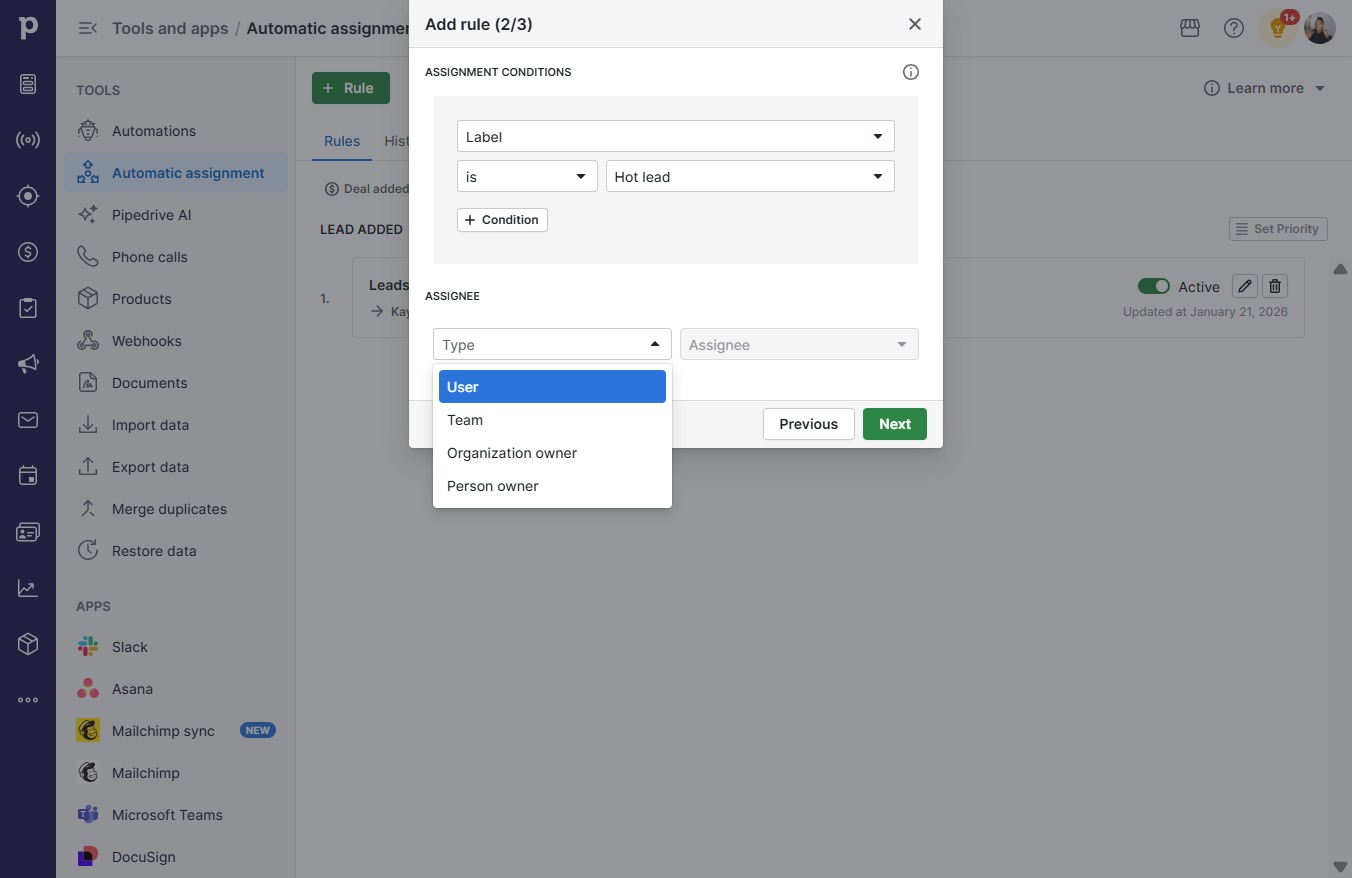
  14. Click User

    Click User
    Loading screenshot…
    100%
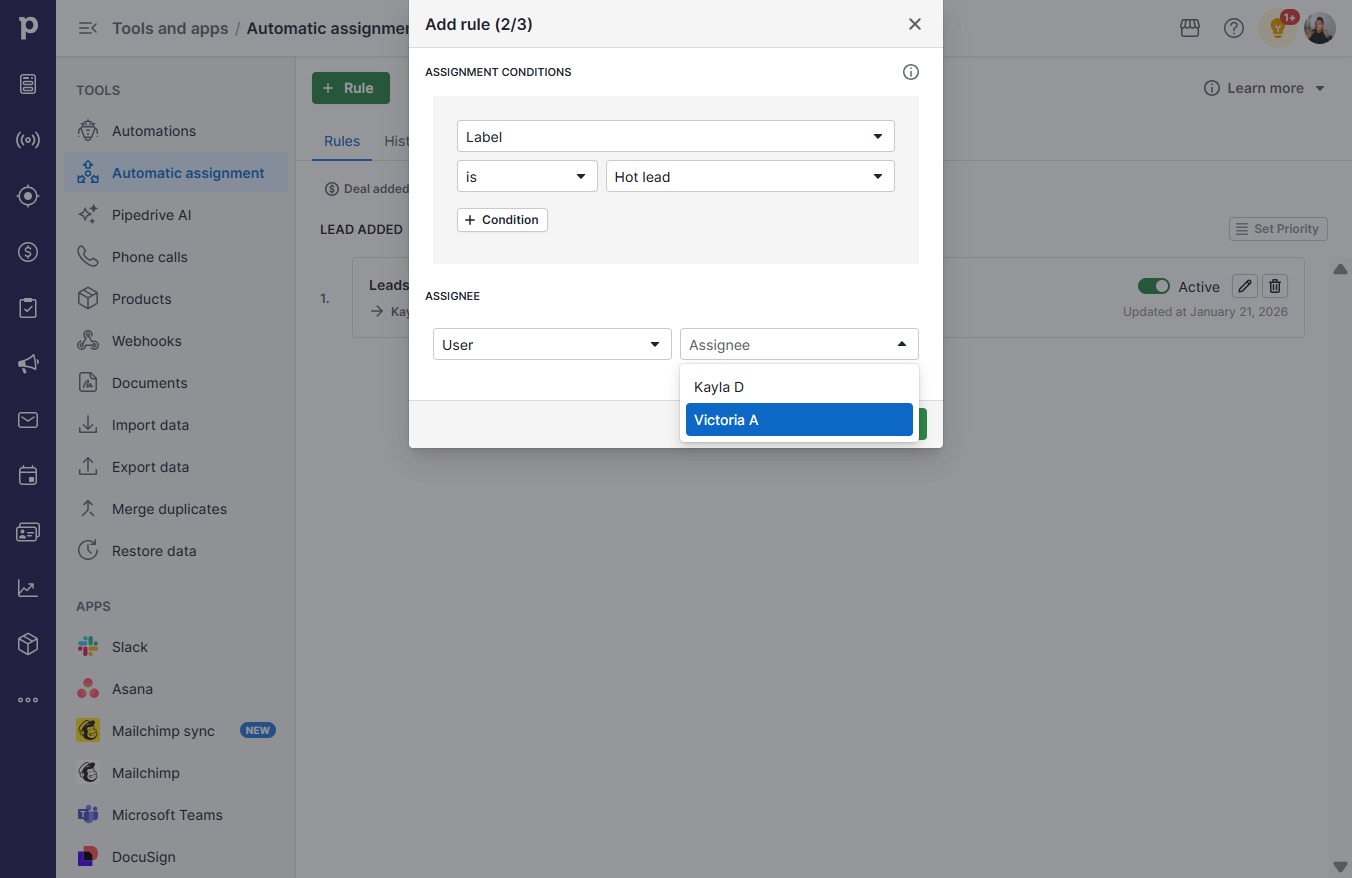
  15. Click open menu

    Click open menu
    Loading screenshot…
    100%
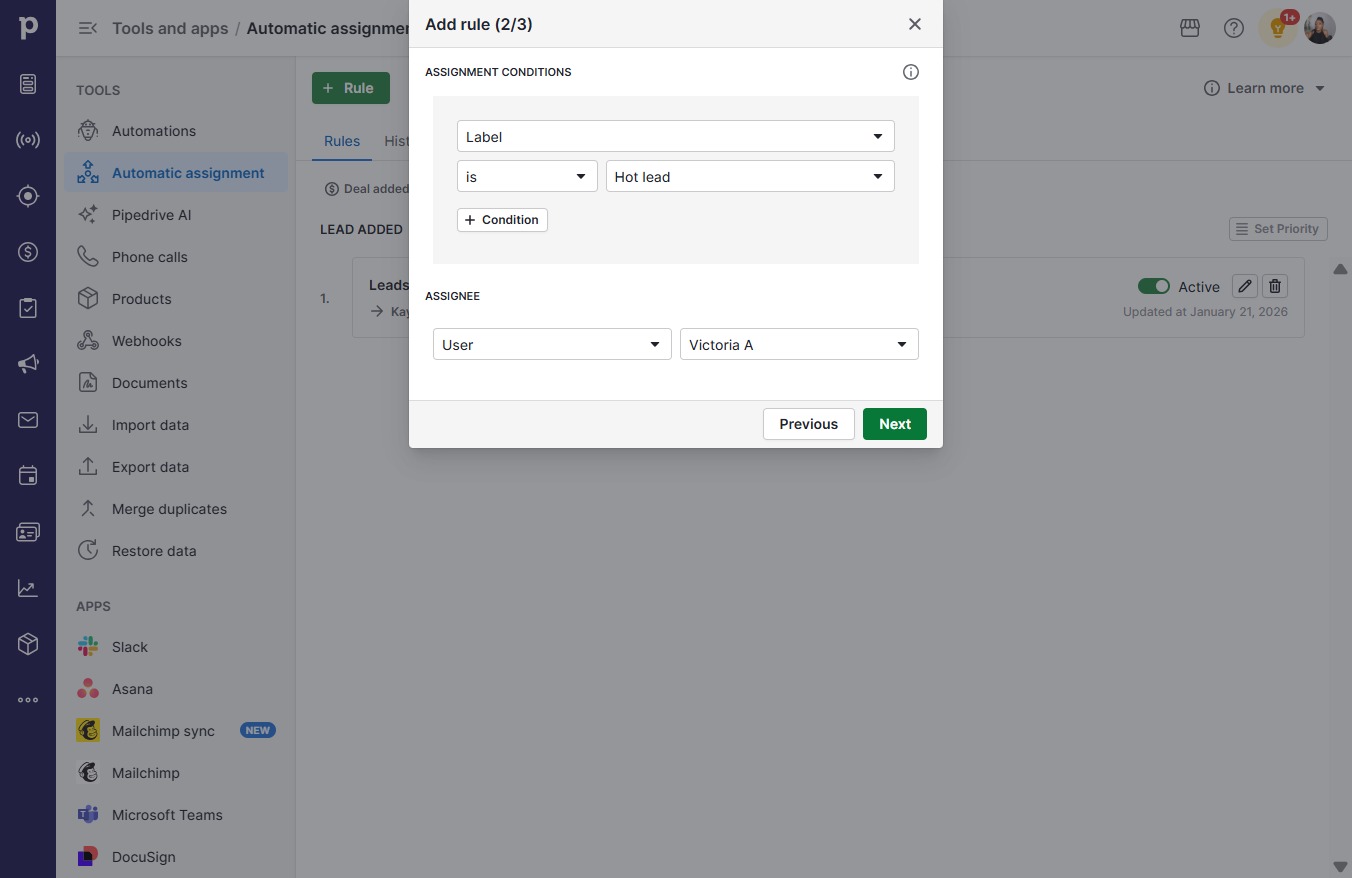
  16. Click Victoria A

    Click Victoria A
    Loading screenshot…
    100%
  17. Click Next

    Click Next
    Loading screenshot…
    100%
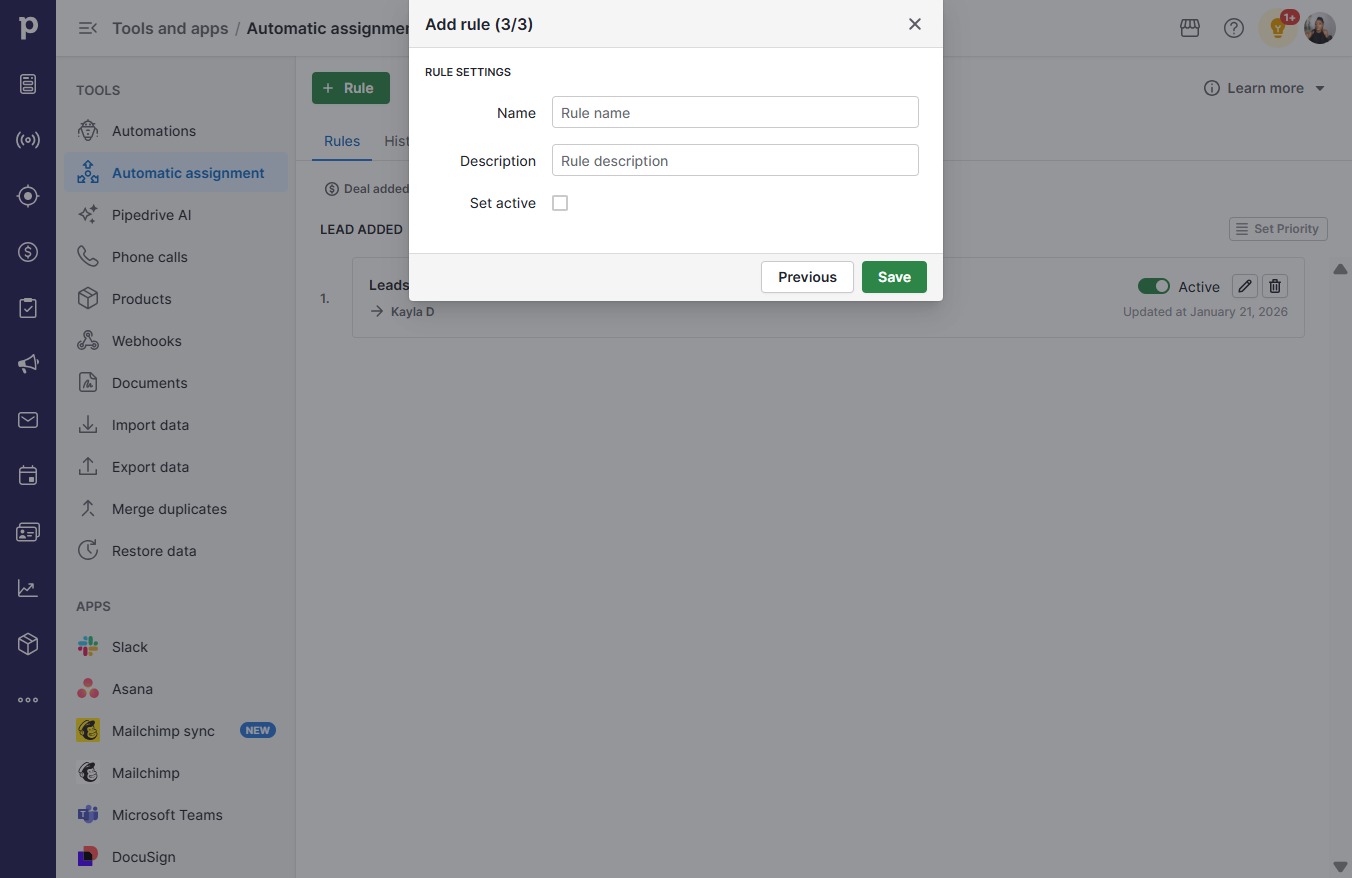
  18. Click on "Click here."

    Click on "Click here."
    Loading screenshot…
    100%
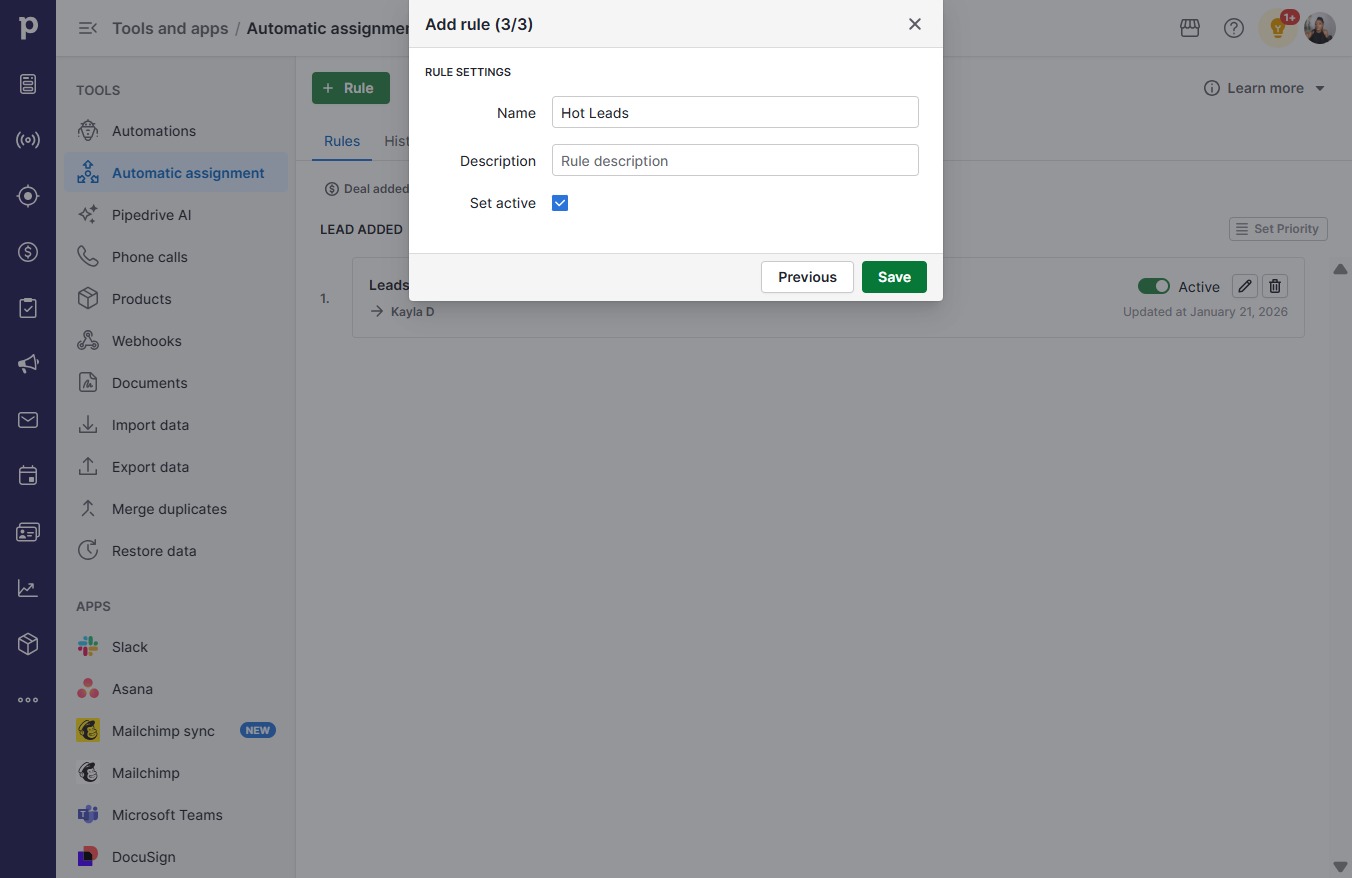
  19. Type "Hot Leads" in Rule name

  20. Click on "Click here."

    Click on "Click here."
    Loading screenshot…
    100%
  21. Click Save

    Click Save
    Loading screenshot…
    100%