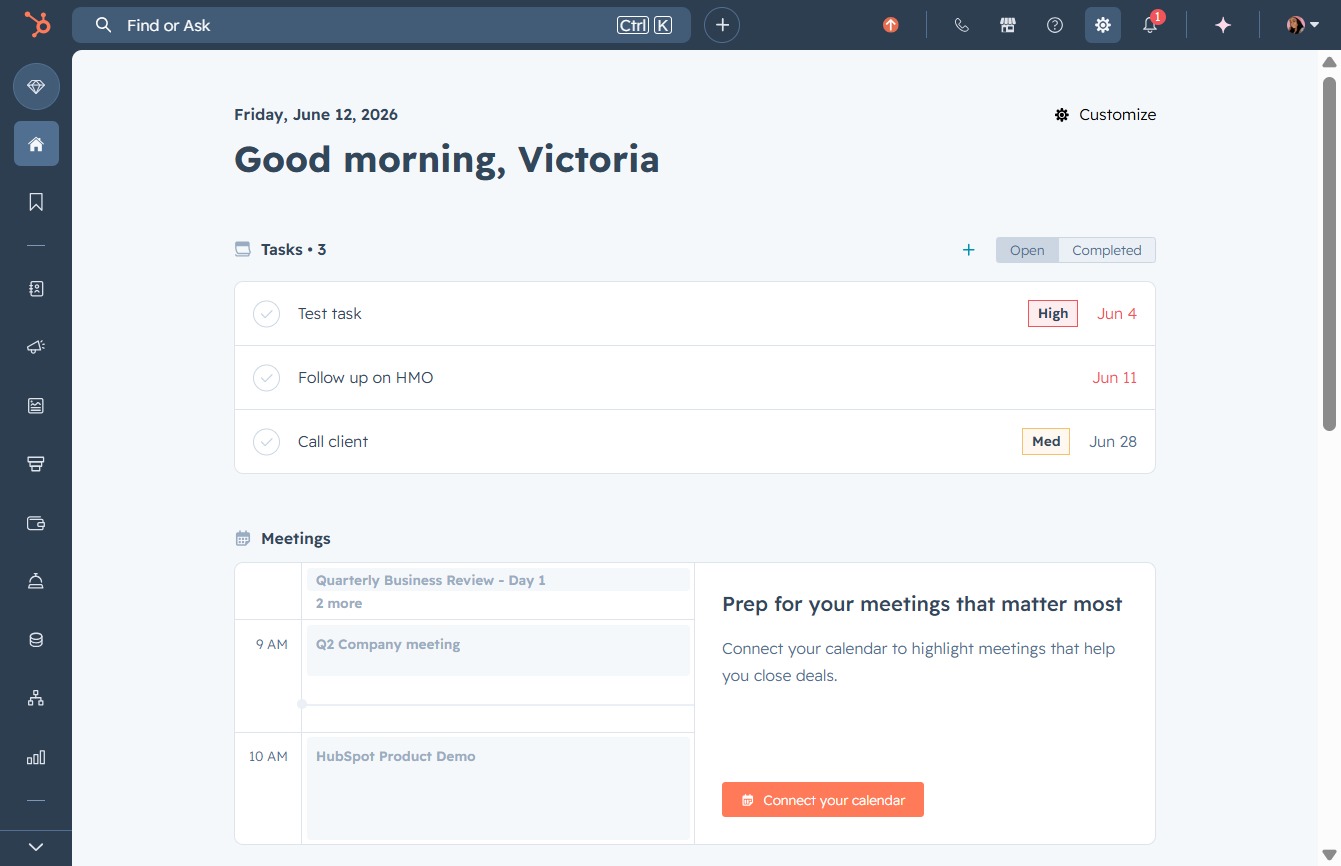
Click the Settings link
After clicking the Settings link, you will access various configuration options to customize your preferences, including account settings and notifications.
Loading screenshot…
100%
Create and configure a new sales team in HubSpot by managing user accounts and team settings to streamline collaboration and enhance team-based permissions.
 viktoria
Create and configure a new sales team in HubSpot by managing user accounts and team settings to streamline collaboration and enhance team-based permissions.
After clicking the Settings link, you will access various configuration options to customize your preferences, including account settings and notifications.
This will open the Users & Teams settings where you can manage user accounts and team configurations within your HubSpot portal.

Selecting the 'Teams' option will allow you to manage team settings and configure team-based permissions within your account. This section provides tools for inviting new users and setting team roles.

This action will allow you to initiate the process of forming a new team to better organize and manage your users.
