Click the 'Click here.' link
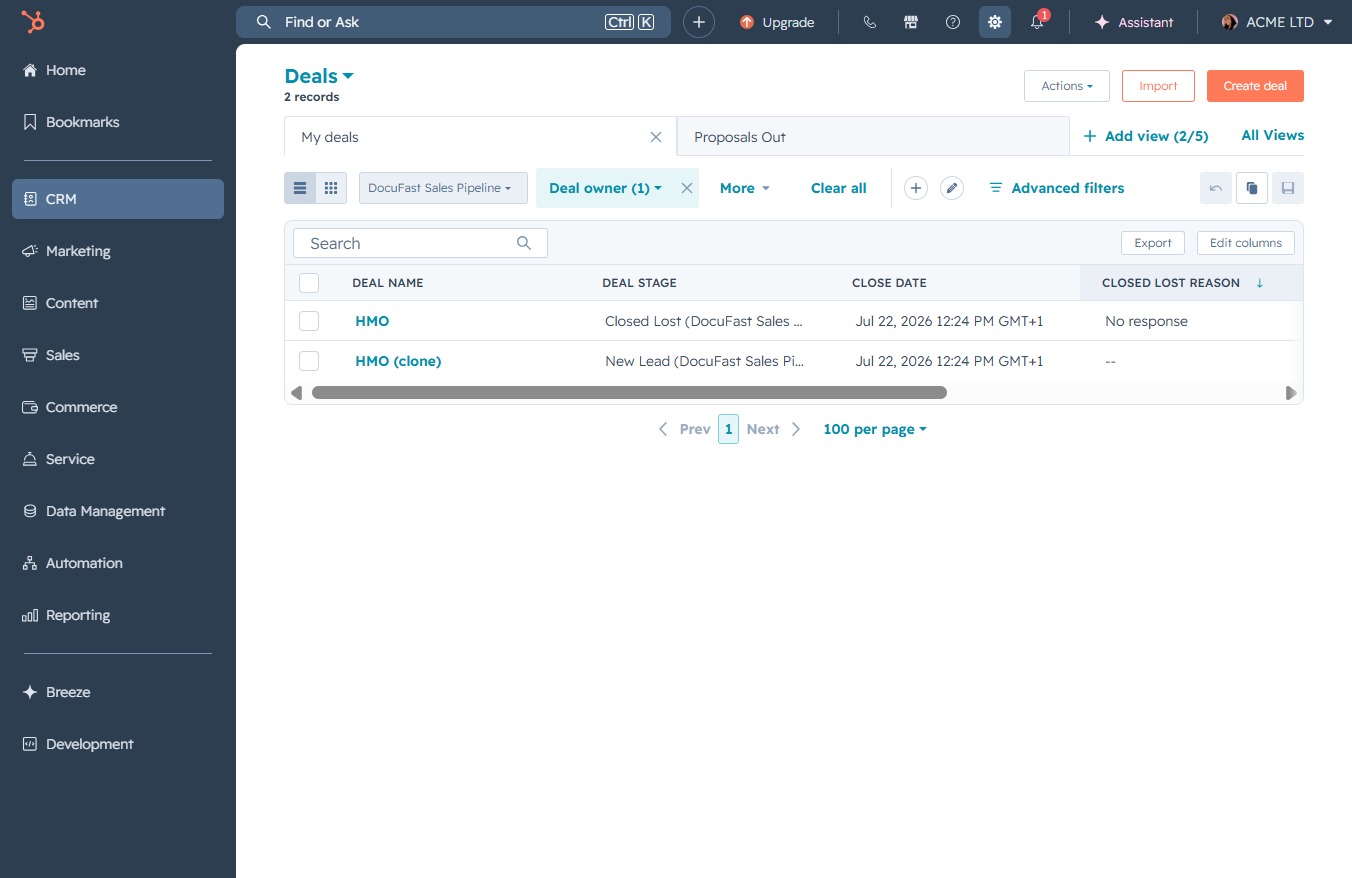
This action will allow you to access additional options related to the Deals section, enabling you to manage and adjust your deal settings more effectively.
Loading screenshot…
100%
Enable deal notifications in your CRM by accessing the Notifications panel, adjusting your settings, and ensuring alerts for relevant activities and installed apps are active.
 viktoria
Enable deal notifications in your CRM by accessing the Notifications panel, adjusting your settings, and ensuring alerts for relevant activities and installed apps are active.
This action will allow you to access additional options related to the Deals section, enabling you to manage and adjust your deal settings more effectively.
This action opens the Notifications panel, where you can view alerts and updates related to your accounts and activities.

This action will expand the CRM settings, allowing you to manage notifications related to customer relationship management.
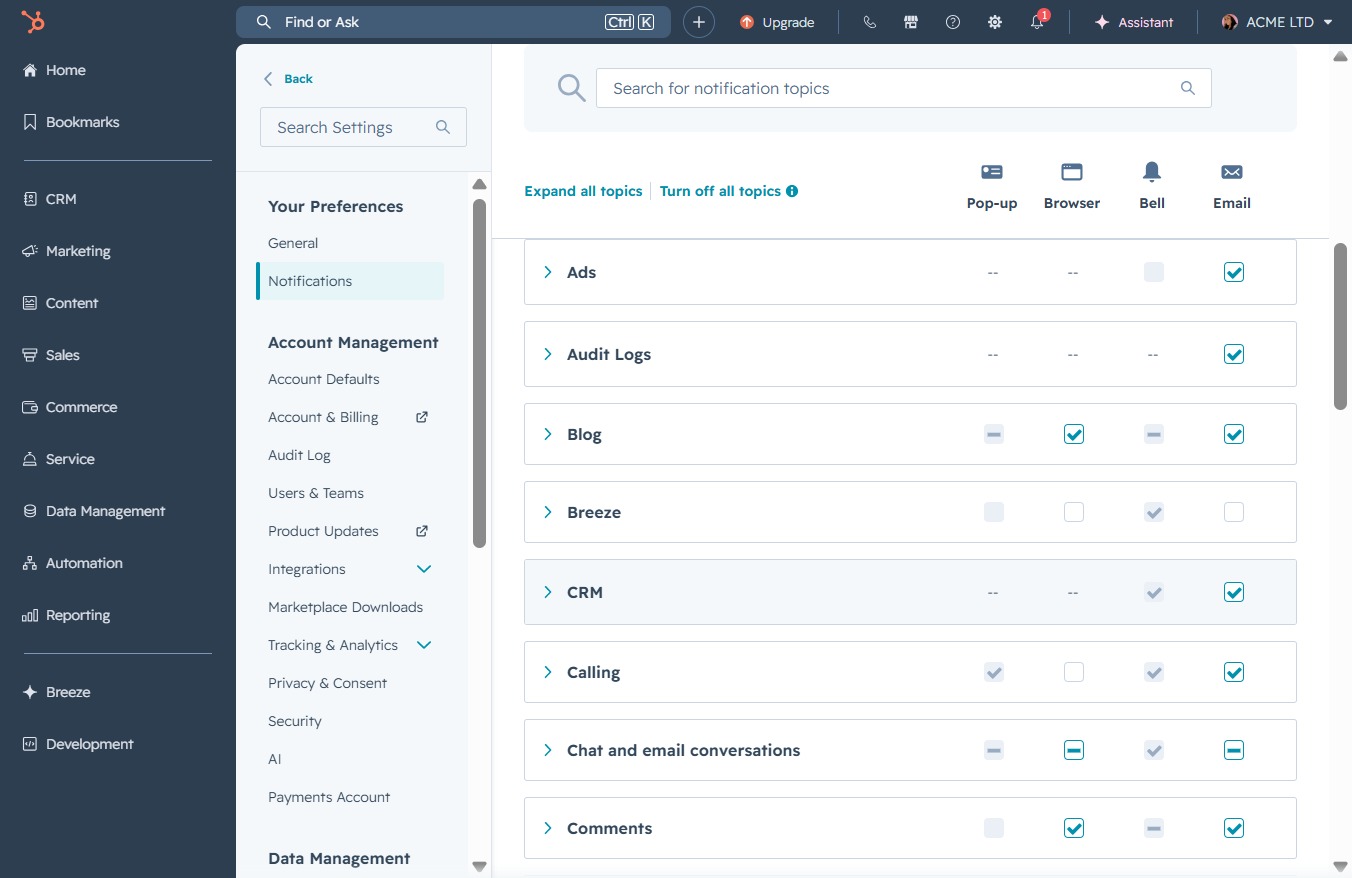
Clicking the 'Manage' button allows you to adjust settings specific to your account and preferences. This includes customizing notification options and managing integrations.

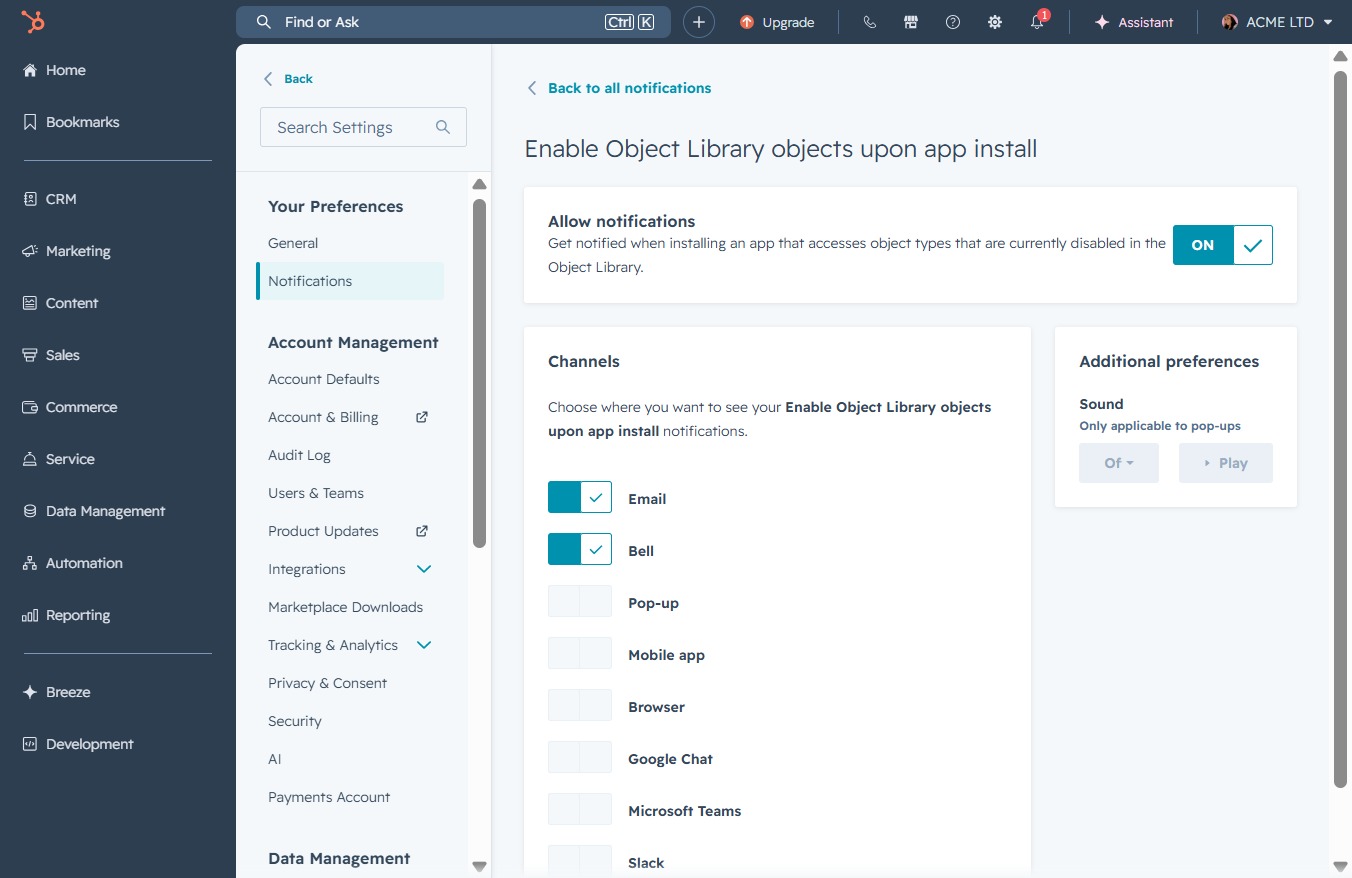
This action enables notifications for when installing apps that access object types currently disabled in the Object Library, ensuring you receive relevant alerts.