Geteilte Anleitung

How to set up chatbot for lead capture

Step-by-step guide covering: Click Leads; Click Chatbot; Click Playbook; Click on "Click here.".

victoriaworkflowsvictoriaworkflows
·18 Schritte·6 Aufrufe·Veröffentlicht
Step-by-step Guide18 Schritte
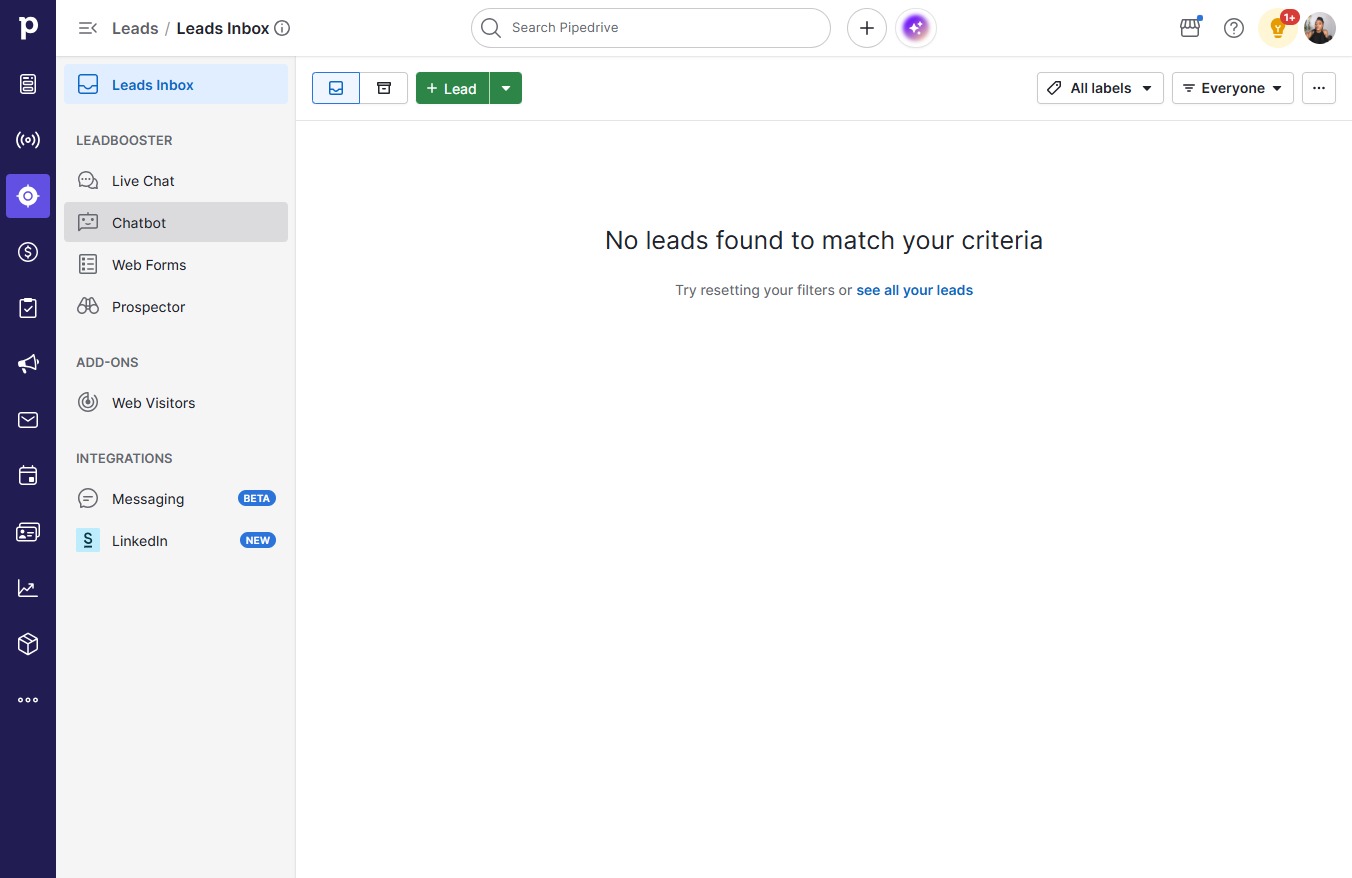
  1. Click Leads

    Click Leads
    Loading screenshot…
    100%
  2. Click Chatbot

    Click Chatbot
    Loading screenshot…
    100%
  3. Click Playbook

    Click Playbook
    Loading screenshot…
    100%
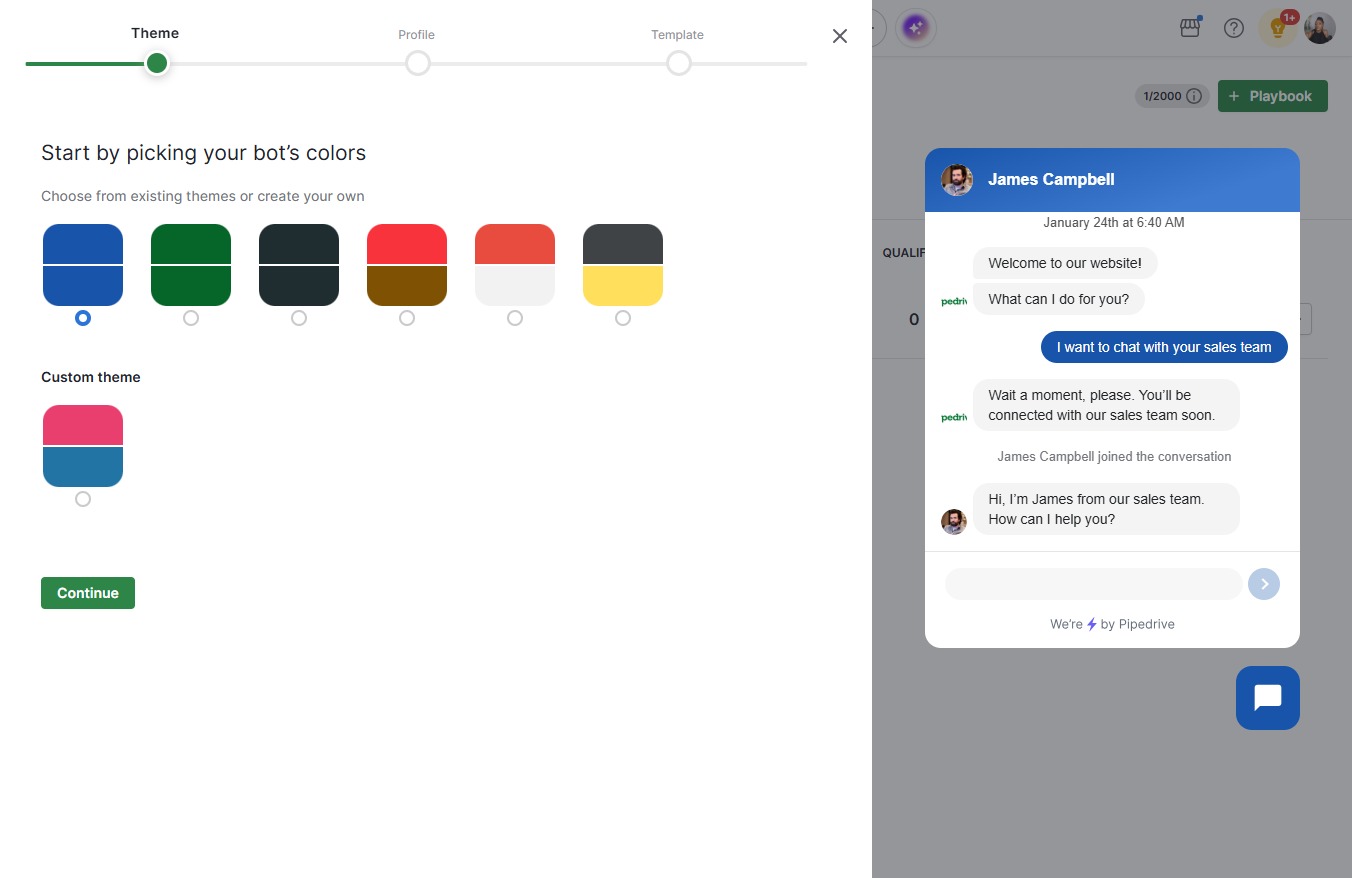
  4. Click on "Click here."

    Click on "Click here."
    Loading screenshot…
    100%
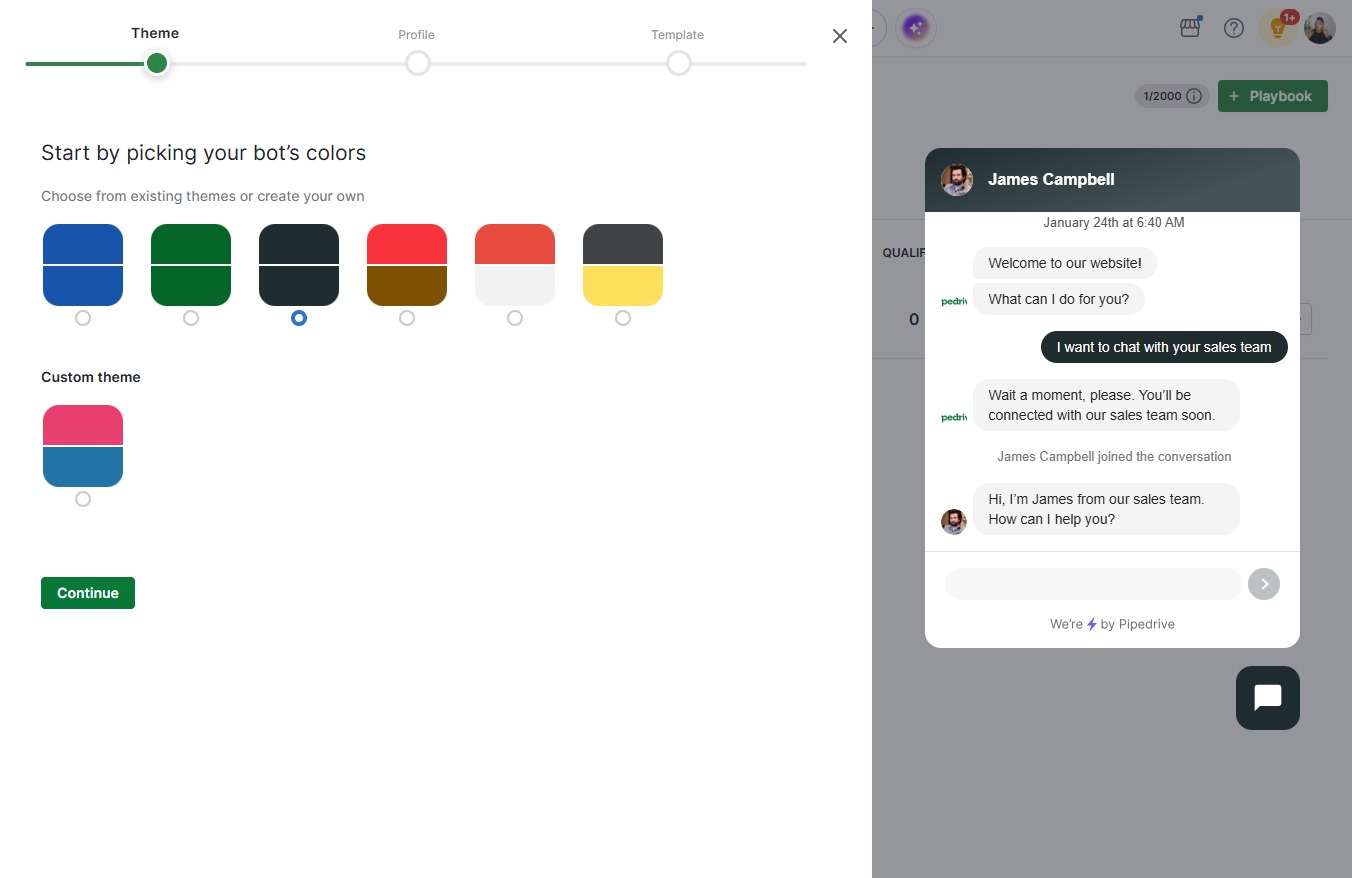
  5. Click Continue

    Click Continue
    Loading screenshot…
    100%
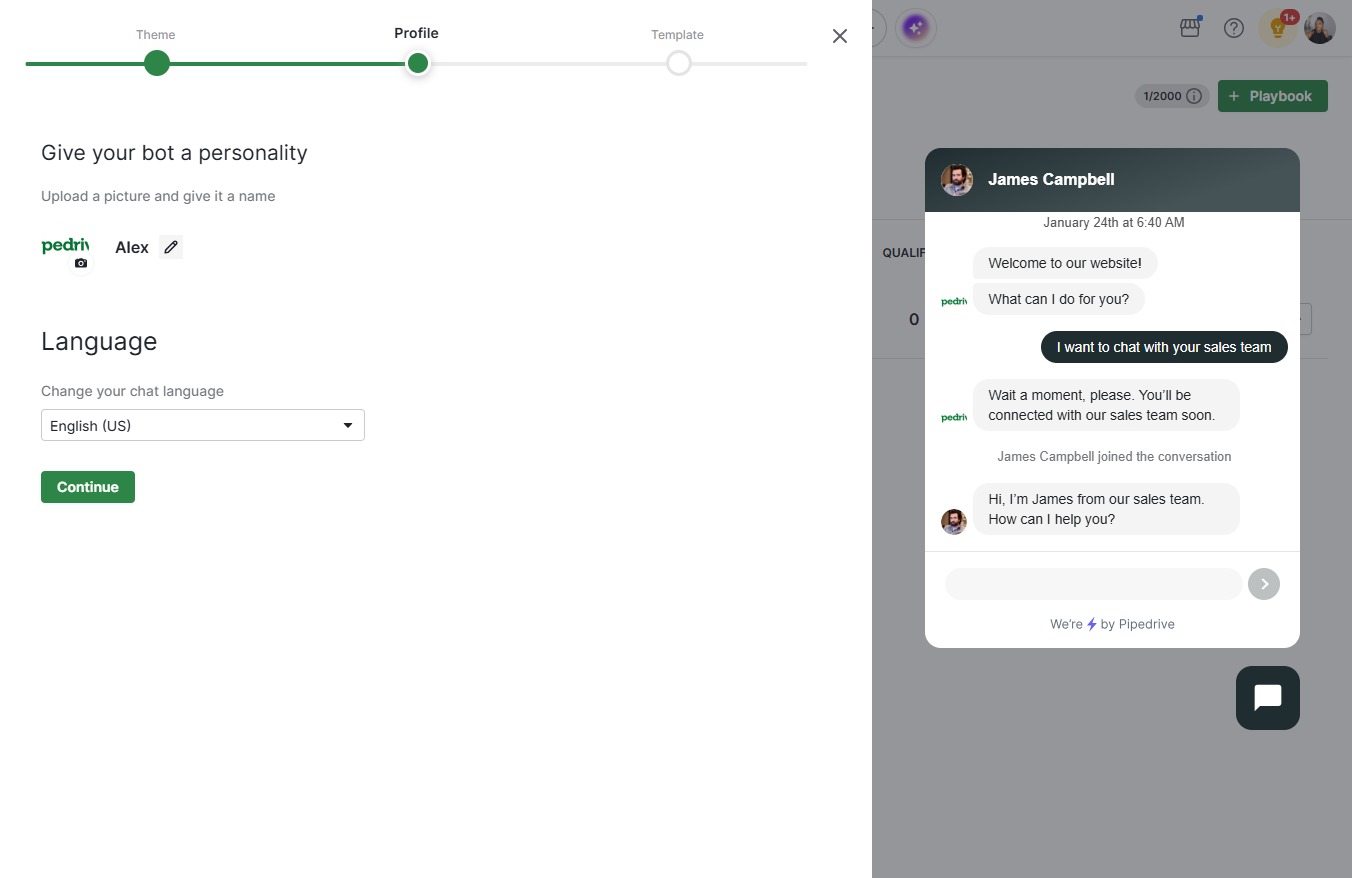
  6. Click on "Click here."

    Click on "Click here."
    Loading screenshot…
    100%
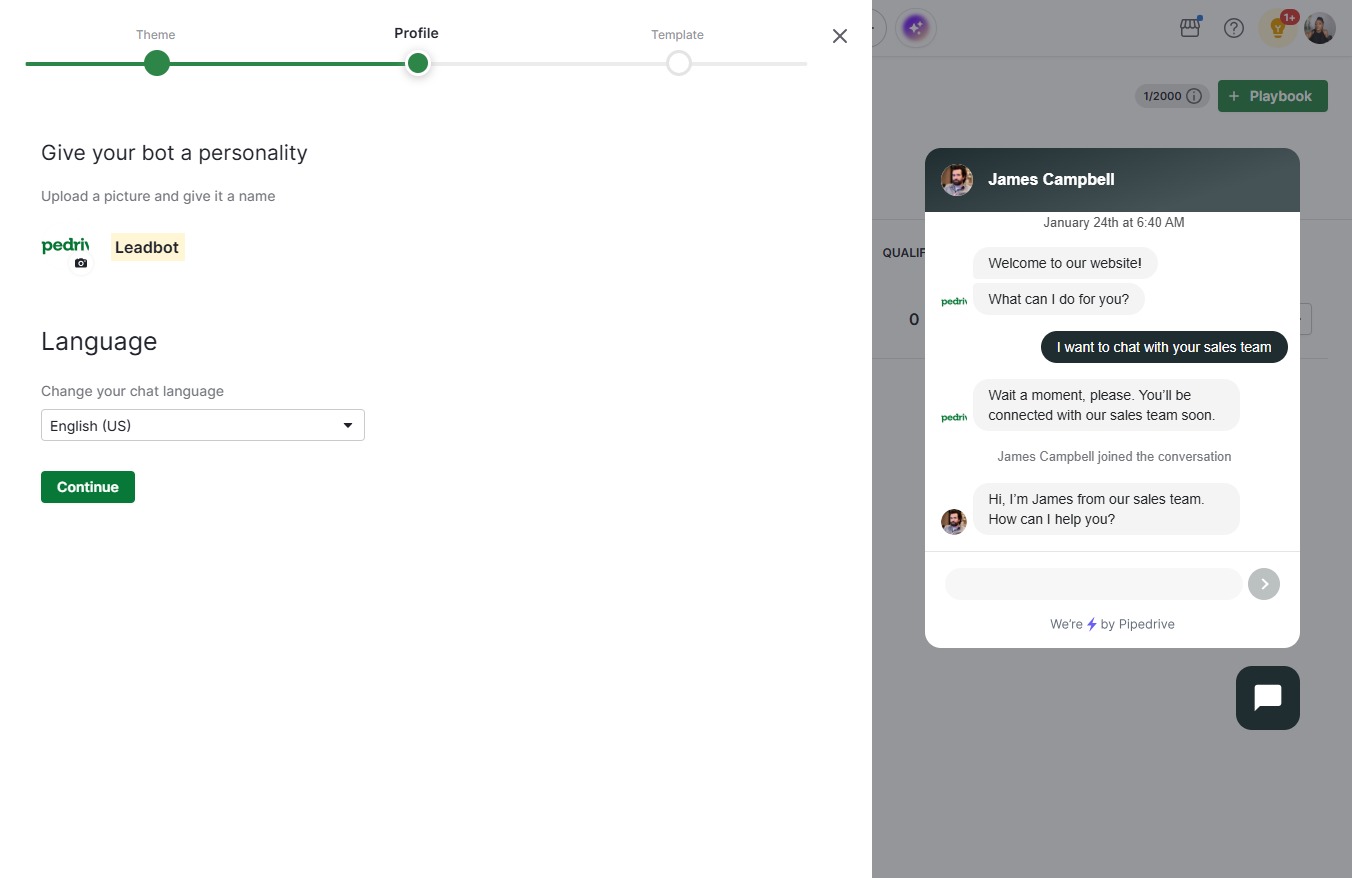
  7. Type "Leadbot" in Bot name

  8. Click Continue

    Click Continue
    Loading screenshot…
    100%
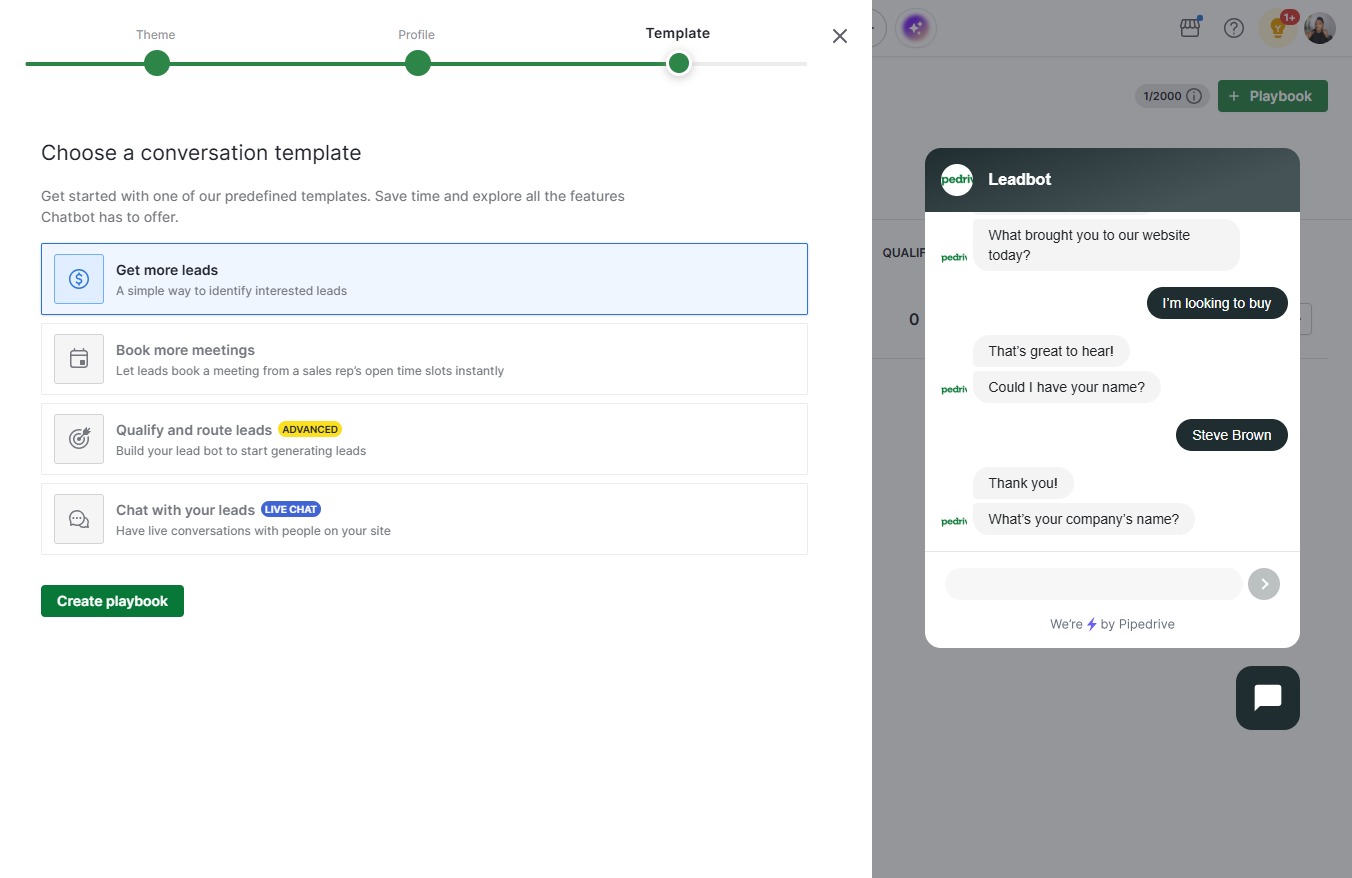
  9. Click Get more leads

    Click Get more leads
    Loading screenshot…
    100%
  10. Click Create playbook

    Click Create playbook
    Loading screenshot…
    100%
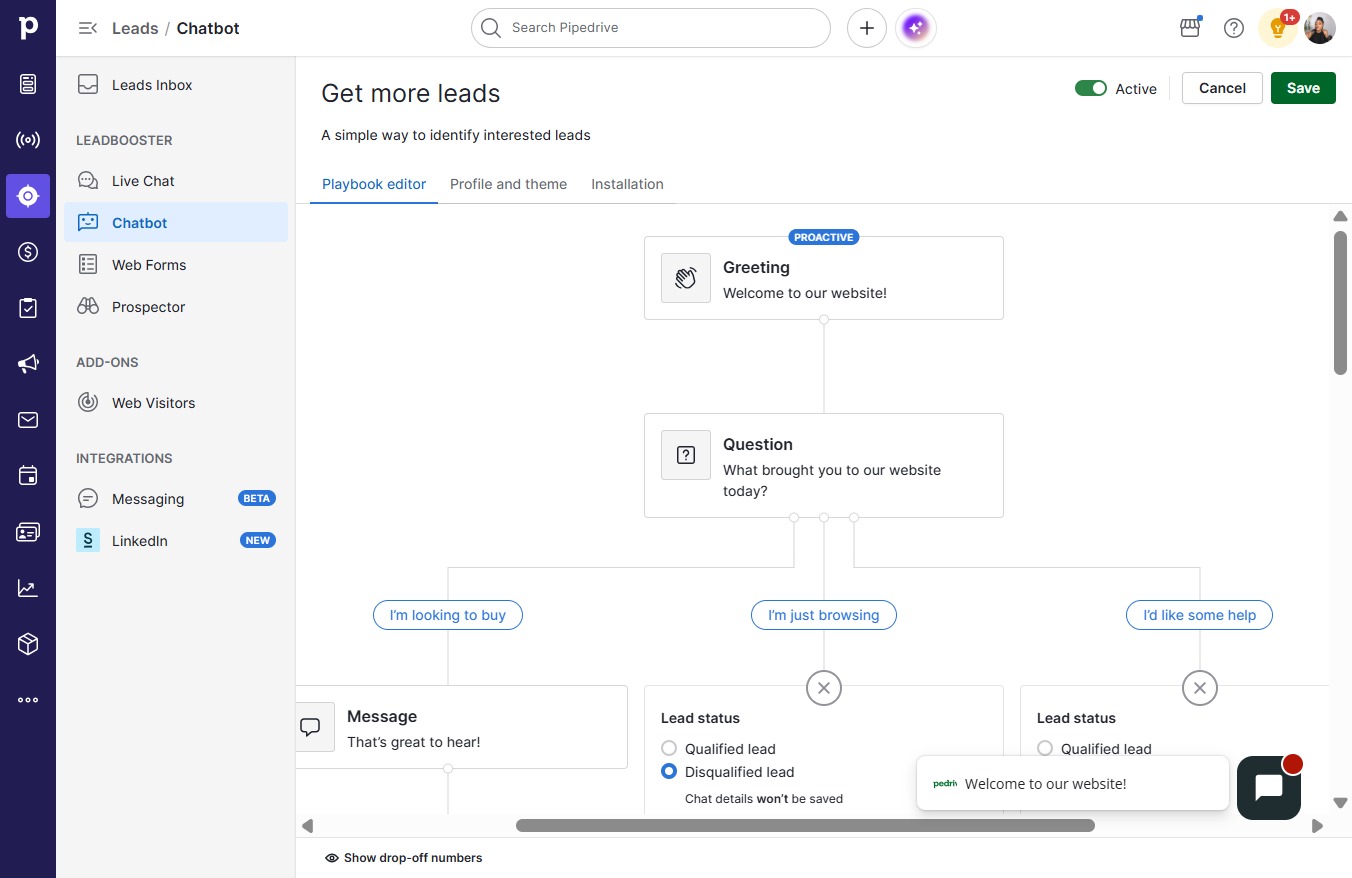
  11. Click on "Click here."

    Click on "Click here."
    Loading screenshot…
    100%
  12. Click info@yourcompany.com

    Click info@yourcompany.com
    Loading screenshot…
    100%
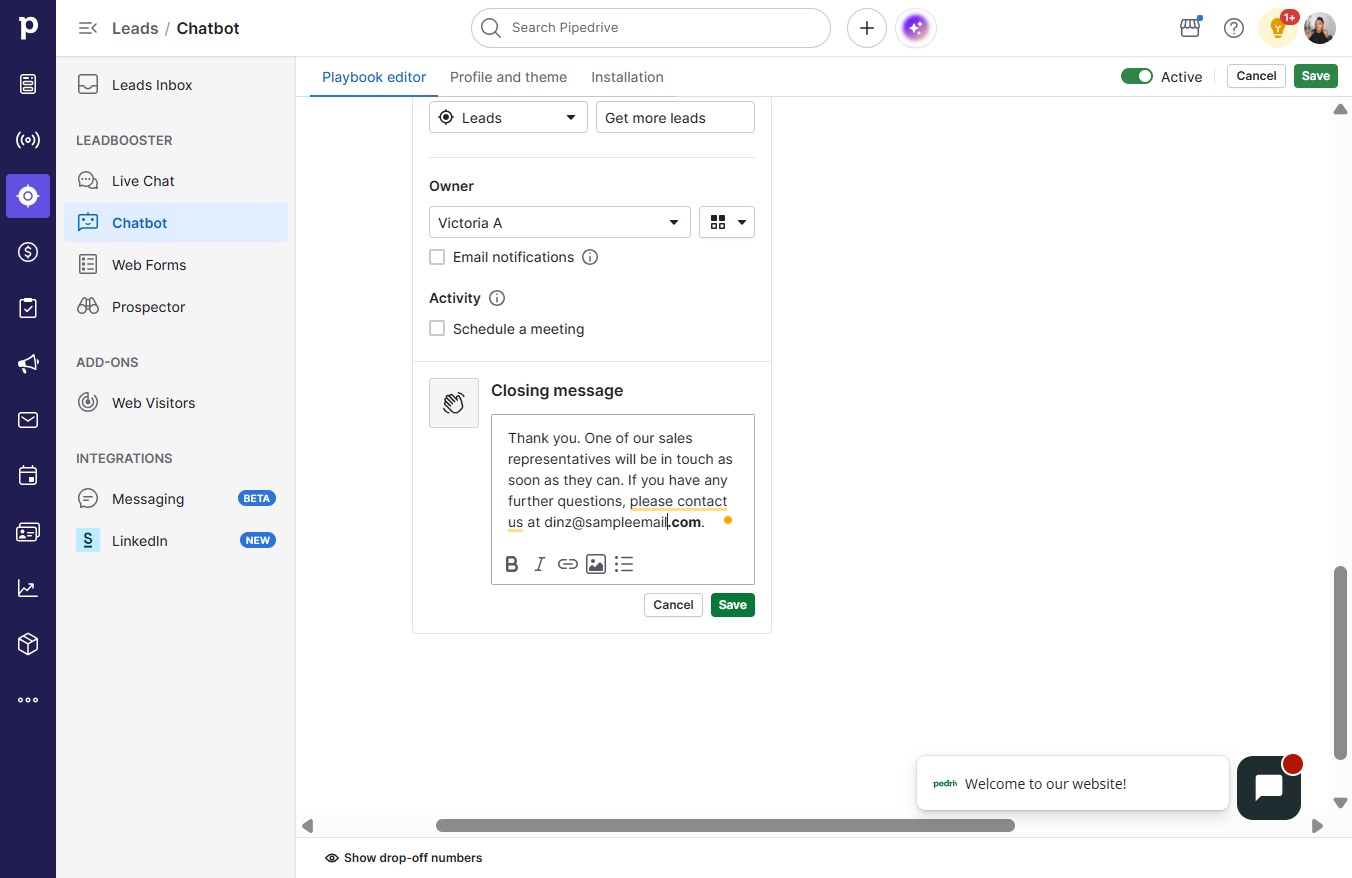
  13. Type "Thank you. One of our sales representatives will b..."

  14. Click Save

    Click Save
    Loading screenshot…
    100%
  15. Click on "Click here."

    Click on "Click here."
    Loading screenshot…
    100%
  16. Click support@yourcompany.com

    Click support@yourcompany.com
    Loading screenshot…
    100%
  17. Type "Thanks for reaching out. If you have any questions..."

  18. Click Save

    Click Save
    Loading screenshot…
    100%