Click the CRM icon
This action opens the CRM section, allowing you to manage customer relationships, view contacts, and track interactions.

Loading screenshot…
100%
Connect a Gmail account to your HubSpot inbox to manage team emails effectively, enabling streamlined communication and interaction tracking within the CRM platform.
 viktoria
Connect a Gmail account to your HubSpot inbox to manage team emails effectively, enabling streamlined communication and interaction tracking within the CRM platform.
This action opens the CRM section, allowing you to manage customer relationships, view contacts, and track interactions.
This will take you to your Inbox where you can manage messages and communications related to your contacts and activities.

This will open the settings menu for managing your inbox preferences and configurations.

Clicking this option allows you to link a communication channel to your inbox, enabling seamless interactions within the HubSpot platform.

This action selects the option to manage and respond to team emails from your inbox.
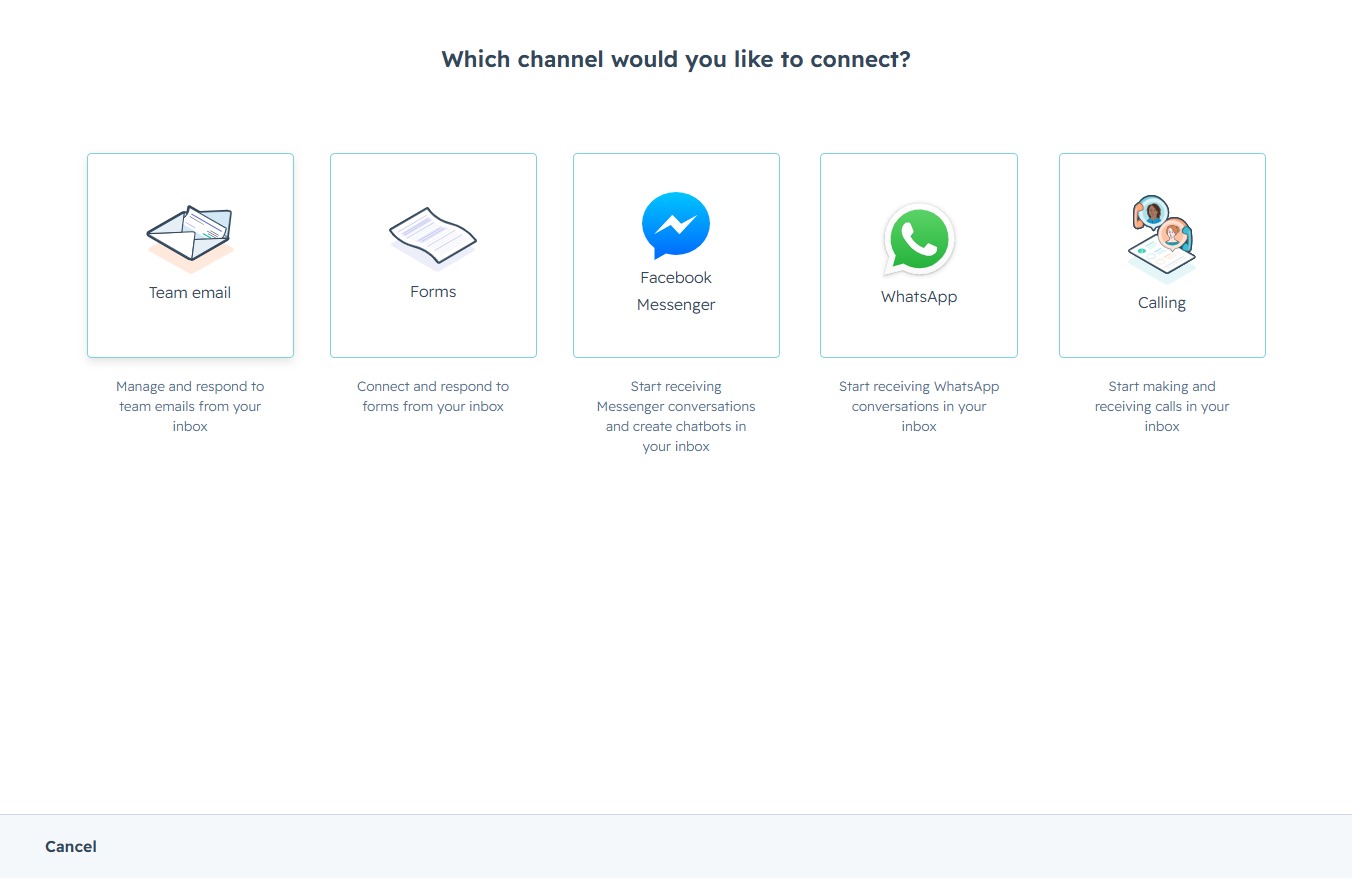
Select the Gmail option to connect a Gmail account to your inbox for email management.
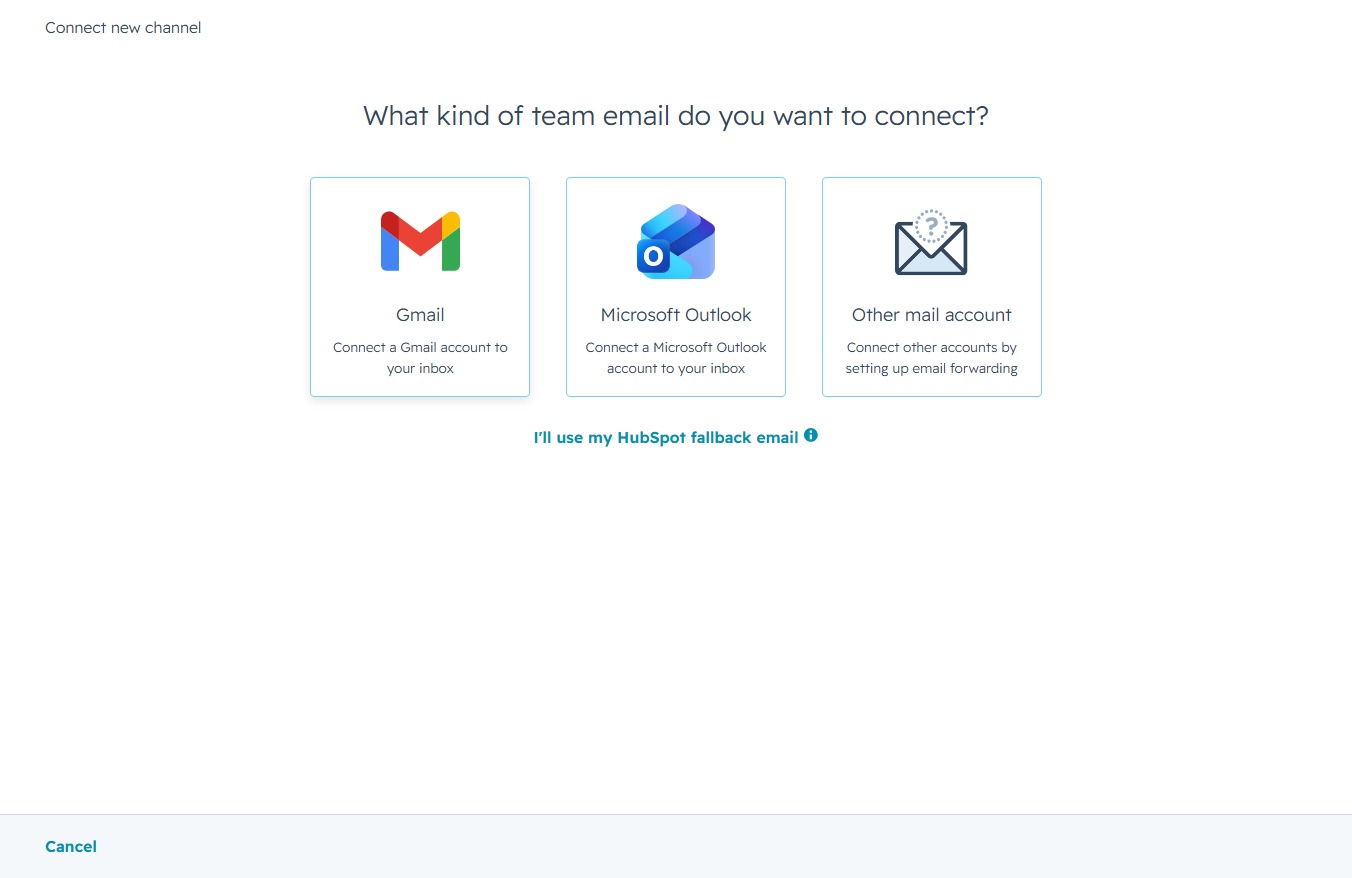
This action proceeds to the next step for integrating your Google account with HubSpot CRM, allowing you to configure email settings and access your inbox within the platform.

Selecting this email will sign you into your HubSpot account. Ensure this is the correct account before proceeding.
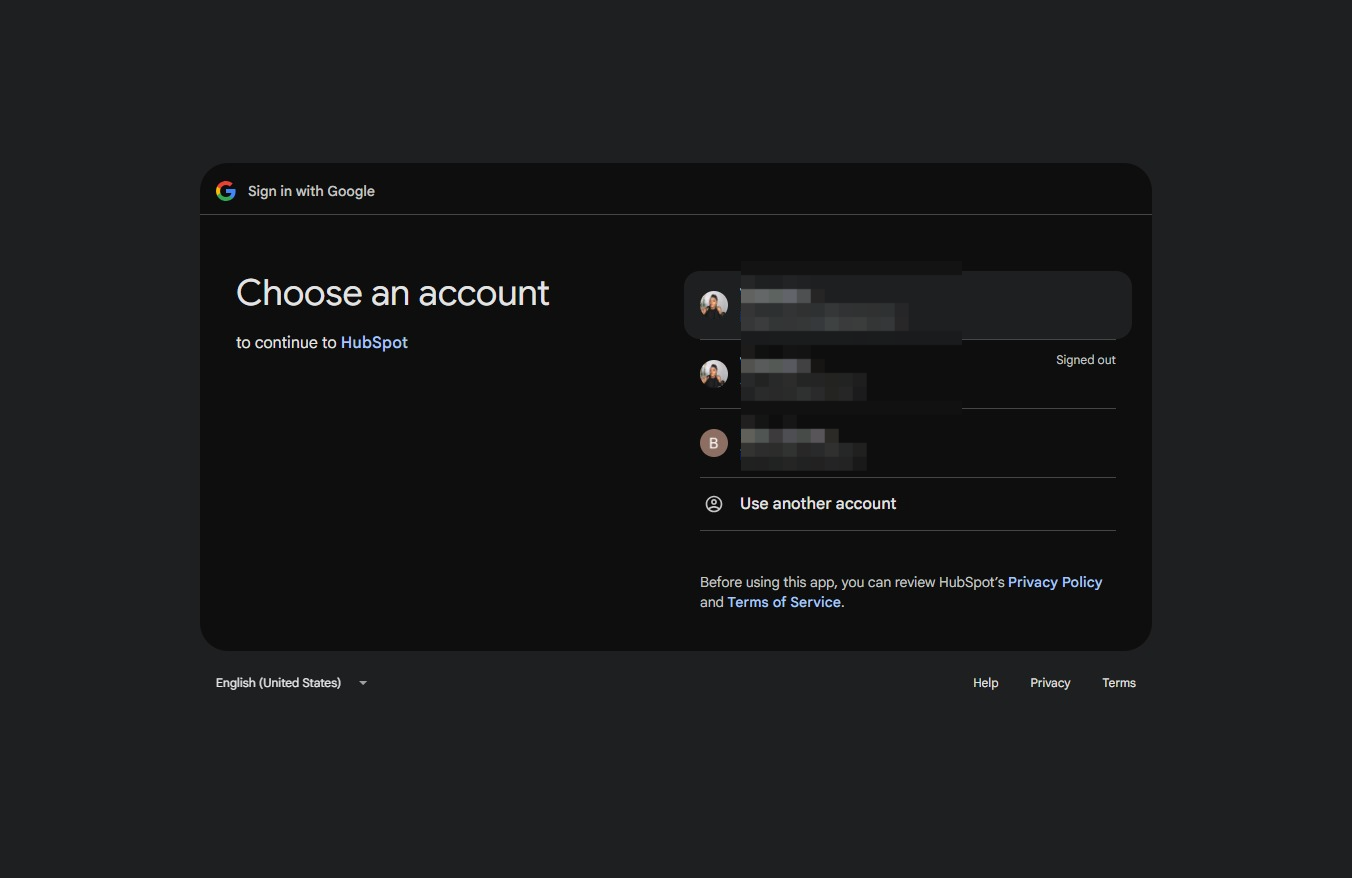
This action allows HubSpot to access your Google account information for signing in. After clicking, you will proceed to the next step in the sign-in process.
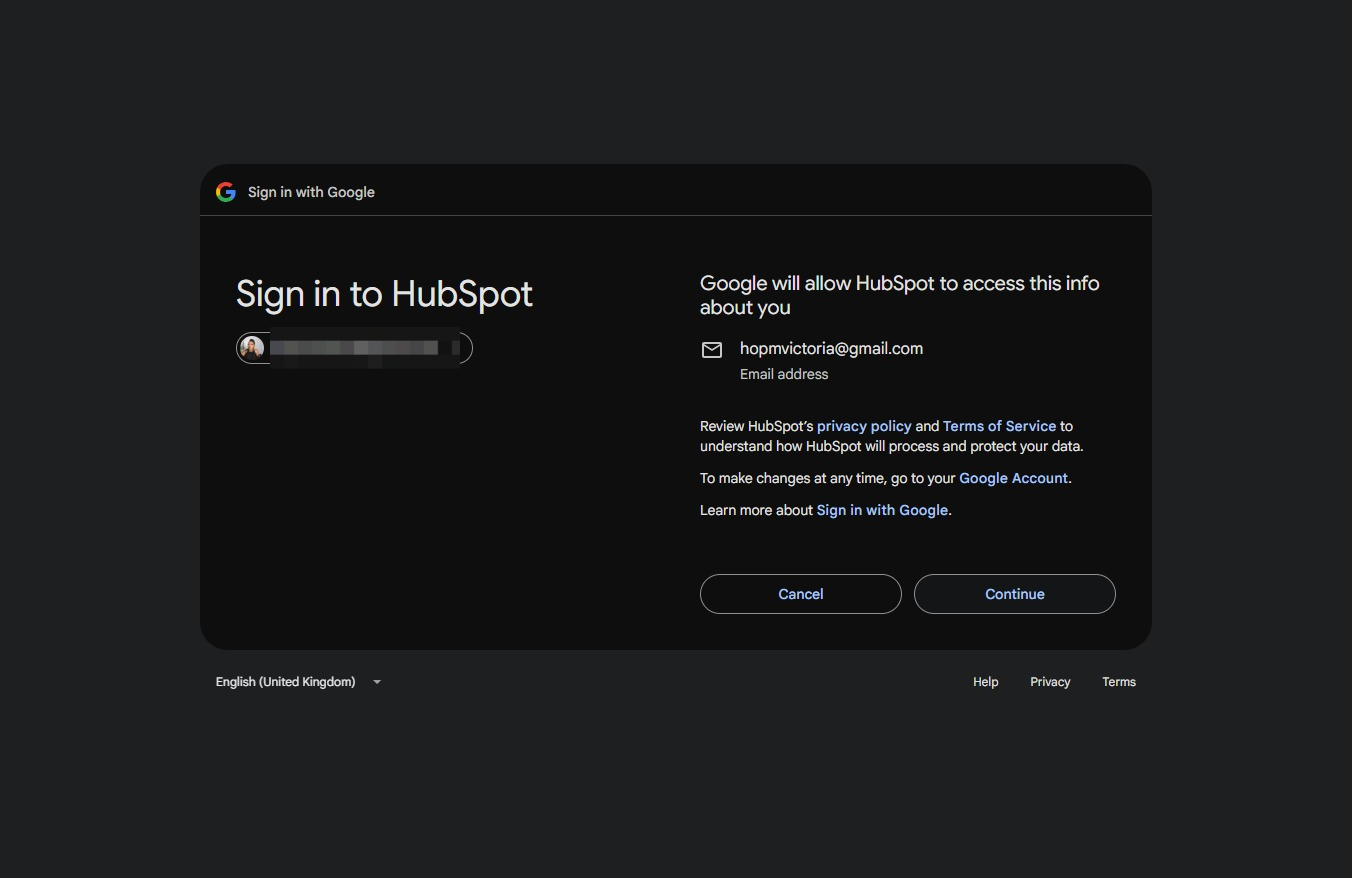
By clicking this button, you will proceed with granting HubSpot access to your Google Account, which may include managing your email messages and sending emails on your behalf.
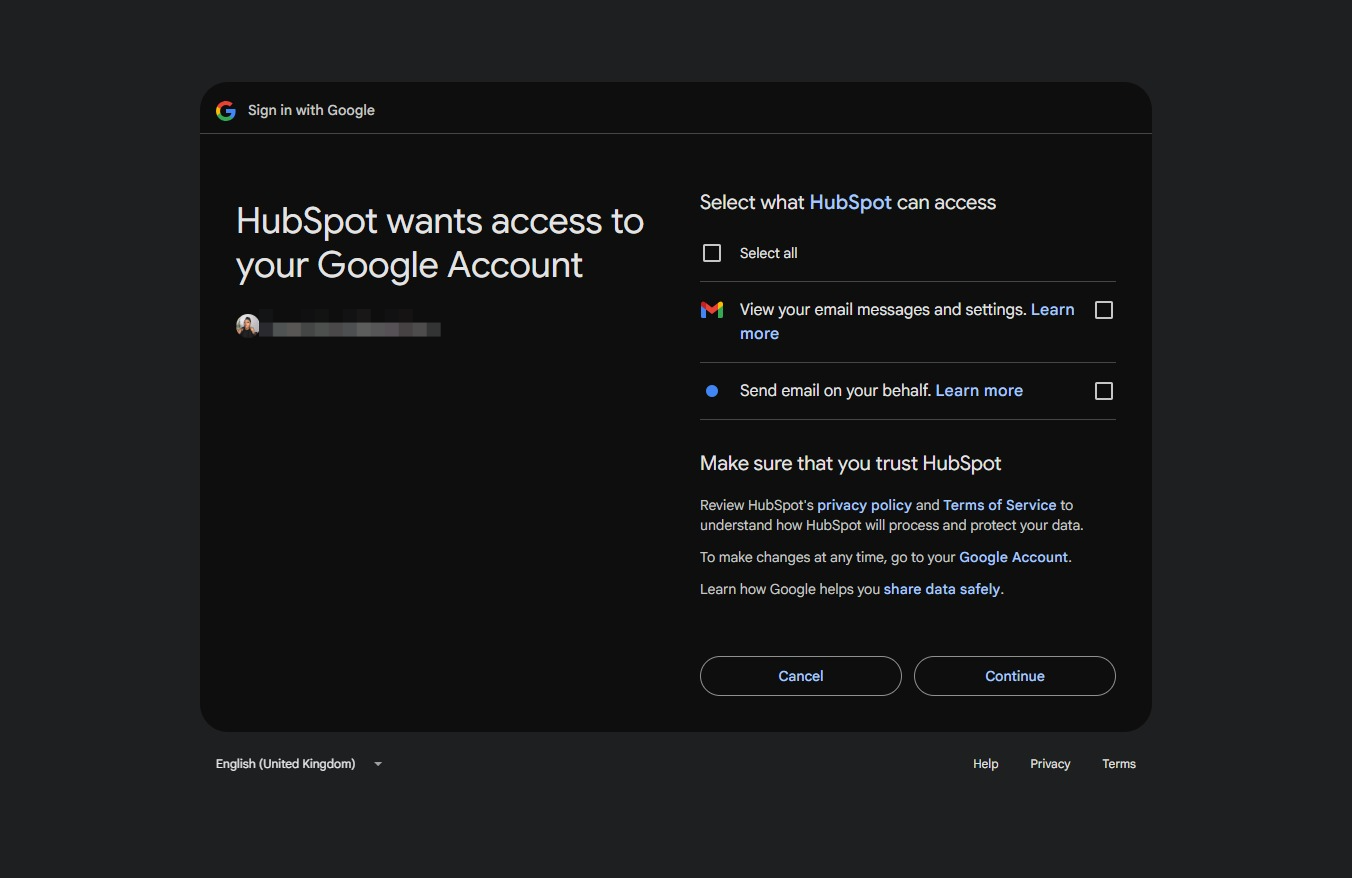
By clicking the Continue button, you grant HubSpot access to your Google Account, allowing it to view your email settings and send emails on your behalf as per your selection.
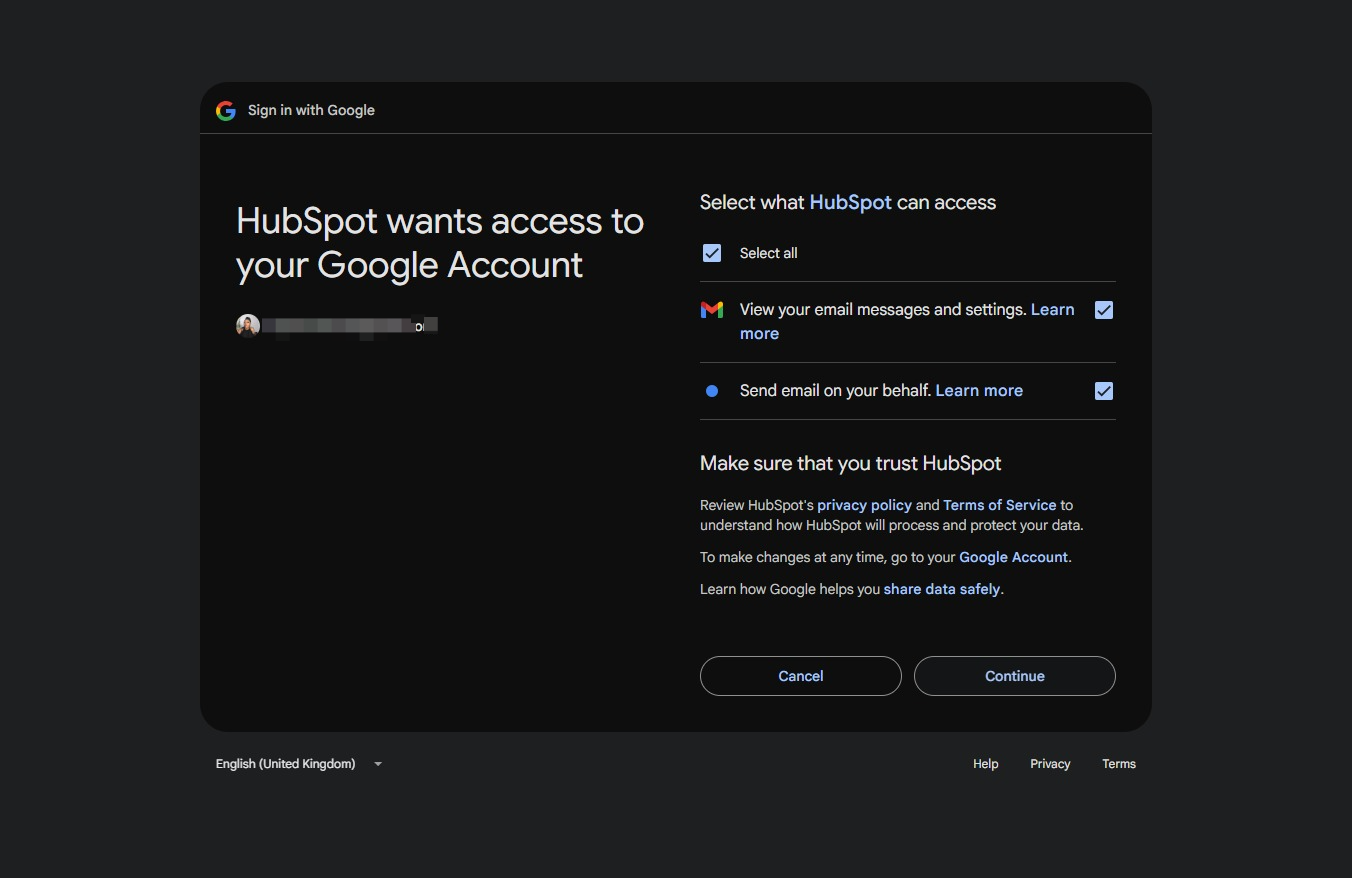
Proceed to the next step in the email customization process, where you will configure the channel information.

This action completes the channel connection setup and proceeds to the next step in managing your conversations.
