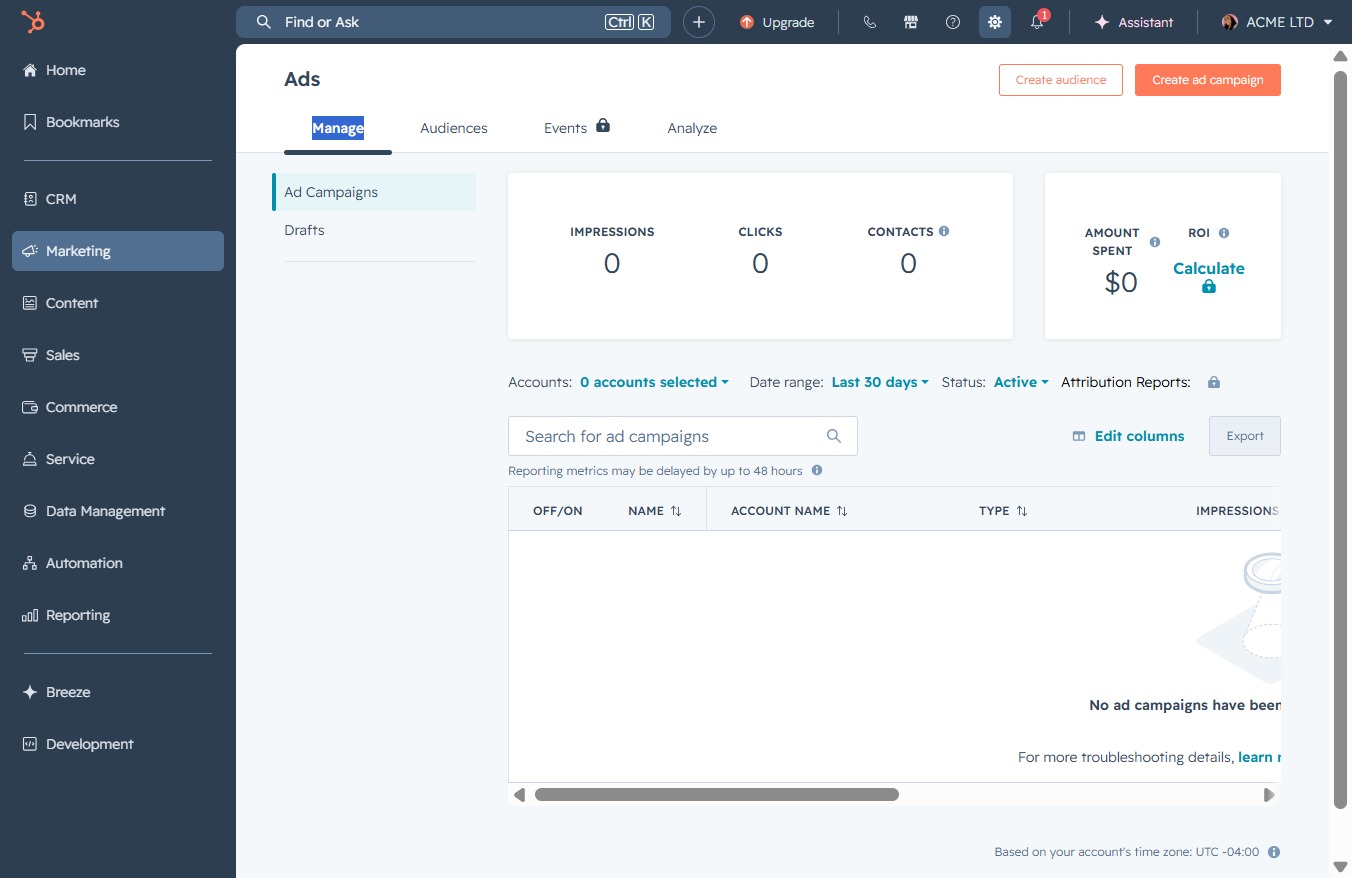
Click the Settings link
Clicking the Settings link will take you to the configuration options where you can adjust preferences for your Ads account and manage settings related to your campaigns.
Loading screenshot…
100%
Configure a second deal pipeline in your settings by navigating to the deal pipeline management section, where you can customize stages and automate processes for improved sales…
 viktoria
Configure a second deal pipeline in your settings by navigating to the deal pipeline management section, where you can customize stages and automate processes for improved sales management.
Clicking the Settings link will take you to the configuration options where you can adjust preferences for your Ads account and manage settings related to your campaigns.
By clicking here, you will search for items to manage your account settings.
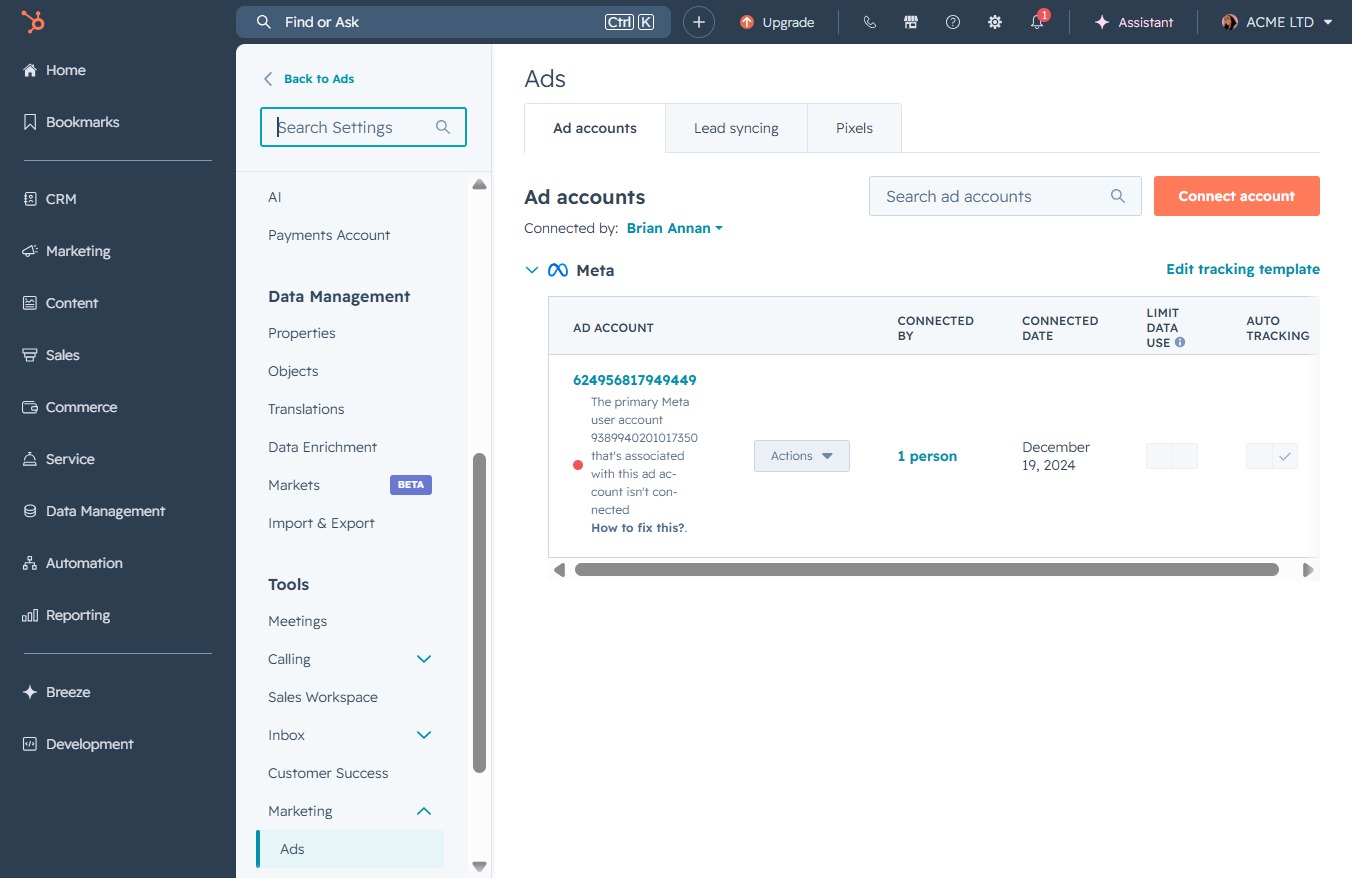
This will open the deal pipeline management section, where you can configure deal stages, set up automation, and manage multiple deal pipelines.
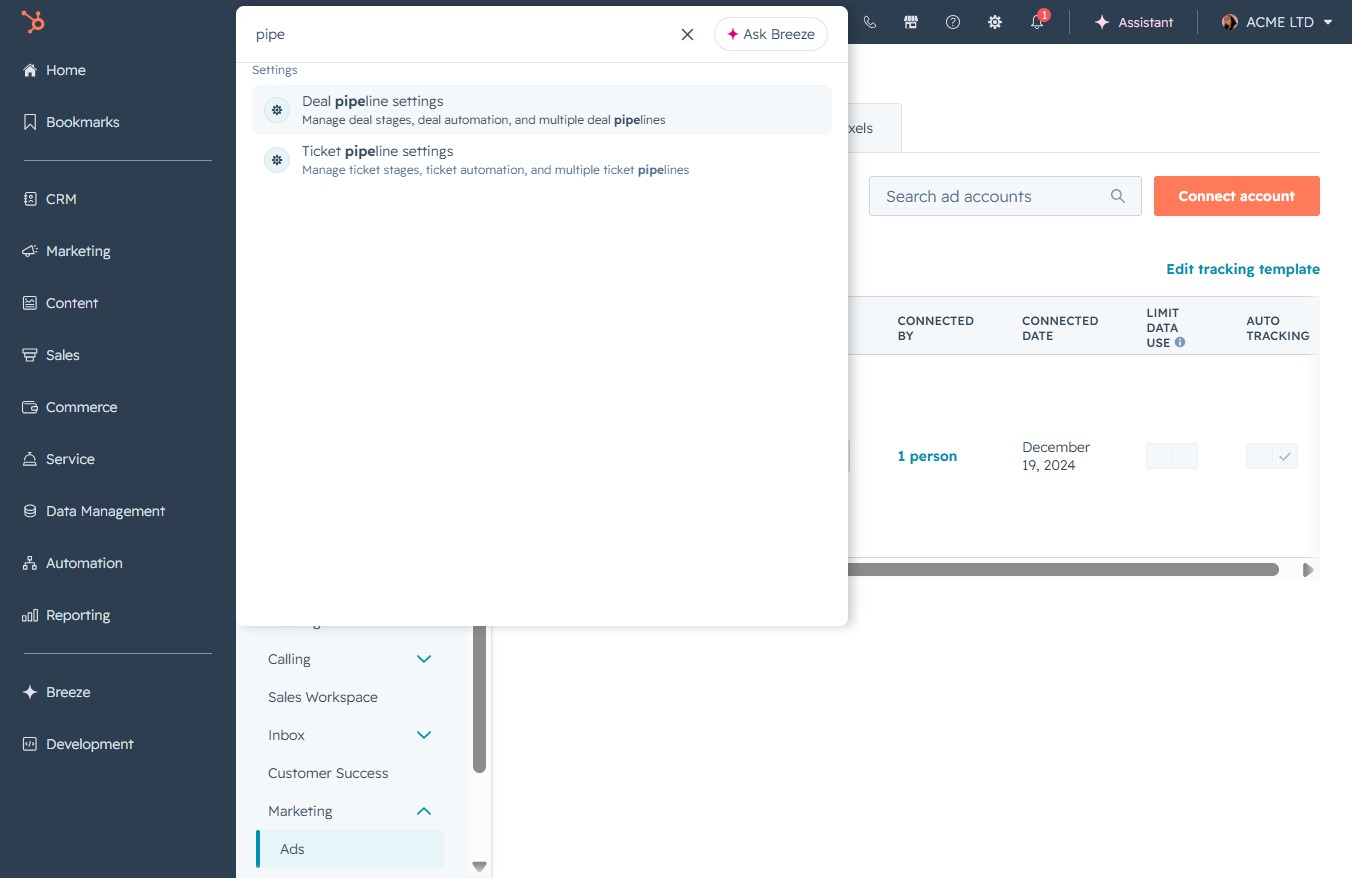
Enter the term 'pipe' in the Search Settings field to quickly access options related to deal and ticket pipeline settings. This will help you manage pipelines efficiently.
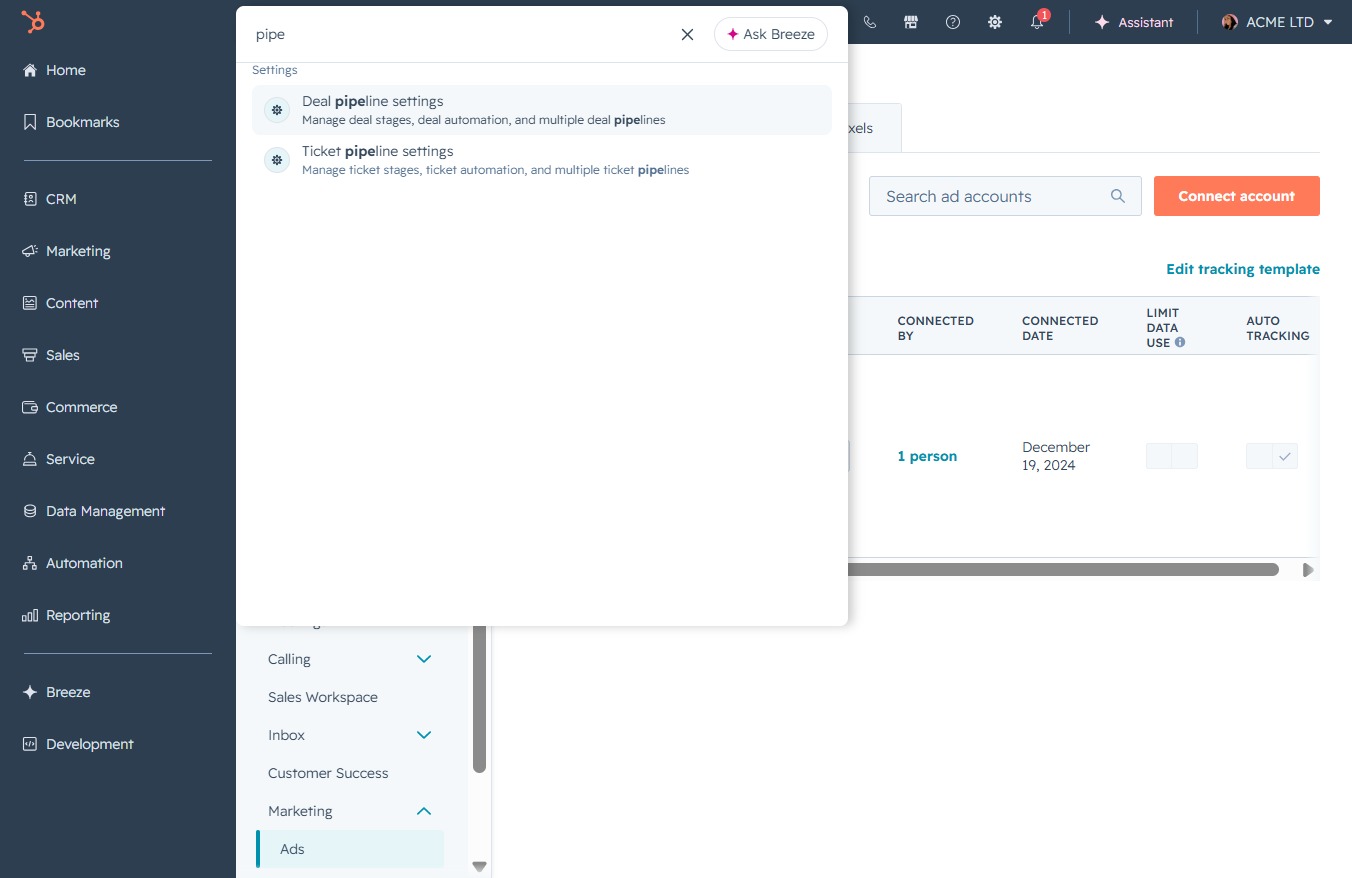
This action initiates the creation of a new pipeline in the Deals section, allowing you to define stages and customize your sales process.
