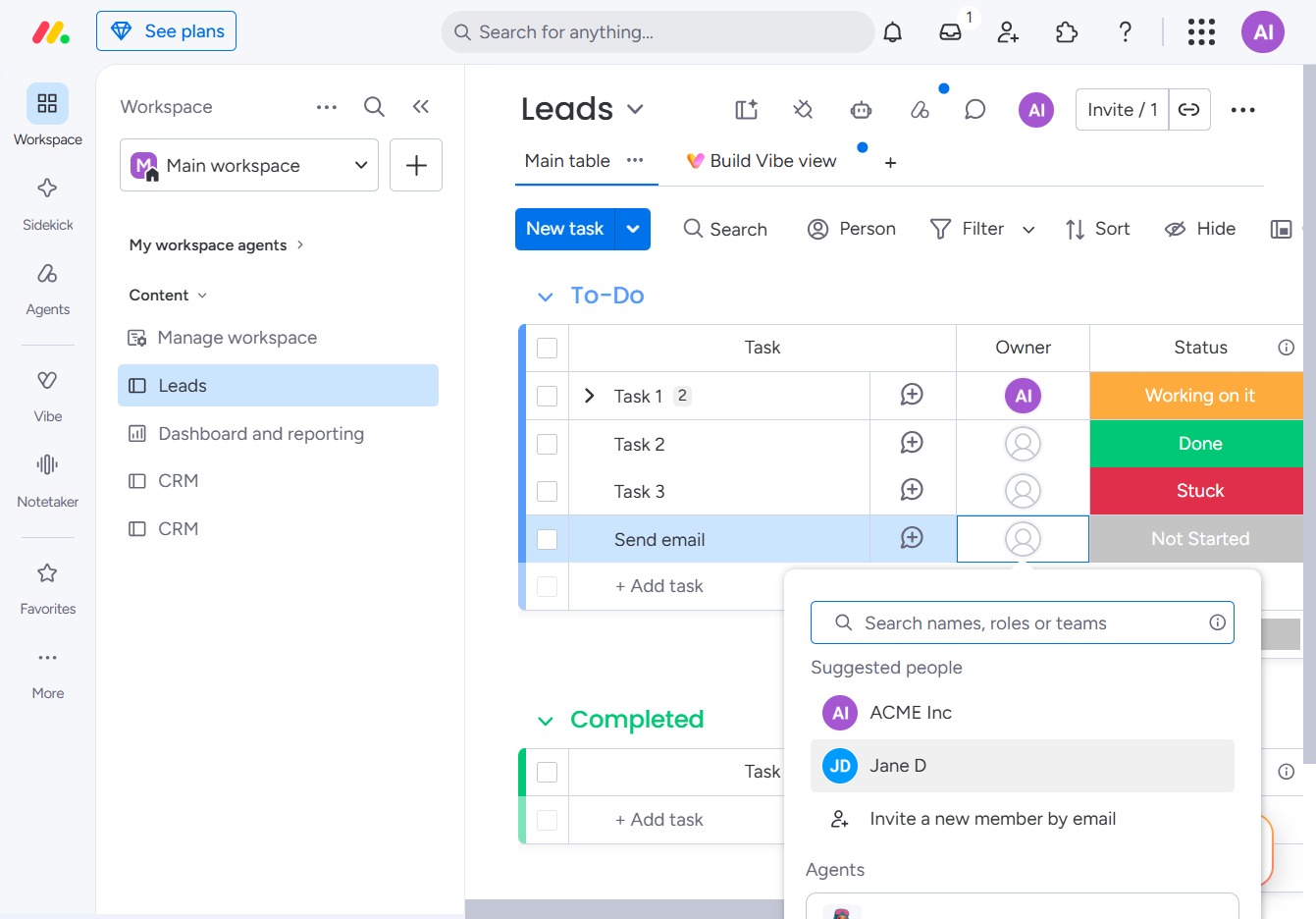
Click the BoardLeads control
Clicking on 'BoardLeads' will take you to the corresponding leads management section, allowing you to view and manage your leads effectively.
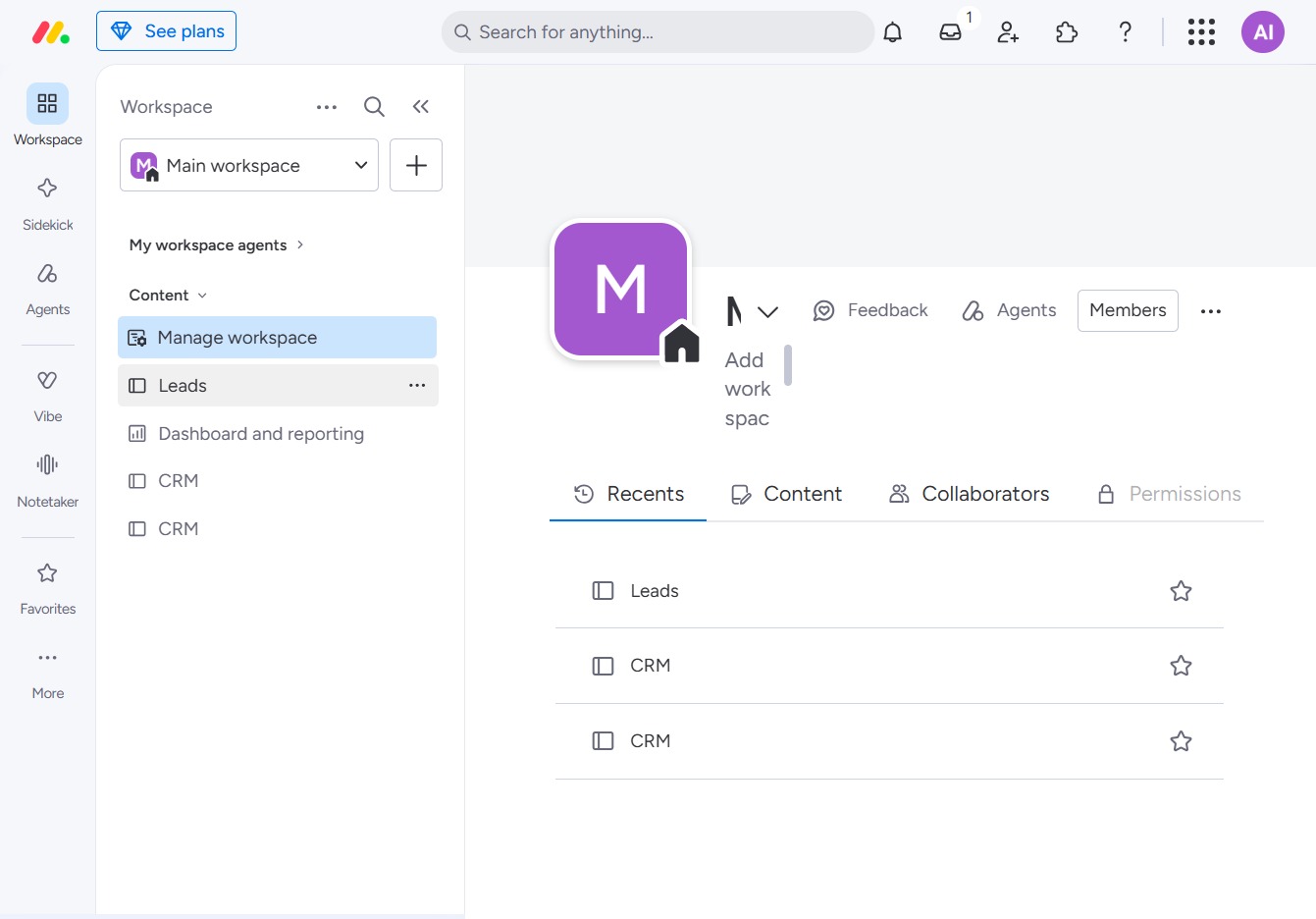
Loading screenshot…
100%
In this how-to guide, you'll learn the process of setting item ownership within your leads management system.
 viktoria
In this how-to guide, you'll learn the process of setting item ownership within your leads management system. By following the steps provided, you'll be able to navigate through your workspace and efficiently assign tasks to team members, streamlining your lead management efforts.
Clicking on 'BoardLeads' will take you to the corresponding leads management section, allowing you to view and manage your leads effectively.
This will initiate the action associated with the button, possibly leading you to a new task or further details related to your current Leads.

This action selects Jane D from the suggested people list, enabling you to assign her to the 'Send email' task in the Leads section.