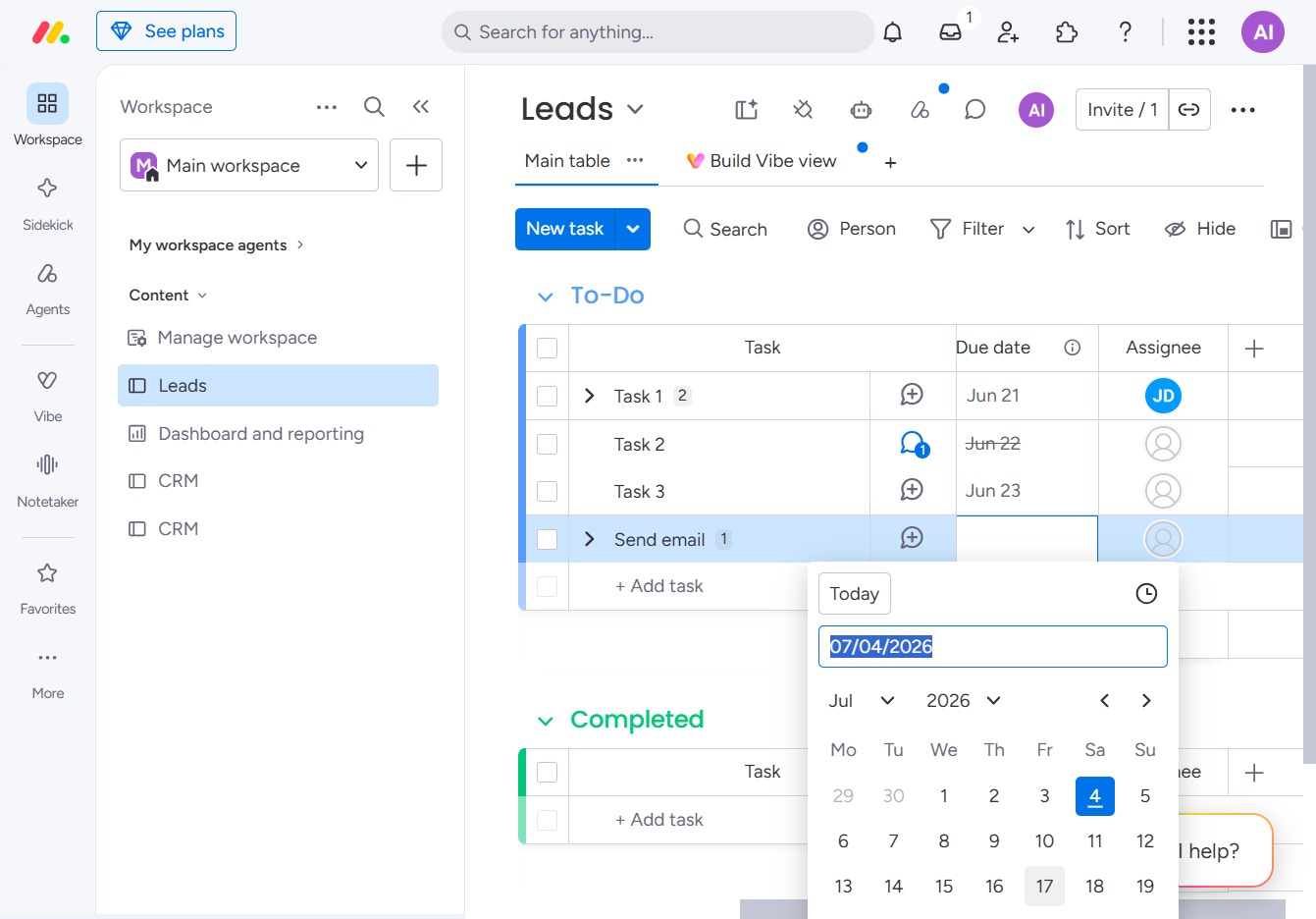
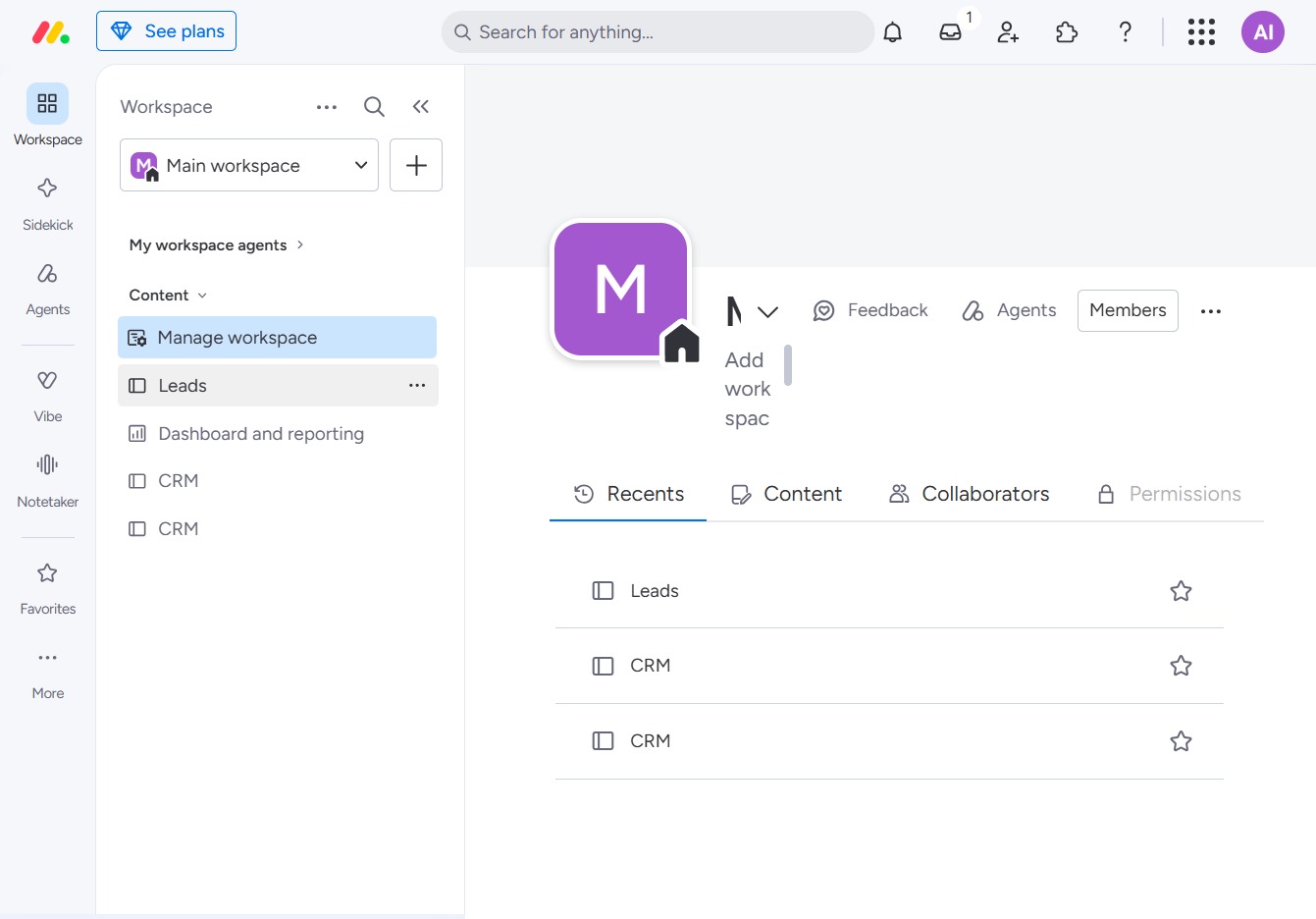
Click the BoardLeads section
By clicking on 'BoardLeads', you will access the leads management interface, allowing you to view and manage your leads effectively.
Loading screenshot…
100%
Learn how to efficiently set due dates for your tasks in the Leads management interface.
 viktoria
Learn how to efficiently set due dates for your tasks in the Leads management interface. This guide walks you through navigating to your workspace, creating new tasks, and selecting specific dates using the integrated calendar feature.
By clicking on 'BoardLeads', you will access the leads management interface, allowing you to view and manage your leads effectively.
By clicking this button, you can create a new task in the Leads section, allowing you to manage and organize your workflow effectively.
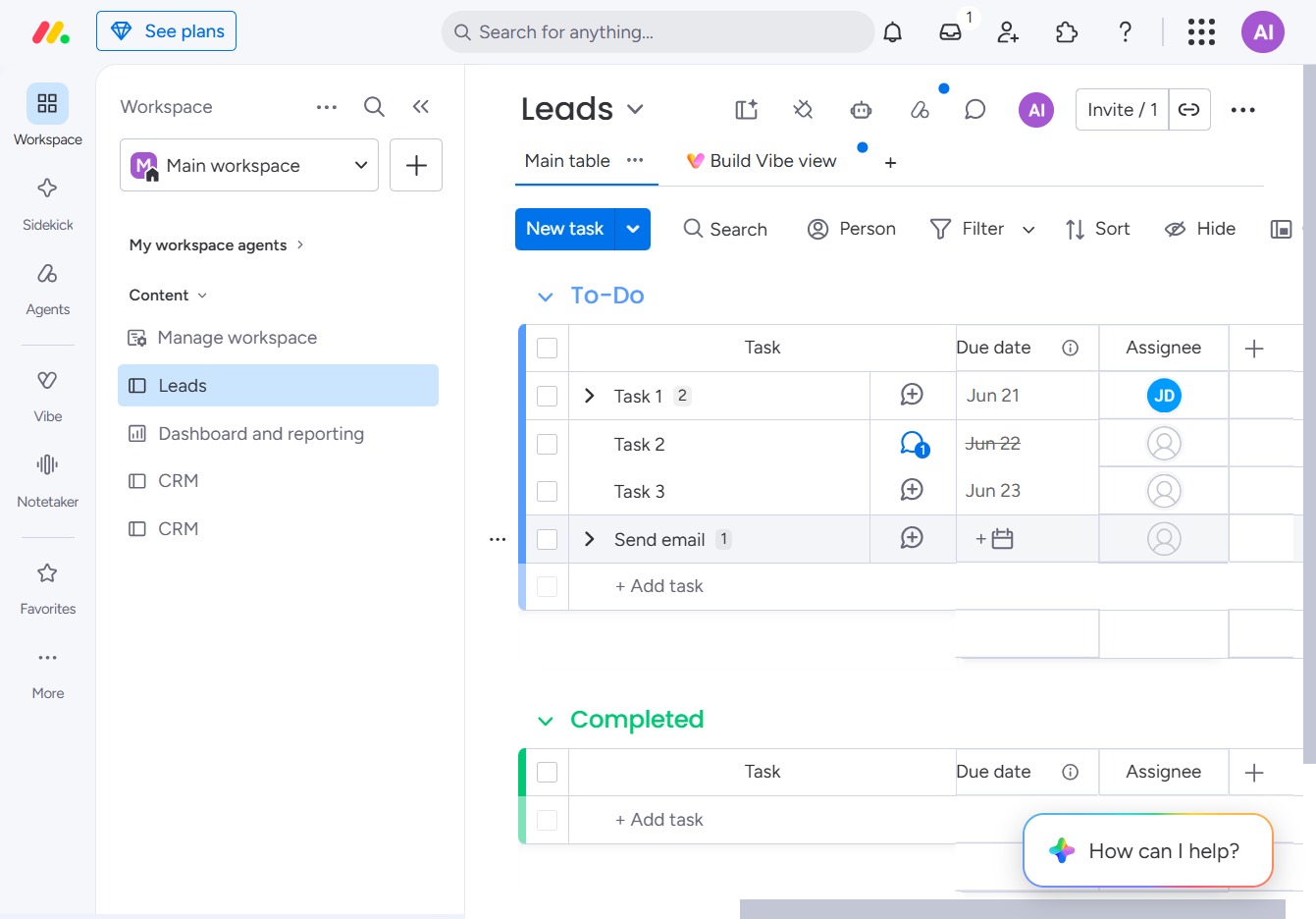
Clicking the '17' button will open a calendar for date selection, allowing you to choose a specific date for the task associated with the Leads section.