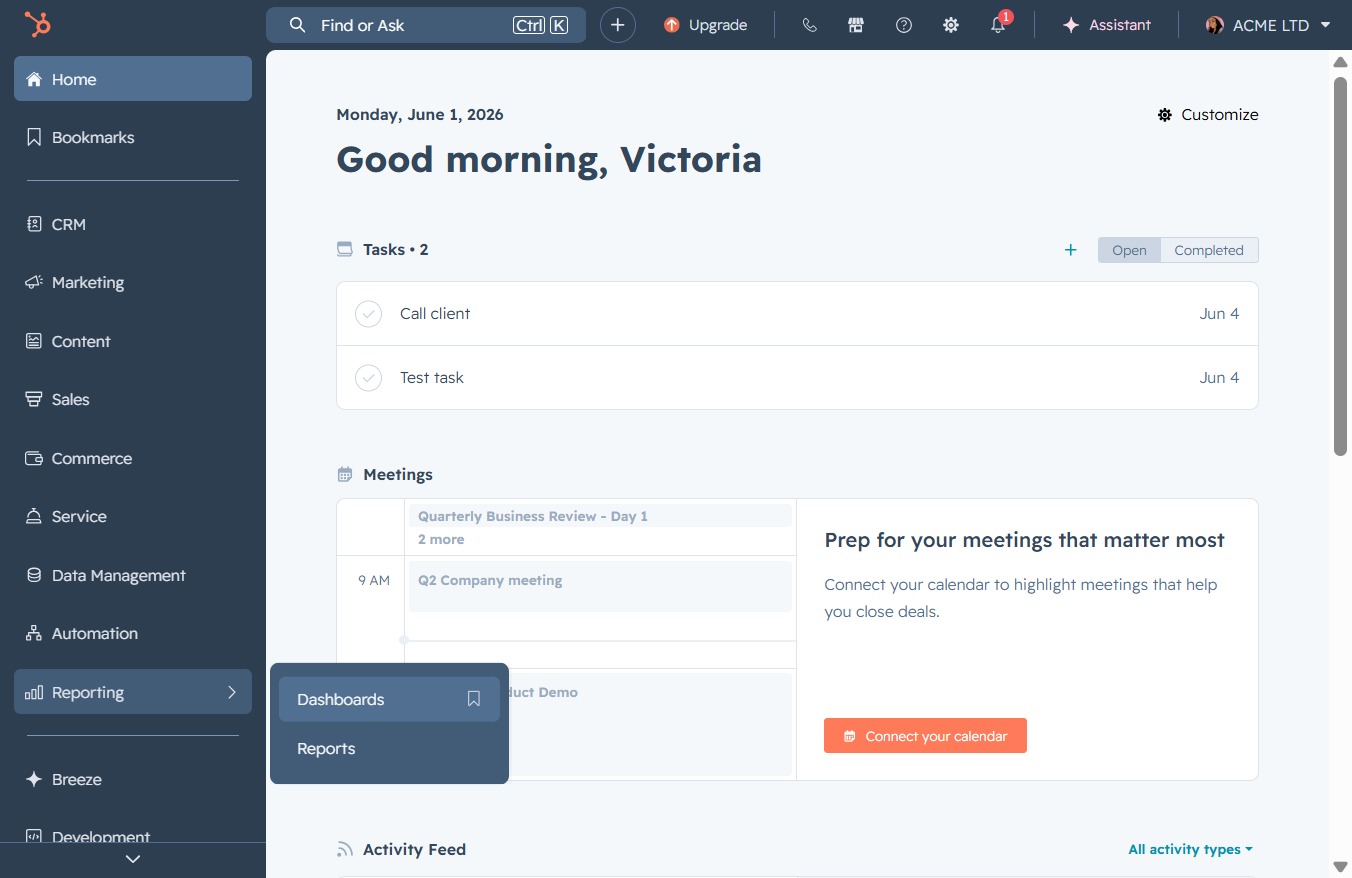
Click the Reporting section
This will navigate you to the Reporting area, where you can access various reports and analytics related to your projects and tasks.

Loading screenshot…
100%
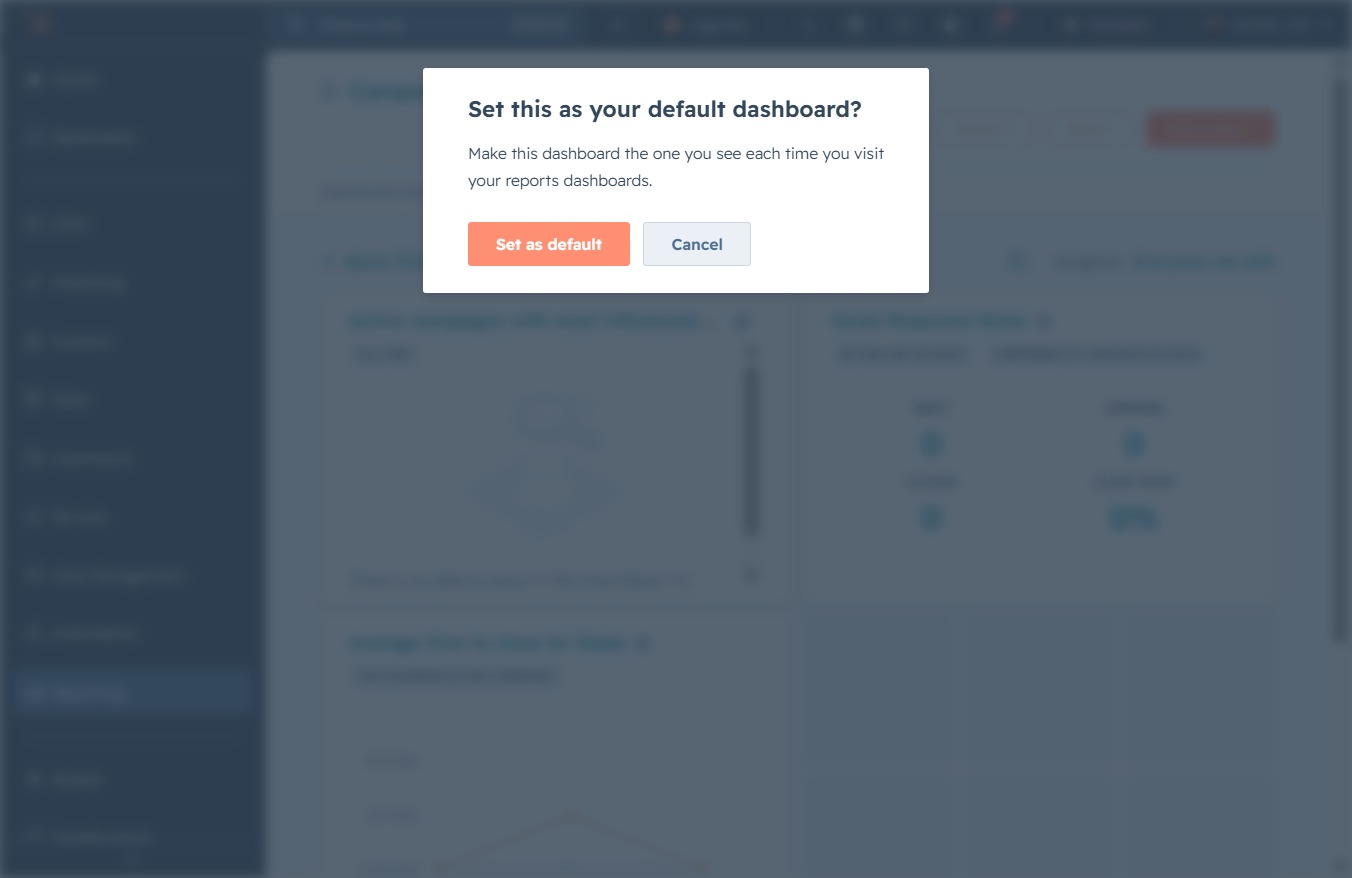
Designate your current dashboard as the default for future use within the Campaign Performance dashboard, ensuring it appears every time you access your report dashboards for…
 viktoria
Designate your current dashboard as the default for future use within the Campaign Performance dashboard, ensuring it appears every time you access your report dashboards for analytics.
This will navigate you to the Reporting area, where you can access various reports and analytics related to your projects and tasks.
Selecting the Dashboards option allows you to view various dashboard analytics and reports related to your activities. This section provides insights and key metrics to help you track performance effectively.
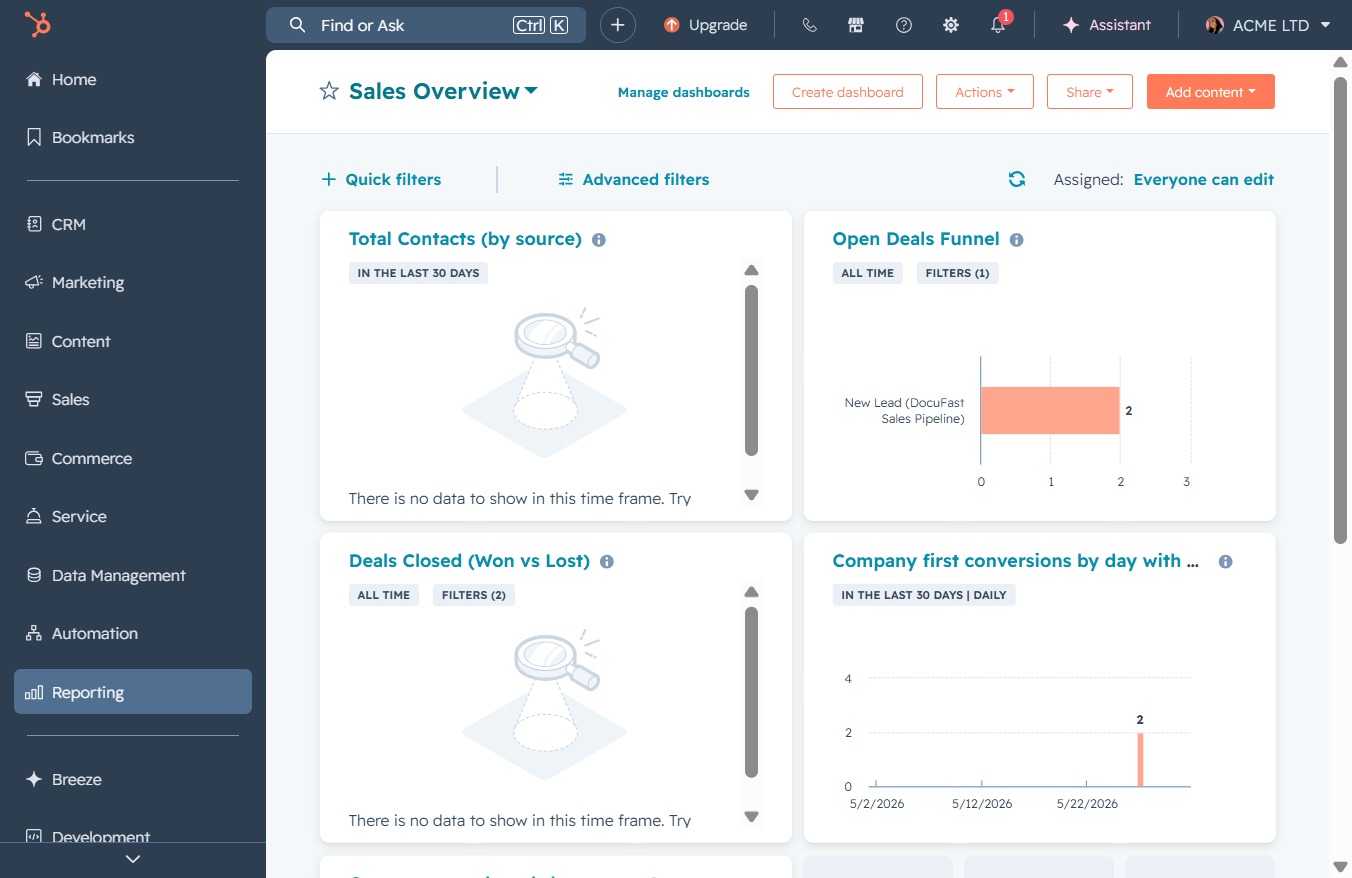
This will display a comprehensive overview of your sales metrics, including Total Contacts, Open Deals Funnel, Deals Closed, and Company first conversions.
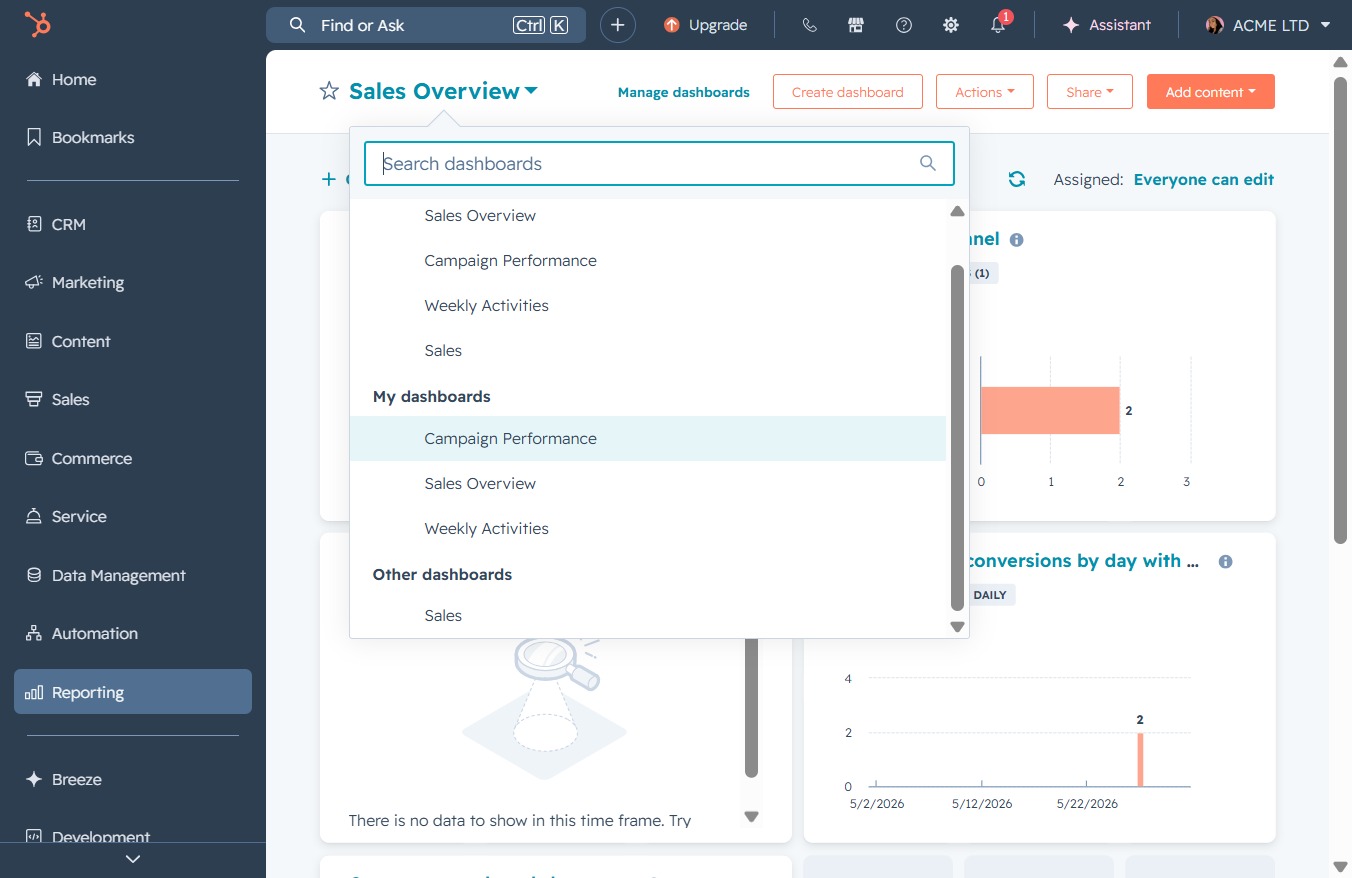
This will display the metrics and analytics related to your current campaign, allowing you to review its effectiveness and performance.
Clicking the 'Actions' button reveals a menu of available operations related to managing your campaigns, such as editing or deleting selected items.
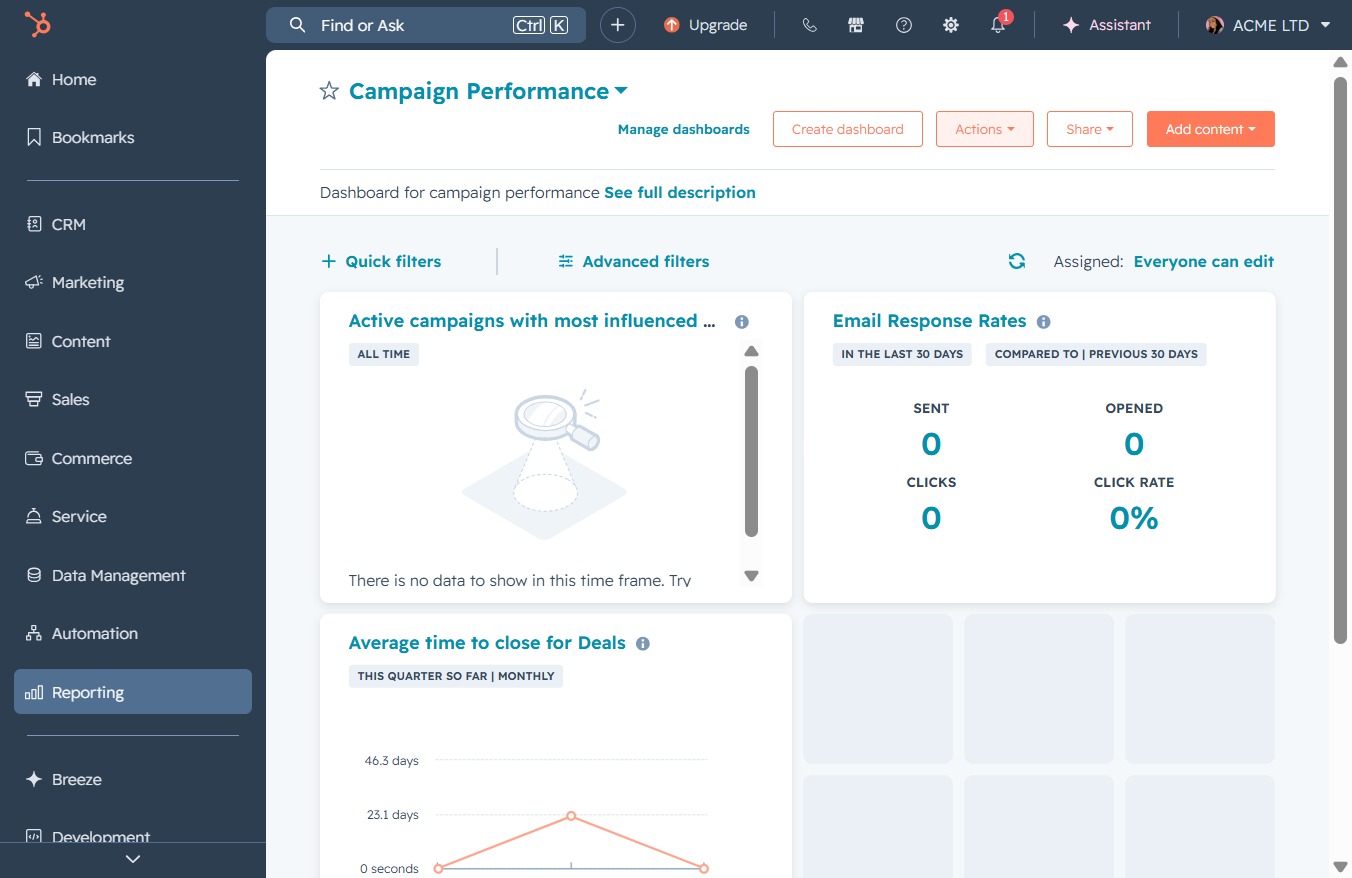
Select this option to designate the current settings or parameters as the default for future use in the Campaign Performance dashboard.
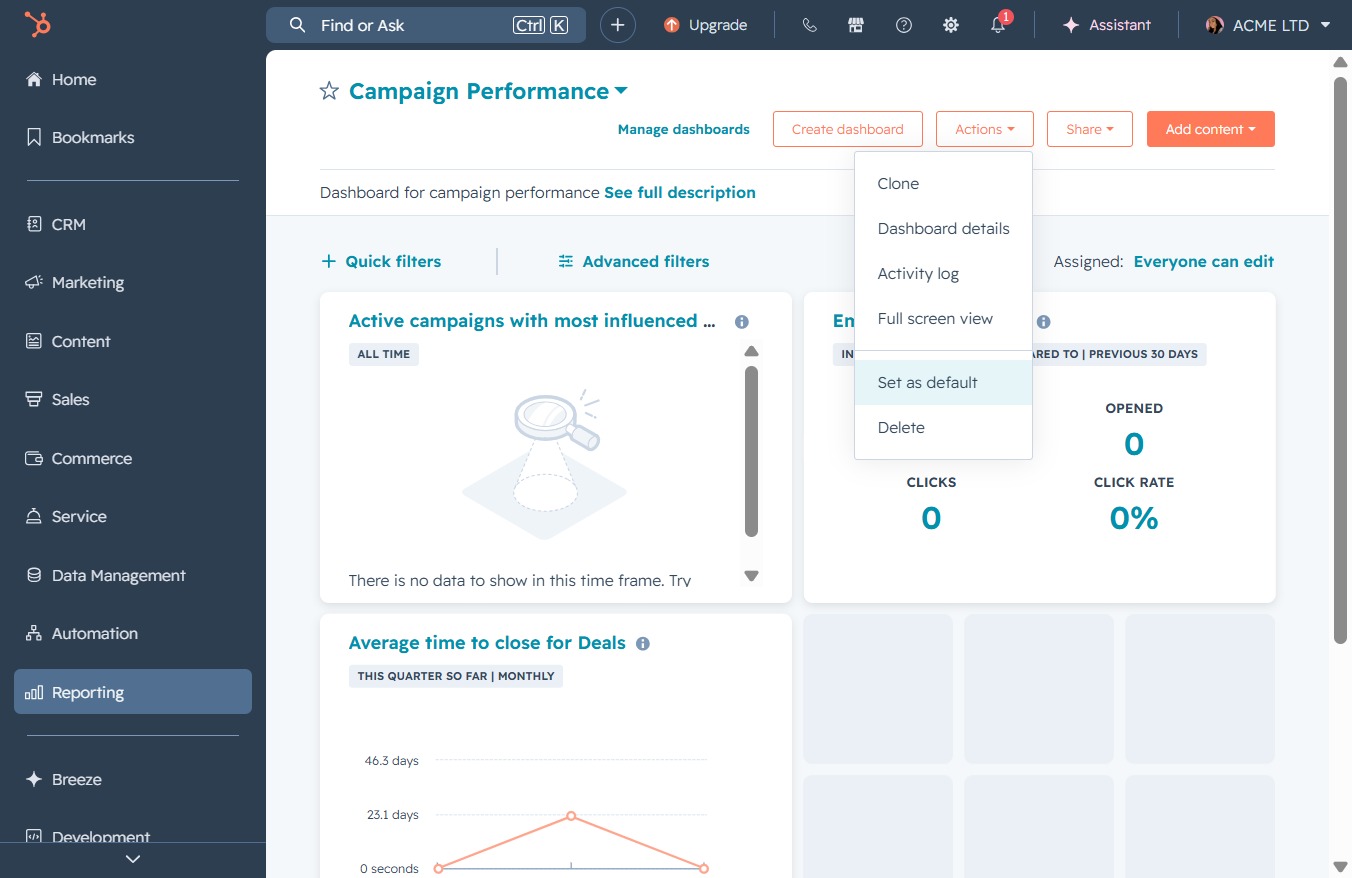
This action will designate the current dashboard as your default, so it will appear each time you access your report dashboards.