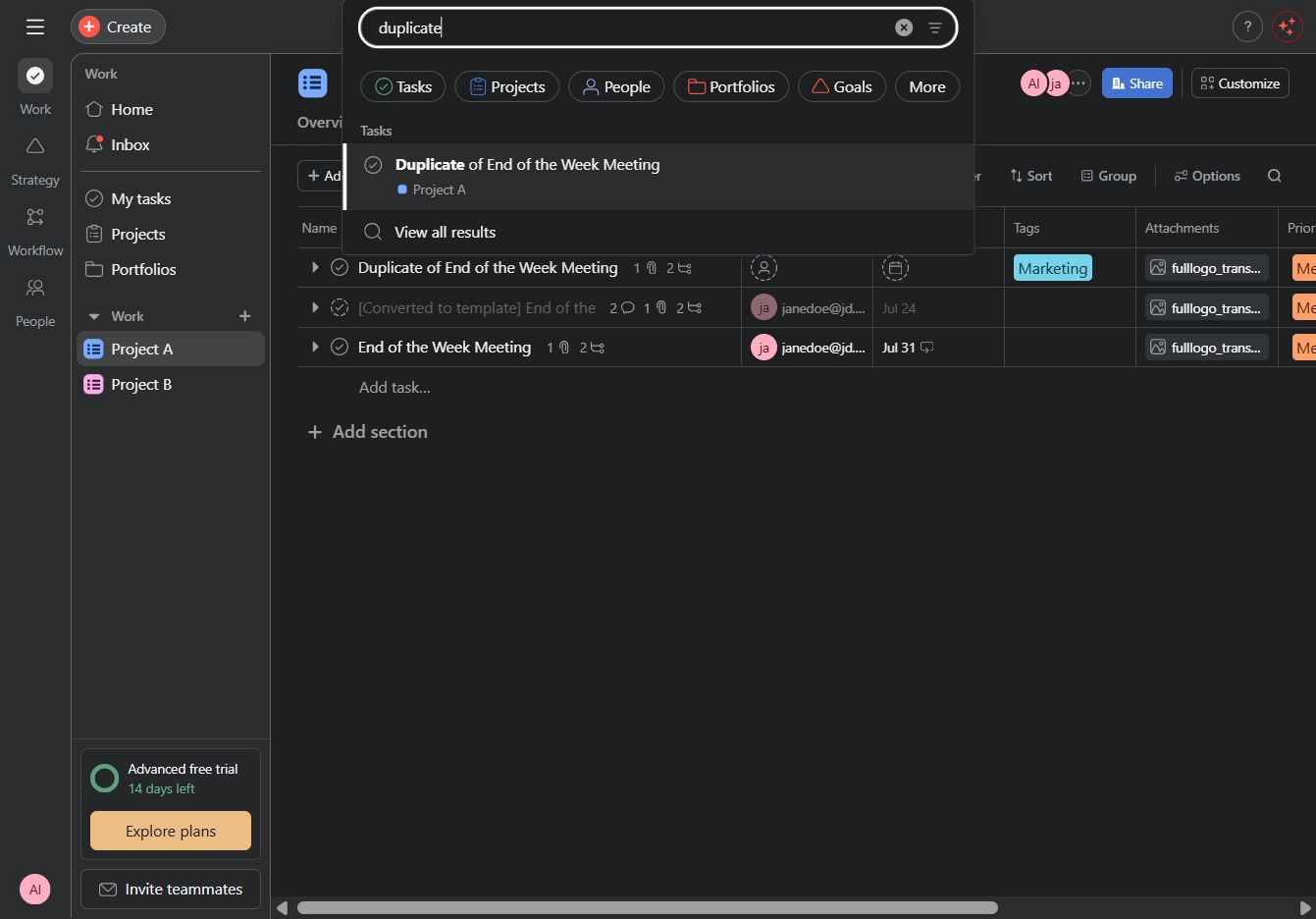
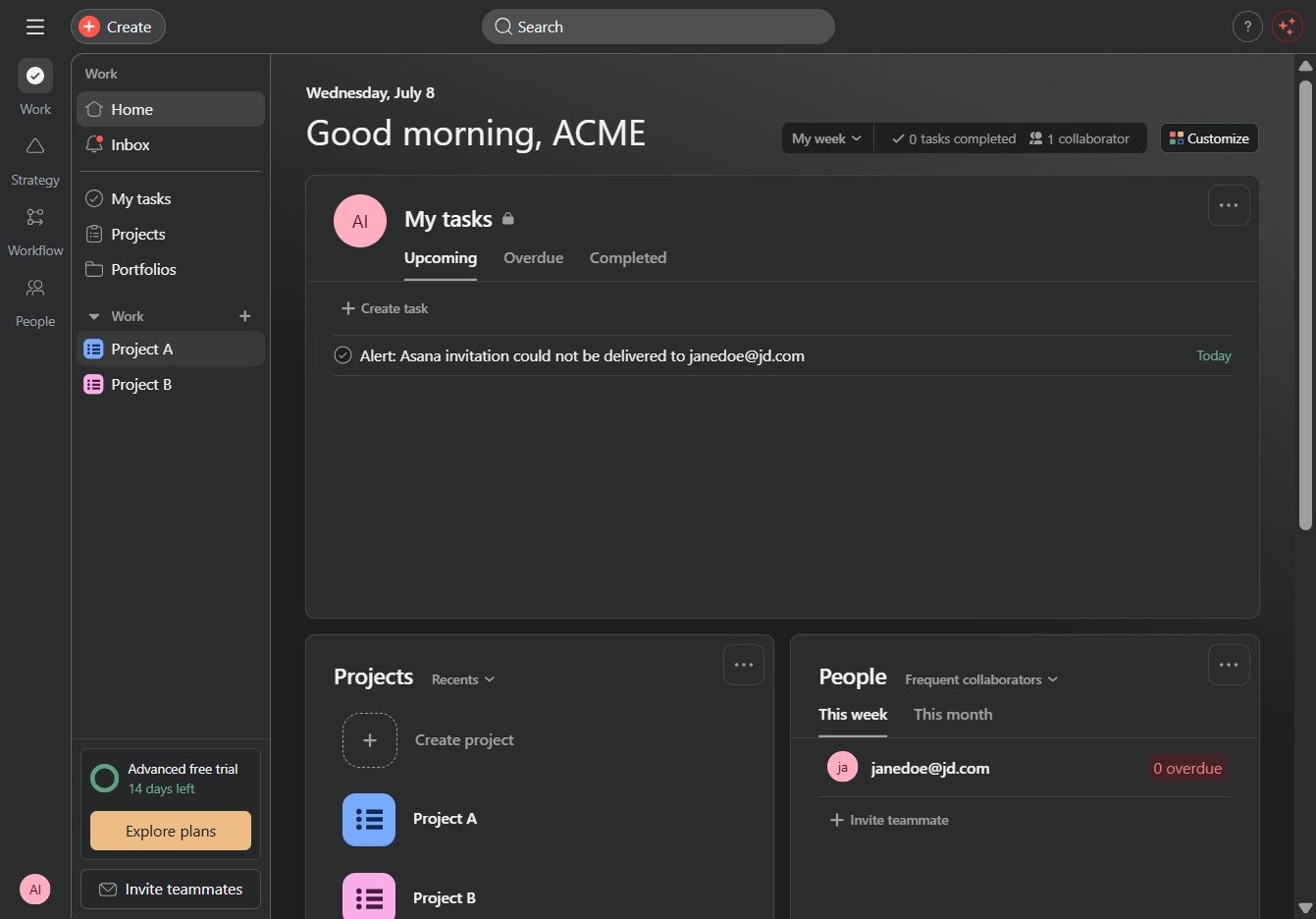
Click Project A
Clicking on 'Project A' will take you to the specific project dashboard where you can view its details, tasks, and ongoing collaborations.
Loading screenshot…
100%
In this how-to guide, learn the efficient steps to search for and manage tasks in your project dashboard.
 viktoria
In this how-to guide, learn the efficient steps to search for and manage tasks in your project dashboard. From utilizing the search feature to quickly filter tasks by keywords to duplicating specific tasks for better organization, this video will streamline your task management process.
Clicking on 'Project A' will take you to the specific project dashboard where you can view its details, tasks, and ongoing collaborations.
Clicking the Search button will activate the search feature, allowing you to input keywords to find specific tasks or projects within the application.
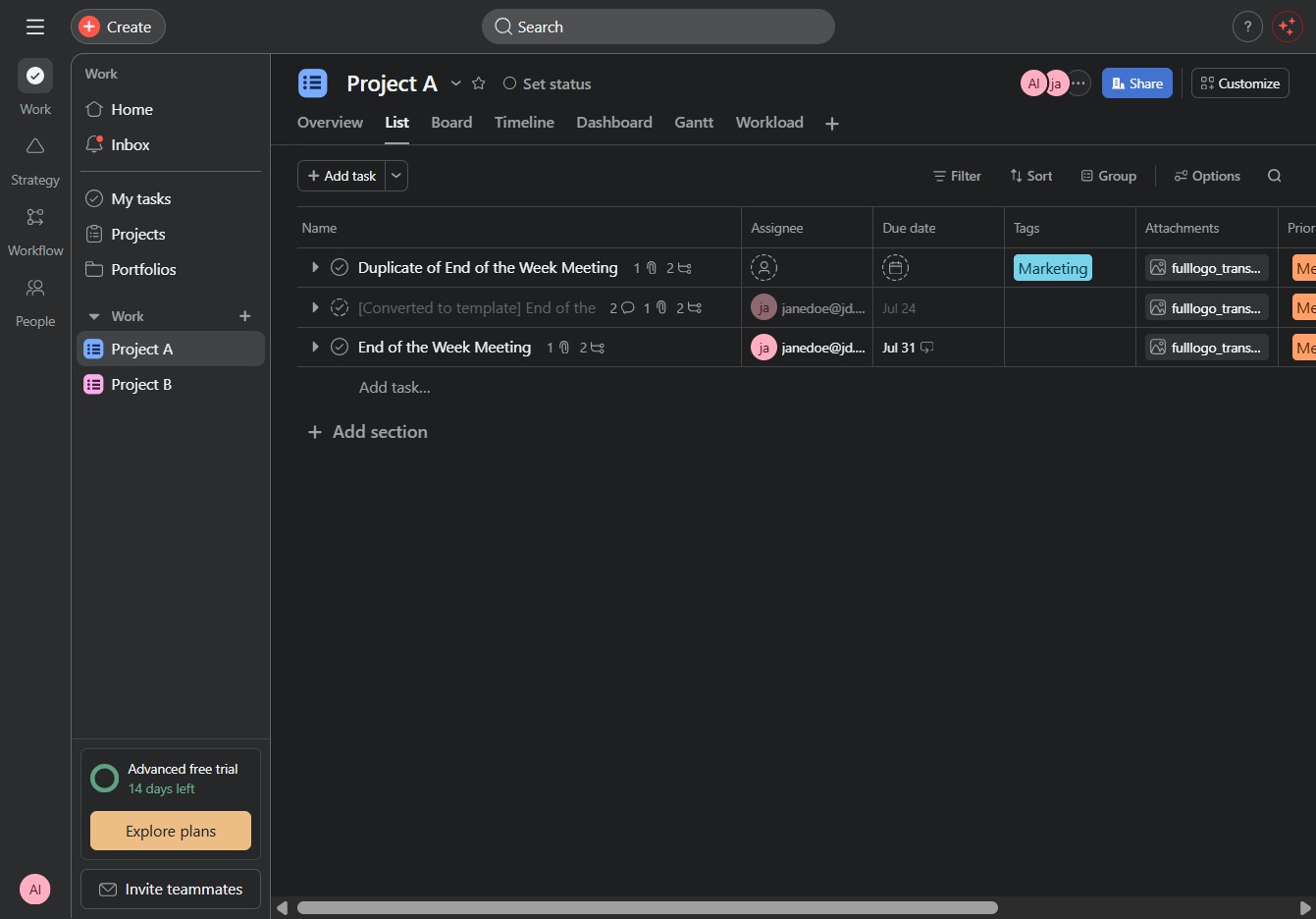
This action will filter your tasks to show all results related to the term 'duplicate', helping you quickly locate the items you need.
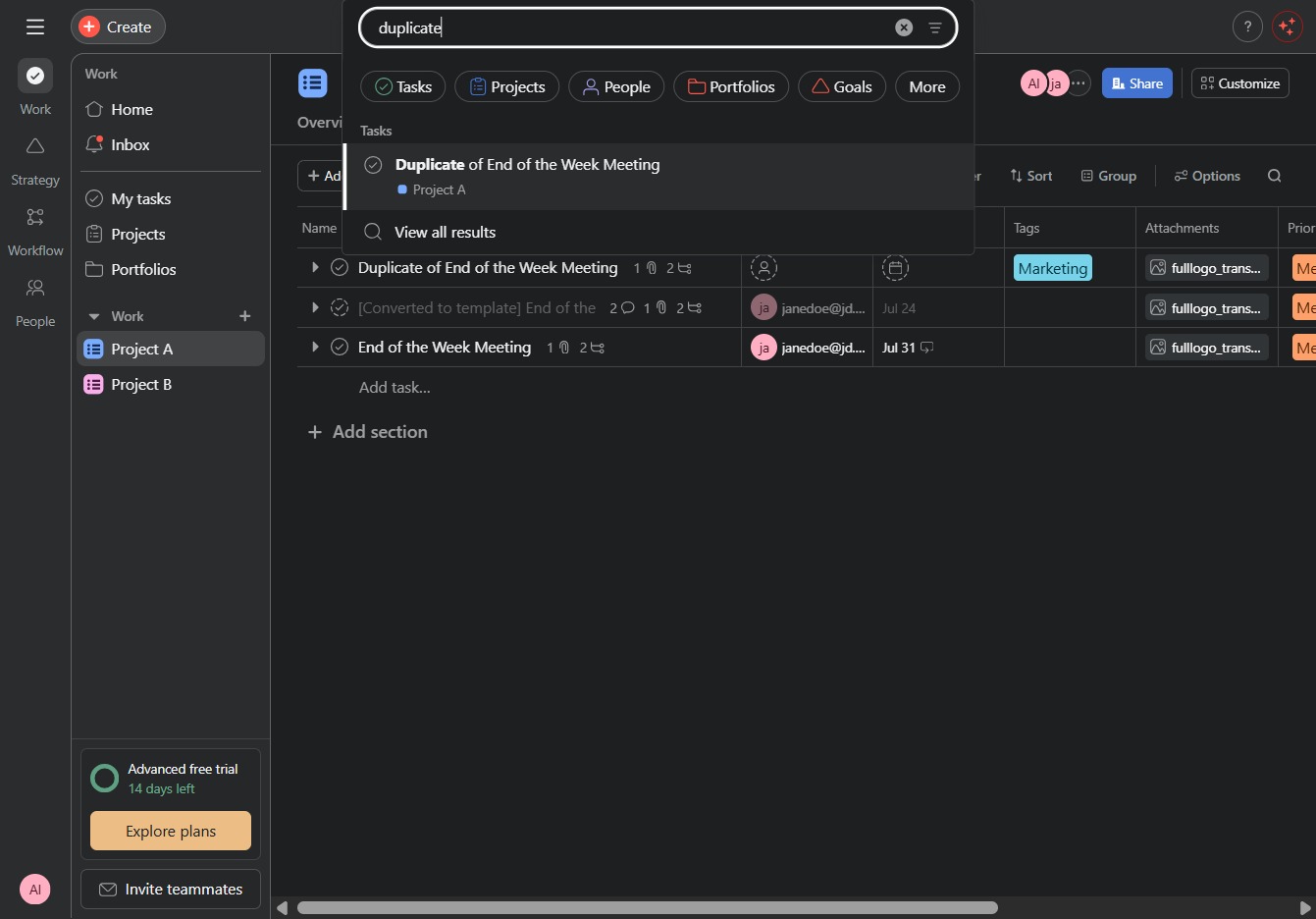
This will create a copy of the 'End of the Week Meeting' task within Project A, allowing you to manage similar tasks efficiently.