Click the Search button
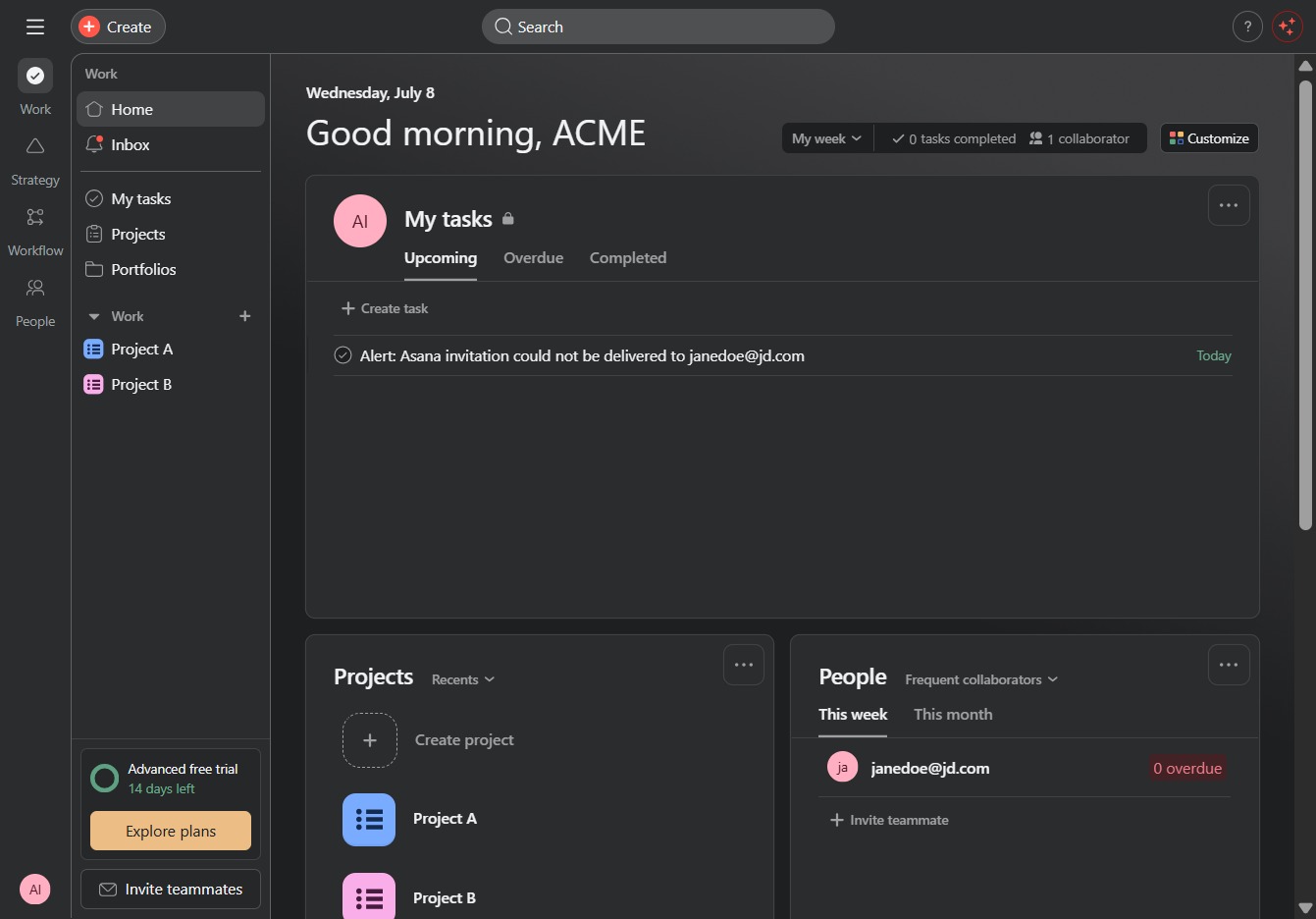
Clicking the Search button allows you to enter keywords to find specific tasks, projects, or collaborators within the workspace.
Loading screenshot…
100%
In this guide, you'll learn how to efficiently restore deleted tasks from your workspace.
 viktoria
In this guide, you'll learn how to efficiently restore deleted tasks from your workspace. Follow the steps to search for and manage deleted items, view task details, and use the 'Undelete' function to make them accessible to your team again.
Clicking the Search button allows you to enter keywords to find specific tasks, projects, or collaborators within the workspace.
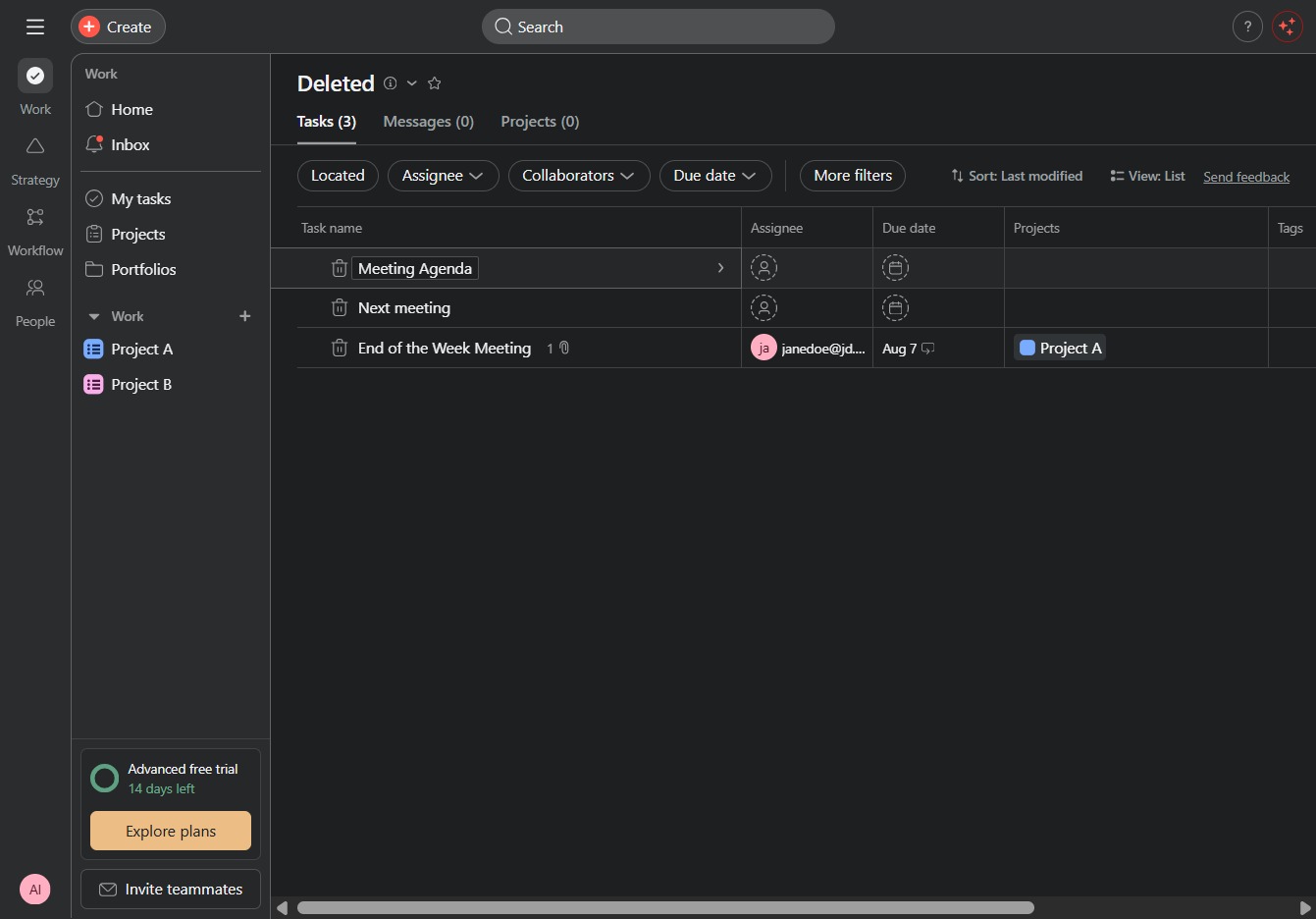
Clicking the 'Deleted' link will show you items that have been removed from your current workspace, allowing you to manage or restore them as needed.

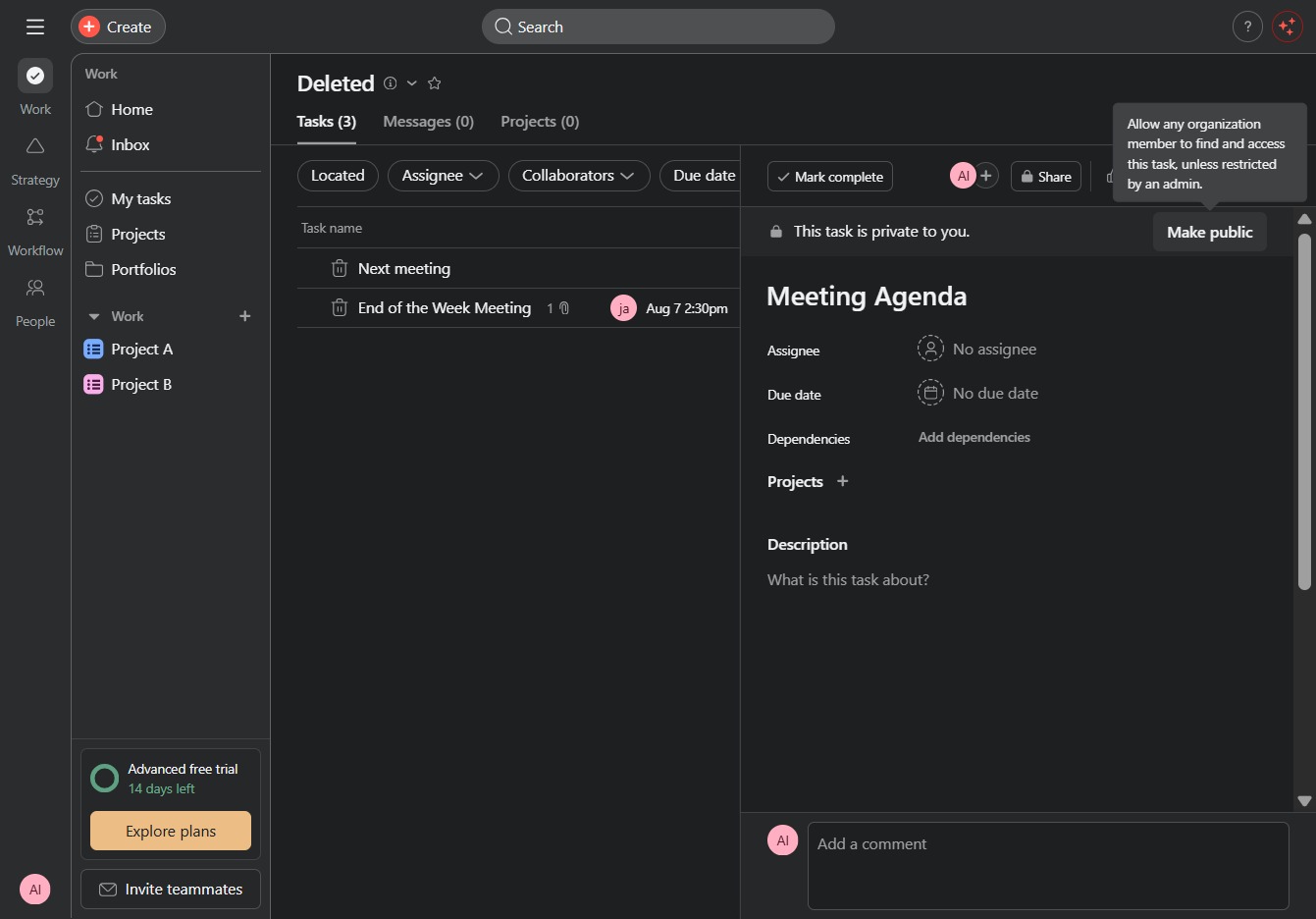
Clicking on the Meeting Agenda will open the details for that task, allowing you to view and edit the agenda specifics.
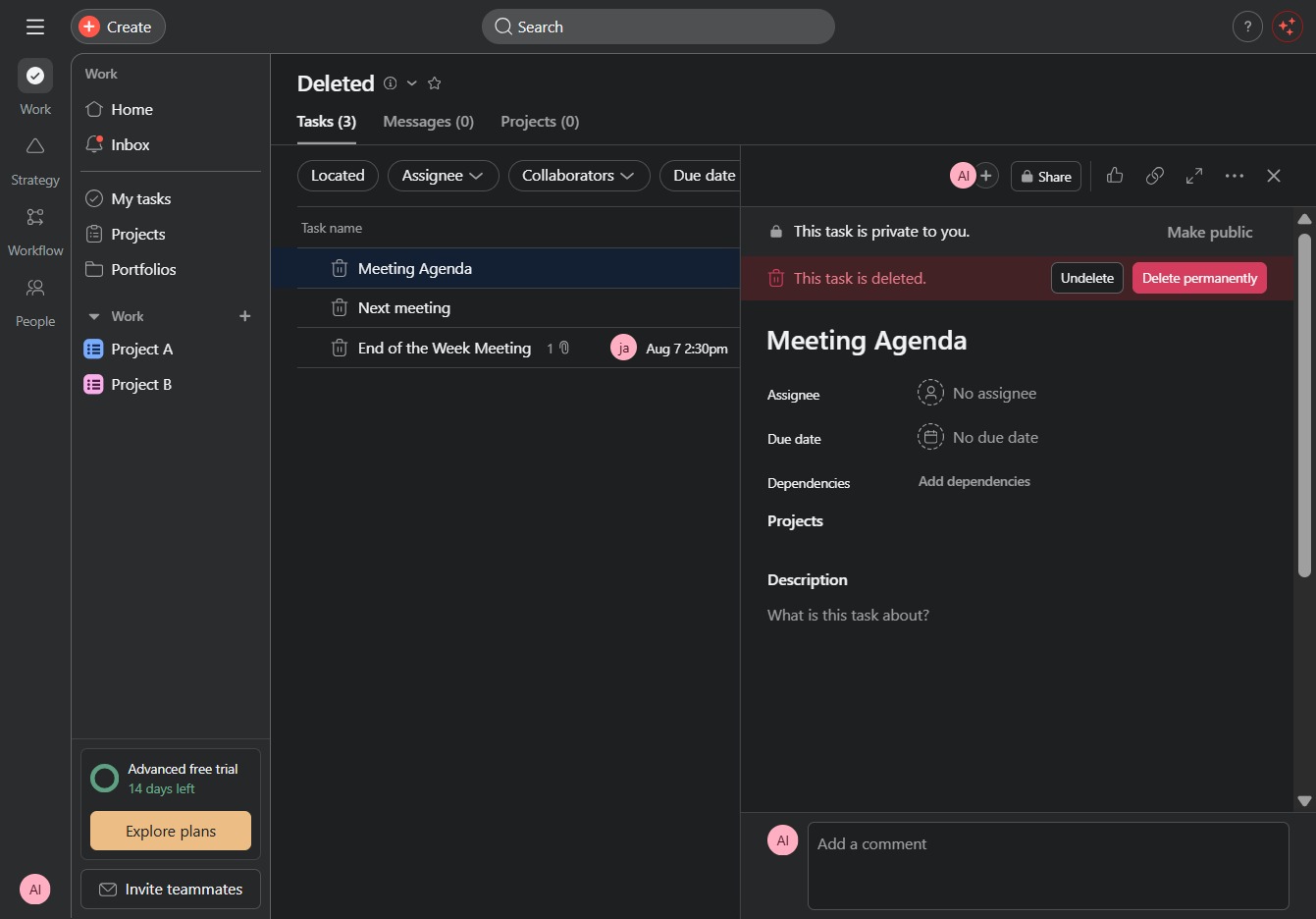
Clicking the 'Undelete' button will restore the selected task from the deleted items list, making it accessible again in your tasks.
This action changes the visibility of the task, allowing other team members to view it. Once made public, it can be accessed by all relevant users in the project.