Click the Projects link
Selecting the 'Projects' link takes you to the projects management section, where you can view and manage your ongoing projects.

Loading screenshot…
100%
This guide provides a step-by-step process for restoring archived projects, including how to filter, access, and reactivate them within the project management section.
 viktoria
This guide provides a step-by-step process for restoring archived projects, including how to filter, access, and reactivate them within the project management section. Follow along to efficiently manage your project workflow and retrieve crucial archived information.
Selecting the 'Projects' link takes you to the projects management section, where you can view and manage your ongoing projects.
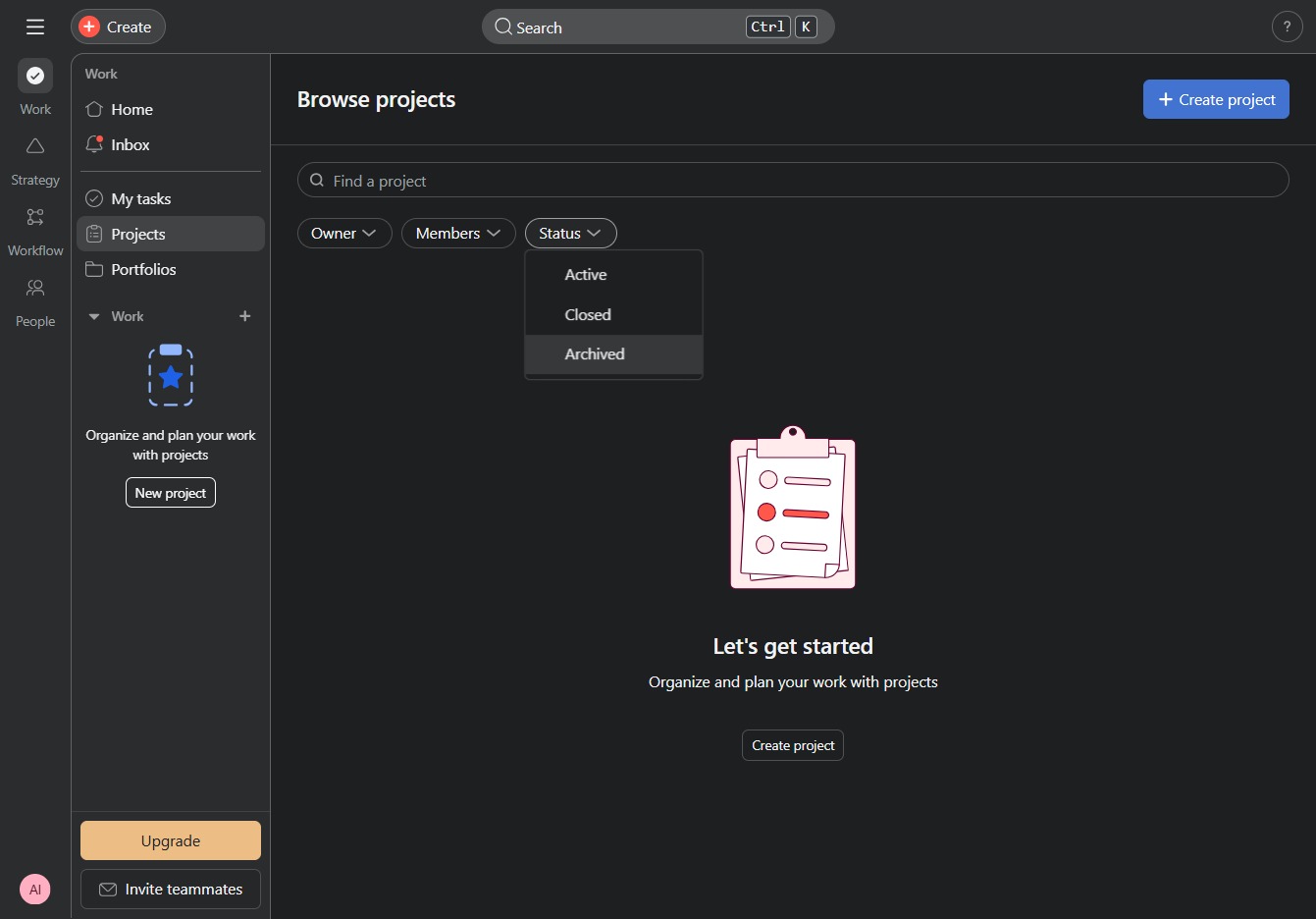
Clicking the Status filter allows you to sort and view projects based on their current status, making it easier to manage and track progress.

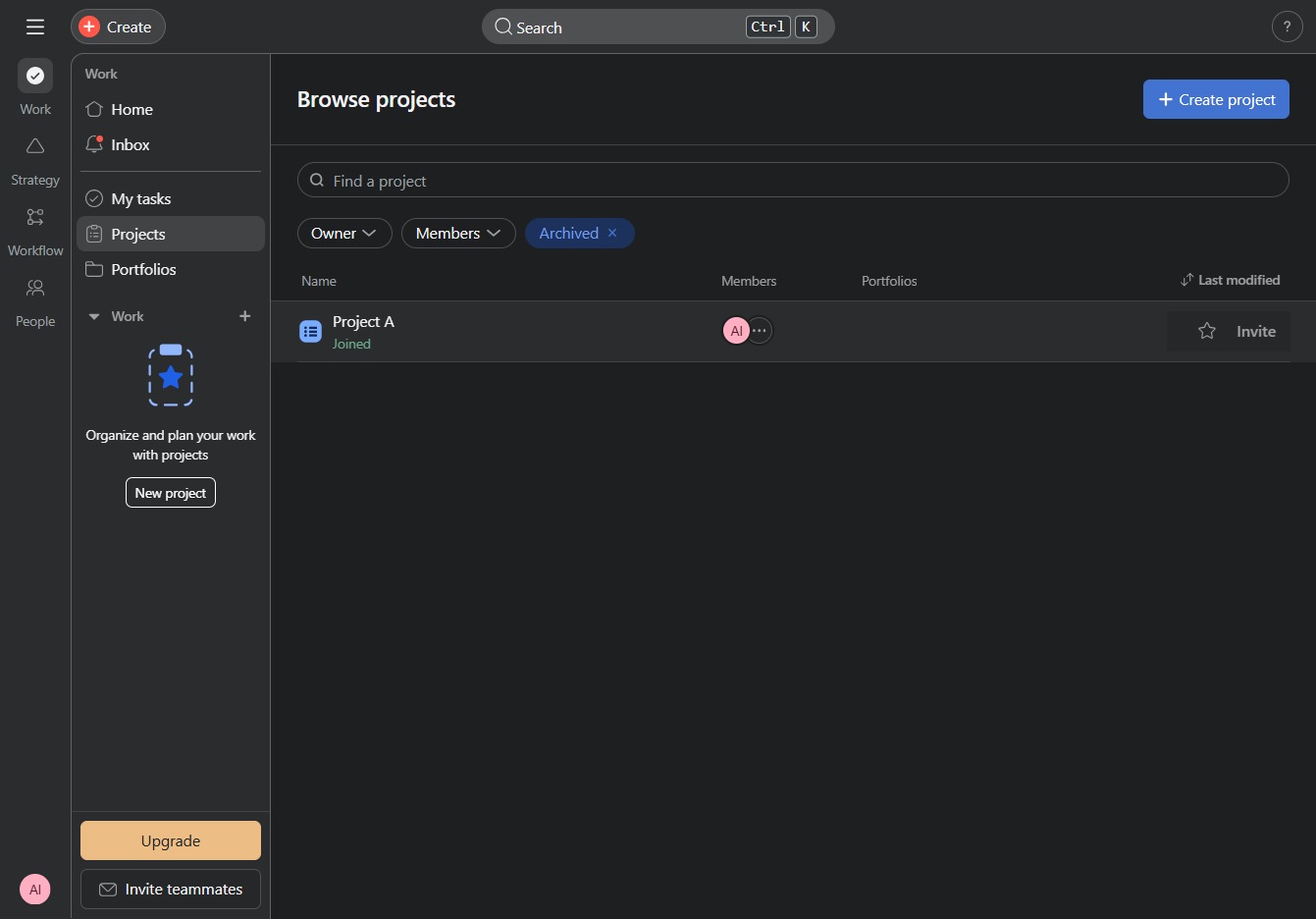
By clicking on the 'Archived' status filter, you will display only the projects that have been archived, allowing you to manage or review them as needed.
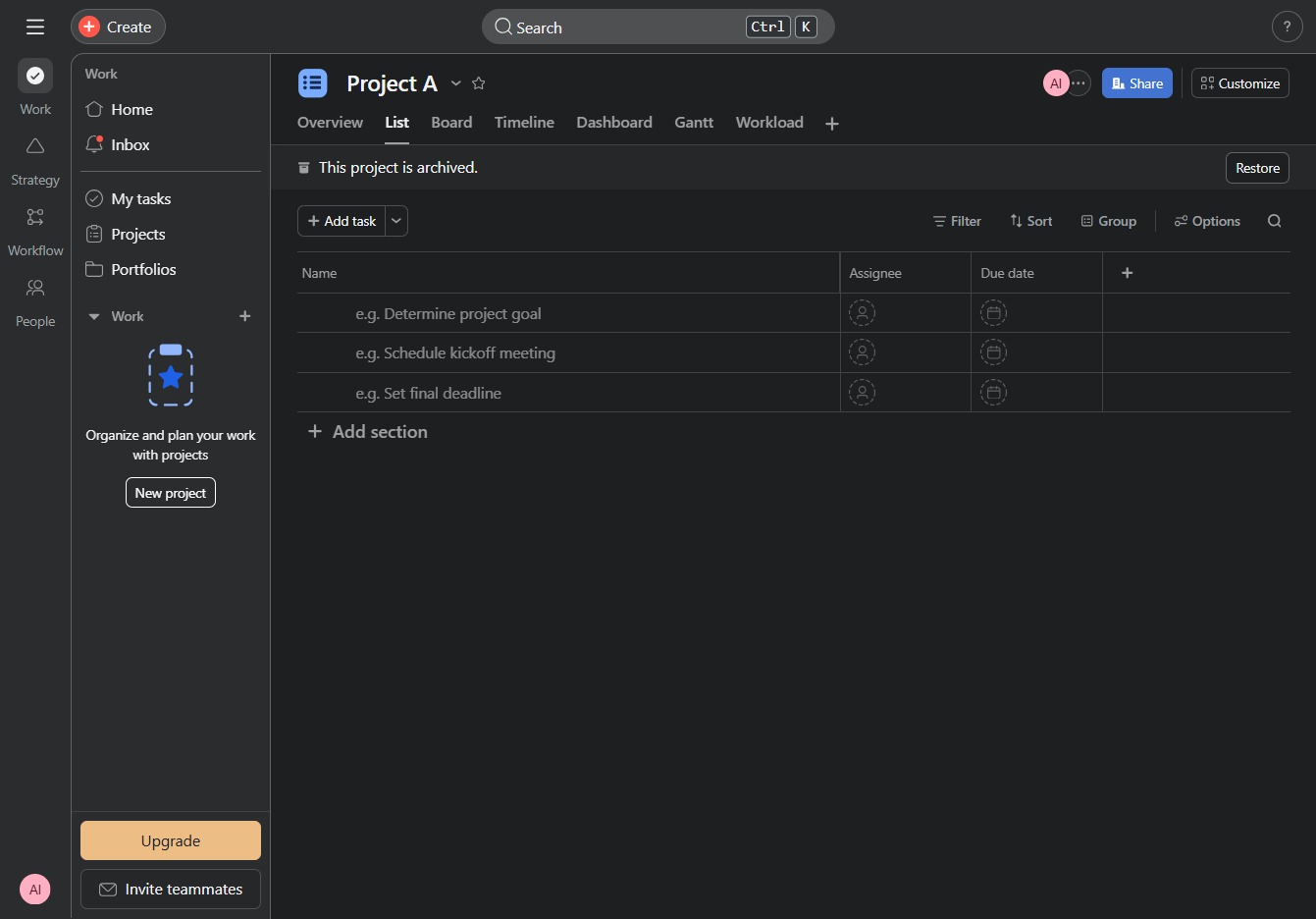
This will open the details for Project A, allowing you to view members, tasks, and other related information.
Restoring the project will reactivate it, allowing you to access and manage its tasks and settings again. This is useful for retrieving archived projects in the system.