Click the Confluence administration button
This action takes you to the administration settings for Confluence, where you can manage spaces, permissions, and integrations.

Loading screenshot…
100%
Learn how to easily restore an archived space in Confluence with this step-by-step guide.
 viktoria
Learn how to easily restore an archived space in Confluence with this step-by-step guide. Follow the outlined navigation steps to manage, review, and reactivate archived spaces, ensuring seamless access to your content once again.
This action takes you to the administration settings for Confluence, where you can manage spaces, permissions, and integrations.
This action will display all your active, archived, and trashed spaces, allowing you to manage them effectively within Confluence.

This will display the list of spaces that have been archived, allowing you to manage or review their content.
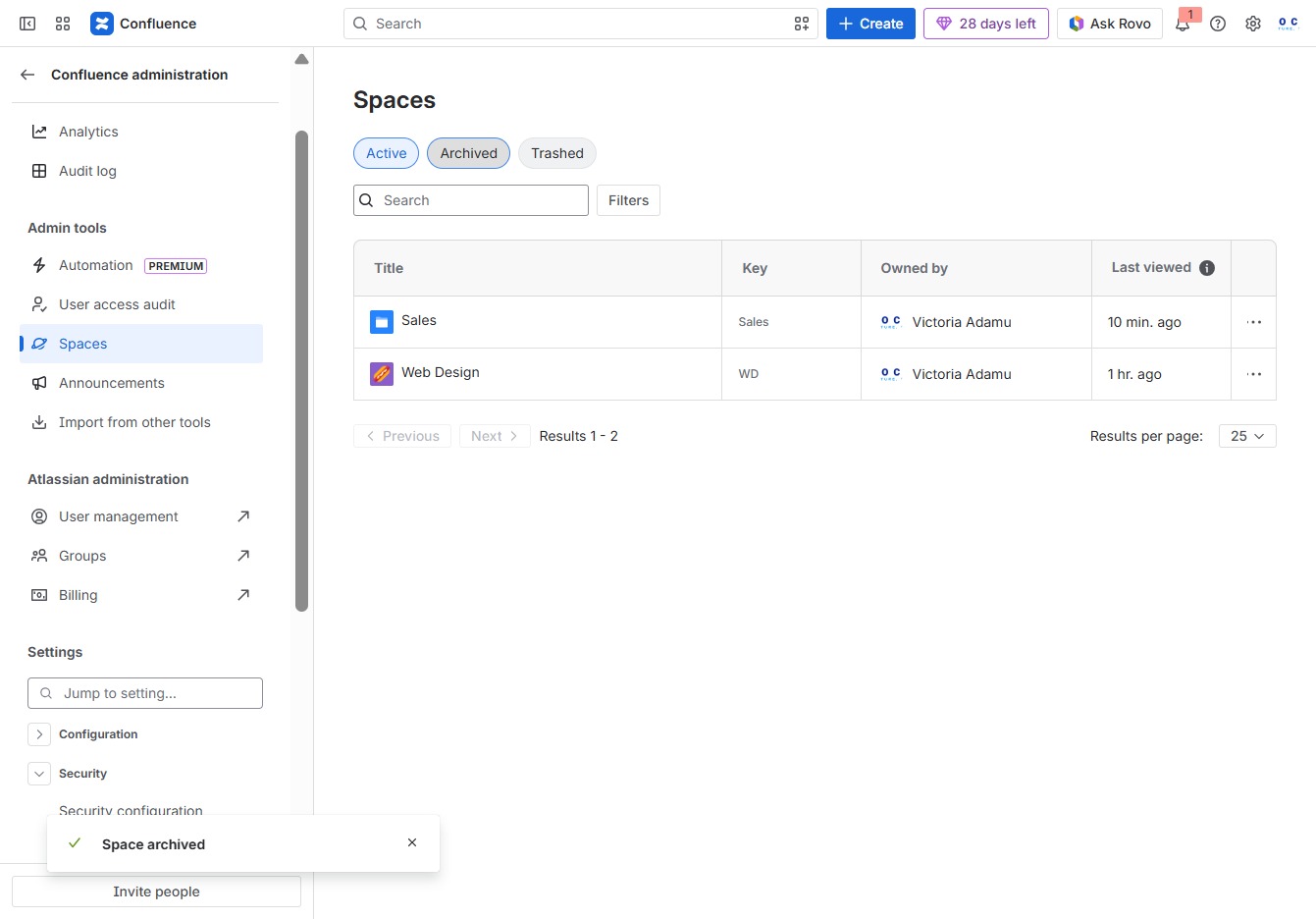
Selecting the Quick Actions menu displays additional tools and options available for managing your spaces effectively.

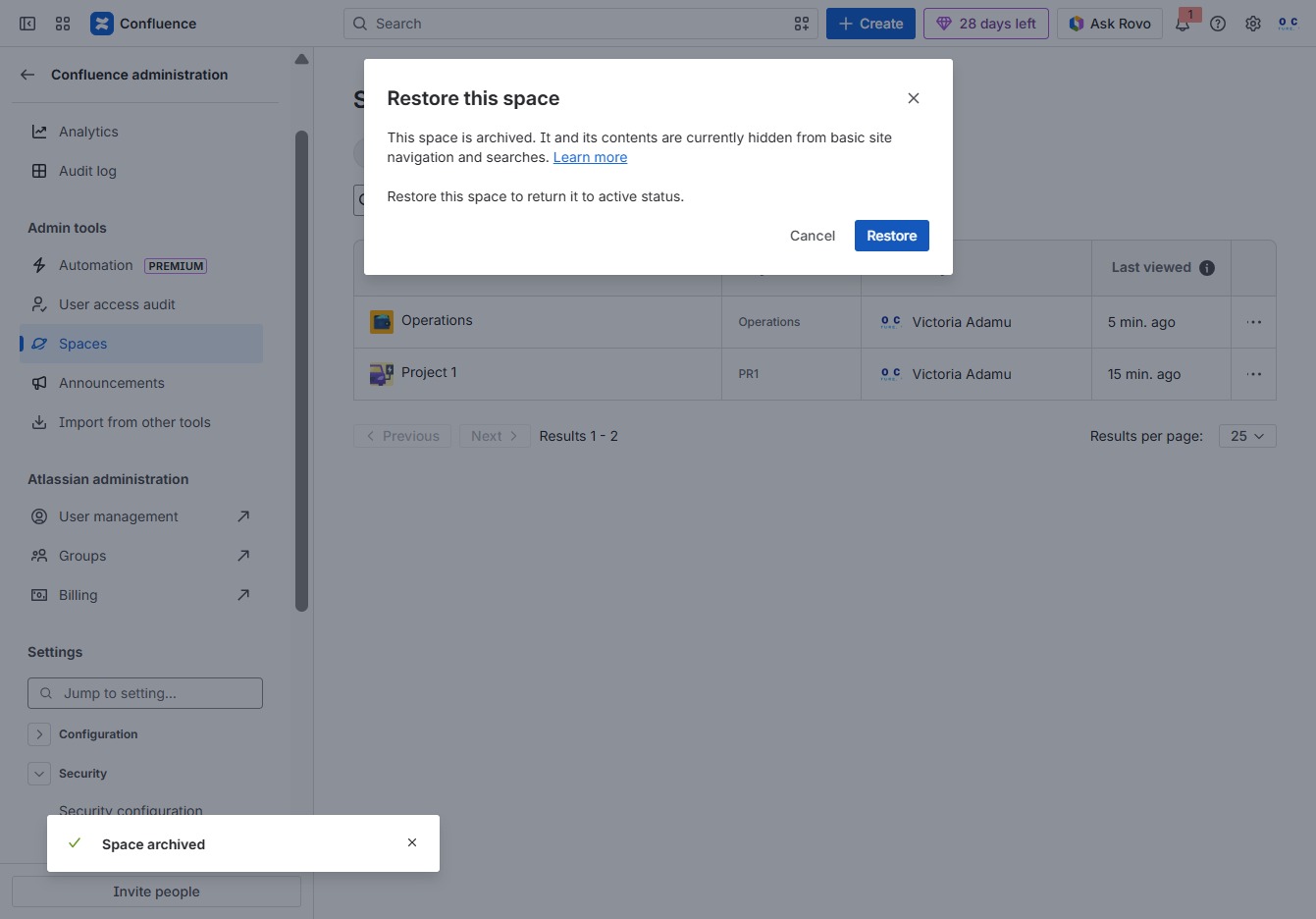
By clicking the 'Restore space' option, you will recover the selected archived space, making it active again in your list of spaces.

Clicking this button will reactivate the archived space, making its content accessible again for basic site navigation and searches.