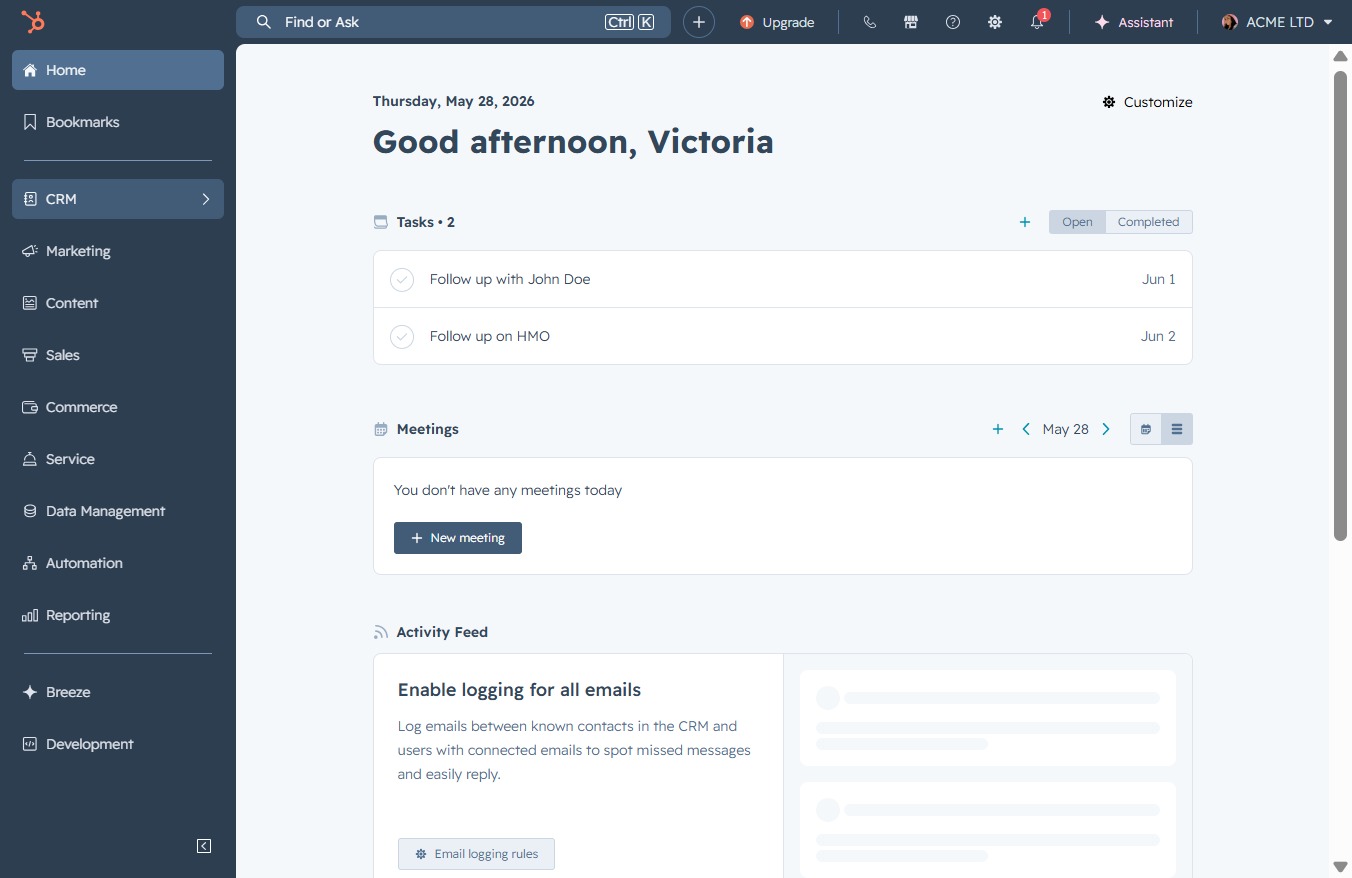
Click the CRM icon
This will direct you to the Customer Relationship Management section, where you can manage contacts, sales pipelines, and customer interactions.
Loading screenshot…
100%
Recover deleted deals in your CRM by navigating to the Deals section, using the Actions dropdown to specify the number of deals, and confirming the restoration process.
 viktoria
Recover deleted deals in your CRM by navigating to the Deals section, using the Actions dropdown to specify the number of deals, and confirming the restoration process.
This will direct you to the Customer Relationship Management section, where you can manage contacts, sales pipelines, and customer interactions.
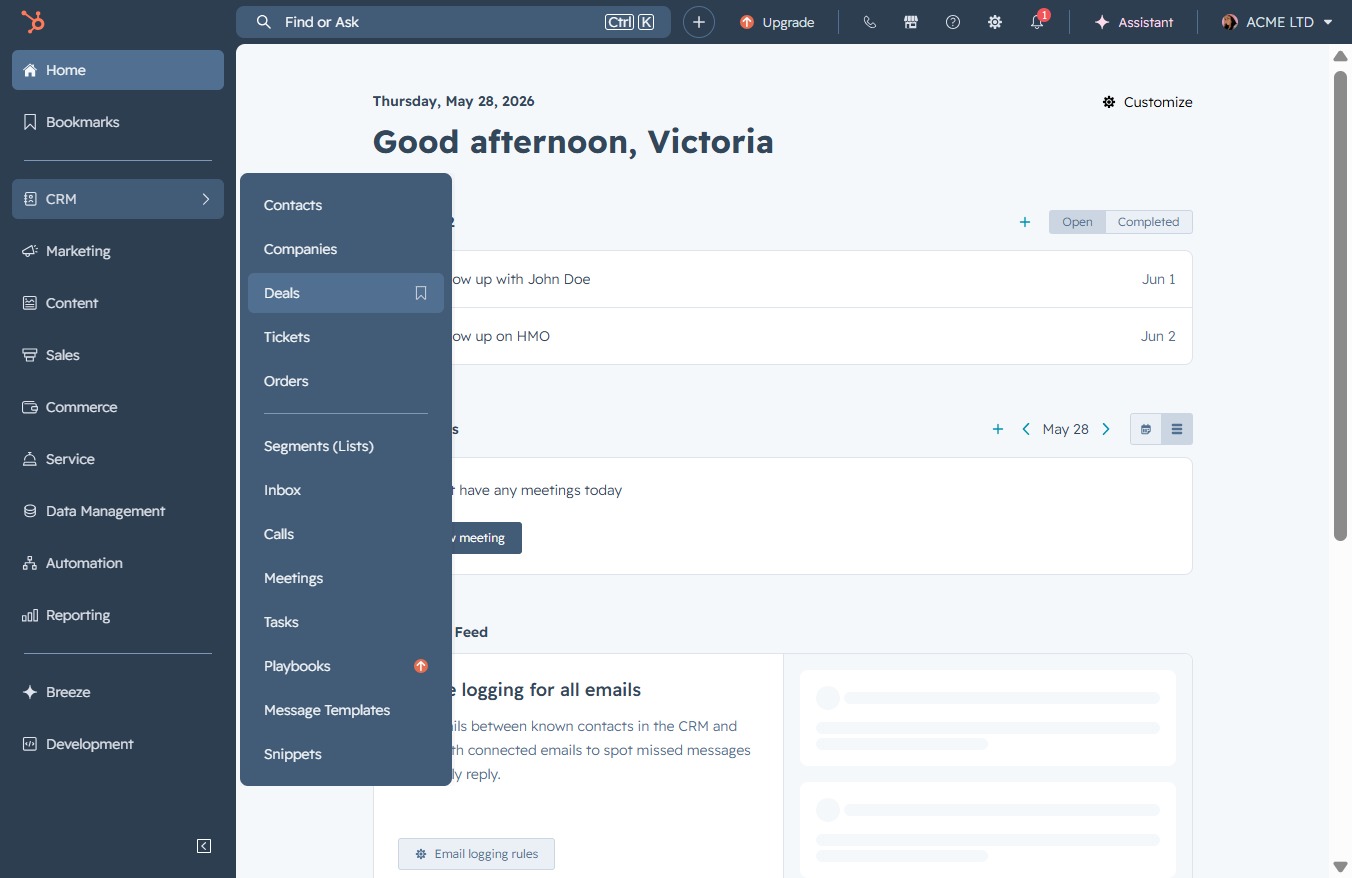
By clicking on the 'Deals' link, you will access the Deals section in the CRM, where you can view, manage, and track your ongoing and potential deals.
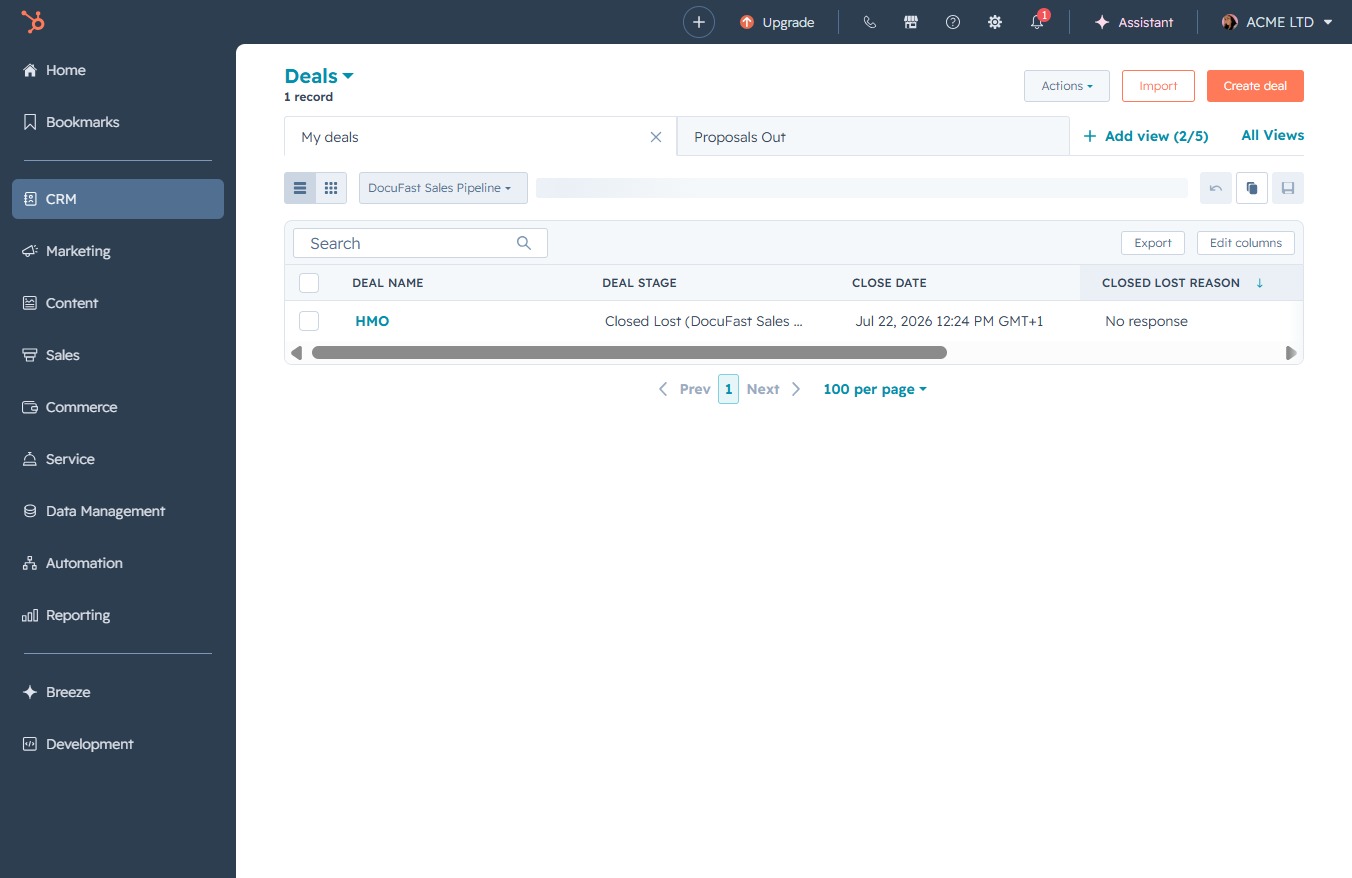
The Actions dropdown allows you to access various options related to your deals, such as editing, exporting, or viewing additional details.
This action will restore any previously deleted records related to your deals, allowing you to recover important data within your CRM.

Clicking this option will initiate the restoration process for the selected deals from the deleted items list, allowing you to recover them back to your current deals.
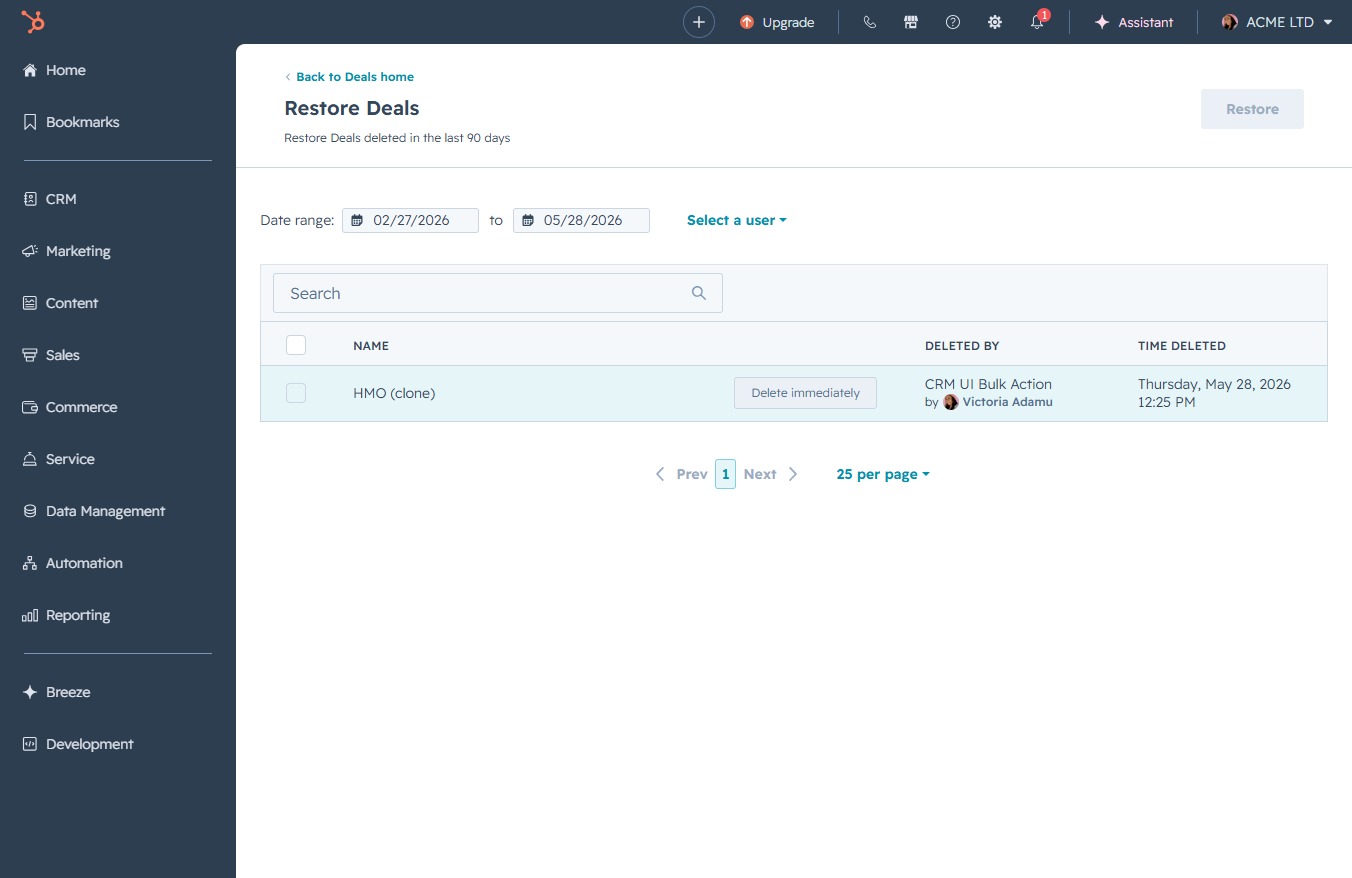
This action will restore the selected deals from the deleted items list, allowing you to recover and access them within the Deals section.
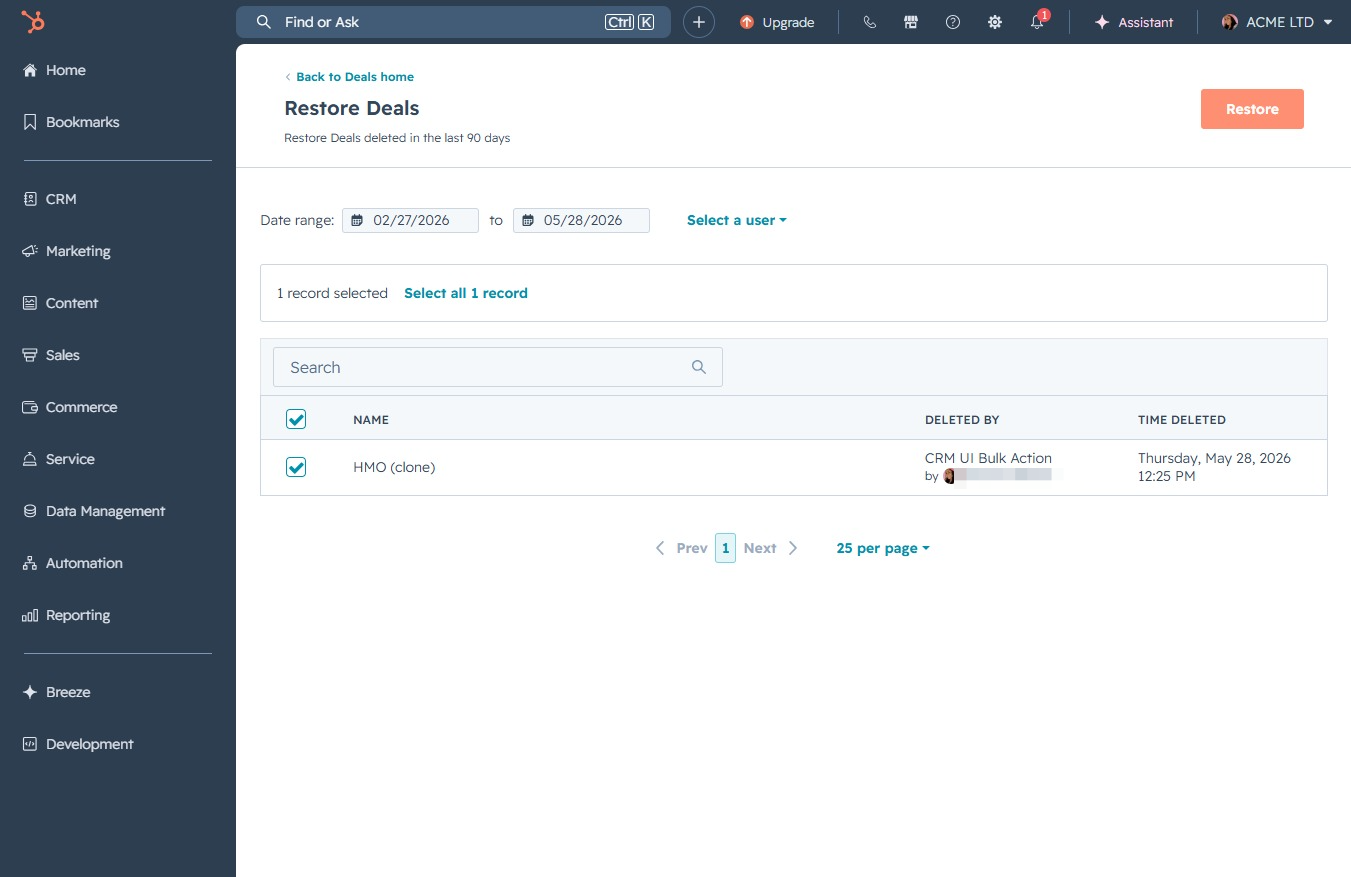
You will be prompted to input the number of deals you wish to restore in the designated field. Confirm your entry to proceed with the restoration process.

Enter '1' in the 'Number of Deals to restore' field to specify how many Deals you want to restore. This step confirms the quantity that will be recovered.

This action confirms the restoration of the selected Deal. Ensure you have accurately specified the number of Deals to restore in the input field before proceeding.
