Geteilte Anleitung

How to reschedule activities

This how-to guide walks you through the simple process of rescheduling activities via email, covering each step from editing the initial email to saving the new time and priority…

victoriaworkflowsvictoriaworkflows
·9 Schritte·74 Aufrufe·Veröffentlicht

This how-to guide walks you through the simple process of rescheduling activities via email, covering each step from editing the initial email to saving the new time and priority settings. Follow along to efficiently manage your schedule and ensure all participants are informed of the changes.

Step-by-step Guide9 Schritte
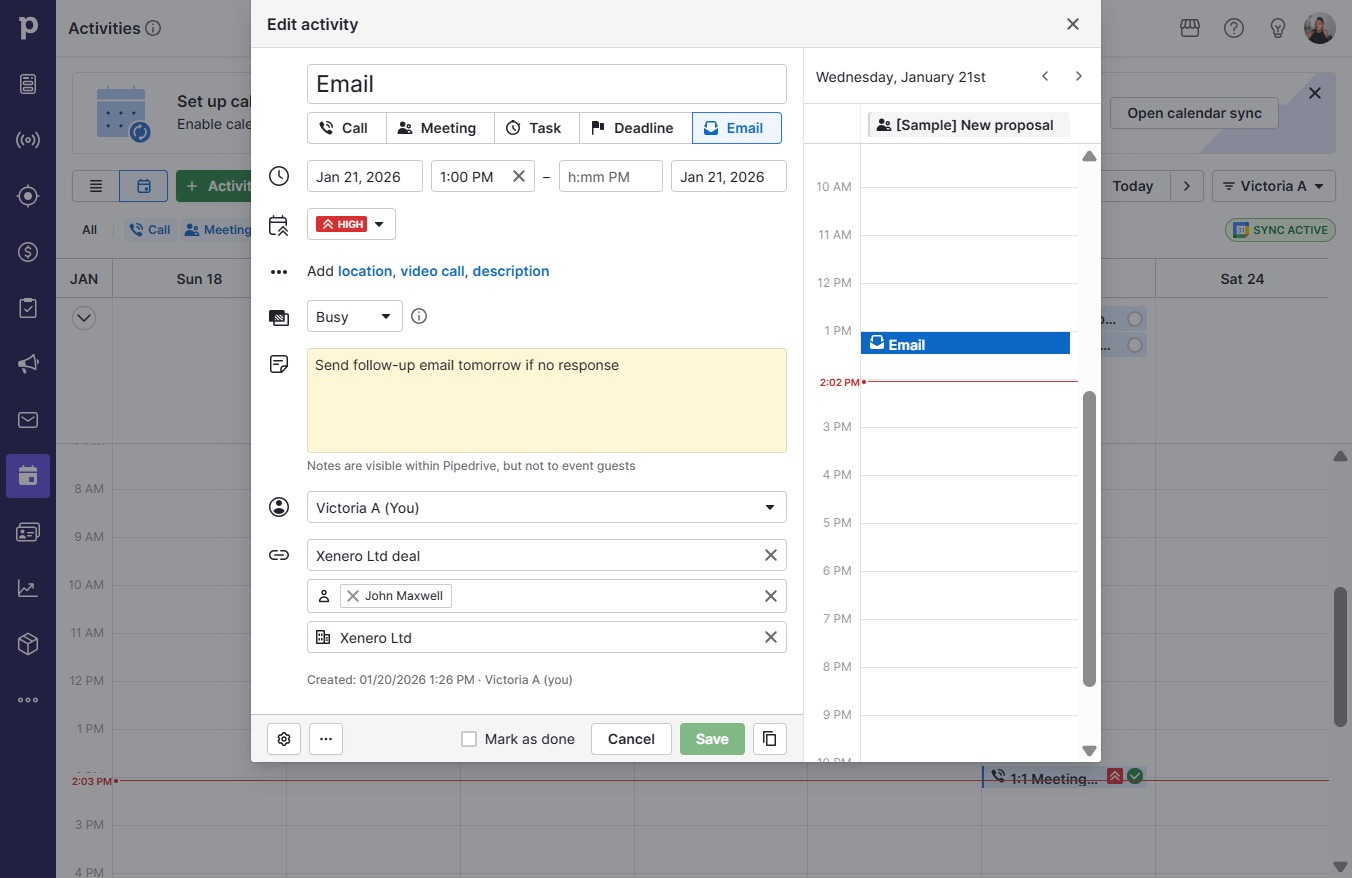
  1. Click Email

    Click Email
    Loading screenshot…
    100%
  2. Click Edit

    Click Edit
    Loading screenshot…
    100%
  3. Click on "Click here."

    Click on "Click here."
    Loading screenshot…
    100%
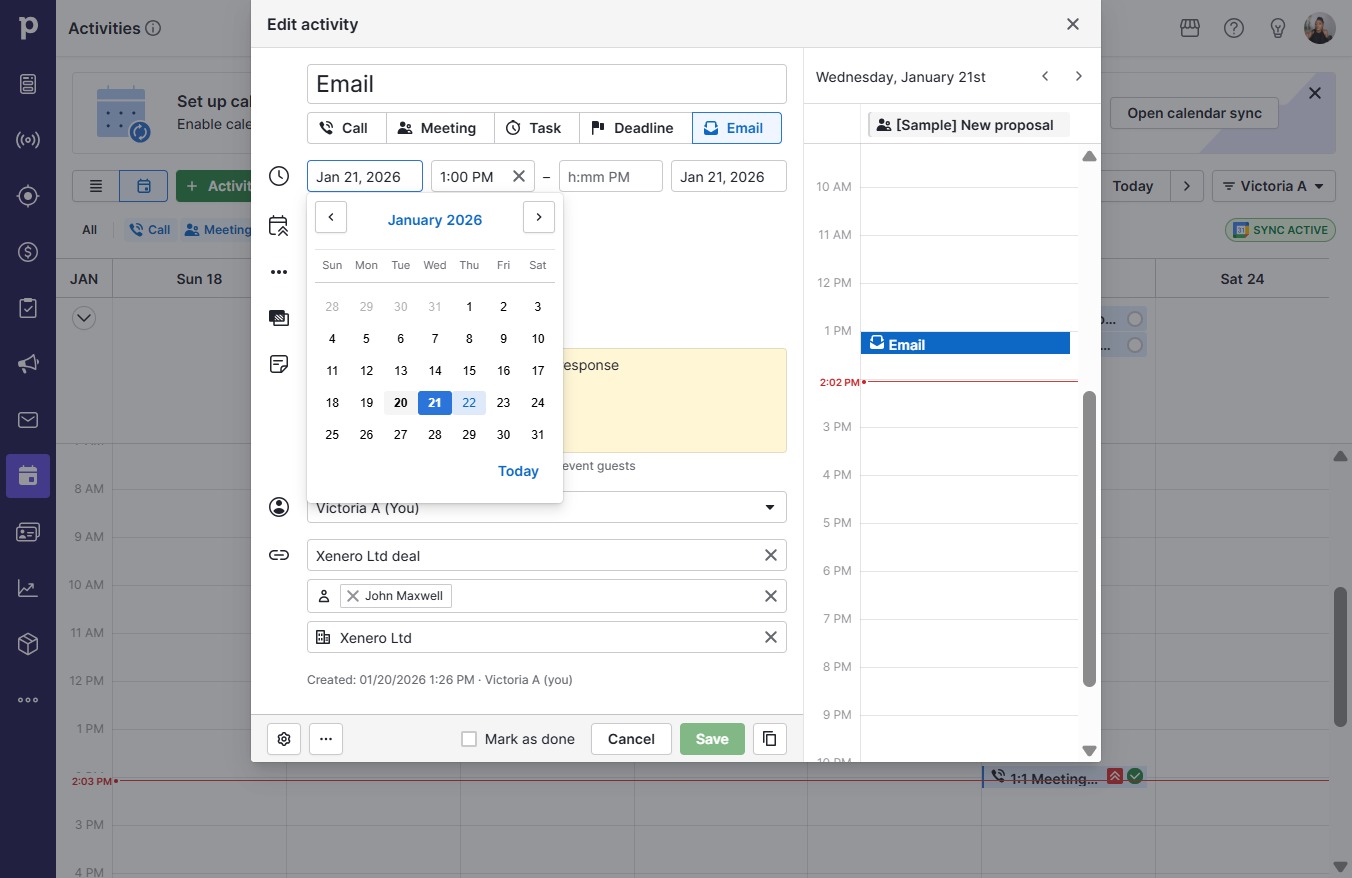
  4. Click 22

    Click 22
    Loading screenshot…
    100%
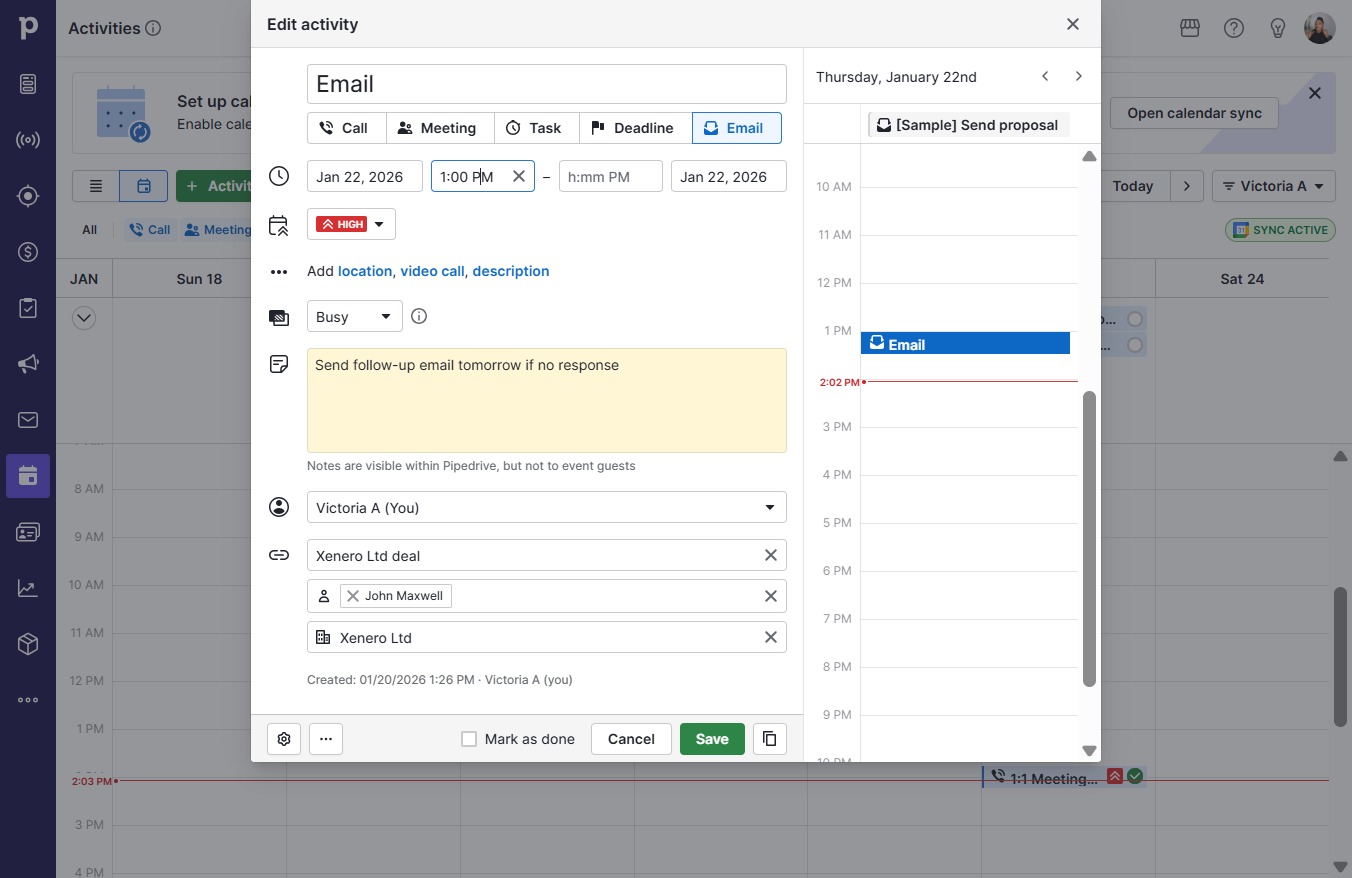
  5. Click on "Click here."

    Click on "Click here."
    Loading screenshot…
    100%
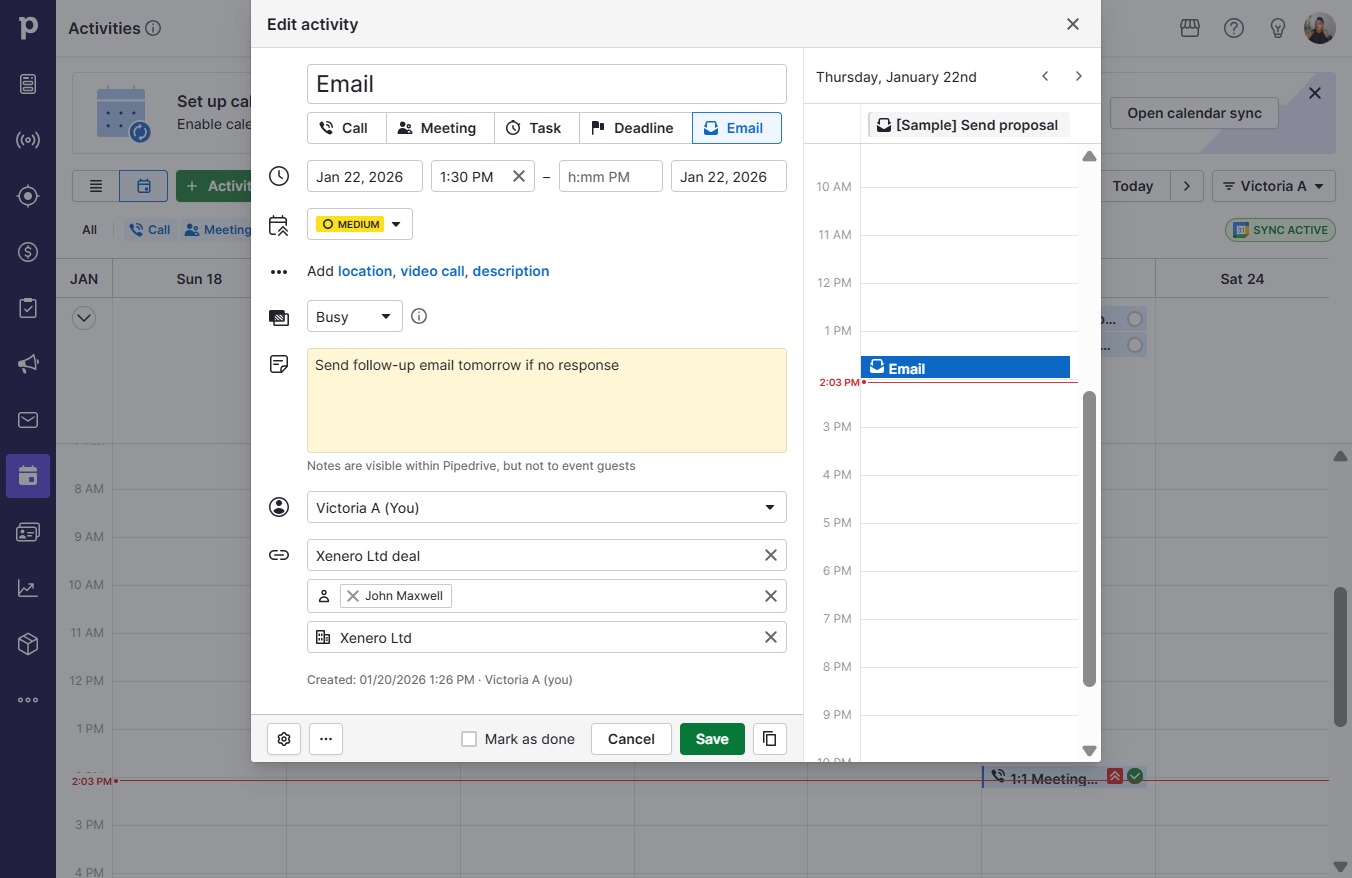
  6. Click 1:30 PM

    Click 1:30 PM
    Loading screenshot…
    100%
  7. Click High

    Click High
    Loading screenshot…
    100%
  8. Click Medium

    Click Medium
    Loading screenshot…
    100%
  9. Click Save

    Click Save
    Loading screenshot…
    100%