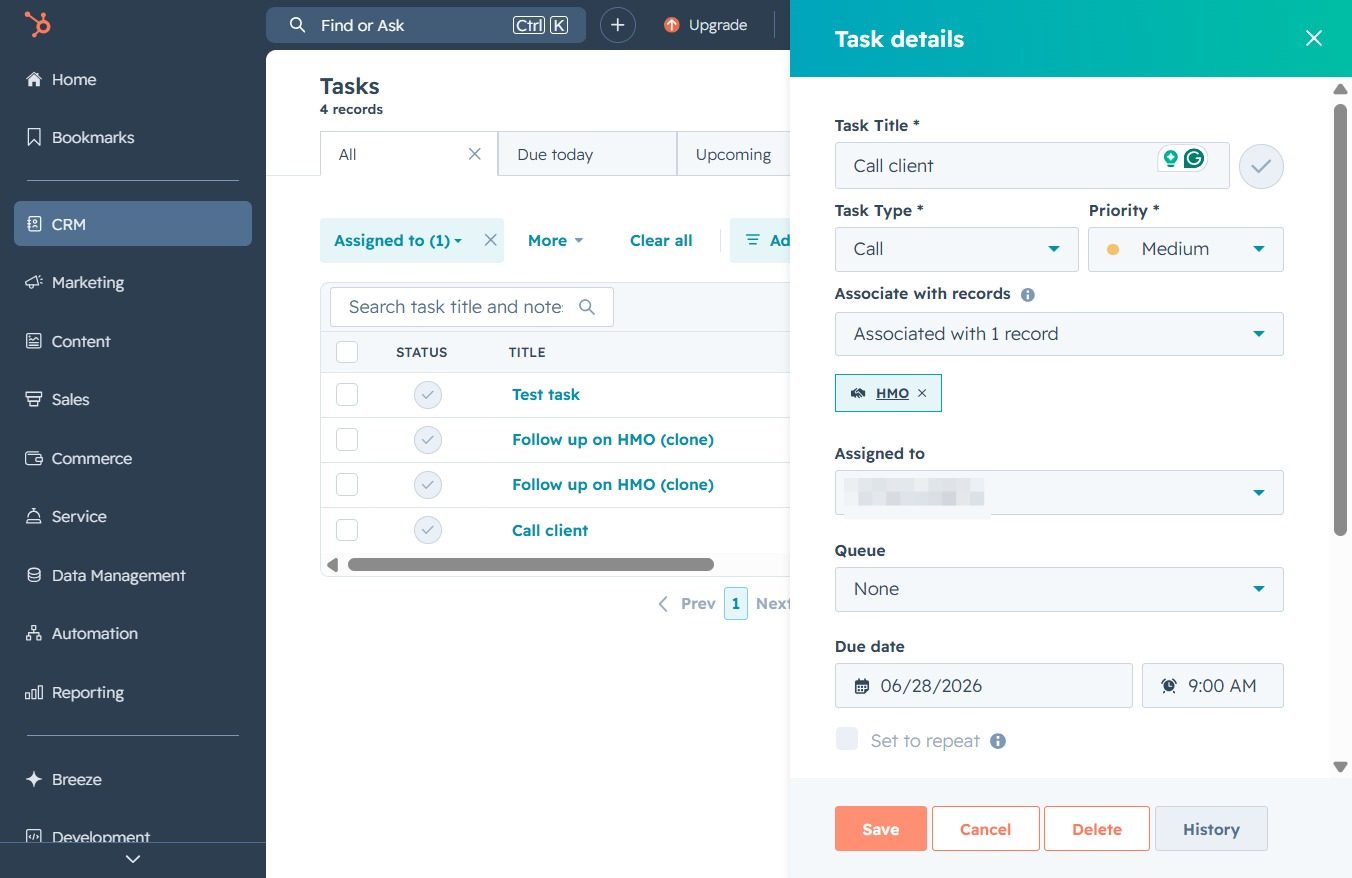
Click the CRM icon
Clicking the CRM icon will navigate you to the Customer Relationship Management section, where you can manage contacts, track interactions, and oversee sales activities.
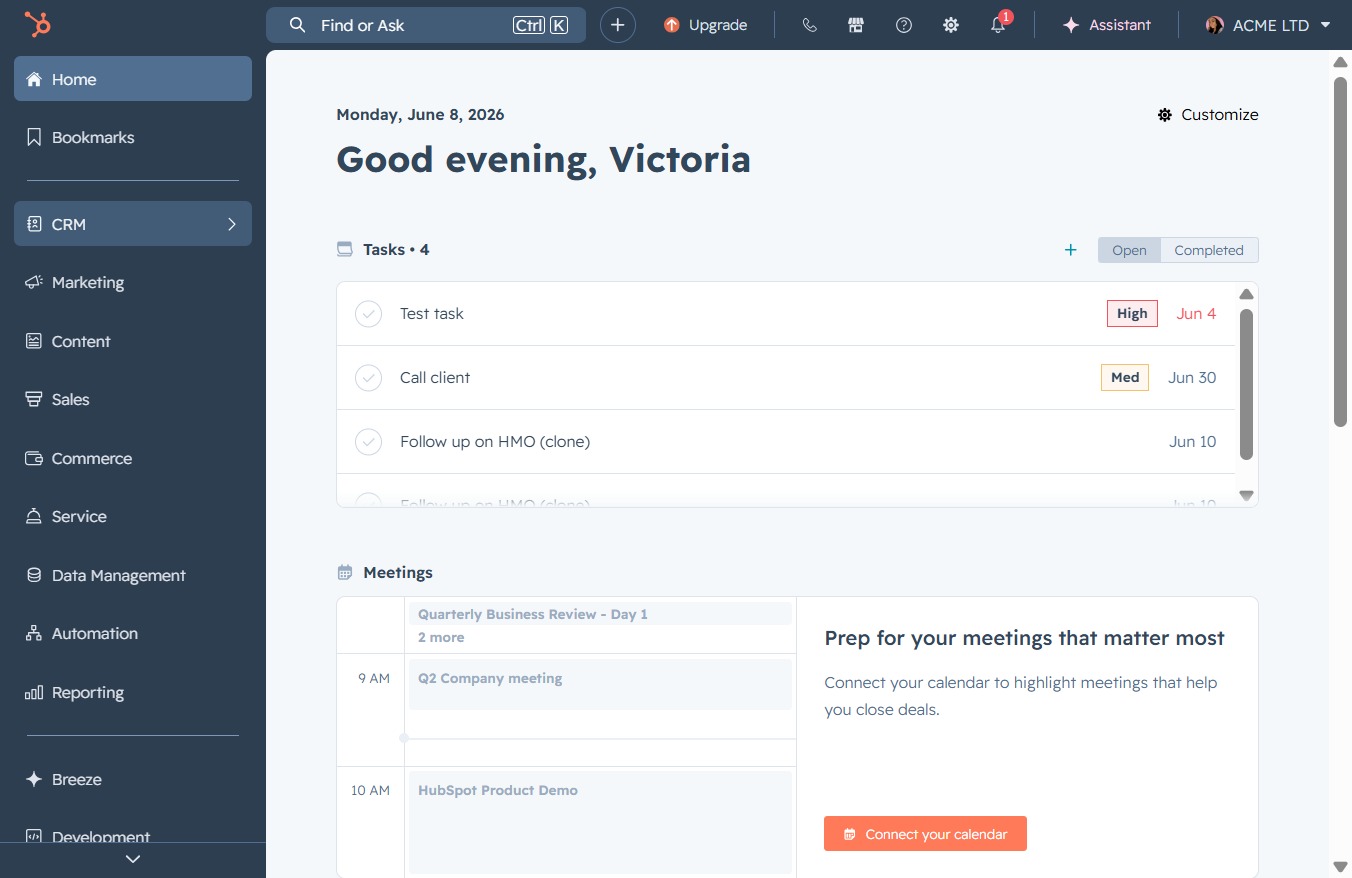
Loading screenshot…
100%
Reschedule a task in the CRM by navigating to the Tasks section, editing the task details, selecting a new date and time, and saving your changes for future reference.
 viktoria
Reschedule a task in the CRM by navigating to the Tasks section, editing the task details, selecting a new date and time, and saving your changes for future reference.
Clicking the CRM icon will navigate you to the Customer Relationship Management section, where you can manage contacts, track interactions, and oversee sales activities.
This action will display the Tasks section, where you can manage, create, and track your tasks effectively.

Clicking the Edit button allows you to modify the details of the selected task, enabling changes to be made to its title, status, or associated contacts.
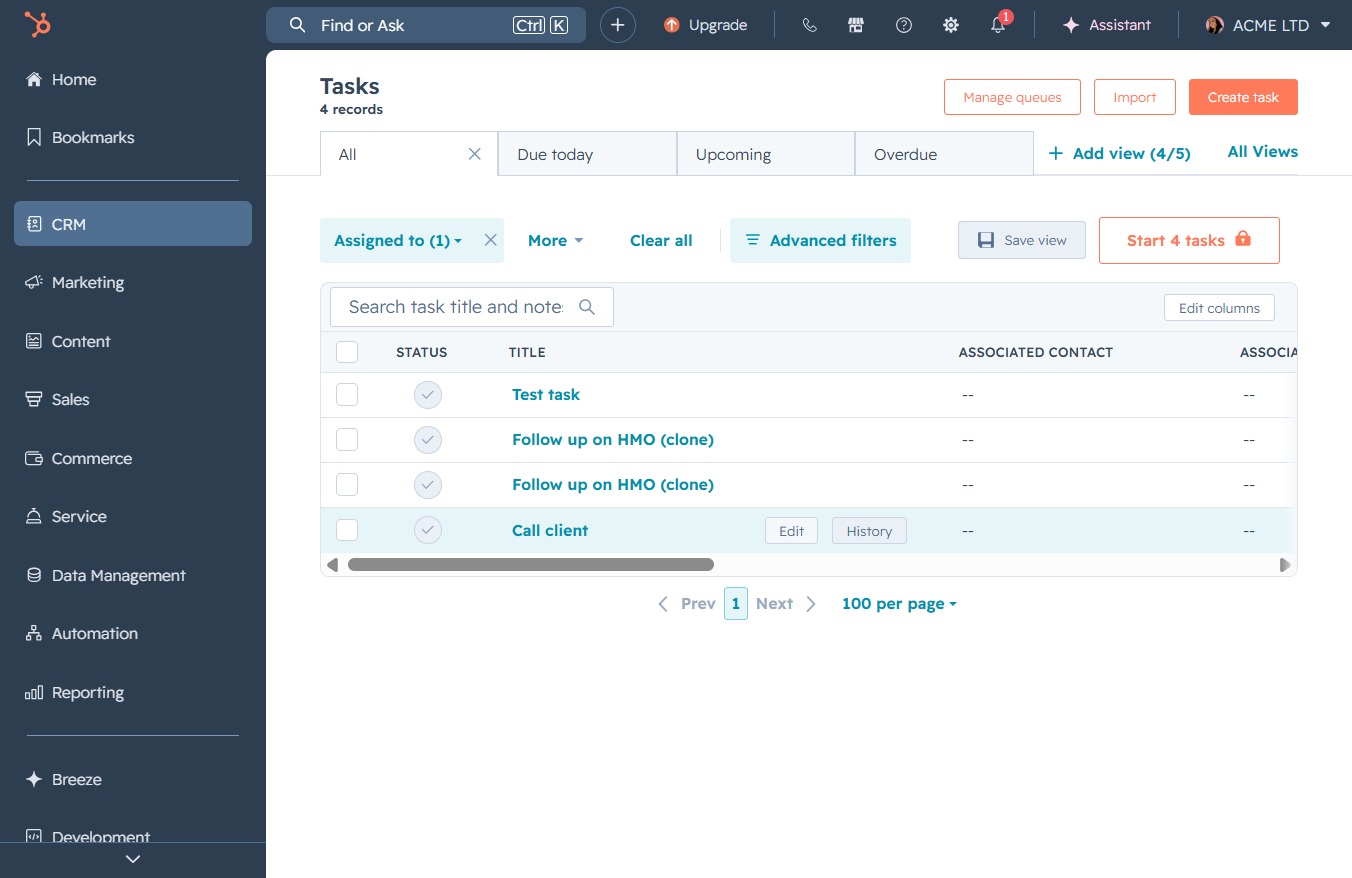
This action will save the changes made to the task details, including the task title, type, priority, and associated records.
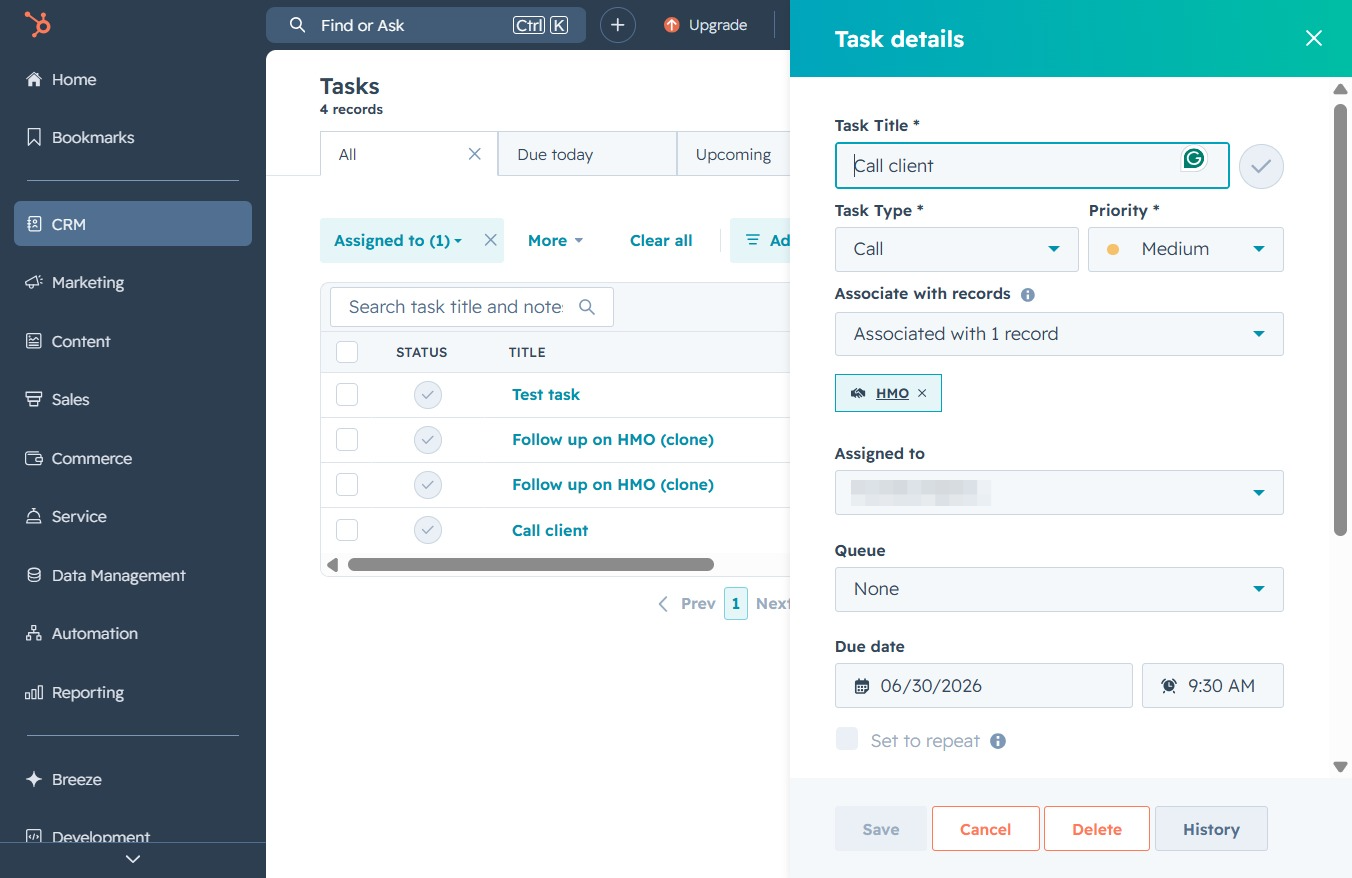
Selecting this date will allow you to set a specific date for the task. You can choose a preferred date and confirm it for scheduling the task as needed.
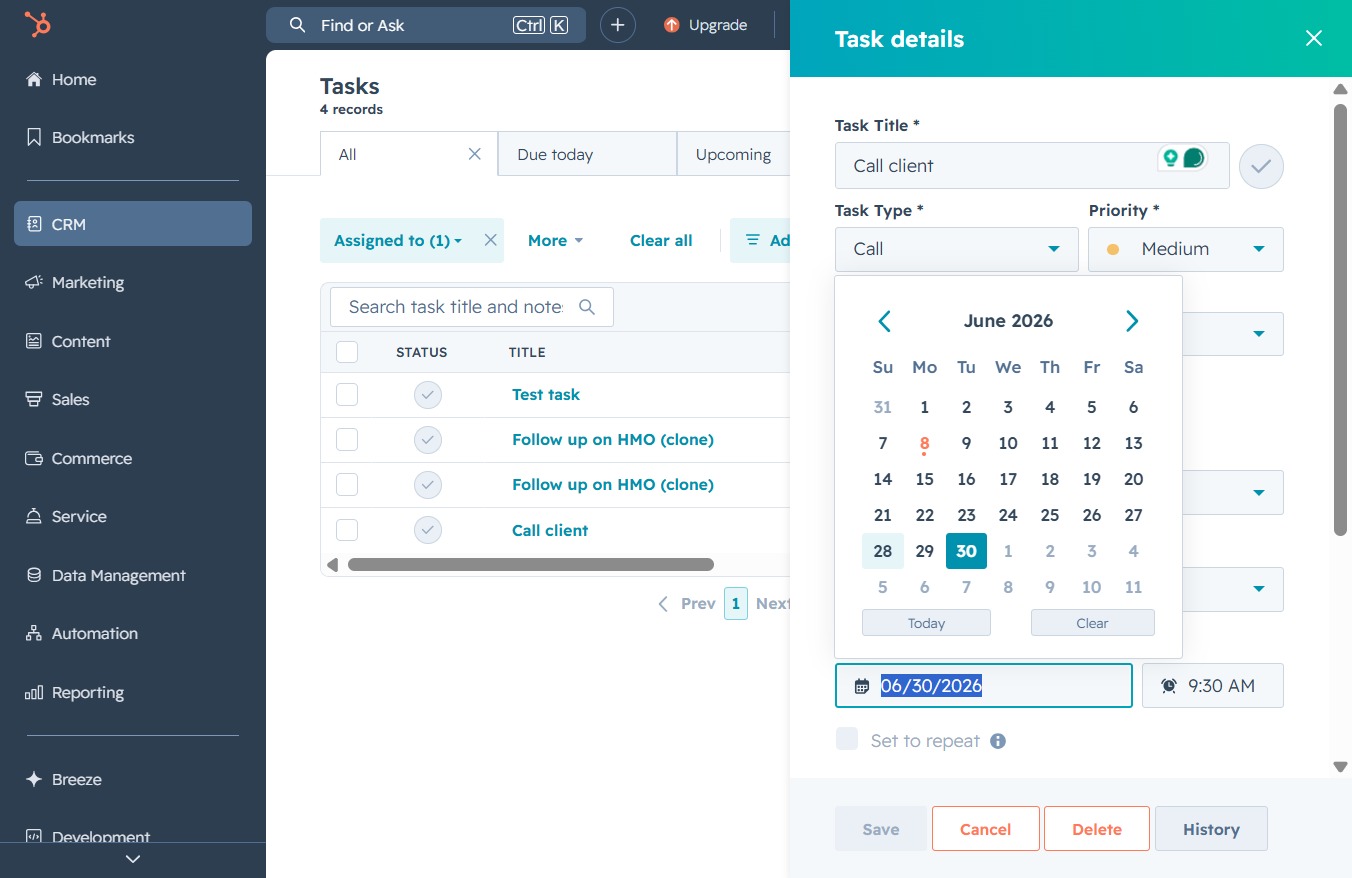
Clicking this button will save any changes made to the task details, including associations and priority, ensuring that your updates are recorded in the system.
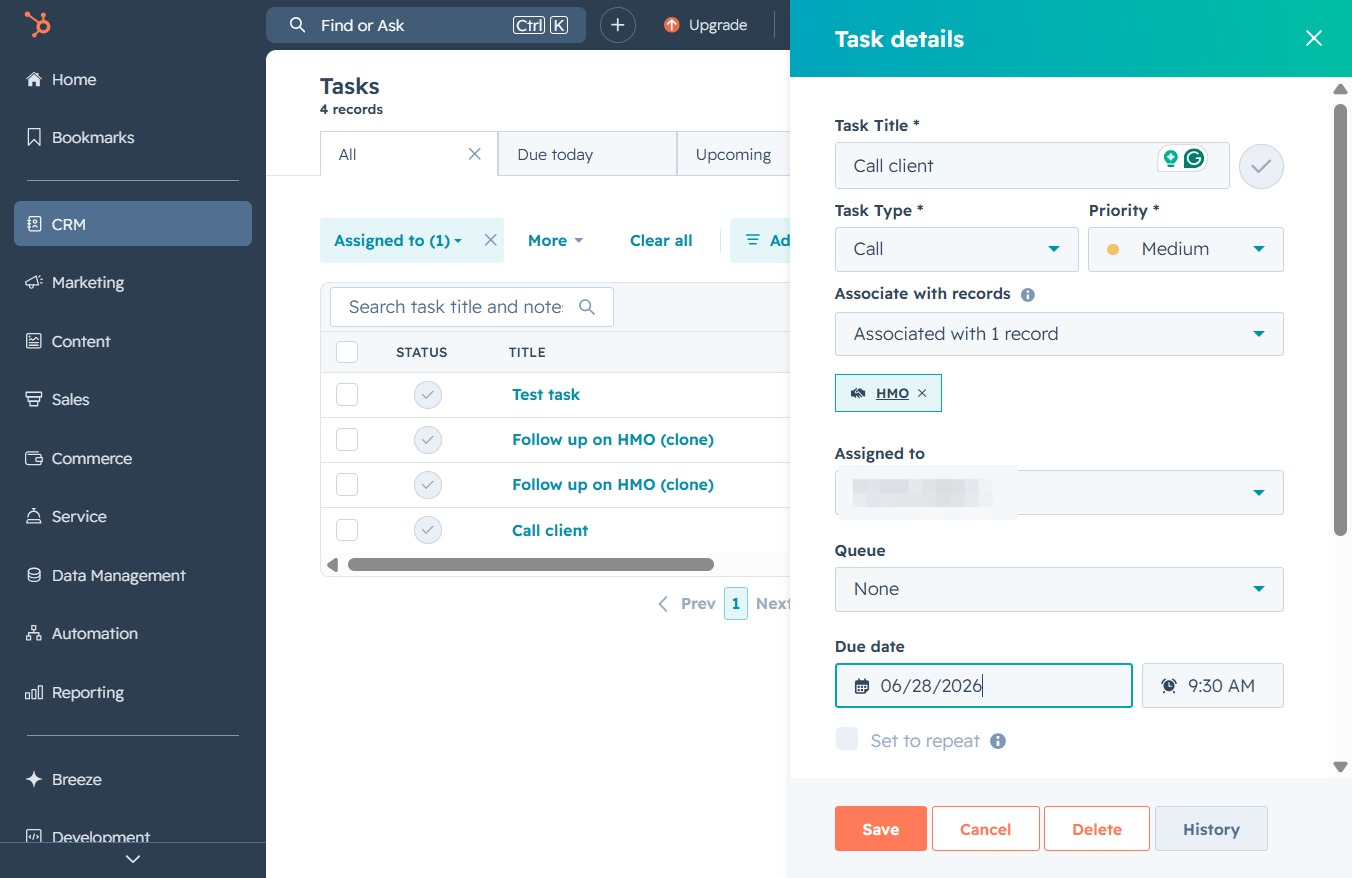
Selecting the 9:00 AM time slot sets your task for that specific time, allowing you to schedule your call to the client accordingly.

Clicking the Save button will store the details of the task, including task title, priority, and due date, into the system for future reference.