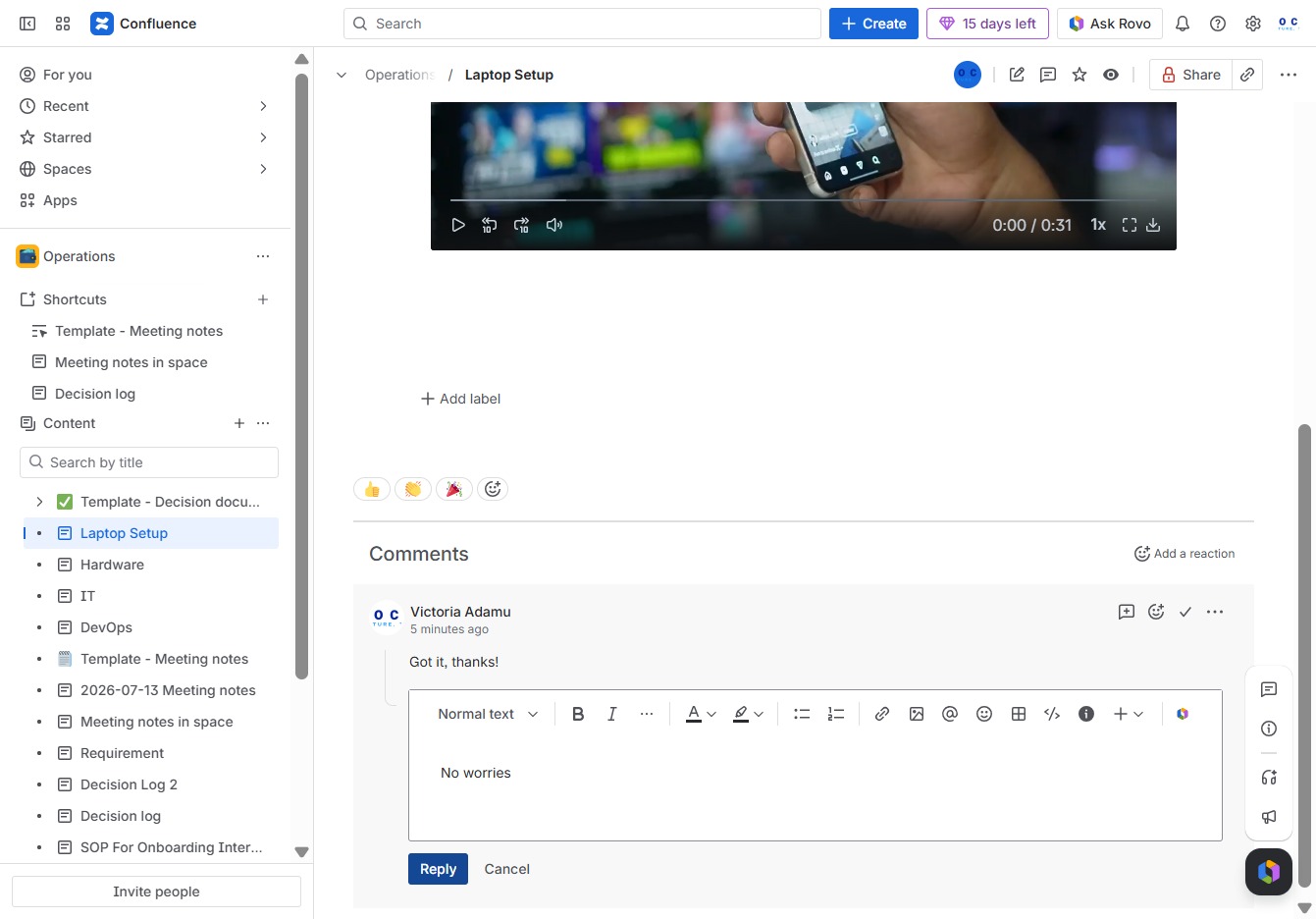
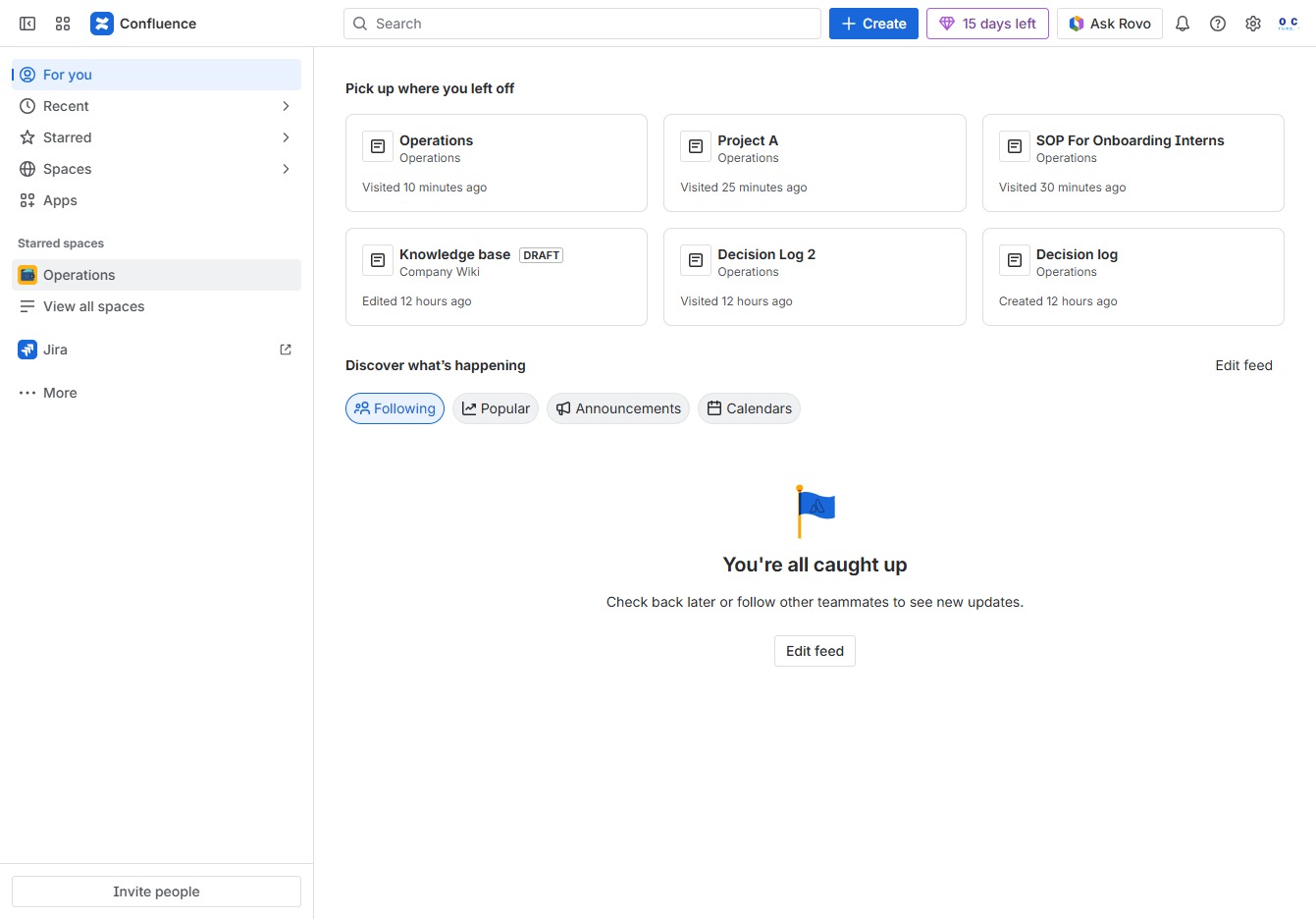
Click the Operations section
Selecting the 'Operations' section will display relevant workflows and documents associated with this category, allowing you to manage and view operational tasks.
Loading screenshot…
100%
This how-to guide teaches you how to effectively reply to comments within the context of the Laptop Setup operation.
 viktoria
This how-to guide teaches you how to effectively reply to comments within the context of the Laptop Setup operation. You'll learn to navigate the relevant sections, use the Ak editor to craft your response, and contribute to the ongoing discussion.
Selecting the 'Operations' section will display relevant workflows and documents associated with this category, allowing you to manage and view operational tasks.
This will allow you to create child content specific to the Laptop Setup. You can access additional options related to this setup as well.
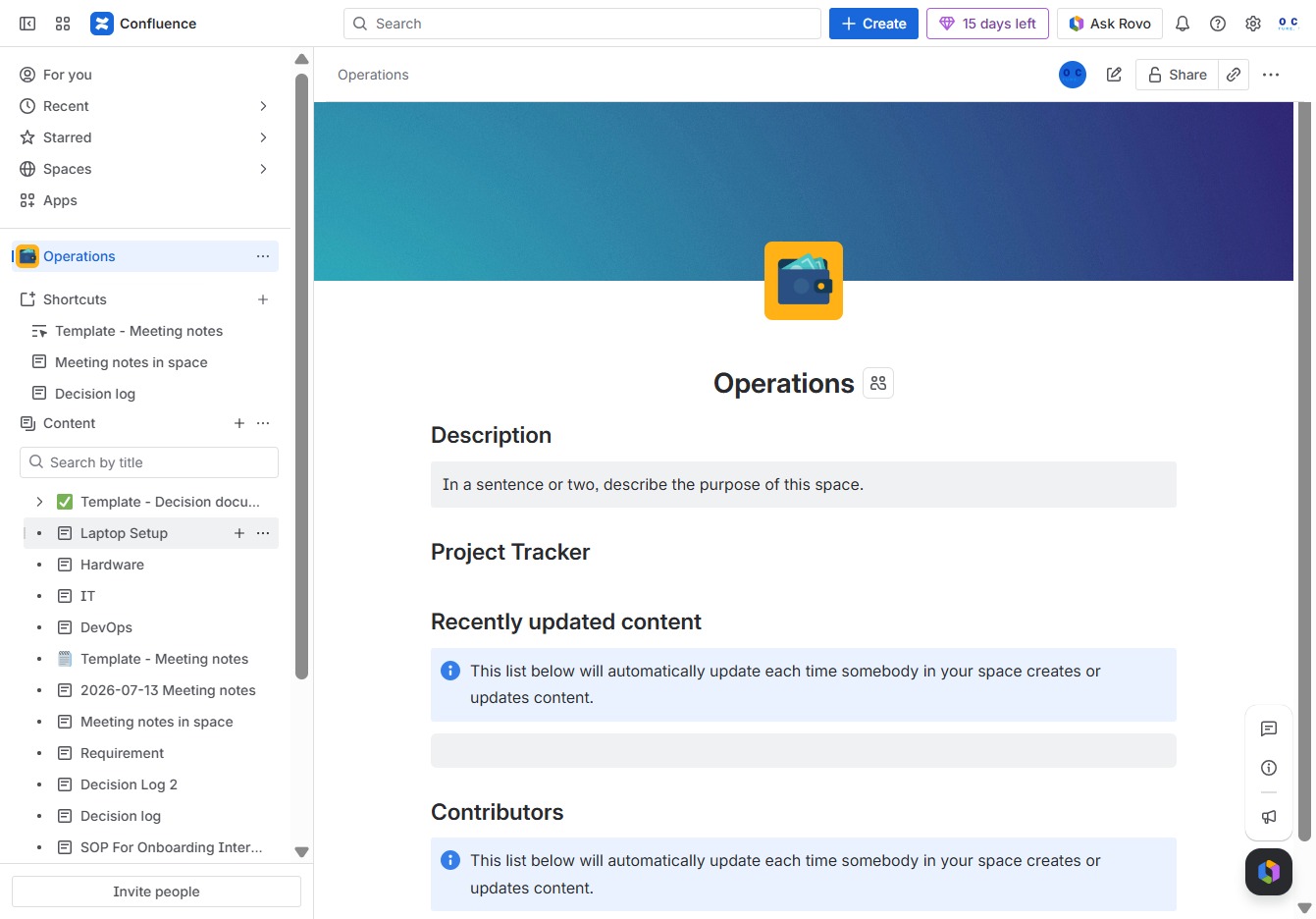
Clicking the 'Reply' link allows you to respond to a comment in the discussion. This opens a text field where you can enter your reply to engage with the conversation.
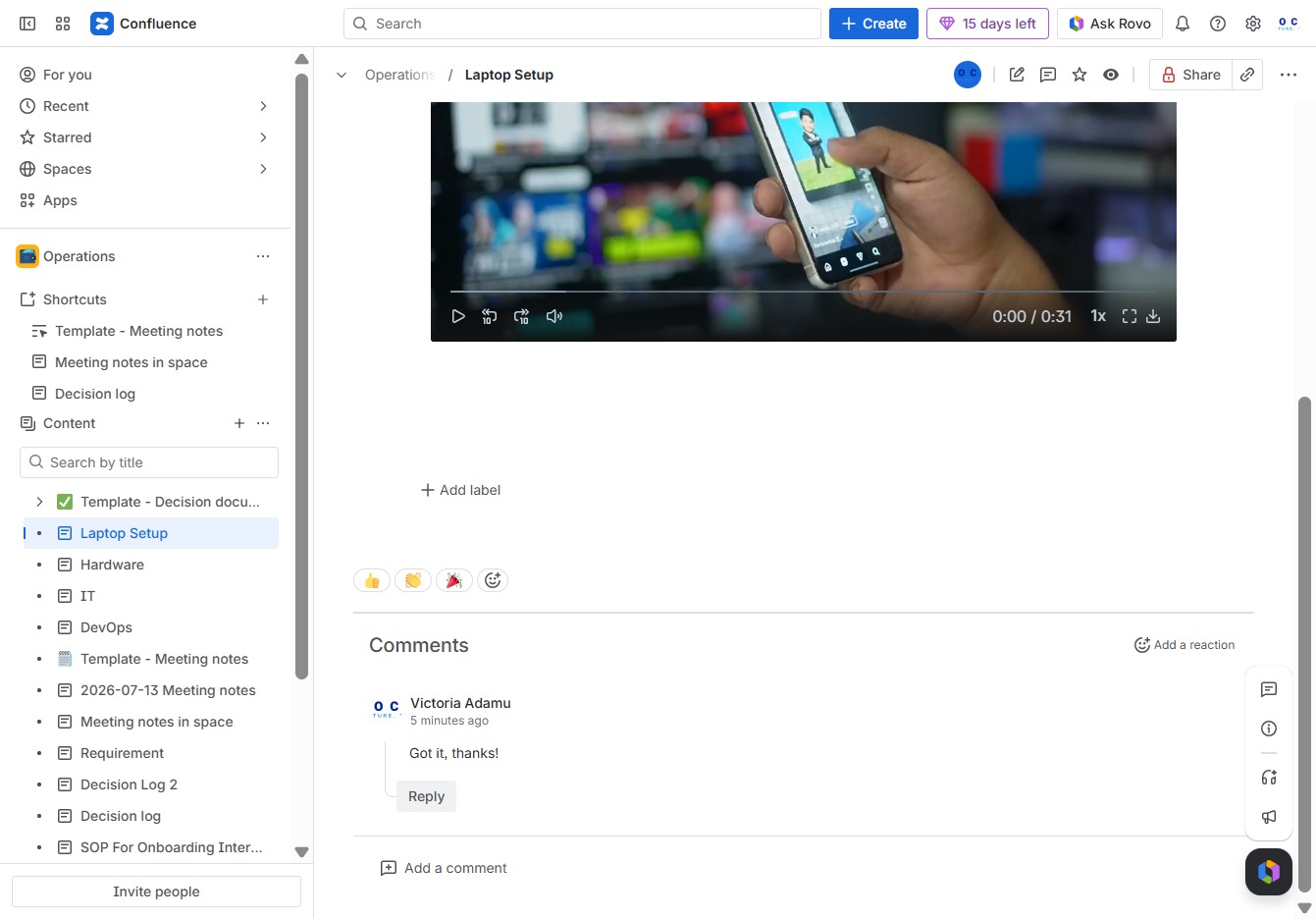
Enter the text 'No worries' in the Ak editor textarea to add your comment. This will contribute to the discussion related to the 'Laptop Setup' operation.
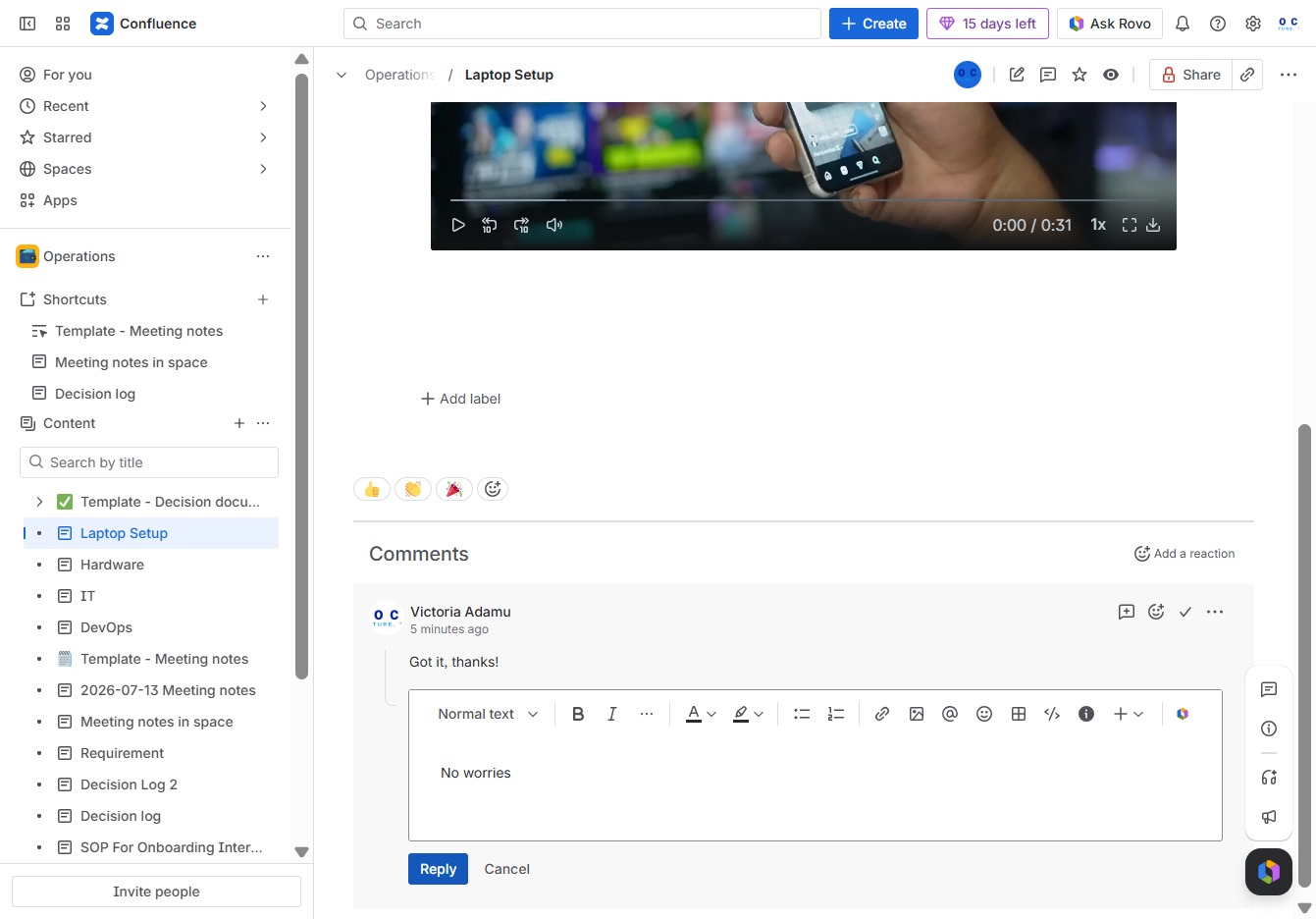
This action allows you to respond to the comment, enabling further discussion or clarification on the topic. Your reply will be added to the comments section for everyone to see.