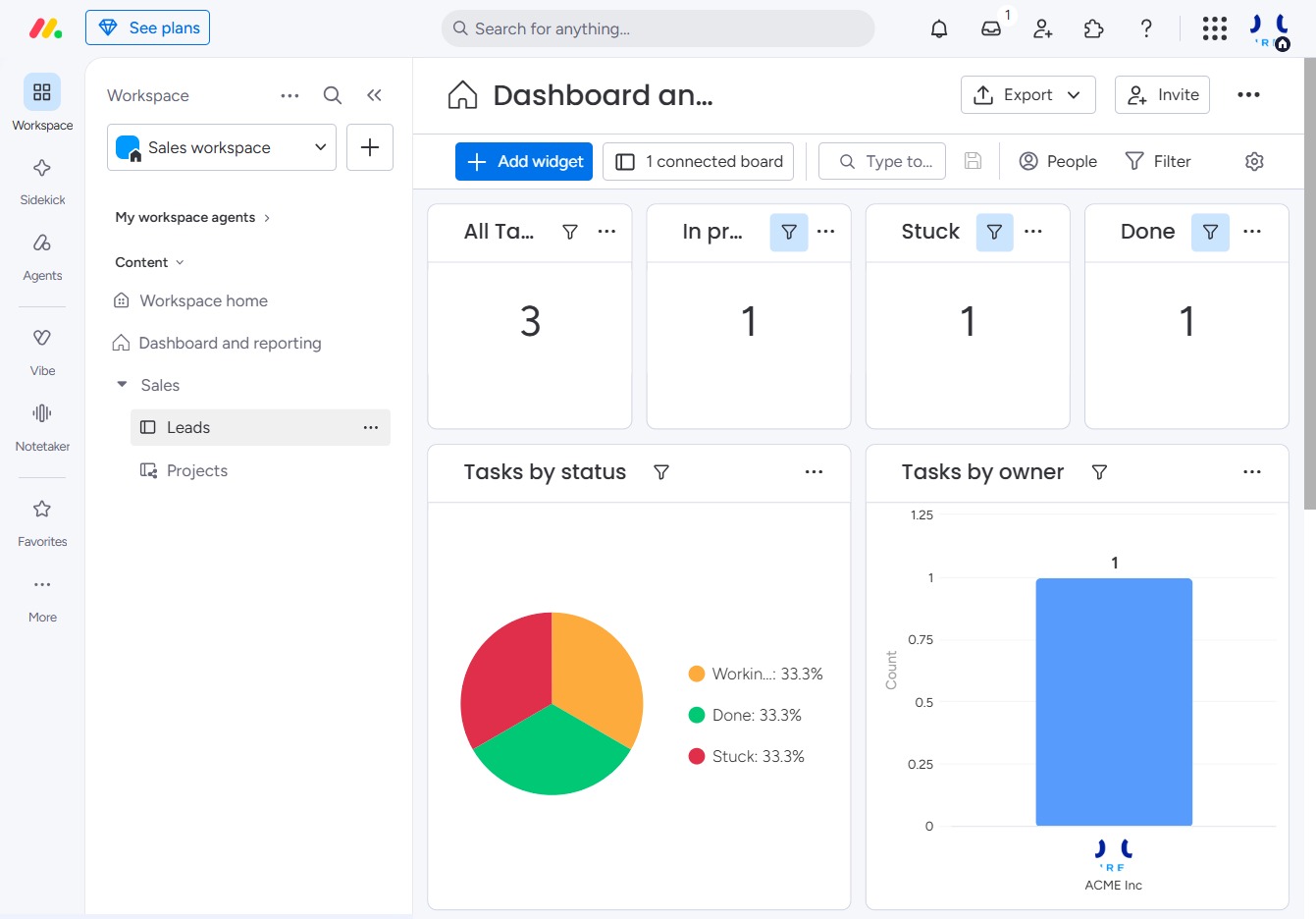
Click the Leads section
Clicking on the Leads section will display your current leads and their statuses, allowing you to manage and track them effectively.
Loading screenshot…
100%
Learn how to effectively reorder board groups to prioritize important leads in your workspace.
 viktoria
Learn how to effectively reorder board groups to prioritize important leads in your workspace. This guide walks you through accessing your leads, adding new entries, and moving groups for better visibility and management.
Clicking on the Leads section will display your current leads and their statuses, allowing you to manage and track them effectively.
By clicking this link, you will initiate the process to create and add a new lead to your Leads table, allowing you to capture essential information and track potential opportunities.

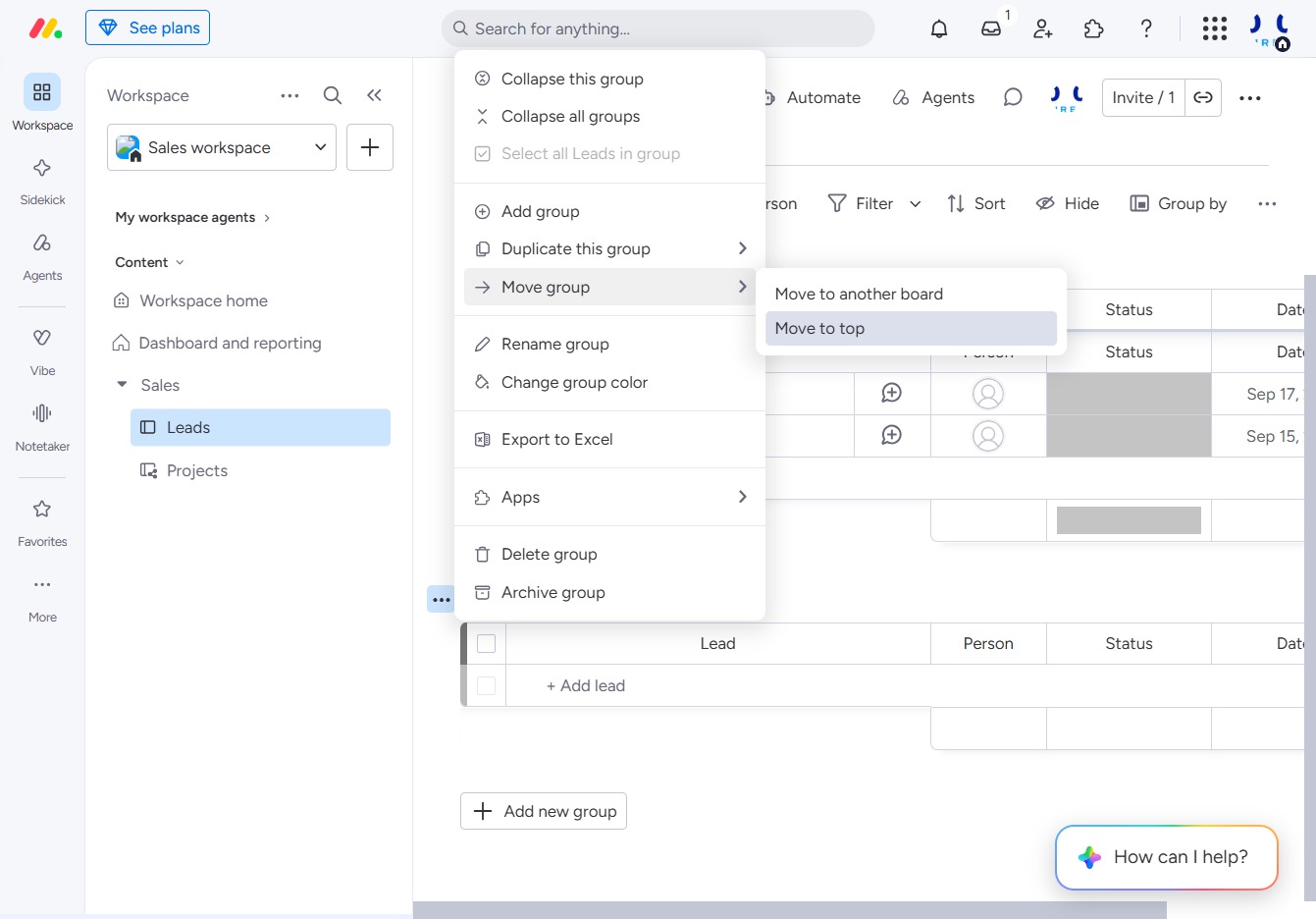
This action will move the selected group to the top of the list, prioritizing it for visibility in your workspace.