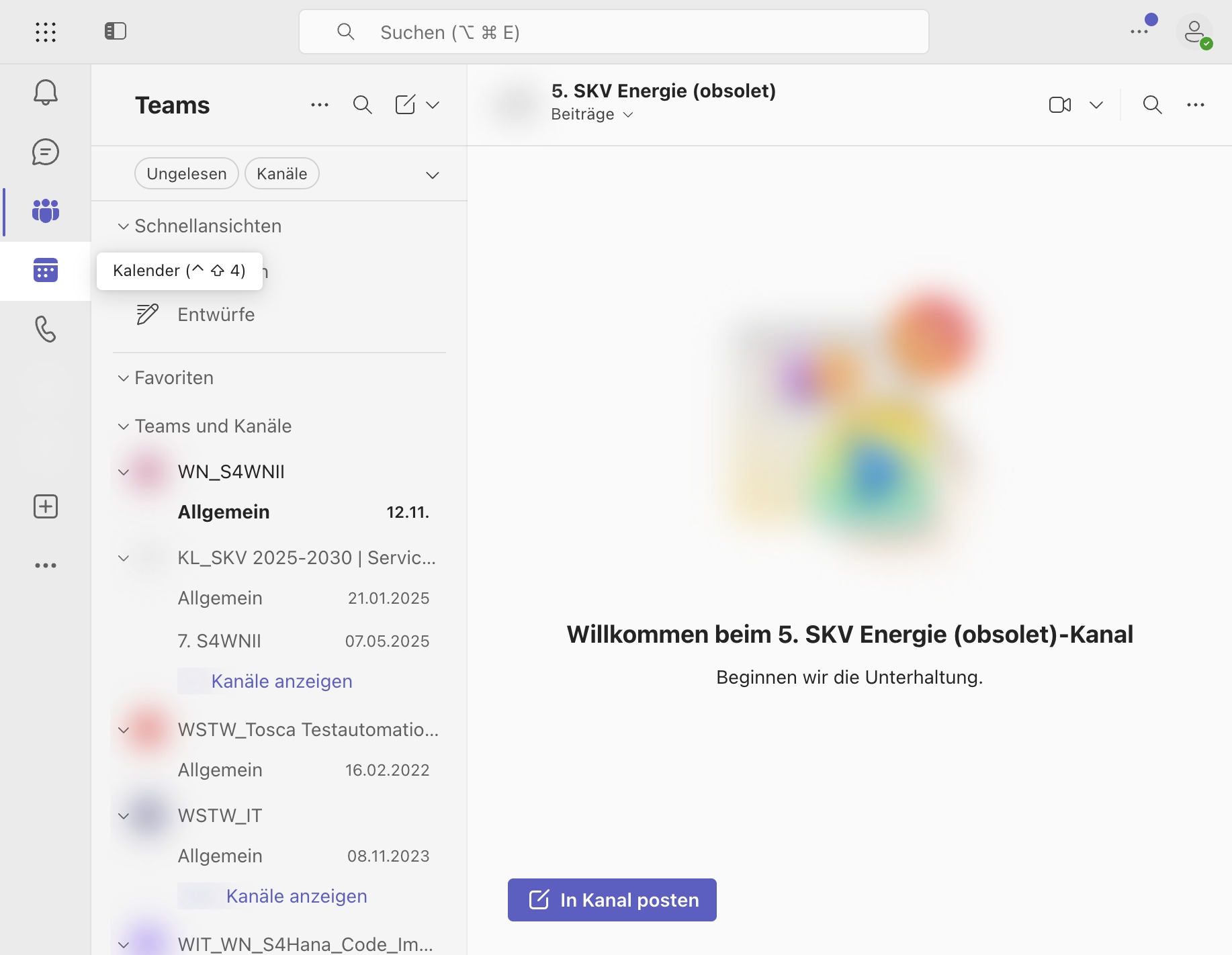
Click In Kanal posten
Select In Kanal posten to share your message in the channel.
Loading screenshot…
100%
Share a message in a Microsoft Teams channel by selecting the channel, composing the message, and posting it to the desired channel.
 alex
Share a message in a Microsoft Teams channel by selecting the channel, composing the message, and posting it to the desired channel.
Select In Kanal posten to share your message in the channel.
Tip
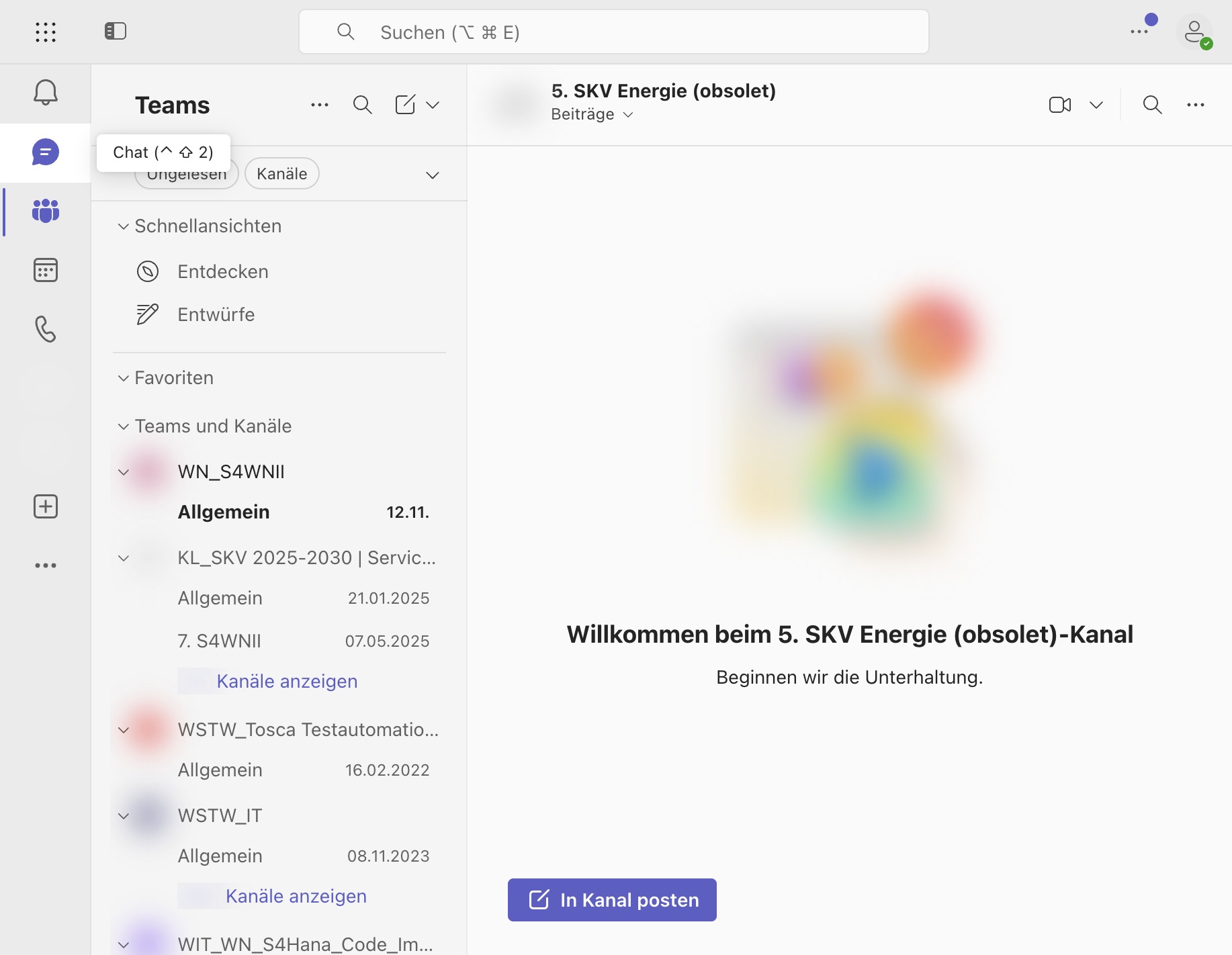
Choose the chat where you want to post your message from the list.
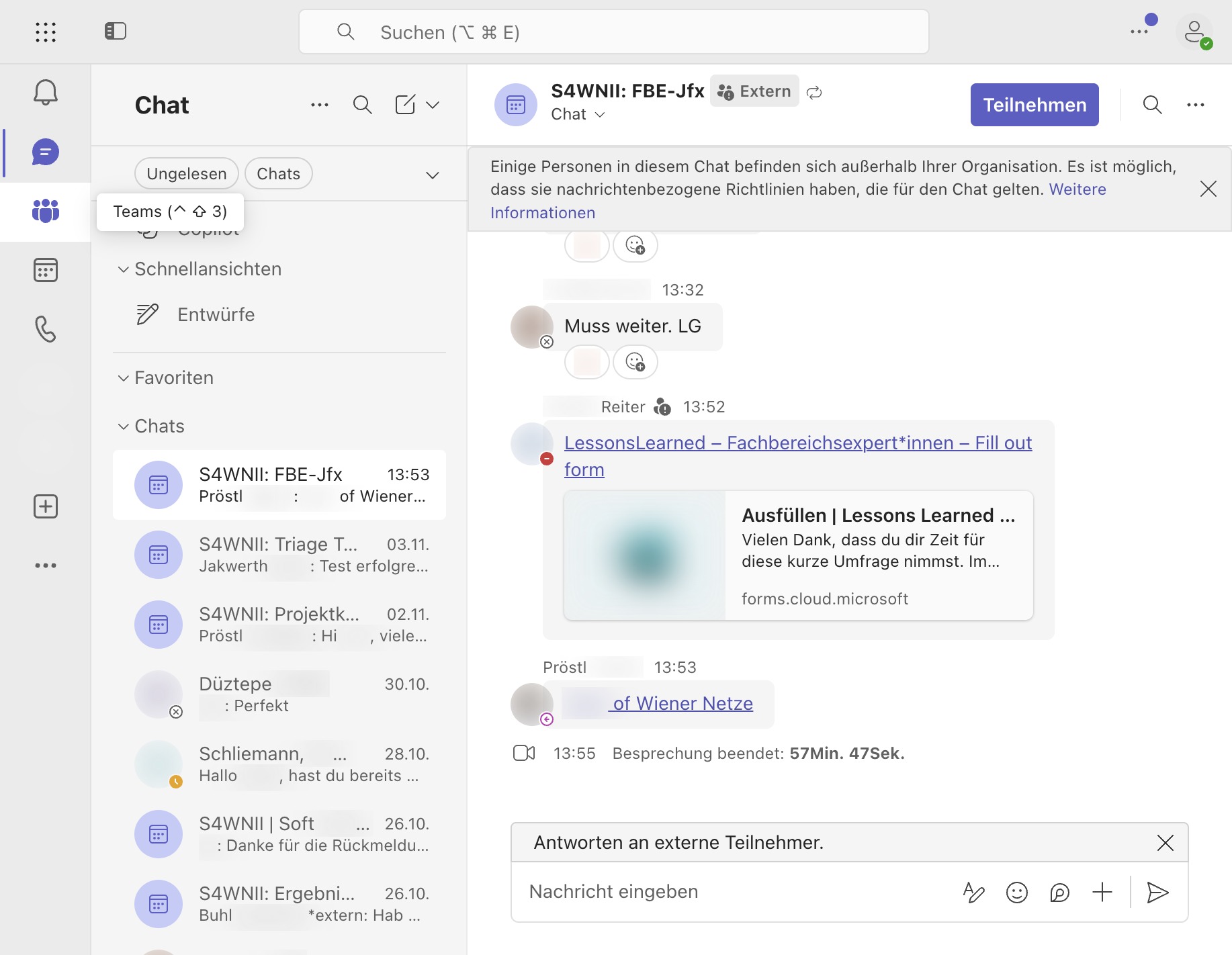
Click the 'In Kanal posten' button to share your message in the 5. SKV Energie (obsolet) channel.