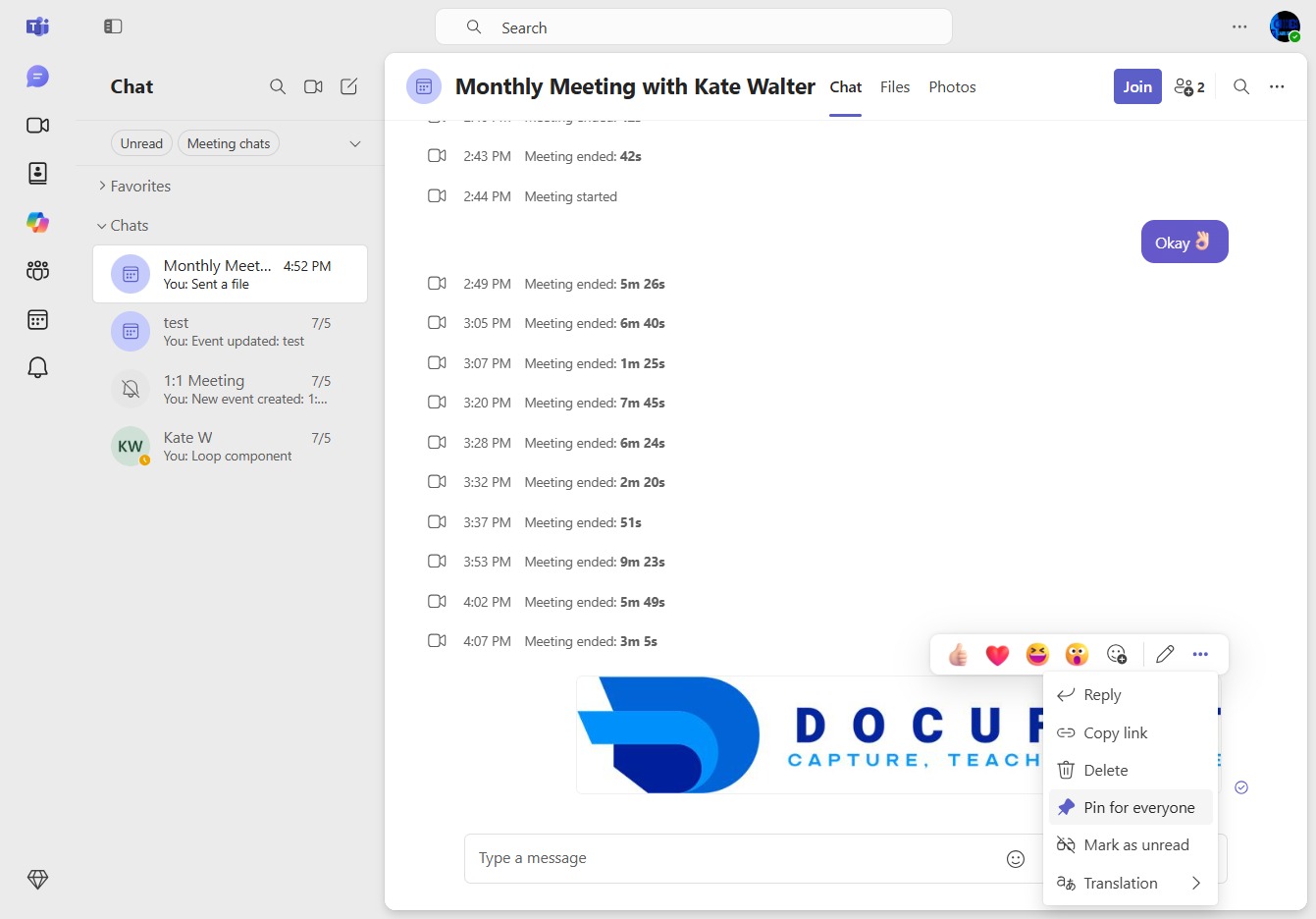
Click here to access notifications
By clicking here, you will open a section to view comments, reactions, and other notifications relevant to your activities.
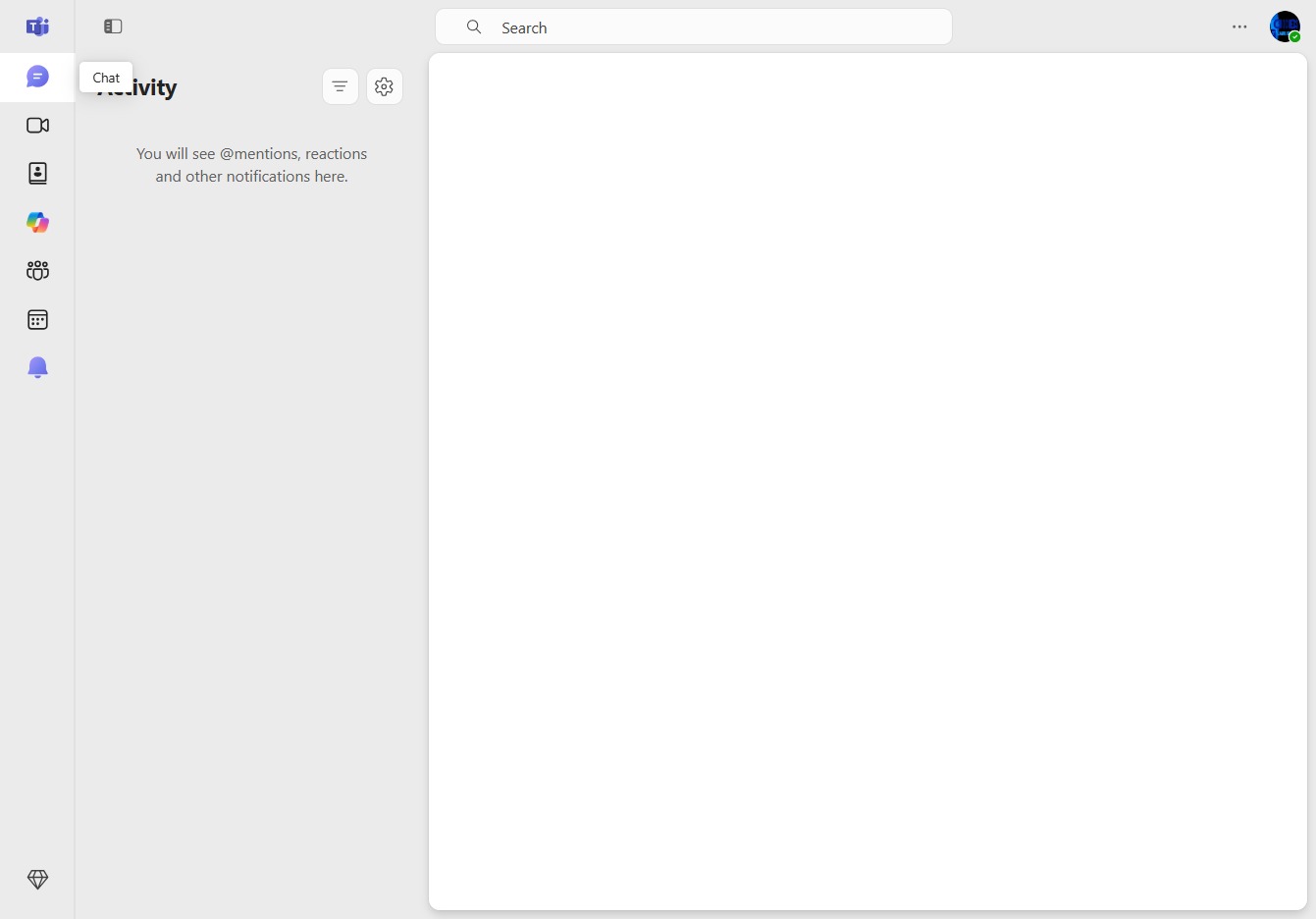
Loading screenshot…
100%
Learn how to pin a file in your chat for easy access by following our simple steps.
 viktoria
Learn how to pin a file in your chat for easy access by following our simple steps. This guide shows you how to join discussions and pin important messages effectively, ensuring that key information is readily available to all participants.
By clicking here, you will open a section to view comments, reactions, and other notifications relevant to your activities.
By clicking the Join button, you will enter the Monthly Meeting with Kate Walter, allowing you to participate in the ongoing discussion and view shared content.
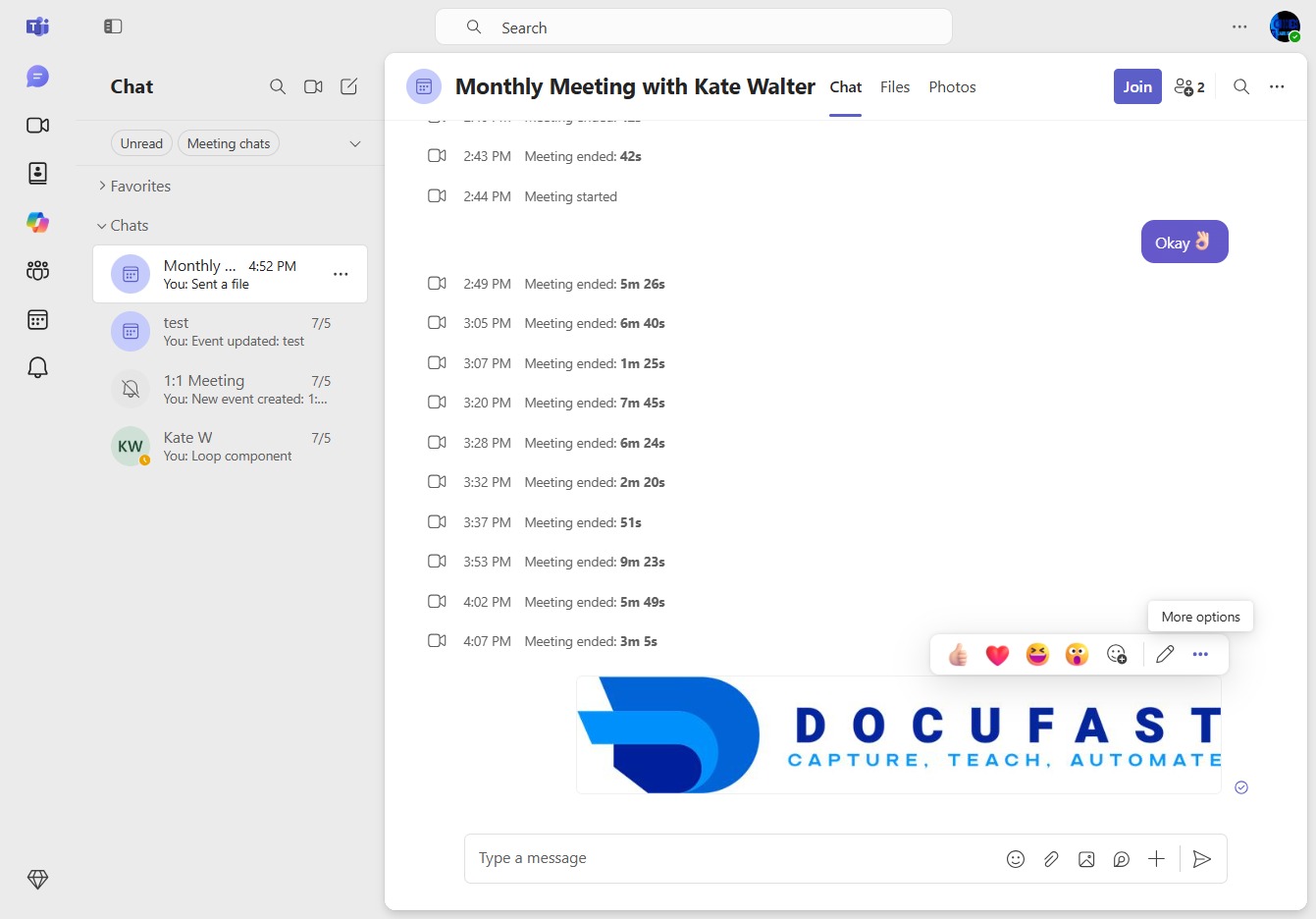
This action will pin the selected message to the top of the chat for all participants, making it easily accessible for everyone in the conversation.