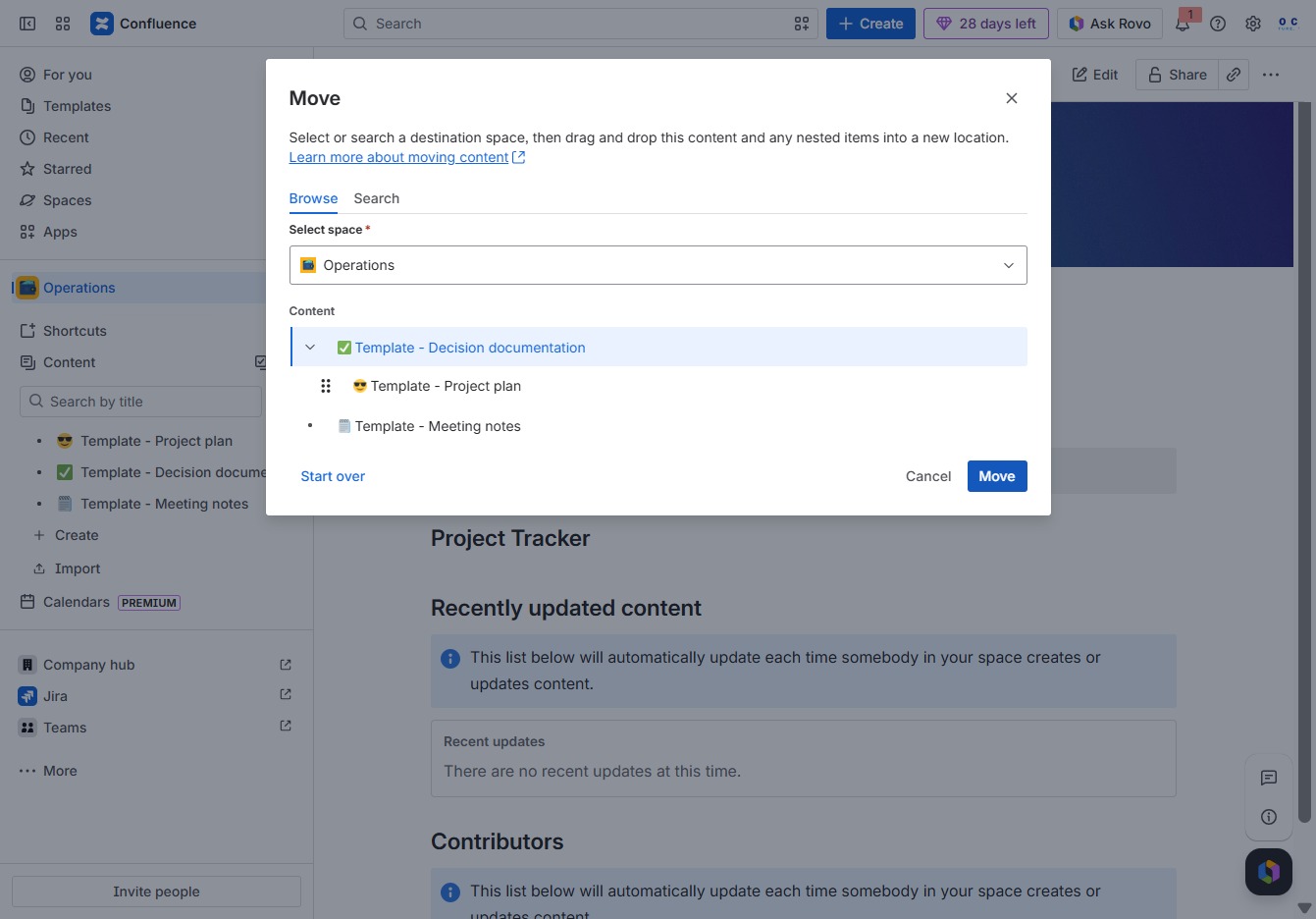
Click the Spaces section
This action will open the Spaces area, allowing you to view and manage different collaborative workspaces within Confluence.

Loading screenshot…
100%
In this how-to guide, you'll learn how to effectively organize your space content in Confluence.
 viktoria
In this how-to guide, you'll learn how to effectively organize your space content in Confluence. Follow the step-by-step instructions to navigate through Spaces and Operations, manage project templates, and reposition your content for better organization within your collaborative work environment.
This action will open the Spaces area, allowing you to view and manage different collaborative workspaces within Confluence.
This action will open the Operations area, allowing you to manage tasks and view relevant documents related to operations within your workspace.
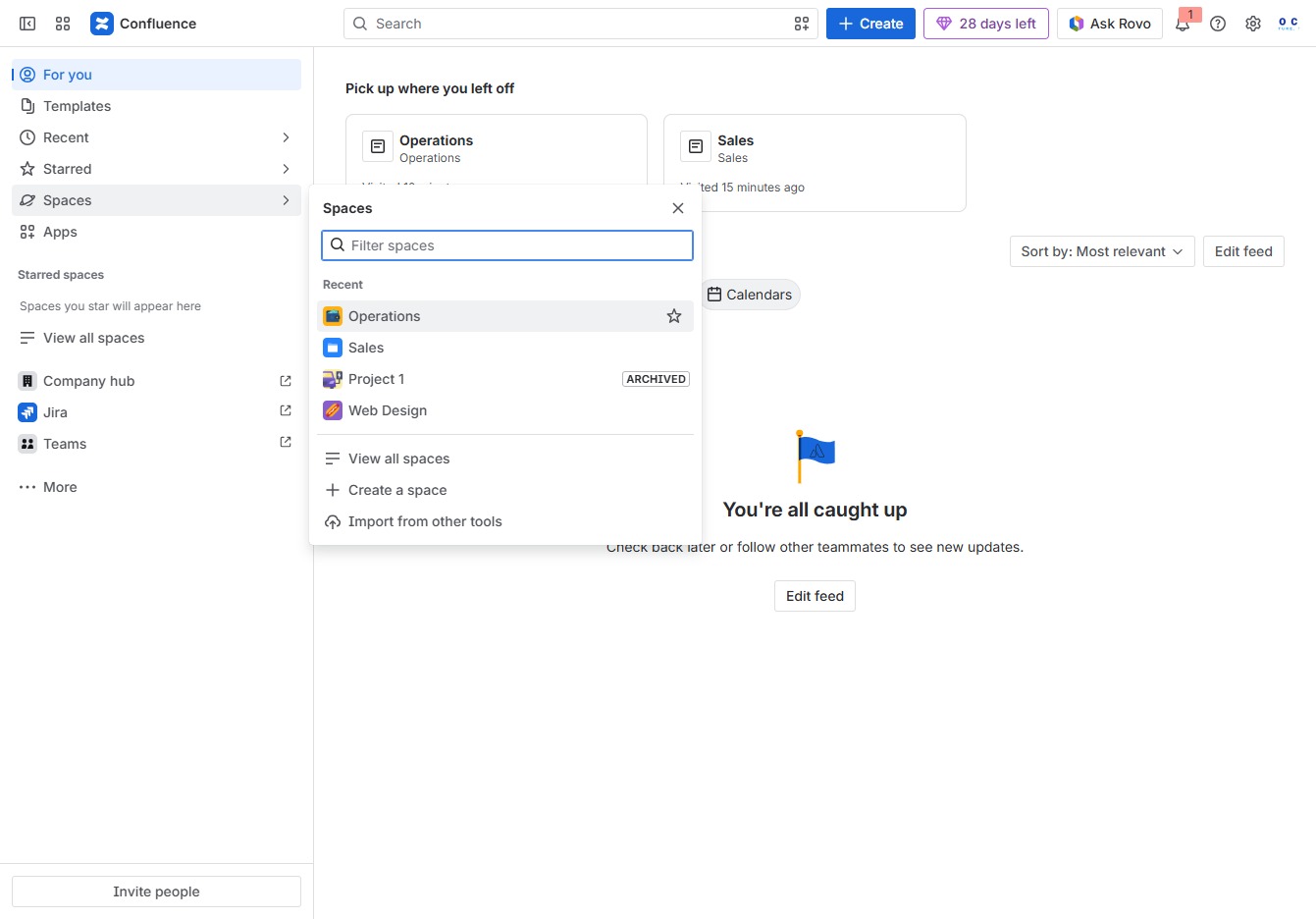
This will open a dropdown menu with additional options related to the 'Template - Project plan', allowing you to manage or customize the template settings.
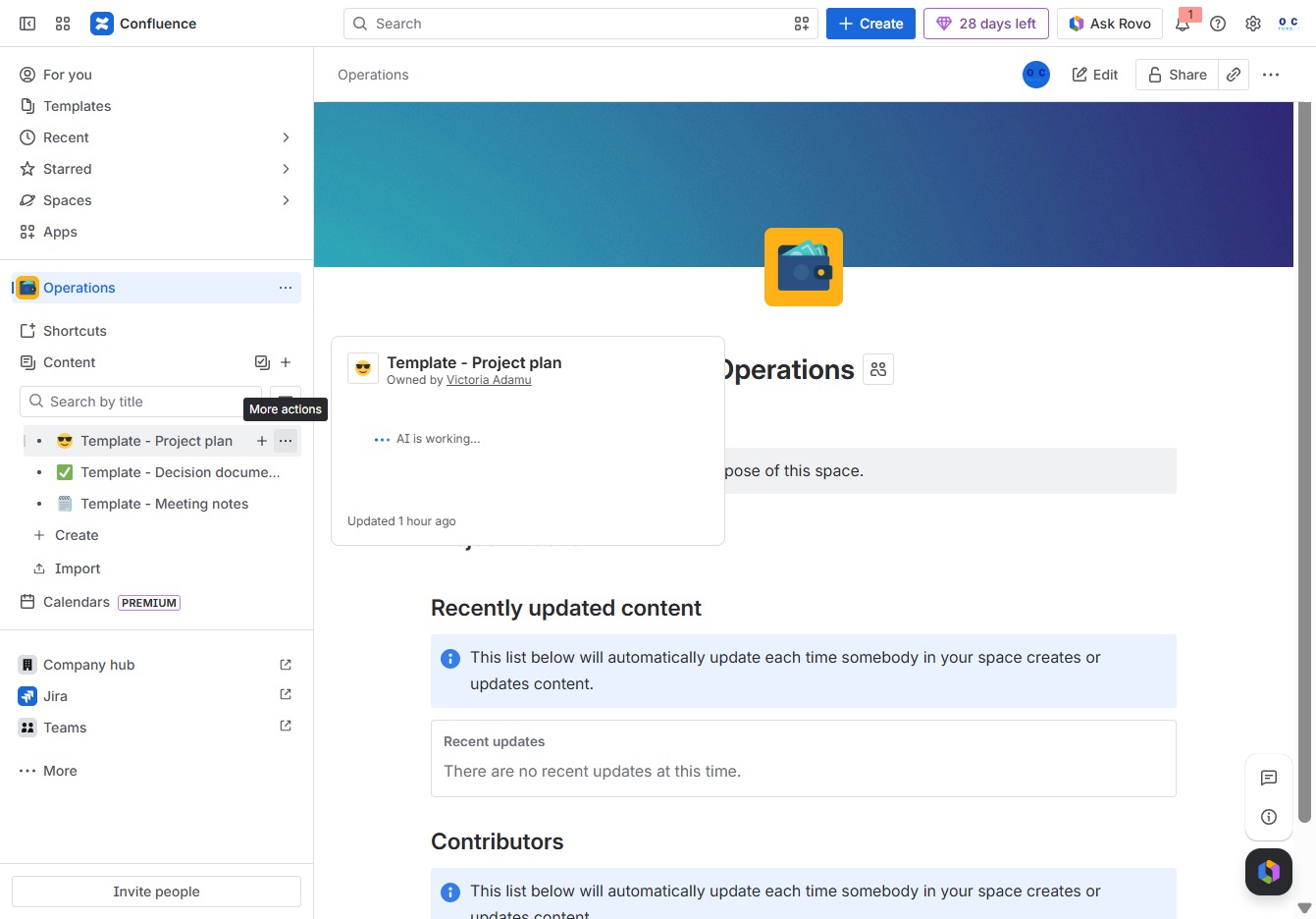
This action will prompt you to select a new location for the 'Template - Project plan' within your Confluence space. You can organize your templates more efficiently by moving them as needed.

This action sets ‘Template - Decision documentation’ as the new parent item for your content, repositioning it within the organizational structure.
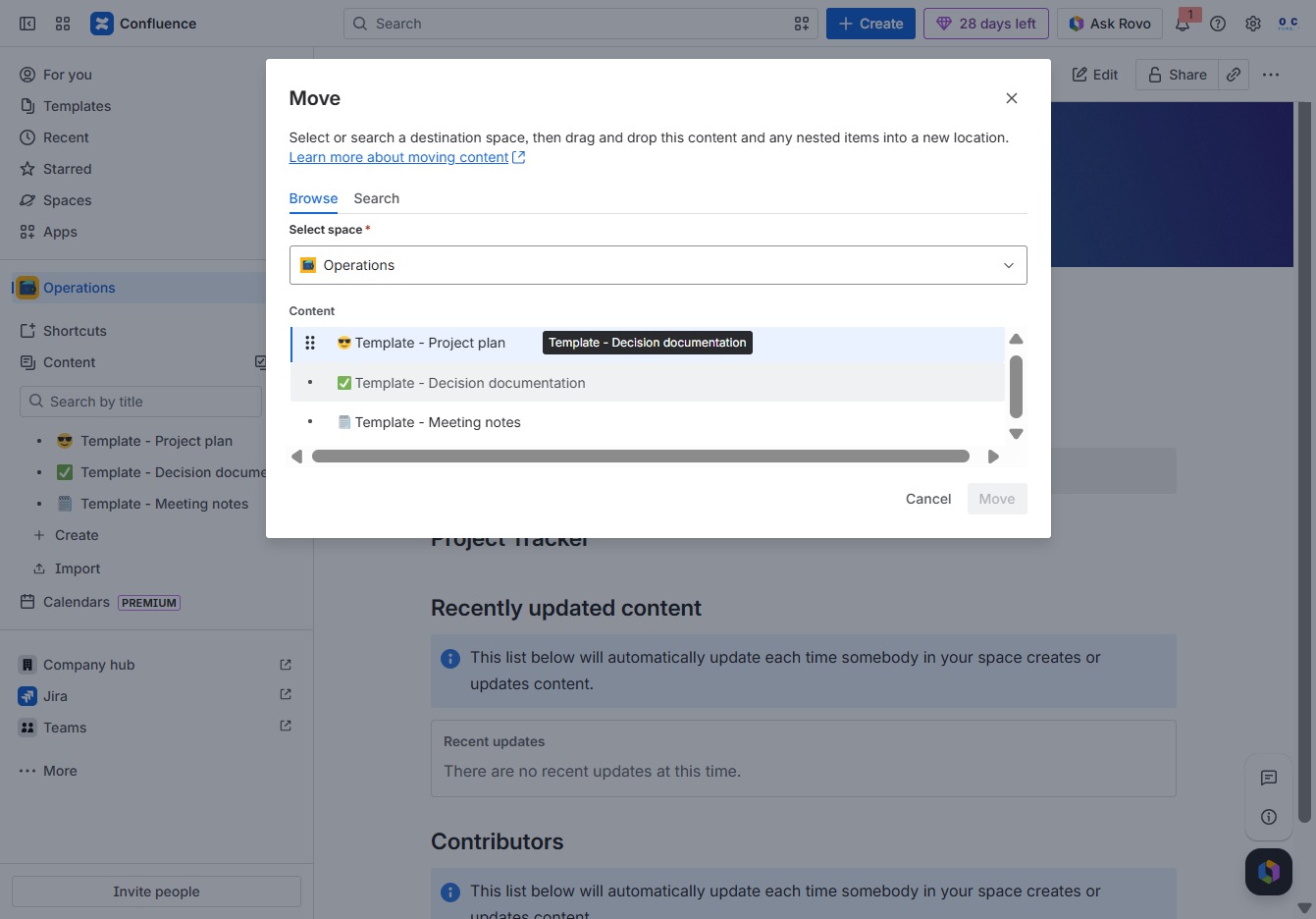
This action opens a dialog where you can select a new destination space for the content. Use this feature to reorganize your pages or templates within Confluence.