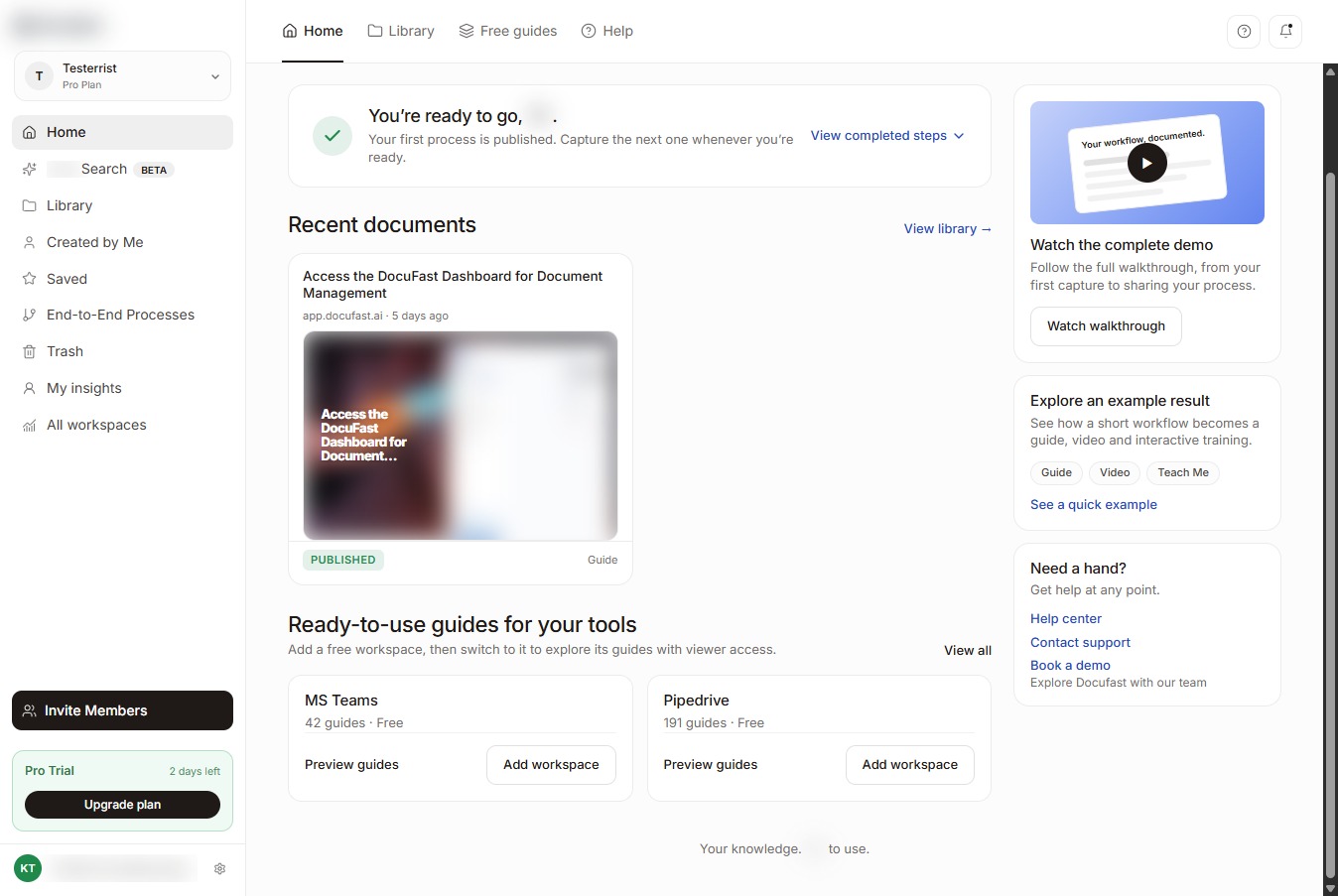
Open the DocuFast Dashboard
Click the DocuFast Dashboard link to access the document management tools.
Loading screenshot…
100%
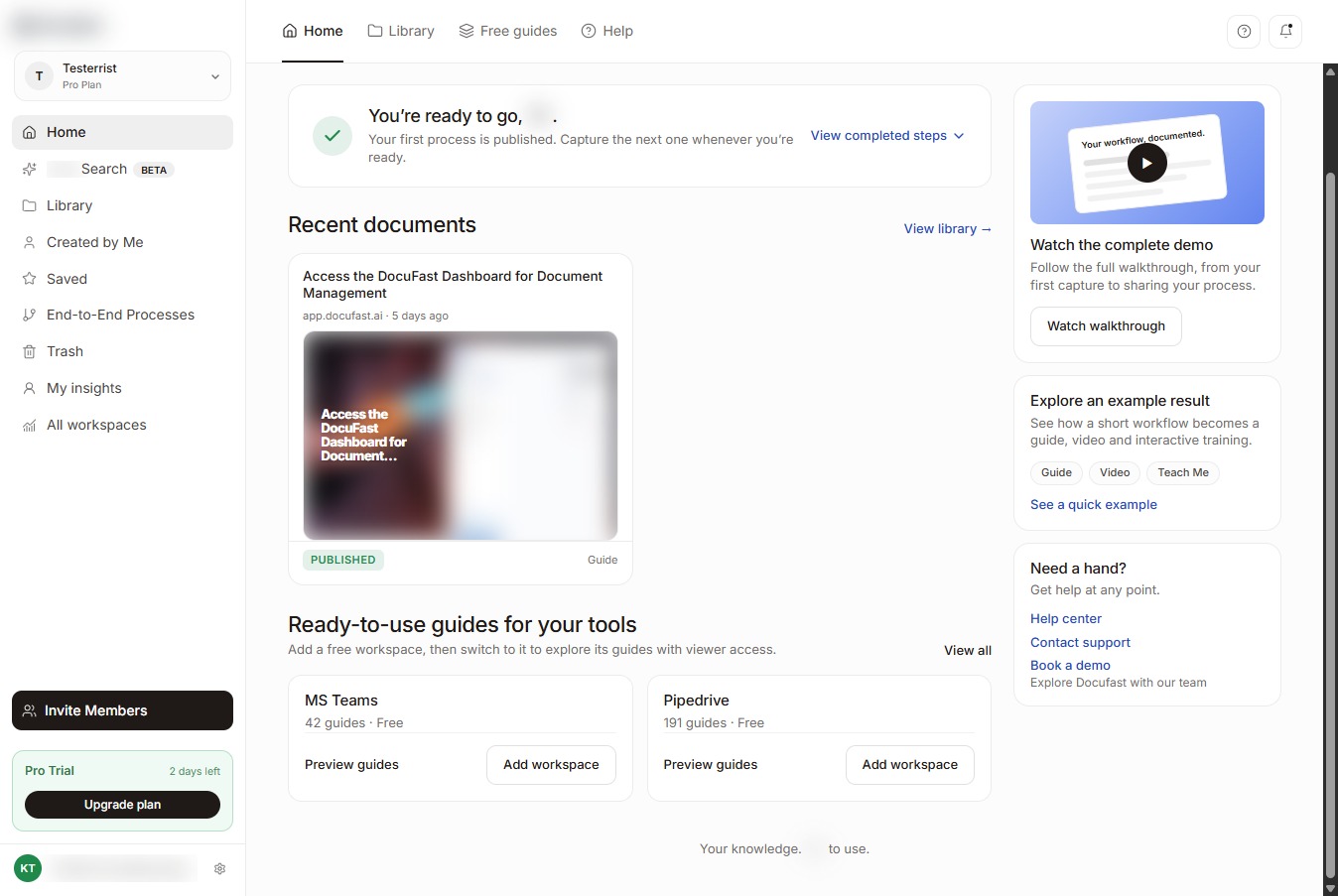
Access the DocuFast Dashboard to open the document management tools and begin organizing your files.
Access the DocuFast Dashboard to open the document management tools and begin organizing your files.
Click the DocuFast Dashboard link to access the document management tools.
Select the DocuFast Dashboard to access your document management tools and start organizing your files.
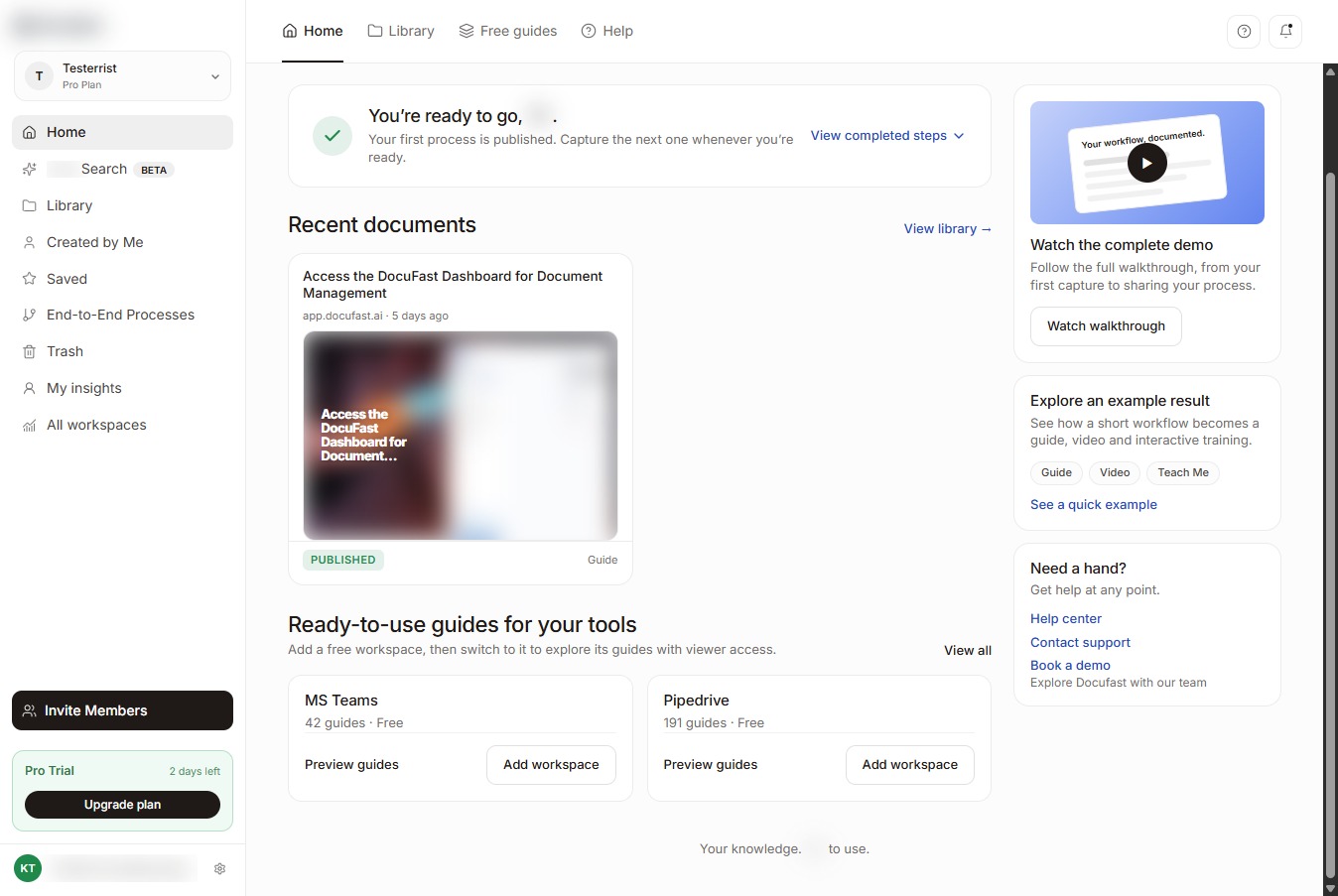
Select the DocuFast Dashboard link to access the document management workspace.