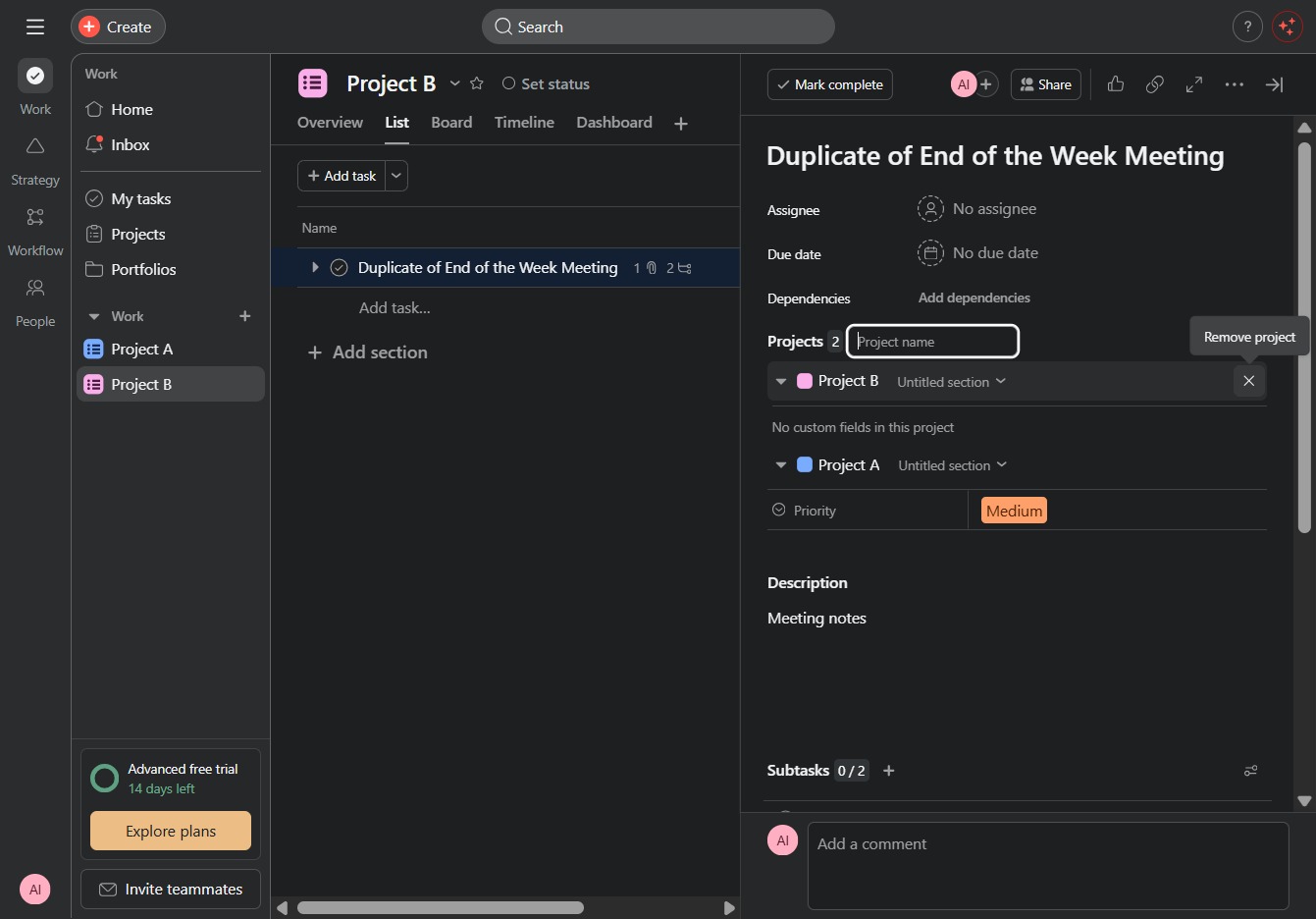
Click Project B, Project link
Clicking the 'Project B' link takes you to the specific project page where you can view details, manage tasks, and collaborate with team members.
Loading screenshot…
100%
In this how-to guide, you'll learn the step-by-step process for seamlessly moving tasks between projects.
 viktoria
In this how-to guide, you'll learn the step-by-step process for seamlessly moving tasks between projects. The tutorial covers navigating project pages, expanding task details, and interacting with specific sections to ensure smooth transitions of your tasks from one project to another.
Clicking the 'Project B' link takes you to the specific project page where you can view details, manage tasks, and collaborate with team members.
This will expand the task details, allowing you to view and edit specific information related to the selected task.

Clicking this link will allow you to navigate to the specific section or action associated with it, facilitating seamless interaction within the current project.
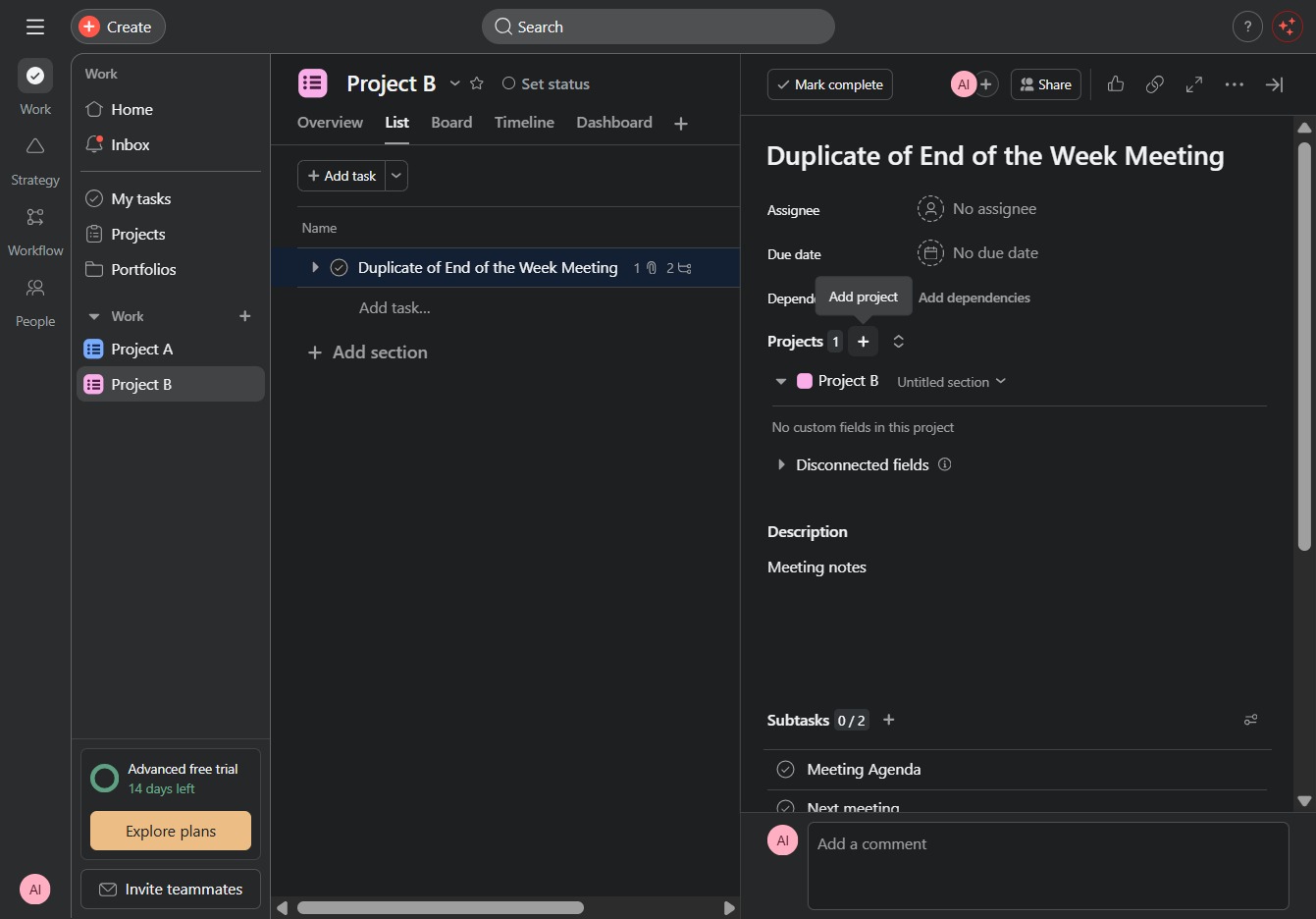
Clicking the 'Project AjaAI' label will open detailed information and options related to that specific project, allowing you to manage tasks and settings associated with it.
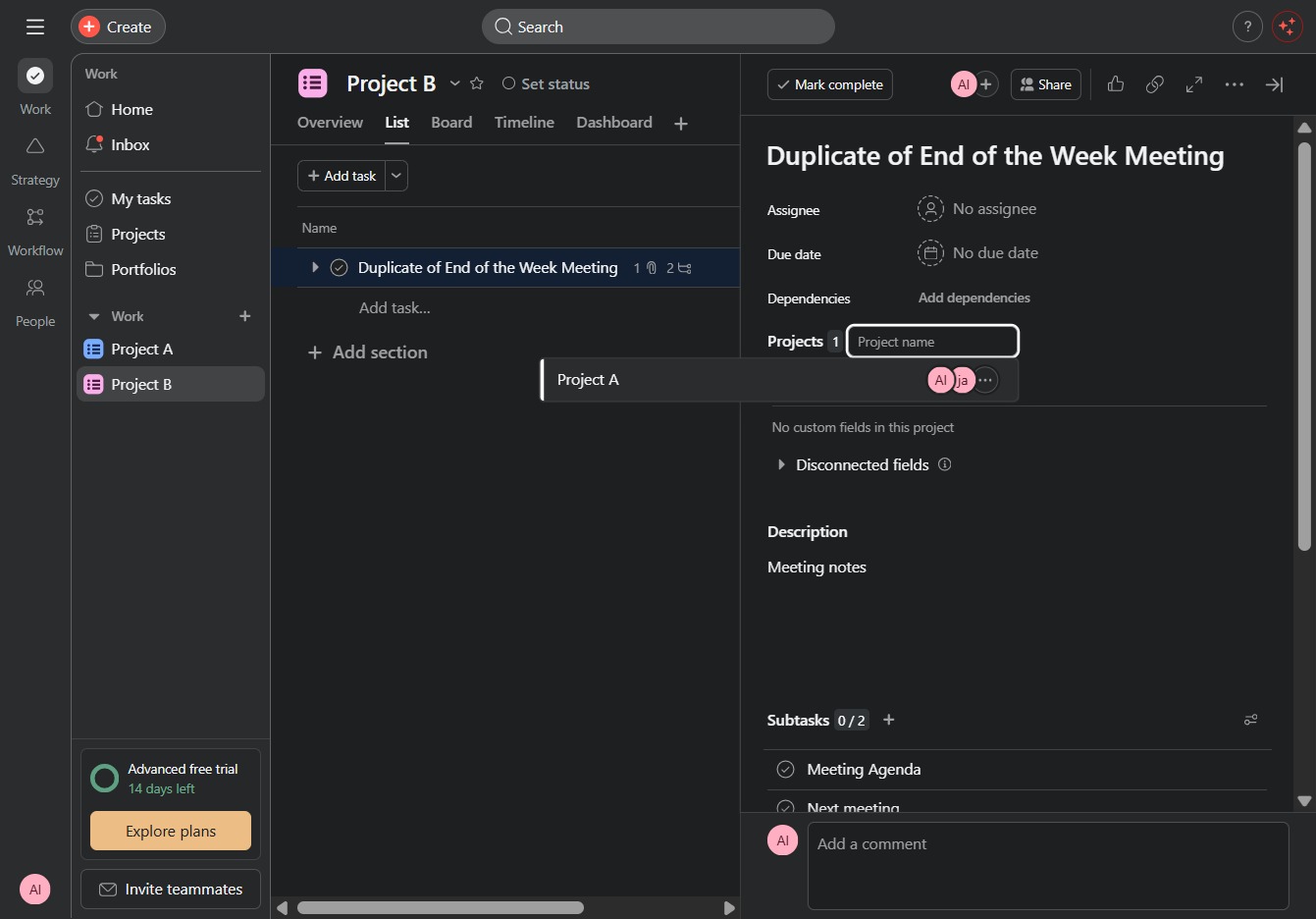
By clicking here, you remove the past project.