Shared guide

How to move deals between pipeline stages

In this how-to guide, you'll learn the step-by-step process for moving deals between different stages in your sales pipeline, ensuring your deals are accurately tracked and…

victoriaworkflowsvictoriaworkflows
·9 steps·73 views·Published

In this how-to guide, you'll learn the step-by-step process for moving deals between different stages in your sales pipeline, ensuring your deals are accurately tracked and managed. Follow along as we demonstrate the key clicks needed to update your deal statuses effectively.

Step-by-step Guide9 steps
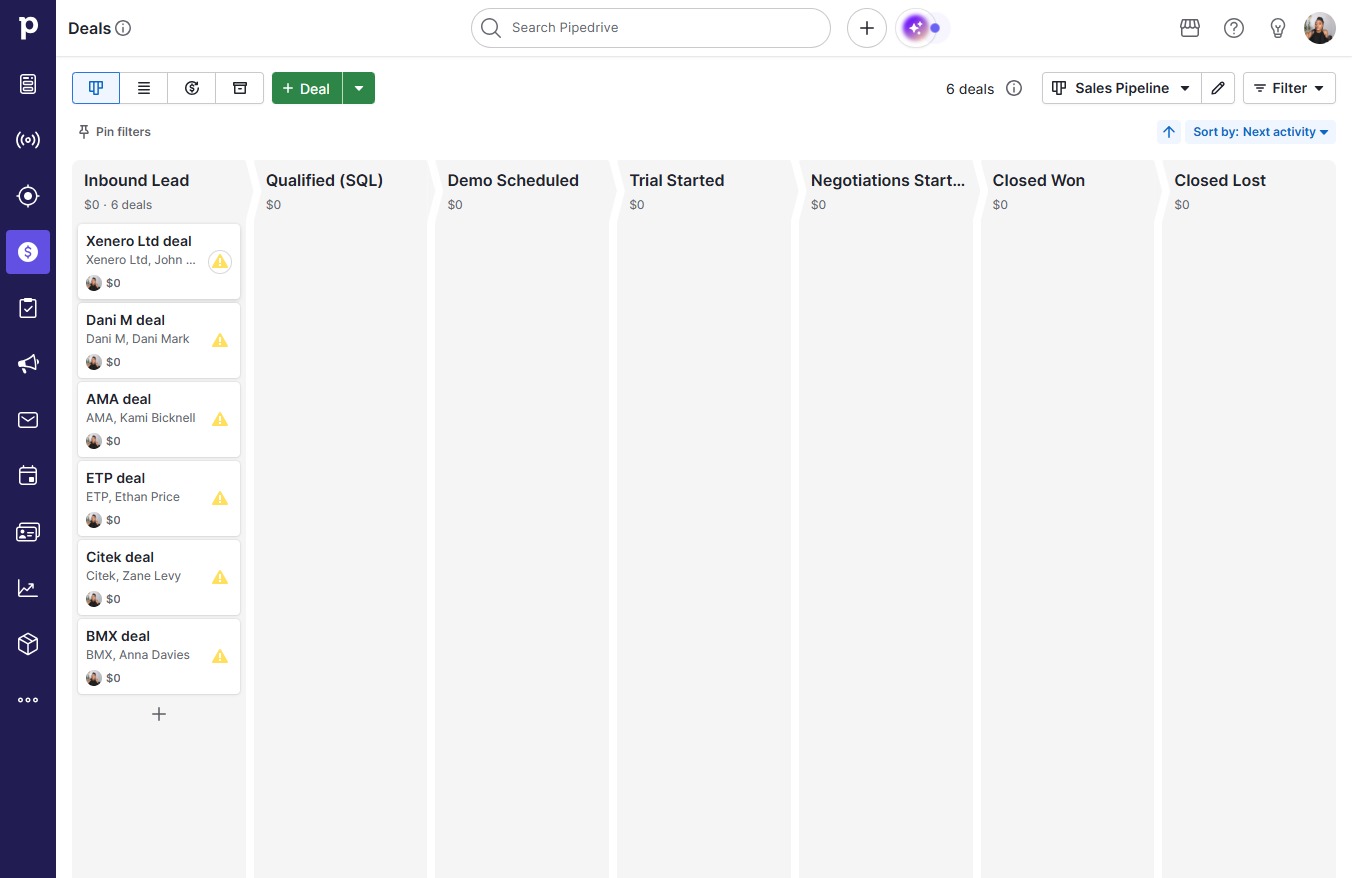
  1. Click on "Click here."
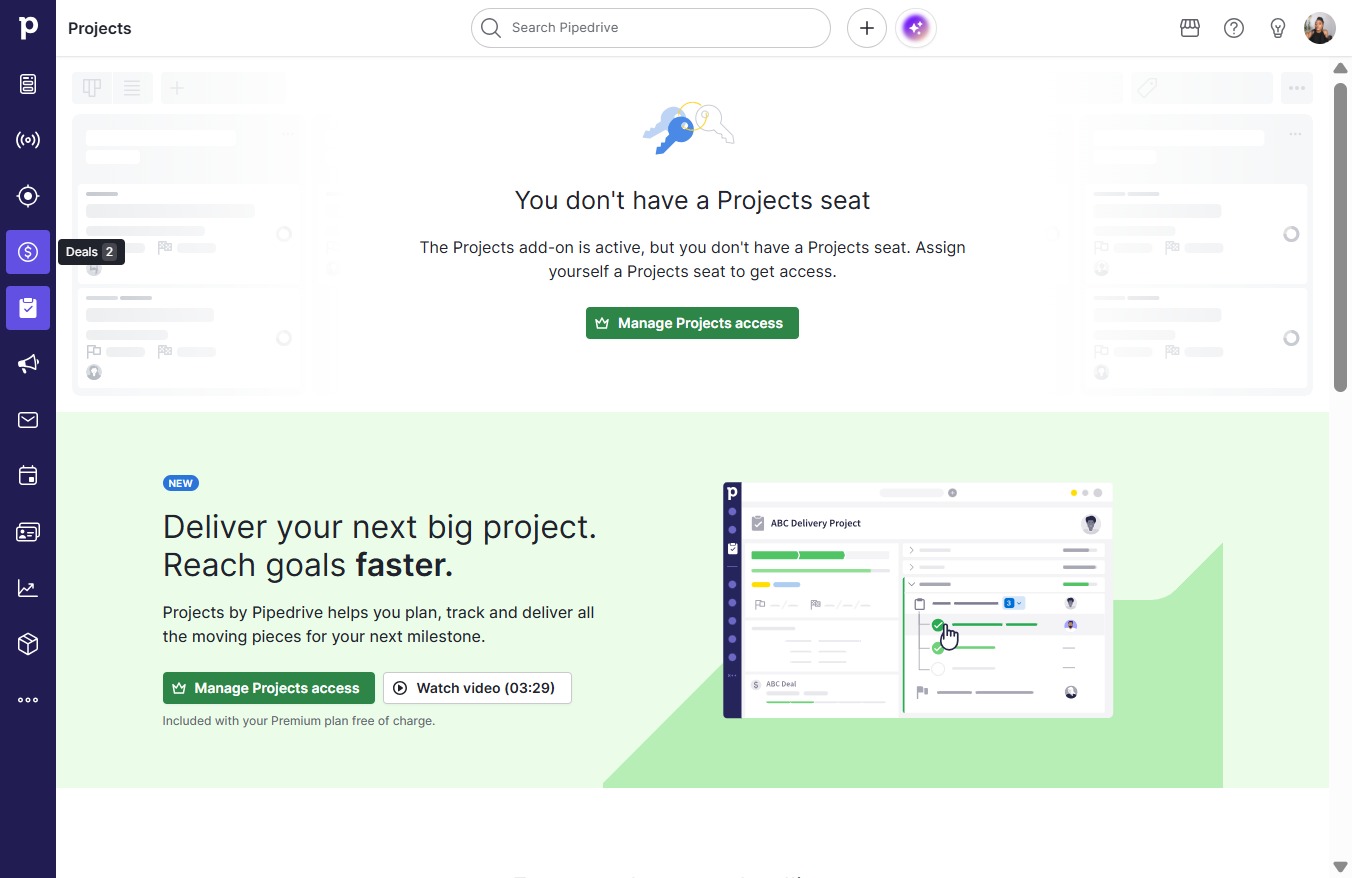
    Click on "Click here."
    Loading screenshot…
    100%
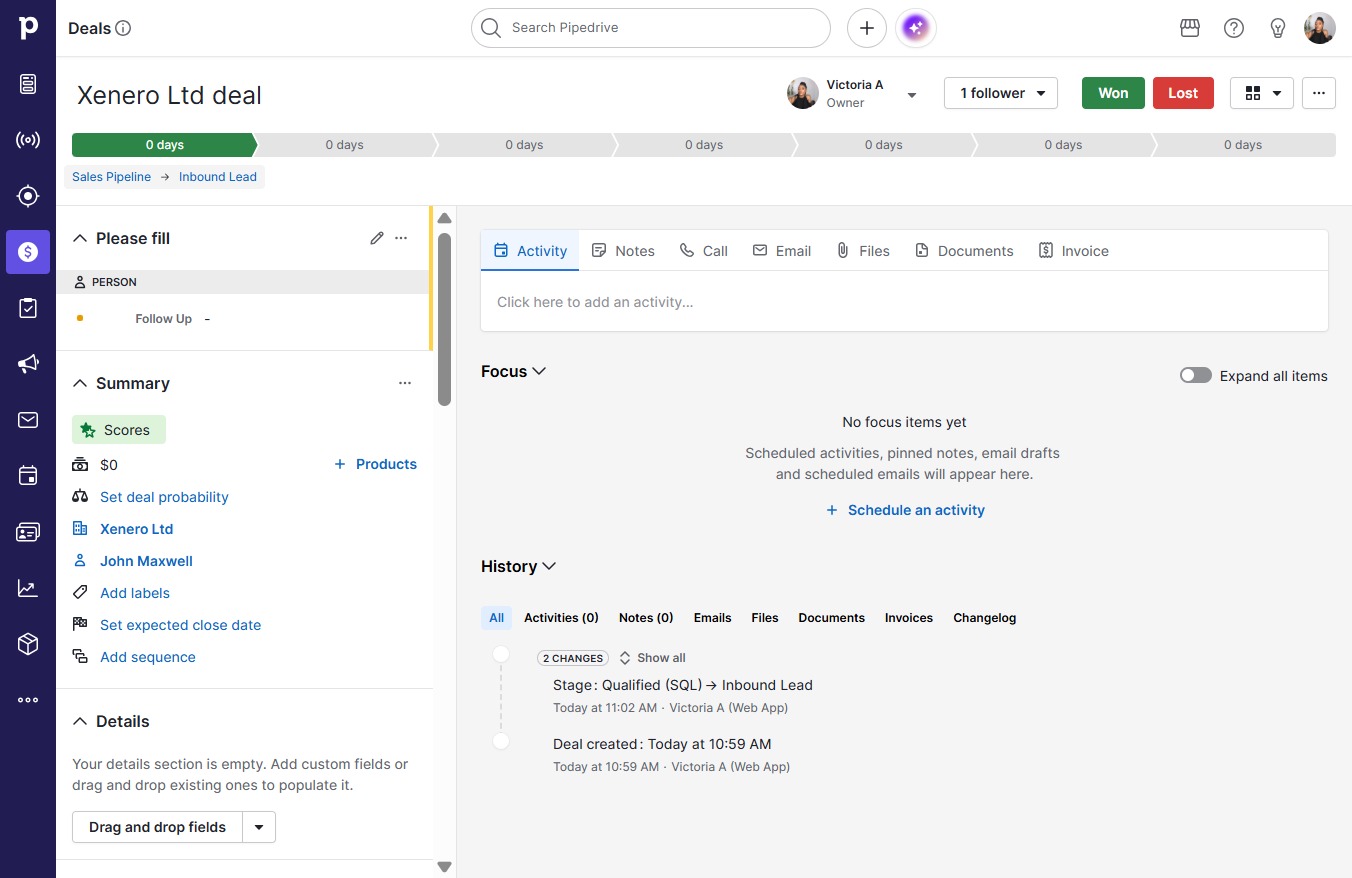
  2. Click Xenero Ltd deal

    Click Xenero Ltd deal
    Loading screenshot…
    100%
  3. Click Sales Pipeline

    Click Sales Pipeline
    Loading screenshot…
    100%
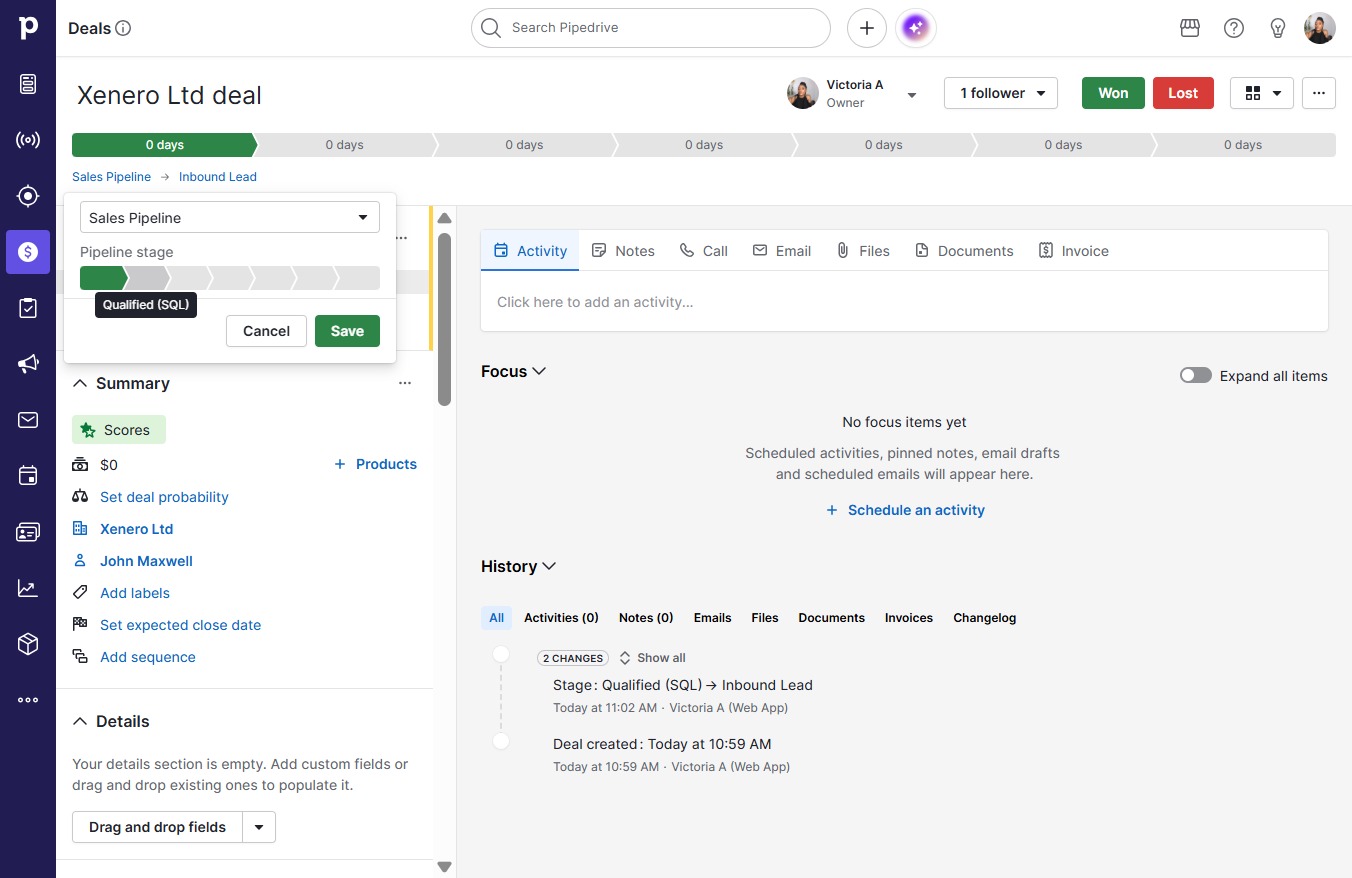
  4. Click Qualified (SQL)

    Click Qualified (SQL)
    Loading screenshot…
    100%
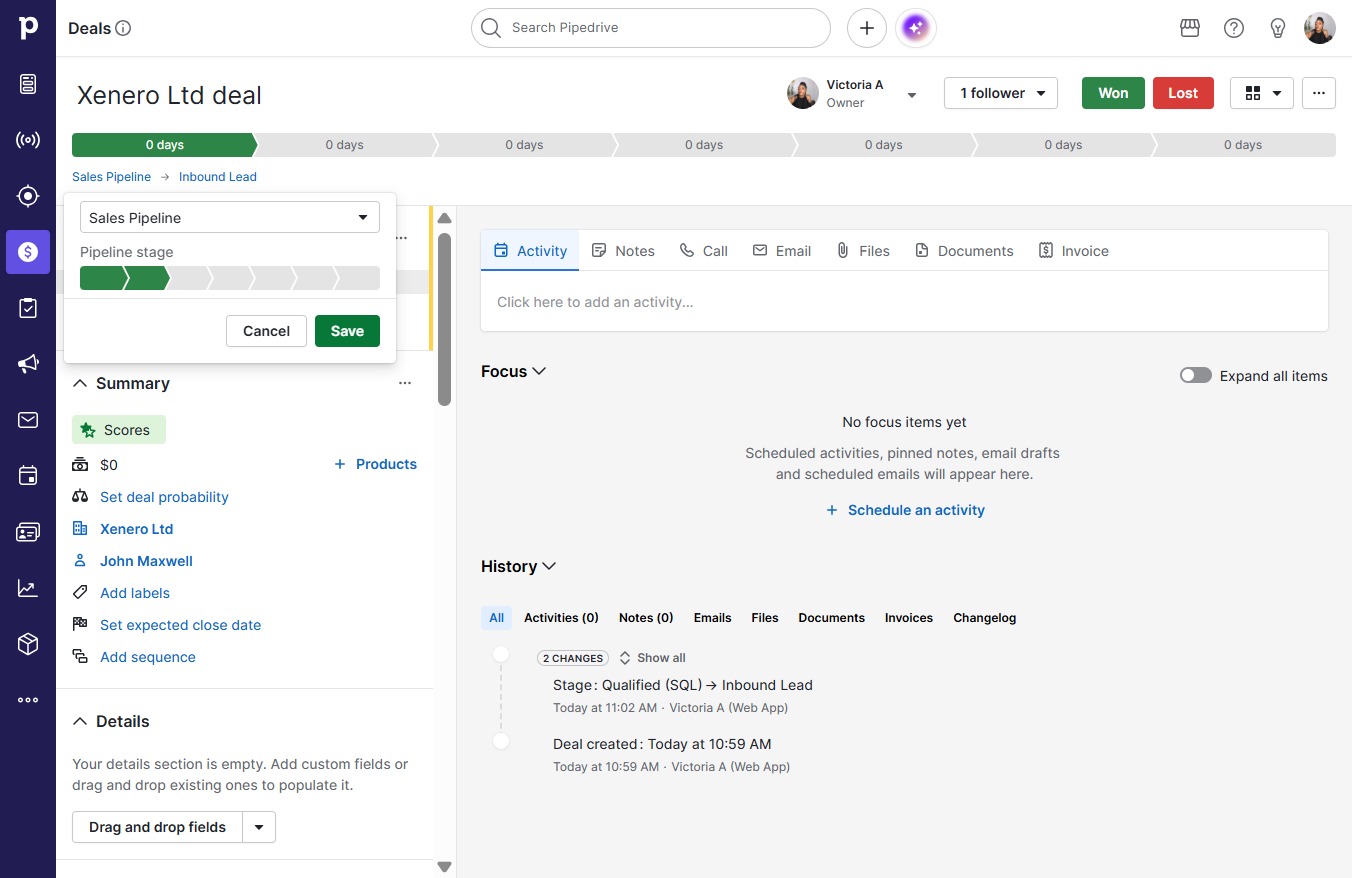
  5. Click Save

    Click Save
    Loading screenshot…
    100%
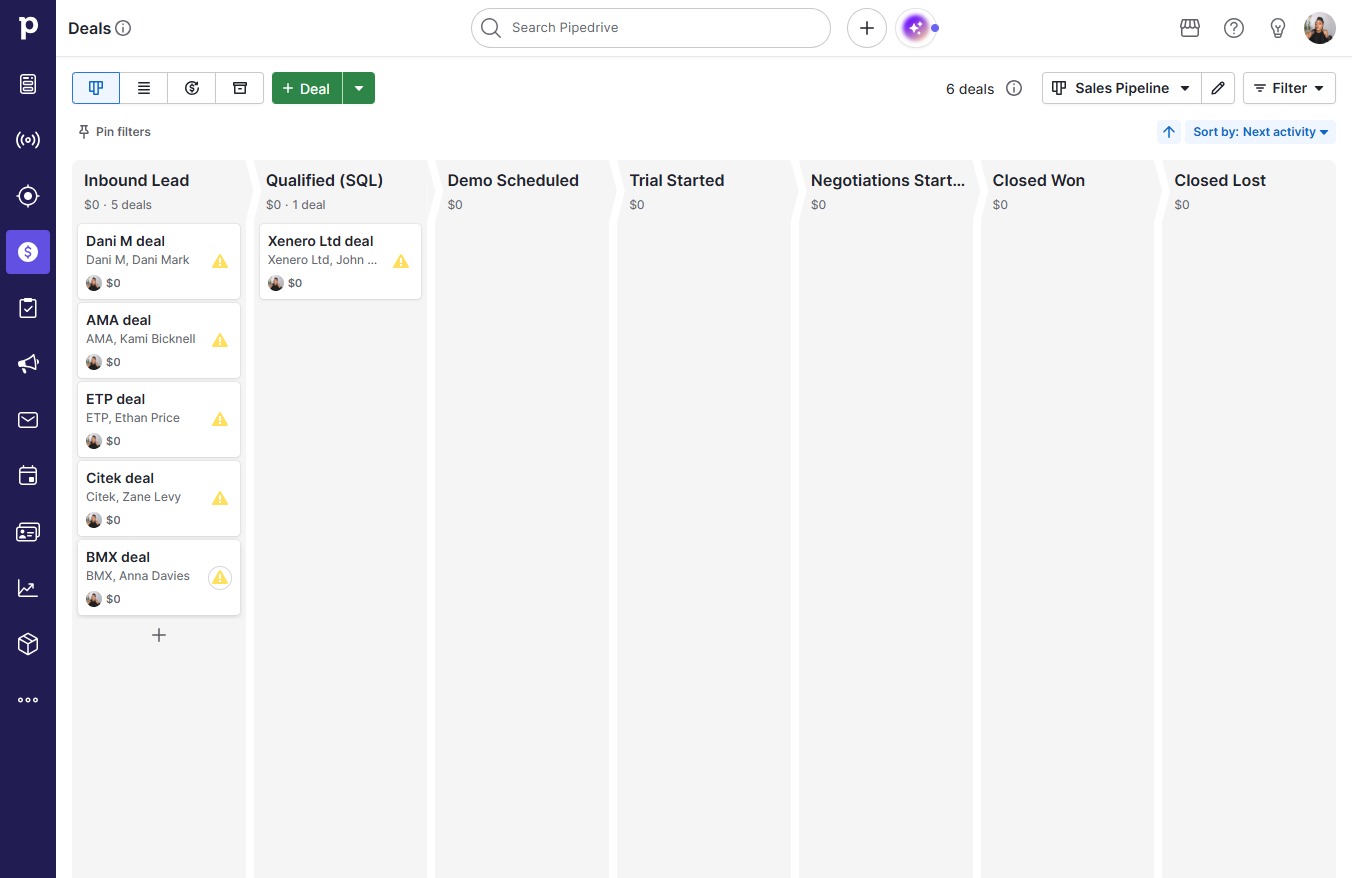
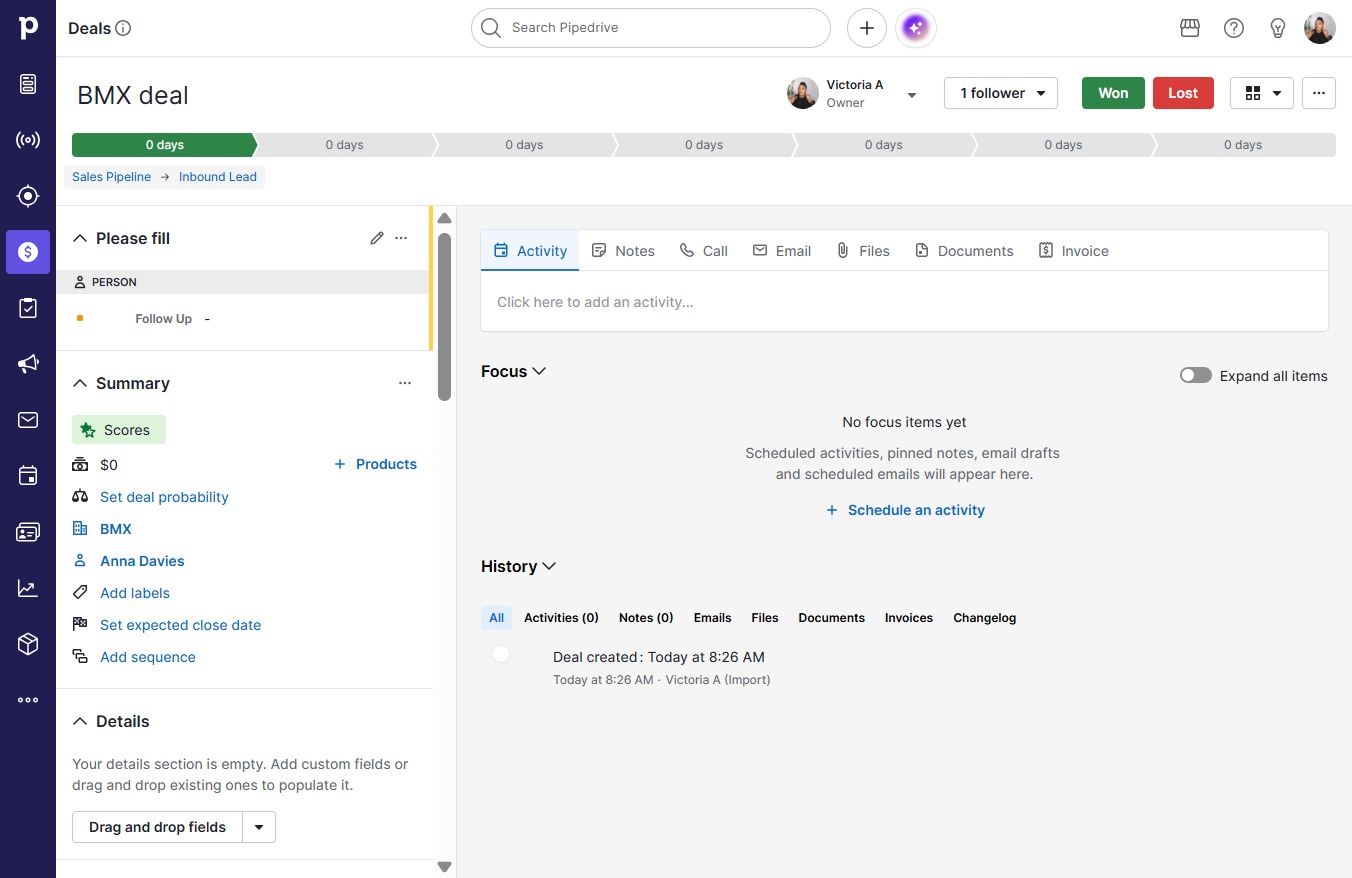
  6. Click BMX deal

    Click BMX deal
    Loading screenshot…
    100%
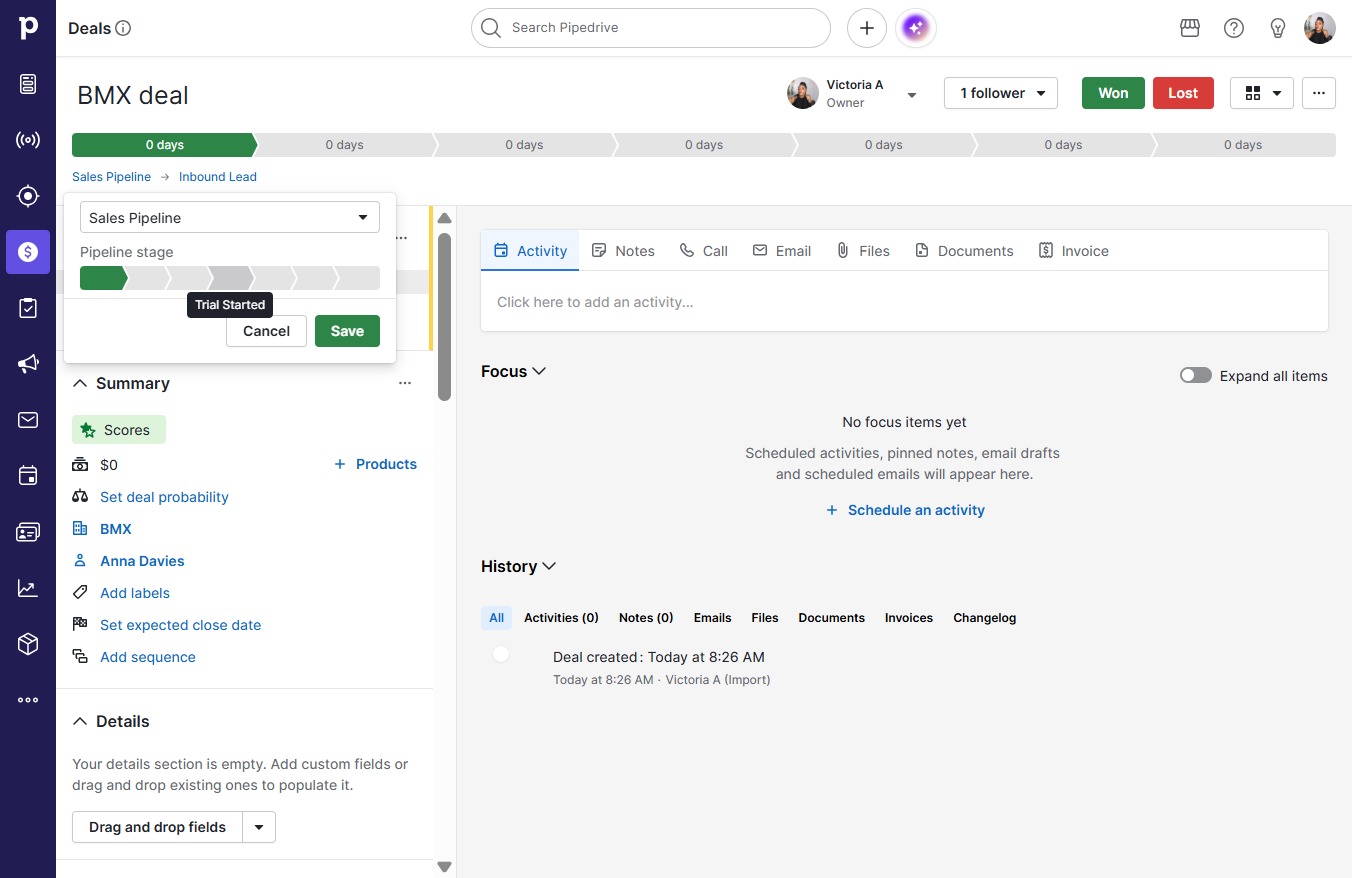
  7. Click Sales Pipeline

    Click Sales Pipeline
    Loading screenshot…
    100%
  8. Click Trial Started

    Click Trial Started
    Loading screenshot…
    100%
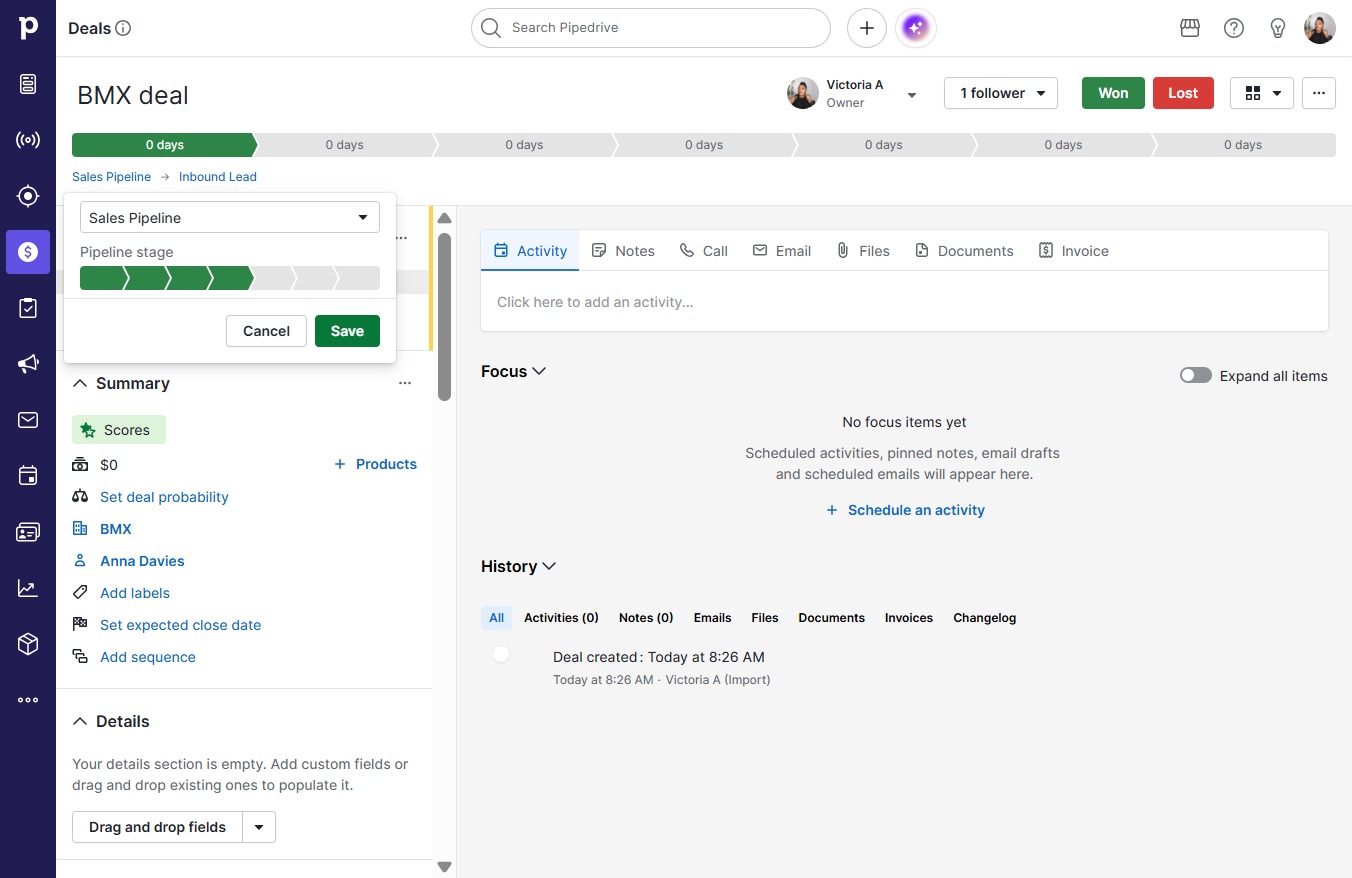
  9. Click Save

    Click Save
    Loading screenshot…
    100%