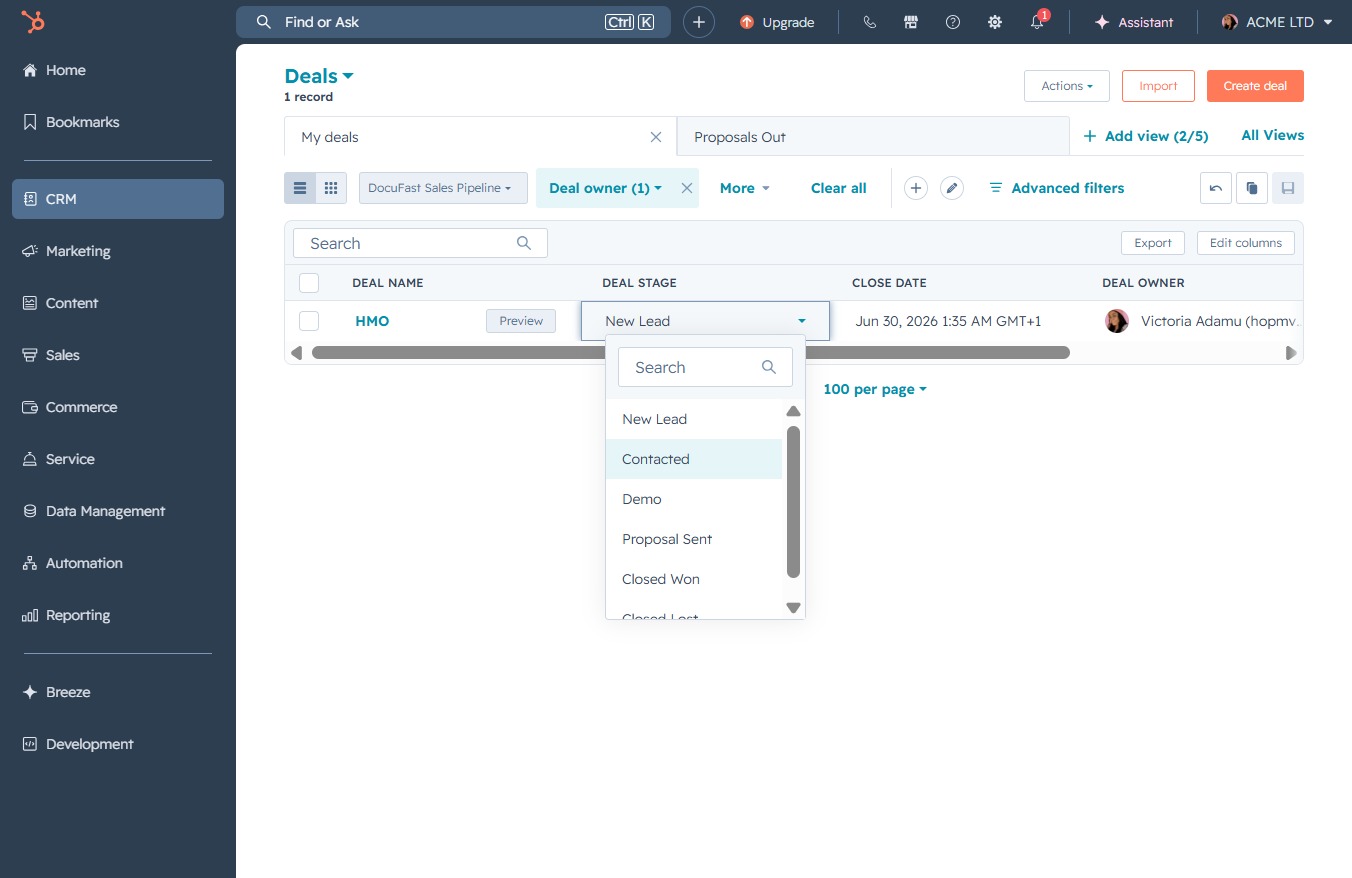
Click the CRM icon
This action will direct you to the CRM section, where you can manage customer relationships and access relevant features like tickets and automations.
Loading screenshot…
100%
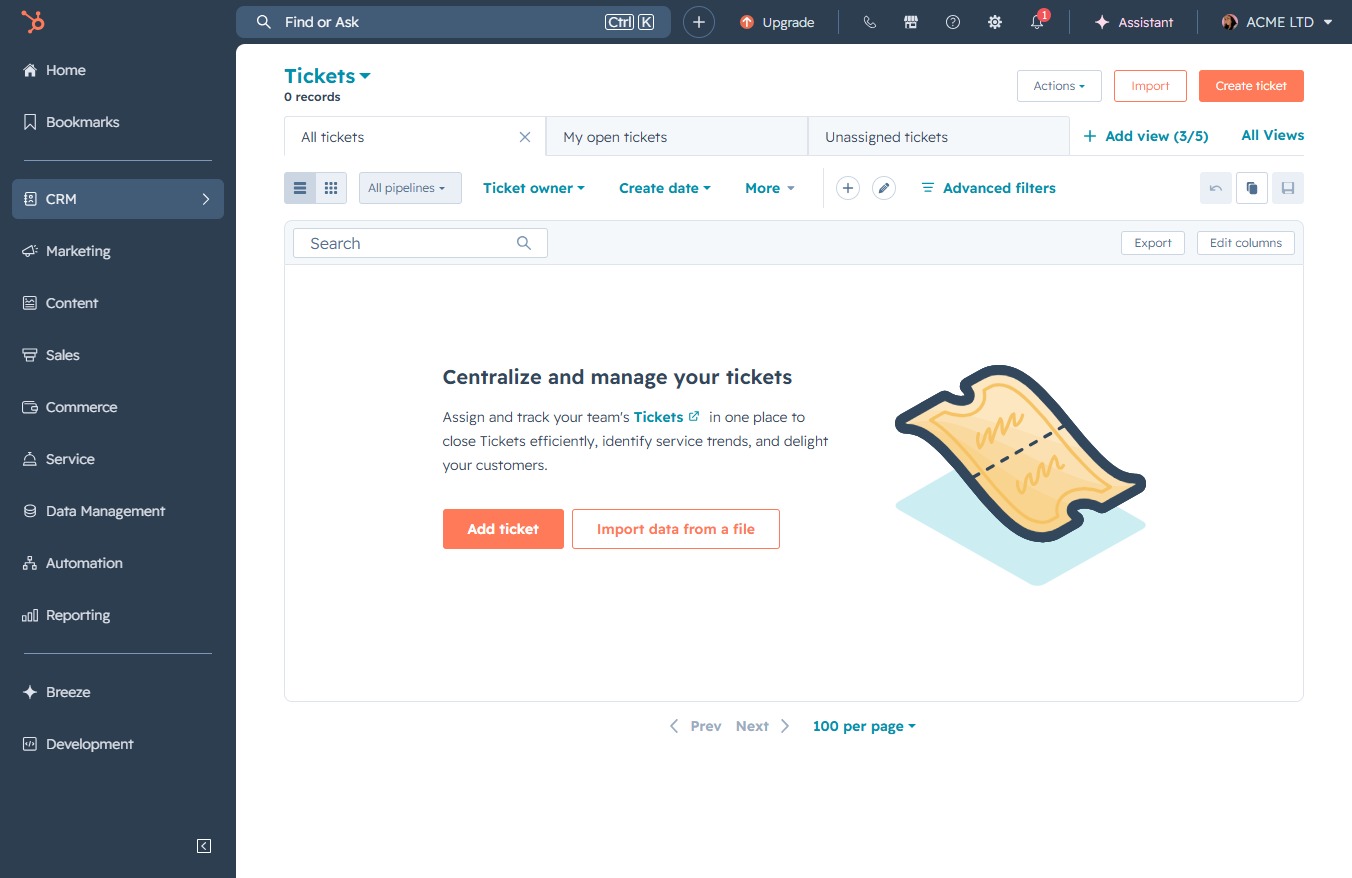
Update the deal status to 'Contacted' in the CRM to indicate communication has occurred with the lead, while managing customer relationships and associated deals effectively.
 viktoria
Update the deal status to 'Contacted' in the CRM to indicate communication has occurred with the lead, while managing customer relationships and associated deals effectively.
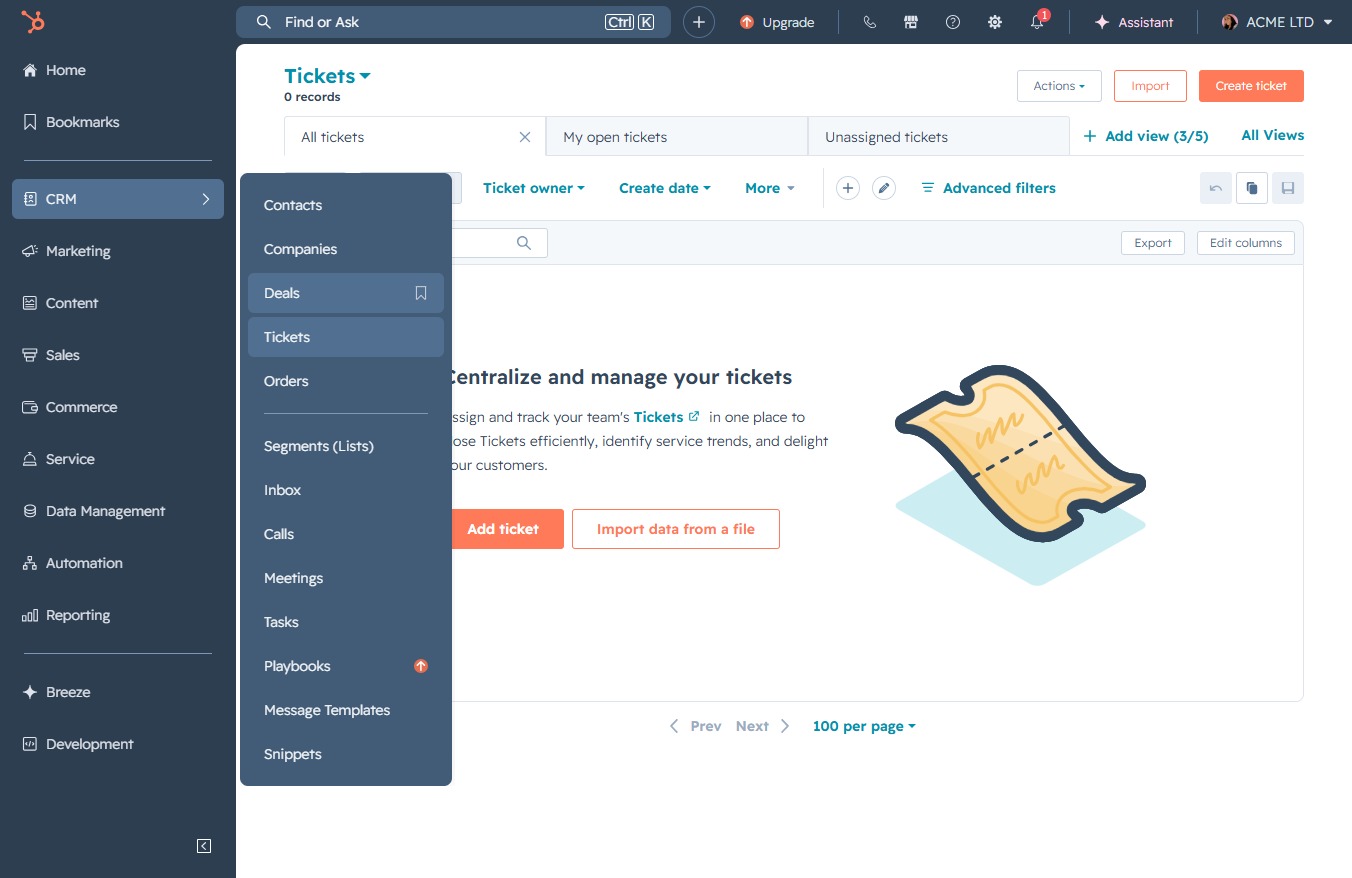
This action will direct you to the CRM section, where you can manage customer relationships and access relevant features like tickets and automations.
This will take you to the Deals section where you can manage and view all current deals associated with your tickets.
This action allows you to create a new lead within the DocuFast Sales Pipeline, enabling you to track potential sales opportunities.
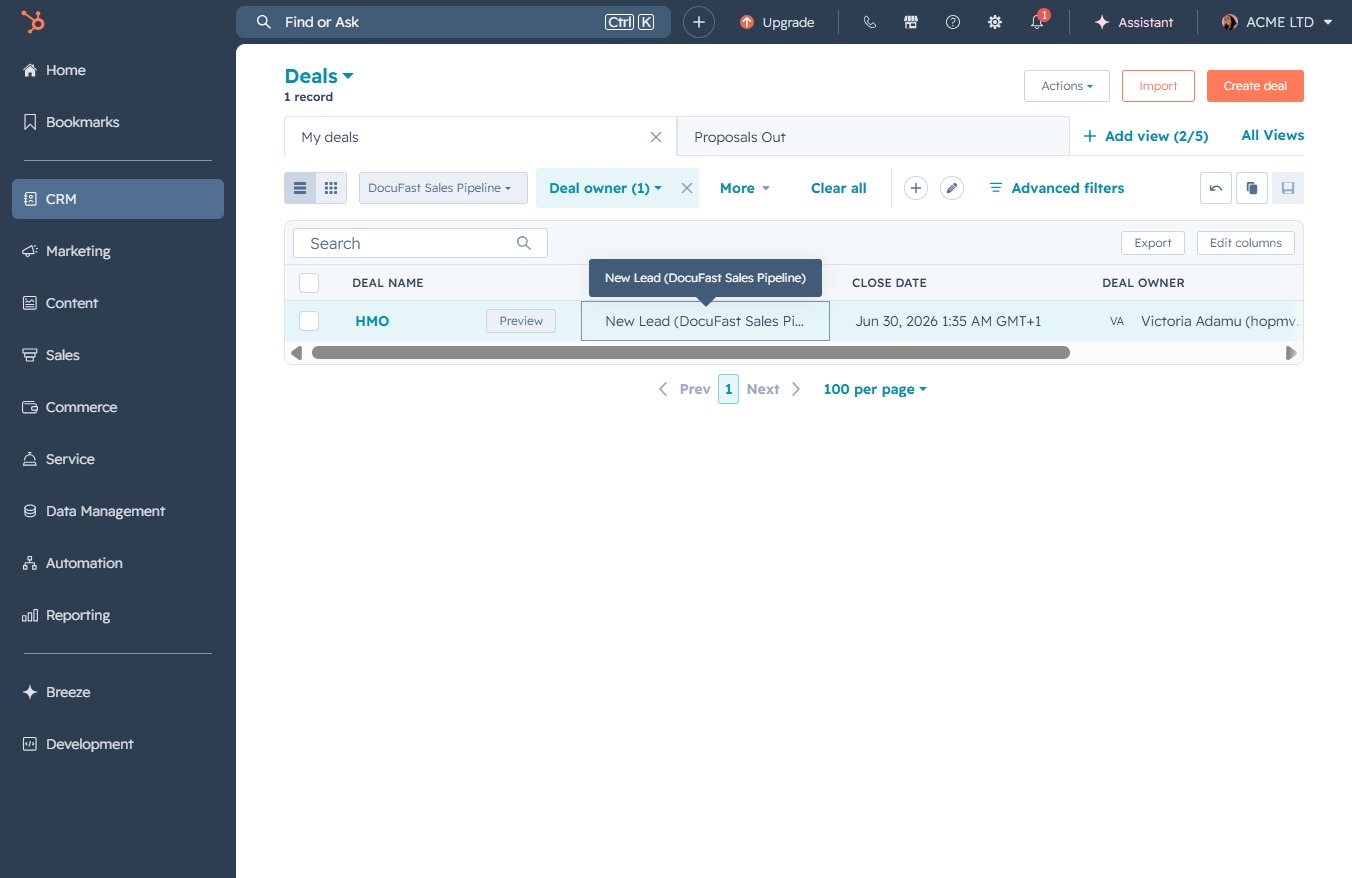
Selecting the 'Contacted' status updates the deal's progress to reflect that communication has occurred with the lead.