Geteilte Anleitung

How to merge duplicate leads

In this how-to guide, you'll learn the simple steps to merge duplicate leads efficiently.

victoriaworkflowsvictoriaworkflows
·8 Schritte·85 Aufrufe·Veröffentlicht

In this how-to guide, you'll learn the simple steps to merge duplicate leads efficiently. Follow along as we demonstrate clicking through the necessary options, entering the required information, and finalizing the merge process to keep your lead database organized.

Step-by-step Guide8 Schritte
  1. Click Ezra A

    Click Ezra A
    Loading screenshot…
    100%
  2. Click on "Click here."

    Click on "Click here."
    Loading screenshot…
    100%
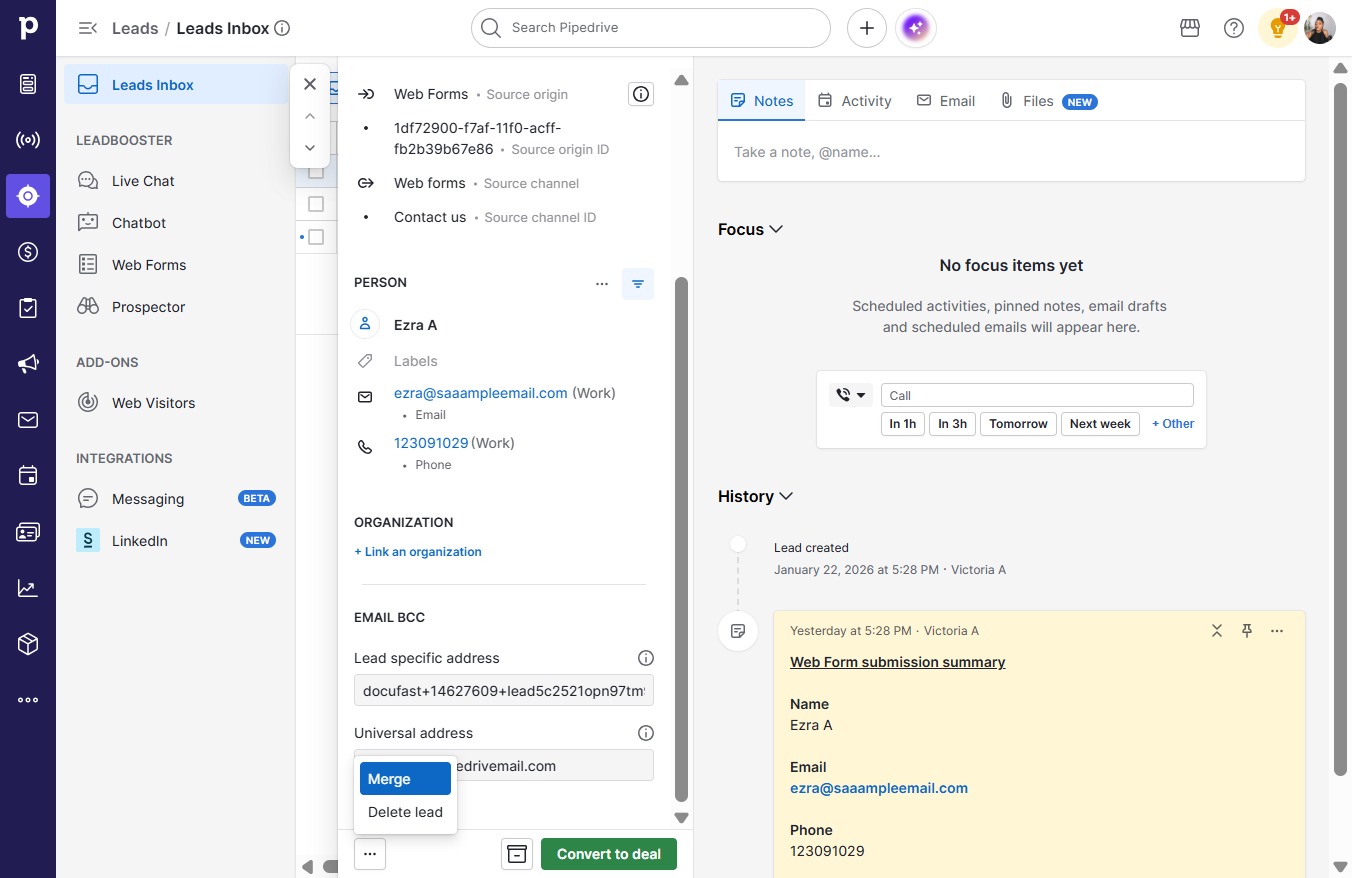
  3. Click Merge

    Click Merge
    Loading screenshot…
    100%
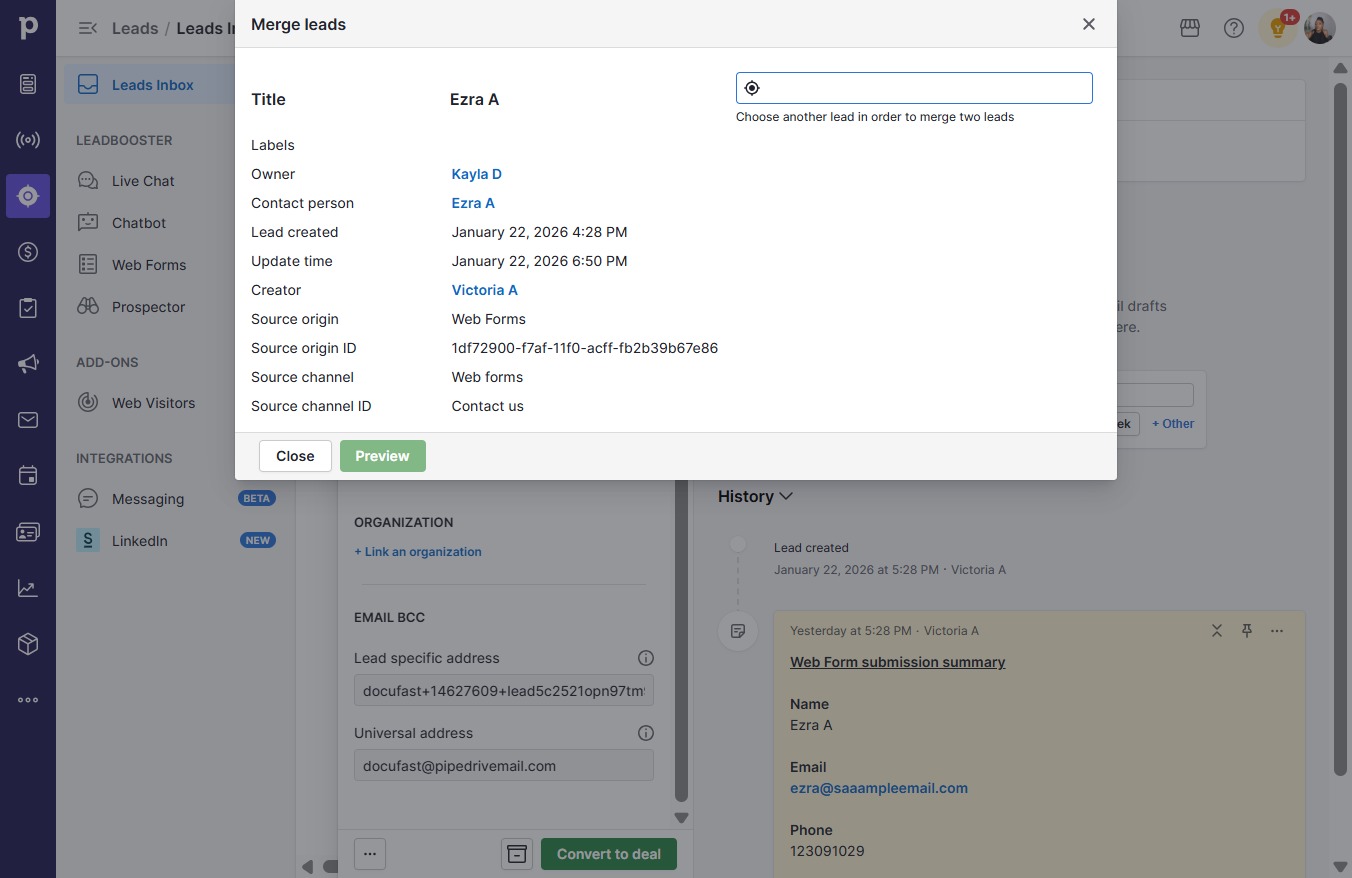
  4. Click on "Click here."

    Click on "Click here."
    Loading screenshot…
    100%
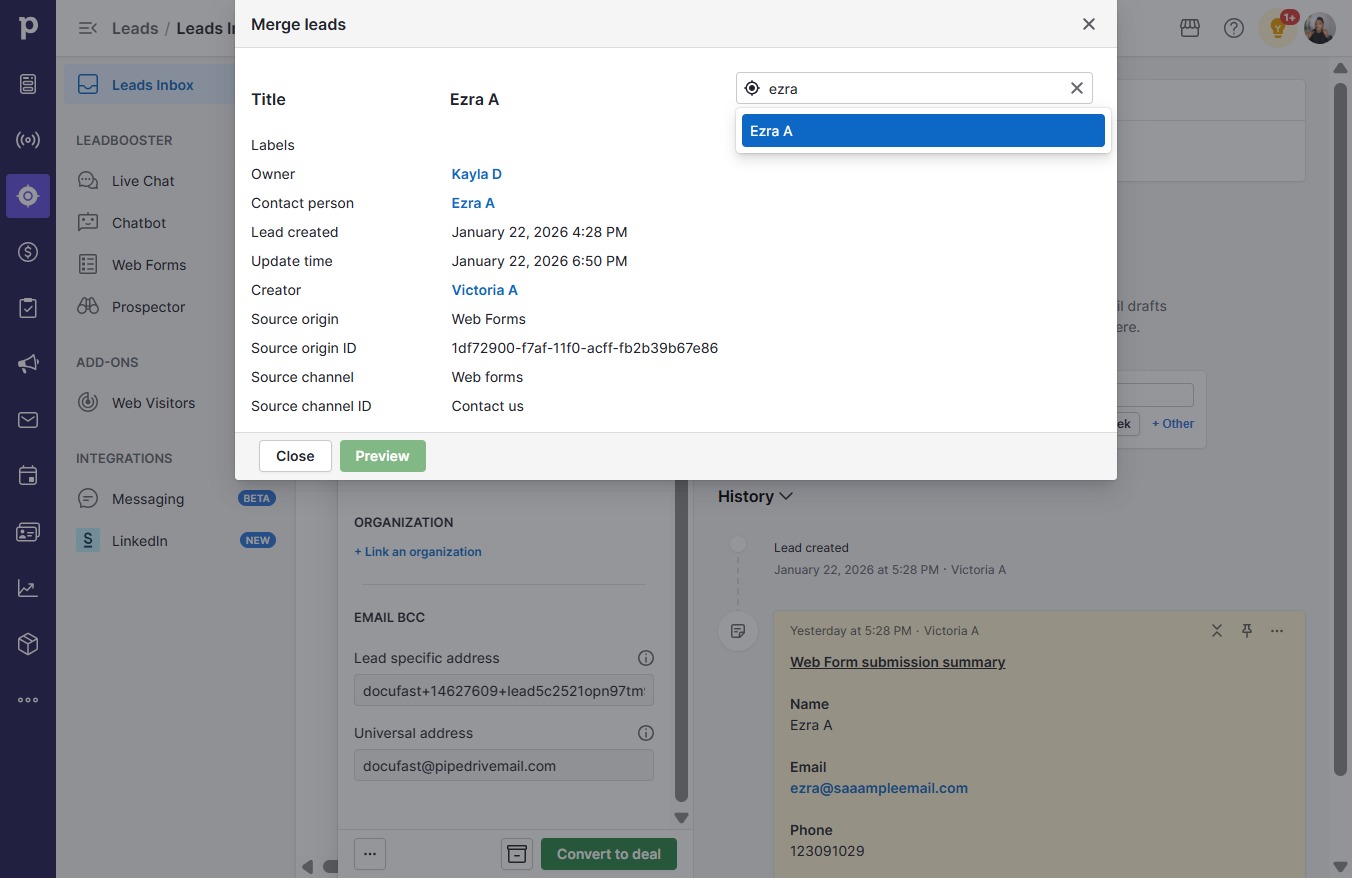
  5. Type "ezra"

  6. Click Ezra A

    Click Ezra A
    Loading screenshot…
    100%
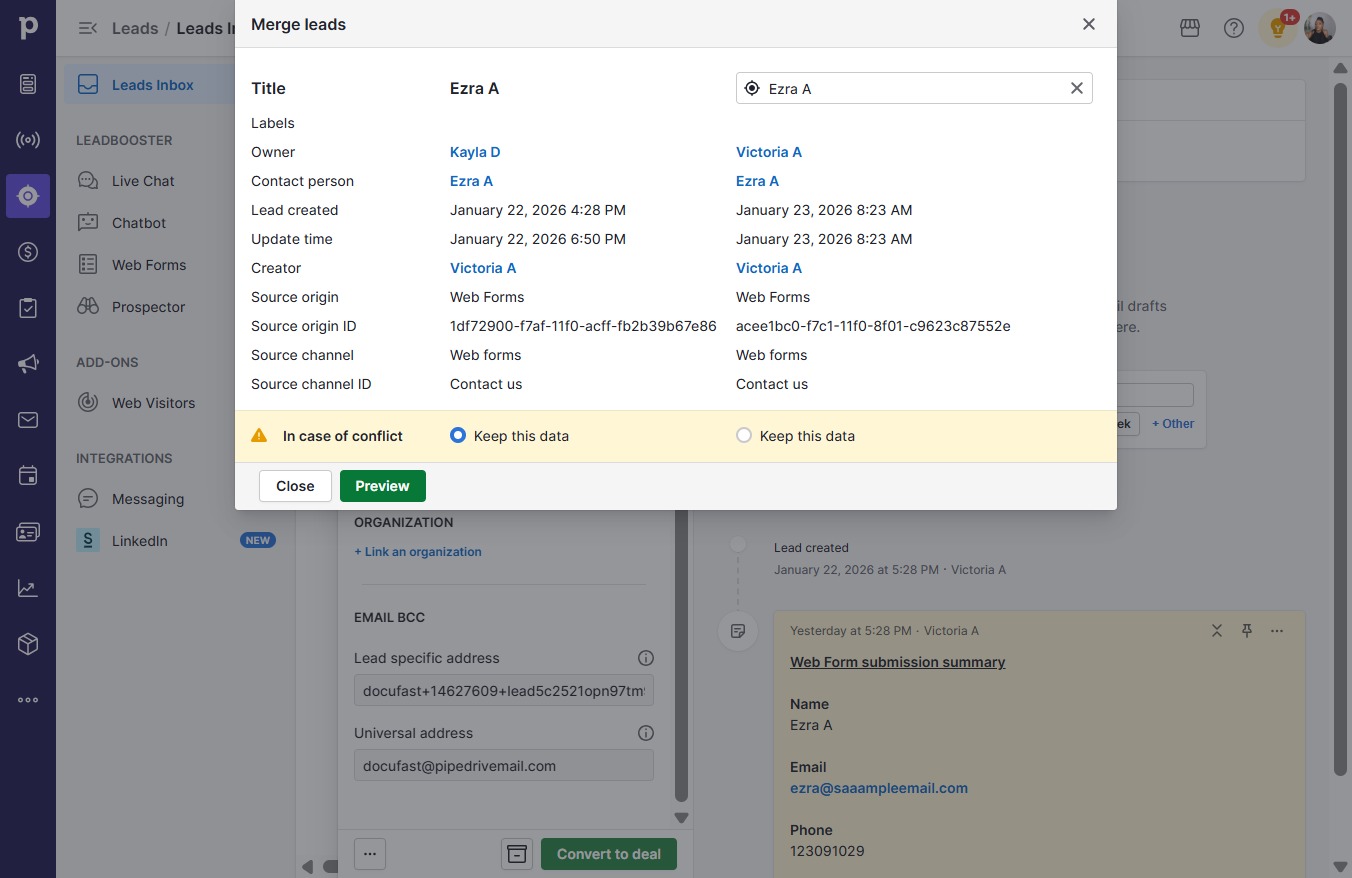
  7. Click Preview

    Click Preview
    Loading screenshot…
    100%
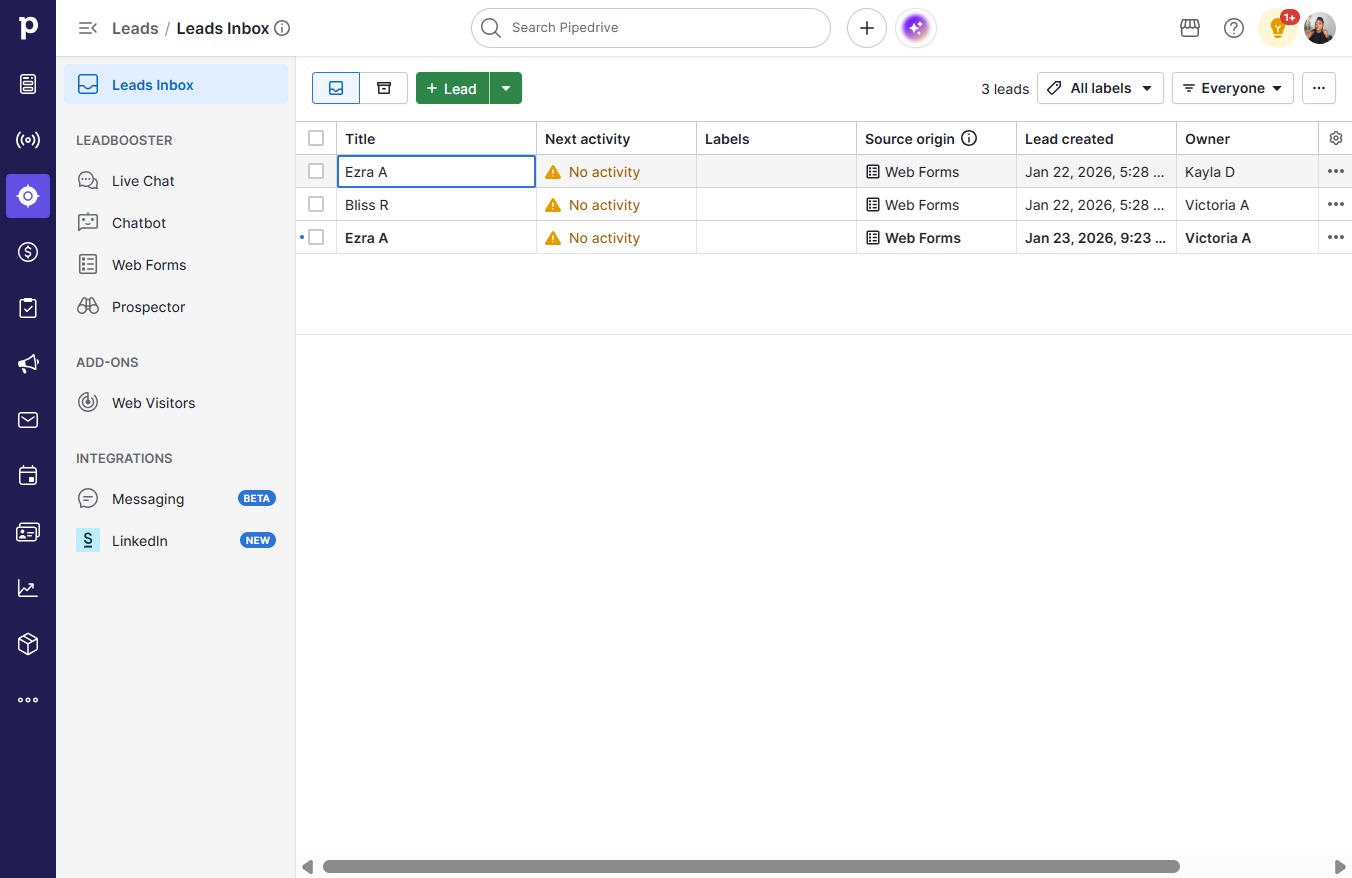
  8. Click Merge

    Click Merge
    Loading screenshot…
    100%